
How to Use Digital Signage Apps to Create Great Displays?
Using a mobile device, desktop or laptop computers, or even web apps, businesses can easily download apps from the Google Play Store or Apple App Store to manage digital displays. These android apps and iOS apps provide instant access to tools for content creation, scheduling, and screen control. To create impactful digital signage displays, focus on clear messaging, high-quality visuals, and regular updates. ccording to Digital Signage Today, digital displays can reduce perceived wait times by up to 35% and increase engagement by 30% when combined with interactive content.
In this blog, we’ll explore what a digital signage app is, why it matters for modern businesses, and how you can use one to design displays that improve visual hierarchy, deliver clear messaging, and enhance overall customer experience across different environments with the help of digital signage software.
What is a Digital Signage App?
A digital signage app is software that helps businesses manage, schedule, and display content on digital signage screens across environments like retail stores, offices, and restaurants. These apps work across android devices, smartphones, tablets, and computer systems using an internet connection.
Only download apps from trusted sources to avoid fake apps. According to Grand View Research, the global digital signage market was valued at $28.83 billion in 2024 and is expected to reach $45.94 billion by 2030, growing at a CAGR of 8.1%. You can access Android apps installed on your mobile device right on your PC using the Phone Link.
These digital signage apps allow users to create content, update displays remotely, and control layouts using a centralized dashboard. They support web browsers, cloud-based access, and integrations with tools like Google Drive, making them highly flexible and scalable. Stick to official app stores like Google Play or Apple’s App Store when downloading apps.
Why Digital Signage App is Important?
A digital signage app improves customer engagement, simplifies content creation, and reduces reliance on printed materials. These apps allow real-time updates, whether displaying social media feeds, videos, or promotional messages. Apps often request access to your location or contacts, but only grant permissions that are necessary for the app’s functionality.
They are easy to use, even for non-designers, and help structure content using layouts, fonts, and visuals that improve readability. Their growing use across industries like retail and hospitality highlights their importance in delivering strong ROI and better customer experiences. It is recommended to check user reviews and ratings before downloading an app to ensure its reliability.


How Can You Create Great Displays with Digital Signage Apps?
You can create great displays using digital signage apps that simplify setup, content creation, and scheduling. Regularly update your apps to protect against security vulnerabilities. Gems can be created for frequent tasks to save preferences in Google Search.
You can also check that what is the most widely used digital signage software? According to Market Us Scoop, 76% of consumers are more likely to enter a store because of digital signage.
Step 1: Choose The Right Screen
Choosing the right screen is key for effective digital signage, as high-resolution displays improve engagement and visibility. Select a reliable device that supports android, works with google play store or app store, and allows easy installing apps via a search bar.
Options like Insignia F30 or Amazon Fire TV offer strong performance with built-in wi fi, smooth access, and compatibility across smartphones, web browsers, and other devices for different tasks.

- Features: 50″ 4K UHD LED Display, 60Hz Refresh Rate, Sharp 4K (2160p) Display, USB Ports, Alexa Voice Remote, Wi-Fi/Ethernet Connectivity, Bluetooth, HDR 10, HDMI ARC Support, and Wall-Mount Compatibility.
- Price: $150 – $550
Monitor for Digital Signage:
Amazon Fire TV Omni Series 4K UHD Smart TV

Features: 43”–75” 4K UHD LED Display, Hands-Free Alexa Voice Control, HDR10, HLG, Dolby Vision, HDMI eARC, Multiple USB & HDMI Ports, Built-in Fire TV OS, Bluetooth & Wi-Fi Connectivity, Screen Mirroring, and Wall-Mount Compatibility.
Price: $299.99 – $1,049.99
Step 2: Download and set up digital signage software
Download and install the digital signage app on your android devices or apple TV to start building your display. This step is the foundation of how to set up digital signage, giving you full access to manage content from any device or phone. Simply open the store, download the app, tap install, and launch it to begin setup using your apple id or account.
Follow the steps below to get started:
- Visit the app store on your smart TV.
- Type “AIScreen Digital Signage Software” in the search bar.
- Click the “Install” button to download the AIScreen App.
- Open it, and note the 4-digit pairing code showing on your screen.
Step 3: Create an Account in the Digital Signage Management App
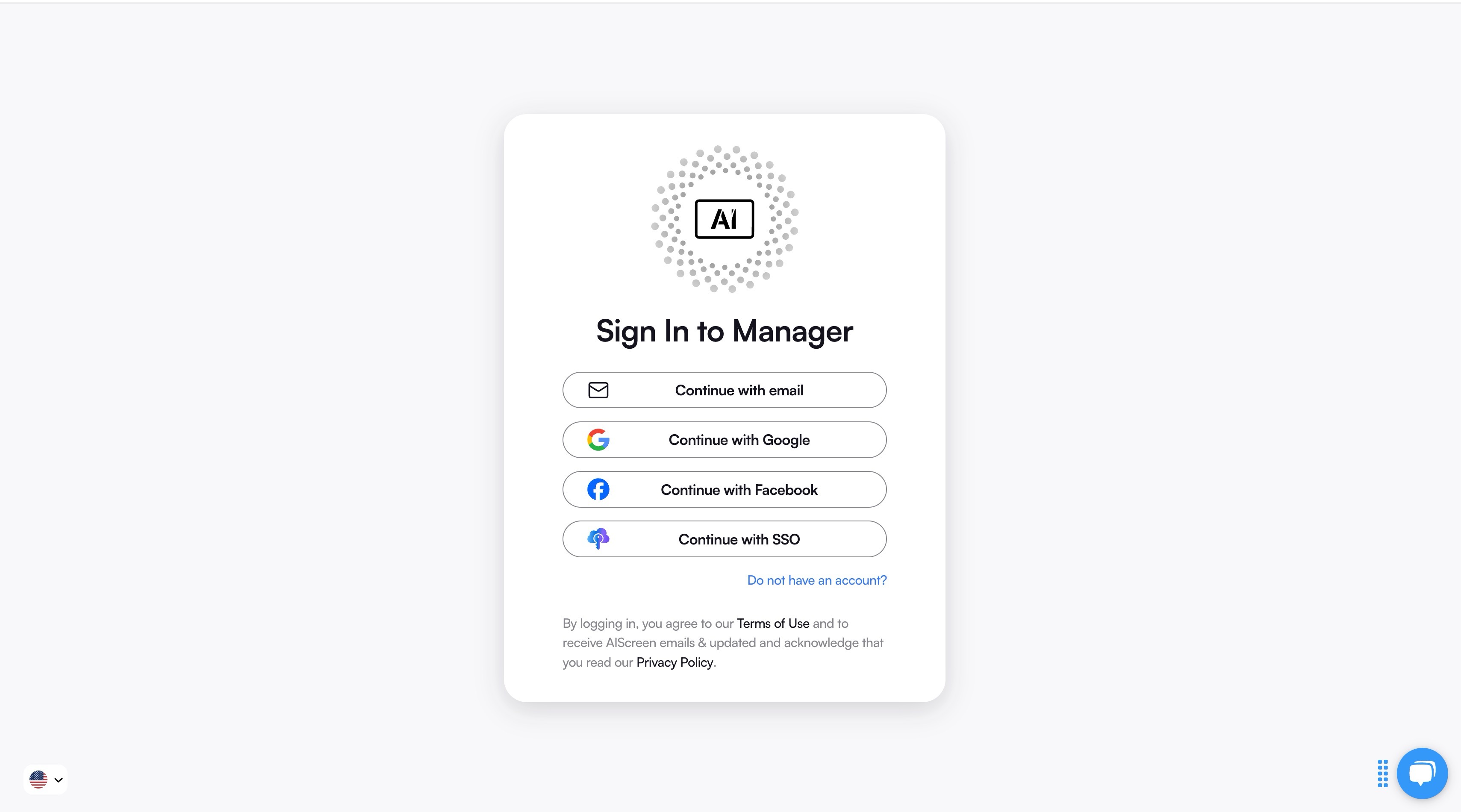
Creating an account in the digital signage management app lets you pair your screen with the cloud-based dashboard for content synchronization.
You can create your account in just two steps:
- Visit AIScreen.io on your laptop or computer.
- Sign up by entering your name, email, and password. For quick onboarding, sign up with a Google or Facebook account.
Step 4: Pair your Screen with the Digital Signage Software
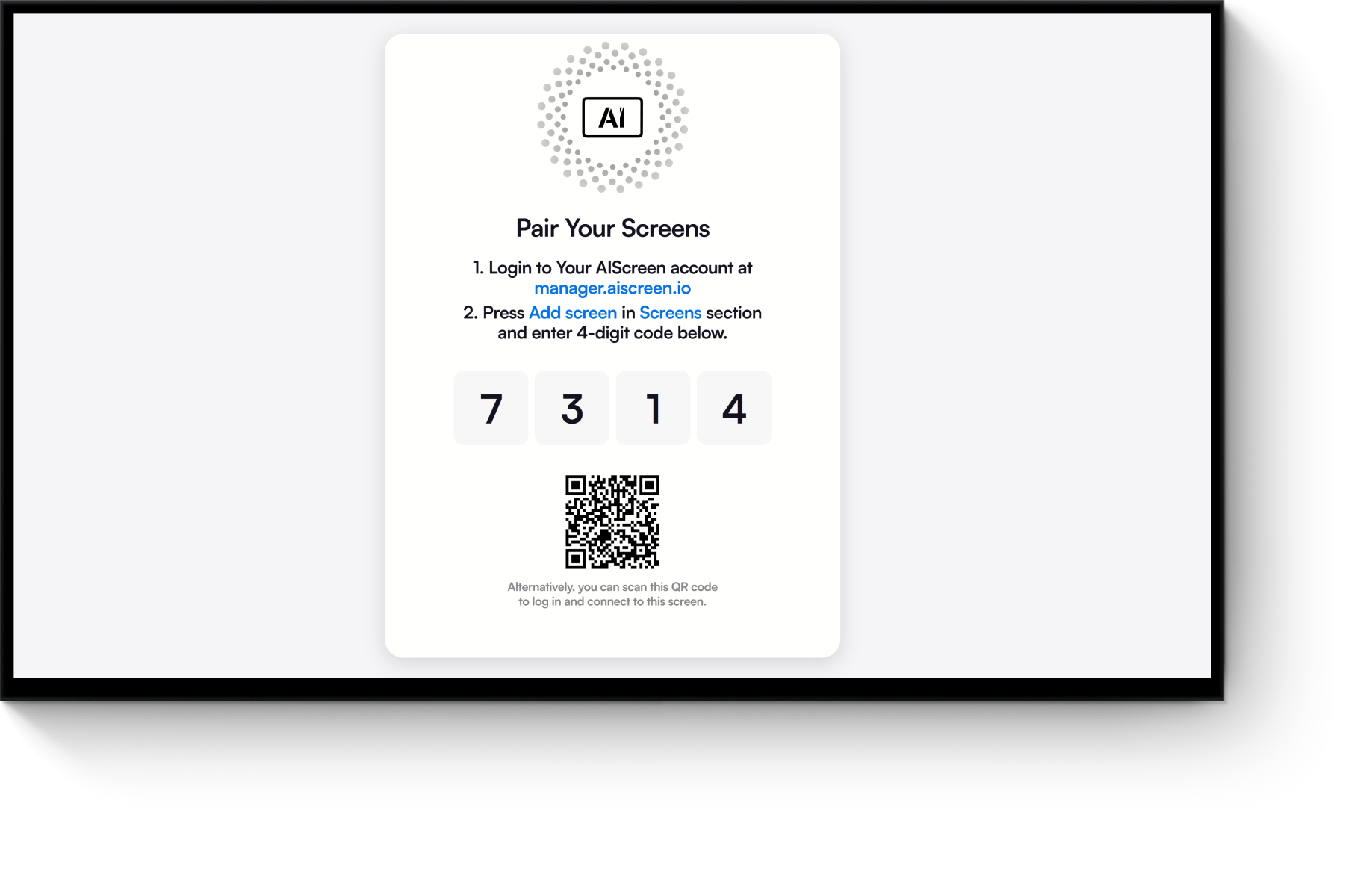
Pair your screen with the digital signage software after successfully logging into your manager account, with the menu management application, so that your admins and managers can control your digital signage screens and content remotely.
Here’s the step-by-step guide to pair your display with the software:
- Log in and click “Add Screen” in the dashboard.
- Enter the 4-digit pairing code displayed on your TV screen.
- Name your screen and choose orientation (horizontal or vertical).
- Click the “Pair” button to complete the setup
Step 5: Upload or Customize your Digital Signage Template
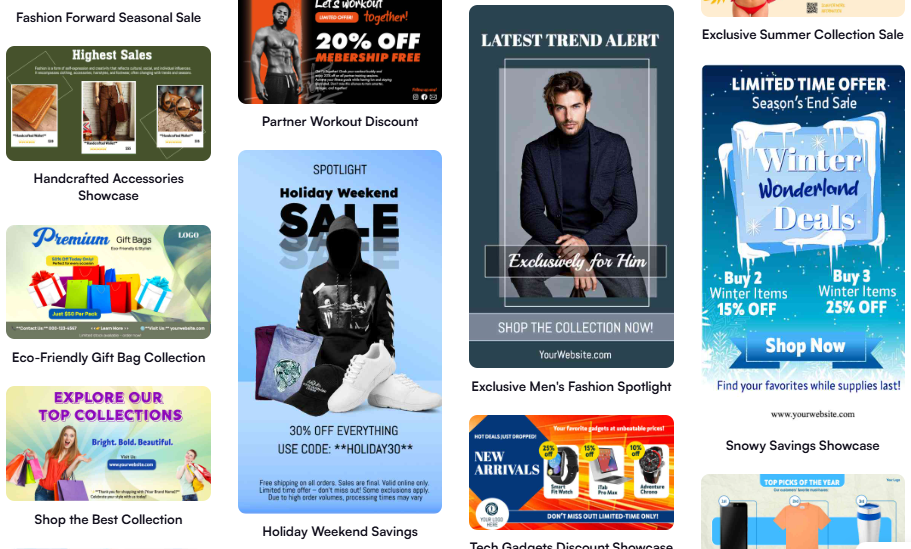
Upload or customize your digital signage template using the AIScreen app, a web-based tool available across android apps, android devices, desktop, and windows systems. If you’re learning how to use app platforms, AIScreen works like many apps with simple navigation. Just download the app from your preferred store, search using your apple id or Google account, and get instant access on your device with stable wi fi.
AIScreen offers professional, pre-built templates that work seamlessly on any phone screen, iphone, or android phone, making content creation simple even for android users and iphone users. You don’t need advanced skills, just tap, interact, and customize layouts directly from your device settings. Unlike many apps with complex in app purchases, AIScreen keeps it cost effective and easy to use across multiple devices.
To upload existing content from your device, follow these steps:
- Go to the “Media” section on your dashboard
- Click the “Upload” button
- Select your file from your phone or desktop and download it into your library
To customize templates using the app, follow these steps:
- Navigate to “Canvas” and choose a template
- Add visuals, animations, or videos and interact with design elements
- Incorporate branding like logos, fonts, and colors
- Save or publish your design to connected devices instantly
This process works smoothly across android devices, iphone, and other installed systems, just like other free apps, making it easy to manage content anytime, anywhere.
Step 6: Set Up the Display Schedule and Launch
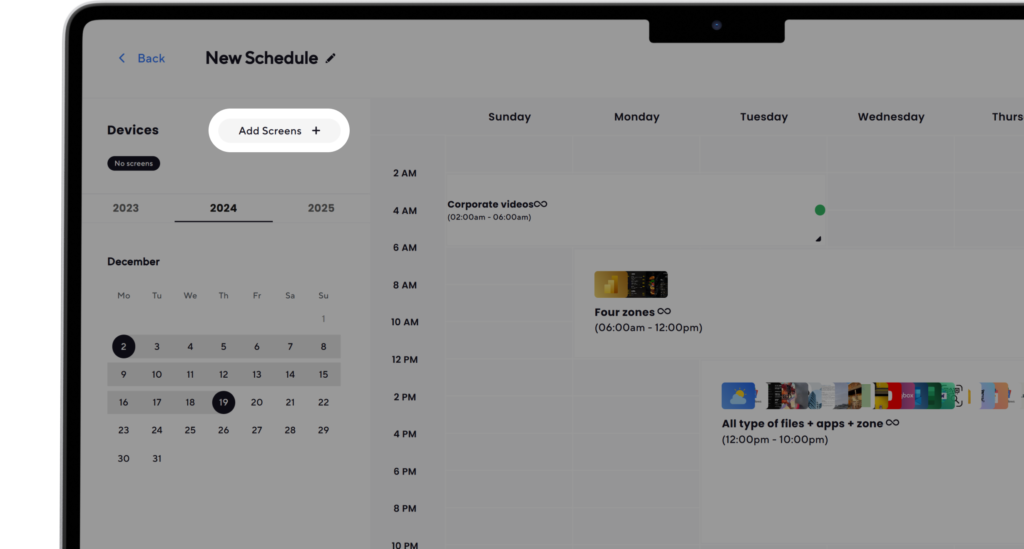
Set up the display schedule and launch the digital board with AIScreen; you can schedule different services to show at different times. You can create playlists and set up display schedule that automatically switches based on time or day.
Here’s how to do it:
- Create a Playlist: Create and upload content to your newly created playlist. Arrange files so that they are displayed in sequential order.
- Create a New Schedule: Next, click on the “Schedule” tab in your dashboard and tap “Create New Schedule” to create a schedule for a specific time slot.
- Add a Playlist to the Schedule: Select the time slot (start date, time, and duration) for the content you want to play automatically. Confirm and add the playlist you want to schedule.
- Assign Devices, Review, and Save: Click “Add Device” to choose the screens or players to slideshow scheduled content. Click “Save,” and it’ll be played at the specified time slot.
What are Some Important Digital Signage Apps?
Some important digital signage apps help businesses manage content, control screens, and deliver dynamic displays tailored to a target audience. Apps take up storage space on devices, and phones and tablets have limited amounts of this space. Here are some of the apps that you can use:
Square
Square is more than a payment tool; it connects directly with digital signage to display menus, promotions, and pricing in real time. With AIScreen’s Square integration, businesses can sync their POS system so updates reflect instantly on screens. Prices, availability, and descriptions adjust automatically, while inventory systems ensure out-of-stock items disappear without manual edits.
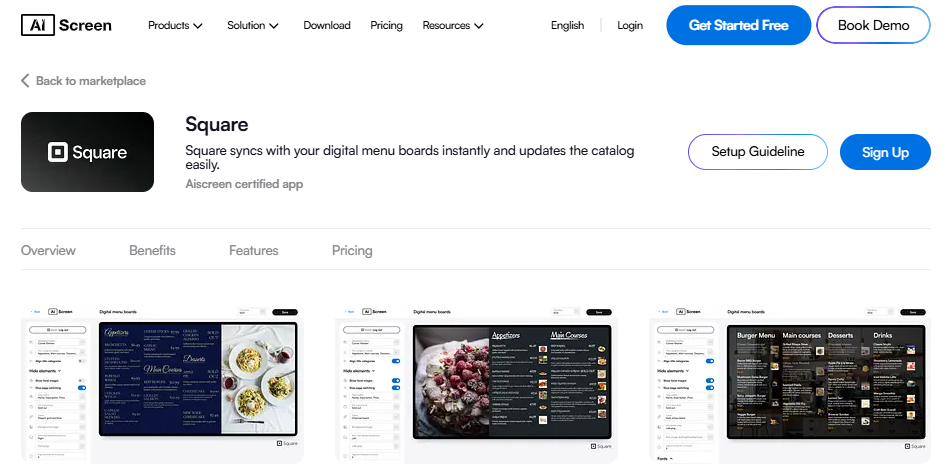
The system also supports customizable layouts, allowing users to create branded content using simple tools on a computer, tablet, or phone. Businesses can manage multiple screens across locations from a central dashboard, schedule menus for different times of day, and even display sales data for better decision-making.
YouTube
YouTube works as a powerful media player within digital signage apps, allowing businesses to stream videos, playlists, and live content. The AIScreen YouTube integration enables users to connect their channel and automatically sync content across multiple screens. Videos can be scheduled, looped, or controlled remotely using a web-based dashboard.
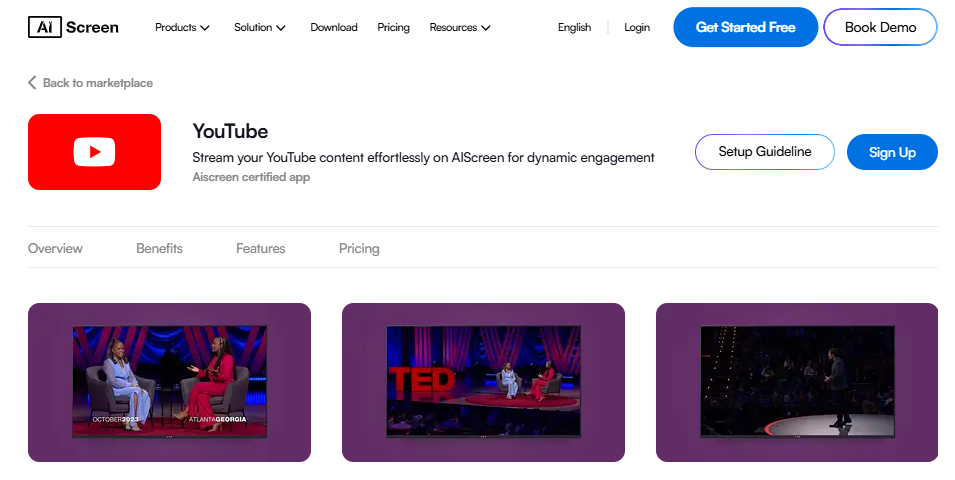
It supports high-resolution playback, from Full HD to 8K, ensuring clear visuals on any screen type. Businesses can use this app to broadcast live events, promotions, or branded content while maintaining control over playback settings.
Instagram Hashtag Wall
Instagram hashtag wall displays real-time posts using branded hashtags, turning digital signage screens into engaging social proof hubs. It combines optimized image size, overlays, and light text to maintain visibility while encouraging users to interact. With AIScreen’s Instagram hashtag wall businesses can automatically pull user-generated content and keep displays fresh across multiple digital screens.
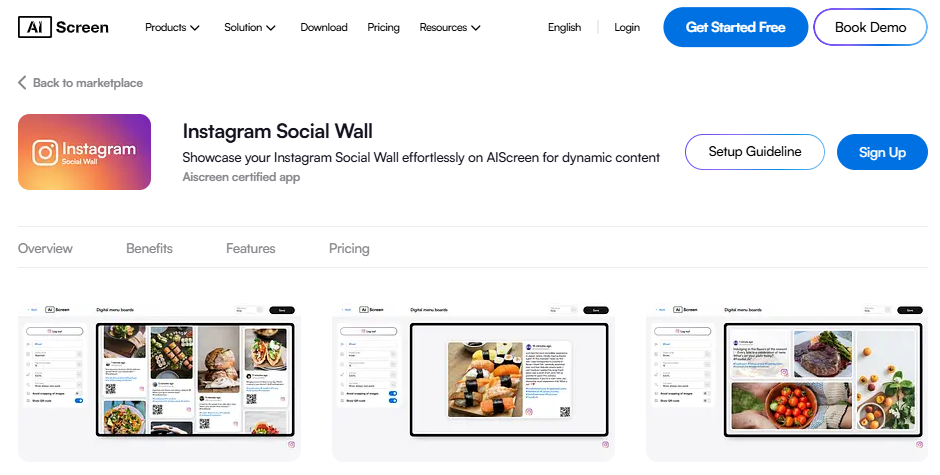
This app works seamlessly across android devices, ios apps, and web apps, making it easy for any user to download apps from the app store or google play and access content on a mobile device, tablet, or windows system. Once installed, it continuously updates posts in real time, ensuring dynamic engagement.
Follow Us
Follow Us is a social media signage app designed to promote business profiles directly on digital screens. It uses clean layouts with minimal text to avoid clutter while helping businesses grow their online presence. AIScreen’s Follow Us enhances this by displaying live feeds, contact details, and QR codes that allow customers to connect instantly using their mobile phone.
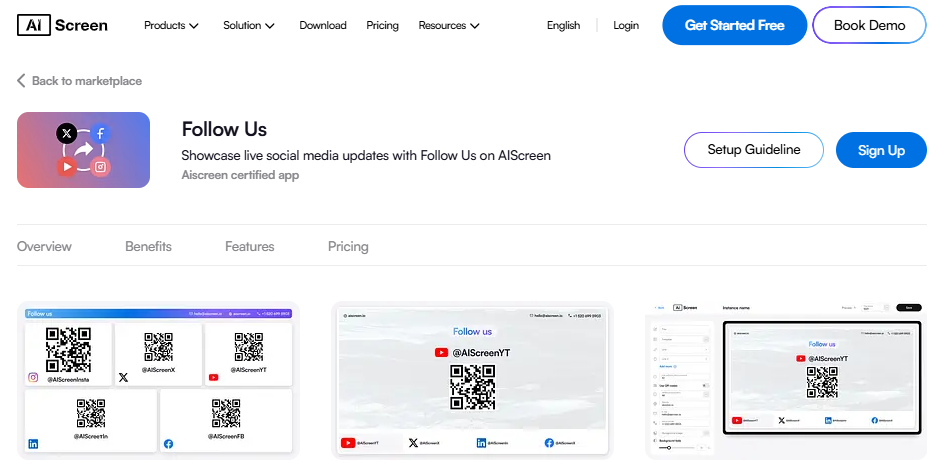
The app is easy to download and set up through the apple app store or play store, making it accessible for android users and iphone users alike. Once installed, it allows a user to manage multiple profiles, rotate content, and schedule updates from a centralized dashboard.
Walls.io
Walls.io aggregates content from multiple platforms and displays it live on digital signage screens, making it ideal for high-engagement environments like events, retail stores, and receptions. It allows businesses to adjust layouts, highlight feeds, and present content clearly using optimized formats.
With AIScreen integration, Walls.io app becomes a powerful cloud-based solution where users can manage screens from any device with an internet connection.
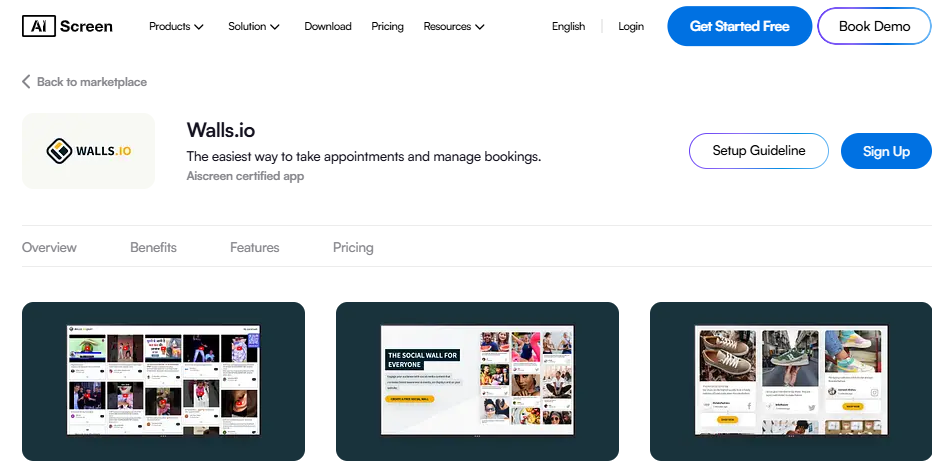
It supports web apps, works across android, windows, and other systems, and allows businesses to download apps, connect accounts, and control content remotely. Once installed, users can schedule content, manage multiple screens, and ensure continuous playback, even offline.
This app also integrates with tools like Google Slides and other platforms, giving businesses access to a wide range of features for content creation.
Which Software Powers Effective Digital Signage?
Digital signage works best when the software connects content creation, scheduling, and distribution into one seamless system. A reliable digital signage software ensures your digital signage displays show dynamic digital content across multiple screens without delays or errors. It also supports real-time data feeds, social media feeds, and personalized messaging for better audience engagement.
But what actually makes one platform more dependable than another? Strong digital signage systems offer centralized dashboards, remote management, and smooth network connectivity across local networks. Understanding how leading platforms are evaluated, such as in what is the most reliable digital display software widely used in 2026?, helps businesses choose solutions that scale efficiently and deliver consistent display content across locations.
How Can You Transform Your Displays with AIScreen’s Digital Signage Apps?
AIScreen’s digital signage apps transform ordinary digital signage screens into dynamic content hubs. From real-time updates to customizable templates, AIScreen helps place key components strategically to suit your target audience and reduce visual clutter.
Its tools support optimized digital signage ratios, smart image overlays, and three lines of clean text using sans serif fonts or serif fonts as per your brand needs. Start your 14-day trial of our digital signage software or contact us today to discover how AIScreen can help your business achieve powerful digital displays.
FAQs
What are the best digital signage apps for creating stunning displays?
The best digital signage apps for creating stunning displays offer customizable design, flexible templates, and smooth functionality across android apps, iphone, windows, and other installed systems.
Can I manage multiple digital signage displays with one app?
Yes, you can manage multiple digital signage displays with one app using cloud-based systems that provide centralized access across android devices, iphone, and windows. These installed apps ensure consistent content and layouts on every phone or screen.
Can I use a digital signage app for remote content management?
Yes, you can use a digital signage app for remote content management, allowing updates from any phone, ipad, or computer with internet access. These android apps are simple to installing apps and use, letting you browse, update, or change visuals in real time.
Is it possible to integrate digital signage apps with social media for content updates?
Yes, digital signage apps support social media integration, letting you display live feeds and posts directly on your phone screen or displays. These android apps and iphone tools make it easy to search, connect accounts, and manage updates.
How do I choose the right digital signage app for my business?
Choose the right digital signage app by checking its functionality, ease of use, and compatibility with android devices, iphone, and windows systems. Look for apps that are easy to installing apps, offer free trials, and provide quick access across devices.
