
How Can I Use NUC for Digital Screens?
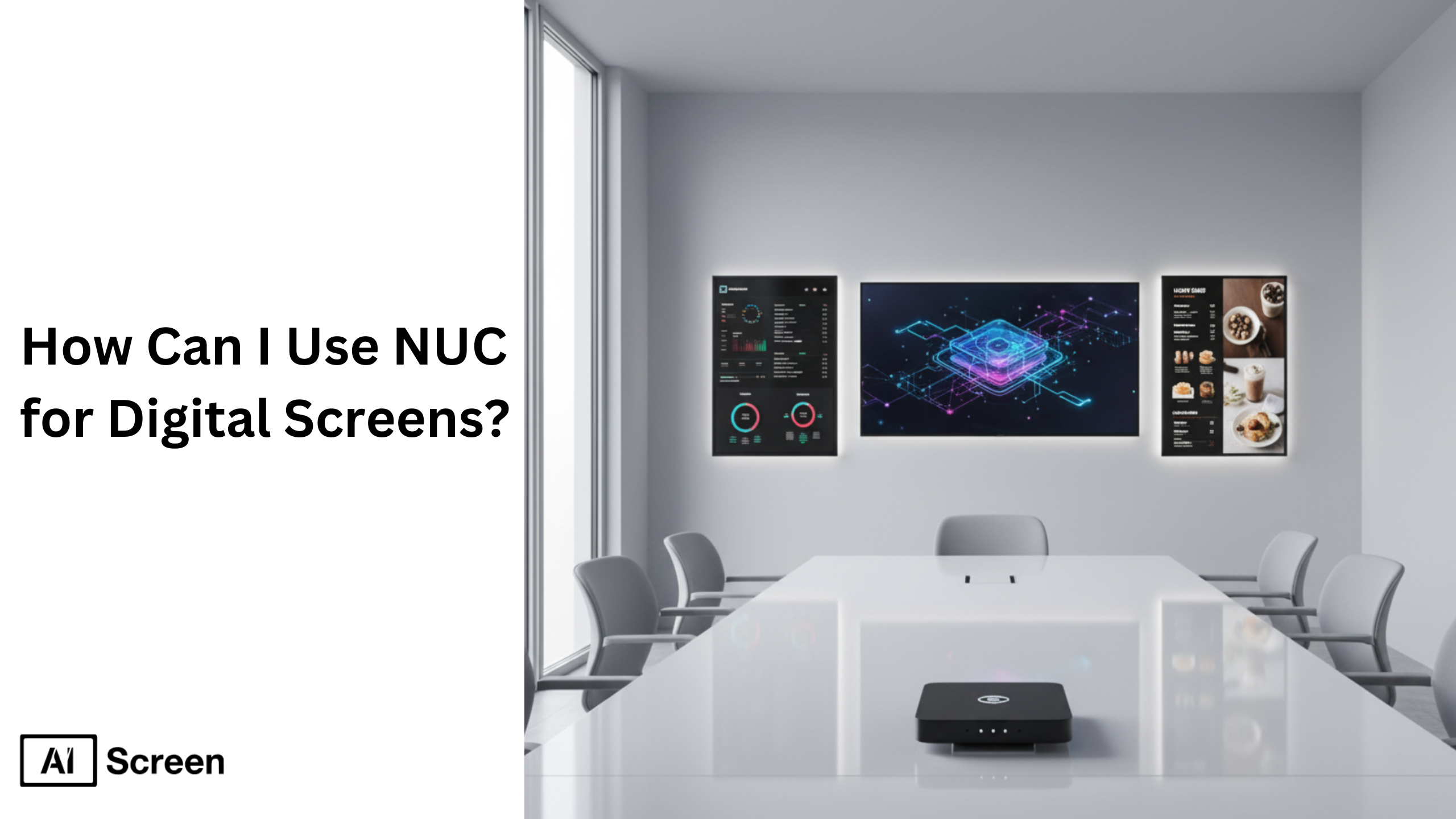
Intel NUC, a compact mini PC, powers digital signage media players with high performance, compact design, and edge computing capabilities. As a digital signage player, it delivers all the features businesses need in just one device, secure, scalable, and capable of handling modern digital signage media efficiently. NUC devices are small, powerful, and energy-efficient, making them ideal for digital signage. To use a NUC, select the right model, install digital signage software, and connect it to screens and a network. According to Business Research Insights, the global NUC market is projected to grow from USD 2.33 billion in 2024 to USD 7.47 billion by 2033.
In this blog, we explore the growing demand for compact, powerful devices in digital signage software and setups and explain how to use NUC for various signage applications, including retail, corporate settings, public information, and interactive displays.
What is NUC for Digital Signage?
NUC for digital signage refers to Intel’s mini PC used as a digital signage player for reliable content playback. These compact devices support Windows or Linux, making them versatile for kiosks, menu boards, and corporate displays.
NUC media players deliver high performance, strong storage, and seamless connectivity through HDMI, USB, and network ports.
NUC media players provide excellent content playback in a compact chassis. They are designed for continuous, 24/7 operation, ensuring reliability in demanding environments. NUC media players support both wired and wireless networking and can power multiple displays from a single device.
NUC media players deliver high performance suitable for CPU-intensive tasks like dashboards and multimedia. Built on Intel technology, they ensure stability, security, and long-term reliability. Unlike streaming sticks, NUCs are full-featured computers supporting desktop OS environments.
How NUC Works for Digital Signage?
NUC works as a digital signage media player that manages content playback, scheduling, and remote updates. It connects to a digital signage network and receives content from software platforms like AIScreen. The device handles videos, images, and dynamic content while ensuring smooth playback.
With strong processing power, storage, and connectivity, NUC ensures reliable operation. It supports USB backups, real-time updates, and continuous playback, making it a capable and secure digital signage solution.
What Are the Key Features of an Intel NUC Digital Signage Player?
Intel NUC as a digital signage player offers high performance, compact mini PC design, and strong versatility for modern signage needs. This small yet powerful box supports advanced software, fast speed, and reliable infrastructure for kiosks, self service systems, and manufacturing environments.
Key features include strong memory configurations, durable hardware, and preconfigured setups that are ready to deploy. It supports multiple use cases, from retail kiosks to enterprise displays, with flexible specifications and pricing options. Additionally, brands like ASUS offer similar alternatives, but Intel NUC stands out for performance, support, and future-ready scalability.
How to Use NUC for Digital Signage?
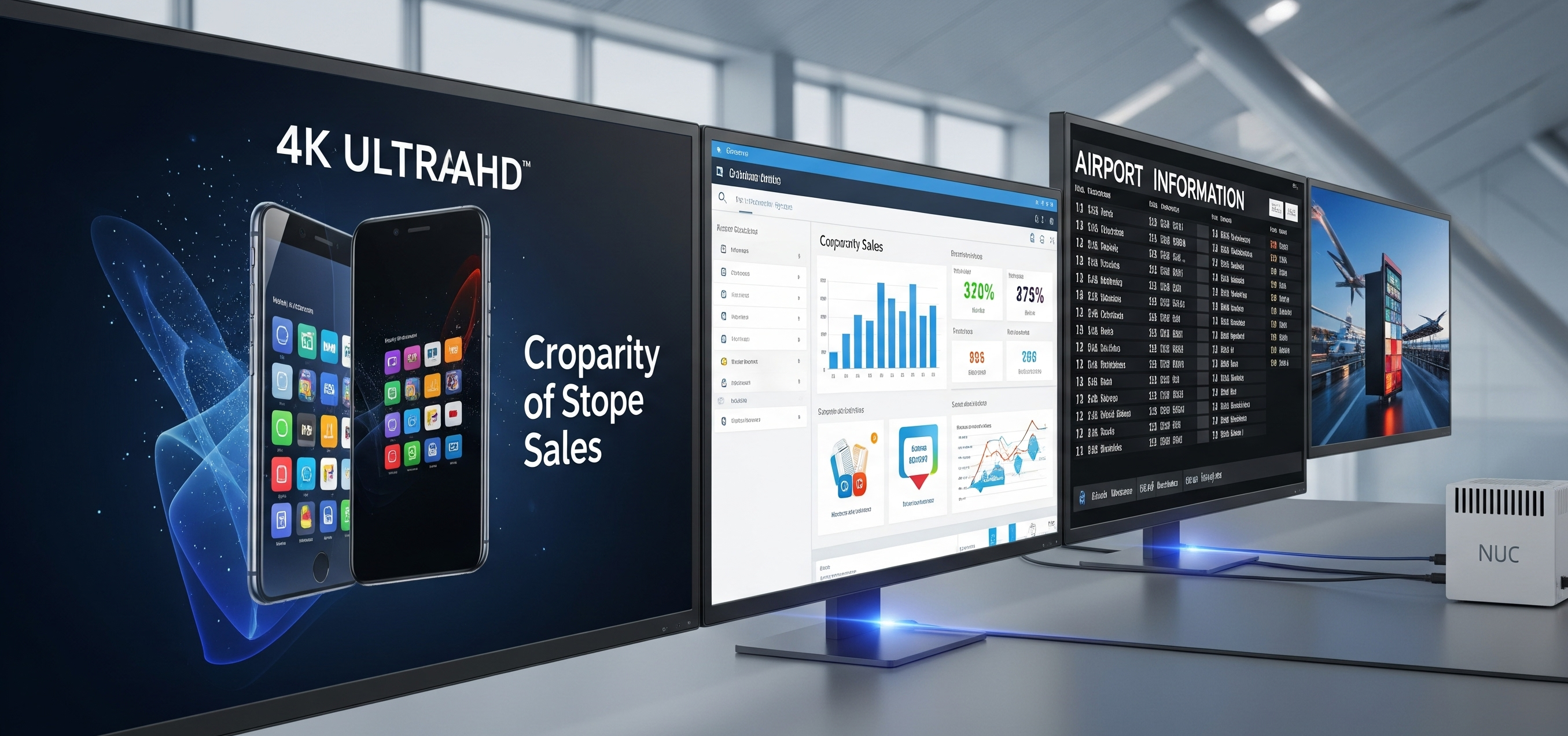
To use NUC for digital signage, here’s a concise overview, followed by practical section breakdowns. This section explains key ways to leverage NUC’s support for digital signage features across different applications.
1. 4K Video Display
NUC supports high-resolution 4K video playback for maximum visual impact. These devices enable businesses to display vibrant videos on screens in retail stores, kiosks, and public spaces. According to Statista, the global 4K display market will exceed $84 billion by 2026.
NUCs support smooth 4K playback and can function as a media server using tools like Plex or Kodi. This ensures engaging content and better audience attention.
2. Quick Turn Time and Higher Computational Power
NUC delivers fast processing and high performance for dynamic content updates. With powerful memory, multi-core processors, and fast storage, it handles real-time data, animations, and video rendering smoothly. This ensures quick updates and seamless playback across digital signage screens.
The device is capable of handling demanding applications, making it ideal for interactive kiosks, campaigns, and advanced digital signage setups.
3. Multiple Screen Display
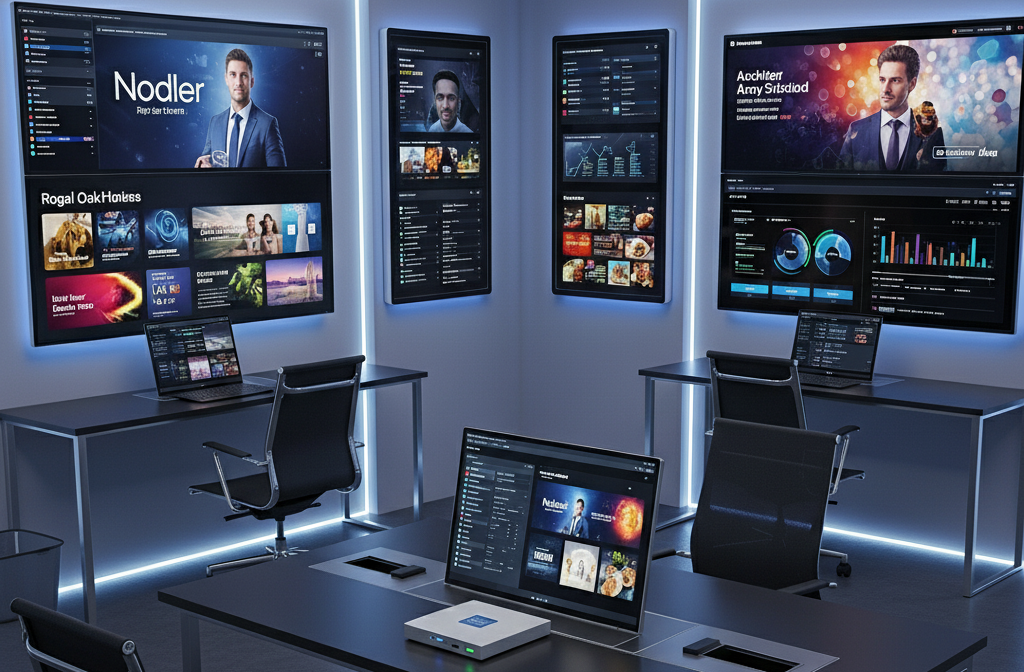
NUC can support multiple displays from a single device. Using HDMI and DisplayPort, businesses can connect multiple screens for video walls, synchronized ads, or large-format displays. This reduces hardware costs while increasing efficiency.
According to Gartner, multi-display setups improve audience retention by up to 30%. NUC simplifies this with plug-and-play functionality and centralized control.
5. Flexible for Commercial Use
NUC adapts easily to different digital signage environments. From retail stores and corporate office digital signage to airport digital signage meeting rooms, and kiosks, it supports applications like menus, dashboards, and promotions. Its compact design and flexibility make it suitable for diverse industries.
It supports live updates, internal communication, and customer engagement. This aligns with trends explained in how intelligent digital signage is changing the game for businesses?, where smart systems enhance communication and engagement.
6. Robust Connectivity

NUC offers strong connectivity for seamless digital signage operation. It includes HDMI, USB, Ethernet, Wi-Fi, and Thunderbolt ports, ensuring smooth integration with software and peripherals. NUC media players offer robust connectivity options, supporting various display outputs.
The Intel NUC runs full Windows or Linux OS and supports real-time updates across locations. With built-in security features, it ensures safe and reliable content delivery.
NUCs consume less electricity than desktops, making them cost-effective for 24/7 use. They also provide better driver support compared to some Android-based alternatives.
Can Chromebit Replace NUC in Signage?
ASUS Chromebit can serve as a lightweight digital signage player for simple use cases, while Intel NUC handles advanced workloads with higher processing power and flexibility. Chromebit devices plug directly into HDMI ports, making them ideal for basic content playback, digital menu boards, and small-scale deployments. But what if your setup needs complex dashboards or multi-screen control? That’s where NUC stands out.
Chromebit focuses on cloud-based operations with minimal hardware needs, whereas NUC supports full operating systems, heavier applications, and enterprise-grade control. This contrast becomes clearer when comparing Asus Chromebit and digital signage, especially for businesses choosing between simplicity and performance.
Elevate Your Business with AIScreen Digital Signage Solution
Elevate your business with the AIScreen digital signage solution by integrating it seamlessly with Simply NUC media players for a high-performance and streamlined experience. AIScreen is designed to support and manage all your digital signage needs with ease, giving your team the tools to create, schedule, and update content across multiple locations from a single dashboard.
Whether you’re managing content across a chain of retail stores or updating a lobby screen in real-time, AIScreen ensures easy integration, real-time updates, and powerful multi-location control, perfectly compatible with the capabilities of Simply NUC devices. Try 14 days free trial, no credit card needed.
Use this block after this section
Frequently Asked Questions
Can Intel NUC power a 4K digital signage display?
Yes, Intel NUC can power a 4K digital signage display thanks to its high-definition media player capabilities. These devices come equipped with HDMI and DisplayPort outputs that support 4K resolution, enabling you to bring sharper visuals and vibrant content to your audience.
What operating systems are compatible with NUC digital signage deployments?
Operating systems compatible with NUC digital signage deployments include Windows, Linux, and select custom OS options. This flexibility allows Simply NUC media players to adapt to varied project requirements, from enterprise-level signage control to kiosk-specific interfaces.
Is the performance of NUC sufficient for video-rich digital signage?
Yes, the performance of NUC is more than sufficient for video-rich digital signage, offering built-in media processing power with integrated graphics and hardware-accelerated decoding. Whether you’re displaying 4K videos, interactive menus, or motion graphics, NUC units are optimized to develop immersive signage experiences that run smoothly and load quickly, even under demanding conditions.
Can a NUC run playlists and scheduling for digital signage content?
Yes, a NUC can run playlists and scheduling for digital signage content efficiently when paired with a reliable CMS like AIScreen. These media players are designed to handle advanced playlist management, timed content delivery, and adaptive scheduling, enabling you to throw content updates without manual intervention.
What configurations (RAM/SSD) do I need on NUC for smooth signage playback?
The configurations you need on NUC for smooth signage playback typically include at least 8GB of RAM and a 256GB SSD, depending on the complexity of your content. For video-heavy or multi-screen setups, you might review and upgrade to 16GB RAM and higher SSD capacity.


