Digital Signage Software

Digital signage software offers a fresh and effective way to break through the clutter and get your message seen for free. Whether you’re a business looking to boost sales or an organization sharing important updates, digital signage solutions can change how you connect with your audience.

 1 FREE Screen.
No credit card required
bg
slide
slide
slide
Trusted by 1800+ business, across 120+ countries
Front Page - Copyright © 2025 AIScreen Inc. All rights reserved.

Getting Started with AIScreen

Step 1.

Don’t have a TV?

Front Page - Copyright © 2025 AIScreen Inc. All rights reserved.
prev
next

Simply purchase a TV and start without any additional digital signage or hardware.

or

Have TV or hardware?

Front Page - Copyright © 2025 AIScreen Inc. All rights reserved.

Then download digital signage software directly on your TV from your app store to manage it remotely.

Step 2.

Connect Your Screen(s).

Front Page - Copyright © 2025 AIScreen Inc. All rights reserved.
After receiving your pairing code simply enter this code in your manager account to pair your screen seamlessly
Optional.

AIScreen OS.

AiScreen
Benefits:
  • Remote Troubleshooting
  • Auto Power On/Off TV
  • Track Available Memory in your cache
  • Clean Cache Remotely
  • Security

Digital Signage Solutions Designed For Your Industry

Digital-menu-boards

Digital Menu Boards

With our cost effective digital menu board solution, effortlessly craft stunning digital menu boards in no time. Boost sales, customize prices, incorporate images, descriptions, scrolling, text, slideshows, and videos with ease.

Learn more
Education

Digital Signage for Education

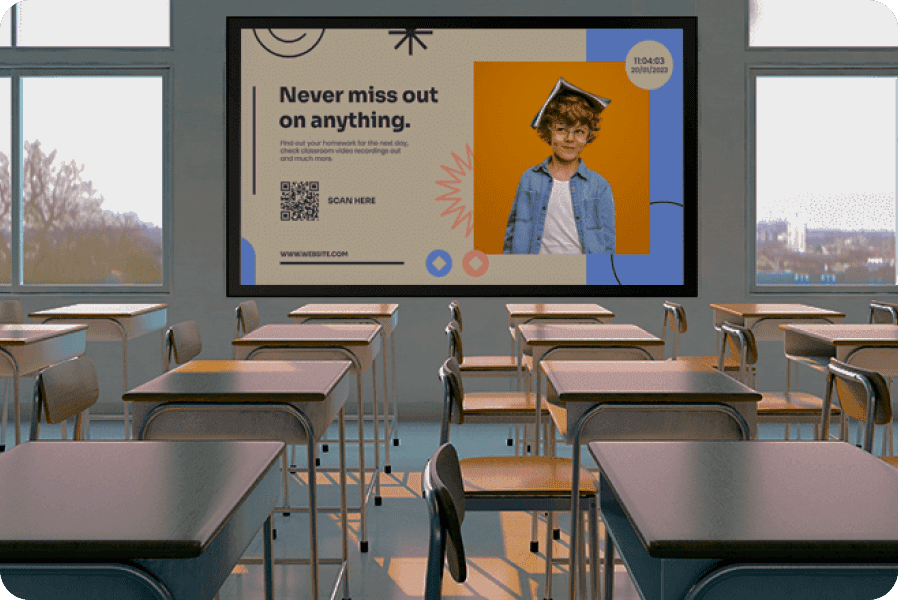
Keep your students, staff, and visitors informed and engaged effortlessly. Utilize our user-friendly software to transform any screen into a dynamic digital signs.

Learn more
Airports

Digital Signage for Airports

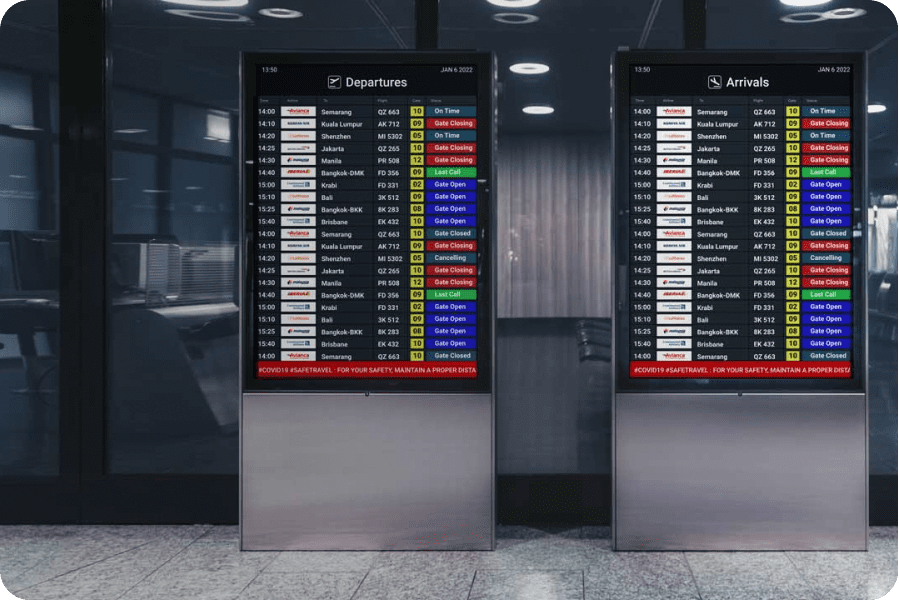
FIDs serves as a dynamic visual communication toolfor multiple screens, simplifying the dissemination of departure schedules, arrival times, baggage claim maps, travel promotions, and beyond.

Learn more
Outdoor-digital-signage

Outdoor Digital Signage

Digital kiosks stand as an excellent hardware choice for high-traffic settings. Crafted for commercial use, this selection of digital sign ensures the reliability essential for such environments.

Learn more
Healthcare

Digital Signage for Healthcare

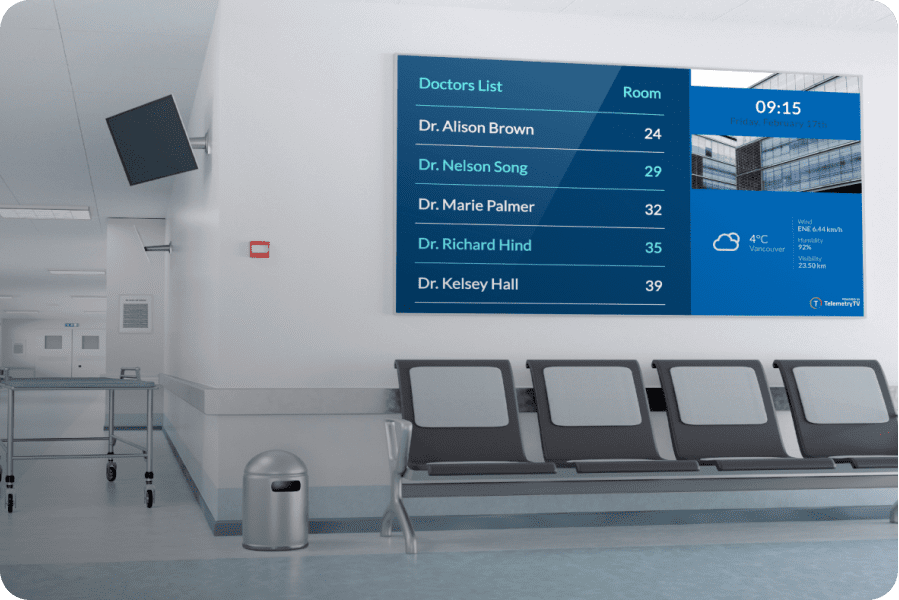
Hospitals and healthcare institutions employing experience increased patient satisfaction.

Learn more
Museum

Digital Signage for Museum

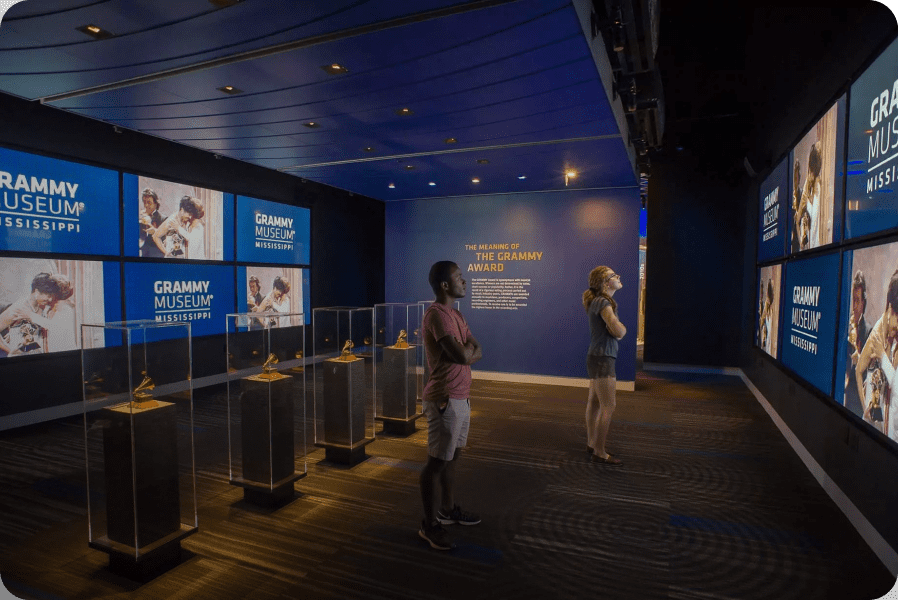
Our elegant communication tool perfect for museum digital signage network to preserve the past while embracing progress.

Learn more
Digital-directory

Digital Signage Directory

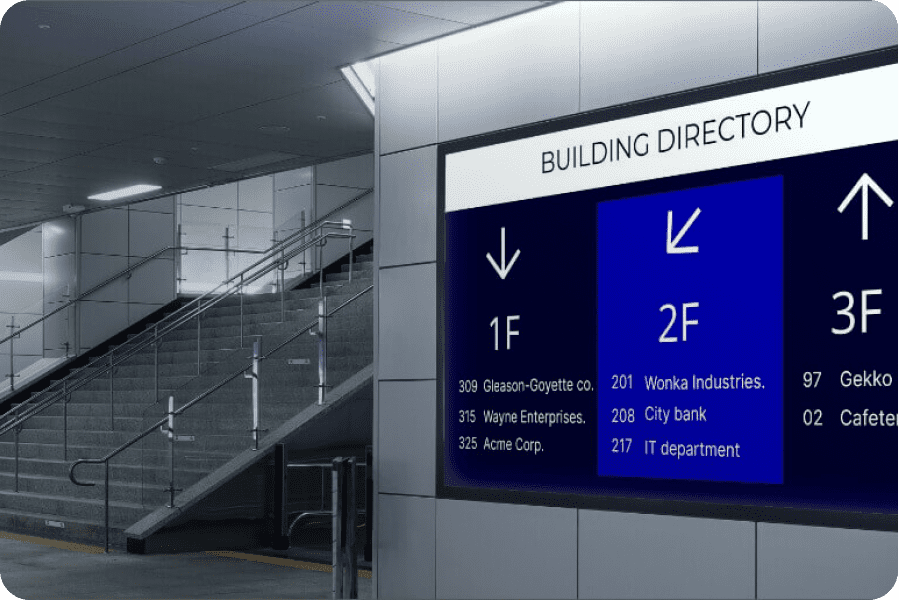
Display content to the entire network between operating systems with our incredibly user friendly software for multiple locations. Leverage your screens with a powerful tool to broadcast engaging content and delight your guests.

Learn more
Internal-communication

Digital Signage for Internal Communication

AIScreen’s digital signage solution can enhance compliance, increase productivity, and foster connectivity across all organizational levels, spanning from headquarters to the factory screens.

Learn more
Retail

Digital Signage for Retail

Digital signage solution has been shown to influence customers retail experience and buying choices in almost 50% of audiences, leading to an impressive 80% of shoppers being drawn into stores initially.

Learn more
Fitness

Digital Signage for Fitness and Gyms

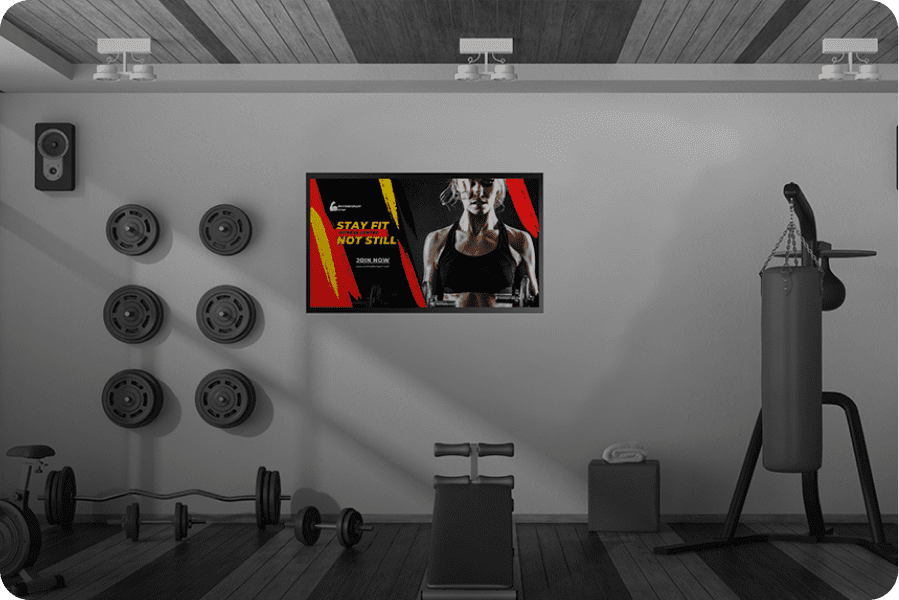
Display content with our digital signage solution for your fitness centres to showcase class schedules, boost your social media presence, and disseminate vital notices effortlessly through the digital screens surrounding you.

Learn more

Digital menu boards

/

Education

/

Airports

/

Outdoor digital signage

/

Healthcare

/

Museum

/

Digital directory

/

Internal communication

/

Retail

/

Fitness

Use Your Favorite Apps & Software Integrations

Integrate content
from your existing tools.

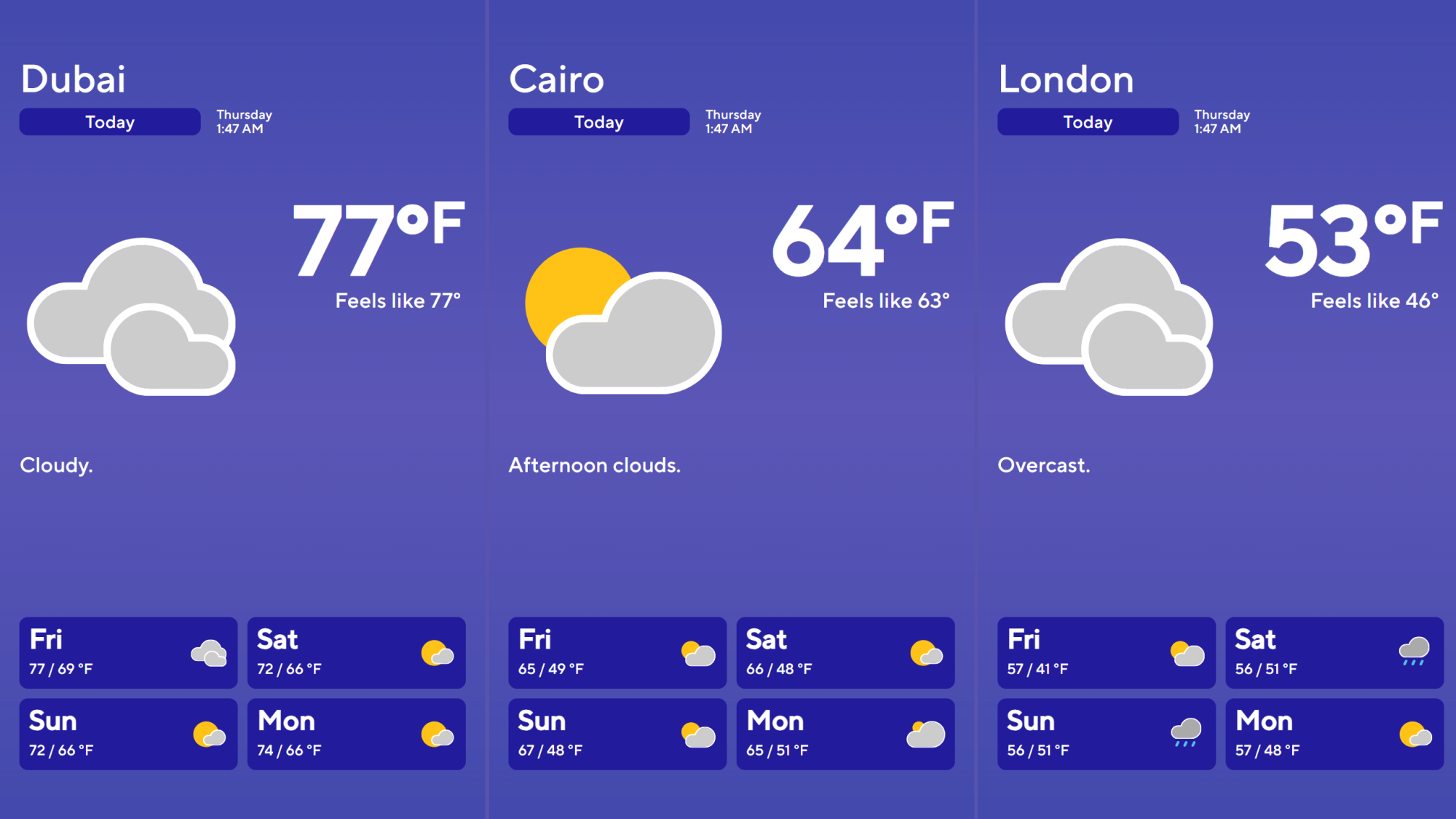
100+ free, built-in apps integratation. Use conten from tools you already use, like Microsoft Suite, Excel and Google Suite. Live feeds easily syndicate the news, weather and Canva.

App Marketplace

Simplified Hardware Solutions

Find your ideal digital signage hardware player

Front Page - Copyright © 2025 AIScreen Inc. All rights reserved.

AIScreen is cost effective solution seamlessly integrates with all screens, TVs, or devices. The magic lies in our software, turning any screen into powerful digital sign. The magic lies in our software, turning any screen into powerful digital signage. Easily connect your screens and begin displaying content within minutes.

Find your ideal hardware

Download digital signage software on TV

Download our app directly on your TV and start today without any additional hardware device with our 14 days free trial period.

android
Android
Fire
Fire
ChromeOS
ChromeOS
LG webOS
LG webOS
Raspberry PI
Raspberry PI
Linux
Linux
Windows
Windows
Tizen
Tizen
Check TVs compatibility

Why Choose AIScreen for Digital
Signage Software?

Worldwise expertise, with rapid adoption growth across 120+ countries, AIScreen has quickly become a trusted global leader in digital signage software. Delivering powerful software solutions and multilingual 24/7 support through a platform built for today’s fast-moving businesses.

  • Front Page - Copyright © 2025 AIScreen Inc. All rights reserved.

    Forward-Thinking Innovation

    Innovation drives everything we do. In just 5 years, AIScreen has emerged as one of the fastest-growing platforms in the industry—backed by ongoing R&D and built to support the evolving needs of today’s digital signage users in 120+ countries.

  • Front Page - Copyright © 2025 AIScreen Inc. All rights reserved.

    World-Class Software Engineering

    AIScreen’s digital signage software is fully developed in-house, engineered for performance, scale, and flexibility. Designed for businesses, resellers, and enterprise teams, our solution delivers powerful screen control with modern infrastructure and seamless updates.

  • Front Page - Copyright © 2025 AIScreen Inc. All rights reserved.

    Reliability, Security, and Performance

    AIScreen is SOC2 certified, ensuring enterprise-level security, system reliability, and compliance across all screens and devices. With encrypted infrastructure, 24/7 uptime monitoring, and global deployment, we deliver unmatched peace of mind at scale.

Customer Success Stories

“AIScreen became a way for students to feel truly seen. It wasn’t just about telling them what was happening, it was about acknowledging their presence and experiences. Every update, celebration, and reminder spoke directly to them. In that way, AIScreen became a bridge of belonging on our campus.”

“It wasn’t just another screen, it was our story. Every update felt like a way to connect with guests and with each other. It made the brand come alive in real time, right where it matters. AIScreen turned communication into something people could actually feel.”

“AIScreen didn’t just help us communicate, it helped us build pride.”

“AIScreen gave us more than visibility, it gave us rhythm. Before, our updates felt scattered, and people often missed what mattered most. Now, teams feel connected through clear, timely, and engaging communication across every office. That rhythm has turned into culture, alignment, and stronger trust at Fastnet.”

“We finally communicate at the speed of retail. Updates reach every store in minutes, not days, keeping teams aligned and promotions on point. Customers see consistency, and employees feel clarity. AIScreen has taken the guesswork out of communication.”

Front Page - Copyright © 2025 AIScreen Inc. All rights reserved.

Rev. Dr. Shannon W. Dycus

Dean of Students

Front Page - Copyright © 2025 AIScreen Inc. All rights reserved.

Shift Lead

The Habit Burger Grill
Front Page - Copyright © 2025 AIScreen Inc. All rights reserved.

Adam Hoffman

Plant Manager, VoltForge Technologies

Front Page - Copyright © 2025 AIScreen Inc. All rights reserved.

Nils Mark

VP of Operations

Front Page - Copyright © 2025 AIScreen Inc. All rights reserved.

Shawn Buckner, VP of Operations

Frequently Asked Questions

What Are the Benefits of Digital Signage?
  • Higher engagement from viewers compared to static visual displays such as billboards or posters.
  • Better recall (up to 83% improvement compared to static displays).
  • Reduced perceived wait times for customers or travelers in lineups.
  • Instant content updates, including simultaneous updates across multiple screens when using cloud-based digital signage software.
  • Scheduling and traffic capabilities for delivering content based on time of day, weather, season, and traffic patterns.
  • Data collection functions to facilitate more targeted content.
What Is Needed for Digital Signage?

For digital signage set-ups of any size, you need three things:

  • Screen or display, either LCD or LED.
  • Media player device that can run digital signage media player software. A separate media player is required for each screen.
  • Digital signage CMS software which allows you to distribute and display content across screens. The best digital signage software makes it simple to scale up from a single screen to hundreds of displays in multiple locations.
What Is a Digital Signage Media Player?

A digital signage media player is a device that connects to your display and runs media player software to show your content on the screen, similar to a home TV streaming box or stick. The player ensures smooth playback of your content and supports high-resolution formats. Advanced models can also provide analytics, content automation, and screen monitoring.

What Are the Hardware Requirements for Digital Signage Player Software?

Digital signage media player software can run on a variety of devices or PCs, ranging in size:

  • Compact media players/dongles like the Navori StiX 3800 are no bigger than a USB stick but are fully capable of handling sophisticated digital signage solutions.
  • Standalone players such as BrightSign units or mini-PCs using operating systems such as Windows, Android, or Linux give you more flexibility.
  • Commercial smart displays can run media player apps natively for large-scale all-in-one solutions.


Hardware requirements depend on your setting and your content. For standard signage, a simple dongle may be enough. For more advanced needs, such as multi-screen video walls or live data integrations, a higher-powered PC or enterprise-grade media player is recommended.

What Is a Digital Signage CMS and Why Do I Need It?

Digital signage CMS software allows you to create, schedule, and manage content across all your screens from one centralized platform. With a CMS, you can:

  • Upload and manage multimedia content.
  • Schedule content displays according to dayparting or other rules, or schedule-based targeting.
  • Distribute content across multiple screens, specific screens, or groups of screens.
  • Control permissions for different users.


Without a CMS, you would need to update each display screen individually. This could work if you only had a single screen, but it would quickly become unmanageable in a growing enterprise, especially with screens in multiple physical locations.

What Is the Difference Between Digital Signage Media Player Software And Digital Signage CMS Software?

Media player software and CMS software are different types of software for digital signage. Both are required for a complete digital signage software solution.

  • CMS software is used to upload content such as video, live data feeds, and images.
  • Digital signage media player software receives content and instructions from the CMS. It also supports advanced features like 4K video playback, live data-feed integration, and reporting back to the CMS.
What Is the Difference Between a Hosted Solution and a Server-Based Set-Up?

You can store your content and CMS locally or in the cloud.

  • Cloud based digital signage software (also called digital signage cloud software) allows you to store your content and CMS on a cloud server. This makes it possible to log on from wherever you are, distribute updates to multiple screens in different locations, and take advantage of enterprise-level security without worrying about your in-house IT capabilities.
  • A server-based set-up relies on your own internal storage. This requires in-house resources for security, scaling, and maintenance, but can be important for organizations with strict compliance requirements, such as health care and law enforcement.


Regardless of which storage option you choose, digital signage software solutions can be customized to meet your needs.

Can Digital Signage Software Be Used Across Multiple Locations?

Absolutely! In fact, this is one of the things that makes digital signage cloud software so powerful. You can manage content centrally, from one computer screen or even a mobile device, delivering content worldwide. Using digital signage CMS software, you can even customize your content by region, specific location, or audience demographics while keeping your branding and messaging consistent across the board.

With Software for Digital Signage, Who Can Access and Configure the Content?

Access is controlled through the digital signage CMS software. Role-based permissions can be assigned, or access can be assigned based on business units, locations, or other criteria.

How Do I Turn My TV into Digital Signage?

With the right software for digital signage, you can turn any standard screen into part of your digital display network. Here’s how:

  • Attach a media player to your television. For example, the Navori StiX is an ultra-compact player perfect for tight spaces and portable set-ups.
  • Install digital signage media player software on the media player.
  • Connect the media player software to your CMS.
  • Upload visuals onto your digital signage CMS software or design the visuals within the software.
  • Display your content on your TV using the Internet.

Take your business to the next level with the power of 14 days free trial or book a demo with us!

It’s now easier than ever to get started with all-in-one digital signage solution that let you manage your content with just a few clicks.