
Which Digital Signage App Works Best on Tablets?
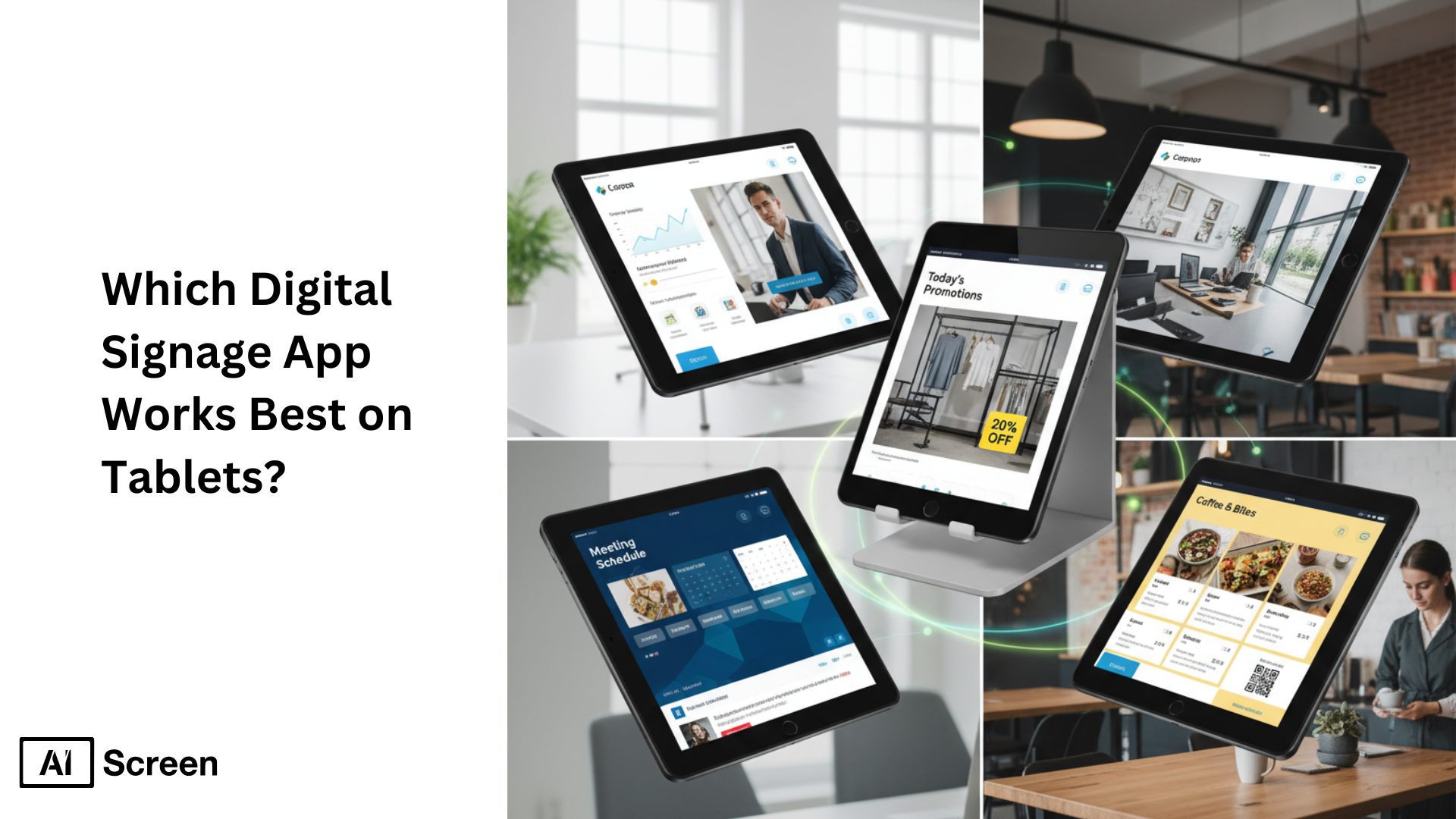
The global digital signage market was valued at approximately USD 28.8 billion in 2024 and is projected to reach around USD 45.9 billion by 2030, growing at a steady CAGR of 8.1% from 2025 to 2030 (Grand View Research). This rapid expansion reflects widespread adoption across industries like retail, corporate offices, hospitality, and healthcare, driven by demand for dynamic digital content that boosts customer engagement and operational efficiency.
In this article, we will explore tablet-based digital signage apps, a booming trend in 2025 due to their flexibility, portability, and cost-effectiveness. Whether you are managing a retail store, school, or small business, tablet digital signage offers an intuitive interface, cloud-based remote content management, and multimedia support. We will break down the top-performing apps for Android and iOS tablets, comparing features, compatibility, pricing, and why they’re great for seamless multi-screen management and rich customer engagement.
What Is a Digital Signage App?
A digital signage app is your TV’s smarter, more creative cousin. Its software lets you easily display, manage, and schedule all kinds of multimedia content on any screen, from tablets to big TVs, all controlled remotely through a cloud dashboard.
So, instead of just watching whatever is on TV, you get to be the boss of what is shown, whether it’s videos, images, live news, or ads.
Imagine turning your tablet or screen into a dynamic menu board at your restaurant, a promotional screen in a retail store, or an info hub in a waiting room, pretty cool, right?
Applications like AIScreen’s digital signage app shine here by giving you centralized control, real-time updates, and fancy templates to design eye-catching content, all in one place.
It is like having the power of a digital billboard, but way easier to manage and way more flexible.
What Are the Key Features of the Best Tablet Digital Signage App?
The key features state that wWhen choosing a tablet digital signage app, focus on flexibility, ease of management, and device compatibility to get the best results for your business.
Easy Cloud-Based Content Management: The best apps let you upload, schedule, and control your content remotely with just a few clicks. For example, AIScreen’s web dashboard allows you to manage thousands of tablets from anywhere, making large-scale deployments simple.
Offline Playback and Remote Updates: Internet outages don’t have to stop your displays. Top apps like AIScreen offer cached content playback, keeping your screens running smoothly even without a stable network connection.
App Compatibility (Android, iPad, Windows Tablets): Cross-platform support means you can pick hardware that fits your budget and needs. AIScreen runs seamlessly on Android devices, iPads, Chrome OS, and Amazon Fire tablets, giving you ultimate flexibility.
Security and User Access Control: Robust security features are key—look for device lockdown modes, user permission settings, and encrypted media transfer. AIScreen offers enterprise-grade access management to keep your digital signage safe and under control.
These core features make tablet-based digital signage powerful, reliable, and easy to use, perfectly suited for businesses across industries.
Top 5 Digital Signage Apps That Work Best on Tablets
If you are wondering which digital signage app works best on tablets, we have tested and reviewed the top five performers across Android and iOS. These digital signage software options were rated based on performance, usability, advanced features, and remote content management. Whether you are managing one screen or multiple screens across locations, these apps deliver smooth performance, easy content scheduling, and centralized management.
1. AIScreen – Best for Enterprise-Level Multi-Device Management and Scalability
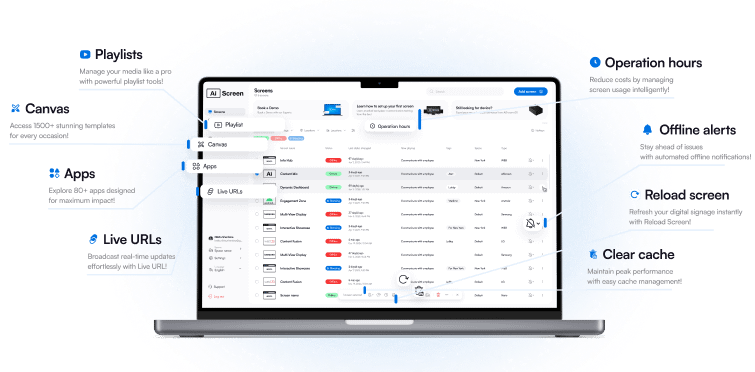
Looking for a cloud-first digital signage platform that works seamlessly across Android tablets, iPads, Fire TVs, and ChromeOS devices? AIScreen is your best bet. It is designed for brands that want to scale from a single Android device to a global digital signage network without complexity.
Key Features:
- Cloud-based dashboard for remote management across various Android devices and iOS tablets.
- 1,500+ pre-designed templates with 80+ integrations like Google Slides, YouTube, and RSS feeds.
- Real-time scheduling, drag-and-drop editor, and multimedia support for videos, images, and widgets.
- Enterprise SSO, advanced analytics, and custom branding controls.
Why It’s Best: AIScreen delivers seamless scalability, allowing you to manage content across different locations from a single dashboard. Perfect for brands with diverse business needs and many users.
Pros:
- Easy setup and pairing, manage digital displays in just a few clicks.
- Offline playback and playlist management.
- Enterprise-grade uptime and detailed reporting.
Cons:
None worth noting: AIScreen’s all-in-one design covers every use case.
Ideal For: Multi-location brands, QSRs, retail stores, corporate offices, schools, hospitals, hotels, and fitness centers managing digital bulletin boards or digital menus.


2. PosterBooking – Simple and Cost-Effective Tablet Signage Solution
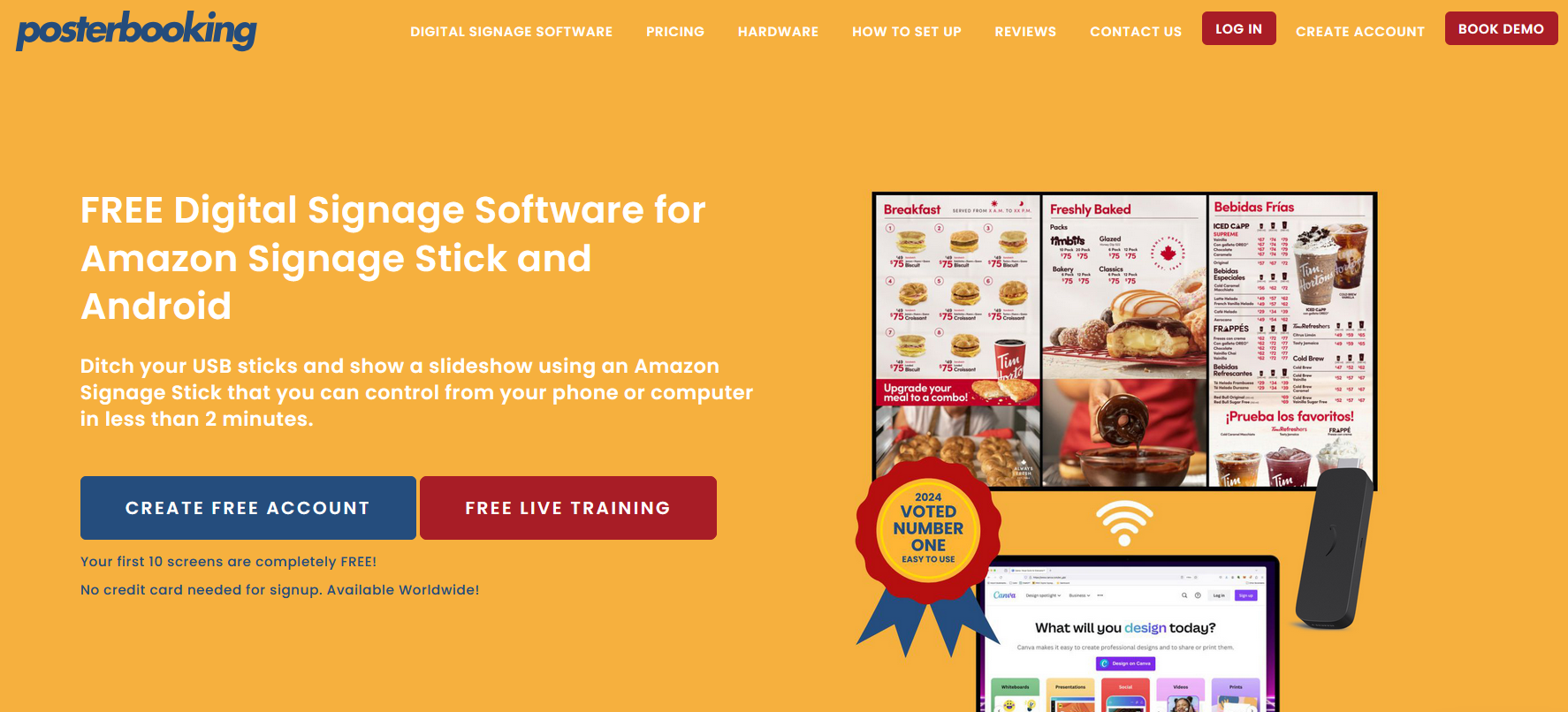
If you are a small business looking for a budget-friendly digital signage app, PosterBooking is a great starting point. It is a web-based digital signage software that runs smoothly on most Android tablets and iOS devices.
Key Features:
- Quick setup directly from your tablet’s browser.
- Free tier available for basic signage needs.
- Simple playlist management and content scheduling.
Pros:
- Easy to start with, no learning curve.
- Works well for one screen or small digital signage networks.
Cons:
Limited automation, third-party app integrations, and template variety
Ideal For: Local cafés, salons, startups, or boutique shops that want to display digital content like daily offers, menus, or event schedules.
3. ScreenCloud – Great for Enterprise-Level Tablet Deployments
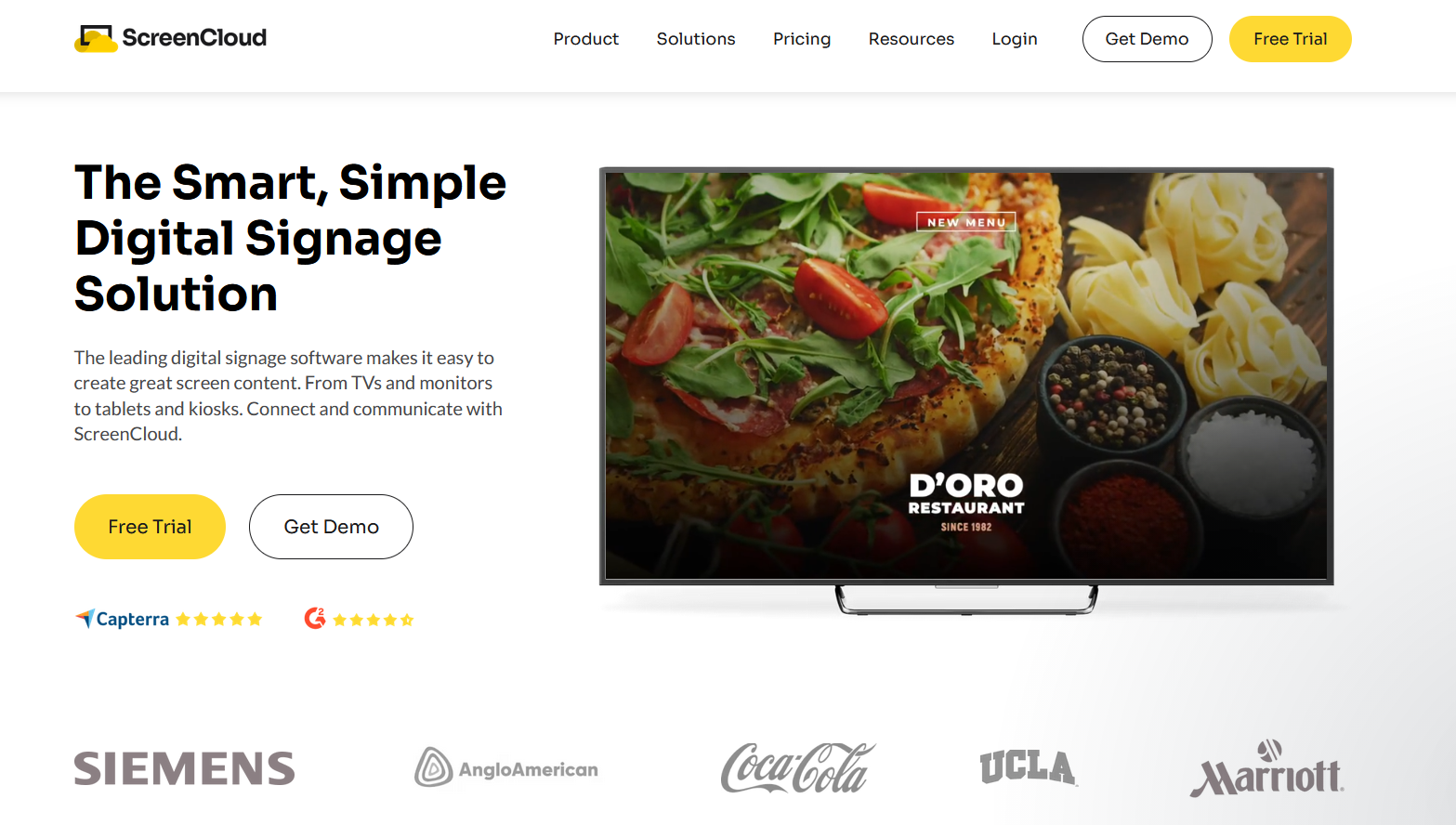
ScreenCloud is a robust cloud-based management system trusted by enterprise users for its security features and scalable infrastructure. It is ideal for IT teams managing multiple screens and digital displays across various industries. To compare plans and features, read our ScreenCloud alternative breakdown.
Key Features:
- Supports Android devices, Chrome OS, and Fire TV players.
- Integrates with Google Workspace, Slack, and other workplace tools.
- Offers remote screen control, content optimization, and team collaboration tools.
Pros:
- Strong security features and reliable uptime.
- Ideal for remote management across many users and different locations.
Cons:
Slightly higher pricing plans compared to simpler platforms.
Ideal For: Corporations, HR communications, franchise networks, and large retail chains that need controlled, IT-managed digital signage functionality.
4. NoviSign – Interactive and Customizable Tablet Signage App
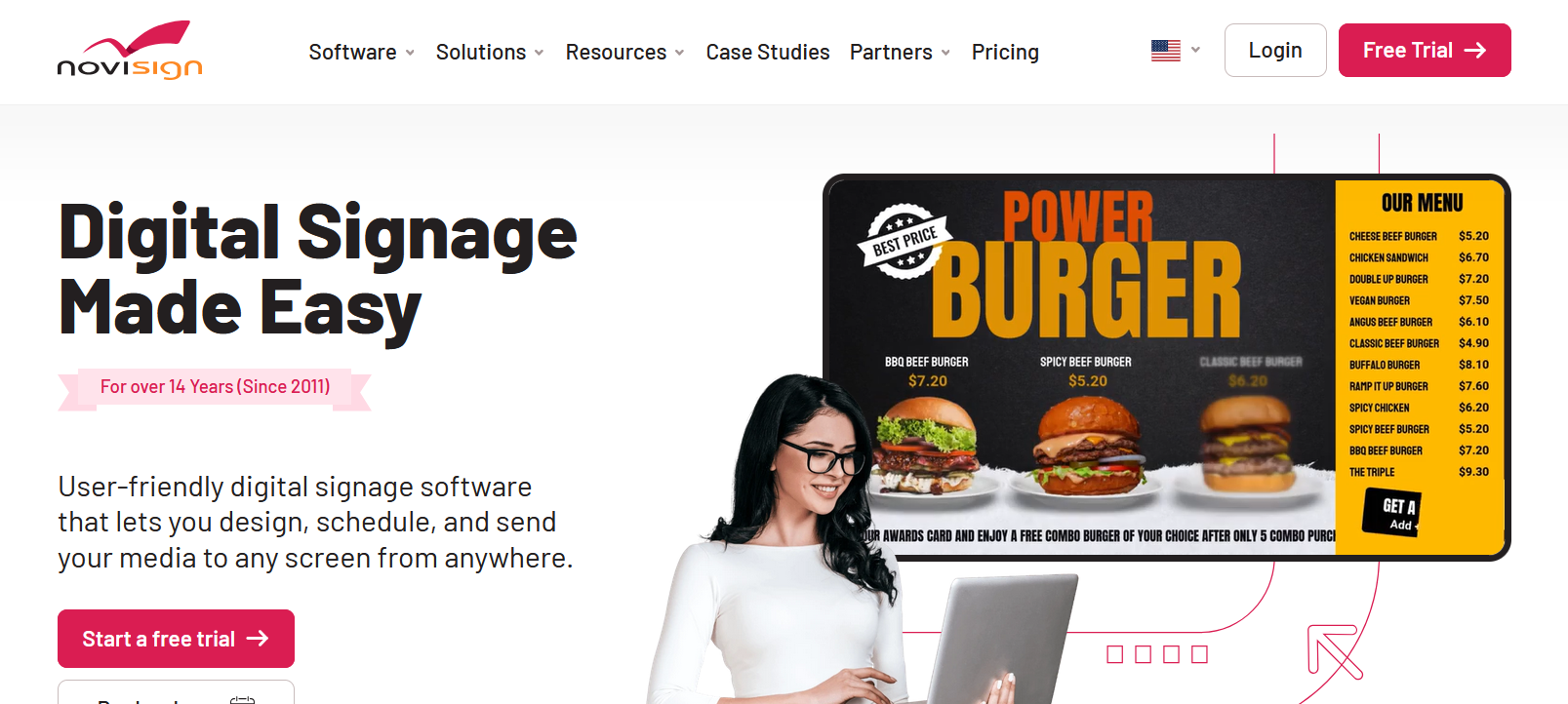
If you are looking to make your signage interactive and visually engaging, NoviSign delivers an intuitive interface and drag-and-drop editor perfect for touchscreen displays.
Key Features:
- Designed for Android digital signage and interactive kiosks.
- Real-time content updates and multimedia content support.
- Touchscreen-friendly templates for customer engagement.
Pros:
- Great for interactive signage and dynamic content.
- Highly customizable with media files, RSS feeds, and video walls.
Cons:
Requires a bit more manual setup for complex content workflows.
Ideal For: Retail displays, trade shows, event marketing, and showrooms using interactive digital signs to engage customers.
5. Yodeck – Reliable and Budget-Friendly Tablet Signage Option
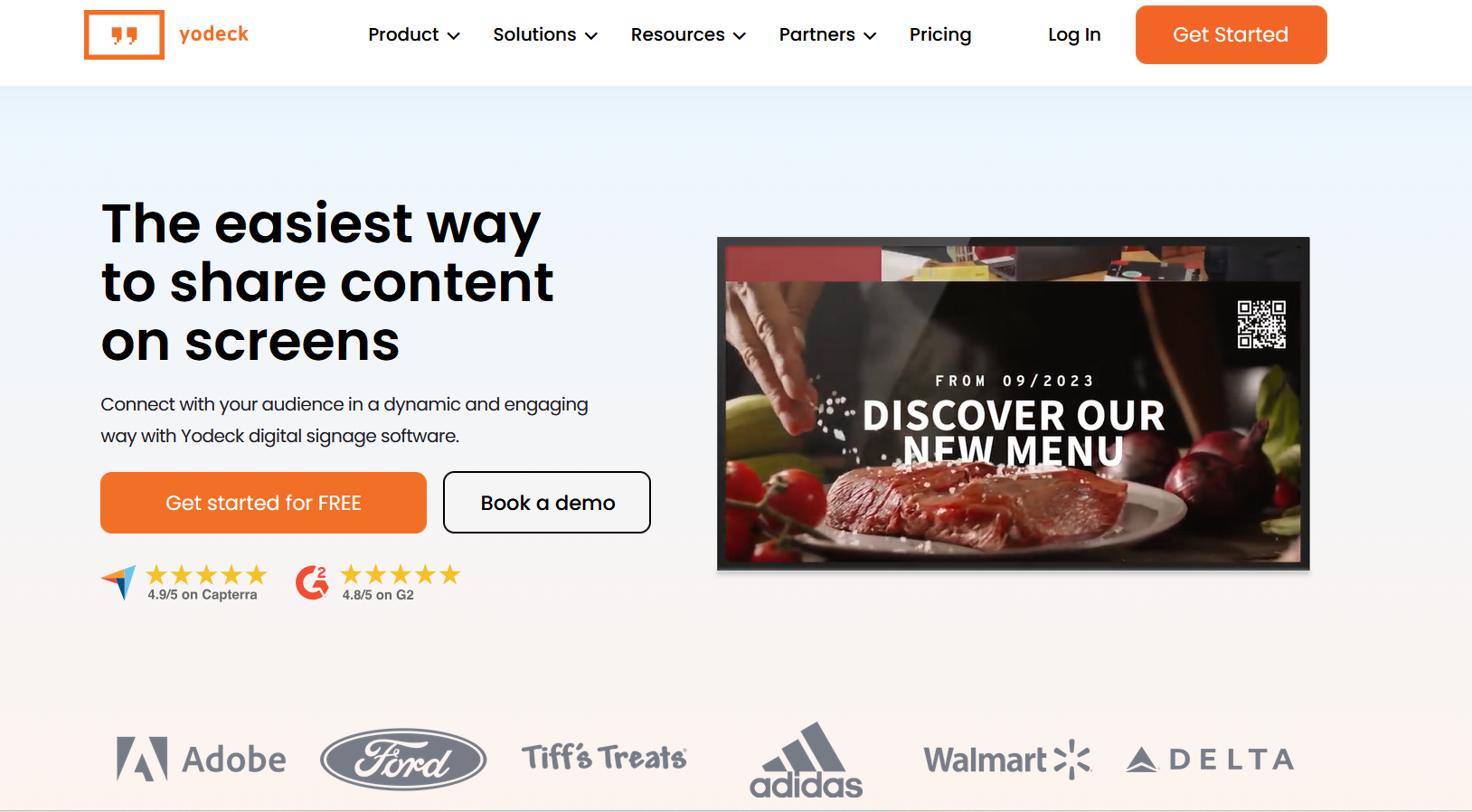
Yodeck is one of the best digital signage software options for those who want simple pricing plans and strong performance. It supports Android devices, iOS tablets, and even Android TV boxes for extended use. For a feature by feature view, see AIScreen vs Yodeck.
Key Features:
- Cloud-based management with advanced content scheduling.
- Free hardware option for annual subscribers.
- Supports multimedia content, including videos, graphics, and text feeds.
Pros:
- Smooth playback and seamless digital signage experience.
- Excellent customer support and content management tools.
Cons:
Offers fewer third-party app integrations than AIScreen or ScreenCloud.
Ideal For: SMBs, educators, nonprofits, and corporate teams looking for a reliable digital signage app with remote content management and simple deployment across various Android devices.
Professional’s Tip: Each of these tablet-based digital signage apps offers distinct strengths, from AIScreen’s enterprise-grade scalability to Yodeck’s budget simplicity. When choosing the best digital signage platform for your business needs, focus on your content management workflow, number of displays, and advanced features like remote screen control and customizable templates.
The right digital signage app will help you display content, manage media files, and engage customers across various industries, all with seamless scalability and just a few clicks.
How to Choose the Right Digital Signage App for Your Tablet Setup?
Not every digital signage app fits every business. The best choice depends on your goals, budget, and the type of Android devices or iOS tablets you use. Whether you are running digital menus, digital bulletin boards, or interactive displays, here is how to find the app that truly fits your setup and delivers seamless digital signage performance.
1. Compare Pricing and Plans: Start with your budget. The best digital signage software should balance affordability and scalability. Free or low-cost options like PosterBooking work for small businesses, while premium cloud-based solutions such as AIScreen offer advanced features, remote screen control, and multi-screen support for larger networks.
Example: A café chain using multiple tablets may prefer AIScreen for its playlist management and automated content scheduling, while a single-location boutique could start with a free tier before upgrading.
2. Check Core Features: Look for core features like content automation, remote content management, and real-time analytics. A good app should let you manage content, upload multimedia files, and schedule content across various Android devices, all with just a few clicks.
Example: AIScreen includes pre-designed templates, RSS feeds, and Google Slides integration to make digital signage content dynamic and visually engaging.
3. Assess Ease of Setup: The best digital signage app shouldn’t require a tech team. Choose software that offers a plug-and-play setup and an intuitive interface.
Example: AIScreen connects any Android tablet, Fire TV stick, or Android TV box to your digital signage network in under a minute, perfect for teams managing many users across different locations.
4. Consider Device Compatibility: Not every app works with every operating system.
Before you commit, make sure the platform supports Android tablets, iOS tablets, Chrome OS, and even Android TV for flexible setups.
Example: Apps like AIScreen and ScreenCloud are optimized for various Android devices and digital signage players, allowing you to run multimedia content and dynamic displays on virtually any hardware.
5. Evaluate Scalability and Support: If your business is growing, your digital signage functionality should grow with it. Pick an app that offers cloud-based management, centralized dashboards, and enterprise support.
Example: A retail brand expanding to new cities can use AIScreen’s cloud-based platform to instantly update digital signs across various locations, ensuring consistent branding and a unified customer experience.
If you’re searching for the best digital signage software for tablets that offers seamless scalability, reliable performance, and advanced features, AIScreen is an excellent choice. Its cloud-based dashboard, drag-and-drop editor, and customizable templates make it perfect for retail stores, corporate offices, schools, and hospitality brands managing multiple screens across various locations. To maximize these tools, organizations typically develop a clear digital signage strategy that aligns content, devices, and audience objectives.
Turn Your Tablet Into a Smart Digital Signage Display With AIScreen!
Why limit your tablet to streaming or browsing when it can do so much more? With AIScreen, you can instantly transform any Android tablet, iPad, Fire TV, or Chrome OS device into a smart digital signage display, all in under 2 minutes.
Turn your tablet into a smart, powerful digital signage display with AIScreen! Enjoy all the benefits of cloud-based content control, real-time scheduling, and reliable offline playback, plus access to over 1500 customizable templates that make your content pop.
AIScreen runs smoothly across Android, iPad, Fire, and Chrome devices, giving you the freedom to choose the perfect tablet for your needs.
Setup is incredibly easy: just download the app, pair your device, and publish your content. Why think of just browsing or video calls when it can become a dynamic advertising and communication powerhouse for your business?
Start your free trial or book a demo today to experience seamless digital signage that scales with you and keeps your audience engaged like never before.
Frequently Asked Questions
Can I use any tablet for digital signage?
Yes! You can use any tablet for digital signage, including Android tablets, iPads, and even Amazon Fire devices. Just make sure your tablet supports continuous display mode and has a reliable internet connection for updates. Pair it with a good digital signage app like AIScreen for smooth setup and remote management.
Do digital signage apps work offline on tablets?
Yes! Many digital signage apps offer offline playback, so your scheduled content keeps running even without internet access. Once your media files and playlists are synced, the tablet continues displaying content seamlessly until it reconnects.
Which app is best for interactive content on tablets?
AIScreen is the best app for interactive content on tablets if you are looking for interactive signage with drag-and-drop editing, live updates, and pre-designed templates. It supports touch-friendly layouts, dynamic content, and works perfectly on Android and iOS tablets.
Is using tablets for signage better than traditional displays?
Yes! Tablets for signage are better than traditional displays for many small businesses and startups, as they are portable, cost-effective, and easy to manage compared to traditional large digital displays. They are ideal for digital menus, bulletin boards, and customer engagement kiosks, all manageable with just a few clicks.
Can I manage multiple tablets from one account?
Yes! You can manage multiple screens or tablets from a single cloud-based dashboard. With AIScreen’s remote content management, you can update displays, schedule content, and monitor performance across different locations, all in real time.
