
A Complete Guide to Workplace Digital Signage for Internal Communications
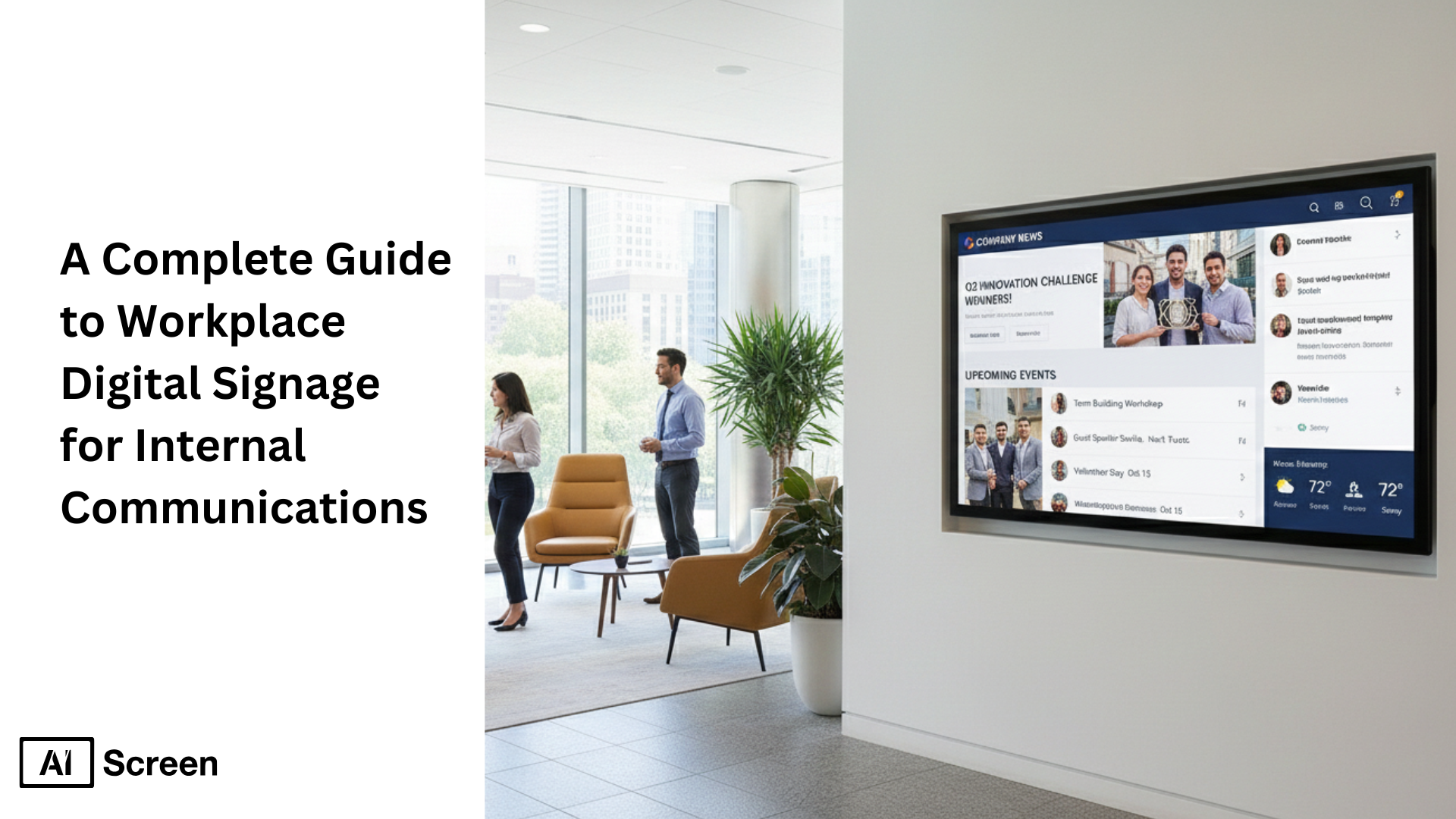
A complete guide to workplace digital signage often starts with a familiar frustration: how often do important updates get lost in endless email threads or buried Slack messages? Workplace digital signage solves this by turning screens into always-on communication hubs that display real-time announcements, KPIs, and updates where employees can’t miss them. Instead of chasing attention, messages meet people in shared spaces, lobbies, break rooms, hallways, exactly when they matter. According to Gallup, nearly 70% of employees prefer visual communication over text-heavy messages, showing why visual-first channels are reshaping internal communication.
In this article, you’ll learn how workplace digital signage transforms internal communications, boosts engagement, and keeps teams aligned across locations. We’ll walk through benefits, setup steps, real-world use cases, costs, and best practices. Explore AIScreen’s employee communications digital signage solution.
What is Digital Signage Software for Employee Communications?
Ever walked into an office and instantly knew what was happening without opening an email? That’s not an accident. What digital signage software for employee communications becomes clear the moment information feels visible, timely, and shared.
Digital signage software for employee communications is a centralized platform that allows organizations to create, schedule, and display internal messages across screens placed in offices, factories, warehouses, and shared workspaces.
Instead of relying on overflowing inboxes or outdated notice boards, teams use one system to push announcements, KPIs, safety alerts, HR updates, and company news to the right screens at the right time.
This approach is especially powerful for deskless and frontline employees who may not check email regularly, making digital signage for employee communications a critical internal channel. The value lies in control and consistency.
From a single dashboard, internal teams can manage content across multiple locations, update messages instantly, and ensure everyone sees the same information, whether it’s displayed in a break room, on a production floor, or in a corporate lobby.
According to Gartner, organizations that use visual internal communication tools can improve message retention by up to 65%, compared to text-only channels, highlighting why digital signage is increasingly used as a core workplace communication tool.
What Are The Key Benefits Of Digital Signage For Employee Communication?
Ever wonder why some workplaces feel informed and connected while others feel fragmented? That’s exactly where the key benefits of digital signage for employee communication comes into focus.
At its core, digital signage for internal communications helps organizations move beyond scattered emails and static notice boards. It creates a shared communication layer where employee communications feel visible, timely, and relevant.
By using workplace digital signage, companies align teams, reduce information gaps, and turn everyday messages into meaningful touchpoints that employees actually notice.
1. Improved Employee Engagement
When people feel seen, they show up differently at work, and that’s where improved employee engagement begins.
Digital signage employee engagement thrives on recognition and storytelling. By spotlighting employee recognition moments, celebrating milestones, or sharing team wins on digital screens, organizations boost motivation and morale.
According to Gallup, highly engaged teams see 21% higher productivity, reinforcing how visible appreciation and shared stories can strengthen employee communications and foster a positive workplace culture.
2. Enhanced communication
Ever sent an important email only to realize half the team missed it? Enhanced communication is one of the biggest reasons companies adopt corporate digital signage.
Internal communications digital signage improves clarity and consistency by displaying updates where employees already are, not buried in inboxes.
Company news, policy changes, or leadership messages become easy to spot, helping internal communications teams ensure alignment across departments and locations while reducing confusion and information overload.
3. Real-time Alerts
In critical moments, speed and visibility matter more than anything, that’s why real-time alerts are essential.
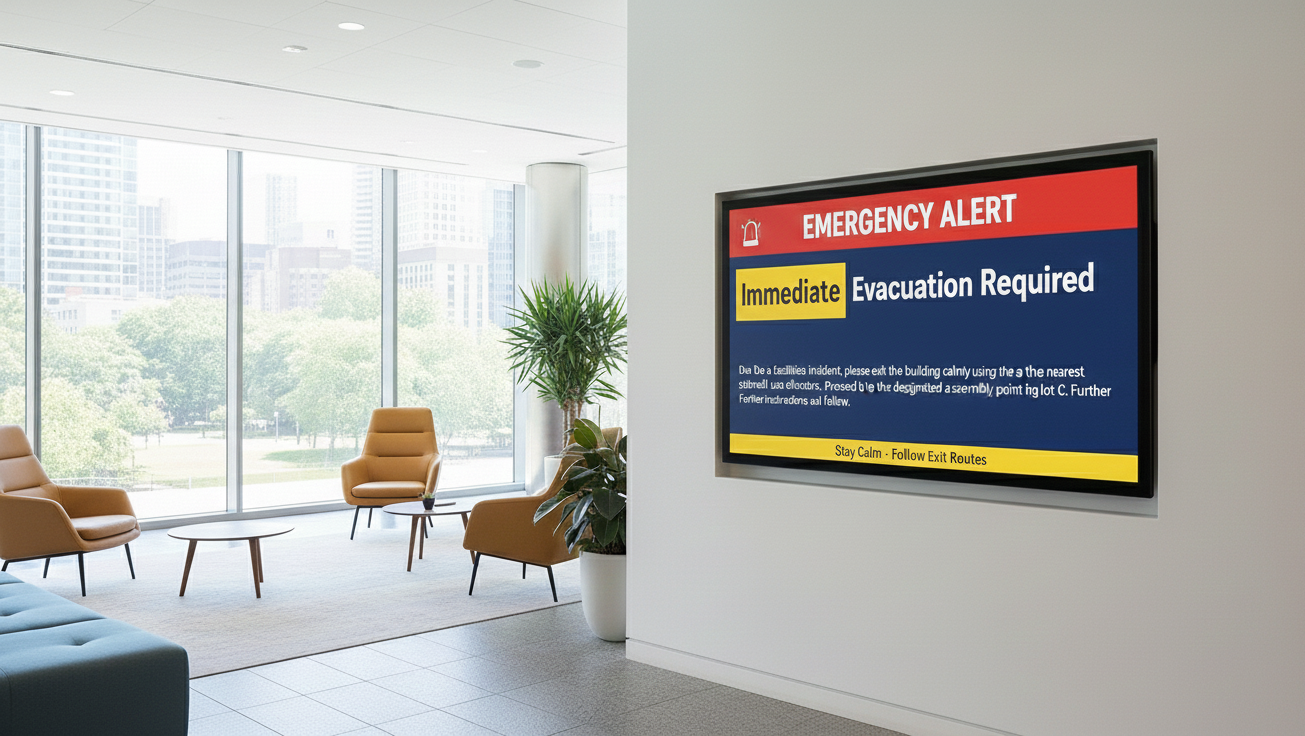
Digital signage internal communication allows urgent messages to appear instantly across digital screens in shared spaces. Whether it’s a safety notice or operational update, visual alerts reduce response time and ensure messages aren’t missed.
Research from OSHA shows that clear visual safety communication can reduce workplace incidents by up to 25%, highlighting the role of workplace digital signage in employee safety and awareness.
4. Cost efficiency
Printing posters again and again adds up faster than most teams realize, which makes cost efficiency a practical benefit.
By replacing printed materials with digital signage, organizations reduce recurring costs and manual updates.
Content changes take minutes, not reprints, supporting sustainability goals while keeping employee communications current. Over time, digital signage strategy delivers operational efficiency with far less waste.
5. Stronger workplace culture
Culture isn’t built in meetings alone, it’s reinforced daily, and stronger workplace culture depends on consistent signals.
Workplace digital signage helps promote belonging by sharing culture-focused content: employee stories, diversity initiatives, or community involvement.
These small but visible moments help reinforce values, encourage participation, and nurture a positive workplace culture where employees feel connected to the bigger picture.
How to Boost Employee Engagement with Digital Signage in the Workplace
Engagement doesn’t come from louder messages, it comes from messages people actually notice. That’s where to boost employee engagement with digital signage in the workplace becomes a practical, everyday strategy rather than a one-time initiative.
Digital signage employee communications work best when communication is consistent, visible, and designed for real people, not inboxes. Using digital signage software, organizations can turn shared screens into living communication spaces that keep employees informed, recognized, and connected throughout the day.
Instead of chasing attention, messages naturally become part of the workplace experience. One of the biggest engagement drivers is recognition. When achievements are visible, appreciation feels real. Digital signage makes it easy to spotlight wins and reinforce motivation without adding pressure or noise.
- Recognize achievements: Display employee milestones like work anniversaries, promotions, or “Employee of the Month” highlights. Public recognition on digital signage reinforces appreciation and strengthens employee communications across teams.
Keeping everyone aligned is another key factor. Employees want to feel informed, but not overwhelmed.
- Keep everyone updated: Share company news, project updates, and event announcements in a clear, visual format. Digital signage software helps internal teams deliver timely updates without relying solely on email, improving clarity and reach.
Finally, engagement grows when people feel they belong. Community isn’t built through tools alone, it’s built through shared moments.
- Build community: Highlight team successes, employee-generated content, or photos from company events. These everyday touchpoints on digital screens help create a more connected, human workplace culture.
By making communication more visible and relevant, digital signage employee communications turn routine updates into meaningful interactions, helping employees feel informed, valued, and part of something bigger.


How to Set Up a Digital Signage for Employee Communication
Clear communication doesn’t start with complex tech, it starts with a simple, well-planned setup. That’s exactly what how to set up a digital signage for employee communication is about: creating a system that’s easy to manage, easy to update, and easy for employees to engage with.
Setting up digital signage for employee communication works best when you focus on communication readiness rather than hardware complexity. With the right planning and a user-friendly digital signage software, you can turn shared screens into reliable workplace communication channels in just a few steps.
Step 1: Choose the Right TV for Clear Communication
The foundation of effective messaging starts with visibility. Choose the right TV for clear communication by considering your office size, foot traffic, and where employees naturally gather.
A high-quality screen ensures messages are easy to read and visually consistent across shared spaces. LED or LCD displays work well for most offices, while larger areas benefit from bigger screen sizes.
TCL Class S5-Series 4K UHD HDR LED Smart Google TV (43″–85″)
This TV delivers sharp visuals and balanced brightness, making it suitable for lobbies, hallways, and multi-screen workplace setups. Price range: $179.99 – $749.99.

Step 2: Login And Set Up The Account for Seamless Communication
This step is where everything comes together. Login and set up the account for seamless communication gives you centralized control over all workplace screens and employee-facing content.
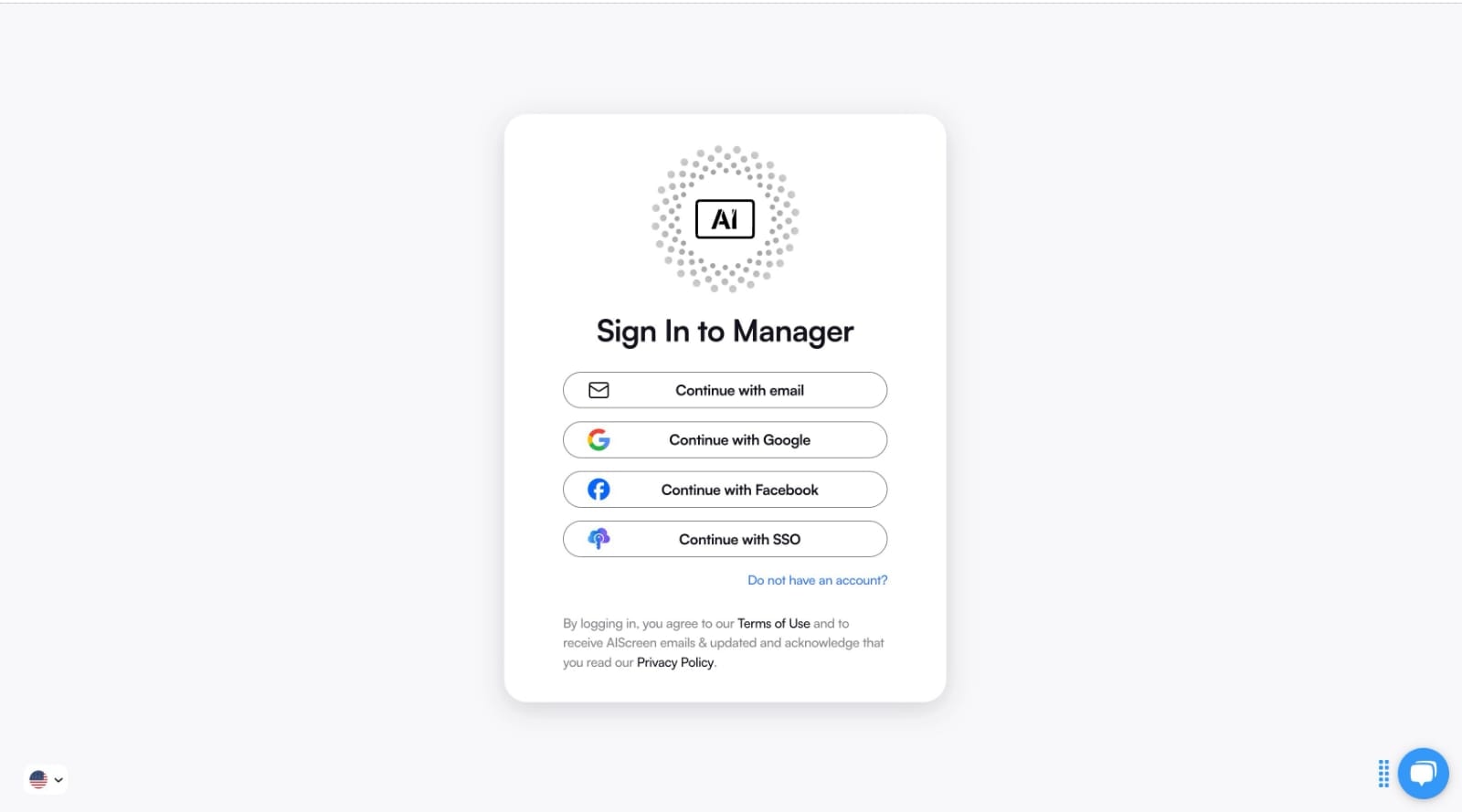
Start by heading to AIScreen.io, click “Sign Up,” enter your company details, and verify your account. Once logged in, you’ll access a web-based dashboard that acts as the command center for your digital signage software.
From the dashboard, you can:
- Upload and manage video content, images, and announcements
- Schedule messages and upcoming events across multiple displays
- Organize playlists that align with brand guidelines and communication goals
This setup also unlocks integrations for live social media feeds, social walls, and corporate culture updates, making it easy to keep workplace communication dynamic, engaging, and always up to date.
Step 3: Pair Your Screen with the Digital Signage Software
Now it’s time to connect the dots. Pair your screen with the digital signage software to enable real-time communication across displays.
Using the dashboard, add a screen and enter the on-screen 4-digit pairing code. Once paired, updates sync instantly, allowing employee communications to stay consistent across offices, meeting rooms, and shared areas.

Step 4: Upload or Customize Your Digital Signage Content Templates
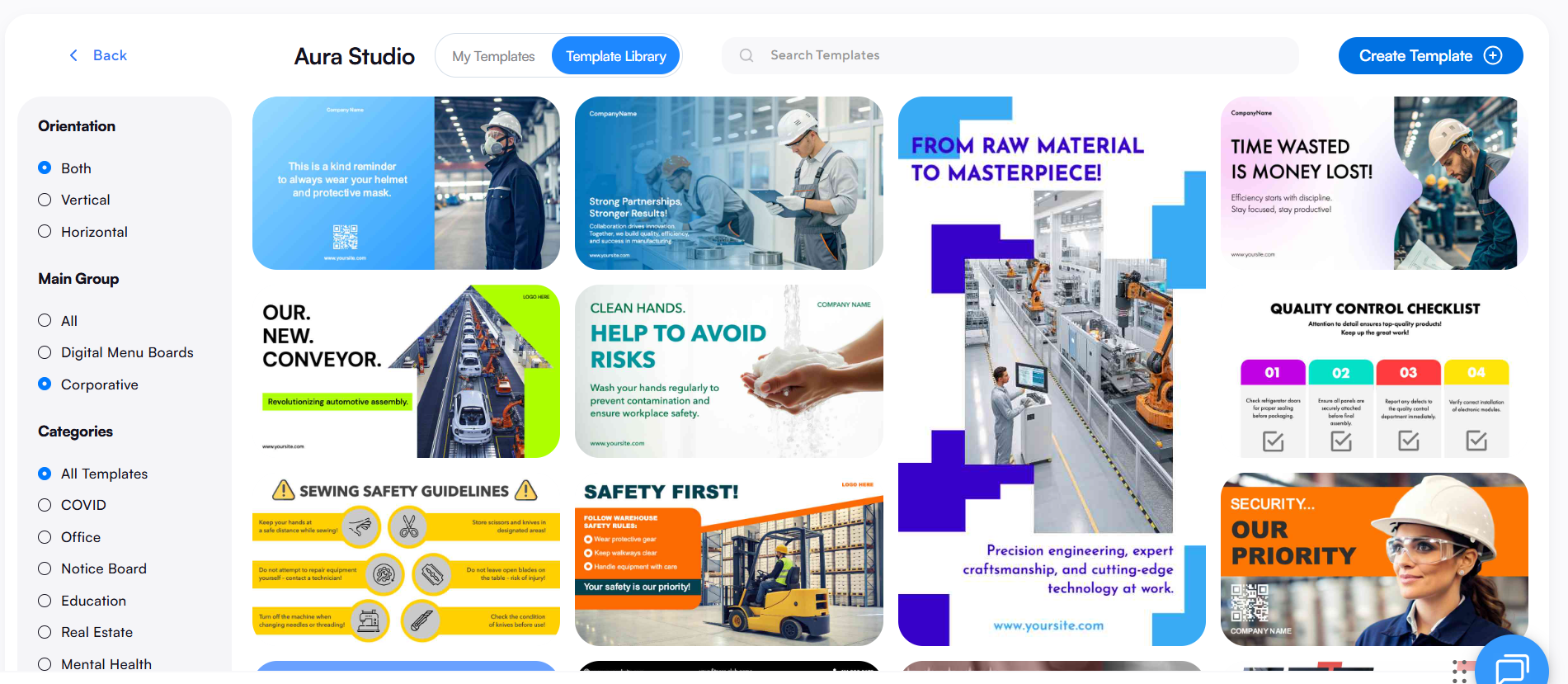
Clear messaging needs clear design. Upload or customize your digital signage content templates to match internal communication needs and keep messages easy to understand.
Using AIScreen’s drag-and-drop editor, teams can quickly design employee-focused content such as announcements, recognition highlights, safety notices, or company updates.
With access to 1,500+ customizable digital signage templates, it’s easy to apply brand colors, fonts, and logos while maintaining consistency across all screens. This approach ensures internal messages stay visually clear, on-brand, and simple to scan, no design experience required.
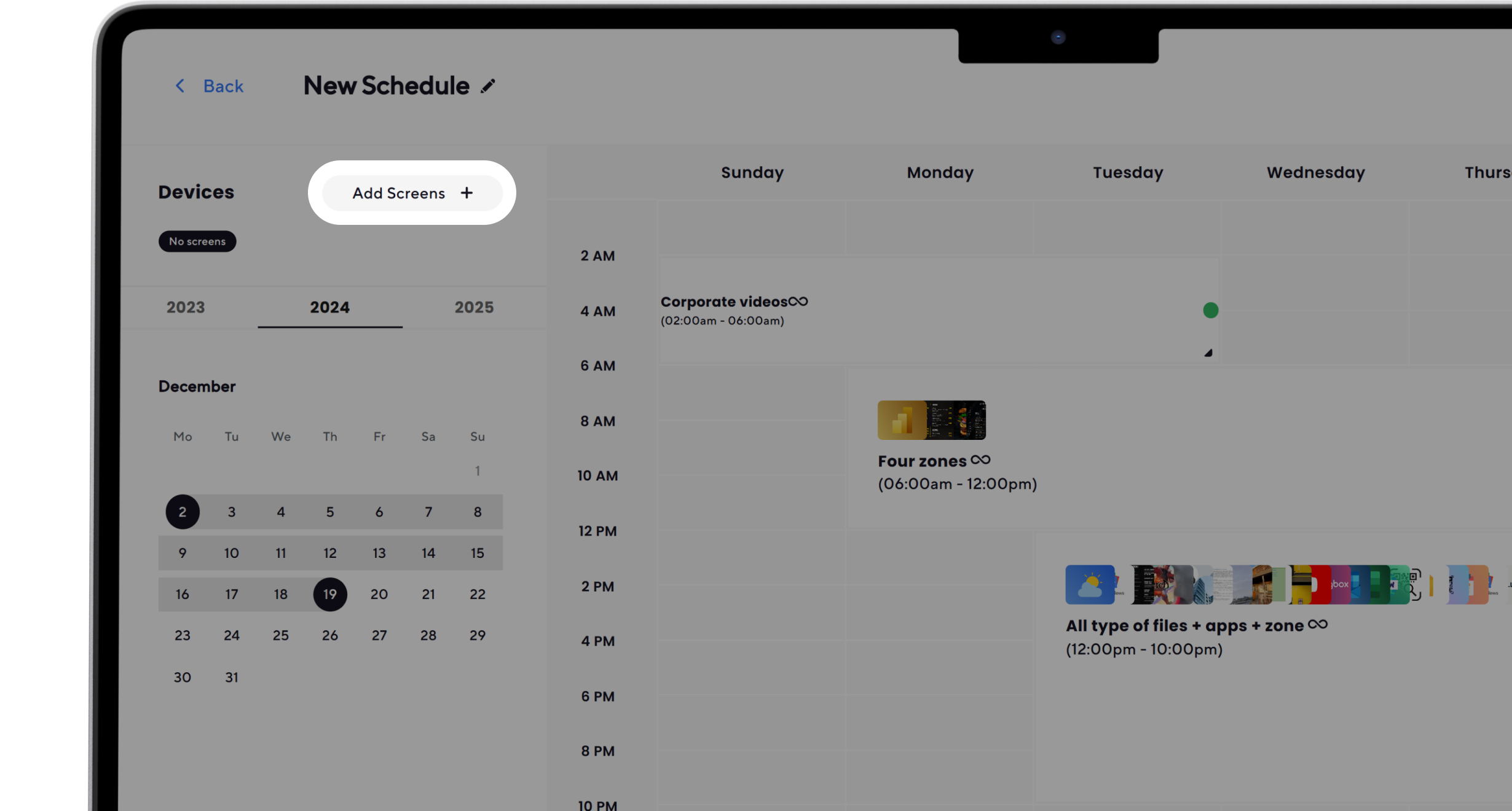
Step 5: Set Up the Display Schedule and Launch the Digital Signage
Consistency comes from timing. Set up the display schedule and launch the digital signage to automate workplace communication.
Schedule content to appear during office hours, rotate daily announcements, or highlight important updates at specific times.
Once everything is set, publish and go live. Built-in analytics help refine messaging over time, reducing manual effort while keeping employee communication effective and up to date.
Inspiring Use Cases for Digital Signage in the Workplace
Fresh ideas often come from seeing what’s already working. That’s exactly why inspiring use cases for digital signage in the workplace matter, they show how companies turn everyday screens into meaningful communication tools.
Digital signage for companies plays a central role in modern employee communications, especially when applied thoughtfully across departments. From HR to operations, organizations use signage for employee communications to streamline communication, reinforce company values, and support their internal communications strategy.
Many of these approaches are inspired by practices seen across the 9 best digital signage companies, where real-world impact matters more than features.
1. Employee Engagement
Engagement improves when communication feels personal and visible. Company digital signage is widely used to support employee engagement digital signage initiatives that motivate teams and strengthen employee morale.
- Recognition boards: Highlight employee recognition programs, individual or team achievements, and work anniversaries on strategically placed digital screens in break rooms or other high traffic areas.
- Interactive content: Polls, quizzes, or lightweight employee feedback prompts encourage participation and connection.
- Success stories: Share internal wins or cross-team achievements to reinforce pride and consistent messaging across multiple locations.
These moments help employees feel seen while supporting a positive, people-first culture.
2. Emergency Alerts
When time matters, clarity saves lives. Emergency alerts are one of the most critical uses of digital displays for employee communication.
- Critical alerts: Instantly show evacuation routes, weather warnings, or safety instructions across the entire network.
- Clear visibility: Screens in shared spaces ensure messages are seen quickly, helping improve workplace communication when it matters most.
This use case demonstrates how signage for internal communications supports safety without relying on email or mobile alerts alone.
3. Meeting-room Schedules
Small frictions add up fast. Meeting-room schedules displayed through office digital signage remove daily inefficiencies.
- Room availability displays: Show current and upcoming bookings outside meeting rooms.
- Calendar syncing: Real-time updates reduce confusion and support targeted messaging for busy teams.
These displays simplify scheduling while supporting smoother employee communications across departments.
4. Corporate Communications
Alignment happens when leadership messages are visible. Corporate communications benefit from corporate digital signage that keeps everyone informed.
- Leadership updates: Display company news, industry news, or progress toward sales targets.
- Values and DEI initiatives: Reinforce company values through visual storytelling, employee spotlights, or cultural celebrations.
- Consistent messaging: Ensure everyone receives the same updates, regardless of role or location.
This approach strengthens the organization’s internal communication strategy without adding noise.
5. Cafeteria Menus and Event Reminders
The most effective messages are often the most practical. Cafeteria menus and event reminders turn digital office signage into a daily resource.
- Menu displays: Share cafeteria menus or dietary options in common areas.
- Event announcements: Promote training sessions, webinars, or internal events, sometimes even supported by curated social media posts or countdowns.
These practical touchpoints improve convenience while reinforcing signage for employee communications as part of everyday work life.
Costs and Considerations for Implementing Digital Signage
Budgets matter, but so does perspective. That’s why costs and considerations for implementing digital signage should be viewed as a long-term communication investment, not just an upfront expense.
Digital signage corporate solutions support a broader communications strategy, helping organizations replace static bulletin boards with dynamic, scalable tools that close communication gaps and keep teams informed. While costs vary, most workplace digital signage setups are shaped by a few core considerations:
- Hardware: Digital screens, mounts, and optional media players form the physical layer. These displays are often placed in high-traffic areas to share important company announcements, team achievements, sales figures, or upcoming events across multiple offices or multiple sites.
- Software: Digital signage software enables centralized control, content scheduling, and remote management. This is where digital signage helps ensure consistent messaging, brand consistency, and smoother communication across the entire network.
- Maintenance: Ongoing updates, support, and content refreshes keep messages relevant, from emergency procedures and wellness tips to upcoming training sessions and company events.
While the initial investment may seem higher than traditional bulletin boards, digital signage works differently over time.
It helps engage employees, enhances engagement through employee-generated content and employee achievements, and supports corporate culture by keeping teams informed with consistent communication.
As organizations grow across multiple offices, the ability to update content remotely and employees stay informed without added effort becomes a clear long-term advantage.
Choose the Best Digital Signage Software for Workplace Internal Communication!
Choosing the best digital signage software for workplace internal communication starts with understanding how it strengthens internal communication, from onboarding new employees to celebrating wins, sharing updates, and keeping teams aligned across every department.
AIScreen stands out as the leading provider with transparent pricing, a free trial, and enterprise-level scalability. Its easy setup, powerful features, and centralized management make it an ideal choice for organizations that want reliable, future-ready workplace communication without added complexity. Contact us.
FAQs
How can digital signage improve employee engagement?
Digital signage improves employee engagement by making communication visible, timely, and interactive. Recognition boards, team achievements, employee-generated content, and real-time updates help engage employees, boost morale, and ensure teams stay informed without relying only on emails.
Is digital signage software suitable for remote or hybrid teams?
Digital signage software is suitable for remote or hybrid teams when used as part of a broader communications strategy. It supports consistent communication across offices while reinforcing company announcements, corporate culture, and key updates for employees returning onsite.
What types of content work best for employee communication screens?
The types of content that work best for employee communication screens include important company announcements, upcoming events, upcoming training sessions, wellness tips, emergency procedures, and employee achievements that support consistent messaging.
How secure is digital signage software for internal communication?
Digital signage software for internal communication is secure when it includes role-based access, cloud controls, and remote management. These features help prevent communication gaps while ensuring sensitive company announcements are shared safely.
Can I integrate digital signage with tools like Slack or Microsoft Teams?
Digital signage can integrate with tools like Slack or Microsoft Teams to display selected updates, notifications, or shared messages, helping teams stay informed and enhance engagement across multiple offices and locations.
