
What is Digital Signage Pitch and Why Does It Matter?
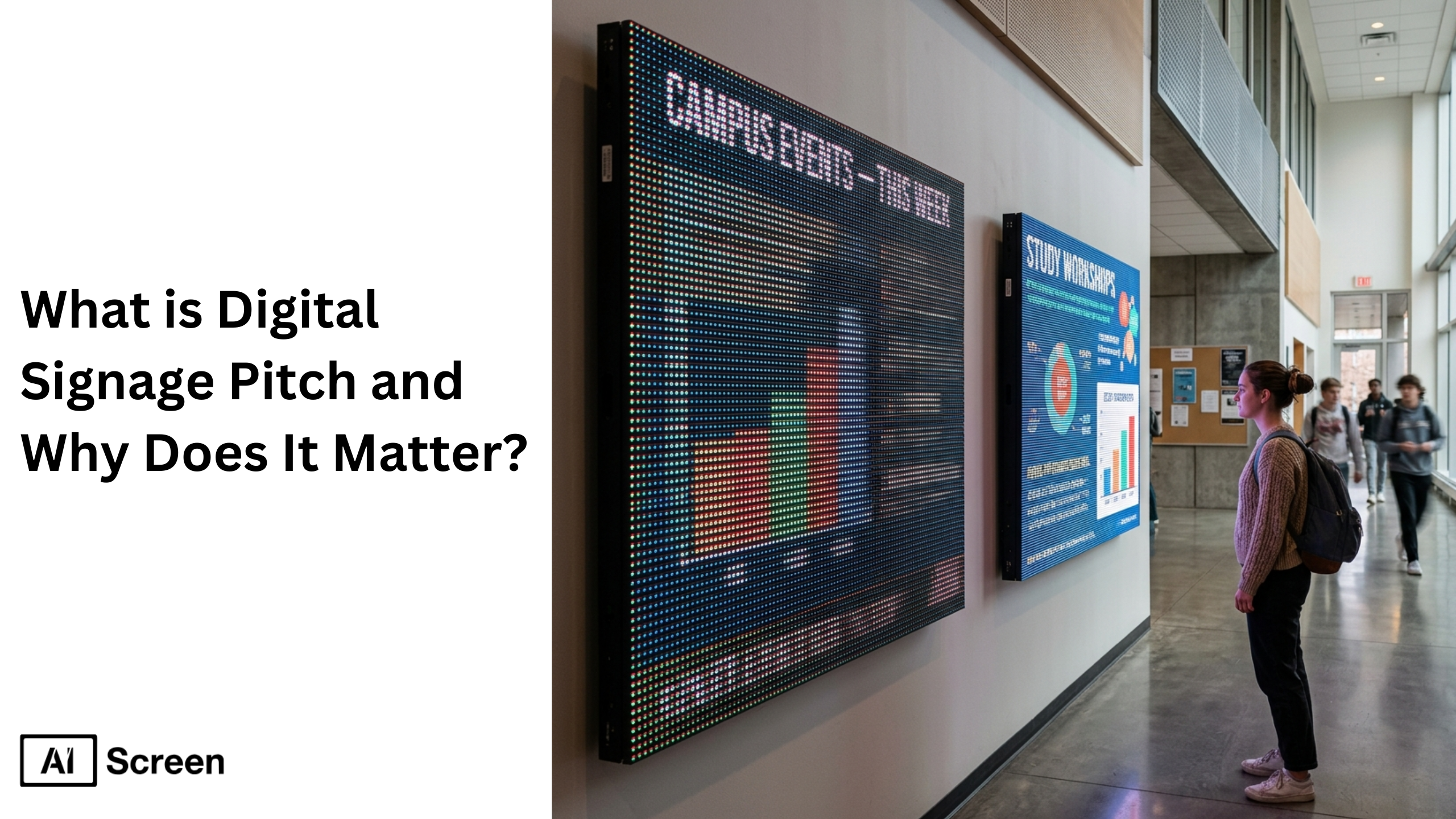
Digital signage pitch refers to the distance between the centers of two adjacent pixels on an LED display, and it directly defines image resolution, pixel density, and optimal viewing distance. Pitch is the distance measured in millimeters between two pixels, and a smaller pixel pitch means higher pixel density, more pixels, and a better quality image with sharper visuals and smoother edges. According to Statista, over 63% of global display manufacturers now prioritize pixel density advancements to improve image quality and energy efficiency, highlighting its importance in modern LED display solutions.
In this blog, understanding digital signage pitch helps businesses choose the right LED display for their environment and audience engagement goals. Whether you are using digital signage software to manage content on video walls, retail screens, or outdoor digital signs, pixel pitch plays a critical role in delivering a clear image and strong visual experience.
What is Digital Signage Pixel Pitch?
Digital signage pixel pitch is the measured distance between two adjacent pixels on a digital signdisplay, typically measured in millimeters (mm). This pitch is the distance that determines how many pixels fit within a given space, directly affecting resolution, image quality, and visual acuity distance. A smaller pixel pitch means tighter pixel spacing, higher pixel density, and more detailed images for close proximity viewing.
For example, a P2.5 mm LED display has more pixels per square meter than a P10 mm display, resulting in sharper visuals and better clarity when viewers stand closer. According to Visual Art, the average comfortable viewing distance follows a shorthand method where 1 mm of pixel pitch equals approximately 2 meters of optimal viewing distance. Indoor displays require low pixel pitch for close-up viewing, while outdoor digital signs can use higher pixel pitch for long-distance visibility.
Why Lower Numbers Are Better for Digital Signage Pixel Pitch?
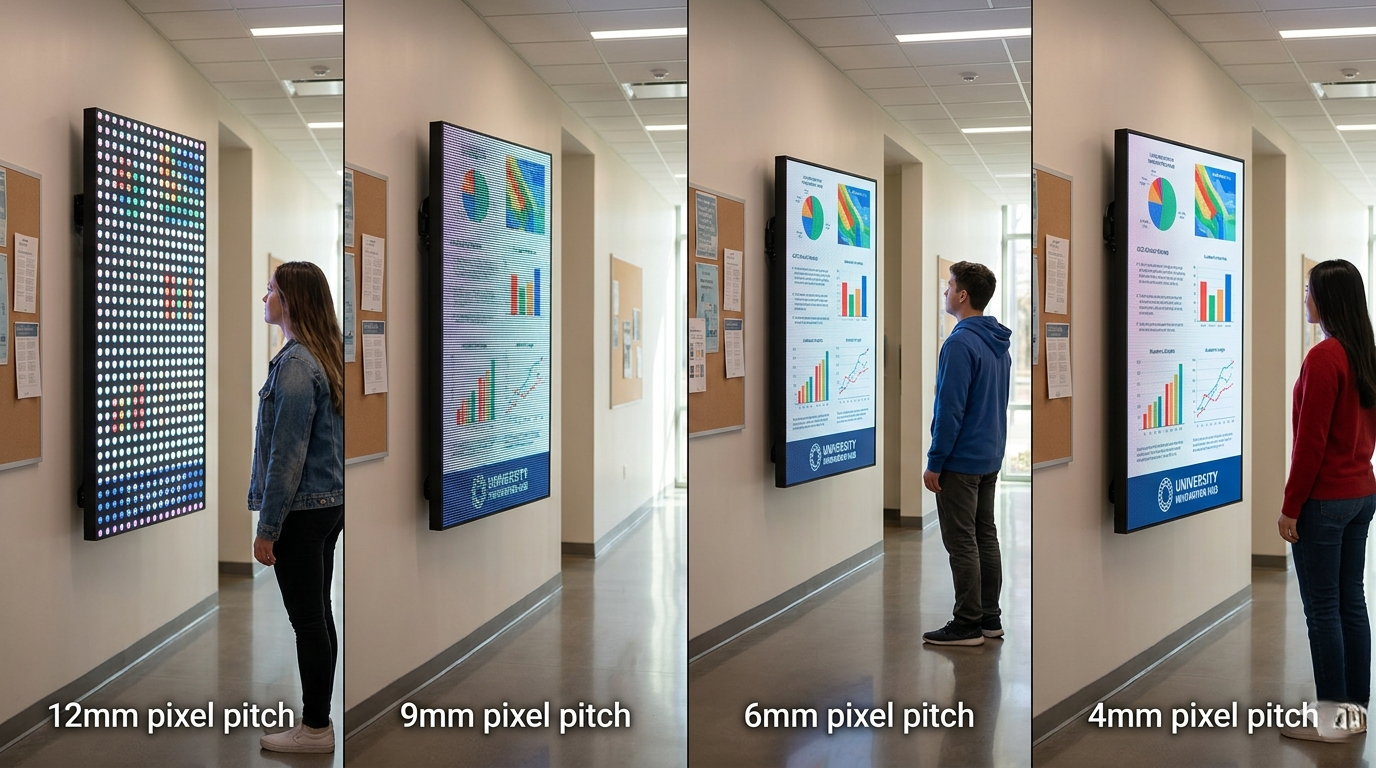
Lower pixel pitch numbers are better because they create higher pixel density, which means sharper visuals and a clearer image at close range. Simply put, the smaller the number, the more pixels are packed into the screen, making content look smoother and more detailed. Think of it like screen quality, just as a 4K display looks sharper than an older screen, pixel pitch determines how crisp your digital sign appears.
A 6mm pitch will look noticeably sharper than a 12mm when viewed up close, making it ideal for environments where people stand near the screen. This also impacts how your content performs when managed through digital signage software, as higher pixel density allows for better rendering of detailed visuals, text, and graphics.
Another way to understand it is by pixel count. More pixels per area = better clarity:
- 12mm: fewer pixels, lower detail
- 9mm: moderate clarity
- 6mm: much sharper visuals
- 4mm: very high detail
However, the right pixel pitch still depends on viewing distance. Lower pitch improves clarity for nearby viewers, but using it for long-distance displays increases cost without adding real visual value.
Why Digital Signage Pixel Pitch and Your Audience’s Viewing Distance Matter?
Digital signage pixel pitch matters because it directly affects how viewers perceive image quality based on their distance from the screen. The relationship between pixel pitch and viewing distance determines whether a display appears sharp or pixelated. A common rule is that 1 mm of pixel pitch equals approximately 1 meter of optimal viewing distance. This approximate estimate helps businesses select the right display without overspending.
Let’s take an example, a P2.5 mm pitch suits a 2–3 meter viewing distance, while P10 mm works best for 10 meters or more. Matching pixel pitch to viewing distance ensures better audience engagement and avoids unnecessary costs. Choosing the wrong pitch can result in poor clarity or wasted budget on higher resolution that viewers cannot perceive. Here’s a handy mini-chart for clarity:
| Pixel Pitch | Approximate Viewing Distance | Typical Use Case |
| P2.5 mm | ~2–3 m | Indoor meeting rooms, retail displays |
| P6 mm | ~6 m | Large indoor venues, semi-outdoor use |
| P10 mm | ~10 m+ | Outdoor signage, digital billboards |
Matching the right pixel pitch to viewing distance ensures your digital screens deliver clarity without overspending.


How Ideal Digital Signage Pixel Pitch Looks Like?
The ideal digital signage pixel pitch balances clarity, cost, and viewing experience based on the environment and content type. There is no single standard because different applications require different levels of pixel density. A smaller pixel pitch delivers detailed images for close up viewing, while a higher pixel pitch works well for long-distance displays.
Samsung Business Insights states that a 1.5 mm pitch looks excellent at close proximity, but from 30 feet away, it appears similar to a 3 mm pitch display. Businesses should choose the right LED display based on audience distance, content complexity, and budget. Using digital signage platform solutions helps manage content efficiently across different screen types while maintaining visual consistency.
Why Would People Go With a Lower Resolution Digital Signage Pitch?
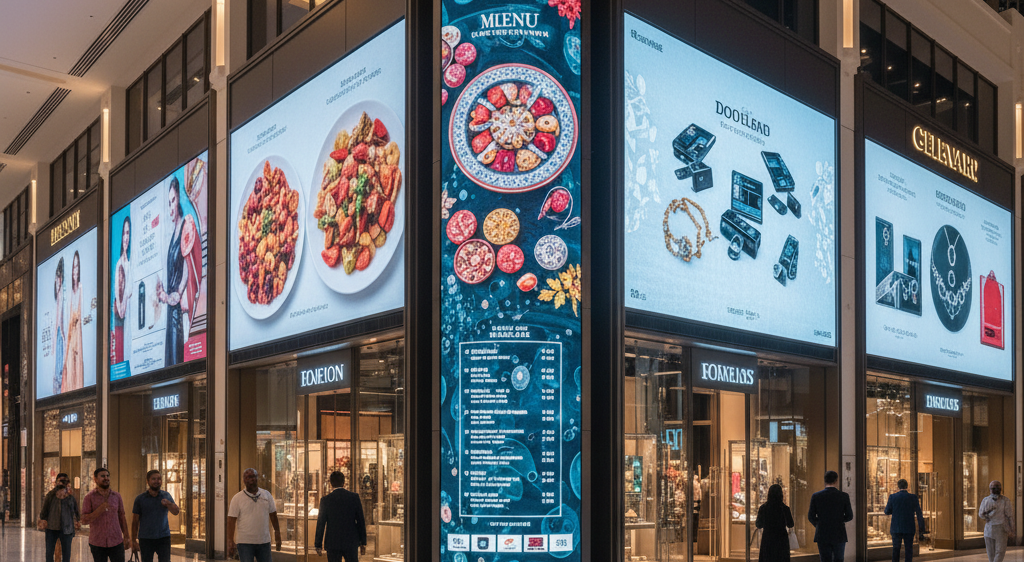
Choosing a higher pixel pitch (lower resolution) is often a strategic decision based on viewing distance, cost, and application needs. A higher pixel pitch means fewer pixels per square meter, reducing production costs and power consumption. In large-scale environments, higher pixel pitch delivers sufficient clarity because viewers are farther away.
Billboards and Large Digital Signage Displays
Large digital signage displays like billboards and video walls use higher pixel pitch because viewers stand at a greater distance. These displays rely on brightness and scale rather than pixel precision to create a clear image. At longer viewing distances, individual pixels blend together, creating a seamless visual experience.
This makes higher pixel pitch displays ideal for outdoor environments where lighting conditions and screen size matter more than resolution. Using fewer pixels also reduces energy consumption and operational costs. This makes large-scale digital signage more efficient for continuous use.
High Cost of Smaller Pixel Pitch Displays
Smaller pixel pitch displays cost more because they require more pixels, LED clusters, and advanced manufacturing processes. A P1.5 mm display contains significantly more light emitting diodes than a P6 mm display. Higher pixel density increases production costs, power usage, and system complexity. This makes ultra-fine pitch displays suitable only for environments where close-up viewing is required.
Mid-range pixel pitch offers a balance between cost and performance. Many businesses choose P4–P8 displays to maintain image quality while controlling budget. For scalable deployments, using cloud digital signage software like AIScreen helps to manage multiple LED displays efficiently while optimizing costs.
How to Choose the Best Digital Signage Pitch?
Choosing the best digital signage pitch means selecting the right balance between clarity, purpose, budget, and optimal viewing distance so your digital sign delivers a clear image without overspending. Pixel pitch is the distance between two adjacent pixels (one pixel to another), and this difference directly impacts resolution, visual acuity, and audience experience. A smaller dot pitch improves detail for close proximity viewing, while a larger pitch works better at a greater visual acuity distance, so the goal is not the smallest number, but the most practical fit for your environment.
1. Your Display Placement Location
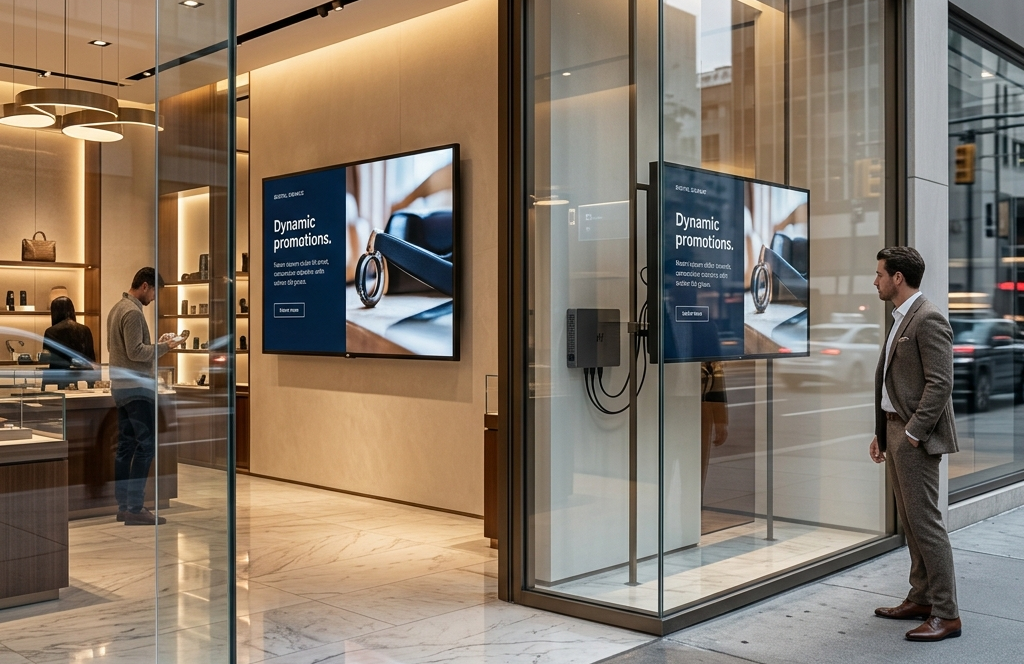
The display placement location determines the right pixel pitch based on viewing distance and environment. Indoor spaces like retail stores, meeting rooms, and control centers require tighter pixel pitch (P1.5–P3) because viewers stand closer, making image quality, color accuracy, and pixel density critical for audience engagement. Outdoor environments require higher pixel pitch (P6–P16) because viewers are farther away, often 10–30 feet or more.
Here, brightness and durability matter more than ultra-high resolution, and fewer pixels still deliver a strong visual experience. This is where retail digital signage strategies become important, as indoor placements demand sharper visuals to capture consumer interest and influence buying behavior. Placement always defines how a person perceives the image, not just the technology itself.
2. Purpose Behind It
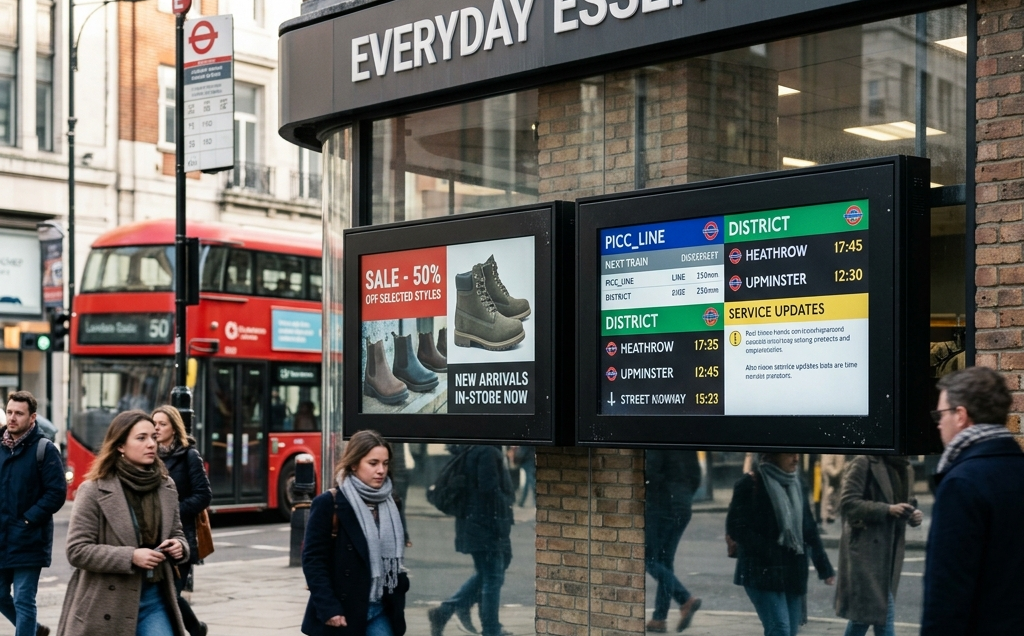
The purpose behind a digital sign defines how fine the pitch needs to be. Displays focused on advertising, branding, or product visuals require higher pixel density and tighter spacing to create detailed images and a better quality image that enhances audience engagement. For informational signage like announcements or navigation, a slightly larger pitch still provides clarity without unnecessary cost.
The difference lies in how much detail your content needs to communicate effectively. Using tools like a template designer with 500k+ template options with AIScreen helps structure content for different resolutions, ensuring visuals remain impactful regardless of pitch. Whether it’s a fashion display or an airport sign, the goal is to match content detail with viewing distance and user expectations.
3. Budget You are Considering
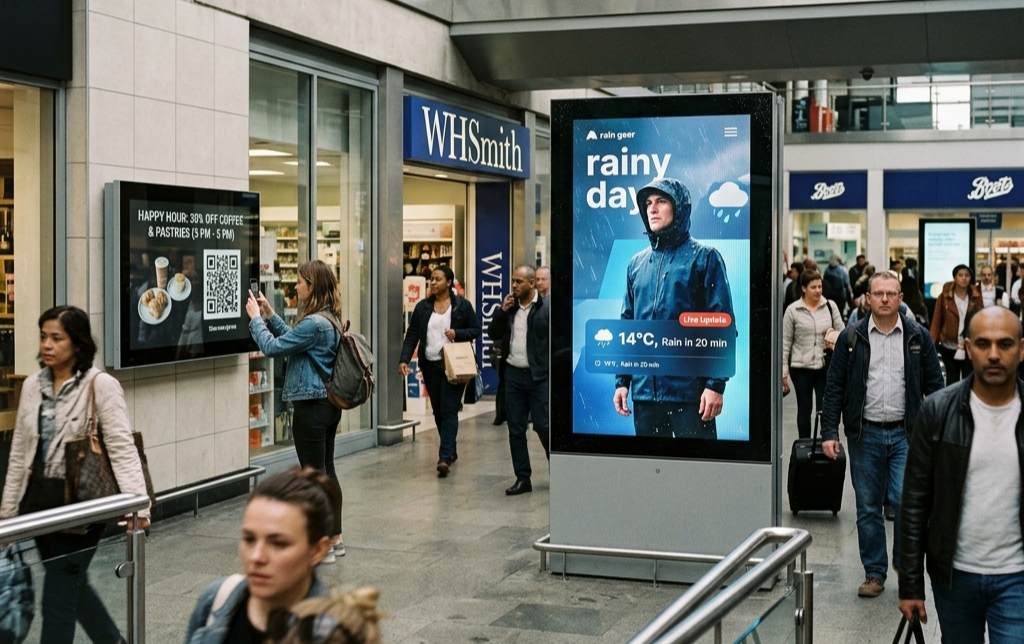
The budget you are considering directly impacts how small your pixel pitch can be. Smaller pitches require more light emitting diodes, more pixels per panel, and higher production costs, making them expensive to scale across multiple displays. Higher resolution (smaller pixel pitch, e.g., 0.9 mm–1.5 mm) results in higher costs. Lower pixel pitch is best for close viewing (e.g., meeting rooms), while higher pitch (4 mm+) is better for outdoor billboards. According to Statista, the LED display market is growing at a CAGR of 7.5% (2023–2030), driven by advancements in pixel technology and cost efficiency.
Still, most businesses choose mid-range options like P4–P8 to balance cost and performance. Solutions like AIScreen with automated digital signage help maximize ROI by optimizing content delivery without needing ultra-fine pitch everywhere. This ensures your investment focuses on impact rather than unnecessary resolution.
How Does Pixel Pitch Impact Customer Experience and Engagement?
Pixel pitch impacts customer experience by influencing how clearly content is displayed and how effectively it captures attention. A well-chosen pixel pitch ensures a clear image, better readability, and stronger audience engagement.
Understanding pixel pitch helps businesses improve communication and brand perception through digital signage. To explore how display quality connects with customer behavior, read how does digital signage enhance customer loyalty? Optimizing pixel pitch ensures your digital signage delivers the right message with maximum impact.
Start Your Digital Signage Journey Today with AIScreen
Starting your digital signage journey with AIScreen enables businesses to manage displays, optimize pixel pitch, and deliver high-quality visuals efficiently. AIScreen combines powerful digital signage software with content management tools to simplify screen control and improve audience engagement.
AIScreen supports multiple display solutions, including LED displays, LCD screens, and video walls. Businesses can create, schedule, and manage content across locations using centralized tools. For industry-specific implementations, explore the AIScreen 14 days free plan to find the right setup for your business.
Frequently Asked Questions
Why does pixel pitch matter for LED digital signage displays?
Pixel pitch matters for LED display digital signage because it is an important factor that directly controls resolution, visual acuity, and viewing clarity. It defines the distance in millimeters between the center of individual pixels, affecting how sharp a digital sign looks at an optimal viewing distance. Understanding pixel pitch helps businesses balance quality, cost, and technology for the right display experience.
How does a smaller pixel pitch improve display clarity in digital signage?
A smaller pixel pitch improves display clarity in digital signage by creating higher resolution and reducing gaps between individual pixels. A tighter pixel pitch means more LEDs packed into less space, delivering smoother visuals and better detail, especially in close proximity environments. This is crucial for video walls where consumers expect a seamless visual experience without visible pixel breaks.
How much does pixel pitch affect cost in a digital signage project?
Pixel pitch affects cost in a digital signage project because smaller dot pitch requires more LED clusters and advanced technology within the same space. More pixels increase production complexity and power usage, especially for large displays. For example, a lower pitch display delivers higher resolution but raises costs, so businesses must align pitch with average comfortable viewing distance.
Can pixel pitch impact the readability of text on digital signage?
Yes, pixel pitch impacts the readability of text on digital signage because it determines how clearly a person can see fine details at a given viewing distance. A tighter pixel pitch improves visual acuity and ensures crisp text, while a wider pitch can make content look blurry due to visible individual pixels. This difference becomes noticeable when consumers stand closer to the sign.
What are industry standards or guidelines for pixel pitch in digital signage?
Industry standards for pixel pitch in digital signage typically depend on viewing distance and application type. Indoor displays often use P1.2–P3 for close viewing, while outdoor signs range from P6–P16 based on visual acuity distance. The general rule is to match pitch with distance, ensuring the right balance between resolution, space, and performance for every digital signage setup.
