
How Does Digital Signage Network Work?
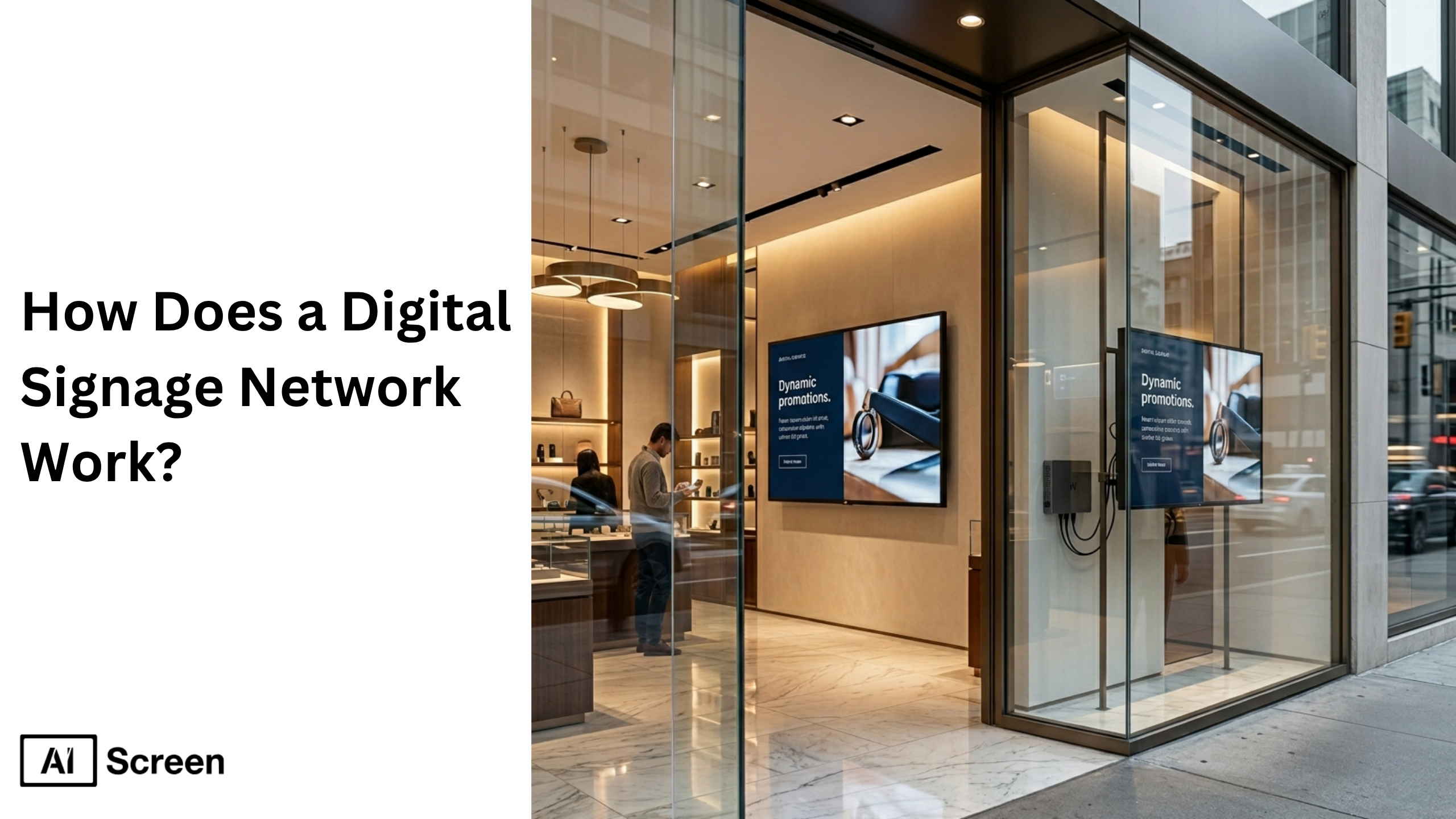
A digital signage network works by using a central system to manage, distribute, and display content across multiple screens in real time. A modern digital signage software like digital signage software acts as the core engine, allowing businesses to push videos, images, and widgets to connected media player devices over the internet. These devices then render the content on digital signage screens across multiple locations, ensuring consistent messaging and seamless updates. Harvard University shows that digital signage can improve audience engagement by up to 34% at events.
In this blog, you will learn a step-by-step approach to building a signage network using AIScreen, including selecting hardware, connecting multiple screens, managing content, and delivering dynamic content efficiently across different locations.
What Does Digital Signage Network Mean?
A digital signage network means a connected system that controls and displays digital content across screens from one digital signage software. It combines hardware like commercial grade displays, media player devices, and mini PCs with a content management system and cloud based software to deliver targeted content. This system enables businesses to manage display content remotely, whether on a single screen or across multiple screens in high traffic areas like retail stores, airports, or corporate offices.
The playback units act as clients, while the CMS and digital signage servers act as the control center. By integrating software, hardware, and network connectivity (Wi-Fi or Ethernet), companies can create flexible digital signage systems that deliver dynamic, real time content to specific audiences.
How does Digital Signage Network Work?
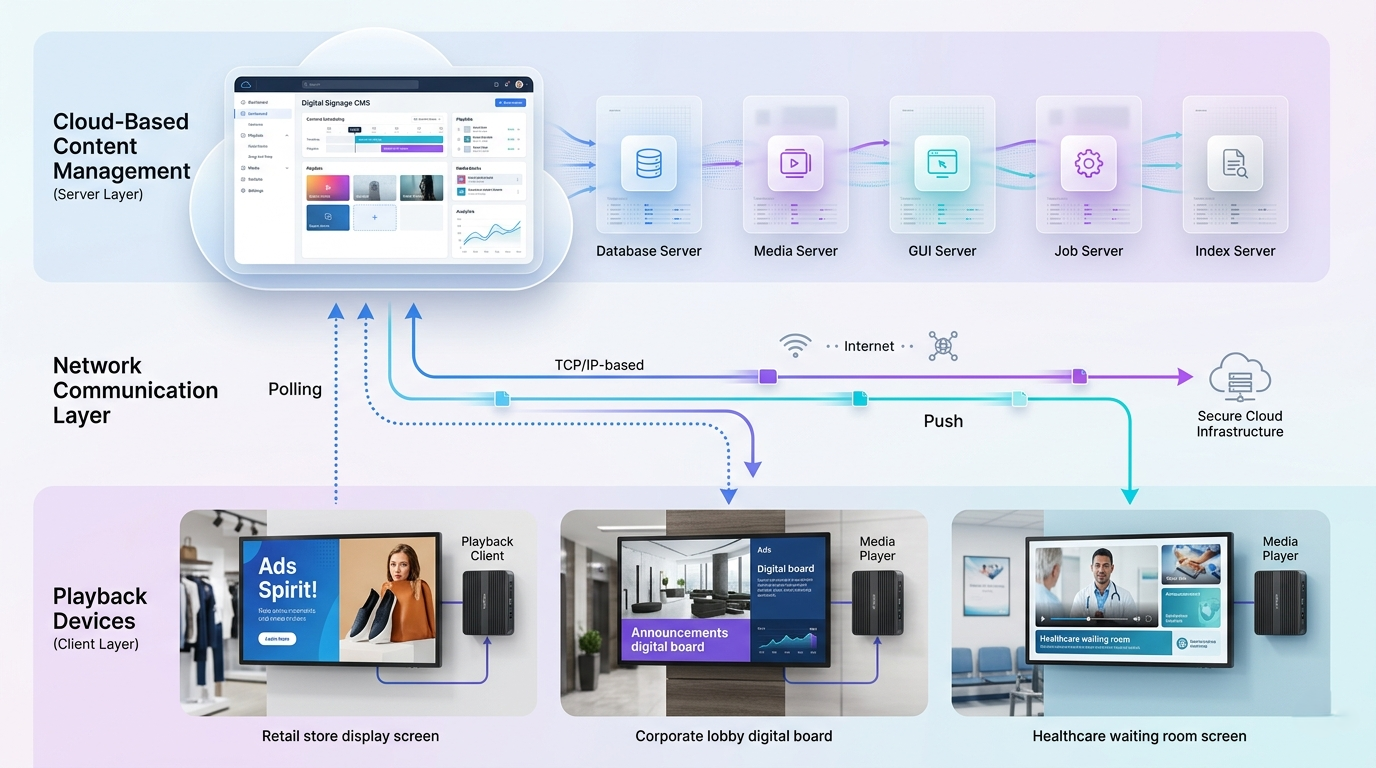
A digital signage network works by separating content management from content playback and connecting them through the internet. Earlier systems relied on a single PC to create and display content, but modern systems use cloud based software and distributed devices for better scalability and control. Today, businesses use a digital signage platform like AIScreen to manage content centrally and distribute it across screens in multiple locations.
The CMS allows users to create, update content, and schedule playlists, while media players display that content on screens. The shift to internet-based networks using TCP/IP protocols enabled real-time updates, remote management, and seamless content distribution. This evolution made digital signage more robust, scalable, and suitable for diverse industries like retail, healthcare, and corporate environments.
The Playback Component as Automated Clients
The playback component in a digital signage network acts as the client that receives and displays content from the server. These devices include digital signs such as video walls, public displays, digital bulletin boards, and digital signage screens used in stores and high traffic areas.
Each client consists of a screen connected to a media player or mini PC running digital signage software. Its main role is to execute playlists and display images, videos, and advertising content.
Content delivery works in two ways:
- Polling: The player regularly checks the server for new content updates.
- Push: The server sends new content directly to the player in real time.
Most systems rely on polling due to firewall restrictions, but modern solutions also support push via cloud infrastructure. This ensures minimal downtime and continuous delivery of dynamic content across multiple screens.
The Device and Content Management as a Server Architecture
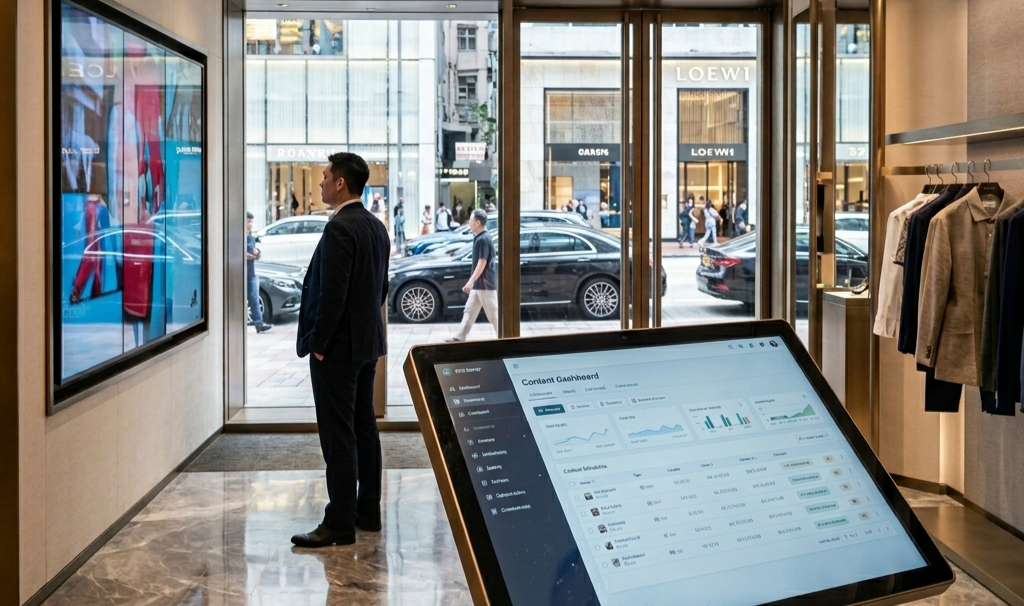
The server architecture in a digital signage network manages content creation, storage, and distribution across devices. Modern systems rely on cloud digital signage software instead of locally installed applications, enabling remote management and scalability.
A typical digital signage server architecture includes:
- Database Server: Stores user data, content, and system information
- GUI Server: Provides the web-based interface for users
- Media Server: Stores videos, images, and visual content
- Job Server: Processes templates and content creation tasks
- Index Server: Helps players retrieve updated playlists
This distributed system ensures robust performance, supports regular updates, and allows companies to manage content across multiple locations efficiently.
How Much Does It Cost to Set Up a Digital Signage Network?
The cost of setting up a digital signage network depends on hardware, software, content creation, and scale. A small setup may cost $500–$1000 per screen, while large advertising networks with multiple screens can reach tens of thousands. Businesses must consider how many displays they need, the type of digital screens, and whether they operate in single or multiple locations.
Key cost factors include:
- Number of Screens: More screens increase total cost
- Display Type: Commercial grade displays and large video walls cost more
- Hardware: Media players or mini PCs for each screen
- Software: Subscription-based digital signage software or CMS
- Content Creation: Design and production of visual content
- Installation: Mounting and setup costs
- Maintenance: Software updates and hardware replacement
- Internet Connectivity: Reliable Wi-Fi or network access


What are the Advantages of a Digital Signage Network?
The advantages of a digital signage network include centralized control, scalability, and improved audience engagement. Businesses can manage content remotely, deliver targeted content, and ensure consistent branding across locations.
Individual Control
Individual control means each screen in a signage network can display unique content based on location or audience. This allows businesses to tailor messages for specific audiences in retail stores or high traffic areas.
Editorial Hierarchies
Editorial hierarchies enable multiple users to collaborate on content creation and management. A digital signage CMS supports structured workflows, ensuring efficient content management and approval processes.
Scalability of the Performance
Scalability of the performance ensures a digital signage network can handle growth in screens, data, and demand without affecting performance. Businesses can expand from a single screen to multiple screens across different locations while maintaining smooth operations, consistent advertising content, and strong customer experience.
Scalability is divided into two types:
- Vertical scaling
- Horizontal scaling
Vertical Scaling
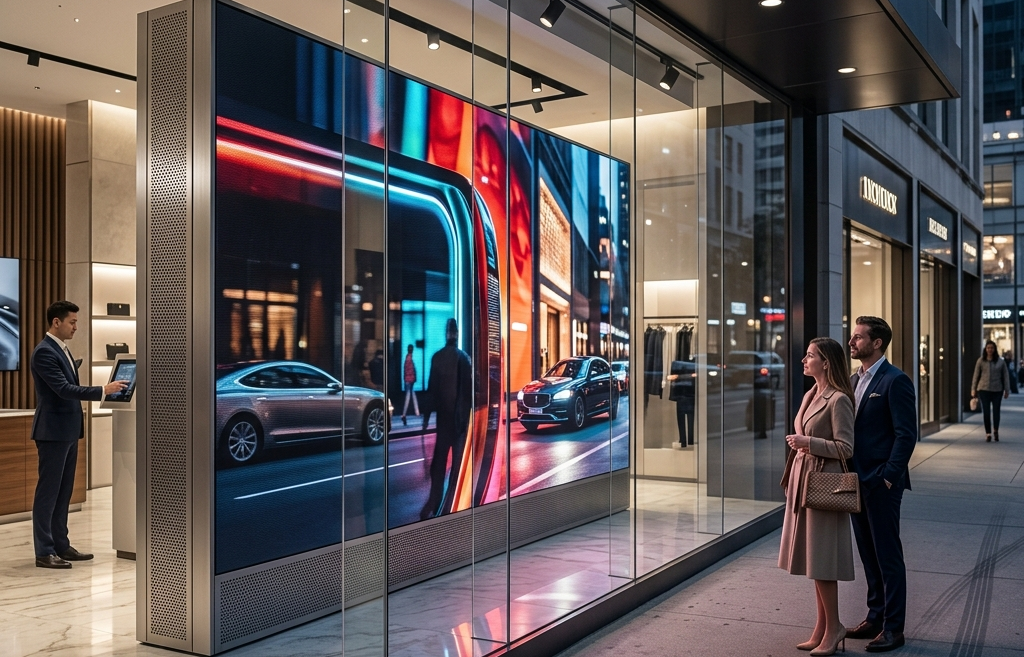
Vertical scaling improves performance by upgrading hardware components like RAM, CPU, or storage within a single system. This method increases processing power but reaches physical and cost limitations quickly.
For example, upgrading from a 16-core AMD Ryzen 5950X (~$500) to a 64-core AMD EPYC 7773X (~$6300) doubles performance but increases cost by over 12 times. This makes vertical scaling less efficient for large advertising networks handling heavy foot traffic and real-time data delivery.
Horizontal scaling
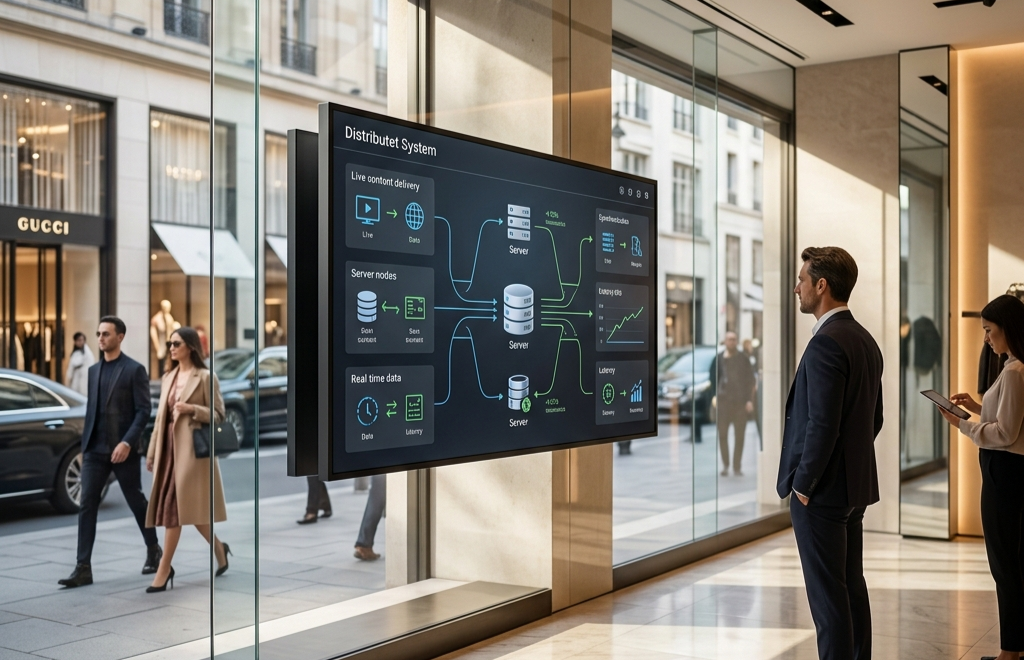
Horizontal scaling improves performance by adding multiple machines or nodes to distribute workload efficiently. This method allows digital signage systems to scale almost infinitely while maintaining stability and minimal downtime.
For example:
- Database servers use cluster or master/slave models
- GUI servers use load balancers
- Media delivery uses CDNs to distribute visual content
This approach is ideal for businesses that need to engage audiences across multiple locations and deliver dynamic, real-time content.
To support this level of scalability, systems often rely on tools like video wall software from AIScreen to manage large-format displays and synchronized content delivery across screens.
What to Consider with a Digital Signage Network?
The key factors to consider in a digital signage network are security, scalability, and interfaces, as they directly impact performance, control, and long-term success. These elements ensure your system remains reliable, flexible, and capable of supporting business growth.
Security in Digital Signage Systems
Security in a digital signage network protects both hardware and software from threats and ensures safe content delivery. Providers must secure display devices, management systems, and network connections throughout the project lifecycle. Modern digital systems introduce new risks, including unauthorized access, weak passwords, and social engineering attacks.
Even certified systems can fail if users ignore best practices. Regular monitoring, software updates, and controlled access are essential to maintain secure advertising systems and protect customer data.
Scalability in Digital Display Networks

Scalability in a digital signage network ensures the system can grow with your business without requiring complete redesign. Businesses can add more screens, expand to new locations, and manage increasing advertising content efficiently.
A scalable system allows you to manage multiple screens easily, deliver dynamic content to specific audiences, maintain consistent branding across locations and optimize marketing performance. This flexibility supports long-term growth and enhances the overall customer experience.
Interfaces in Digital Signage Infrastructure
Interfaces in a digital signage network enable seamless integration with third-party tools and external data sources. They improve collaboration between teams, agencies, and systems without complex development requirements. Instead of relying only on APIs, standardized formats like SMIL allow easy content integration and playback control. This simplifies workflows and improves efficiency.
For example, integrating tools like live data digital signage enables businesses to display real-time data, automate updates, and enhance communication strategies across digital screens.
How to Expand Digital Signage Across Multiple Locations?
Expanding digital signage across multiple locations requires a scalable network, centralized control, and consistent content strategy. Businesses can use cloud-based systems to manage screens remotely and ensure consistent messaging across all displays.
To learn the complete process, you can explore how to implement multi-location digital signage screens for your business, which explains how to connect multiple screens, manage content efficiently, and scale your signage network without complexity.
Get Started with AIScreen’s Digital Signage Solution!
Getting started with AIScreen’s digital signage solution means transforming simple screens into a powerful, real-time communication system for events. AIScreen enables businesses across industries to manage content, control multiple screens, and deliver impactful marketing messages through one centralized dashboard. With advanced features and scalable services, AIScreen simplifies content scheduling, template customization, and real-time updates across advertising networks.
Its web-based platform gives you the ability to create, manage, and update content instantly, ensuring consistent messaging without last-minute disruptions. By combining the right hardware, a reliable media player, and cloud-based software, you can build a digital signage network that delivers performance, efficiency, and professional results. Book a 14 day demo, no credit card needed.
FAQs
What equipment do I need for digital signage?
The equipment required for digital signage includes digital displays, media players, and cloud-based digital signage software. These components work together to create a complete system for managing content across multiple screens.
Can I use existing screens for digital signage?
Yes, using existing screens for digital signage is possible by connecting them to a digital signage player and cloud-based software. This setup transforms regular screens into dynamic communication tools without additional hardware investment.
How do I update content on digital signage during any event?
Updating content on digital signage during any event is done through cloud-based digital signage software that enables real-time changes. This allows users to modify videos, images, or announcements instantly across all connected screens.
How can I ensure my digital signage works seamlessly?
Ensuring digital signage works seamlessly requires testing hardware, network connections, and software before launch to network grows. This preparation minimizes risks and ensures smooth performance throughout the event.
How do I schedule content on digital signage?
Scheduling content on digital signage is done using a content management system like AiScreen that supports playlists and automated scheduling. This allows businesses to display content at specific times without manual intervention.
