
How to Implement Multi-Location Digital Signage Screens For Your Business?
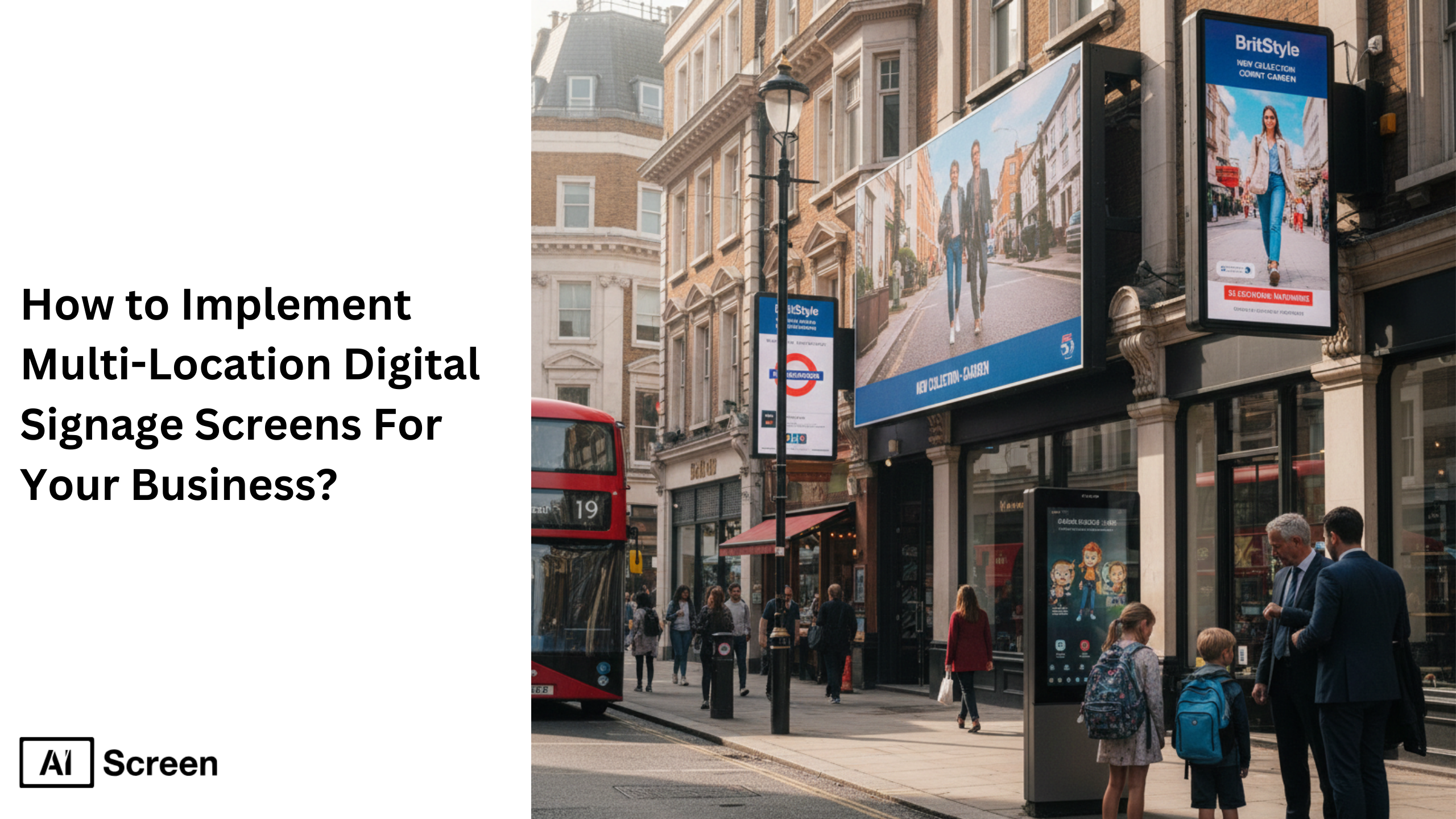
Implementing multi-location digital signage screens requires standardized hardware, a centralized content management system, cloud-based digital signage software, location-specific content control, and a structured maintenance plan. Without centralized control, content updates become inconsistent and operational costs increase. According to Gartner, worldwide end-user spending on public cloud services reached $679 billion in 2024, highlighting how organizations rely on cloud infrastructure for scalable, centralized systems. A digital signage software enables instant updates, unified governance, and seamless expansion across locations.
In this blog, of how to implement multi location digital signage screens for your business, you will learn how to select compatible hardware, use a centralized management platform, create location-specific content, monitor and maintain digital displays, and scale your digital signage rollout efficiently. The focus is practical: clear structure, centralized control, and scalable execution using AIScreen to simplify multi-location deployments.
How to Choose Compatible Digital Signage Hardware for Multi-Location Rollouts? (Plug-and-Play)
To choose compatible digital signage hardware for multi location rollouts (Plug-and-Play), businesses must standardize media players, ensure compatibility with existing hardware, and enable automatic cloud synchronization across multiple displays.
A unified digital signage system reduces disruption and ensures the same content plays reliably across digital signage screens in various locations. But what happens if one screen fails during peak hours in a retail chain?
Step 1: Order Pre-Configured Media Players
Select required screen size, viewing distance needs, and number of media players. AIScreen configures digital signage software, pairs devices to your account, enables robust security features, and labels units for organized deployment across multiple locations.
Step 2: Plug the Device Into the TV
Connect via HDMI and power cable. The digital signage platform launches automatically, minimizing disruption in corporate environment or outdoor signage settings.
Step 3: Automatic Content Sync from the Cloud
Devices connect instantly to the centralized system. Pre-assigned digital signage content plays immediately. Built-in caching supports offline playback, keeping signage fresh even without internet. This approach strengthens your digital signage strategy and prepares your signage network for more screens in the future.


How to Manage Multi-Location Screens with a Centralized Digital Signage Platform
To manage multi location screens with a centralized digital signage platform, businesses use centralized control to operate their entire digital signage network from one browser. This approach connects multiple screens, digital displays, and signage across multiple locations into one structured communication strategy.
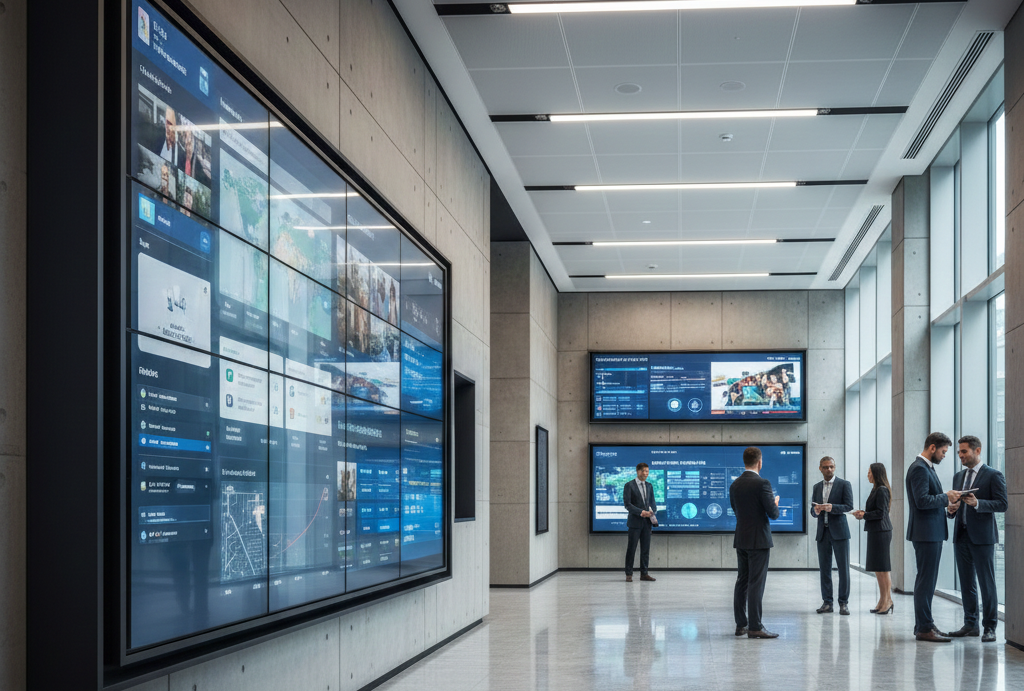
According to Deloitte, centralized digital operations improve coordination and reduce operational costs by up to 25%, proving that unified systems drive efficiency. When screens are spread across different locations, how do you push emergency messages instantly?
- Centralized Control: Manage content, monitor screen groups, and update digital signage across multiple sites from one centralized content management system.
- Screen Groups and Tags: Organize multiple displays by physical layout, such as lobby, warehouse, or retail stores. Use tags to assign targeted content, promotional displays, or social media feeds efficiently.
- Remote Management: Schedule content during off peak hours, update dynamic content, and troubleshoot technical issues using remote device management and built in analytics tools.
This centralized digital signage platform simplifies internal communication, supports automated scheduling, and ensures consistent branding while enabling data driven decisions.
How to Customize Digital Signage Content for Each Business Location?
To customize digital signage content for each business location, businesses must balance consistent branding with localized flexibility. A strong digital signage strategy allows universal corporate messages while enabling local teams to tailor content for different locations such as retail stores, warehouses, or offices.

Have you noticed how localized promotional displays attract more viewer engagement than generic messaging? Structured content strategies and a shared content calendar ensure brand consistency while maintaining relevance across multiple locations.
- Location-Specific Content: Deliver regional updates, emergency messages, menu boards, or outdoor signage adapted to high traffic areas. Use dynamic content, real time data, and social media feeds to keep content fresh.
- AIScreen Flexibility: Create playlists within the digital signage software and push same content company-wide or targeted content to one screen or multiple screens. This also supports guides like how to set up digital signage for business dashboards.
- Brand Consistency with Customization: Apply brand colors and logos across the digital signage network while maintaining role based permissions for local teams.
How to Maintain and Monitor Digital Signage Networks Across All Locations
To maintain and monitor digital signage networks across all locations, businesses must track uptime, review key performance indicators, and perform regular maintenance schedules.
Continuous monitoring ensures digital signage screens operate smoothly across multiple locations without disruption. If a screen goes dark in a corporate environment, would you know immediately?
- Ongoing Monitoring: Use analytics tools to monitor device health, playback status, and viewer engagement across the entire digital signage network.
- AIScreen Monitoring Tools: Access real time data, restart devices remotely, clear cache, and update software components using remote management capabilities.
- Maintenance Best Practices: Schedule software updates during off peak hours, check connectivity, gather feedback from local teams, and document technical issues.
This structured maintenance process strengthens internal communication, minimizes disruption, and ensures your digital signage system remains reliable across various locations.
How to Scale Digital Signage Deployments as Your Business Grows
To scale digital signage deployments as your business grows, you need a centralized content management system, standardized digital displays, and strategic planning that anticipates expansion.
A scalable digital signage rollout connects multiple displays, locations, and teams into one controlled network. Growth increases screen volume, content complexity, and operational risk.
Without structure, marketing campaigns become inconsistent and employee engagement drops. The goal is simple: manage content seamlessly while expanding hardware, users, and locations, without rebuilding your entire digital signage solutions stack.
Scalability Challenges
As businesses add multiple displays across new offices, warehouses, or retail spaces, the digital signage network becomes harder to coordinate. Content multiplies. Marketing campaigns overlap.
Video walls require synchronized playback. Teams in different regions need to tailor content while maintaining brand consistency. Imagine managing 100+ digital displays manually, would updates stay consistent?
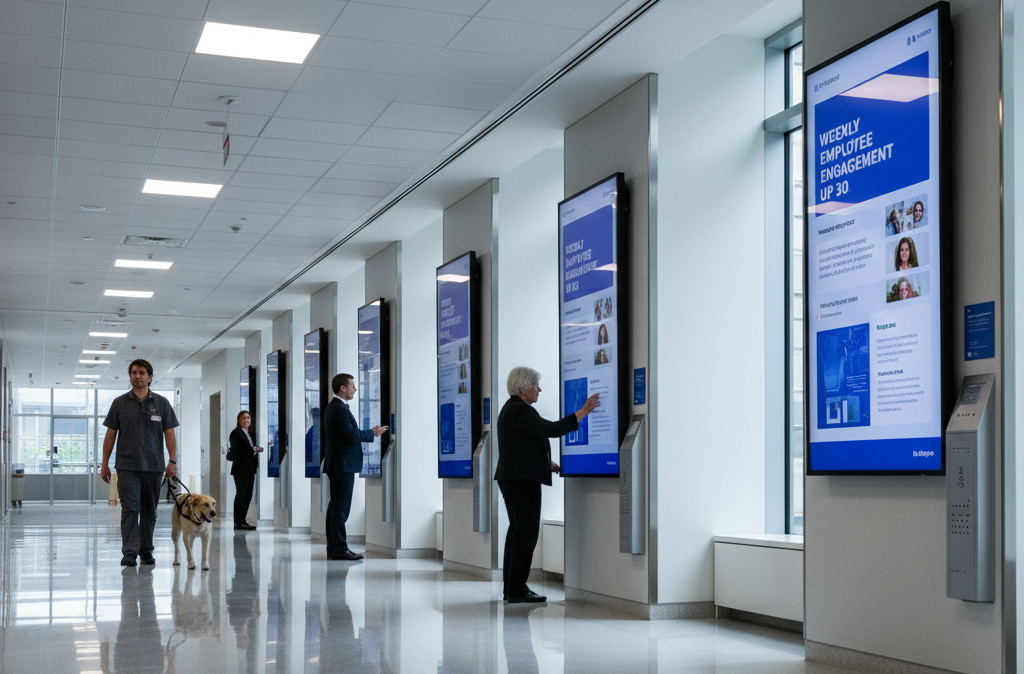
A real example illustrates this clearly. With 53 locations spread across Canada, logistics firm GLS faced communication gaps because deskless workers made up most of the workforce. According to GLS Director of Marketing Stacey Yunger, employees were often out of the loop across the organization.
Centrally managed digital signage allowed the team to build slides in one location and broadcast them instantly to every company location. That shift improved employee engagement and message consistency.
As networks grow, businesses must also consider enterprise signage requirements such as professional displays, authentication systems like SSO or Auth0, and governance frameworks to track all signage assets.
AIScreen’s Scalability Features
AIScreen is built to scale with evolving business needs. The platform supports multiple locations within a single content management system, allowing organizations to manage content seamlessly across digital displays without fragmentation.
New hardware integrates quickly, enabling expansion without disrupting existing infrastructure. But can your current system handle both small branch updates and enterprise-wide announcements at once?
AIScreen supports organized screen groups and tags, which simplifies how teams tailor content for specific regions while maintaining unified branding. Businesses can expand from a small digital signage rollout to managing video walls and enterprise-level digital signage solutions without replacing core systems.
Consistent hardware standards, centralized controls, and structured permissions ensure that as the number of screens increases, complexity does not.
Enterprise-Level Support
Enterprise growth requires more than additional screens. It demands governance, integration, and reliable infrastructure. AIScreen supports enterprise systems integration, centralized content management, and streamlined onboarding for new locations.
Teams can deploy professional displays, configure authentication systems like SSO, and maintain structured oversight across hundreds of endpoints.
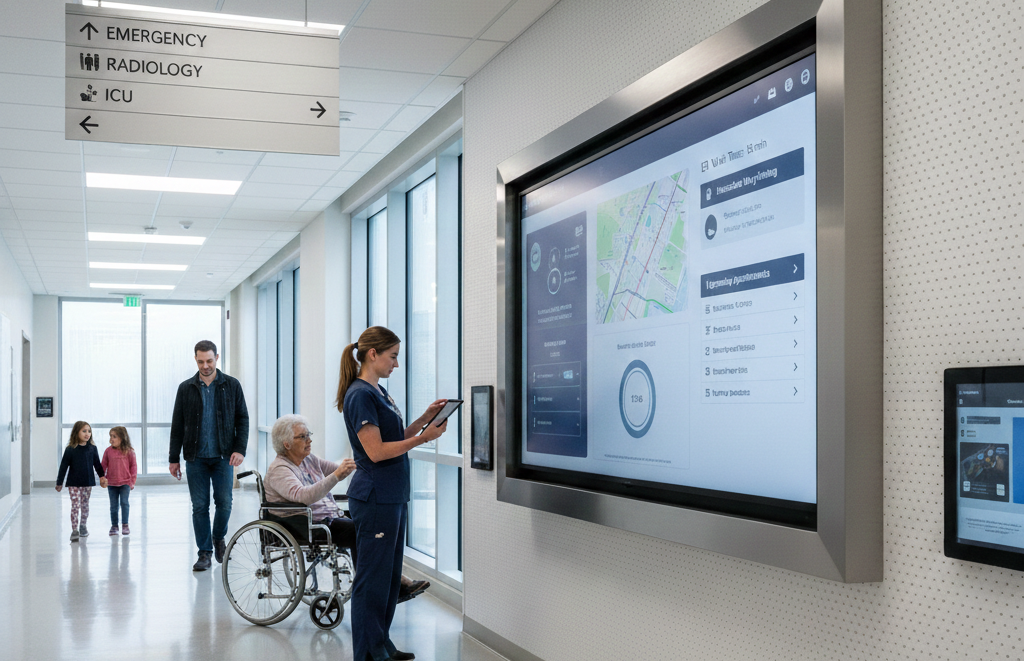
Scale is not theoretical. According to International Data Corporation (IDC), organizations worldwide are projected to spend $3.9 trillion on digital transformation initiatives in 2027, reflecting sustained enterprise investment in scalable digital infrastructure.
This investment trend highlights why centralized, expandable digital signage solutions are critical for long-term growth. When onboarding a new branch, would you prefer hours of manual setup, or immediate synchronization?
With thoughtful strategic planning, standardized devices, and centralized oversight, enterprises can expand their digital signage network confidently while preserving performance, security, and brand consistency.
Seamlessly Roll Out and Manage Multi-Location Digital Signage with AIScreen!
AIScreen makes your digital signage rollout simple. Manage multiple displays across all locations from one content management system. Update content instantly, monitor screen health in real time, and scale without adding complexity.
Control digital displays, marketing campaigns, and employee engagement from a single dashboard. Ready to streamline your multi-location digital signage solutions? Use AIScreen to manage content seamlessly, reduce manual work, and scale efficiently. Launch faster. Operate smarter. Grow without friction.
FAQs
How do I choose the best digital signage software for multiple locations?
The best digital signage software for multiple locations supports centralized content management, cloud-based access, remote monitoring, and scalable screen grouping. It must handle multiple displays, location-specific updates, and secure user permissions without requiring on-site configuration at every branch.
Can I remotely manage digital signage across multiple locations?
Yes, remote management of digital signage across multiple locations is possible through a cloud-based platform that enables centralized control. Administrators can update content, monitor screen status, restart devices, and schedule campaigns from one dashboard without visiting each location.
How do I integrate content management for digital signage across different locations?
Content management for digital signage across different locations requires a centralized content management system that organizes screens into groups and tags. This structure allows businesses to publish company-wide messaging while tailoring content to specific regions without duplicating workflows.
What are the challenges of scaling digital signage over multiple locations?
The challenges of scaling digital signage over multiple locations include increasing screen volume, content complexity, hardware standardization, and governance control. Without structured strategic planning, marketing campaigns become inconsistent and managing multiple displays becomes operationally inefficient.
How do I ensure content is consistent across all locations?
Ensuring content is consistent across all locations requires centralized scheduling, branded templates, and controlled user permissions. A unified digital signage rollout framework maintains brand standards while still allowing teams to tailor content where necessary.
