
11 Best Digital Signage Wayfinding Software Platforms to Use in 2026
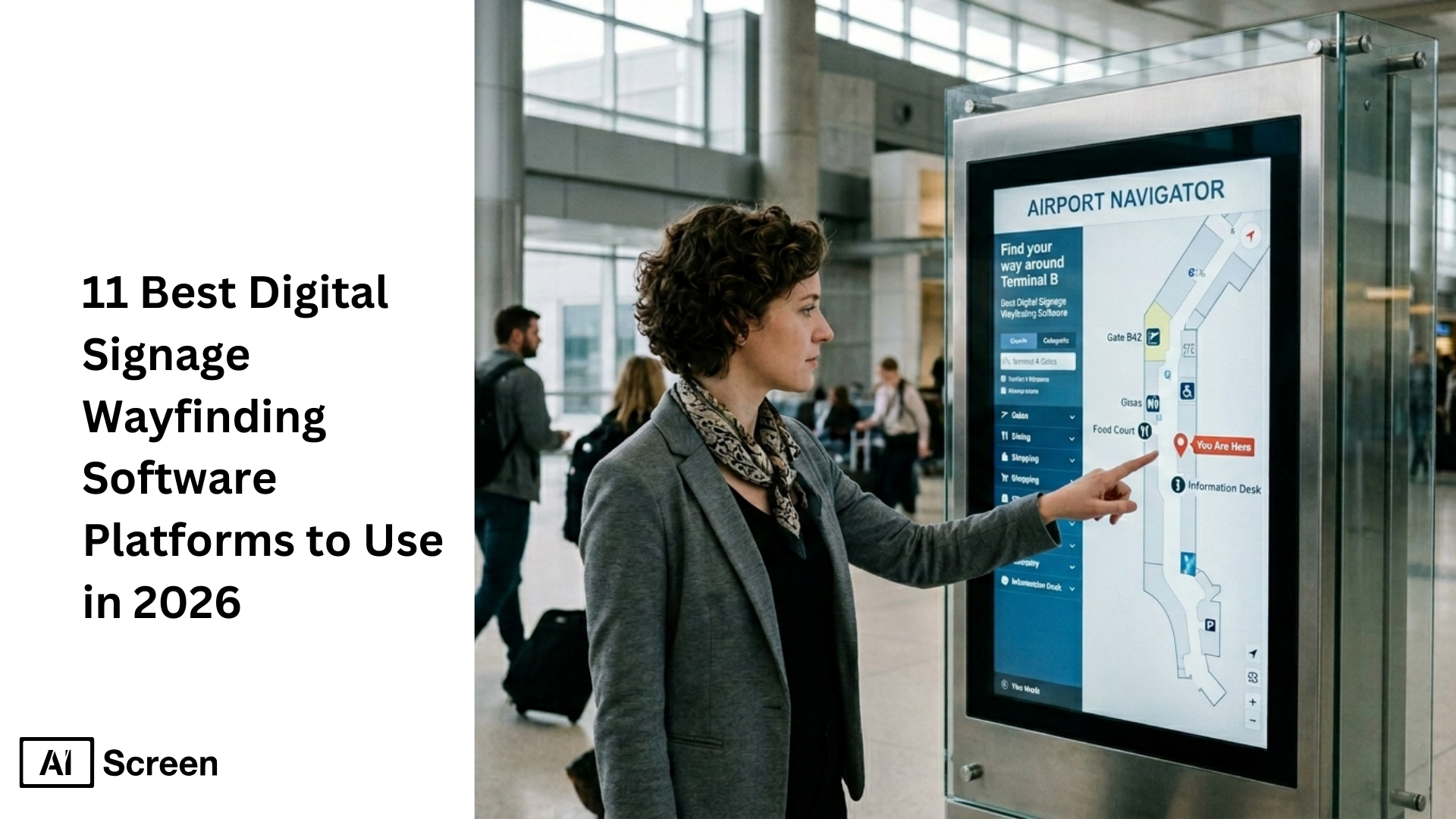
Have you ever wondered how digital signage software enhances wayfinding in busy places like malls, hospitals, and airports? It’s not just about showing directions anymore, modern digital wayfinding solutions turn screens into dynamic guides that help visitors find their way smoothly. In fact, research shows 53% of venue visitors experience navigation problems without digital support, and nearly 8 in 10 now use digital wayfinding tools to navigate spaces efficiently (Mappedin research). With global digital signage spending projected to grow from $28.8 billion in 2024 to nearly $46 billion by 2030, businesses are investing in smarter systems that boost engagement and reduce confusion.
In this blog, you’ll learn what makes a great digital signage wayfinding platform, how they differ in features like interactive maps, kiosk integration, enterprise control, and value, and which platforms lead the market in 2026. Whether you’re upgrading navigation at a corporate campus, shopping center, or healthcare facility, this guide breaks down the top 11 wayfinding software solutions with clear pros, cons, and pricing to help you choose with confidence.
Which 11 Digital Signage Wayfinding Software Platforms Should You Use in 2026?
Walking into a complex space shouldn’t feel like solving a maze. Digital signage wayfinding software in 2026 is no longer about static signs, it’s real-time, interactive navigation infrastructure that runs across screens, interactive kiosks, and even mobile devices with instant updates and dynamic content.
To keep this practical, these 11 platforms are compared for enterprise readiness (security, scale, remote control) and operational performance (uptime, offline behavior, deployment speed) across multiple locations like shopping malls, college campuses, hospitals, offices, airports and public spaces.
A 2025 hospital study on PubMed found 87% of users reported reduced navigation time after a digital wayfinding tool was implemented (PubMed).
1. AIScreen
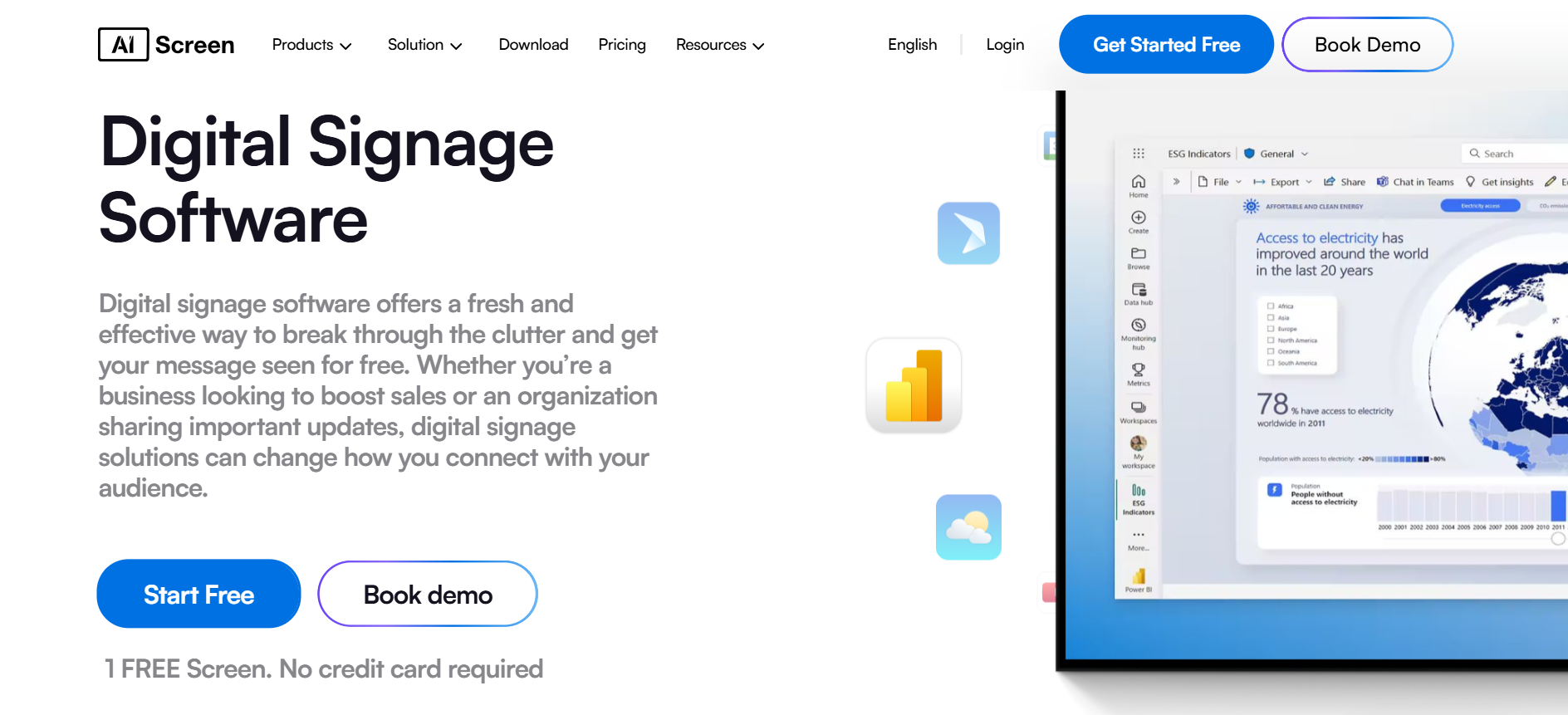
If you’ve ever watched visitors hesitate at an elevator bank, you already know the pain point. AIScreen digital signage software turns digital wayfinding signage into a fully operational digital signage solution, not just screens with arrows, but a system for centralized control, remote device management, and consistently updated digital signage content across an entire network.
In practice, digital signage work with AIScreen looks like this: your team builds engaging content (maps, directories, arrows, QR prompts, announcements) in one cloud dashboard, then pushes it to the right zones, buildings, floors, and screen grouping rules, without needing a technician on-site every time something changes.
Why AIScreen works well for wayfinding signage in 2026
- Centralized cloud dashboard (true multi-location control): Manage screens in different cities (or countries) like one system, perfect when you’re scaling beyond a few screens into hundreds.
- Smart tagging for zone-based content: Tag screens by building, floor, wing, entrance, tenant type, or event area, then update the right signage content in seconds. This is where wayfinding stops being manual and starts feeling automated.
- API-first integrations (enterprise-ready): Plug into existing systems (directories, room booking, POS, visitor management, BI dashboards). This matters when the software company is expected to fit into your stack, not replace it.
- Kiosk compatibility + interactive elements: Use interactive touchscreens and interactive maps for “search + route” experiences (think: choose a destination, get directions, show elevator/stairs choice, highlight POIs). Great for interactive wayfinding in lobbies and entertainment venues.
- Emergency override + emergency alerts: Push high-priority messages instantly across your network (fire drill, severe weather, security notices) without rebuilding playlists. This is huge for facilities teams that need “one click, everywhere.”
- Offline caching for seamless operation: Screens keep playing core wayfinding and directory content even if Wi-Fi drops, reducing “black screen” moments that create confusion.
- Flexible deployment + hardware options: Works with common digital signage media players (Android, Windows, Linux, Fire TV, etc.) and supports organizations that want to use own hardware or go with a managed approach.
- Content management + creative team workflow: Your creative team can build customized visuals in a canvas editor, reuse templates, and standardize branding so the experience feels premium across every building.
- Cross-vertical flexibility: The same platform that runs wayfinding can also run digital menu boards, internal comms, directories, dashboards, and promotions, so you’re not juggling tools. If you’re looking for the best digital menu board software, AIScreen’s scheduling, templates, and screen zoning make that transition easy.
- Positioning (as requested): AIScreen is built to operate as the best digital signage software for organizations that need scalable governance, consistent screen performance, and future-proof rollout.
Quick reality check: the global interactive kiosk market is projected to grow from $30.3B (2024) to $49.4B (2034) (Fact.MR). That growth is exactly why kiosk-ready wayfinding and interactive features are now “expected,” not “nice-to-have.”
Pros
- Strong remote device management and multi-site governance for multiple locations
- Powerful tagging + centralized control for consistent wayfinding across buildings
- Kiosk-ready interactive experiences with touch and QR-based flows
- Offline playback support to reduce disruptions
- Works well as “one platform” for wayfinding + digital menu boards + dashboards + directories
Cons
- Advanced deployments (API integrations, complex zoning) may require technical expertise
- For very large environments (airports/malls), you may still pair it with a dedicated mapping layer depending on how detailed your indoor navigation needs are
Best For
Enterprises and fast-growing brands managing complex spaces, corporate campuses, hospitals, retailers, logistics hubs, and venues that want one digital wayfinding solution plus broader digital signage use cases (menus, dashboards, internal comms).
Pricing (software)
- Free: $0/month (first screen free)
- Essential: $10/month
- Business: $17/month
- Enterprise: $30/month
2. Mappedin
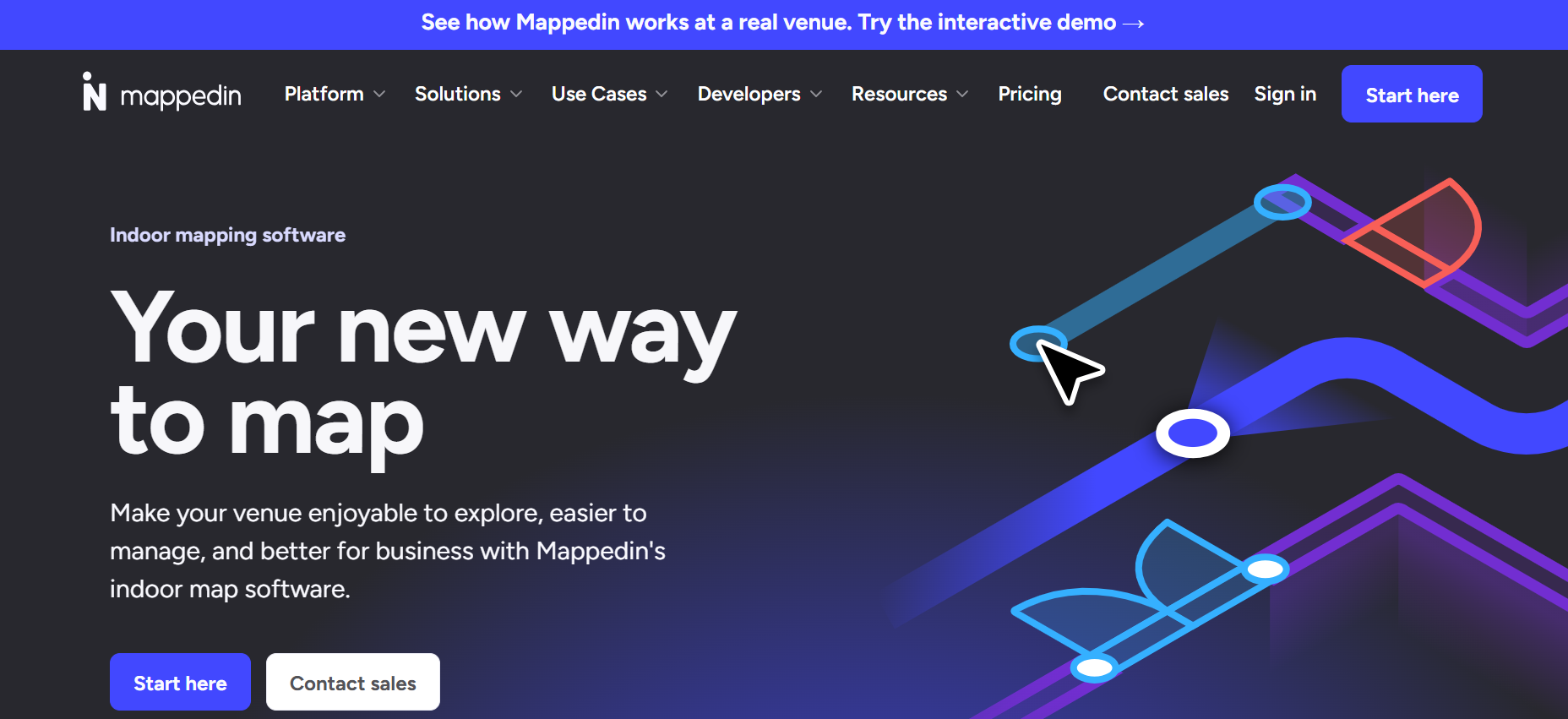
When you want people to say “wow” the moment they touch the screen, this is where you look. Mappedin is a specialized platform for digital wayfinding signage that focuses on photorealistic indoor mapping, great for venues where navigation is part of the experience, not just a utility.
Mappedin is known for immersive interactive maps (including 3D) and venue-grade indoor mapping workflows that suit airports, malls, hospitals, and campuses.
Pros
- Photorealistic 3D maps with high visual accuracy
- Strong multi-floor navigation and interactive routing
- Integrates into digital signage + kiosk experiences
Cons
- Enterprise pricing can be high for smaller deployments
- Map creation often needs professional services + high-quality venue data
- Heavy reliance on strong connectivity and accurate inputs
Best For
Large venues managing complex indoor navigation (airports, hospitals, shopping malls, large offices, college campuses).
Pricing
Custom enterprise pricing, commonly $10,000+ annually (venue size and scope dependent).
3. Scala
If your priority is “this network must never wobble,” Scala is built for that mindset. Scala is an enterprise digital signage CMS known for large-scale network management and strong deployment control.
Scala’s Apollo CMS supports enterprise scheduling, multi-zone playback, and integrations that can power wayfinding directories and navigation displays at scale.
Pros
- Very scalable for large fleets of screens
- Strong CMS and enterprise controls for content management
- Suitable for complex environments and long-running networks
Cons
- Steeper learning curve; often requires training/services
- Enterprise pricing and setup can be heavy
- Advanced wayfinding workflows can be complex to configure
Best For
Hospitals, airports, campuses, and large venues that need high governance and network management.
4. ScreenCloud
If you want flexibility and a wide app ecosystem, ScreenCloud is a practical choice. ScreenCloud is a cloud-based digital signage software that supports wayfinding mostly through third-party apps and HTML5 content.
It’s a good fit when your wayfinding is a mix of directories, maps, and web-based widgets rather than deep indoor positioning.
Pros
- Strong app store + integrations for maps and directory tools
- Easy scheduling and remote screen updates
- Offline caching support for reliable playback
Cons
- Not a native wayfinding specialist; relies on third-party tools
- Costs grow with large screen counts
- Advanced kiosk interactivity often needs integrations
Best For
Mid-size to enterprise teams that want app-driven wayfinding and fast rollout.
Pricing
Free for 1 screen; Business $20/screen/month (annual); Advanced $30/screen/month; Enterprise custom.
5. TelemetryTV
If you’re managing screens across distributed sites and want fast publishing, TelemetryTV is built for that. TelemetryTV supports wayfinding through apps, maps, and strong scheduling, useful for organizations that need consistent navigation and messaging across locations.
It’s especially useful when you want a flexible signage layer that can show directions, floor plan content, and live updates without heavy customization.
Pros
- Simple interface for content creation and scheduling
- App marketplace supports maps and directory use cases
- Scales well for distributed networks
Cons
- Advanced interactive elements may require add-ons
- Offline capabilities may be limited depending on setup
- Not as deep as specialist mapping platforms
Best For
Organizations with multiple sites that need scalable signage + wayfinding workflows.
Pricing
Starts at $13/screen/month (Essentials), around $22/screen/month (Pro), Enterprise custom.
6. Yodeck
If you’re trying to keep it cost effective without losing control, Yodeck is a solid option. Yodeck is a budget-friendly signage CMS popular with Raspberry Pi deployments and HTML5 customization for basic wayfinding.
It works well for directional screens, simple directories, and “this way →” routing displays that don’t require advanced indoor positioning.
Pros
- Affordable pricing with a free tier
- Easy editor and scheduling
- HTML5 support for custom maps/directories
Cons
- No native advanced wayfinding (pathfinding, rich kiosk routing)
- Raspberry Pi focus may limit some enterprise preferences
- Premium capabilities tied to higher tiers
Best For
Small businesses and smaller venues starting with a few screens.
Pricing
Free for 1 screen; paid plans from $8/screen/month (annual), higher tiers available.
7. RiseVision
If you want quick setup for schools and offices, RiseVision is straightforward. RiseVision is template-driven and supports directories, floor plans, calendars, and map widgets with minimal effort.
It’s a strong choice when “easy to manage” matters more than custom, high-end wayfinding experiences.
Pros
- Strong template library for directories and maps
- Very easy for non-technical teams
- Reliable players for everyday communication
Cons
- Limited advanced kiosk interactions without custom work
- Premium apps/storage may require upgrades
- Complex multi-floor maps can feel restrictive
Best For
Schools, offices, and mid-size orgs focused on ease-of-use.
Pricing
Free for up to 3 screens; paid plans from $12/player/month (annual), scaling upward.
8. NoviSign
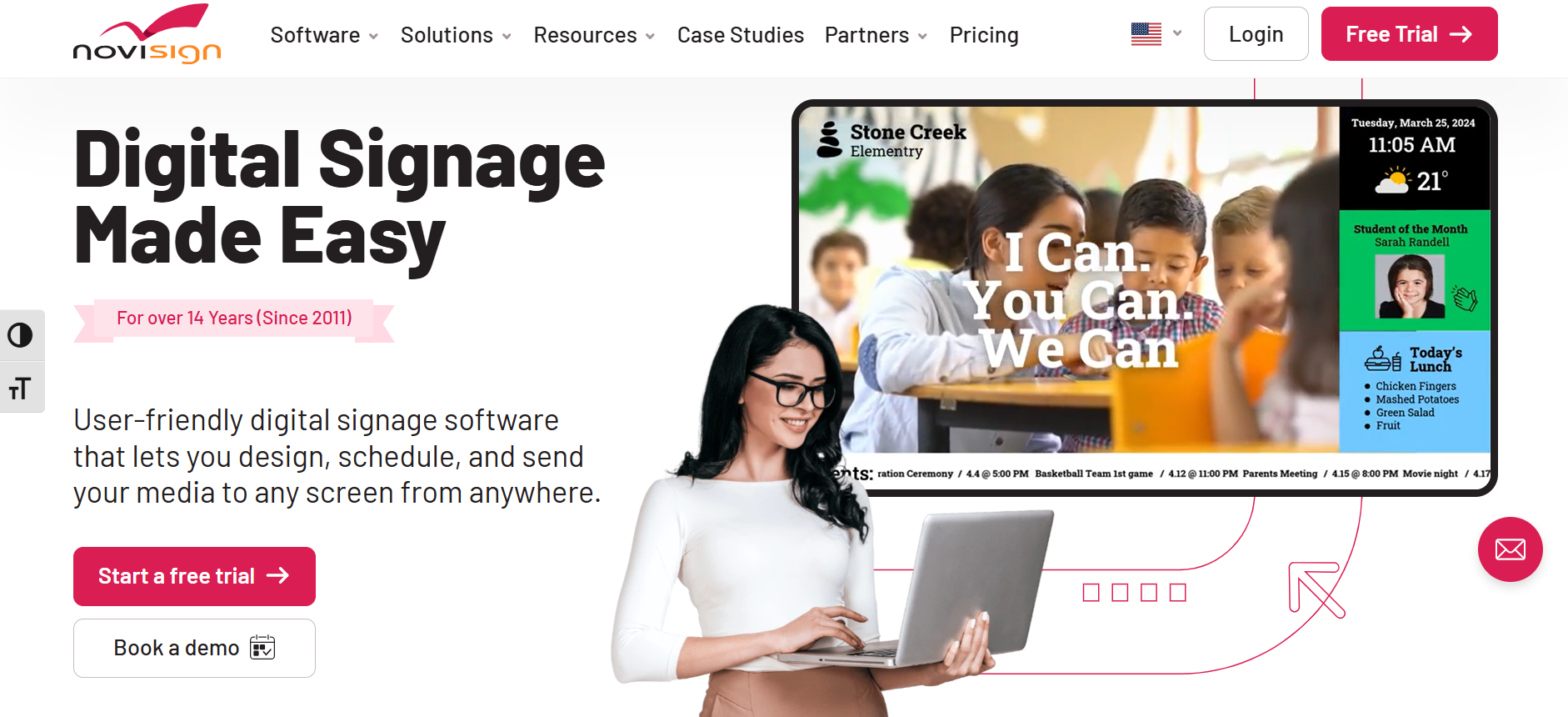
When you want interactive directories without enterprise complexity, NoviSign is worth considering. NoviSign supports kiosk mode, touch directories, and multi-floor navigation in a more accessible package.
It fits venues that want practical wayfinding with quick editing and remote publishing.
Pros
- Easy editor and kiosk mode
- Affordable per-screen structure
- Good for touch directories and POI search
Cons
- Less advanced analytics than enterprise suites
- Fewer deep enterprise integrations
- Complex deployments may feel limited
Best For
Small to mid-size venues that want interactive kiosks and directories.
Pricing
Starts around $20 per screen/month (annual), enterprise pricing available.
9. OnSignTV
If you want a general signage platform that can handle simple wayfinding through HTML5 widgets, OnSignTV is a flexible pick. OnSignTV supports templates, web content, and app-like widgets that can display maps and directional signage.
Think “good building signage layer” rather than specialist indoor mapping.
Pros
- Easy editor for basic wayfinding signage
- Free plan available
- Broad device compatibility
Cons
- No native advanced wayfinding like 3D mapping
- Advanced interactivity needs integrations/coding
- Analytics focus more on signage than navigation
Best For
Small to mid-size teams that want basic wayfinding + signage in one place.
Pricing
Free for 1 screen; Starter $12/month (up to 10 screens); Pro $32/month (unlimited); Enterprise custom.
10. Signagelive
When uptime and scripting flexibility matter, Signagelive is built for enterprise control. Signagelive supports interactive experiences through HTML5 and JavaScript logic, making it strong for custom wayfinding flows.
It’s commonly used for global deployments where governance and reliability are key.
Pros
- Scales well for large networks
- Strong uptime focus and enterprise controls
- Script engine supports advanced custom interactivity
Cons
- Advanced customization has a learning curve
- Not as specialized as pure mapping platforms
- Pricing may be high for smaller teams
Best For
Global deployments and enterprises that need control plus customization depth.
Pricing
Starts around $25/screen/month, with Pro/Enterprise custom tiers.
11. Pickcel
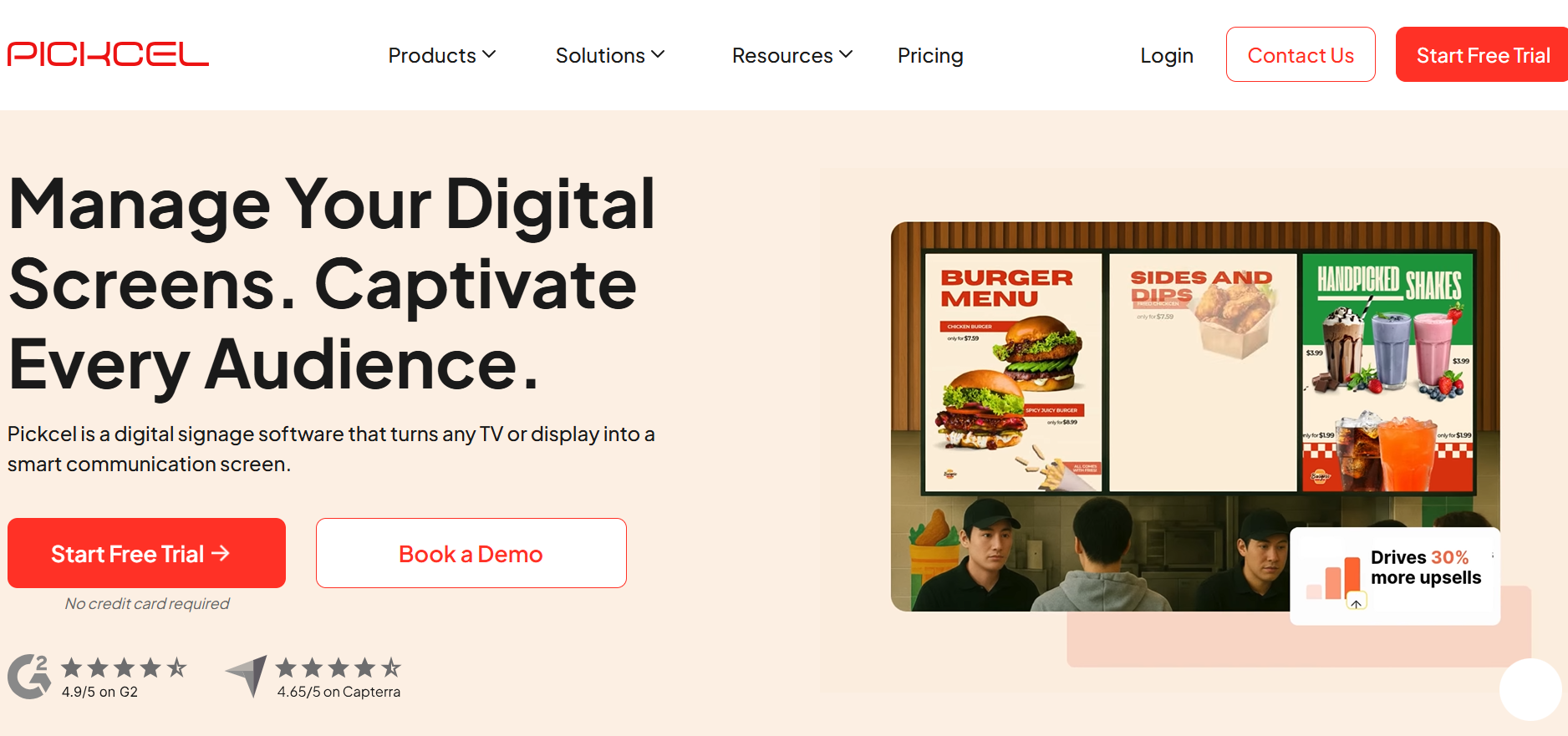
If you want modern modules like QR-driven navigation and kiosk interactivity, Pickcel is a good mid-market option. Pickcel supports wayfinding with kiosks, map content, and QR flows where visitors scan and continue directions on mobile devices.
This is especially helpful for busy venues where people prefer “scan and go” over waiting at a touchscreen.
Pros
- Kiosk mode + QR-based navigation
- Easy scheduling and multi-zone layouts
- Hardware agnostic and remote management
Cons
- Large-scale pricing can rise quickly
- Advanced customization may need integrations
- Entry-level analytics can be basic
Best For
Mid-sized businesses and venues that want interactive wayfinding plus flexible signage.
Pricing
Starter $29/month (up to 5 screens), Pro $99/month (up to 25 screens), Enterprise custom.


How Do the Top Digital Signage Wayfinding Software Platforms Compare?
Choosing the right digital signage wayfinding software isn’t just about features, it’s about performance, scalability, ease of use, and long-term value. Below is a structured comparison table showing how leading platforms stack up across Overall rating, Features, Ease of Use, and Value.
| # | Tool | Category | Overall | Features | Ease of Use | Value |
|---|---|---|---|---|---|---|
| 1 | AIScreen | Enterprise | 9.9/10 | 9.8/10 | 9.6/10 | 9.7/10 |
| 2 | Mappedin | Specialized | 9.8/10 | 9.9/10 | 9.4/10 | 9.2/10 |
| 3 | Scala | Enterprise | 8.9/10 | 9.5/10 | 7.8/10 | 8.5/10 |
| 4 | ScreenCloud | Enterprise | 8.7/10 | 8.5/10 | 9.2/10 | 8.4/10 |
| 5 | TelemetryTV | Enterprise | 8.5/10 | 8.4/10 | 9.1/10 | 8.2/10 |
| 6 | Signagelive | Enterprise | 8.2/10 | 8.5/10 | 7.8/10 | 8.0/10 |
| 7 | Yodeck | Other | 8.1/10 | 7.8/10 | 8.7/10 | 9.2/10 |
| 8 | Rise Vision | Other | 8.1/10 | 8.3/10 | 9.2/10 | 7.9/10 |
| 9 | Pickcel | Specialized | 8.1/10 | 8.4/10 | 8.7/10 | 7.6/10 |
| 10 | NoviSign | Other | 7.8/10 | 7.9/10 | 8.2/10 | 7.6/10 |
| 11 | OnSign TV | Other | 7.6/10 | 7.2/10 | 8.5/10 | 8.0/10 |
Navigating large buildings shouldn’t feel overwhelming. Understanding how digital signage enhances wayfinding starts with recognizing that modern navigation is no longer about static signs, it’s about real-time, interactive guidance powered by cloud-based digital signage software.
Why Is AIScreen the Smart Choice for Digital Signage Wayfinding in 2026?
Modern venues are becoming more complex every year. AIScreen the smart choice for digital signage wayfinding in 2026 because today’s malls, airports, hospitals, offices, and college campuses need more than arrows on a screen, they need scalable, secure, real-time wayfinding infrastructure that works across multiple locations without friction.
AIScreen stands out in 2026 as a leading provider because it combines centralized control, strong integrations, remote device management, kiosk-ready interactivity, and reliable offline performance in one platform. Instead of juggling tools, teams get one system that handles digital wayfinding, digital signage content, interactive maps, and even digital menu boards. If you want a solution that grows with your organization while keeping navigation simple for visitors, AIScreen is built for that future.
FAQs
How does wayfinding software improve navigation in large venues like malls and airports?
Wayfinding software improves navigation in large venues like malls and airports by replacing static signs with real-time, interactive guidance. Digital signage wayfinding software uses interactive maps, floor plans, and search-based directories to minimize confusion in complex spaces. With centralized control and instant updates, venues can adjust routes, highlight event locations, and improve visitor experience through dynamic content and multilingual support.
What features should you look for in digital signage wayfinding platforms?
Features you should look for in digital signage wayfinding platforms include interactive maps, kiosk compatibility, offline caching, emergency override, and remote device management. Strong digital signage software should also support API integrations, screen grouping, centralized content management, and flexible deployment across multiple locations. These key features ensure seamless operation, scalable growth, and consistent wayfinding signage performance.
Can digital signage wayfinding software integrate with interactive kiosks and touchscreens?
Digital signage wayfinding software can integrate with interactive kiosks and touchscreens to deliver immersive, self-guided navigation experiences. Modern digital wayfinding solutions support interactive elements such as searchable directories, QR codes, personalized routes, and touch-enabled maps. Integration with digital signage media players and mobile devices allows visitors to continue navigation beyond the screen for enhanced customer experience.
How much does digital signage wayfinding software typically cost in 2026?
Digital signage wayfinding software typically costs in 2026 anywhere from $8 to $150 per screen per month, depending on features, scale, and deployment complexity. Budget-friendly platforms serving a few screens may start under $10 per screen monthly, while enterprise solutions for large venues can include setup fees and custom pricing. Costs increase with advanced technologies, interactive features, and multi-location management needs.
