
What is the Difference Between Digital Signage and TV?
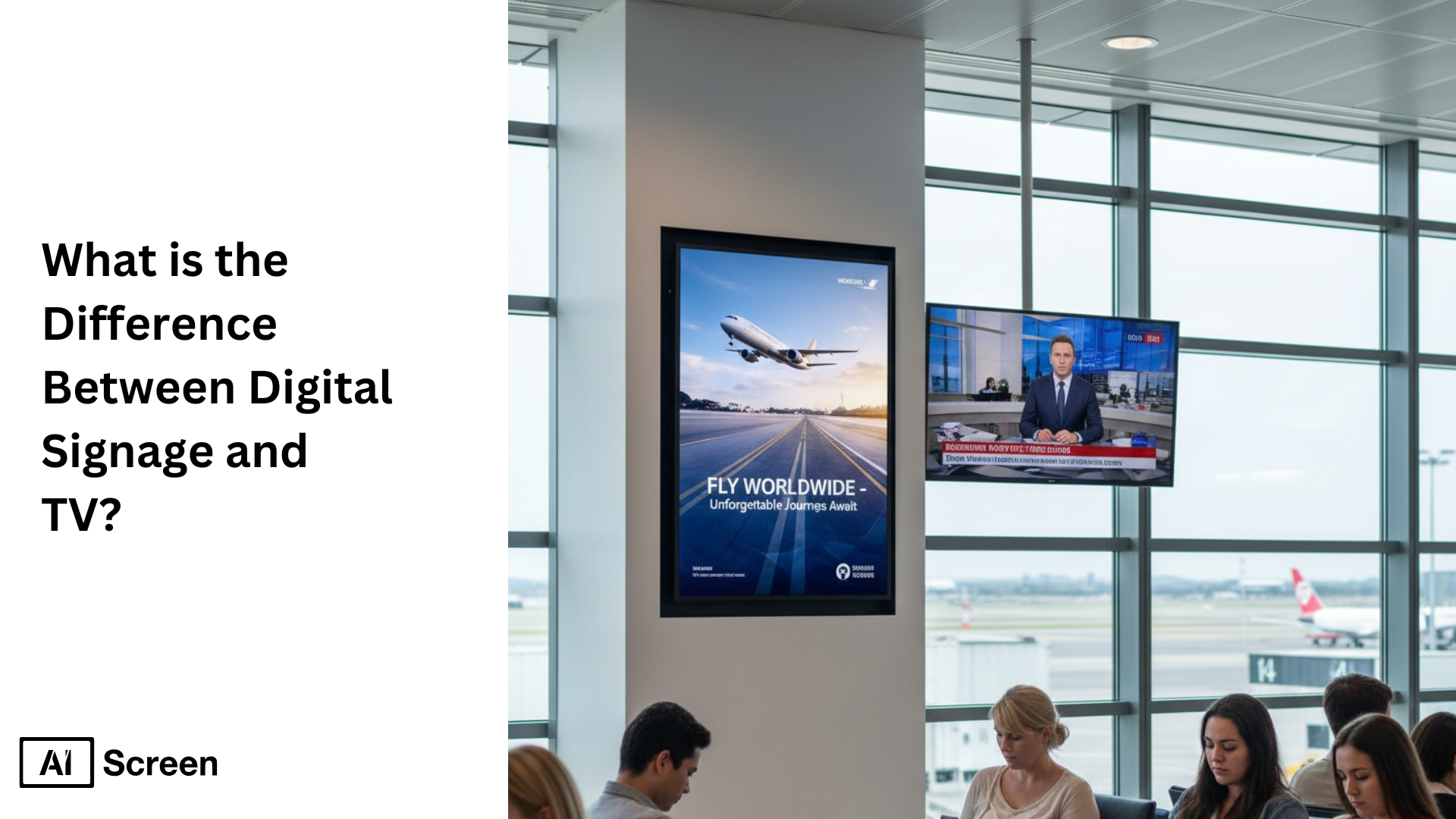
Ever wondered why a screen that looks great in your living room often fails in a busy store, office, or public space? The difference between digital signage and TV isn’t just about screen size or price, it’s about purpose. Digital signage and commercial displays are built specifically for business environments, offering higher brightness, industrial-grade durability, and reliable 24/7 performance. TVs, on the other hand, are designed for home entertainment, focusing on image quality, smart features, and casual use like streaming or gaming. As businesses increasingly rely on visual communication, this distinction matters more than ever. With the digital signage market projected to surpass $27.8 billion by 2026, organizations across retail, corporate, and public sectors are clearly choosing tools built for uptime, visibility, and scalability. Choosing between a TV and a commercial digital signage screen goes far beyond cost, it directly impacts durability, performance, and how effectively you communicate with your audience.
In this blog, we explore the core differences between digital signage solutions and traditional TVs to help you choose the right solution for your business. From durability to functionality, each option serves a distinct purpose depending on your needs. We’ll break down use cases, features, and real-world benefits. Whether you’re managing a retail store or office lobby, understanding this difference is key.
What Are the Common Places to Find Digital Signage?
You don’t have to look very far anymore, once you start noticing screens around you, they’re everywhere. What are the common places to find digital signage becomes an easy question to answer when you realize how deeply digital displays are woven into everyday public spaces.
Today, a digital sign or digital signage monitor isn’t just about advertising; it’s about visibility, quick information, and helping people navigate spaces effortlessly. From guiding crowds to sharing real-time updates, digital signage has quietly become part of how modern environments communicate.
You’ll most commonly find digital signage in places like:
- Malls
- Airports
- Supermarkets
- Bus stops
- City centers
- Sports stadiums
- Movie theatres
- Banks
- Museums
In each of these locations, digital signage monitors act as clear, always-on digital displays, easy to recognize, easy to read, and designed to deliver information exactly when people need it.
What Are the Primary Differences Between Digital Signage and TV?
At first glance, they may look similar, but spend a moment with each and the differences become obvious. The primary differences between digital signage and TV is really about understanding how a purpose-built communication tool compares to an ordinary television screen in real-world use.
When you look at digital signage display vs tv, the contrast shows up in intent, durability, and how content is controlled across spaces.
Purpose and Intent
Digital signage is designed as a digital visual interface for communication, not entertainment. A digital sign exists to inform, guide, or update people in retail and office environments, while a TV is built primarily for watching shows or streaming content at home.
Content Control and Flexibility
Digital signage allows centralized control across multiple commercial screens, making it easy to update messages, schedules, and layouts in real time. An ordinary television screen typically relies on manual input and isn’t built to manage dynamic content at scale.
Hardware and Display Technology
When comparing display technology, digital signage monitors are commercial grade, built for long operating hours and consistent brightness. TVs are optimized for living rooms, not for running continuously on a public-facing display screen.
Scalability and Layout Options
Digital signage supports advanced layouts like video walls, synchronized screens, and custom formats using video graphics arrays. TVs usually function as single displays and aren’t intended to scale visually across large installations.
Where Each Fits Best
Digital signage is ideal for retail and office environments, airports, and public venues where information needs to stay current and visible. TVs work best in private spaces where entertainment, not communication, is the goal.
What Are Pros and Cons of Digital Signage Displays?
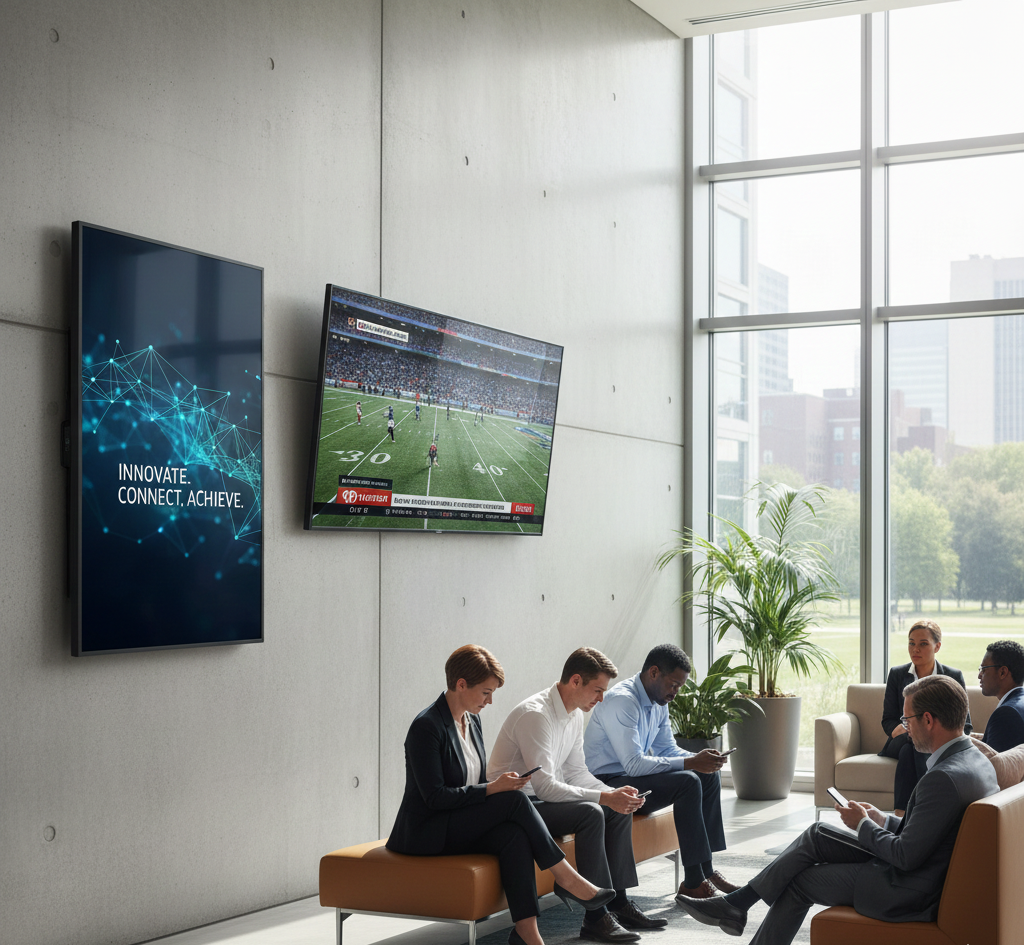
Pros and cons of digital signage displays, what decision-makers must weigh. Anyone comparing commercial displays with a smart TV quickly realizes the leap in capability.
Digital signage screens deliver business-grade performance, automated content management, and scalability across locations, but they also require a bit more planning and an initial investment to unlock their full potential.
According to Digital Signage Today, businesses using digital signage experienced a 47% boost in customer engagement (2024). And research from Grand View Research shows the global market for digital signage displays is projected to grow at a 7.8% CAGR through 2030, reinforcing how widely these displays are designed for long-term commercial purposes.
Pros of Digital Signage Displays
1. Built for Reliability & 24/7 Operation
Commercial displays and large-format signage displays are designed with reinforced internal components, cooling fans, and anti-glare technology that keep performance stable even in harsh weather conditions or long daily operation cycles.
Unlike consumer-grade screens, these displays handle continuous playback without screen burn-in or overheating.
2. Higher Brightness & Better Visibility
Digital signage displays offer significantly higher brightness levels, perfect for retail windows, lobbies, and outdoor-facing areas.
Whether in portrait mode or landscape orientation, content remains crisp and readable, something that standard smart TV models or consumer displays often struggle with in bright environments.
3. Remote Management & Automation
AIScreen’s centralized dashboard brings powerful content management features to life. You can schedule playlists, automate templates, publish updates instantly, and manage on-screen content across dozens of locations, no more on-screen content difficult workflows or manual HDMI swapping.
4. Scalable Deployment for Growing Businesses
Whether you’re managing two signage screens or two hundred, digital signage systems scale effortlessly.
Built-in media players or external media players allow content to sync across devices, eliminate static image fatigue, and support such a wide variety of media formats, animations, and live data dashboards.
5. Designed for Diverse Mounting & Layouts
Digital screens are designed to operate in portrait mode, landscape orientation, or ultra-wide large format setups. Multiple HDMI options, strong chassis, and durable mounting structures allow businesses to adapt display technology to any environment.
Cons of Digital Signage Displays
1. Higher Upfront Cost Compared to a Consumer TV
There is an initial investment, commercial displays cost more because they’re engineered for continuous use, media playing longevity, and professional warranties. But for most buyers, the long-term ROI quickly surpasses the lower upfront cost of a consumer-grade TV.
2. Requires Digital Signage Software or a Media Player
To unlock full functionality (automation, scheduling, content updates), digital signage screens rely on a CMS platform. While many models include built-in media players, others require external players, adding a small extra step to setup.
3. Needs Planning for Content Strategy
The power of digital signage comes from dynamic content, not static loops. Designing templates, choosing interactive elements, and structuring playlists requires a bit of upfront planning, especially when handling multiple displays or different input systems.
4. Not Always Ideal for Occasional Use
If a business only needs a screen for occasional playback or a single static image, a smart TV might be simpler. Commercial signage displays shine when consistency, visibility, and automation matter daily.
What Are Pros and Cons of Traditional TV Displays?
Why the pros and cons of traditional TV displays seem appealing at first but fall short in commercial use. Most businesses begin their digital journey with a traditional TV because it feels familiar, affordable, and easy.
But once content needs to update remotely, brightness becomes an issue, or the screen starts operating beyond normal home-use limits, the cracks show. Traditional TVs may look like a convenient shortcut, but they simply aren’t built for the demands of modern digital signage environments that AIScreen supports every day.
Below is a clear, buyer-focused breakdown to help you understand where standard TVs succeed, and where they struggle in real-world commercial deployments.
Pros of Traditional TV Displays
1. Lower Upfront Price
A regular TV offers a noticeably lower initial cost compared to commercial-grade screens. For small startups or businesses with minimal visual needs, this affordability can make traditional TV displays feel like an easy entry point before investing in a professional digital signage setup.
2. Easy to Buy & Quick to Install
Traditional TV displays are widely available in electronics stores and online marketplaces. Anyone can pick one up, mount it, plug it in, and display something on-screen without needing specialized installers or commercial setup knowledge.
3. Familiar Interface for Non-Technical Users
The built-in smart TV interface, preloaded apps, and simple remote controls feel instantly familiar. For teams used to home TV setups, navigating menus, HDMI sources, or media inputs requires minimal learning and little technical support.
Cons of Traditional TV Displays
1. Not Built for 24/7 Commercial Operation
Traditional TVs are engineered for light home usage, not long operating hours. Unlike commercial displays with advanced cooling fans and heat-resistant components, consumer models quickly degrade when used for business-grade media playing. Overheating, sudden dimming, and shorter lifespan are common issues when TVs are pushed beyond their intended duty cycles.
2. Lower Brightness & Poor Visibility in Public Spaces
Consumer TVs typically output brightness levels suited for living rooms—not storefront windows, reception areas, or bright retail environments. Without commercial anti-glare technology or higher nit levels, content becomes washed out and loses impact, especially in daylight.
3. Burn-In & Image Retention Risks
Traditional panels are more prone to screen burn-in when displaying a static image for extended periods. Menu boards, dashboards, or promotional loops increase this risk, making consumer models unreliable for repetitive content cycles that digital signage relies on.
4. Very Limited Remote Management Capabilities
Business users need centralized content control, scheduling, and automated updates across multiple locations, something AIScreen’s platform does seamlessly. A smart TV cannot match these capabilities. You still need USB uploads, manual HDMI switching, or local adjustments on each device, making on-screen content management difficult and time-consuming.
5. Consumer Warranty Restrictions
Most TV manufacturers explicitly limit or void warranties when their screens are used for commercial purposes. Even minor issues like backlight failure or picture degradation become expensive to fix or replace without a proper commercial warranty.
Can You Use TVs as Digital Signage Displays?
It’s a fair question, and one that comes up more often than you might expect. Can you use digital signage as a TV is usually asked by businesses that want to start showing digital content without immediately investing in commercial hardware.
And the honest answer is yes, you can use TVs for digital signage, but only in very specific situations and with realistic expectations.
If your needs are simple, your operating hours are short, and you’re displaying basic content on a single screen, a consumer TV can work as a temporary solution. Many small businesses start this way to test ideas or keep upfront costs low.
However, the trade-offs become clear quickly. TVs aren’t built for long daily runtimes, remote management, or consistent performance across locations. Once you need reliability, centralized control, or screens running for extended hours, consumer-grade technology starts to fall short.
That’s where commercial digital signage displays make sense. They’re designed for continuous use, predictable performance, and scalable management, especially when signage becomes part of daily operations rather than a side experiment.
When TVs Can Work for Digital Signage (Low-Stakes Use Cases)
TVs can function as entry-level signage if paired with a proper digital signage software platform like AIScreen and, ideally, an external media player for stability. They are suitable when:
- You run the screen only a few hours per day (2–6 hours, not 12–24).
- Brightness doesn’t matter much (indoor settings, controlled lighting).
- Content requirements are simple, slideshows, menus, announcements, or basic promotions.
- Risk tolerance is high, meaning occasional downtime is acceptable.
- Budget is tight and you’re testing feasibility before upgrading to commercial displays.
For small retail shops, back-office dashboards, waiting rooms, or temporary setups, this option can be completely fine.
When TVs Should Not Be Used as Digital Signage (Mission-Critical Use Cases)
TVs fall short quickly when signage becomes essential to operations. In these cases, a consumer TV display introduces risk, higher long-term cost, and inconsistent performance.
Commercial signage displays are the right choice when:
- Operating hours exceed 8+ hours/day, especially 16/7 or 24/7 usage.
- High-brightness environments require screens visible in daylight or large open spaces.
- Content includes dynamic media, animations, or fast-changing real-time data.
- You’re managing multiple locations and need remote updates, playlists, and automation.
- Downtime is unacceptable (menu boards, transportation hubs, corporate communication, retail promotions).
- Brand consistency matters, commercial screens provide stable picture quality, anti-burn-in protection, and proper heat management.
AIScreen’s platform is specifically designed to support these mission-critical setups with remote control, monitoring, live content, and enterprise-level reliability.
Selection Criteria: How to Decide Between a TV and a Commercial Display
Use this quick framework to determine the right hardware:
1. Hours of Daily Operation
- 2–6 hours/day: TV can work.
- 8–24 hours/day: Choose a commercial display, TVs will overheat, dim, or wear out quickly.
2. Brightness Requirements
- Low-light indoor spaces: TV is acceptable.
- High-light retail, lobbies, window placements: You need commercial-grade brightness.
3. Content Type
- Static or simple slides: TV is fine.
- Dynamic playlists, video-heavy loops, real-time data, menus: Commercial signage is essential.
4. Risk Tolerance
- Can your signage go down for a few hours?
If yes → A TV might be okay.
If no → Use commercial displays with proper CMS and remote management.
5. Scale & Future Growth
- One screen in one location: A TV + AIScreen software is workable.
- Multiple locations or growing network: Use commercial signage displays to avoid maintenance issues later.
Unlock the Full Power of Digital Signage with AIScreen – Start Your Free Trial Today!
Sometimes the difference between a screen that simply “shows something” and a screen that drives real business results comes down to choosing the right system behind it. Once you’ve seen how commercial displays, automation, and remote management outperform traditional TVs, the next step becomes obvious. Unlock the full power of digital signage with AIScreen, start your free trial today.
AIScreen brings reliability, high-brightness performance, centralized content control, and scalable deployment together in one platform built for modern businesses. If you’re ready to move beyond the limits of consumer TVs and experience professional digital signage done right, start your free trial or book a personalized demo and see the AIScreen difference for yourself. Contact us.


FAQs
Is digital signage just a fancy TV screen?
Digital signage is not just a fancy TV screen; it’s a commercial-grade system designed for professional environments. While both display media, digital signage offers greater durability, 24/7 uptime, and advanced content controls. Unlike a consumer TV, it handles static images without burn-in and supports live integrations. Businesses use digital signage screens to inform, engage, and advertise at scale.
How do digital signage systems work differently than TVs?
The difference between digital signage and TV lies in how content is managed and delivered. TVs rely on built-in apps or manual uploads, while digital signage systems use cloud-based CMS software. This allows for automated scheduling, remote updates, and real-time data syncing. It creates a seamless and efficient way to run multiple displays across locations.
Can digital signage include interactive features that TVs don’t have?
Yes, digital signage includes interactive features that regular TVs simply don’t support. These systems offer touchscreens, gesture controls, QR code scanning, and even wayfinding capabilities. With analytics and real-time input, users can create responsive experiences. This level of engagement goes beyond what consumer-grade TVs were built to handle.
How does digital signage improve customer experience over TV screens?
Digital signage improves customer experience by delivering personalized, real-time content. Unlike static TV screens, signage can change based on time, location, or audience demographics. Businesses can show promotions during peak hours or adjust displays based on the weather. This flexibility leads to more relevant communication and a stronger audience connection.
What is the cost difference between installing digital signage and TVs?
The cost difference between digital signage and TVs shows up over time. While TV displays have a lower upfront cost, they often fail sooner and require more manual effort. Digital signage displays offer better reliability, automation, and content management tools. This results in a higher ROI, making them a smarter investment for commercial use.
