
How to Create Digital Bulletin Boards & Notices
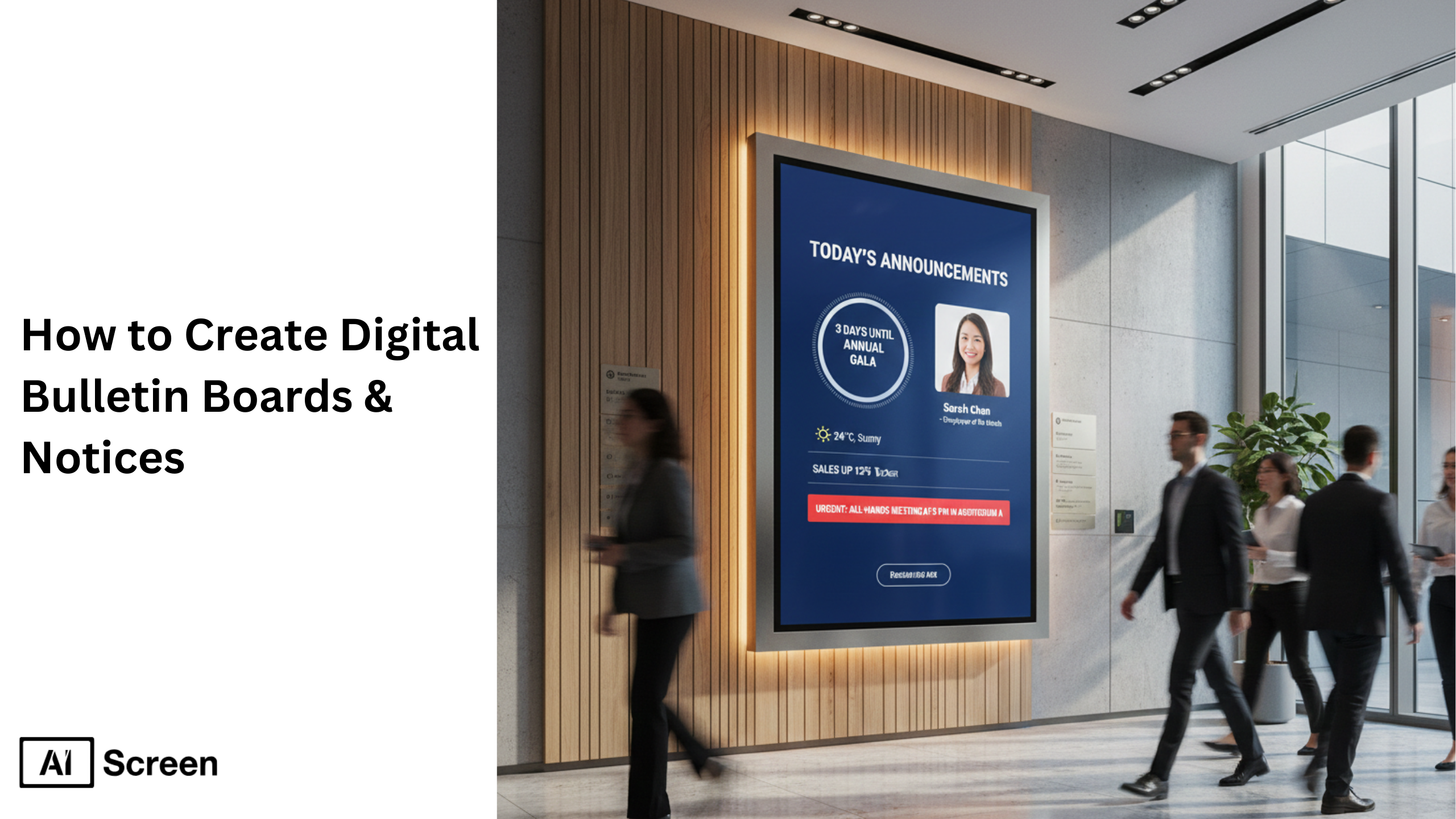
Digital bulletin boards replace traditional cork bulletin board setups with dynamic, screen-based communication. Digital bulletin boards allow businesses, educational institutions, and healthcare facilities to share information instantly using multimedia content, real time data, and dynamic displays. According to Statista, the global digital signage market revenue reached over $27 billion in 2023, reflecting steady global adoption of digital signage across industries.
In this blog, you will learn how to create digital bulletin boards notices step by step. The blog explains hardware setup, digital signage software installation, account creation, pairing screens, uploading digital bulletin board content, scheduling announcements, and practical digital bulletin board ideas for different industries. Explore our digital bulletin boards solution.
Step 1: Choose the Right Display for Digital Bulletin Boards
To create the digital bulletin board, the first step is to select the display, because it is the foundation of any digital bulletin board. Every announcement, alert, and update depends on screen clarity, brightness, and placement. If the screen underperforms, your electronic bulletin board underperforms.
Why invest in great content if the display cannot present it clearly? Choose the right display based on your environment, usage, and communication goals. According to Statista, the global digital signage software market was valued at $1.3 billion in 2023, reflecting rising demand for scalable display solutions.
For small offices, consumer smart TVs like the Insignia F30 Series provide cost-effective functionality. Larger environments benefit from the Amazon Fire TV Omni Series, known for smart capabilities and interactive features. If the TV is not smart, integrate a digital signage media player such as a Fire TV Stick or Raspberry Pi.
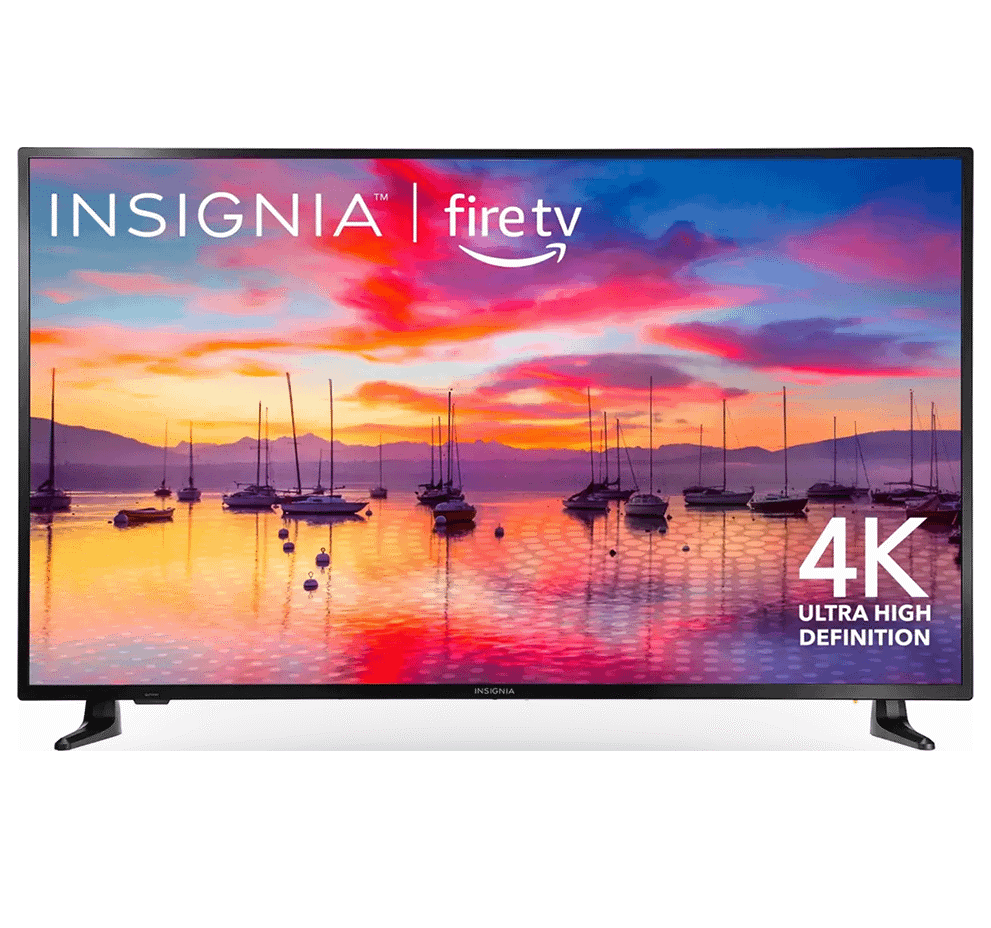
Insignia™ Class F30 Series LED 4K UHD
- Resolution: 720p HD or 4K UHD for clear visuals
- Smart Features: Built-in Fire TV with Alexa Voice Remote
- Apps & Streaming: Access to 1M+ apps
- Price Range: $170 – $299
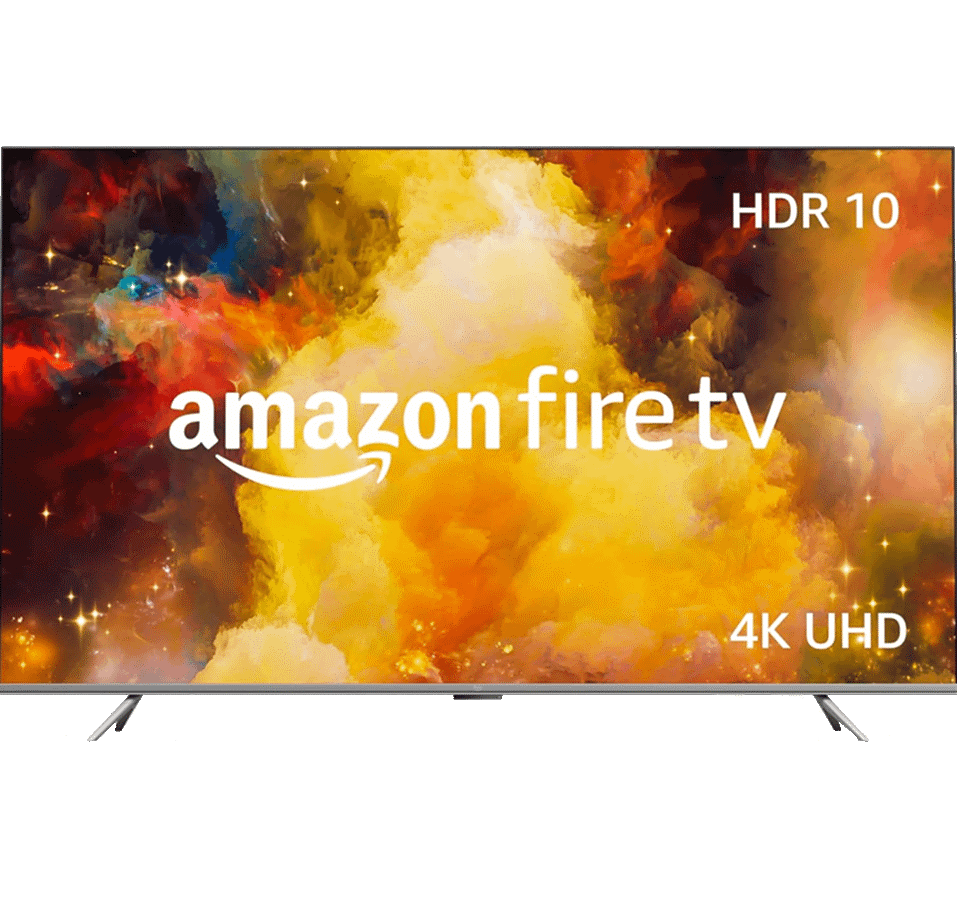
Amazon Fire TV Omni Series 4K UHD Smart TV
- Display Sizes: 43”–75” 4K UHD LED
- Smart Features: Hands-Free Alexa
- Video & Audio: HDR10, Dolby Vision
- Connectivity: HDMI, USB, Wi-Fi, Bluetooth
- Price Range: $299.99 – $1,049.99
Match screen size to viewing distance. A 43-inch screen works for small rooms. Larger lobbies require 55–75 inches. Choose brightness between 350-700 nits for indoor visibility.
Placement matters. Mount the screen at eye level in high-traffic areas. Avoid glare from windows. Hardware decisions determine whether digital bulletin boards feel professional or ignored.
Step 2: Download and Set Up Digital Bulletin Board Software
Digital bulletin board software enables centralized control of screens. Without cloud-based control, digital bulletin boards cannot update remotely or scale across locations. What makes a screen “smart” enough to update from anywhere?
When you download digital bulletin board software, you unlock cloud management. Once installed, administrators control electronic message boards from any browser with internet access. This foundation makes content synchronization possible across TVs, media players, or web dashboards.
To get started:
- Visit the App Store on your smart TV.
- Search for the “AIScreen digital signage software” application.
- Click “Install” to download digital signage software.
- Open the app and note the 4-digit pairing code displayed on your screen.
Cloud-based systems ensure compatibility with smart TVs, external media players, and browser-based dashboards. Businesses use digital bulletin board software to manage screens remotely without manual USB updates. This step establishes control. The screen becomes part of a connected network instead of a standalone display.
Step 3: Create an Account in the Digital Notice Board Management App
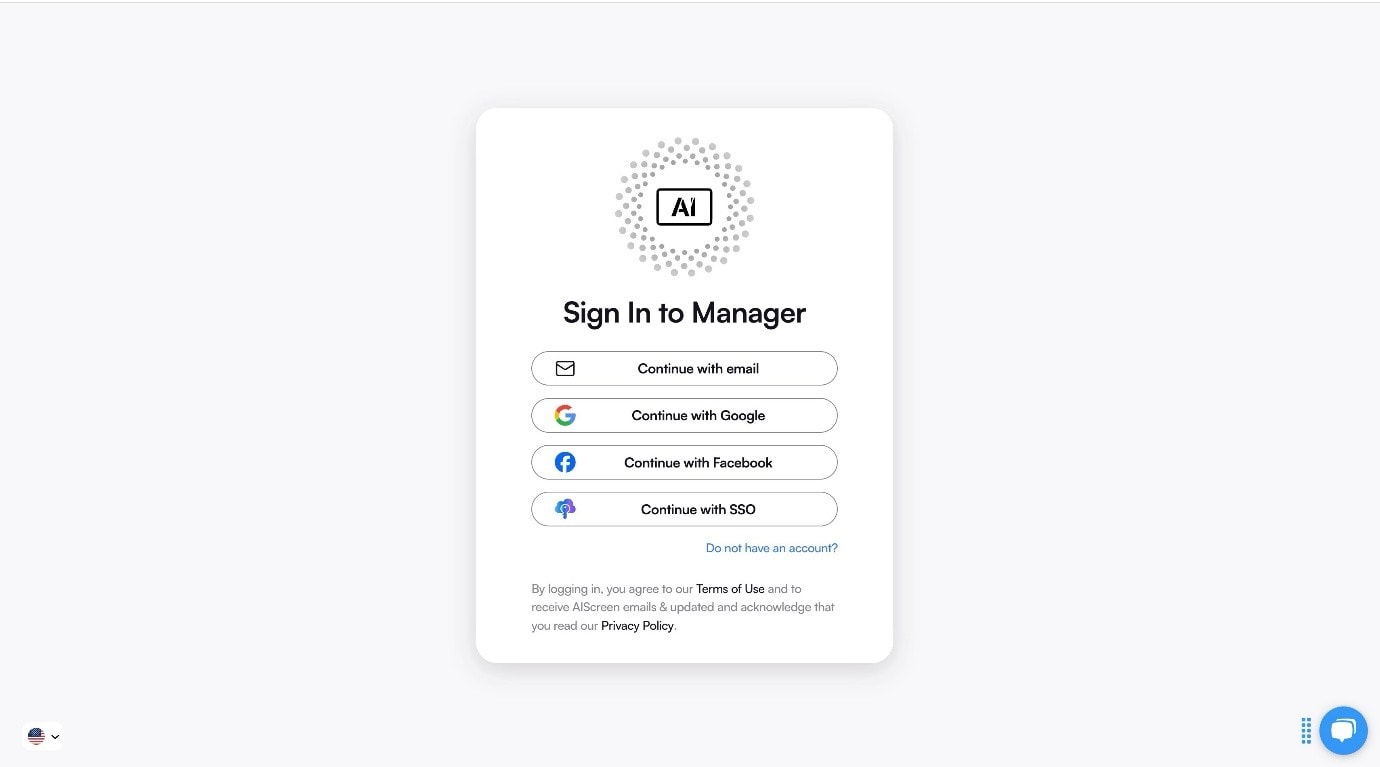
Creating an account connects each digital notice board to a centralized dashboard. This step links your digital bulletin boards to cloud-based synchronization and structured control.
How do you manage multiple screens without losing oversight? Create an account in the management app to pair your screen with the dashboard.
You can create your account in just two steps:
- Visit the login page on your laptop or computer.
- Sign up by entering your name, email, and password. For quick onboarding, sign up with a Google or Facebook account.
Step 4: Connect Your Display to the Digital Bulletin Board Software
Pairing connects the display to the digital bulletin board dashboard. A digital bulletin board only becomes operational once it is successfully linked. What actually connects the TV screen to your control panel?
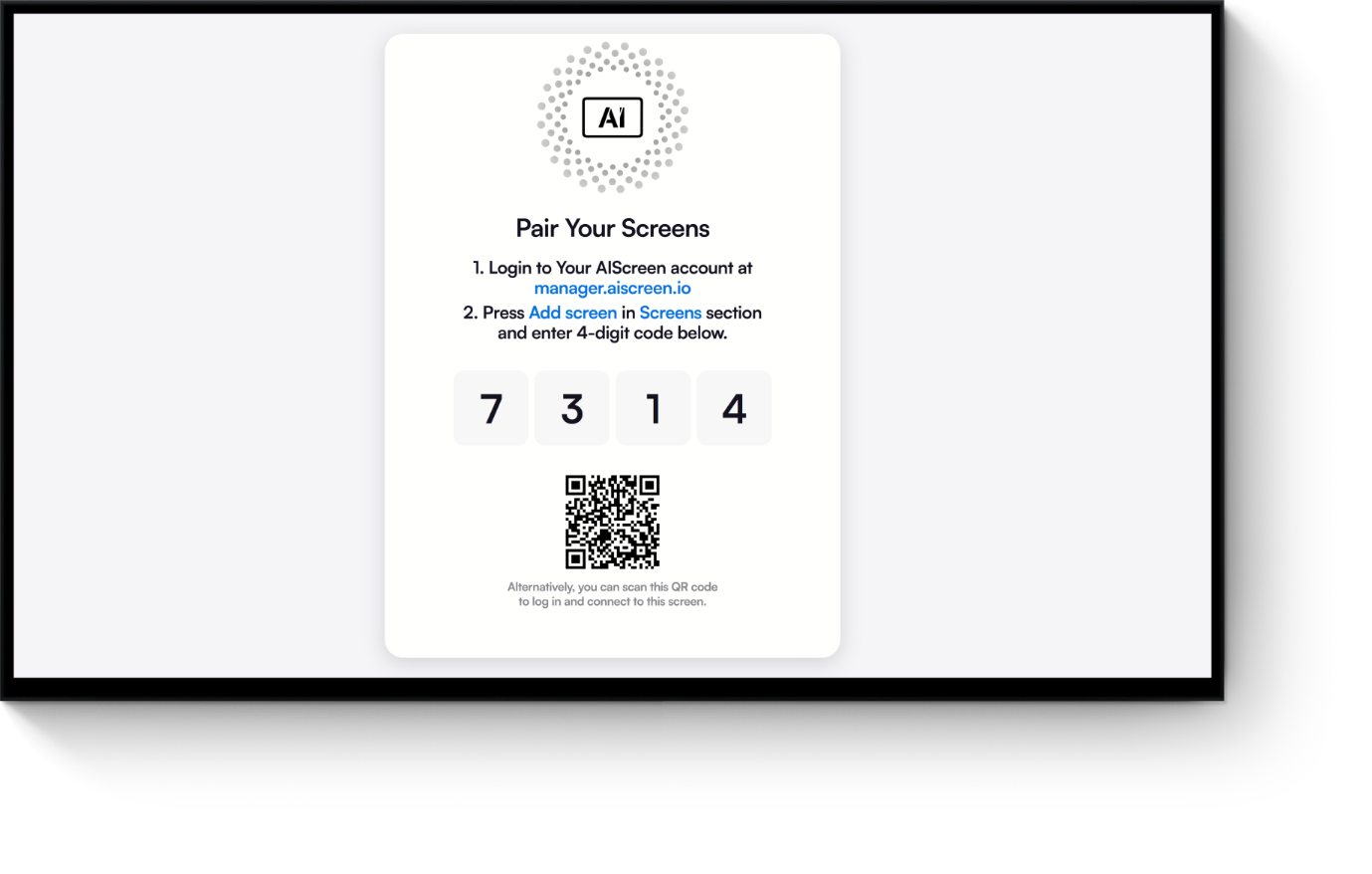
After logging into your manager account, connect and pair your display so administrators can control content remotely through digital signage software.
Follow this step-by-step pairing process:
- Log in and click “Add Screen” in the dashboard.
- Enter the 4-digit pairing code displayed on your TV screen.
- Name your screen and choose orientation (horizontal or vertical).
- Click the “Pair” button to complete setup.
Pairing establishes a secure connection between the display and the dashboard. Once connected, updates no longer require physical access to the screen. This concept of pairing enables centralized management across multiple locations.
Step 5: Upload and Customize Digital Bulletin Board Templates
Content gives digital bulletin boards purpose. Clear templates transform a screen into a structured digital message board for announcements and notices. What makes someone stop and read instead of walking past?
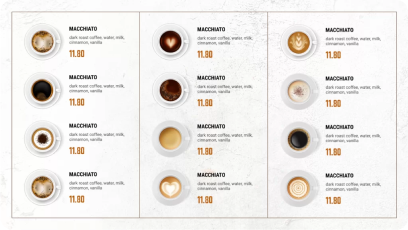
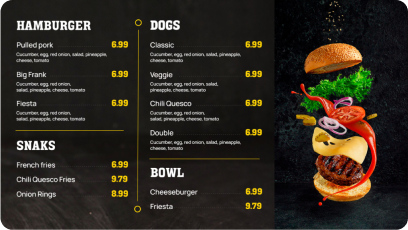
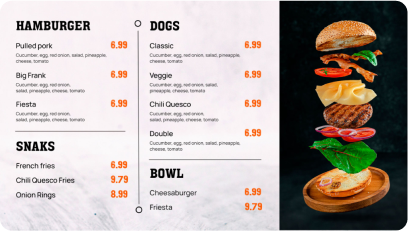
Upload and customize 1500+ digital bulletin board templates designed for fast communication with AIScreen. Well-structured layouts improve clarity and retention. According to Market Us Scoop, 67% of consumers purchase based on visual digital signage content, reinforcing the value of compelling design.
Follow these steps to upload existing signs from your device:
- Go to the “Media” section on your dashboard.
- Click the “Upload” button.
- Select your media file from your device and upload it.
You can easily create content for your digital display with our editor, Canvas. You can customize our professionally designed digital display templates to design digital screens that reflect your branding.
Follow these simple steps to customize your display template:
- Navigate to “Canvas” and select a template you’d like to customize.
- Add images, animations, or videos to your chosen template.
- Incorporate branding elements like your restaurant’s logos, fonts & colors.
- Save your designs or publish them on the screen
Discover 1500+ customizable digital signage templates
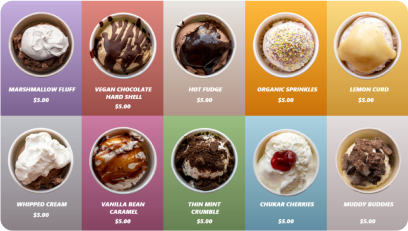
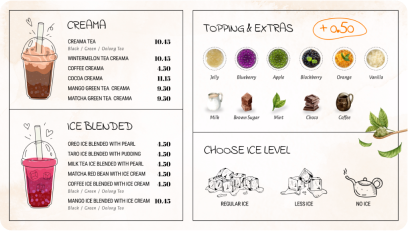
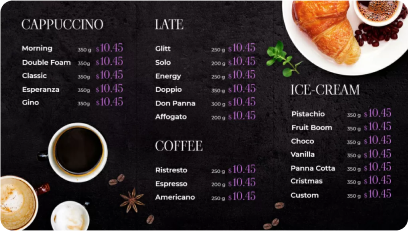
Discover 1500+ fully customizable templates for stunning digital menu boards.
Check our templates





Step 6: Schedule Content and Go Live with Digital Bulletin Boards
To schedule content and go live on digital bulletin boards, use structured playlists that automate what appears and when. Rotate notices based on time, date, or audience needs to ensure the right message reaches the right people at the right moment.
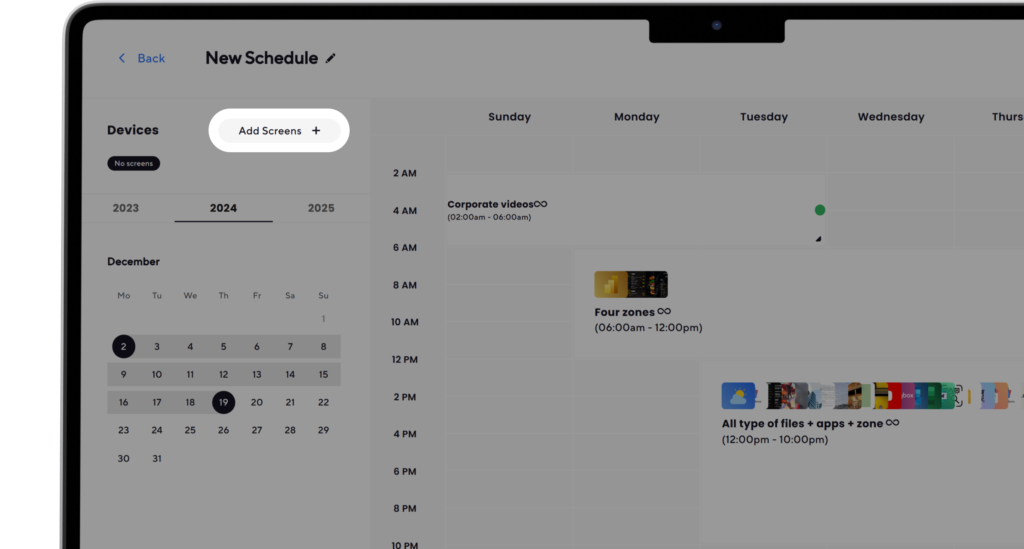
Here’s how to do it:
- Create a Playlist: Create and upload content to your newly created playlist. Arrange files so that they are displayed in sequential order.
- Create a New Schedule: Next, click on the “Schedule” tab in your dashboard and tap “Create New Schedule” to create a schedule for a specific time slot. You can also check the display schedule guide.
- Add a Playlist to the Schedule: Select the time slot (start date, time, and duration) for the content you want to play automatically. Confirm and add the playlist you want to schedule.
- Assign Devices, Review, and Save: Click “Add Device” to choose the screens or players to slideshow scheduled content. Click “Save,” and it’ll be played at the specified time slot.


What Are the Benefits of Using a Digital Bulletin Board?
The benefits of using a digital bulletin board include faster communication, centralized updates, reduced printing costs, better visibility and engagement, and real-time updates. A digital bulletin board outperforms a traditional bulletin board or electronic bulletin board in speed, flexibility, and measurable impact.
When you want to get the message across, displaying announcements on digital information boards increases engagement. According to Digital Signage Today, workplace digital signage bulletins have reduced accidents by 20%, and viewers show over 80% recall rates of displayed information.
Faster Communication
A digital bulletin board distributes relevant information instantly across multiple locations. Businesses rely on digital signage software to push company-wide updates, safety messages, upcoming meetings, and emergency alerts to every screen. This improves internal communications and keeps students informed, guests navigate easily, and employees are aligned.
Centralized Updates
Cloud-based digital signage allows organizations to update content remotely. Instead of replacing printed sheets, administrators manage digital notice boards from one dashboard. This prevents outdated information and ensures company news, business announcements, and event schedules stay consistent.
Reduced Printing
Physical boards require constant reprinting. That increases printing costs and wastes time. One organization saved 65 weeks annually by switching from manual reports to digital signage. Digital bulletin boards create long term savings while reducing resource waste.
Better Visibility and Engagement
Dynamic displays, multimedia content, YouTube videos, QR codes, social media feeds, and real time data improve employee engagement. A digital display board positioned at the correct viewing distance captures attention more effectively than static paper.
Real-Time Updates
Emergencies require immediate communication. Digital bulletin boards launch emergency protocols, safety reminders, and emergency alerts instantly. Many organizations across healthcare facilities, educational institutions, and businesses depend on electronic bulletin boards to update content in rapidly changing situations.
With lower setup costs, scalable features, and support for smart TV or digital signage media player devices, digital bulletin boards solve real communication pain points. Let’s take a closer look at practical digital bulletin board ideas by industry.
What Are the Best Digital Bulletin Board Ideas & Examples by Industry?
The best digital bulletin board ideas & examples by industry provide inspiration and real use cases. Digital bulletin boards adapt across schools, offices, healthcare facilities, factories, hotels, and tourism businesses.
With so much flexibility, it can be difficult to decide what digital bulletin board content to create. We have seen what works. Compelling content combines announcements, real time data, multimedia content, and clear display information.
Need structured inspiration before you create digital bulletin boards? If you want promotional inspiration, see the advertising on digital signage detailed guide. Below are specific examples showing how digital signage supports different environments and communication goals.
Digital Bulletin Boards for Schools
Digital bulletin boards for schools help educational institutions centralize announcements, schedules, events, and alerts on one digital notice board. Instead of relying on paper-based online bulletin boards, schools display relevant information instantly across multiple screens.
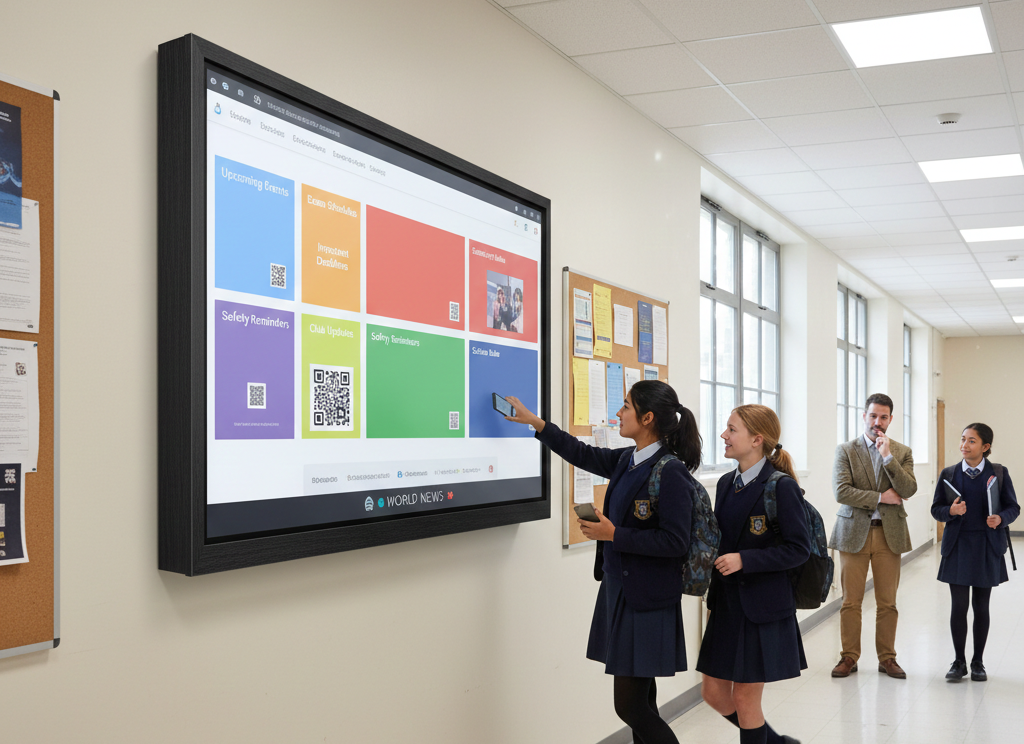
How do you make sure every student sees an important update before the bell rings? A digital bulletin board requires structured digital bulletin board content, clear layouts, and consistent internal communications.
Many schools design slides in Google Slides, add their own graphics, embed QR codes, and even integrate social media feeds or world news for broader awareness. Key use cases include:
- Upcoming Events: Announcements about school plays, concerts, sports events, parent-teacher meetings, field trips, company events, and upcoming holidays.
- Exam Schedules: Posting exam dates, times, and locations to keep students informed.
- Important Deadlines: Reminders for assignments, applications, and registration dates.
- Club or Organization Updates: Sharing meeting times, recruitment drives, and achievements.
- Safety Reminders: Bulletins about safety protocols, weather alerts, and emergency procedures.
- Celebrations and Achievements: Recognizing student achievements, birthdays, and milestones.
- School Rules and Policies: Displaying dress codes and behavior guidelines clearly.
Digital Message Boards for Offices
A digital message board for office environments strengthens internal communications and keeps teams aligned. A digital message board replaces static bulletin boards with dynamic, screen-based communication that displays relevant information in shared areas.
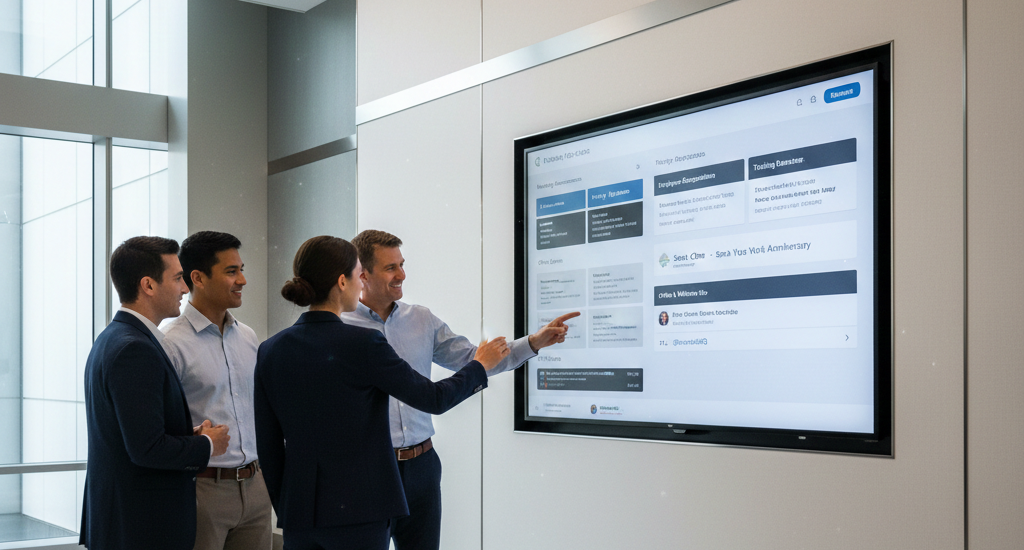
What’s the fastest way to keep everyone aligned without sending another email? A digital message board requires clear scheduling, branded templates with own graphics, and structured content rotation. Offices often include social media feeds, company events, and upcoming holidays alongside business updates. Common uses include:
- Meeting Announcements: Sharing details about upcoming meetings, including date, time, location, and agenda.
- Policy Updates: Informing employees about changes to company policies, procedures, or benefits.
- Employee Recognition: Highlighting performance, work anniversaries, promotions, and birthdays.
- Training and Development Opportunities: Promoting workshops and seminars.
- Office Events: Announcing team-building activities or charitable initiatives.
- Health and Wellness Tips: Sharing stress management guidance or fitness initiatives.
- IT Notices: Alerting staff about maintenance, upgrades, or outages.
Digital Information Boards for Hotels & Tourism Businesses
Digital information boards in hotels and tourism businesses enhance guest communication from the front desk to shared public areas. These systems replace printed signage with dynamic digital information boards that adapt instantly.
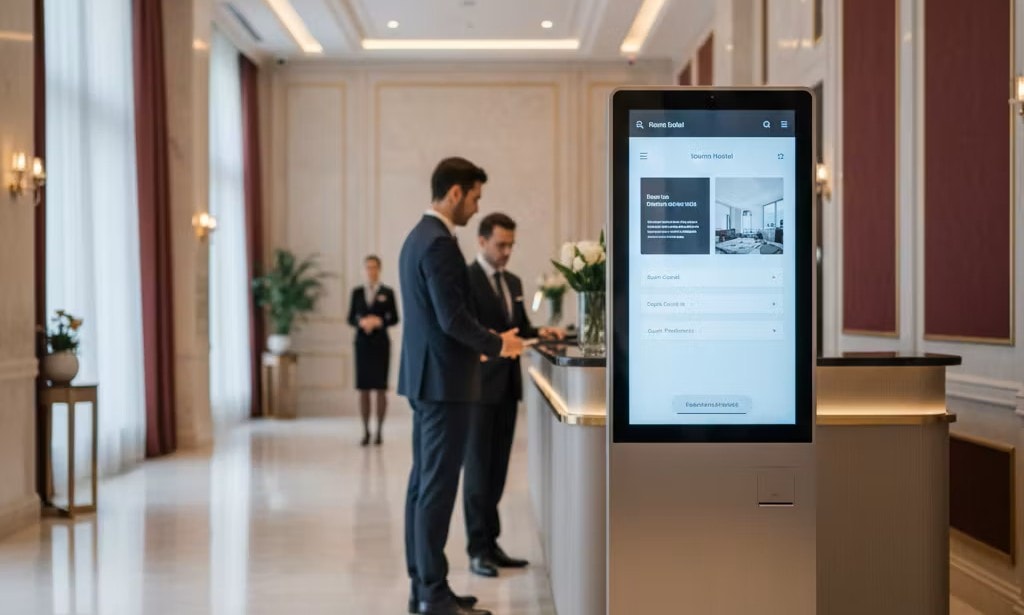
Ever walked into a lobby and felt unsure where to go? Electronic message boards require clear design, strong placement, and timely updates to ensure guests access relevant information quickly. Hotels may also integrate QR codes, social media feeds, and world news to enrich the experience. Key applications include:
- Building Directory and Wayfinding: Helping guests locate amenities and services with ease.
- Service Schedules and Availability: Displaying restaurant hours, maintenance notices, and event schedules.
- Promotional Content: Upselling services, loyalty programs, or partnerships with local businesses.
- Emergency Alerts: Providing evacuation procedures, safety reminders, and muster points during emergencies.
Digital Notice Boards for Healthcare Facilities
A digital notice board in healthcare facilities improves patient communication and safety awareness in waiting rooms and corridors. Hospitals replace manual online bulletin boards with dynamic systems that display relevant information clearly.
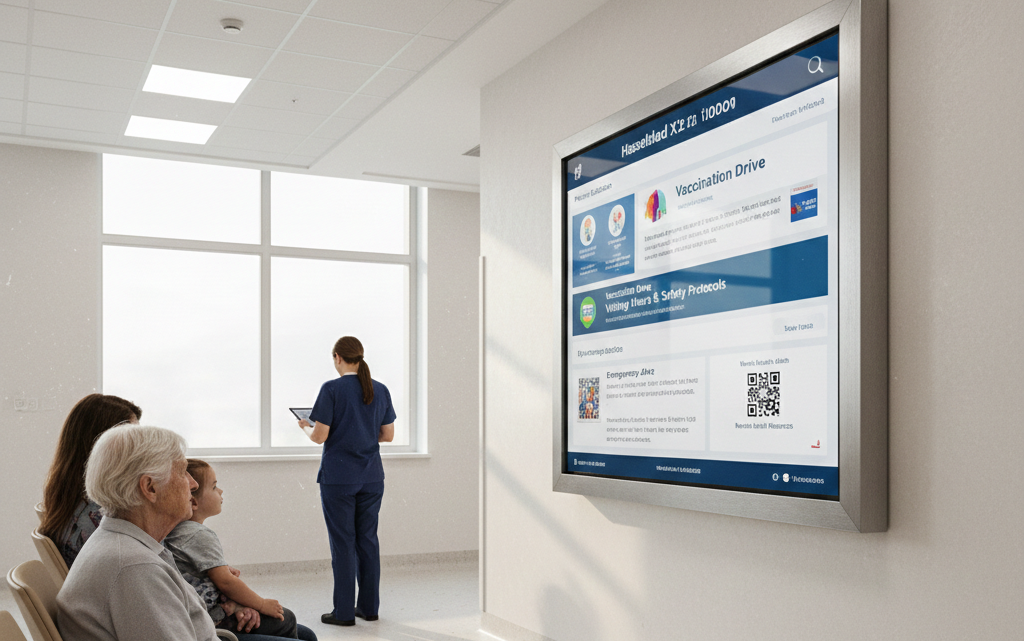
How do you reduce confusion in a high-stress waiting room? A digital notice board requires accurate scheduling, compliance-friendly messaging, and structured internal communications. Healthcare providers often include QR codes linking to patient resources and mental health services. Core content includes:
- Patient Education Materials: Disease prevention tips, medication guidance, and lifestyle recommendations.
- Health Campaigns: Promoting vaccination drives and screening programs.
- Staff Updates: Communicating shift changes or training sessions.
- Visitor Guidelines: Displaying visiting hours and safety protocols.
- Emergency Alerts: Sharing evacuation procedures and crisis contact information.
- Support Groups or Counseling Services: Announcing support sessions and mental health services.
Digital Information Boards for Factories & Industrial Environments
Digital information board in industrial environments ensures non-desk workers receive timely updates on production, safety, and company developments. These digital systems replace outdated paper notices with visible, centralized displays.
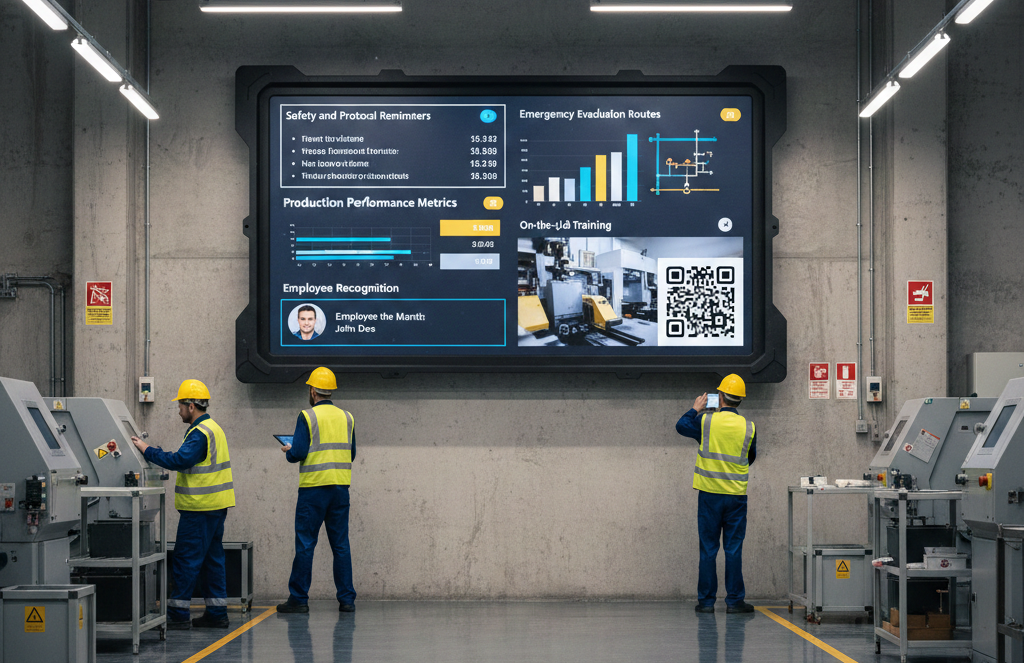
What happens if a critical safety update never reaches the factory floor? An electronic bulletin board requires durable hardware, clear formatting, and scheduled content updates. Facilities may use Google Slides for training visuals and integrate QR codes for process documentation. Essential use cases include:
- Safety and Protocol Reminders: Sharing site rules, safety reminders, and compliance updates.
- Business Announcements: Communicating production performance, company events, and operational news.
- Emergency Alerts: Displaying evacuation routes and muster points clearly.
- Employee Recognition: Highlighting birthdays, promotions, and milestones to boost morale.
- On-the-Job Training: Streaming onboarding materials, instructional videos, and process tips.
Create Smarter Digital Bulletin Boards with AIScreen!
You’ve seen how digital bulletin boards transform communication across schools, offices, healthcare facilities, and industrial environments. The next step is making that system simple to manage, scalable, and reliable long term.
AIScreen digital signage software helps you centralize updates, automate scheduling, and manage every screen from one cloud dashboard, without technical complexity. Whether you’re running a single display or multiple locations, AIScreen keeps your digital bulletin boards organized, current, and impactful. Start building smarter communication today with a 14-day free trial, no credit card required.
FAQs
What is a digital bulletin board?
A digital bulletin board is a screen-based communication tool that replaces printed notices with dynamic, updateable content. A virtual bulletin board allows businesses and institutions to share information, display important announcements, and rotate messages instantly, imagine a school hallway screen showing event reminders in the morning and schedule changes by afternoon without printing a single page.
What is the difference between a digital notice board and an electronic bulletin board?
The difference between a digital notice board and an electronic bulletin board mainly lies in terminology rather than function. Both systems use screens to share information and broadcast important announcements, but a digital notice board often emphasizes public-facing messages while an electronic bulletin board may focus on internal communication within offices or campuses.
Can digital bulletin boards be updated remotely?
Yes, digital bulletin boards can be updated remotely through cloud-based content management systems. A manager can log in from any device, modify a virtual bulletin board, and push new important announcements instantly, picture a retail chain updating promotional pricing across multiple locations at the same time without visiting each store.
What industries use digital message boards the most?
Industries that use digital message boards the most include retail, education, healthcare, hospitality, and corporate offices. These sectors rely on virtual bulletin board systems to share information efficiently, improve engagement, and communicate important announcements in high-traffic environments where visibility directly impacts experience and decision-making.
Do digital bulletin boards require internet access?
Yes, digital bulletin boards require internet access for remote updates and centralized control. While some systems can display preloaded content offline, connectivity ensures real-time synchronization, timely important announcements, and the full several advantages of a cloud-managed virtual bulletin board.
