
Mini PC vs PC Stick: Differences and Use Cases
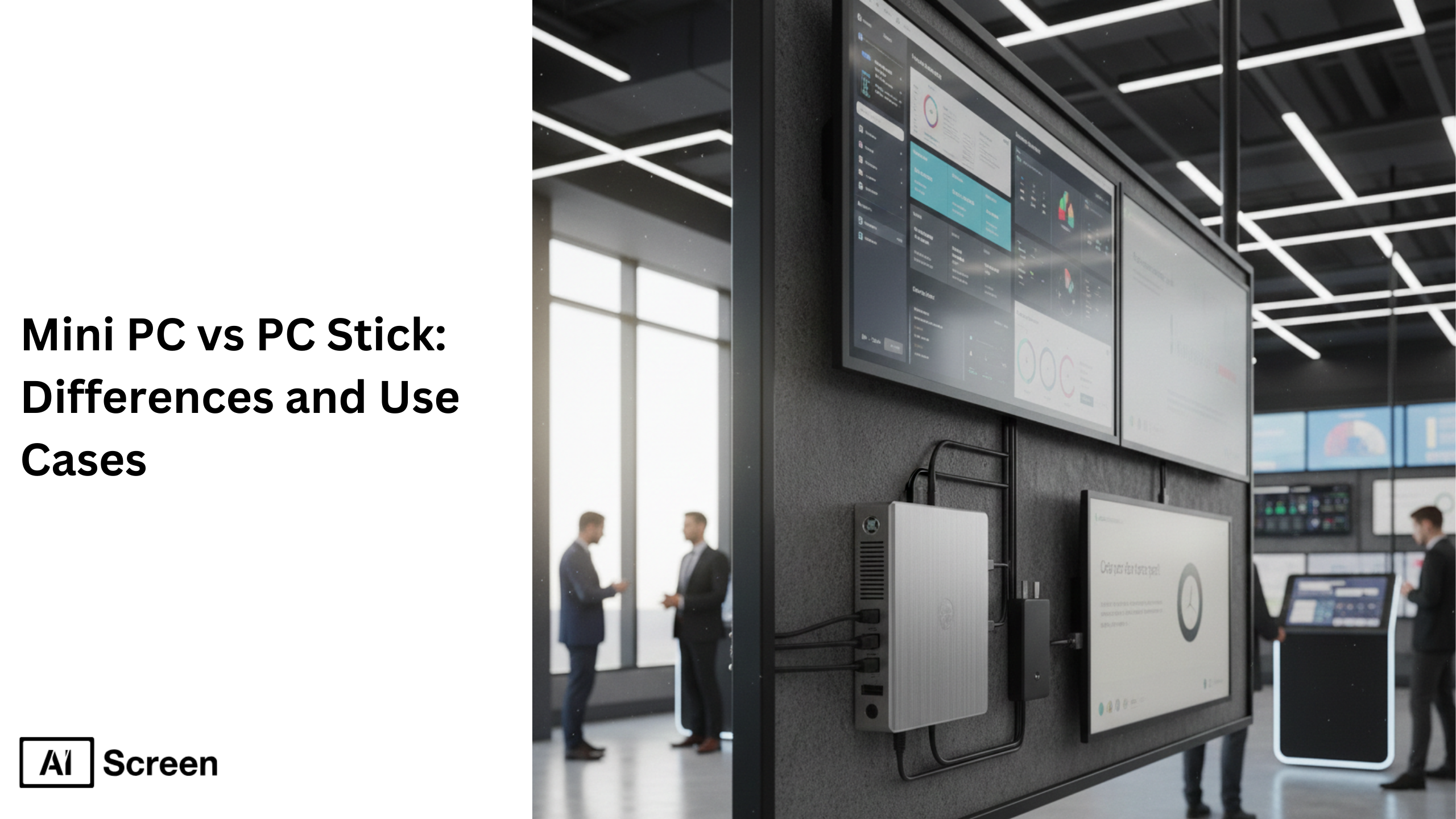
Mini PC stick and PC stick are compact computer devices reshaping how businesses deploy hardware for digital signage, kiosks, and lightweight desktop computer tasks. Mini PCs usually deliver higher performance, faster processor speed, more expansion ports like multiple USB ports and SD card slots, and better overall processing power compared to stick PCs. In contrast, a pc stick fits into an HDMI port like a usb flash drive and prioritizes portability and low cost at the expense of upgrade memory options, specs flexibility, and hardware versatility. Research shows the global mini PC market was valued at around USD 23.51 billion in 2024, reflecting strong demand for small form factor computers across industries worldwide.
In this blog we cover what mini pcs and pc sticks are, their performance and use-case differences, how to choose between them, plus specific insights on digital signage deployments with both miniature hardware types.
What Is a Mini PC?
Mini PC is a compact, high-performance small computer that offers many of the same capabilities as a desktop computer but in a small form factor. A typical mini PC includes a dedicated CPU (like Intel or AMD Ryzen series), 8–32GB of RAM, SSD or NVMe storage, and interfaces including USB ports, HDMI cable outputs, ethernet, bluetooth, and sometimes SD card slots.
These small computers can run operating systems such as Windows 11 or Linux and handle performance requirements spanning office work, web browsing, video editing, gaming, and even light play scenarios. Many mini PCs support Intel UHD graphics or integrated graphics and feature passive cooling or active cooling with fans to manage high temperatures and resources effectively.
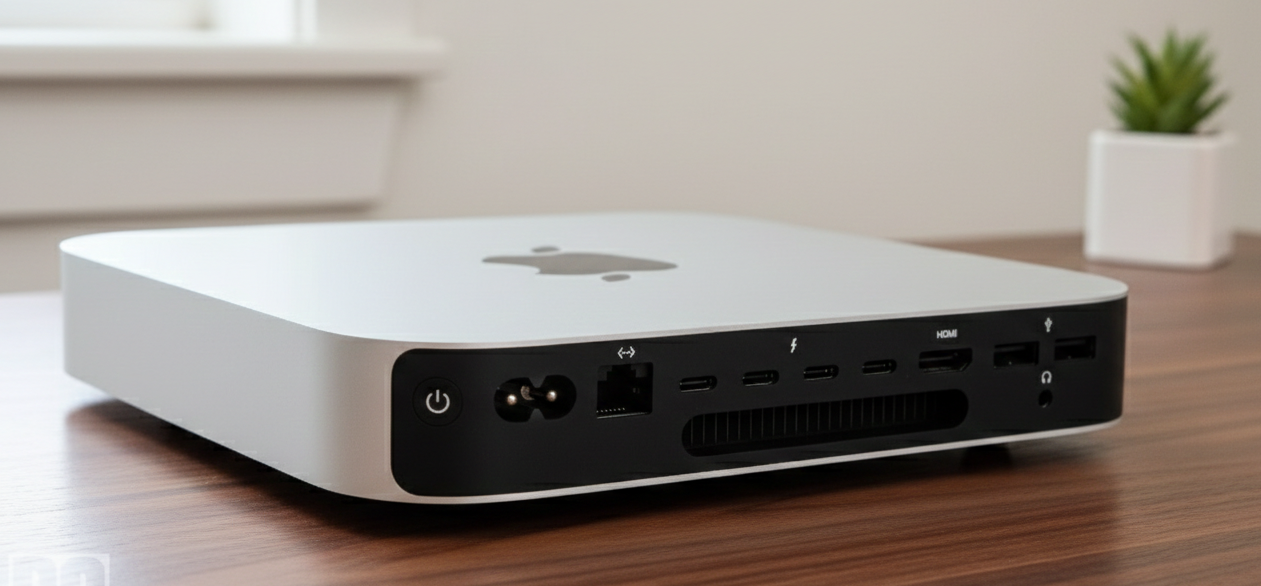
Have you ever wondered why mini PCs are preferred in offices over stick PCs when both mini pcs can do basic tasks? Mini PC offers a balance of high performance and flexibility. Most mini pcs support hardware upgrades like adding storage or increasing RAM, which boosts work efficiency and future upgrades.
They provide multiple USB ports and slots that allow a wireless mouse, keyboards, and other connecting peripherals to connect without requiring usb hubs. Mini PCs are suitable for running demanding applications, multitasking heavy workloads, or even handling dual channel memory configurations in data visualization and control dashboards.
Mini PCs from brands like Dell, MSI, and Intel are widely used in enterprise settings, powering large-format displays, multiple displays, and 24/7 operations where processing power and long-term stability are crucial. Their small size makes them far more portable than a laptop or traditional desktop PC systems without sacrificing performance.
What Is a PC Stick?
PC Stick is a highly portable, stick-sized computer that plugs directly into a display’s HDMI port and turns it into a functioning small computer. Stick PCs integrate a low-power processor, limited RAM, and modest storage into a compact housing similar to an oversized USB flash drive that often needs a power adapter and stable wifi connection.
These devices excel at simple tasks like internet browsing, streaming apps like Netflix, light media playback, and basic productivity applications but struggle with heavy workloads due to low processing power and limited upgrade memory options. Isn’t it intriguing that a device the size of a usb flash drive can run a full operating system?
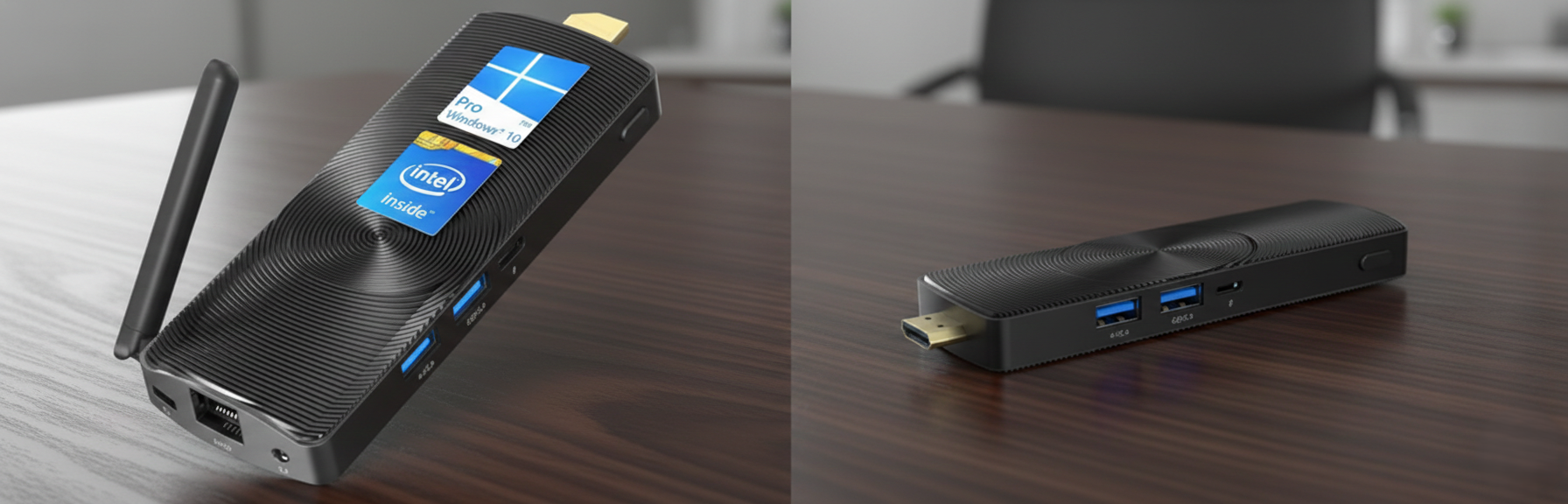
A stick pc, also called a computer stick, is best suited for basic tasks where low cost and portability outweigh high performance. Stick PCs generally have a handful of USB ports and an HDMI port for direct monitor or TV connection but lack the presence of multiple usb ports and ethernet interfaces found in mini pcs.
Because of thermal constraints and passive cooling, a pc stick may throttle under heavy use, making it less ideal for desktop-level tasks or media editing compared with a mini PC.
Stick PCs excel in scenarios where you need a simple setup, such as turning a TV into a basic web browsing or streaming device, running lightweight signage, or supporting temporary computing needs with minimal hardware overhead.
What Are the Differences between Mini PC vs PC Stick?
Mini PC vs PC Stick differences become clear when you compare how each device handles performance, connectivity, and long-term use. The table below is designed to help you decide in under 30 seconds.
Quick question: are you optimizing for raw performance or simple convenience?
| Feature | Mini PC | PC Stick |
| Performance & processing power | Strong CPUs such as Intel Core and AMD Ryzen deliver better performance for multitasking, video editing, and photo editing | Low-power processors like Intel Atom handle basic tasks such as browsing or stream media |
| Connectivity & ports | Multiple USB ports, Ethernet, HDMI, DisplayPort, audio ports, and support for peripherals | Limited ports, often just USB and HDMI, usually requiring an AC adapter |
| Storage & expandability | Upgradeable SSD or NVMe storage, expandable RAM across many models | Fixed internal storage, typically capped at 128GB |
| Heat management & durability | Active cooling fans maintain stability during long workloads | Passive cooling limits sustained performance |
| Long-term reliability | Built for continuous use with better thermal control | Best for light, short-term usage |


How to Know If You Need a Mini PC or a PC Stick?
Depending on your use case, you’ll want to prioritize one of three hardware variables: processor speed, RAM, or onboard storage. Other differences exist, but for most buyers, they don’t meaningfully affect outcomes. Pause for a second: which one actually limits your work today?
Choose a Mini PC If You Need
If your computer needs to handle frequent user input, such as editing images, managing presentations, or multitasking across apps, processing power matters most. In these cases, a mini PC offers better performance and smoother workflows.
RAM becomes critical when running passive but data-heavy applications like dashboards or visual reports. If your setup manipulates large datasets or supports core team members viewing real-time data, choose a mini PC with at least 16GB RAM.
Mini PCs also support:
- Multi-screen or video wall setups
- 24/7 operation with cooling fans
- More ports and expandability
- Long-term stability for business use
This is why many teams replacing a laptop or desktop PC choose mini PCs that deliver the same performance in little space.
Choose a PC Stick If You Need
If your goal is a simple media player or a lightweight display, storage matters more than processing power. For basic digital screens or advertising displays, a computer on a stick works well when content stays under 128GB.
PC stick devices are ideal for:
- Low-cost, affordable setups
- Portable or temporary displays
- Minimal configuration
- Tight budget constraints
If you’re new to this category, the Intel Compute Stick: a beginner’s guide is a helpful starting point to understand limitations, specs, and expectations before purchasing.
How Do Mini PCs vs PC Sticks Compare for Digital Signage Use Cases?
Digital signage hardware has very different requirements than consumer PCs. Uptime, remote management, and reliability matter more than raw specs. Here’s the real question: will this screen need to run unattended for months?
A stick pc can handle basic content delivery, but its low ceiling for compatibility and custom control limits professional deployments. Small form factor computers work best here because signage workloads are predictable but continuous.
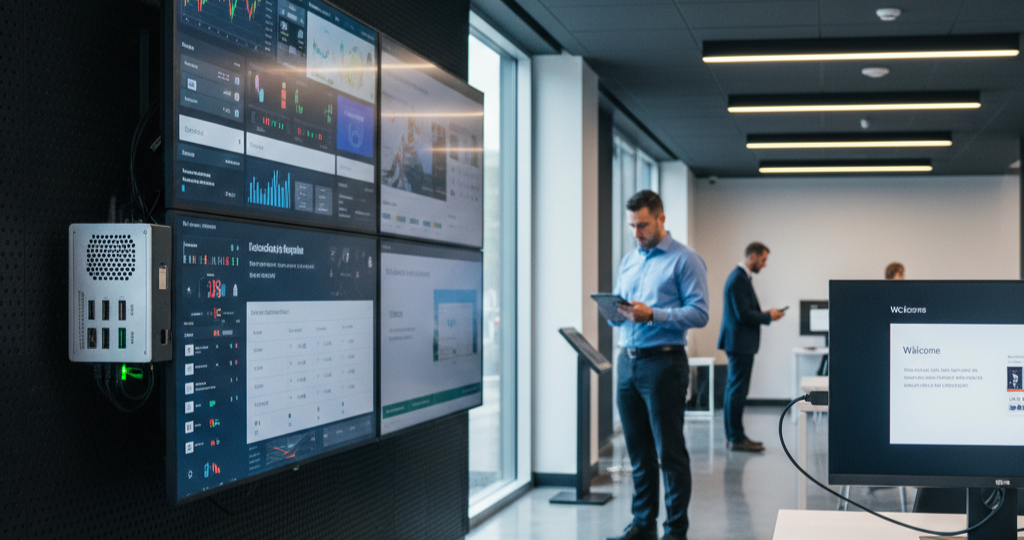
If information sharing is your only goal, a PC stick is enough to show slides consolidating notifications or calendars into a single display. For simple digital signage, this approach is cost-effective and easy to deploy.
Upgrade to a mini PC, and you unlock professional signage options, moderated user-generated content, multi-zone dashboards, or data-driven displays. When workloads grow, mini PCs can even act as thin clients, streaming content from the cloud or local servers.
Mini PCs for Digital Signage
Mini PCs are the scalable, professional choice for demanding signage environments. Imagine a bigger screen or monitor running all day without stuttering. A mini pc stick form factor still maintains compact size while offering more space for components, better cooling, and higher reliability.
This makes mini PCs ideal for enterprises managing multiple displays across locations using modern technology products.
Mini PCs support:
- Large-format displays
- Video walls
- Real-time or data-driven content
- Long operating hours
PC Sticks for Digital Signage
PC sticks are best when expectations are clear and workloads are light. Quick reality check does the content ever change? Computer sticks are popular where simplicity matters more than performance.
However, pc sticks struggle with expansion, advanced customization, and continuous operation, making them unsuitable for large or permanent installations.
PC sticks work well for:
- Small screens
- Static or lightweight content
- Temporary setups
- Budget-conscious deployments
Which Option Is Better for Long-Term Business Use?
For long-term business use, mini PCs are the better choice due to reliable performance, scalability, and stronger hardware. They handle demanding tasks like video editing, light gaming, and multitasking with a powerful processor, higher RAM, and stable CPU performance across different models and brands like Dell or Intel.
PC sticks are better suited for short-term or budget deployments where space, cost, and simple setup matter more than power. A pc stick works fine when requirements are basic and workloads are minimal.
Bottom line:
- Choose a mini pc vs pc approach when you need better performance, more internal space, and future-ready Windows or Linux environments.
- Choose a pc stick when simplicity, same size convenience, and fast deployment outweigh long-term business needs.
How Does Digital Signage Player Hardware Impact Your Device Choice?
Choosing between a mini PC and a PC stick is not just about size or performance—it directly affects how your digital signage system functions. The type of hardware you select determines reliability, uptime, compatibility, and how well your screens handle continuous workloads. For example, mini PCs offer better processing power and stability for long-term deployments, while PC sticks are suited for lightweight, temporary setups.
If you want to make a more informed decision based on performance, scalability, and compatibility, you can explore what is digital signage player hardware? a complete guide. This will help you understand how different hardware components influence your overall digital signage setup and long-term efficiency.
Create Digital Signage Screens That Communicate With Your Existing Hardware!
Choosing between a mini PC, stick PC, or even repurposing an old laptop or desktop computer is only half the decision. Real results come from pairing your hardware with the right digital signage software. If you want a deeper understanding.
Whether you’re running a mini PC powered by AMD Ryzen or Intel processor on Windows 11, deploying a compact stick PC, or connecting devices via wifi or bluetooth, software defines performance, reliability, and scalability.
AIScreen digital signage software is reliable and works seamlessly across Windows-based mini PCs and stick PCs. This allows businesses to create professional signage, manage content, and control multiple screens from one dashboard without needing extra hardware.
Setup is simple, content is managed remotely, and screens update in real time across locations. Start a 14-day free trial and test how easily your current setup can scale across your office or business environment.
FAQs
Are PC sticks powerful enough for digital signage?
Yes, PC sticks are powerful enough for digital signage when the content is simple and lightweight. A stick pc can display static images, basic videos, or announcements on a single screen, but may struggle with heavy animations or long 24/7 runtimes.
Can a mini PC run digital signage 24/7?
Yes, a mini PC can run digital signage 24/7 because it includes better cooling, reliable components, and higher processor performance. Unlike a laptop or stick device, it handles continuous workloads without throttling.
Is a PC stick better for small screens?
A PC stick is better for small screens when the use case involves basic content and minimal interaction. For single displays in offices or kiosks, it offers an affordable and compact solution.
Can I use my existing TV with a mini PC or PC stick?
Yes, an existing TV works with both a mini PC and a PC stick using HDMI. This makes them practical options to upgrade screens into smart displays without replacing hardware.
How much does a PC stick cost?
The cost of a PC stick is generally affordable, ranging from low-cost entry models to slightly higher configurations depending on RAM and specifications. Compared to a mini PC or desktop computer, it helps save budget while delivering basic functionality.
