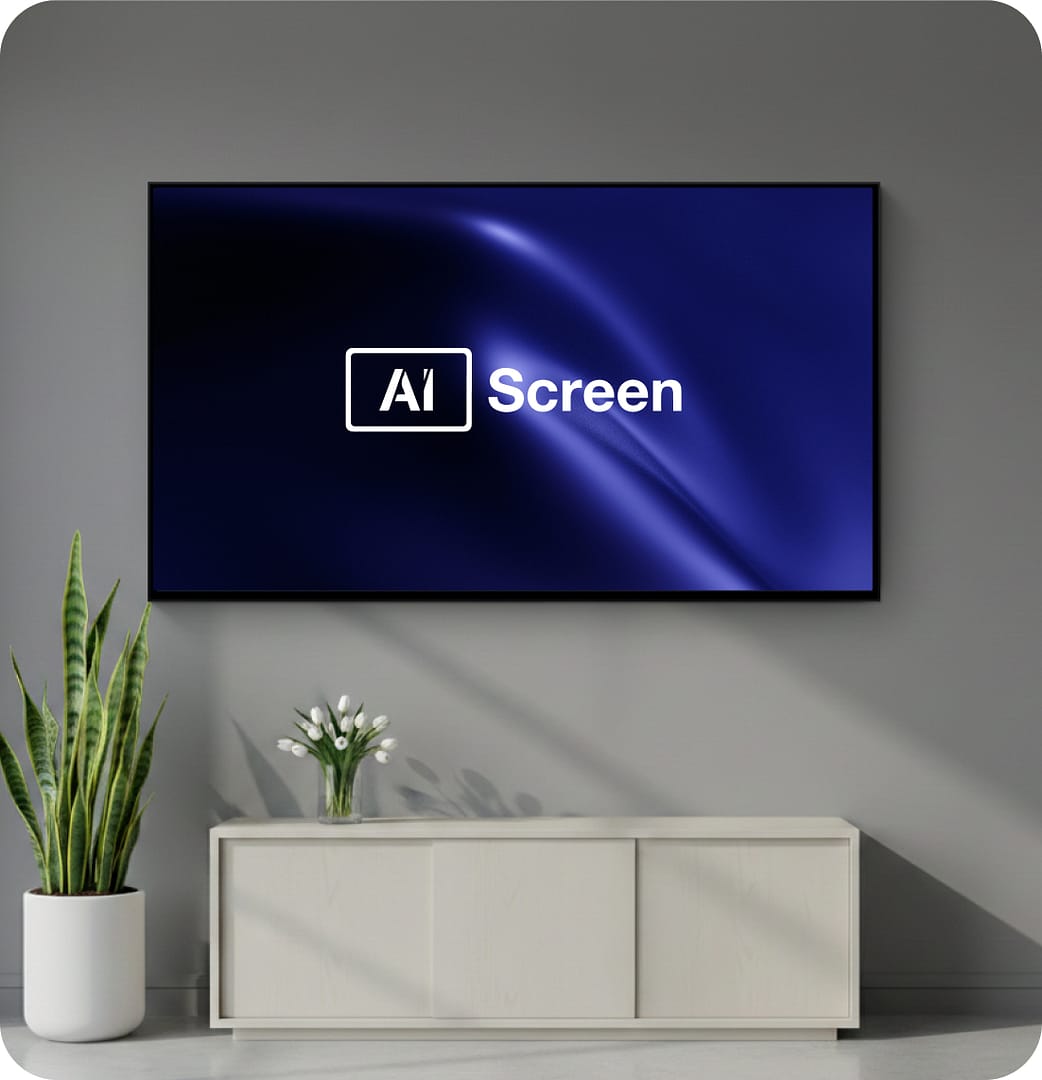
Single Screen Digital Signage

Single screen digital signage is used to display content, promotions, and information on a single screen without complex setup. It is ideal for businesses that need a simple way to manage one display in a store, office, or location. With digital signage software, content can be updated easily, ensuring the screen always shows the latest information. Content is created and scheduled from one AIScreen digital signage platform.

14-day FREE trial. No credit card required
Single screen digital signage

Why Setting Up Single Screen Digital Signage is Important for Businesses

Even with one screen, businesses often struggle with updating content manually or keeping displays consistent. USB updates, static content, and lack of control can make even a single screen inefficient. Single screen digital signage solves this by providing simple and centralized control.

Solutions for Single Screen Digital Signage Challenges

Managing a single display should be simple, but without the right tools it can become time-consuming. Single screen digital signage provides an easy way to update content, schedule displays, and maintain control without technical complexity.

  • Easy Setup: Single screen digital signage works without complex installation or configuration.
  • Quick Updates: Digital signage software updates content instantly on one screen.
  • Simple Control: Manage your single screen from one dashboard easily.
  • Content Scheduling: Display content at specific times without manual changes.
  • Consistent Display: Ensures your screen always shows the correct content.
Single screen digital signage

Why Single Screen Digital Signage
Delivers Big Impact With Less Complexity

Even one screen needs reliability, flexibility, and control. A single-screen signage setup gives businesses a powerful way to communicate, promote, and interact — without complex systems or on-site management. Start with free digital signage on the screen you already own: a commercial screen or a smart TV with native apps works, and a compact media player adds processing hardware where you need it. Single screens punch above their weight in the right spot — a menu behind the counter, a welcome board at reception, or a promo loop in the window. Get started using this simple framework.

  • 1

    Control and monitor their screen from anywhere
  • 2

    Show the right content at the right time automatically
  • 3

    Add touch-based experiences when interaction matters

Control and monitor your screen from anywhere

Managing a display screen shouldn’t require being on
location. Remote access lets teams stay in control at all
times — update the loop from a laptop, schedule broadcasting
windows for the week, and let real-time monitoring confirm the
screen stays online, accurate, and working as expected. Single-screen digital setups stay simple: no server room, no cabling project, just power, Wi-Fi, and mounting.

  • View real-time diagnostics and screen screenshots using alerts & screen health monitoring

  • Secure remote device management for total visibility

Single screen digital signage

Show the right content at the right time automatically

Relevance drives attention. Time-based automation ensures content matches the moment, without manual switching. Day-parting and triggers keep messaging fresh throughout the day.

Add touch-based
experiences when
interaction matters

A single screen can still do more than display content.
Touch capabilities turn displays into useful self-service
tools. Interactive screens improve engagement while
reducing staff workload.

  • Touchscreen directories, menus, and kiosks powered by touchscreen & kiosk experiences

  • Built-in interactivity for a more engaging experience

Single screen digital signage

How to Set Up Single Screen Digital Signage

To set up single screen digital signage, start by selecting the right display screens and a reliable cloud-based digital signage software. Choosing the right hardware and software is key to enhancing in-store engagement and boosting sales. Follow these simple steps to get started in just a few minutes:

Step 1.
Don’t have a TV?
Single screen digital signage
prev
next

Simply purchase a TV and start without any additional digital signage or hardware.

or
Have TV or hardware?
Single screen digital signage

Then download digital signage software directly on your TV from your app store to manage it remotely.

Step 2.
Connect Your Screen(s).
Single screen digital signage
After receiving your pairing code simply enter this code in your manager account to pair your screen seamlessly
Optional.
AIScreen OS.
AiScreen
Benefits:
  • Remote Troubleshooting
  • Auto Power On/Off TV
  • Track Available Memory in your cache
  • Clean Cache Remotely
  • Security

What Impact Does Single Screen Digital Signage Shows on Content Management?

  • Single screen digital signage

    Up to 46%

    reduction

    In on-site maintenance visits after switching to remote screen management

  • Single screen digital signage

    Up to 67%

    increase

    In content relevance using automated scheduling and triggers

  • Single screen digital signage

    Up to 38%

    improvement

    In screen uptime through proactive monitoring and alerts

Single Screen Digital Signage That’s Simple and Reliable

Launch quickly, manage remotely, and keep one screen performing at its best with a signage solution built for simplicity and control.

Discover how businesses get more
from a single screen digital signage.

Single screen digital signage

LocalHub Retail Improves
In-Store Messaging with
Digital Signage

See how LocalHub Retail replaced static posters with single screen digital signage to update promotions remotely, automate daily messaging, and keep one high-traffic display running reliably, without added complexity or on-site effort.

Single screen digital signage
Single screen digital signage Single screen digital signage Single screen digital signage Single screen digital signage Single screen digital signage Single screen digital signage Single screen digital signage Single screen digital signage Single screen digital signage Single screen digital signage Single screen digital signage Single screen digital signage

Single Screen Digital Signage Templates

Single Screen digital signage templates from AIScreen make it easy to create eye-catching, brand-ready content in minutes. With access to over 1,500+ fully customizable templates, businesses can quickly showcase promotions, highlight new products, or reinforce branding across screens. Change colors, fonts, text, and layers effortlessly. These full-screen templates are tailored for all industries and signage goals. Bring your vision to life with intuitive design tools—explore the full template library in the AIScreen template section.

Single Screen Digital Signage That Punches Above Its Weight

You don’t need a network of screens to make an impact. Single screen digital signage gives you full control, smart automation, and optional interactivity, so one display works harder, smarter, and more reliably every day.

Explore other use cases

  • Digital Donor Wall for Lasting Recognition

    Highlight donor contributions in real time and share impact stories that inspire continued giving. Keep recognition accurate, engaging, and connected beyond the physical wall.

  • Digital Hall of Fame for Immersive Recognition

    Transform achievements into interactive, story-driven experiences. Update inductees instantly, personalize exhibits, and understand what resonates through engagement insights.

Frequently Asked Questions

What Is Single Screen Digital Signage?

Single screen digital signage displays content on one screen using digital signage software. It removes the need for manual updates like USB. AIScreen makes it easy to control and update content. This helps businesses keep displays current.

A single-screen setup is the simplest way to start: one display, one media player, and cloud scheduling with no complex network. AIScreen runs a standalone screen from any browser, schedules content by time and day, and scales to more screens later, making it easy for small businesses to launch signage affordably.
What factors influence the cost of Single Screen Digital Signage?

Single screen digital signage costs depend on screen size, display type (LED, LCD, video walls), software, media players, installation, and content creation. Ongoing maintenance, upgrades, and technical support also impact expenses. Choosing scalable solutions helps optimize long-term costs and ROI.

Are there cost-effective options for implementing Single Screen Digital Signage?

Yes, there are cost-effective ways to implement single screen digital signage. Using a cloud-based CMS, repurposing existing in-store displays, creating your own content, and leasing equipment instead of purchasing can significantly reduce costs. These strategies allow you to maintain high engagement and scalability while keeping your budget in check.

What are the key features of Single Screen Digital Signage software?

Good single screen digital signage software offers:

  • User-friendly interface
  • Automated content scheduling
  • Remote management
  • Analytics
  • Support for various multimedia formats
  • Integration with CRM and POS systems
  • Strong security features

These features ensure smooth content delivery and maximize audience engagement.

Can Single Screen Digital Signage Update Instantly?

Single screen digital signage updates instantly when connected to software. Changes appear on the screen without delay. AIScreen allows real-time content control. This keeps messaging up to date.

How can I measure the ROI of my Single Screen Digital Signage investment?

To measure the ROI of your single screen digital signage, track metrics such as sales growth, foot traffic, dwell time, and customer feedback. Compare pre- and post-implementation sales data, and use software analytics to evaluate audience engagement and campaign performance. These insights will help you optimize your digital signage for maximum impact.

Is it necessary to purchase expensive software for Single Screen Digital Signage?

No, it is not necessarily required to purchase expensive software for single digital signage, as there are many affordable and even free options available, but the level of features and functionality will be limited compared to higher-priced software; for basic needs, a less expensive solution may be sufficient, while more complex retail environments might need a more robust, pricier option depending on their specific requireme

Can I create my own Single Screen Digital Signage content?

Yes, you can easily create your own single screen digital signage content. With tools like Canva, Google Slides, and dedicated digital signage software like AIScreen, even businesses without extensive design experience can design and manage their signage. These user-friendly platforms make it simple for businesses of all sizes to create customized, engaging content on their own.

Where Can Single Screen Digital Signage Be Used?

Single screen digital signage can be used in stores, offices, lobbies, and counters. It works anywhere one display is needed. AIScreen supports easy setup in any location. This makes deployment simple.

How do I choose the right single screen Digital Signage software for my business?

When selecting single screen digital signage software, it’s important to consider factors like your specific needs, budget, and future scalability. Compare features, check user reviews, and take advantage of free trials or demos to ensure the software aligns with your business goals and content management requirements. This ensures the solution will effectively support your retail operations. See digital signage pricing to get started.