
How Can Law Office Signage Strengthen Your Brand?
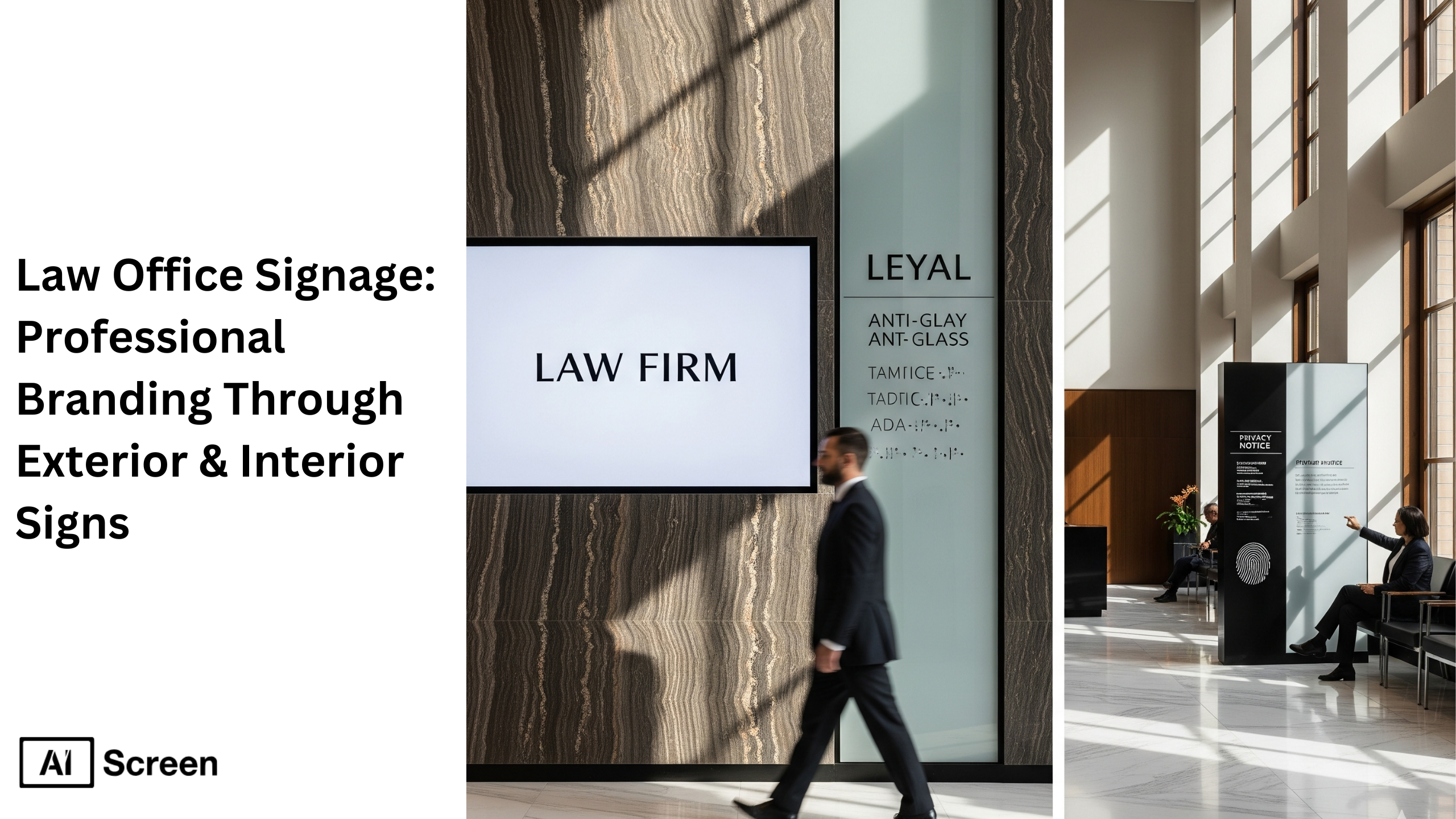
Law office signage is an integral part of a firm’s professional identity and client experience. Exterior and interior signs communicate trust, authority, and brand consistency even before a potential client steps in. The right law office signage not only guides visitors but also establishes a law firm’s presence and reputation in a subtle yet powerful way. According to Research Gate, nearly 80% of customers believe that the signage outside a business reflects the quality of the business and the services offered, making visual cues a vital part of brand trust.
In this blog, we’ll cover branding principles, compliance, materials, and digital transformation in legal signage. This guide walks you through how to create professional signage that aligns with your law firm’s identity, from exterior monument signs to interior nameplates, all while sustaining a consistent brand voice.
How Does Law Office Signage Shape First Impressions?
First impressions are essential in legal branding because the physical environment of a law office reflects the firm’s credibility and professionalism. When a client arrives, the exterior sign, the office directory, and the lobby’s reception logo set immediate expectations. Well-designed law office signs help deliver a lasting impression, they look polished, intentional, and trustworthy.
According to Forbes, visual branding indicates that 94% of first impressions are design-related. For law firms, this means that the firm’s identity is often judged before any interaction with attorneys even begins. By presenting cohesive, high-quality signage, you underscore your professional environment and send a subtle message of competence and care.
Why Is Law Office Signage Important?
Signage important for law firms isn’t just about marking a building, law firm signs are a strategic investment in client acquisition, retention, and reputation building. Thoughtfully designed law office signs communicate consistency, professionalism, and clarity.
They help clients instantly recognize your firm’s identity, reinforcing trust each time they visit. Consistent signage across multiple offices strengthens your brand recognition and supports a familiar, cohesive presence.

Law firms occupy a unique position in professional services. Unlike retail or hospitality spaces that rely on flash and flair, legal environments must project calm authority. Your signage must support that mission by aligning with the expectations of legal clients, clarity, professionalism, and security.
Building Client Trust Through Visual Authority
Clean, minimalist, and high-quality custom signage conveys reliability and sophistication. When your law office signs use metallic finishes, serif typography, and a subdued color palette, they project a sense of refined authority.
Signage is often the first touchpoint a potential client encounters, whether it’s a brushed-metal nameplate or illuminated letters on your building, and these design choices speak volumes before any interaction begins. Trust begins with presentation. Professional signage tells clients you’re detail-oriented, compliant, and prepared to handle complex matters.
In fact, PwC’s 2024 Trust Survey found that 93% of business executives agree building and maintaining trust improves the bottom line, underscoring how visual credibility directly supports a firm’s success. When every visual element is intentional and aligned with your firm’s reputation, it puts clients at ease from the moment they arrive.
Differentiating Your Firm in a Competitive Legal Market
Distinctive custom signs help a firm stand out among competitors by using unique textures, subtle illumination, or even digital signage software to tell your story. In legal districts that are dense with practices, your exterior signage and interior wayfinding signs become powerful brand anchors.
Whether you’re a boutique specialty practice or a full-service firm, signage that reflects your niche, let’s take an example through story-driven materials or lighting, can reinforce your identity.
For firms with multiple locations, consistent signage builds a unified presence across cities. When clients travel between offices, the same premium materials, the same design philosophy, and the same quality reinforce reliability and continuity.
This consistent branding helps clients feel they are dealing with one cohesive, credible organization, even when they’re in different states.
What Makes Exterior Law Office Signage Professional?
Exterior signage that embodies professionalism announces your presence with confidence. Whether through a monument sign, building-mounted letters, or window graphics, refined outdoor signage establishes your firm’s authority and visibility. High-quality materials and compliance with zoning regulations ensure your signage is both durable and appropriate for your legal setting.
Well-crafted exterior signage doesn’t shout, it speaks with quiet confidence. It announces your firm’s name, guides visitors, and supports wayfinding, all while remaining visually refined and compliant with local sign codes and professional standards
Monument Signs and Dimensional Lettering
For standalone offices, monument signs crafted from stone, bronze, or architectural-grade metal deliver a timeless, premium impression. Dimensional lettering, especially in brushed aluminum or stainless steel, provides a modern yet understated aesthetic, reinforcing your firm’s identity in a way that exudes professionalism and credibility.

Building-Mounted Signage and Window Graphics
In urban or shared-office settings, building-mounted signs or etched window graphics offer elegant, visible branding without overwhelming the architectural environment. Frosted-glass vinyl or cut letters on windows add privacy, style, and sophistication while adhering to lease or zoning restrictions.
A study on business visibility found that quality exterior signs significantly boost how likely people are to notice and trust a business, highlighting the long-term value of refined, professional materials. Learn more about top 6 dental office window decals ideas.
Ensuring Permitting and Zoning Compliance
Installing exterior signage often means navigating permitting and zoning regulations. Working with experienced professionals will help ensure every sign is approved on time, installed correctly, and compliant with local commercial property rules. By addressing this early, you avoid costly delays and help your outdoor signage deliver its maximum branding impact.


How Does Interior Law Office Signage Build Brand?
Interior signage that strengthens brand identity plays a subtle but powerful role in shaping the client experience. Inside your law office, signs define space, guide visitors, and reinforce a sense of order, trust, and cohesion. Indoor digital signage can add another layer of flexibility by displaying welcome messages, directories, meeting information, and branded content throughout the office. These custom signage elements elevate your brand identity while maintaining a professional, welcoming atmosphere.
Lobby and Reception Area Signs
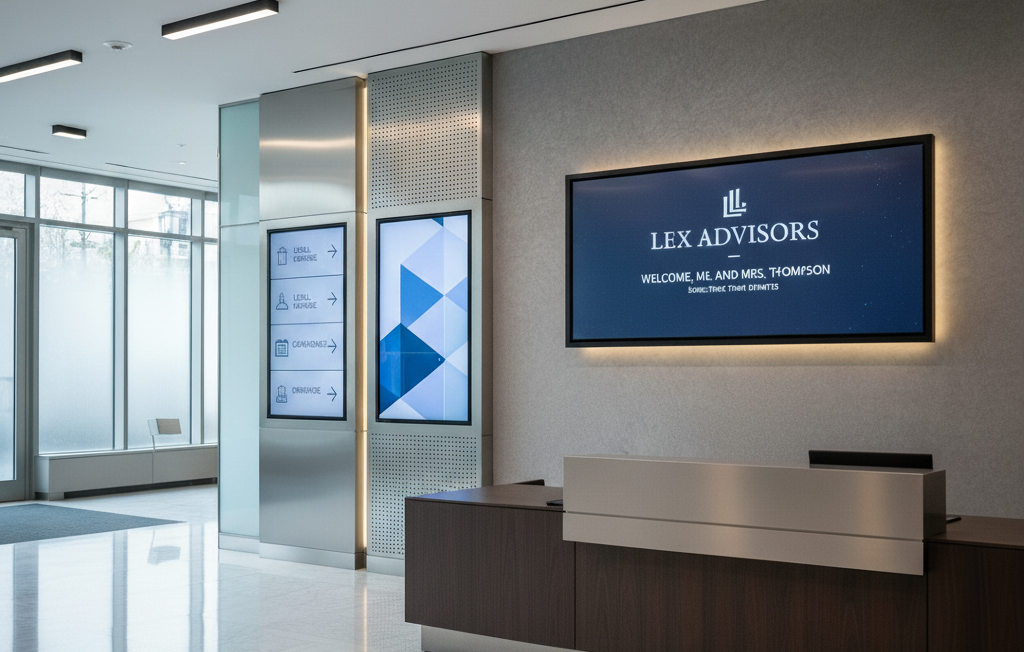
Lobby signs are often the first visual representation of your law firm that clients see. Materials such as frosted acrylic, brushed aluminum, or glass-mounted logos communicate elegance and seriousness. A digital welcome board can further enhance client experience by displaying firm news, event messages, or visitor greetings, reinforcing your firm’s identity the moment someone walks in.
Office Door Signs and Wayfinding Solutions
Clear signage on office doors and directional directional signs (e.g., to conference rooms or meeting areas) improve navigation and uphold a professional interior flow. ADA-compliant features, like tactile lettering or Braille, add accessibility while reinforcing inclusivity and trust. Over 61 million Americans live with some form of disability, making accessible wayfinding signage essential to a modern, ethical law office.
Room Identifiers and Nameplates
Custom nameplates for partners, associates, or departments help every part of your office feel intentional. Modular systems let you easily update names as people change roles, while high-quality materials (like engraved acrylic or anodized metal) ensure that each sign aligns with your firm’s identity, creating a polished and organized feel throughout meeting rooms, offices, and common spaces.
Is Your Law Office Signage ADA Compliant?
ADA and legal signage compliance in law office signs is not just a legal requirement, it reflects a law firm’s commitment to ethical practice and client care. In the context of “law office signage professional branding through exterior interior signs,” accessible custom signage ensures that most law offices create an inclusive environment where all visitors can confidently navigate the space.
Because signage plays a crucial role in building trust, integrating ADA standards demonstrates that your firm values accessibility as much as professionalism. Here, signs provide clear guidance across waiting areas, conference rooms, and reception paths, reinforcing credibility while supporting client comfort from the very first point of contact.
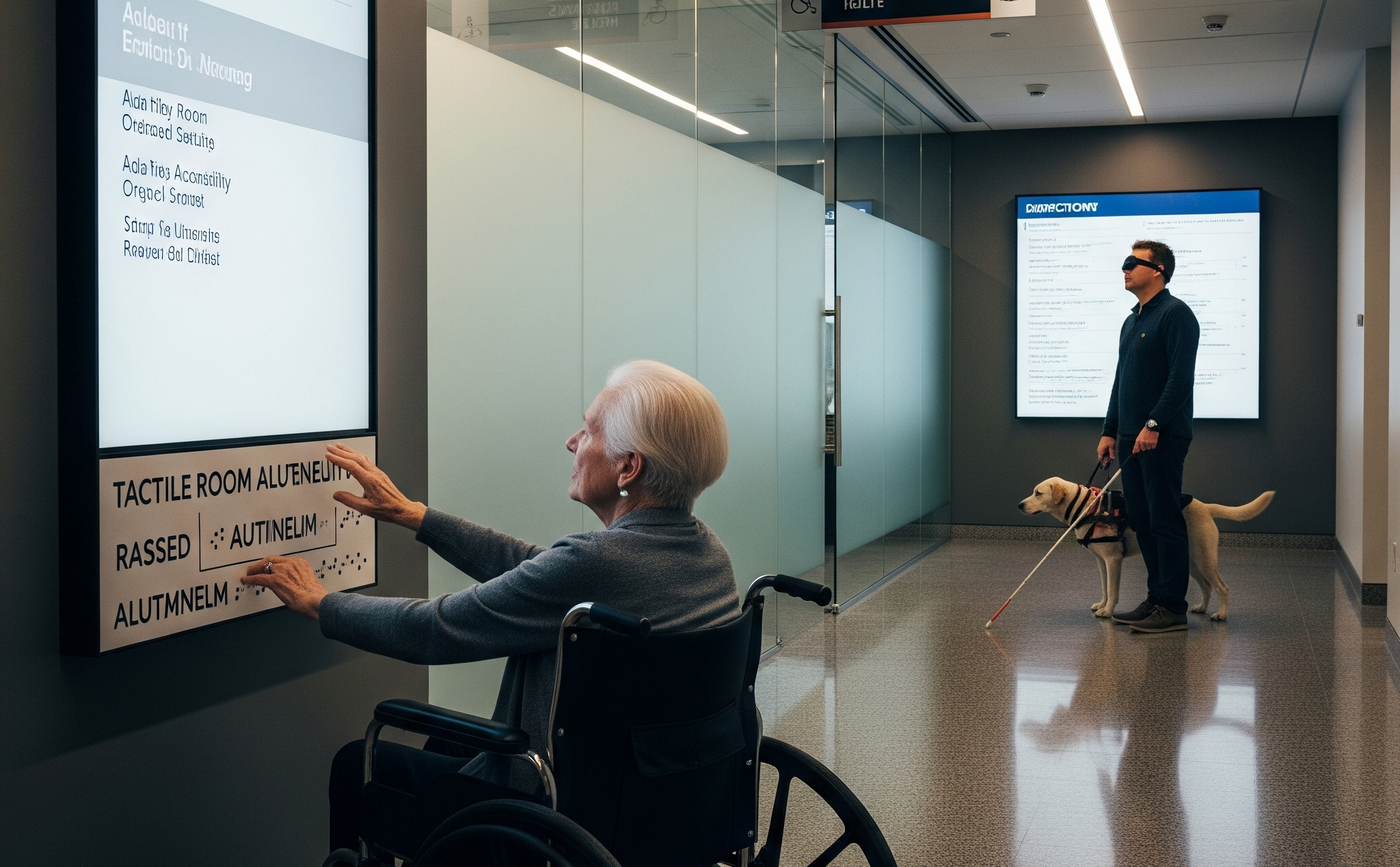
Accessible interior signage enhances client trust by making navigation effortless while upholding privacy policies and legal disclaimers. Features like tactile characters, aluminum letters, and thoughtful design contribute to creating an environment where signs create clarity, especially in sensitive areas such as consultation rooms and waiting areas.
As already highlighted in this article, “law office signage professional branding through exterior interior signs,” ADA-compliant custom signage serves both function and reputation, building trust while strengthening your firm’s ethical position.
Key Compliance Factors to Consider
Key compliance factors for law office signs must follow ADA standards to ensure inclusivity and practicality. Essential elements include tactile letters and Braille for signs in restrooms, elevators, and room identifiers; high-contrast materials and non-glare finishes to maintain visibility, and precise mounting heights that comply with ADA guidelines.
For most law offices, signage needs extend beyond compliance, they must support navigation in conference rooms, waiting areas, and corridors without compromising aesthetics.
Regular signage auditing is essential for maintaining long-term compliance and client confidence. As mentioned earlier in “law office signage professional branding through exterior interior signs,” responsible firms treat ADA compliance in interior signage as an ongoing process.
At this stage, signs provide a solution that balances regulation with brand identity, using the best materials while also addressing privacy policies, legal disclaimers, and any detail required to uphold professional standards in high-traffic zones such as conference rooms and reception areas. Contact your signage partner regularly to ensure updates remain aligned with ADA guidelines.
How Do You Choose Law Office Signage Materials?
To choose the right materials for law firm signage, begin by aligning fabrication options with longevity, luxury appeal, and ethical presentation. In legal environments where discretion and authority are essential, custom signage made with premium finishes enhances perception and reinforces credibility.
As emphasized throughout “law office signage professional branding through exterior interior signs,” signage plays a crucial role in creating client trust from the very first point of visual interaction. Balancing aesthetics, cost-efficiency, and durability ensures interior signage and exterior law office signs remain consistent across waiting areas, conference rooms, and common paths, with no compromise to legal disclaimers or privacy policies.
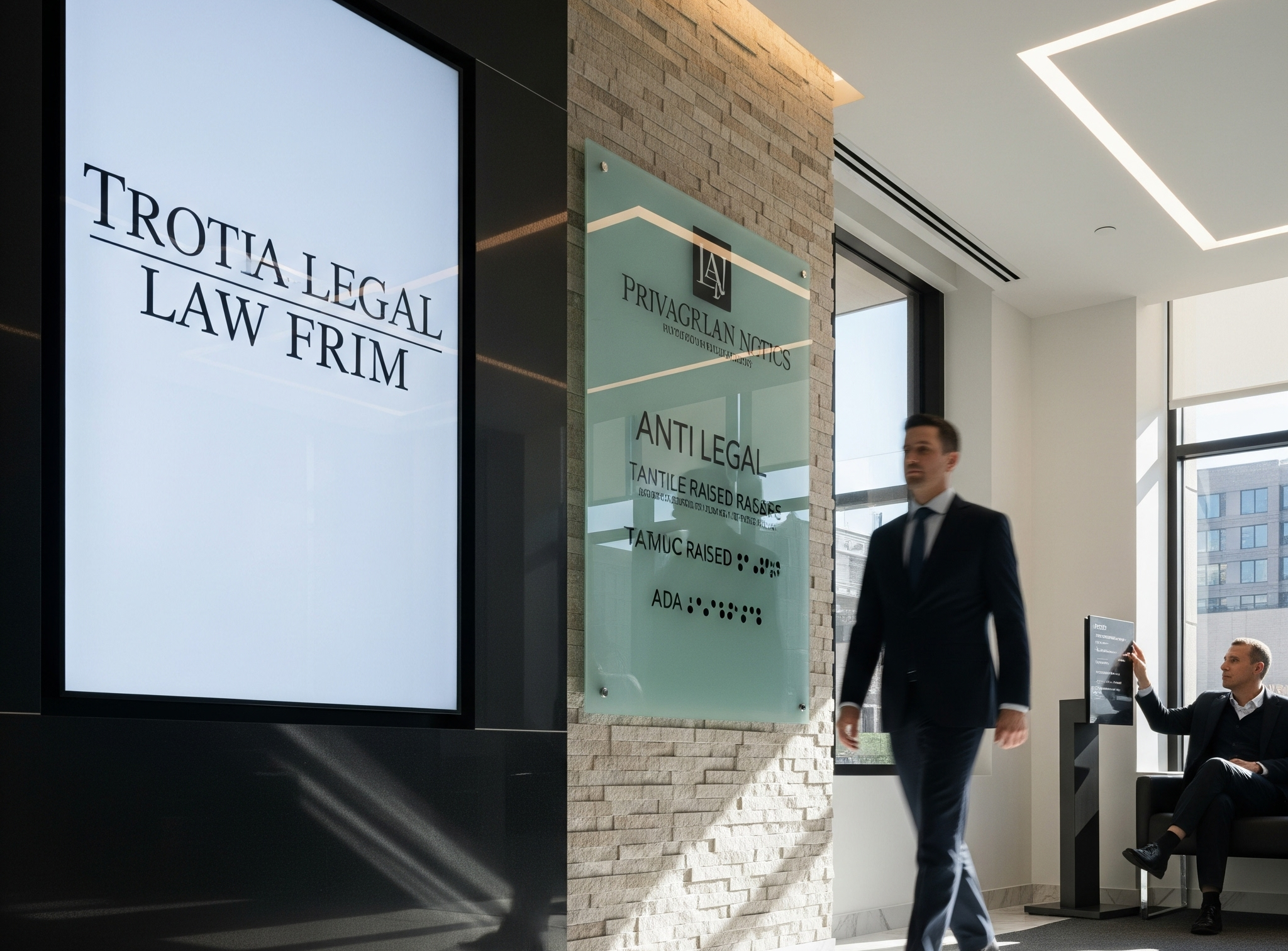
Signage materials must reflect the seriousness of the legal industry. Most law offices opt for surfaces that communicate authority, including brushed aluminum letters, anti-glare glass, and tactile finishes. These signs create impact, reinforce brand identity, and honor ADA standards simultaneously.
When selecting the best materials, consider lifecycle efficiency, maintenance level, and alignment with your firm’s core values. When in doubt, consult a signage expert to review every detail, assess sustainability, and present a solution tailored to your environment, then contact trusted suppliers for final implementation.
Recommended Materials by Signage Type
Different signage types require material selection that suits function, appearance, and compliance. Each recommendation is based on real-world deployments in legal settings, carefully selected to balance aesthetics, compliance, and brand representation. For further guidance, contact a qualified signage provider for material comparisons, installation planning, and compliance evaluation.
- Exterior Signs (Monument or Frontage): Metal, stone, and acrylic are commonly used to establish a strong physical presence. In legal environments, aluminum letters or backlit channel constructions project an established, traditional appearance outside law offices while respecting signage needs and ADA standards. As confirmed earlier in “law office signage professional branding through exterior interior signs,” these signs provide heritage-style branding at the first point of approach.
- Interior Signs (Lobby Signs, Office Nameplates): Glass, brushed aluminum, and wood veneer bring elegance to reception zones, partner office entrances, and meeting room displays. These custom signage solutions emphasize authority while supporting privacy policies and internal function. In most signs used across interior environments, such materials deliver a professional ambience that strengthens confidence and improves wayfinding.
- Digital Displays (Client Communication Boards, Wayfinding Screens): LED panels and anti-glare glass support dynamic content sharing without disrupting the formal setting. In conference rooms and waiting areas, interior signage in digital format assists in displaying updates, legal disclaimers, or procedural timelines, meeting compliance while enabling real-time engagement. When selecting these solutions, focus on using anti-glare layers for visual clarity and consistent brand tone.
To leverage this effectively, align display technology with your firm’s visual identity and confidentiality protocols. Attention to detail, such as anti-glare screens and aluminum framing, ensures digital signage becomes a strategic solution, not just an add-on. For seamless implementation, contact your signage partner to integrate it with branding, layout, and compliance needs.
Where Else Do Law Office Signage Principles Apply?
The discipline behind strong law office signage, clarity, brand consistency, and thoughtful wayfinding, carries into every environment that depends on trusted visual communication. Schools rely on the same principles when they plan campus branding and student navigation, and our guide to School Signage Design shows how those ideas translate into welcoming, well organized educational spaces.
These same principles also work well in healthcare facilities, corporate offices, government buildings, and other professional environments where visitors need clear direction and a strong sense of trust. Consistent typography, colors, room labels, and digital displays can make complex spaces easier to navigate while reinforcing the organization’s identity at every touchpoint.
Frequently Asked Questions
What is law office signage?
Law office signage refers to the visual communication elements used inside and outside legal workplaces to convey professionalism, support navigation, and reinforce brand identity. It includes everything from exterior nameplates to interior directional signs and digital displays that help build client trust.
What types of signage are commonly used for law offices?
The types of signage commonly used for law offices include exterior monument signs, building-mounted lettering, window graphics, lobby logo signs, door plaques, digital welcome displays, directional wayfinding, and ADA-compliant tactile signage. Each contributes to clarity, authority, and a consistent professional atmosphere.
How can digital signage be used effectively in a modern law office?
Digital signage can be used effectively in a modern law office by displaying case updates, award recognitions, welcome messages, schedules, or compliance reminders in waiting areas and conference rooms. When aligned with brand aesthetics and ADA standards, it enhances engagement while maintaining confidentiality and professionalism.
Is there a preferred size or placement for outdoor law firm signage?
Yes and the preferred size or placement for outdoor law firm signage depends on visibility, zoning regulations, and architectural surroundings, but it should be clearly readable from a distance without appearing overstated. Monument signs or dimensional aluminum lettering near entrances offer ideal positioning for presence and credibility.
How does consistent branding across signage enhance a law firm’s image?
Consistent branding across signage enhances a law firm’s image by reinforcing recognition, establishing authority, and presenting unified professionalism across multiple locations. When materials, typography, and design elements align, it builds trust and signals attention to detail from the very first client interaction.
Why Choose AIScreen for Law Office Signage?
Digital signage elevates law office communication by serving real-time updates such as award announcements, case timelines, and news displays. In “law office signage professional branding through exterior interior signs,” we saw how custom signage shapes first impressions, digital signage extend this by creating dynamic interaction in waiting areas and conference rooms. These signs create engagement without disrupting professionalism.
Digital interior signage helps most law offices display guidance on legal disclaimers, privacy policies, and appointment schedules. LED lobby signs showcase attorney profiles and firm updates, reinforcing trust while aligning with ADA standards. In conference rooms and waiting areas, signs provide clarity and strengthen brand presence from the first point of client interaction.
