
What is 3d Signage?
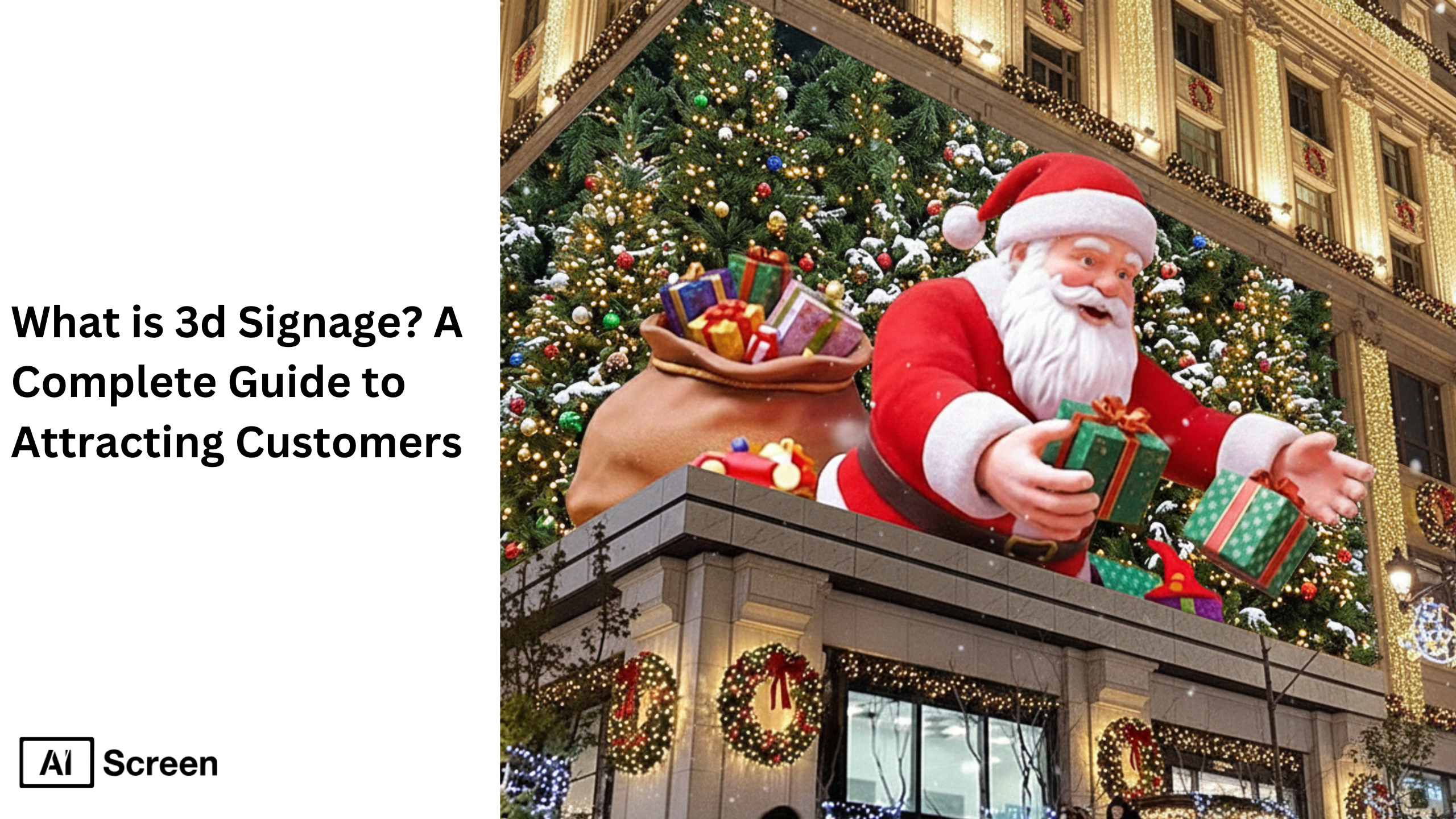
3D signage helps brands achieve enhanced visibility and customer engagement by using depth, dimension, and visually striking effects. Unlike traditional flat signage, 3D signs add depth using raised lettering, sculpted elements, and durable materials, making them far more noticeable in competitive markets. Whether used in retail stores, corporate offices, outdoor business signs, or high-end luxury brands, 3D signage dramatically boosts brand presence, creates a memorable first impression, and attracts potential customers more effectively than flat signs simply can. According to Statista, 72% of consumers admit that high-quality physical signage influences their purchasing decisions.
In this blog, we’ll explore what 3D signage is, how it’s different from 2D signs, practical usage examples, types of 3D signs, and proven ways it helps increase foot traffic and build lasting brand recognition. We’ll also highlight how modern businesses are now combining 3D sign boards with cutting edge technology like digital signage for greater flexibility and customer impact.
Modern facilities manage these displays with digital signage software so signage stays accurate and easy to update.
What is a 3D Sign?
3D sign refers to signage designed using raised lettering, dimensional signs, structural elements, and durable materials like acrylic signs, metal, wooden letter signage, or foam. These signs create a visually striking effect that enhances brand identity and encourages customer engagement, helping businesses stand out in a competitive market.
Unlike traditional flat signs, 3D signage offers greater depth, shadow effects, and tactile quality, making it ideal for sign boards, storefront branding, directional signs, and interior displays. Many businesses now customize the shape, size, font, and even coloring of their 3D signs to match their brand’s personality and instantly attract customers.

According to Deloitte, Brands that invest in elevated physical brand experiences see a 33% increase in customer retention. This reinforces how well-designed 3D signage enhances visibility, supports brand recall, and creates a memorable impression on your target audience.
But how do you ensure your 3D sign doesn’t just look premium but also clearly delivers your brand’s message? By aligning design with brand identity, using high quality materials, and focusing on visibility from multiple angles.
Businesses can also combine 3D signage with retail media digital signage to create a more engaging in-store experience. While dimensional signs strengthen physical branding and visual identity, digital displays can promote products, highlight offers, show dynamic campaigns, and update messaging in real time, giving retailers a more flexible and attention-grabbing signage strategy.
What are the Differences Between 2D and 3D Signage?
The differences between 2D and 3D signage lie in depth, visual appeal, material selection, cost, and environmental adaptability. Unlike traditional signage or flat signs, 3D signage uses raised elements that create shadows and tactile impact, helping enhance brand visibility and deliver a lasting impression. In contrast, 2D signs rely on surface-level graphics which flat signs simply present without dimensional structure.
3D signs allow more flexibility in design options, lighting techniques like direct lighting or LED lights, and use durable materials such as acrylic, metal, and wood. This makes them suitable for retail stores, corporate offices, and outdoor signs where brands aim to stand out.
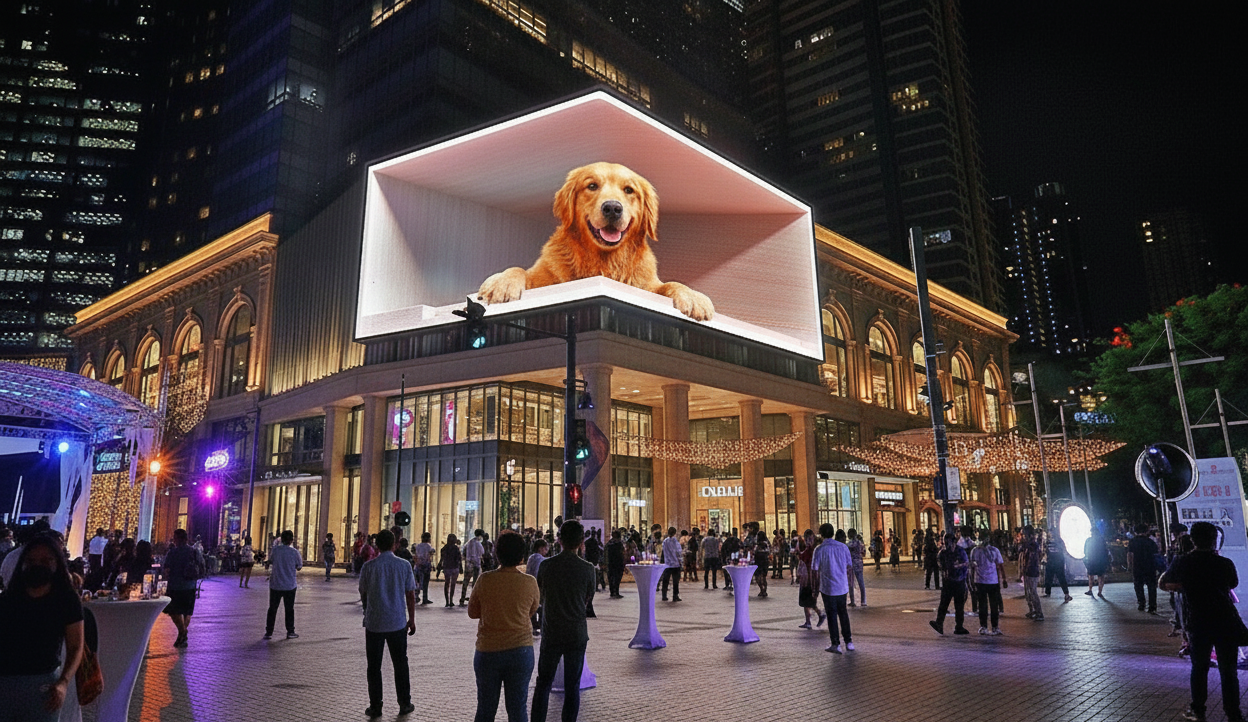
Traditional flat signage, though cost-friendly, offers limited ability to reinforce brand identity or create enhanced brand image. On the other hand, 3D sign boards can be used to securely display business logos, promote sponsoring brands, and build brand recognition even in a competitive market.
But here’s a natural concern, Does the extra investment in 3D signs really pay off? Research by Deloitte (2023) found that businesses implementing high-visibility signage saw a 30% increase in walk-in customers, directly tied to visual impact and brand recall effectiveness. (Deloitte)
Thanks to their sculpted design, dimensional letters, shadow effects, and options like edge lighting, 3D signs serve industries ranging from retail to educational institutions, offering enhanced visibility, professional appearance, and stronger brand presence. Meanwhile, 2D signage remains ideal for budget-sensitive or temporary promotions like caution wet floor or power sign boards.
How to Use 3D Signs?
Use 3D signs to amplify your brand promotion in storefront branding, interior spaces, directional signs, trade show booths, reception desks, outdoor business signs, and mall installations. 3D structures elevate visual appeal, making your brand stand out to potential customers while creating an inviting and warm atmosphere. Many businesses also incorporate lighting styles such as direct lighting, LED lights, or illuminated signs to add drama and improve viewing distance.
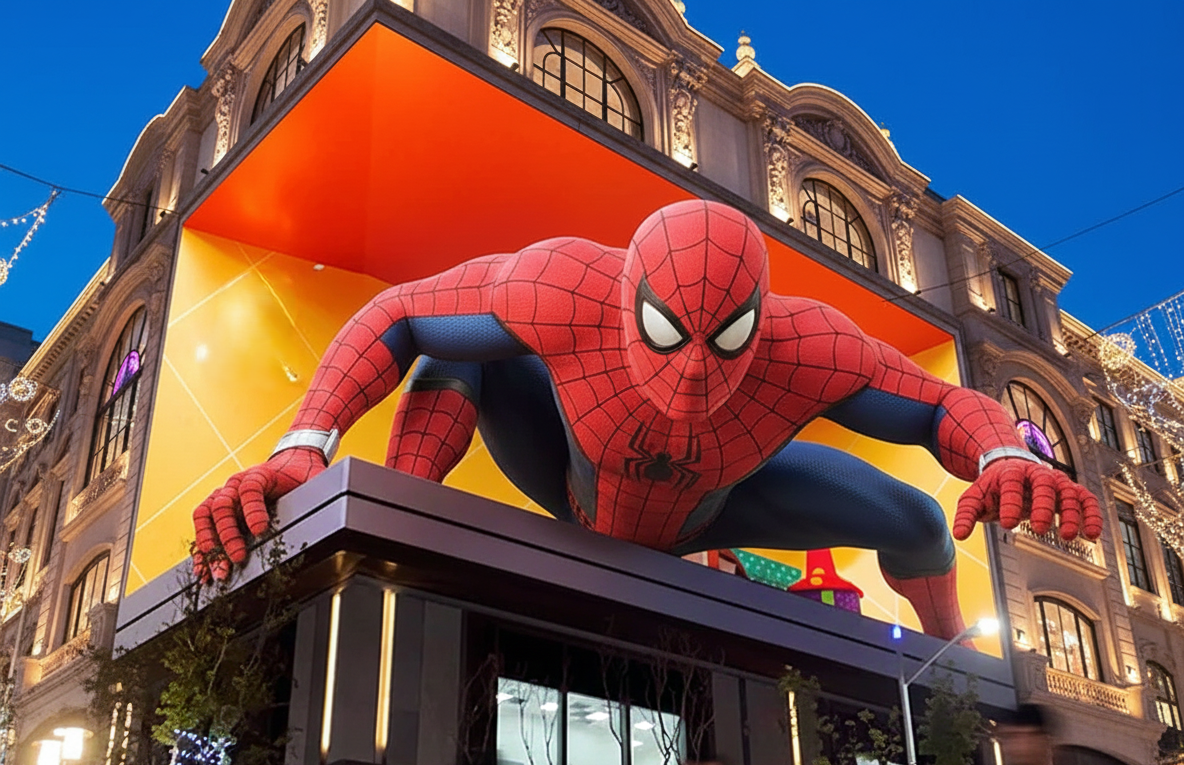
For maximum impact, position signs at eye level, use contrast with background walls, and combine acrylic signs or metal lettering with backlighting. Ensure professional installation so dimensional structures last longer and align with brand identity. Sign boards made from foam or wood also offer interactive learning opportunities, especially useful in educational institutions or themed corporate spaces.
Wondering how businesses measure visibility improvements? According to Statista, over 52% of customers visit a store because an eye-catching physical sign grabbed their attention. Successful companies use display schedules and integrate technology like motion sensors to maximize visibility during customer peak times.
Think of a retail store using 3D sign boards to attract more customers during new collection launches or a clothing line showcasing its latest drop using sculpted characters and edge lighting. These signs act as powerful tools for real-time, high-impact branding. Leran more about how to design field signs for farms and agriculture
What are the Types of 3D Signs?
The most commonly used types of 3D signs across industries are typically grouped into three core categories. Each category offers unique design possibilities that boost visual depth and engagement. Businesses use them to strengthen brand presence, improve visibility from a distance, and leave a memorable impact on customers. The right choice depends on factors like location, lighting, durability needs, and brand aesthetics.
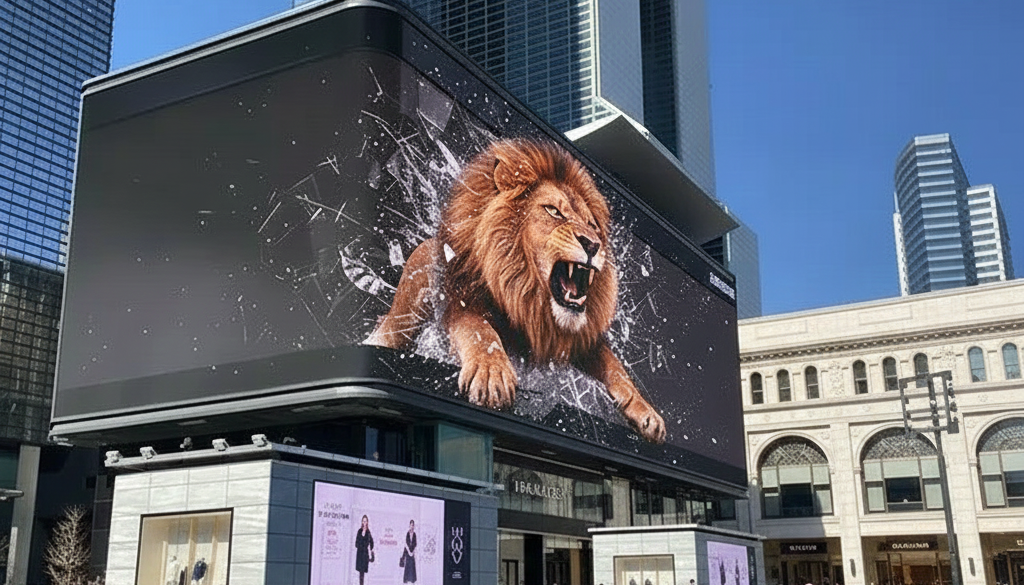
1. Pin Mounted Letters
Pin mounted letters are installed using metal pins, creating lightweight floating effects that add subtle shadows. They’re ideal for corporate offices, boutiques, and premium signage board displays. Their sophistication helps reinforce brand identity and communicate a professional appearance. These signs are especially effective in entryways, where creating a memorable first impression matters.
Question to reflect on: Is your brand ready to appear premium the moment customers walk in?
These signs often use high quality materials and are particularly popular among luxury brands.
2. Channel Letters
Channel letters are illuminated 3D structures used prominently in outdoor signs, storefronts, plazas, and shopping districts. Available in front-lit, reverse-lit, halo-lit, or edge lighting styles, they significantly enhance visibility, even from long distances. These are ideal when aiming to attract customers in nighttime settings or high-traffic areas.
A study by Harvard Business Review, revealed that businesses using illuminated signs saw an increase of up to 47% in brand recall among night-time visitors. (Harvard)
Channel letters align with reinforcing brand identity, support brand promotion, and are widely used by signage company specialists to boost brand recognition. They’re popular among shopping malls, restaurants, and technology-driven brands seeking bold visual presence.
3. Dimensional Letter Signs
Dimensional letter signs are crafted from materials like PVC, metal, acrylic, foam, or wood (e.g., wooden letter signage). These are excellent for indoor branding, reception areas, and feature walls. Ideal for companies wanting a visually striking effect without illumination, they support brand’s visibility, align with brand’s personality, and help businesses build brand recognition effortlessly.
Ever wondered why some offices feel more polished than others? Often, it’s the inclusion of dimensional signs harmonizing with interior design that builds a strong memorable impression and elevates brand’s image.
These signs can complement digital installations or interactive learning opportunities, particularly in modern corporate offices and professional environments. Many businesses use them to highlight core values, company names, or directional markers.


What are the Benefits of 3D Signage?
The benefits of 3D signage lie in its ability to provide a lasting impression, boost increased visibility, and make your brand more memorable through innovative structures and lighting. Unlike flat sign boards or basic signage board materials, 3D signs act as powerful tools that draw instant attention and create meaningful engagement.
Businesses use 3d sign boards crafted with precision to improve their storefront impact and elevate the brand experience. Ever wondered why some stores grab your eye before others? It’s often due to the spatial design and dimensional depth that 3d signage brings to the table.
Larger impact
Depth and layered lighting give 3d sign boards visual dominance, helping them stand out from long distances. Using advanced lighting methods like halo effects, spotlights, or integrated LEDs extends their attention-grabbing range and makes them highly effective sign boards in both indoor and outdoor environments.
A recent Gartner (2023) visual perception study states that brands using dimensional signage improve outdoor noticeability by up to 29% compared to flat signage, contributing significantly to customer recall. This stronger impact helps create a lasting impression that customers remember long after their visit.
Added creativity
Businesses can leverage 3d signs using custom shapes, layered structures, carved lettering, and varied textures to stand out creatively. Such versatile signage board options help brands differentiate themselves and spark emotional engagement.
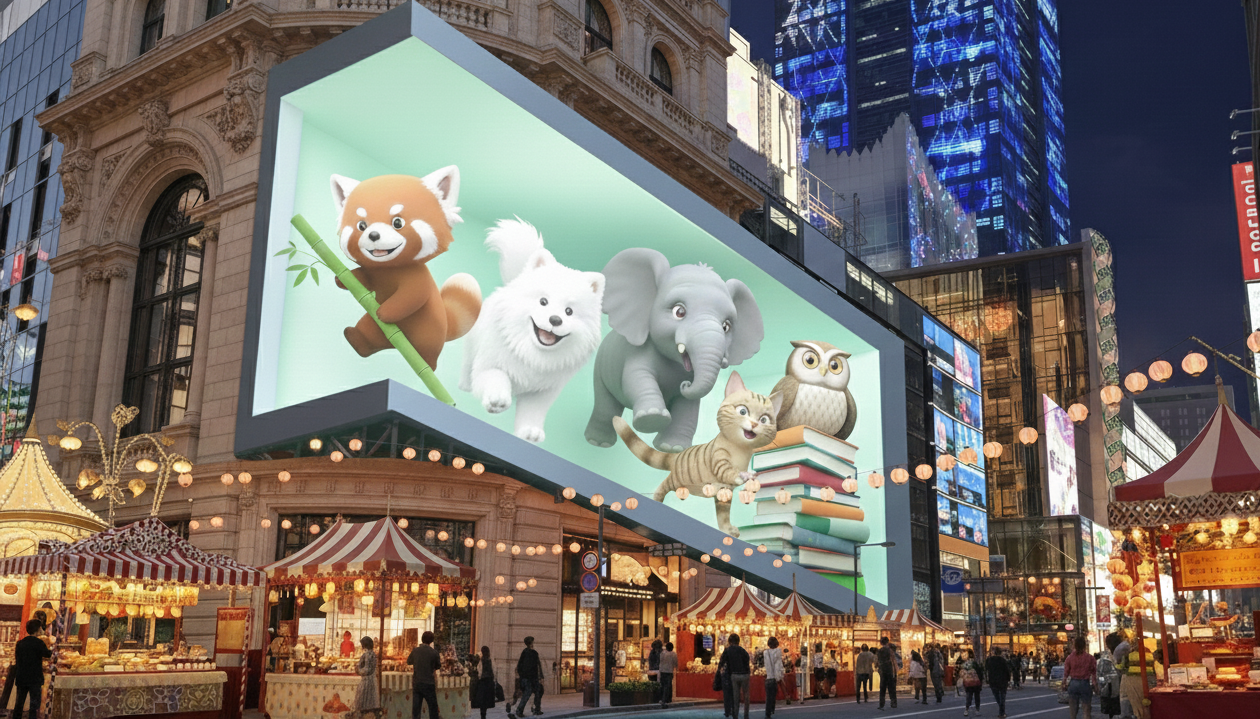
But how do you ensure the creativity still aligns with your branding goals? By selecting the right materials and finishes, you turn 3d signage into powerful tools that visually express your brand’s personality while still driving practical results.
Increased traffic
Visually striking 3d sign boards naturally draw more footfall, especially in crowded shopping zones or streets with competing stores. Their tactile depth and lighting generate curiosity and directional focus.
According to Statista, retail areas using 3d signs experienced up to a 37% increase in foot traffic, proving that dimensional visuals influence real-world customer behavior. This leads to higher walk-ins and stronger customer conversion rates.
Variety
3D signage delivers endless applicability, including wood-based 3d sign boards, metal-crafted logos, backlit dimensional letters, or PVC signage board options. Such diversity makes it easier to match your brand aesthetic.
The key factors include choosing the right material, lighting, and mounting design for durability and visual consistency. 3d signage remains highly adaptable, no matter the industry.
Want your signage to last and not just impress? A tailored approach with material analysis and free consultation from experts helps you make the best decision early.
Why Upgrade 3D Signage to Digital Displays?
Transitioning from traditional 3d sign formats to digital displays merges visual strength with dynamic technology. Digital signage enables movement, real-time campaign changes, meaning you’re not limited to fixed designs on sign boards or physical signage board structures. You still get the benefits of dimensional impact, but now with animation, remote updates, and schedule-based targeting.
As powerful tools, digital displays allow brands to adapt to market trends instantly. Increased visibility comes from combining depth-inspired visuals with screens that can rotate promotions every few seconds. Ever wished your 3d signage could instantly update for tomorrow’s campaign without physical replacement? That’s exactly what transitioning to digital signage offers.
Why Digital Signage Is the Modern Upgrade to Traditional 3D Signs
Digital signage provides motion graphics, AI-generated schedules, multi-location control, and cloud-based displays. Unlike static 3d sign boards, digital signage can promote time-sensitive content, deliver personalized promotions, and dramatically reduce long-term reprinting costs.
As we already explored in this article of what is 3D signage? a complete guide to attracting customers, 3D displays provide structure and impact, but pairing them with digital screens using advanced scheduling transforms them into future-ready systems.
Businesses now blend 3d signage with digital displays, for example, using dimensional logo walls alongside dynamic screen panels, to create immersive hybrid experiences. Curious whether combining the two is worth it?It helps your brand achieve both a lasting impression physically and adapt strategically through technology.
What Is 3D Signage and How Does It Compare With Types of Indoor Signage?
Understanding what is 3D signage starts with its dimensional design, raised lettering, layered materials, and added depth that make signs more visually noticeable than flat graphics. Businesses often use 3D signage for reception areas, lobby branding, directional displays, feature walls, and other spaces where a stronger visual presence can improve brand recognition.
Different types of indoor signage include wall signs, directional signs, menu boards, digital displays, room identification signs, promotional graphics, and dimensional lettering. Combining 3D signage with other indoor sign types allows businesses to create a more complete signage system that supports branding, navigation, customer communication, and overall interior design.
How Can AIScreen Enhance 3D Signage?
3D signage gives brands depth, visual impact, and a premium presence that traditional flat signs often cannot match. By combining dimensional signs with digital displays, businesses can strengthen brand identity, attract more attention, and keep promotional messaging fresh while maintaining a consistent physical design.
As a leading provider, AIScreen helps businesses complement 3D signage with dynamic digital content, centralized screen management, and real-time updates. This combination allows brands to pair durable, eye-catching dimensional signage with flexible digital messaging that can support promotions, wayfinding, customer engagement, and stronger brand recall.
Frequently Asked Questions
What types of businesses use 3D signage for branding and visibility?
Businesses using 3D signage for branding and visibility include retail stores, corporate spaces, hospitality venues, and event providers. These companies rely on 3d sign boards, sign boards, and dimensional structures to create a lasting impression and increased visibility among potential customers.
How does 3D signage work to attract customer attention?
3D signage works to attract customer attention by using raised surfaces, depth lighting, and compelling shadows that make signage board elements more noticeable. Such 3d signs are powerful tools that guide visual focus and increase engagement.
Why should businesses invest in custom 3D signage for their storefront?
Businesses should invest in custom 3D signage for their storefront because it enhances brand impact, strengthens visibility, and makes locations more discoverable. A 3d sign offers a lasting impression and captures audience interest better than flat, static designs.
Can 3D signs be customized?
Yes, 3D signs can be customized, they allow full flexibility in materials, lighting, shaping, and size. Whether using metal letters or full signage board installations, 3d signage provides personalized branding options with free consultation from experts.
How much does custom 3D signage cost from design to installation?
Custom 3D signage typically costs between $150 to $700 per square foot, depending on the material (like acrylic, metal, LED-lit), complexity of the design, and fabrication method. Including professional design, structural engineering (if needed), and installation, total project costs generally range from $2,500 to $15,000+ for standard business signage. High-end custom builds or large outdoor installations can exceed $25,000.
Beyond static structures, some businesses layer touch screens and motion sensors into their displays to invite customers into the experience. Browsing interactive digital signage examples shows how quizzes, product finders, and wayfinding maps turn a passive sign into a two way conversation. These ideas translate naturally to 3D installations, where a dimensional logo wall can sit beside a responsive panel that reacts to each visitor.
