
8 Best Conference Room Digital Signage Software Companies in 2026
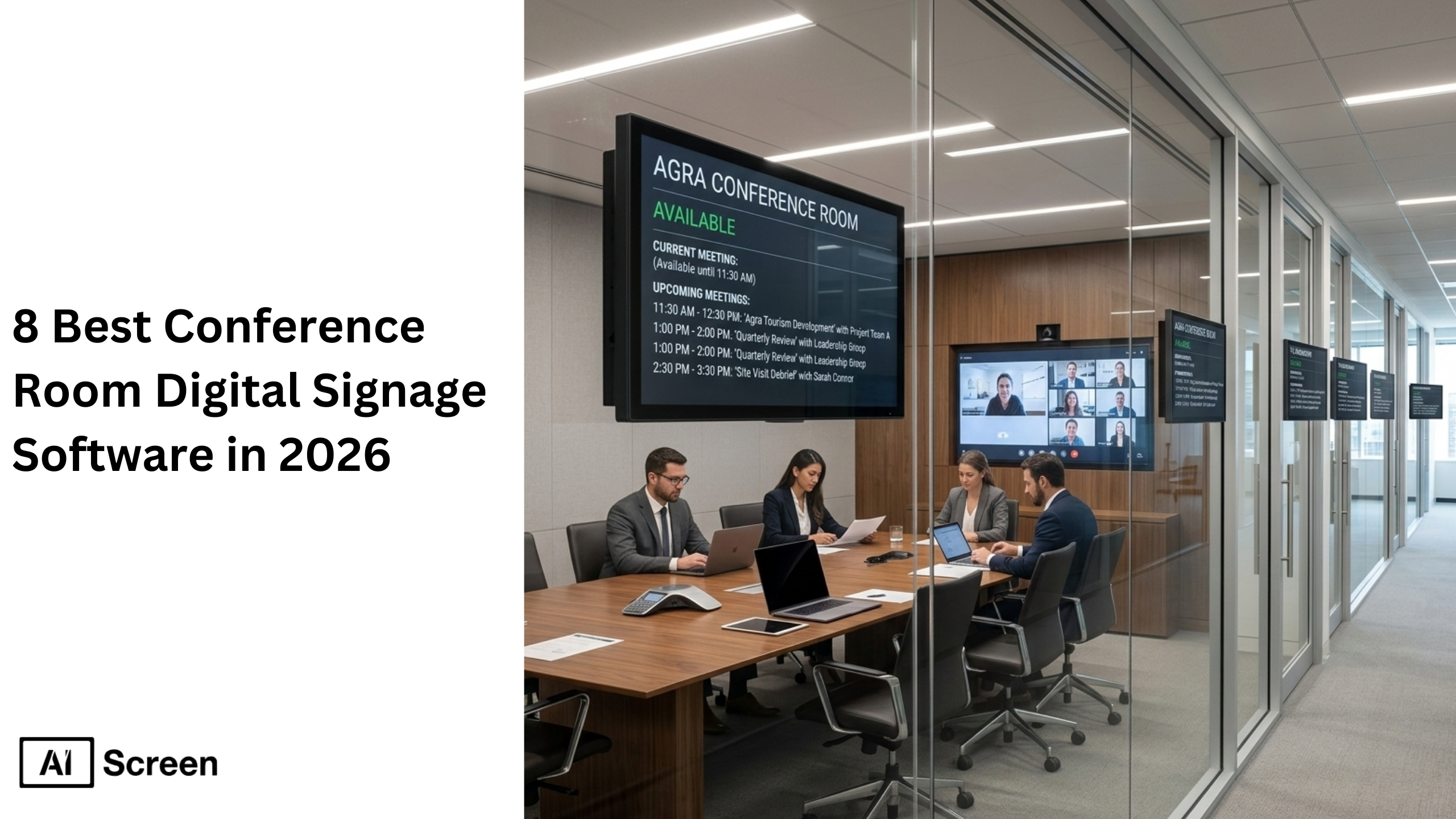
As organizations adopt hybrid work and expand across multiple locations, the need for reliable conference room digital signage and advanced meeting room digital signage software has become essential. Instead of relying on static displays or manual booking systems, companies now use smart conference room displays, integrated meeting room technology, and cloud-based digital signage solutions to show real-time schedules, room availability, and meeting updates across corporate offices. According to the Harvard Business Review, employees spend an average of 23 hours per week in meetings, highlighting how critical efficient meeting management and the right meeting room system are for workplace productivity.
In this blog, we evaluate the 8 best conference room digital signage software platforms in 2026, focusing on the capabilities that matter most for modern workplaces. Each platform is assessed based on automation features, integrations with tools like Teams Rooms and other video conferencing platforms, scalability for multiple locations, ease of deployment on existing devices, and the depth of analytics available for tracking room usage and performance.
What Is Conference Room Digital Signage and How Does It Work?
Conference room digital signage refers to smart digital displays placed inside or outside meeting rooms that show schedules, room availability, announcements, and workplace information.
These screens connect to cloud-based signage software and automatically display meeting room schedules, internal communications, and dynamic digital content in real time.
Organizations use conference room signage in two primary ways. First, screens outside meeting spaces display real-time room availability, upcoming meetings, and booking information to help employees reserve rooms quickly and avoid double bookings.
Second, screens inside meeting rooms support in-room collaboration, displaying dashboards, agendas, or visual communication content during scheduled meetings.
By integrating with tools like Microsoft Teams, Google Workspace, Zoom Rooms, and meeting room booking systems, these digital signage networks keep information synchronized across conference rooms.
What are the 8 Best Conference Room Digital Signage Platforms?
Choosing the right conference room digital signage software depends on several factors including automation capabilities, integrations with meeting room technology, pricing, and scalability across multiple locations.
The following platforms represent some of the best digital signage software solutions for conference rooms in 2026.
Each tool offers unique strengths, from enterprise-level digital signage networks to simple, affordable tools for small businesses. Below, we review each platform with a consistent structure including key features and pricing.
1. AIScreen
AIScreen is world’s best conference room digital signage software designed to simplify meeting room management across corporate offices and multiple locations. It it allows organizations to control digital signage content, meeting room schedules, and room availability from a centralized dashboard.
Unlike many tools in the digital signage industry that only support content playback, AIScreen combines automation, integrations, analytics, and multi-screen management in one system.
Businesses can display meeting schedules, announcements, dashboards, and dynamic digital content on screens in meeting rooms, huddle rooms, and training spaces.
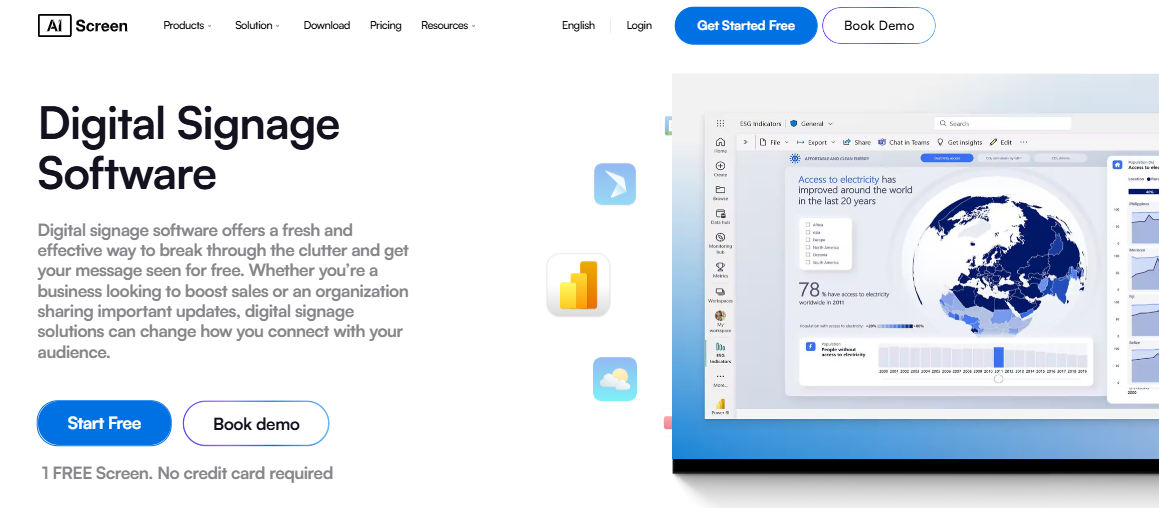
AIScreen integrates seamlessly with Microsoft Teams Rooms, Google Workspace, Zoom Rooms, and other meeting room booking systems, enabling real-time availability updates and helping teams avoid double bookings.
The platform also supports interactive features like QR codes, digital wayfinding, and interactive kiosks, making it easier for employees and visitors to find meeting spaces in large offices.
With remote device management and automation, IT teams can manage entire digital signage networks from anywhere while improving room usage, internal communications, and employee engagement.
Features
- 1500+ professionally designed templates
- Canva-style drag-and-drop content editor
- 150+ apps and integrations
- Social media wall apps (Instagram, Facebook, LinkedIn)
- Real-time news, weather, and RSS feeds
- Display zoning for multiple content areas on screens
- Advanced scheduling and automated playlists
- Multi-location and multi-screen management
- Emergency alerts and real-time updates
- Proof-of-play reports and analytics
- Interactive QR codes and engagement tools
- Calendar integrations with Outlook, Google Calendar, and Teams
- Interactive wayfinding and meeting room navigation
- Offline playback support
- Remote monitoring and remote device management
Pricing
AIScreen offers flexible pricing designed for organizations of all sizes.
- Free Plan: $0/month First screen free to test the platform for 14 days.
- Essential Plan: Starts at $10 per screen/month. Includes media support, playlists, scheduling, 100+ integrations, templates, unlimited storage, and users.
- Business Plan: Starts at $17 per screen/month Adds dashboards, live URLs, Microsoft & Google Workspace integrations, screen alerts, and advanced apps.
- Enterprise Plan: Starts at $30 per screen/month Includes SSO, remote hardware management, custom integrations, onboarding, and premium support.
This pricing structure makes AIScreen one of the most accessible digital signage software solutions for small businesses while still providing enterprise-level capabilities.
2. Juuno
Juuno is a simple and affordable digital signage software designed for businesses that want to deploy conference room screens quickly without complex setup. The platform works directly through a web browser, allowing organizations to turn existing devices or TVs into digital signage displays.
Juuno focuses on simplicity, making it ideal for small businesses, startups, and offices with limited technical expertise.
Users can easily create playlists of digital signage content and schedule them throughout the day. Canva integration allows teams to design slides, announcements, and digital content using thousands of templates.
Features
- Works on any TV with a web browser
- Digital signage playlists
- Content scheduling and automation
- Canva integration for design templates
- Social media feed integrations
- Real-time content updates
- No dedicated hardware required
Pricing
Juuno offers a unique pricing model.
- Lifetime deal: $99 per screen (one-time payment)
- Enterprise plans available for advanced security features
3. Scala
Scala is a well-known enterprise platform within the digital signage industry, offering advanced tools for large digital signage networks across corporate offices, retail environments, and public spaces.
The platform provides a powerful design studio where organizations can create sophisticated screen layouts and multimedia content. Scala also offers proprietary hardware solutions that allow offline playback, ensuring reliable performance even in environments with limited connectivity.
Features
- Digital signage templates
- Advanced screen design studio
- Content playlists and automation
- Live data feeds and dashboards
- Hardware options for offline playback
- Enterprise-scale signage networks
Pricing
Scala provides enterprise pricing only, and organizations must contact the company for a custom quote based on their deployment size.
4. SkyKit
SkyKit offers more than just signage, it provides a full office management platform that integrates conference room digital signage, room reservations, and visitor management into a single ecosystem.
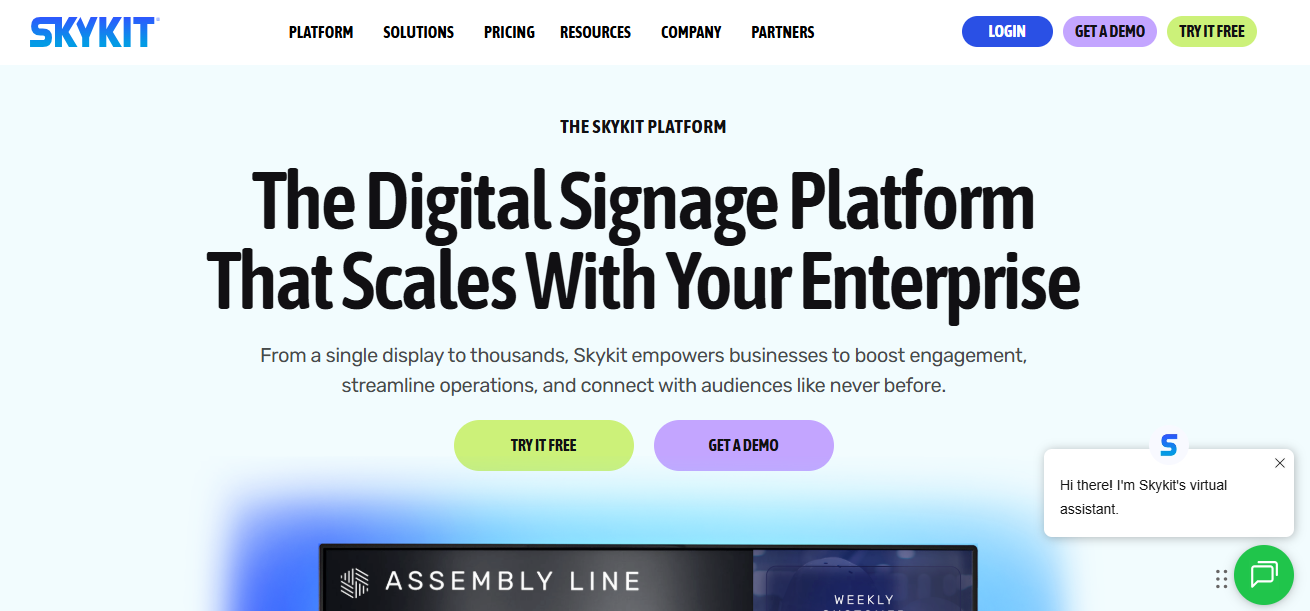
This solution is particularly useful for organizations that want to combine digital displays with meeting room booking systems. Employees can reserve rooms, check availability, and manage office spaces while digital signage screens display meeting room schedules and announcements.
Features
- Digital signage management
- News and weather widgets
- Social media integrations
- Remote kiosk management
- Employee and visitor check-ins
- Conference room booking and scheduling
Pricing
SkyKit offers several pricing tiers depending on the features selected.
- $16–$44 per screen per month
- Additional costs for kiosk management and room booking features
5. Spectrio
Spectrio is a versatile digital signage solution used across retail stores, hospitality businesses, and corporate offices. While it supports conference room displays, the platform is especially useful for organizations that want to combine workplace signage with customer-facing communication tools.
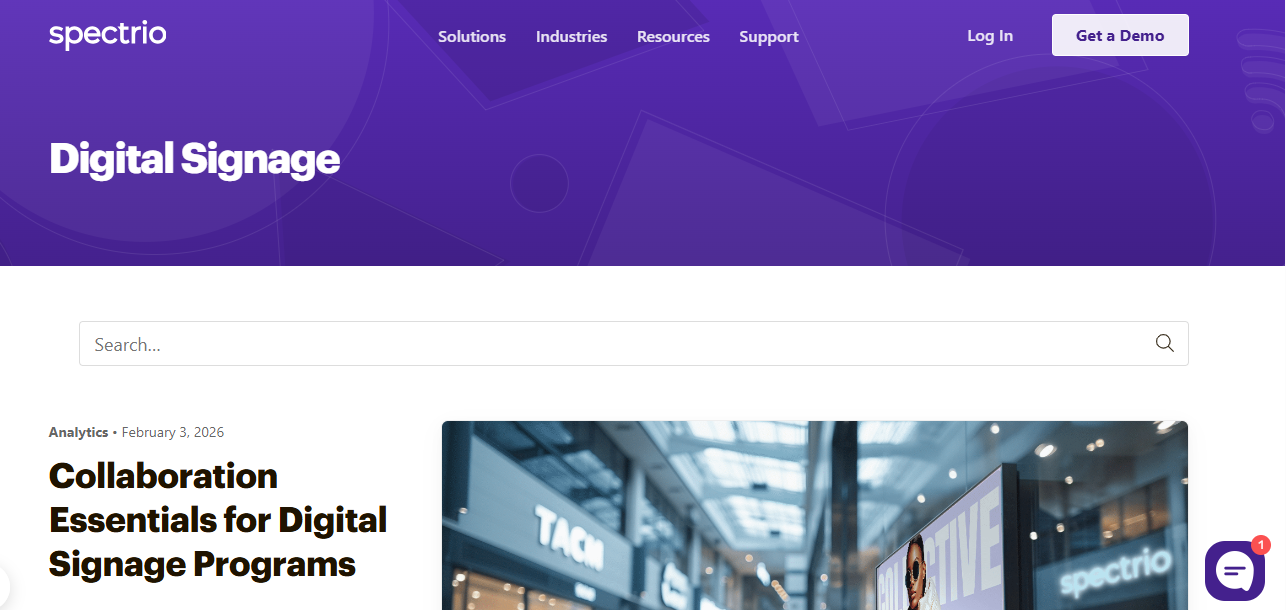
In addition to digital signage, Spectrio offers features such as overhead music, scent marketing, and WiFi marketing, making it a broader customer engagement platform.
Features
- Slides, video, and multimedia playback
- Centralized content management
- Multi-screen display management
- Social media integrations
- Interactive kiosks
- WiFi marketing tools
- Overhead music and scent marketing
Pricing
Spectrio does not publish pricing publicly. Organizations must contact the company for a custom quote.
6. SnapComms
SnapComms focuses primarily on employee communication, making it ideal for organizations that want to reach employees across multiple devices, including desktops, mobile devices, and digital signage screens.
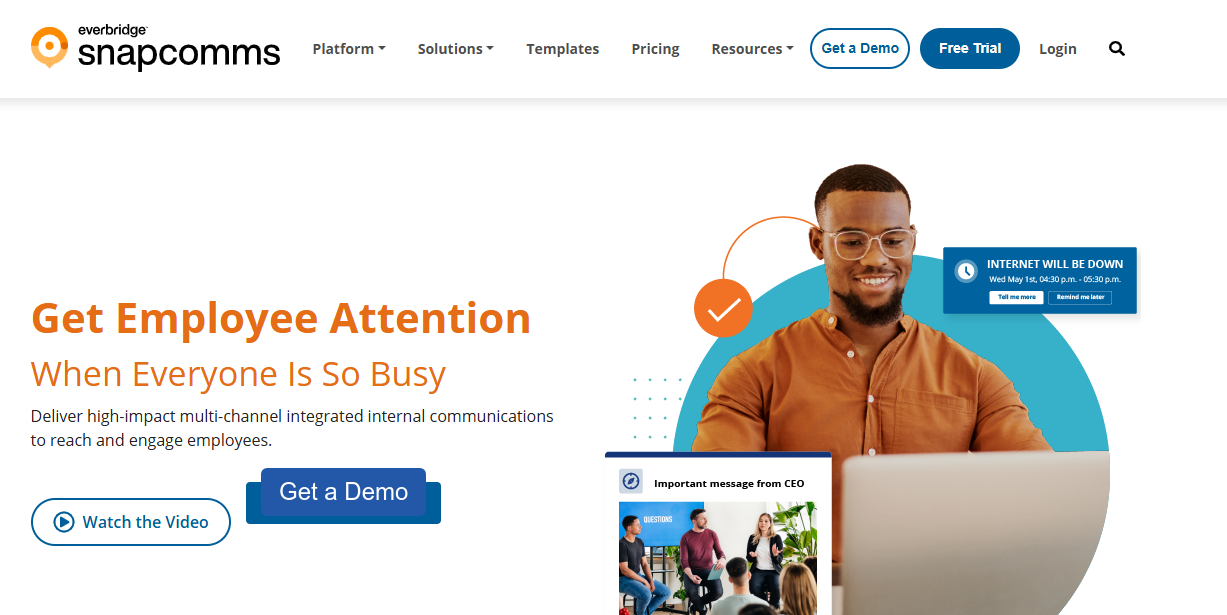
This platform enables internal communications teams to send targeted announcements, surveys, and updates across corporate offices, manufacturing facilities, and distributed teams.
Features
- Digital signage content manager
- Employee communication app
- Desktop and mobile notifications
- Audience segmentation and targeting
- Scheduled announcements
- Surveys and employee quizzes
- Reporting and analytics
Pricing
SnapComms offers pricing based on employee count.
- Inform Plan: $9 per employee per year
- Engage Plan: $14 per employee per year
7. ScreenCloud
ScreenCloud is a balanced enterprise tool that combines powerful integrations with a user-friendly interface. The platform supports dashboards, internal communications, and video broadcasting across digital signage networks.
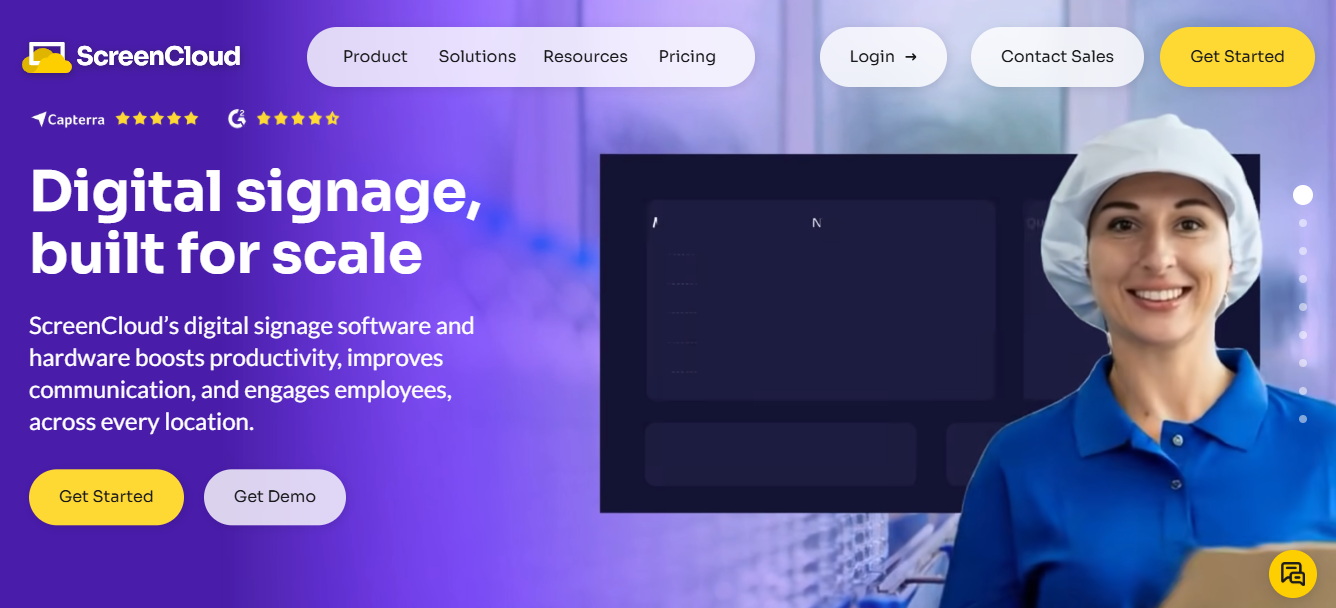
ScreenCloud integrates with major workplace tools including Microsoft Teams, Tableau, and Salesforce, allowing organizations to display real-time business data on conference room screens.
Features
- Social media integrations
- Weather and news widgets
- Business dashboard integrations
- Video broadcasting to screens
- Hardware players for offline playback
- Microsoft Teams integration
- Audit logs and proof-of-play tracking
Pricing
ScreenCloud offers three pricing tiers.
- Core Plan: $20 per screen/month
- Pro Plan: $30 per screen/month
- Enterprise Plan: $40 per screen/month
8. Userful
Userful is a corporate-grade digital signage platform designed for mission-critical environments such as operational centers, corporate offices, and manufacturing facilities.
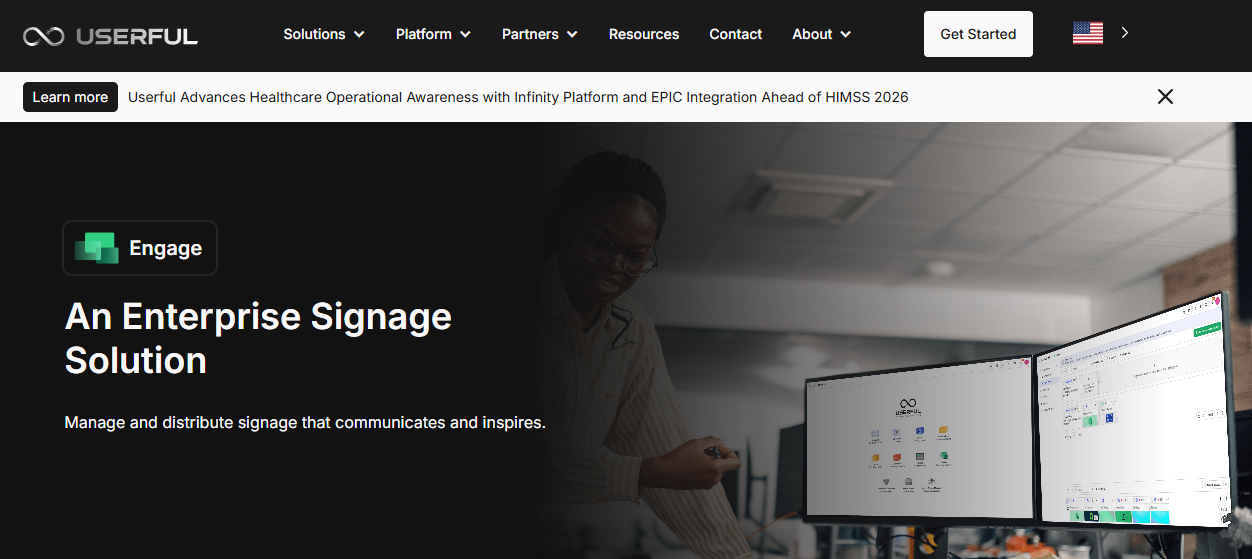
The platform allows organizations to deploy real-time dashboards, announcements, and operational data across multiple screens while maintaining enhanced security features and user permissions.
Features
- Operational digital signage displays
- Real-time data dashboards
- User roles and permission management
- Automatic failover protection
- Mission-critical content deployment
Pricing
Userful does not publicly list pricing. Companies must request a custom quote.
What Are the Benefits of Using Conference Room Digital Signage?
Conference Room Digital Signage significantly improves workplace communication, meeting efficiency, and overall operational productivity.
By replacing static displays and manual scheduling with automated digital signage solutions, organizations can streamline meetings and improve collaboration across teams.
Key benefits include:
- Eliminating scheduling conflicts: Digital signage displays real-time room availability and automatically updates meeting room schedules. Employees can quickly see whether rooms are free, reducing double bookings and improving room usage.
- Reducing no-shows and meeting delays: When schedules are visible on digital displays outside meeting rooms, employees can easily locate meetings and join on time. This is one reason digital signage software companies for meeting room use cases matter in modern offices, because they reduce confusion, improve visibility, and help meetings start as planned.
- Improving internal communication: Digital signage networks allow companies to display announcements, dashboards, and company updates across corporate offices, improving internal communications and employee engagement.
- Enhancing collaboration and meeting alignment: Screens inside meeting rooms can display dashboards, agendas, or presentation materials, helping teams stay focused and aligned during discussions.
- Increasing workplace transparency: Organizations can display company goals, progress metrics, and leadership announcements, reinforcing mission visibility across offices.
For example, one organization improved meeting coordination across multiple locations by deploying conference room signage connected to centralized dashboards. The system reduced scheduling conflicts and significantly improved room utilization.


How Can You Optimize Conference Room Digital Signage with 5 Smart Office Tips?
Organizations can optimize conference room digital signage by automating content, aligning displays with business goals, using templates, integrating smart widgets, and planning scalable deployments.
When used strategically, digital signage software becomes a powerful workplace tool that improves operational efficiency, supports meeting room technology, and enhances visual communication across conference rooms, huddle rooms, and other meeting spaces.
1. Automate Content with Smart Scheduling
Automating content scheduling ensures that the right digital signage content appears on conference room screens at the right time.
Modern digital signage software built on cloud platforms allows administrators to schedule meeting agendas, dashboards, and announcements in advance while maintaining real time availability updates for meeting spaces.
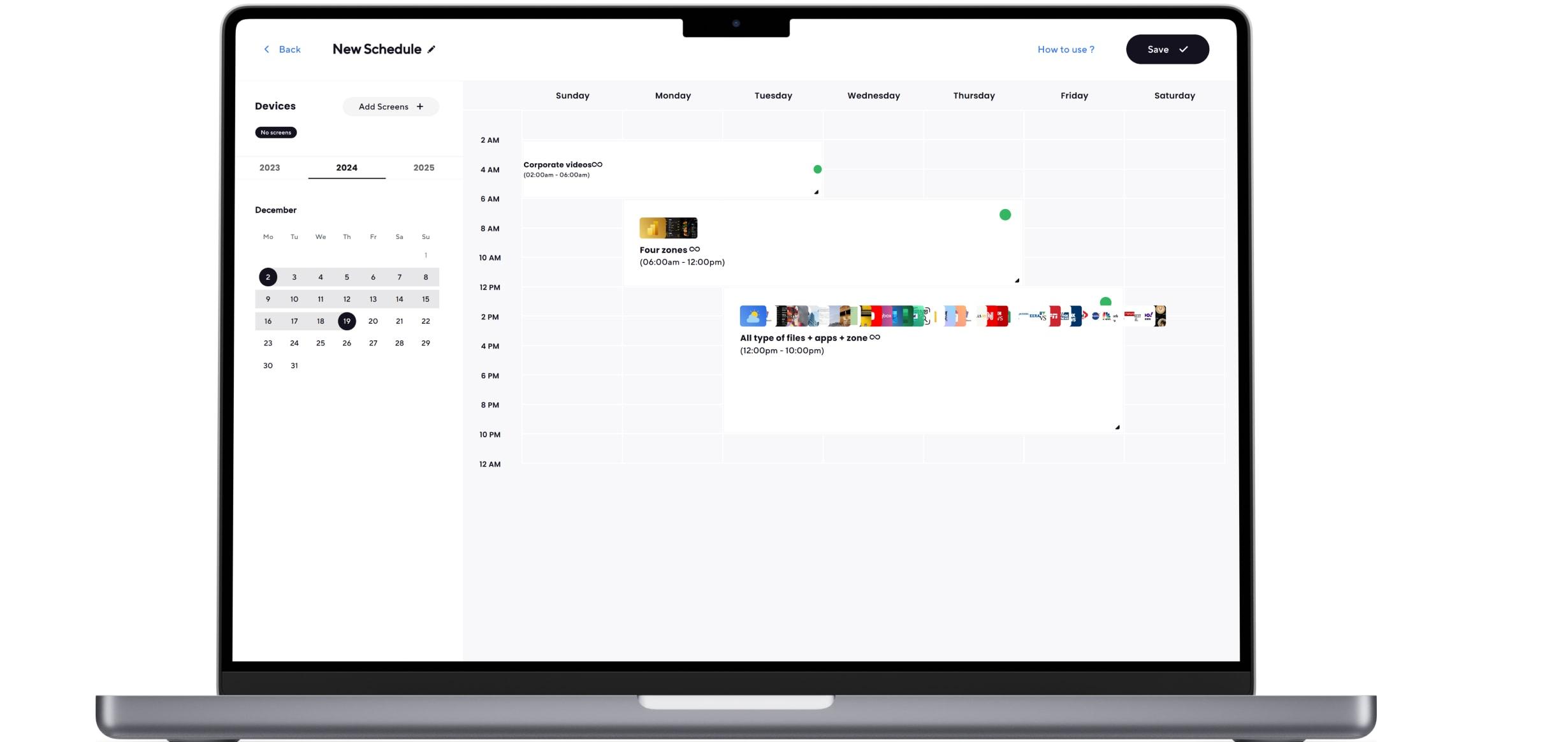
These systems can also automatically update meeting room schedules, display reminders before teams join meetings, and integrate with video conferencing tools such as Zoom Rooms.
Automation reduces manual work, improves content management, and ensures conference room displays remain relevant throughout the day.
2. Align Signage with Company Objectives
Aligning digital signage with organizational goals ensures screens deliver meaningful information instead of random content.
Companies should use signage software to display internal communications, performance dashboards, company announcements, and updates relevant to leadership meetings and team operations.
When meeting room technology supports strategic communication, conference room screens become valuable workplace tools.
This approach improves visual communication, strengthens internal alignment, and ensures that digital signage investments contribute directly to productivity and business outcomes.
3. Use Templates for On-Brand Content
Using built-in templates helps teams create professional digital signage content quickly and consistently. Many digital signage solutions offer drag-and-drop editors that allow employees without technical expertise to design content for meeting spaces and conference rooms.

Templates support diverse media formats such as images, videos, dashboards, and presentations while maintaining brand consistency across room systems and office locations. This creates an intuitive user experience for administrators while keeping dynamic content organized across digital displays.
4. Leverage Widgets and Integrations
Integrations and widgets help automate content delivery across digital signage networks and meeting spaces. Platforms that support screen sharing, analytics dashboards, calendars, and news feeds allow organizations to display real-time updates and important information across in room screens.
These integrations also work with wireless presentation systems and other meeting room tech, enabling teams to share dashboards or screen content sharing directly during meetings. This improves collaboration, reduces manual updates, and ensures displays provide useful, real-time information.
5. Negotiate Bulk Pricing for Multi-Room Deployment
Organizations deploying signage across many conference rooms, huddle rooms, or public spaces should negotiate bulk pricing with vendors. Many providers offer enterprise plans or even a free plan for testing before scaling across multiple room systems.
Planning large-scale deployments helps reduce operating costs, improve energy efficiency, and ensure organizations invest in the right meeting room technology. Choosing the best digital signage platform with scalable custom solutions allows businesses to expand signage networks while maintaining strong performance across locations.
Upgrade Meetings with AIScreen Conference Room Digital Signage
AIScreen stands out as one of the leading Conference Room Digital Signage platforms in 2026, offering AI-powered automation, centralized control, and seamless integrations with modern workplace tools. With AIScreen, organizations can display real-time room availability, meeting schedules, dashboards, and announcements across digital displays throughout corporate offices.
The platform integrates with Microsoft Teams, Google Workspace, and other meeting room technologies, ensuring meeting schedules stay accurate and synchronized. By automating conference room displays and content management, AIScreen helps organizations reduce scheduling conflicts, improve room utilization, and ensure meetings start on time. Its scalable cloud-based platform makes it ideal for companies managing conference rooms across multiple locations.
FAQs
What is conference room digital signage and how does it work?
Conference room digital signage is a type of digital signage used in offices to display meeting schedules, room availability, and announcements on screens outside or inside meeting rooms. It works through digital signage software connected to cloud systems that automatically update schedules, display dynamic content, and integrate with modern meeting technology and workplace platforms.
How does conference room digital signage integrate with Outlook or Google Calendar?
Conference room digital signage integrates with Outlook or Google Calendar by syncing meeting data directly with the digital signage software. This connection allows conference room screens to automatically display meeting schedules, enable screen sharing, and show real-time updates from calendar bookings and video conferencing tools.
What features should I look for in conference room digital signage software?
The features to look for in conference room digital signage software include strong content management, real-time room availability updates, calendar integrations, and support for wireless presentation systems and screen sharing.
How much does conference room digital signage cost per screen?
The cost of conference room digital signage per screen typically depends on the digital signage software provider and included features. Many platforms start around $10 to $30 per screen per month, offering scalable digital signage solutions that include scheduling tools, automation, and integrations with meeting systems and video conferencing tools.
Can conference room digital signage reduce scheduling conflicts and no-shows?
Yes, conference room digital signage can reduce scheduling conflicts and no-shows by showing real-time room availability and automatically updating meeting schedules. By integrating with calendar systems and meeting technology, these digital signage solutions improve operational efficiency and ensure teams always see accurate meeting information on conference room displays.
