
How to Do Multi-site Signage Rollout?
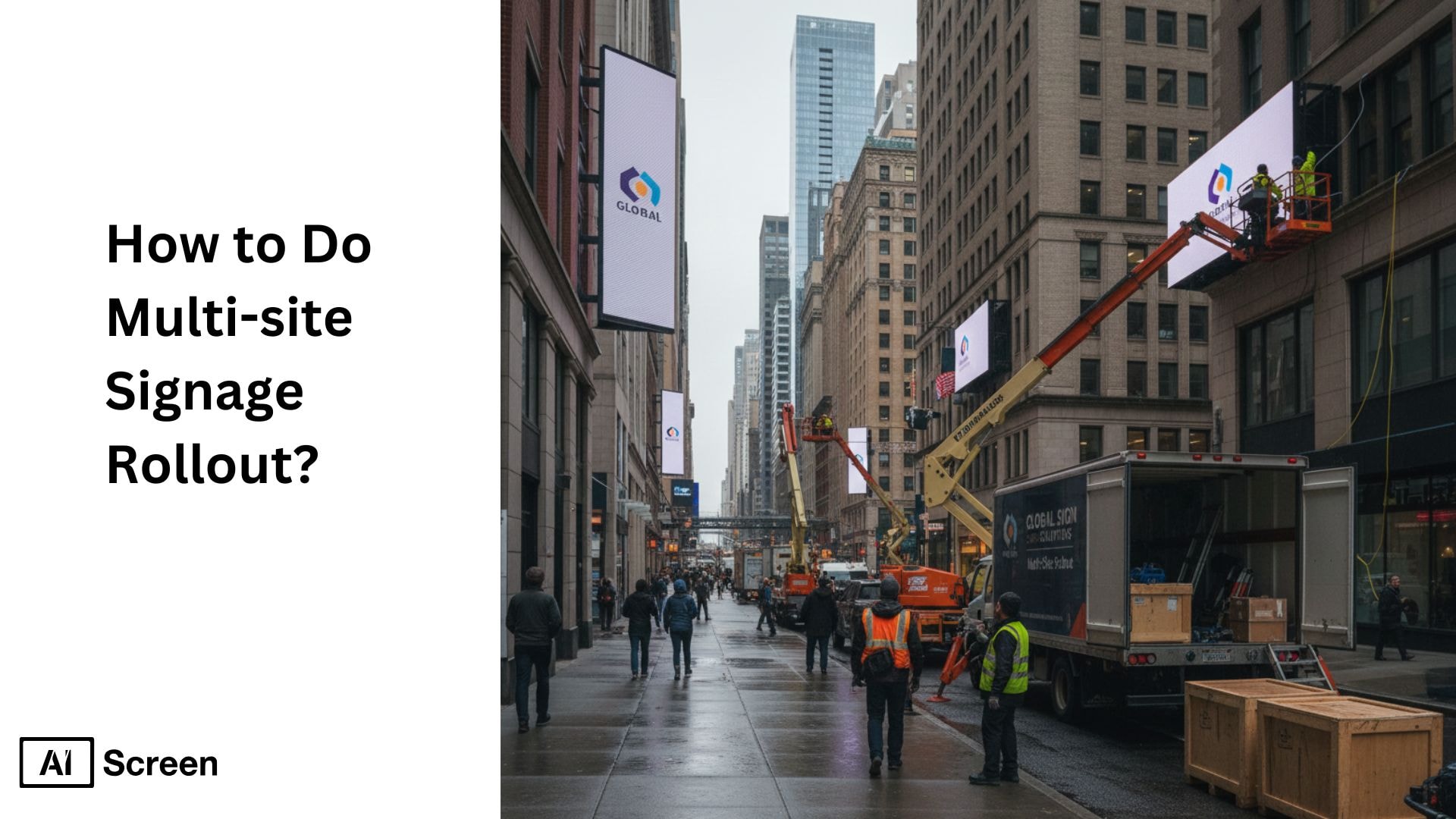
To do a multi-site signage rollout, standardize the hardware and digital signage software, document screen requirements for each location, organize screens by site or use case, prepare centralized and local content, test the rollout in phases, and then monitor all locations from one control system. A rollout becomes easier when every site follows the same setup logic instead of using different hardware, workflows, and content rules. According to Digital Signage Today, businesses using standardized rollout plans see a 42% reduction in installation errors across multiple locations.
This article helps you understand how a multi-site signage rollout, through strategic planning, keeps your brand identity consistent while your business expands across multiple locations. It breaks down the steps you need to follow so your signage looks aligned, meets compliance standards, allows for local adaptations, and delivers the same experience everywhere, while also tracking key metrics.
What Is a Multi-Site Signage Rollout?

A multi-site signage rollout is the process of planning, producing, and deploying signage across multiple business locations in a coordinated and scalable manner. The process involves standardizing branding, managing installations, and ensuring signage is consistently implemented across all sites. This process typically includes site assessments, logistics coordination, vendor management, and phased deployment to maintain operational efficiency and brand consistency.
From a performance perspective, multi-site rollouts are essential for organizations aiming to deliver unified messaging at scale. According to a report by Digital Signage Federation, businesses using digital signage across multiple locations can see engagement increases of up to 47%, highlighting the impact of consistent and well-executed deployments. This makes multi-site signage rollouts a critical strategy for improving visibility, customer experience, and overall communication effectiveness across distributed environments.


How to Do Multi Site Signage Rollout in 6 Easy Steps?

To do a multi site signage rollout in 6 easy steps by set the budget early, plan deployment by location priority, audit every display type, choose a vendor that can scale, manage the rollout through one project system, and preparing for repair and maintenance before launch. According to ResearchGate, companies that centralize project management during rollouts improve coordination efficiency by nearly 60%.
These six steps help keep the rollout controlled, scalable, and easier to manage across all screens
1. Begin Early and Establish a Budget For Multi Site Signage
Begin early and establish a budget for multi site signage by defining the full scope, number of sites, display categories, installation costs, printing costs, digital displays, repair reserves, and rollout timing before production starts. Early budgeting supports better strategic planning, keeps the signage strategy realistic, and helps teams protect brand integrity during each rollout phase. According to Deloitte, multi-location brands that document signage specifications reduce reprint waste by 28%.
Budgeting also becomes far easier when you plan ahead because you can account for printing costs, installation labor, permits, and shipping before issues appear. Businesses upgrading digital menu boards or adding new display hardware benefit even more from early cost forecasting. With a clean budget and effective digital platforms, your signage installation stays organized, controlled, and aligned with your brand timelines.
2. Plan Multi-Location Signage Deployment by Region or Priority
Plan multi-location signage deployment by region or priority by grouping multiple sites based on launch deadlines, business importance, geography, store readiness, or installation complexity. This makes a site signage rollout easier to schedule and helps dedicated project managers and local teams coordinate work across regions, especially when brands operate in multiple time zones. According to McKinsey, phased rollouts help reduce operational efficiency strain by 40%, especially for fast-growing retail networks.
This phased structure also helps with equipment distribution, especially when shipping hardware for digital signage displays or large outdoor signs. You can prioritize high-traffic stores, remodeled locations, outdoor signage, or regions that need branding updates sooner. The result is a controlled, organized digital signage rollout that delivers impact where it matters most.
To understand the complete implementation process, read our guide on how to implement multi-location digital signage screens for your business.
3. Consider All Display Types and Sizes
Consider all display types and sizes by reviewing every format used across the rollout, including exterior signs, window graphics, wayfinding signs, menu boards, kiosks, illuminated signage, and digital signage. A good audit should match each format to viewing distance, placement, lighting condition, and business goals so the final system supports a consistent brand, strong brand recognition, and an effective brand’s presence across multiple locations. According to Forrester, digital signage integration cuts message update time by 80%, accelerating multi-site communication
Standardizing dimensions and materials also makes a huge difference, especially when you’re blending traditional signage with modern digital menu boards. AIScreen helps businesses manage digital signage across different display types and sizes by centralizing content updates, scheduling, and screen control, making it easier to maintain brand consistency and speed up communication across multiple locations.
4. Select a Vendor Capable of Large-Scale Printing and Installation
Select a vendor capable of large-scale printing and installation by choosing a partner that can handle volume production, quality control, material standardization, shipping coordination, and multi-location installation without losing finish or accuracy. The right vendor should also understand local regulations, local codes, local zoning laws, permit timelines, and strict landlord requirements so the rollout can ensure compliance and avoid delays from local authorities. According to Gartner, organizations partnering with nationwide vendors experience 50% fewer project delays during rollout cycles.
The best partners can manage surveys, permitting, printing, shipping, and digital signage installation under one roof. That means fewer bottlenecks and a smoother experience for your internal team. For businesses expanding rapidly or rebranding across multiple sites, this all-in-one support enhances your digital signage network, making your digital signage rollout faster and more reliable.
5. Utilize a Strong Project Management System
Utilize a strong project management system by tracking site status, specifications, approvals, installation dates, vendor deliverables, repairs, and change requests in one centralized system. This creates better stakeholder alignment, helps teams efficiently manage the rollout, and makes it easier to protect core brand elements such as logo specifications, messaging, and overall visual identity across different locations. According to Statista, retail chains using digital signage across locations see a 24% boost in customer engagement.
For teams running a national signage program, real-time communication is especially important. When everyone, including designers, vendors, installers, managers, and promoting employee engagement, shares the same dashboard, decisions happen faster. AIScreen helps teams manage digital signage rollouts from one centralized dashboard, making it easier to track updates, maintain brand consistency, coordinate stakeholders, and keep installations moving without delays or confusion.
6. Plan for Digital Signage Repair and Maintenance
Planning for digital signage repair and maintenance during multi-site rollouts ensures continuous content delivery, system reliability, and minimal downtime across all locations. In large-scale successful deployments, failures in digital displays, media players, or network connections can quickly impact multiple screens, making it essential to have a detailed site surveys to identify the problem and structured repair and maintenance strategy in place.
A strong approach includes standardizing hardware, enabling remote monitoring for real-time issue detection, and setting up a centralized system to track and resolve problems efficiently. Preventive maintenance, backup devices, and trained on-site support help reduce disruptions and keep operations running smoothly.
How Digital Signage Improves Multi-Site Rollouts

Digital signage improves multi-site rollouts by giving businesses a centralized system to manage content, maintain brand consistency, and publish updates across multiple locations without replacing physical signage each time something changes. It makes rollout execution faster because teams can control messaging, promotional campaigns, operational updates, and local adaptations from one place instead of handling every site manually. According to Accenture, early planning, done at least 90 days before rollout, reduces unforeseen installation issues by 27%.
This also improves operational efficiency during a multi site signage rollout because internal teams and project managers can standardize core brand elements while still adjusting content for different locations, regional needs, or business goals. With the right digital signage software and content management system, businesses can support a more consistent customer experience, protect brand identity, and update signage across multiple sites with less delay and less coordination effort.
How Do You Plan for Digital Signage Repair and Maintenance?
You plan for digital signage repair and maintenance by setting a clear response process for screen failures, assigning repair responsibility, keeping spare hardware ready, monitoring device health, and defining how quickly each issue must be fixed. A reliable plan should cover the full display system, including the screen, media player, cables, network connection, power source, and content delivery.
A strong maintenance plan also includes routine inspections, firmware and software updates, screen cleaning, cable checks, playback testing, and a process for replacing failed components without long downtime. With centralized digital signage software, teams can detect offline screens, publishing errors, and device issues early, making repairs and maintenance easier across one or multiple locations. It also helps teams understand how to repair signage display faster and more efficiently.
Using Digital Signage to Strengthen Multi-Site Rollout Success
A successful multi-site signage rollout depends on early planning, controlled budgeting, clear vendor coordination, consistent display standards, and a system for maintaining signage after installation. When those parts work together, businesses can protect brand consistency, reduce rollout delays, and manage updates more efficiently across multiple locations.
AIScreen fits that need by helping teams publish location-specific content without rebuilding the full signage system for every site. Its scheduling, screen grouping, and centralized publishing tools are especially useful when different locations need different promotions, announcements, or operating messages while still following one brand system. Strengthen multi site signage rollout with AIScreen now!
FAQs
What is a multi-site signage rollout and how does it work?
A multi-site signage rollout is the structured process of planning, producing, and installing signage across multiple locations at the same time. It works by coordinating significant investment in design approvals, material selection, printing, logistics, and installation through a centralized system. This helps every branch follow the same brand standards while reducing errors and delays. With a detailed rollout plan, the right tools, and partners, the entire rollout moves smoothly from planning to execution.
What challenges do companies face during a multi-location signage rollout?
The challenges that companies face during a multi-location signage rollout include shifting timelines, local permit requirements, and inconsistent communication between teams. Each region may have different installation rules, which increases the risk of delays or compliance issues. Managing multiple vendors across locations can also create quality gaps. Without a proper plan, these challenges affect brand consistency and overall rollout efficiency.
How can businesses maintain consistency across signage at multiple locations?
Businesses can maintain consistency across signage at multiple locations by using clear brand guidelines, centralized approvals, and standardized materials. When every site follows the same colors, dimensions, and installation specs, the brand remains uniform everywhere. A central project management system also helps with performance tracking, tracking progress and preventing variations. This approach strengthens brand identity and keeps every location aligned.
Why should businesses centralize design and procurement for multi-location signage?
Businesses should centralize design and procurement for multi-location signage to avoid mismatched visuals and materials across different branches, while customizing signage as needed. A single source manages artwork, printing, and quality checks, ensuring every sign meets brand standards and includes key features. This multi-site rebranding strategy central control also reduces costs by streamlining vendor communication and bulk production. It creates a more predictable, consistent, and efficient rollout.
Can multi-site rollouts be customized for different regions or store formats?
Yes, multi-site rollouts can be customized for different regions or store formats while still maintaining core brand elements. Businesses can adapt signage sizes, materials, and messages based on climate, customer behavior, or store layout. Local regulations and cultural preferences can also shape these variations. This balance between consistency and flexibility makes the rollout more effective across diverse locations.
