
What Is Campus Wayfinding Signage and How Does It Help?
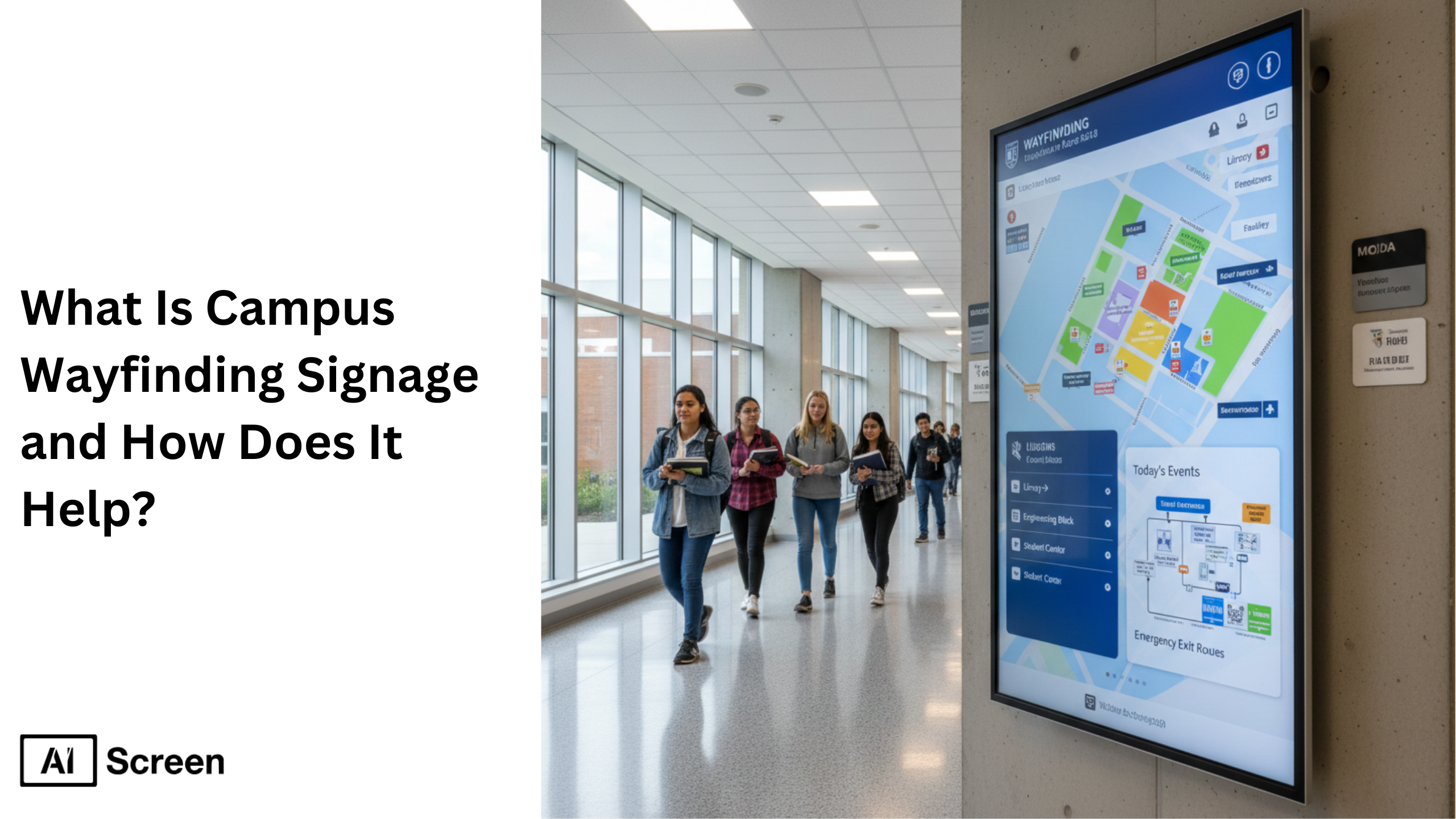 wayfinding digital signage helping students navigate”/>
Campus wayfinding and campus wayfinding systems help students and visitors quickly navigate a college campus using directional signs, digital signage, and interactive maps. In today’s digital age, universities combine traditional signage with digital wayfinding technology to improve campus navigation, provide helpful information, and enhance campus safety across the built environment. Around 48% of students report higher satisfaction with campus navigation after installing digital wayfinding systems, according to The Journal of Campus Facilities Management.
In this article, we will answer that! From helping new students find their classes to promoting events and sending emergency alerts, digital wayfinding is changing the game with the digital signage software. Curious how digital signs fit into campus life and safety? Let’s explore how colleges use these modern tools to enhance the entire campus experience.
What Is College Wayfinding Signage?
College wayfinding signage is a navigation system that helps students and visitors identify buildings, services, and locations across a college campus. It combines wayfinding signs, directional signs, interactive kiosks, and digital displays to guide people through complex campus environments. Unlike static signs, digital wayfinding systems provide real time updates, interactive maps, and accessible routes, helping users easily search and identify locations such as academic buildings, dining halls, and parking areas.
For example, digital kiosks near libraries or entrances can provide step by step directions and update automatically if a building location changes or an event moves. Effective university wayfinding improves the campus experience, helps students and visitors find locations quickly, and supports accessibility features and safety standards. Clear signage also strengthens campus identity and creates a welcoming environment for prospective students, faculty, and the campus community.
Why Campus Wayfinding Is Essential for Today’s Educational Environments?
Modern campus wayfinding signage improves campus navigation, safety, and communication by combining digital signage, interactive maps, and real time updates into a unified wayfinding strategy. These systems help students navigate large campus environments while supporting accessibility and safety standards.
1. College Wayfinding Signs Create Seamless Onboarding
Campus wayfinding signage simplifies navigation for new students during orientation week. Interactive digital kiosks and maps placed at key decision points provide step by step directions to classrooms, academic buildings, and campus services. This reduces confusion and helps students quickly adjust to the college campus environment.
A clear wayfinding system also creates a positive first impression for prospective students and visitors, making the campus easier to explore. Digital wayfinding systems provide clear, context-sensitive directions in seconds on kiosks, digital signage, and mobile devices.
2. Process Last-Minute Changes Smoothly
Digital wayfinding signage provides real time updates across campus screens. If a classroom changes or an event moves, digital signage displays can instantly update directions on multiple screens, helping students and faculty navigate without confusion.
During emergencies, displays can show emergency notifications, evacuation routes, and emergency instructions, ensuring the campus community receives critical safety information quickly.
3. Build a Sense of Belonging and Campus Identity
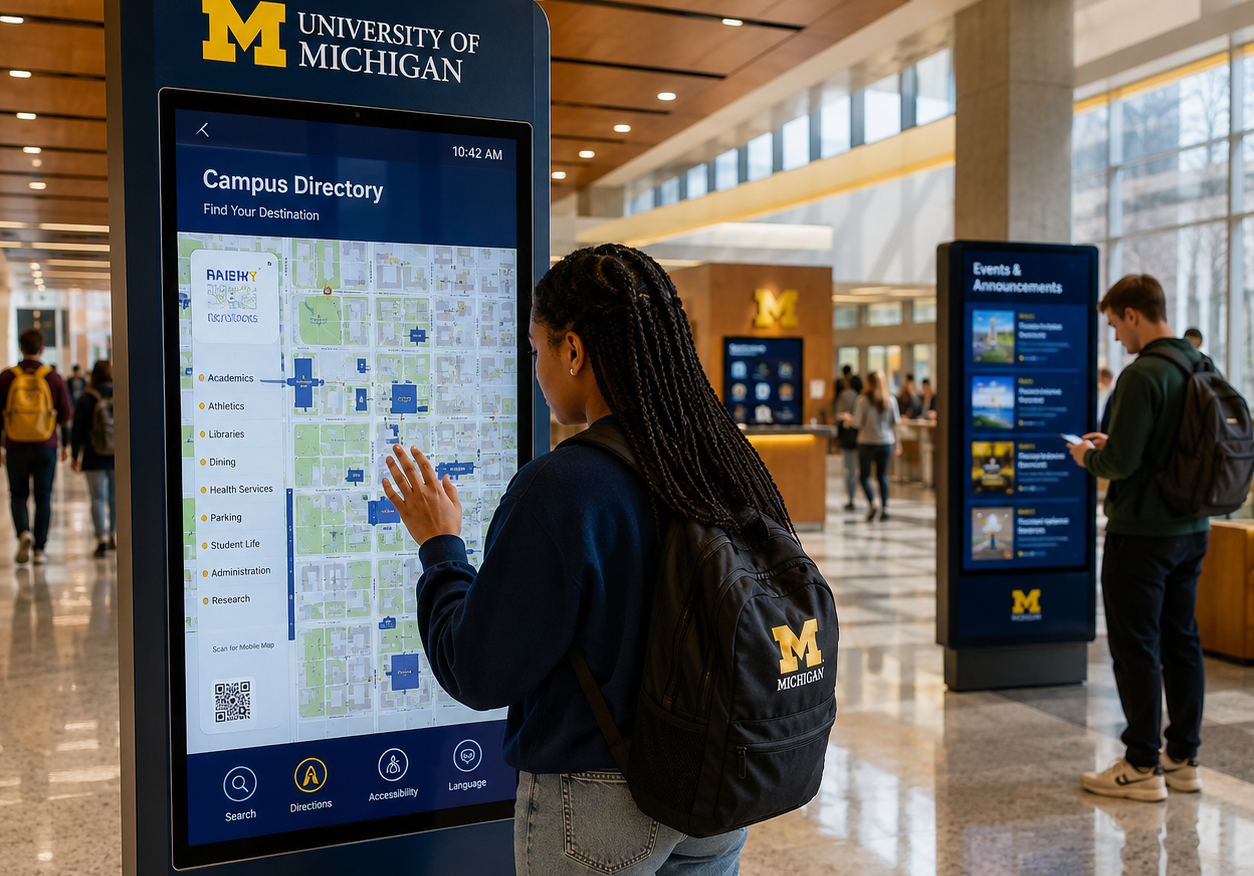
Wayfinding signage also strengthens campus identity and community engagement. Universities use digital welcome screens, branded signage, and interactive message boards to highlight events, student achievements, and campus life activities.
This creates a stronger campus community and improves the overall college experience, proving that well-designed signage speaks volumes beyond just navigation.
4. Manage Emergencies More Effectively
When emergencies strike, clear and accessible wayfinding signage saves lives. You can also read about hospital digital signage here. Here’s what makes it critical:
- Instant emergency alerts on campus screens
- Real time evacuation routes
- Accessible directions for students and visitors
- Audio and visual emergency instructions
This ensures everyone on campus can identify safe routes and navigate emergencies confidently, helping universities maintain strong safety standards across the built environment.


Which Campus Wayfinding Signage Examples Are Common in Colleges Today?
Modern universities use interactive maps, digital kiosks, and campus-wide digital signage networks to improve campus navigation, accessibility, and safety. These tools guide students and visitors efficiently across complex campus environments. Here are two common campus wayfinding signage examples used by leading universities.
1. Interactive Maps at the University of Michigan
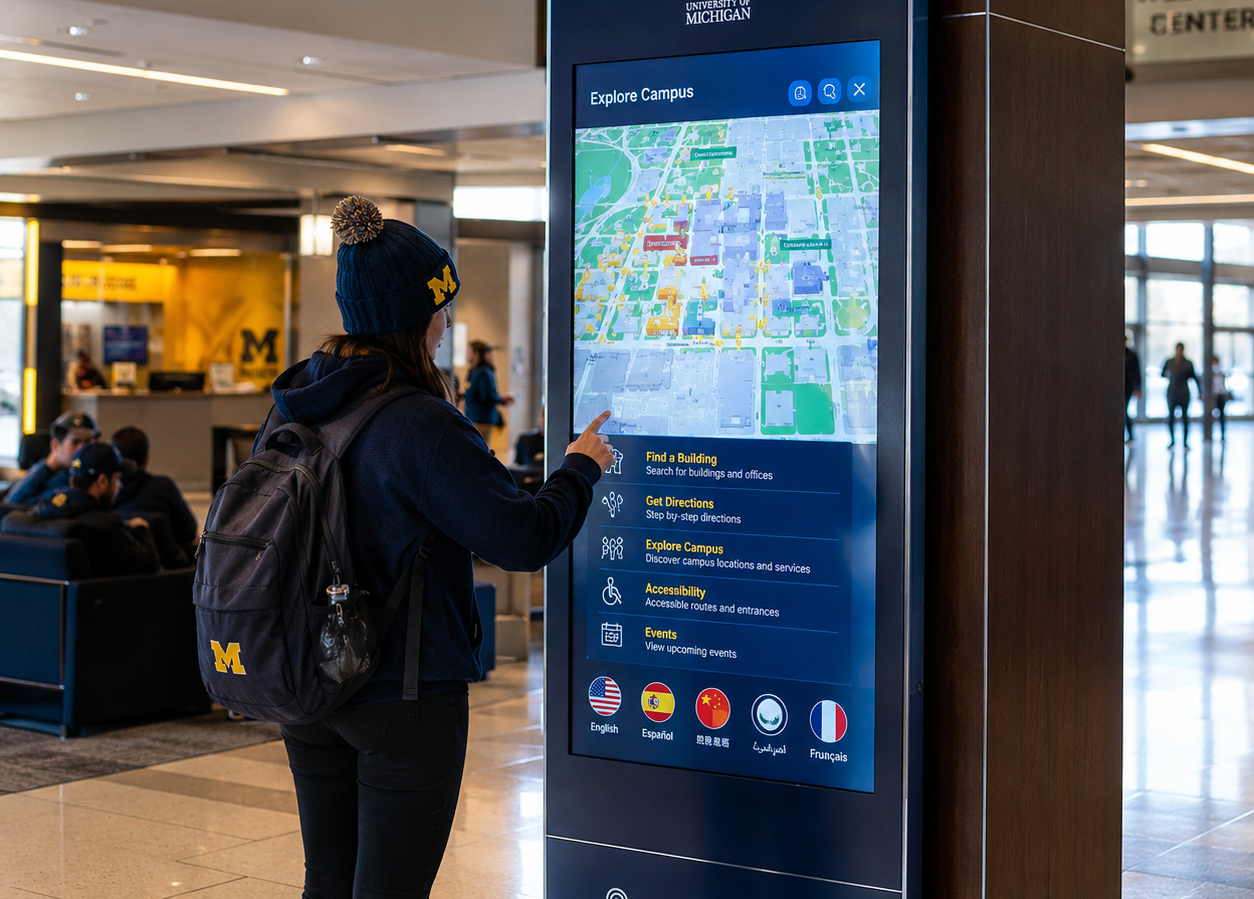
The University of Michigan uses interactive touchscreen kiosks and digital directories across campus to help visitors find buildings and services quickly.
These interactive maps provide step by step directions, multilingual support, and accessibility features. Located at entrances and high-traffic areas, these kiosks improve navigation visibility and help students easily identify academic buildings and campus facilities.
2. Georgia Institute of Technology’s Campus-Wide Digital Signage Rollout
The Georgia Institute of Technology deployed a campus-wide digital signage system that connects interactive maps, event calendars, and emergency notifications.
This networked wayfinding system provides real time updates, improving operational efficiency and helping students navigate campus safely. The integrated signage platform ensures accurate directions, campus alerts, and event information appear across multiple screens.
How to Set Up a University Wayfinding System?
Setting up a university wayfinding system becomes easier when you follow a structured approach. Using digital signage, interactive kiosks, and campus navigation software, universities can create a scalable system that improves navigation, accessibility, and communication. You can also read how to set up digital signage with live tv easily (step-by-step guide) to understand how digital signage deployment works in modern environments.
Step 1: Choose the Right Display for Campus Wayfinding
First, pick a weatherproof, high-brightness display for campus wayfinding suitable for both indoor and outdoor locations. For example, AIScreen offers a range of commercial-grade screens optimized for visibility even in bright sunlight, perfect for high-traffic points like building entrances and courtyard directories.
Hisense 75DM66D 75” 4K Smart Digital Signage Display: This 75-inch Hisense display is perfect for high-traffic campus areas that need bright, clear visuals and 24/7 reliability. Its 4K Ultra HD resolution and 500 nits brightness ensure crisp, readable wayfinding content indoors and semi-outdoors.

- 75” screen size, 3840×2160 resolution.
- Android 11 OS for direct app installation.
- 500 nits brightness with anti-glare coating.
- 24/7 operation, IP5X dust protection.
Sony BZ30L Series UHD 4K HDR Display: Designed for commercial use with 24/7 operation capability, ideal for large outdoor or indoor signs where ultra-high image quality and durability are necessary. Sony’s HDR support ensures vibrant, eye-catching content even in varied lighting.

- Sizes from 43” to 98” available.
- 4K UHD with HDR for vivid visuals.
- Commercial-grade build for 24/7 usage.
- Enhanced brightness and contrast ratios.
LG UH5J-H Series Commercial Digital Display: A commercial-grade digital signage display optimized for consistent operation and high visibility, suitable for both indoor and semi-protected outdoor campus locations. It supports direct AIScreen app installation, making management easy.

- Available in sizes from 43” to 98”.
- 24/7 operation with high durability.
- Enhanced brightness for varied lighting.
- Supports portrait and landscape modes.
These displays offer great readability, durability, and compatibility with modern digital signage software, ensuring effective campus wayfinding solutions.
Step 2: Login to the Digital Signage Software
Next, download digital signage software that supports real-time updates and remote content management. This software allows universities to manage multiple screens across campus, update navigation content instantly, and display emergency notifications or helpful information when needed.
Step 3: Create an Account in the Digital Signage Management App
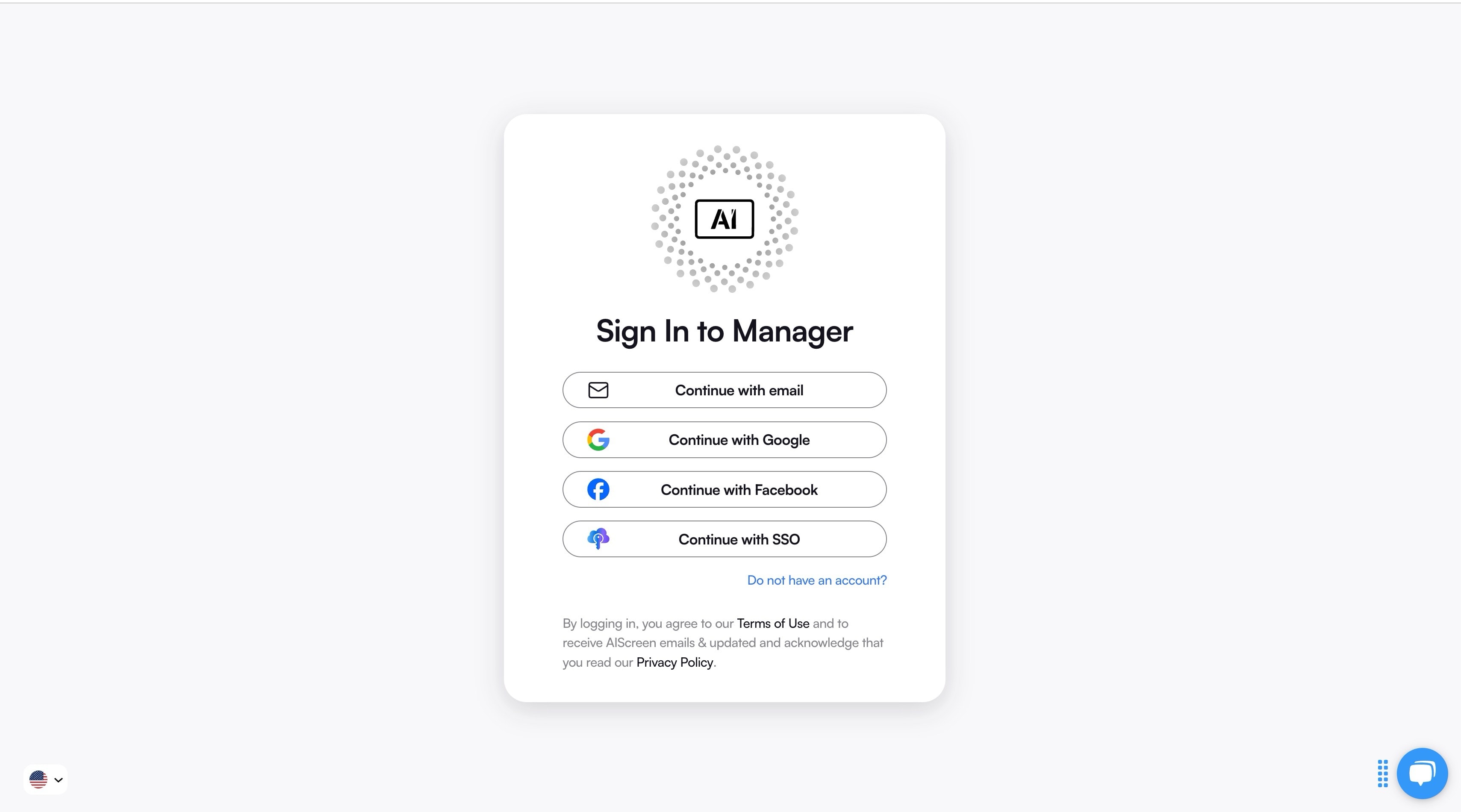
Create an account in the digital signage CMS to manage all screens from one platform.
From this dashboard, administrators can:
- Upload interactive maps and wayfinding templates
- Schedule navigation content
- Monitor screen status
- Organize screens across buildings and departments
This centralized system simplifies management of campus wayfinding systems across large universities.
Step 4: Connect Your Display to the Digital Signage Software
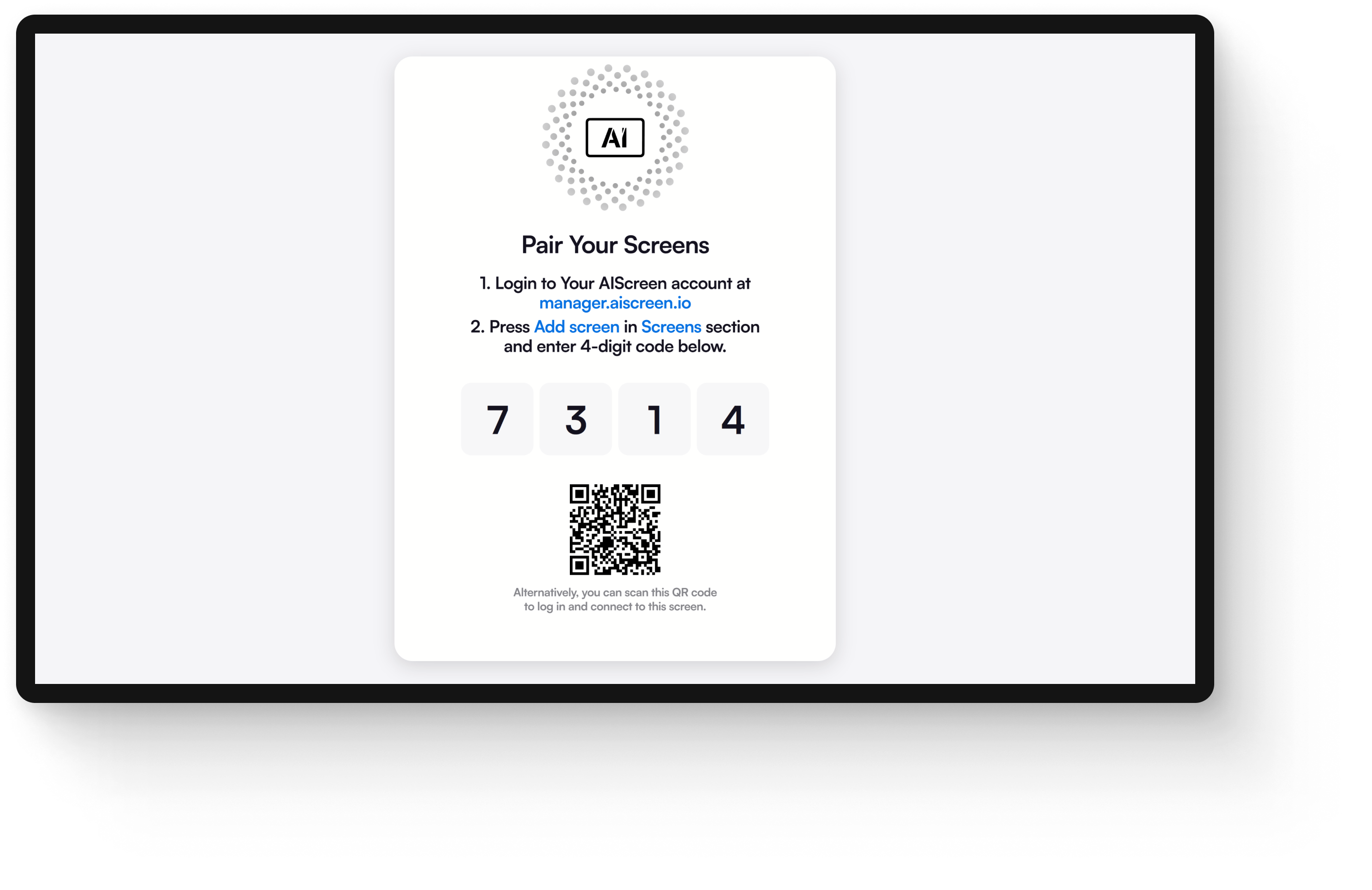
Pair each screen by scanning a QR code or entering a device ID, allowing centralized control. This step ensures every kiosk, hallway screen, or directory stays synchronized and up to date effortlessly. Follow the steps:
- Download and open the AIScreen digital signage software app on your TV or digital screen.
- A 4-character pairing code and QR code will appear on the screen.
- Log in to your AIScreen online account on your computer or phone.
- Click “Add Screen” and either scan the QR code or enter the 4-digit pairing code manually.
- Name your screen and set orientation (portrait or landscape) using easy identification signs.
- Once paired, your screen connects to the cloud for centralized management.
Step 5: Upload and Customize Your Wayfinding Templates
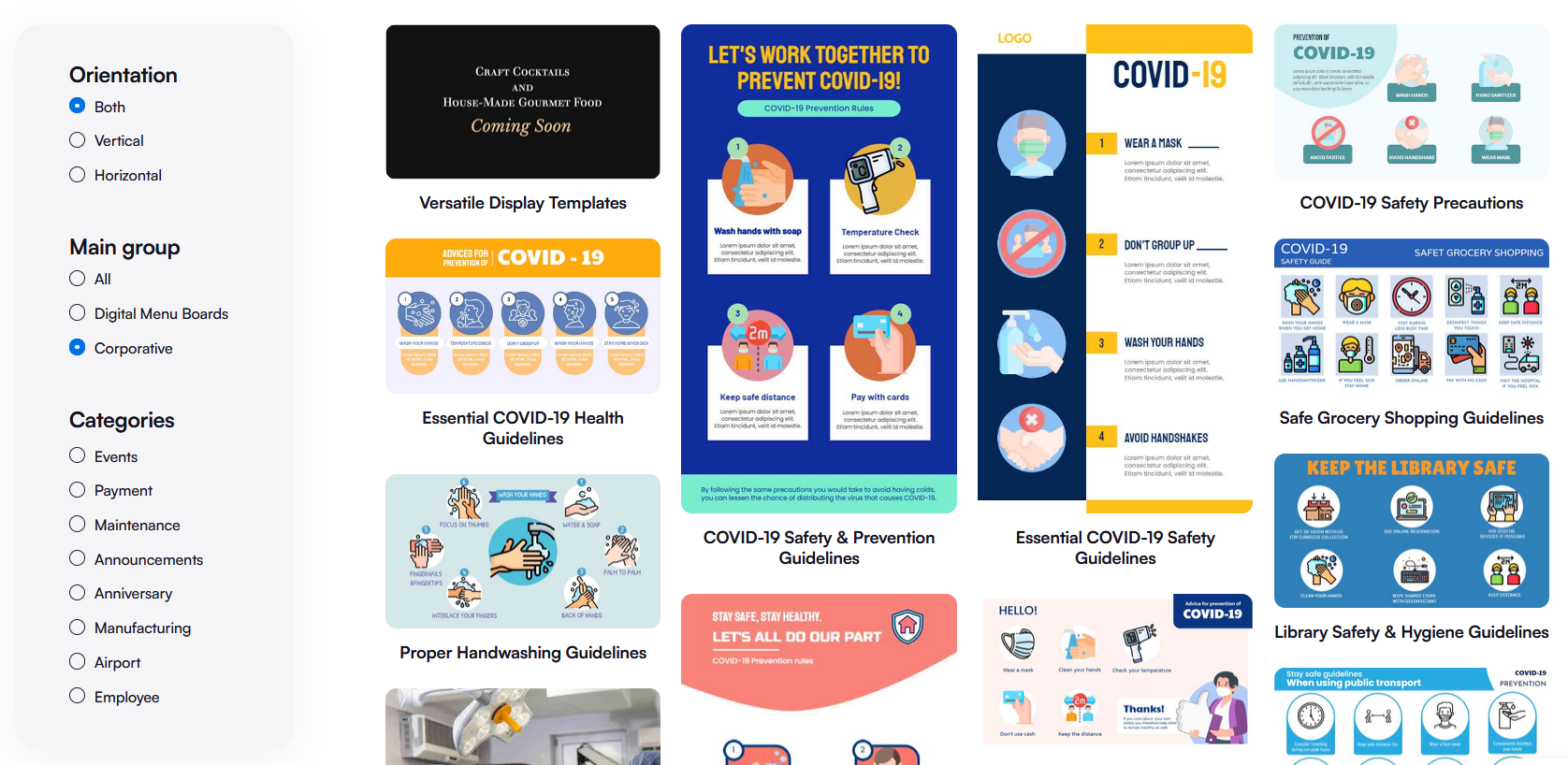
Use pre-built templates out of over 1,500 templates available at AIScreen to create interactive maps and navigation flows tailored to your campus layout. Custom content supports accessibility features, multiple languages, and branding, enhancing usability and campus identity.
Step 6: Schedule and Launch Your Digital Wayfinding System
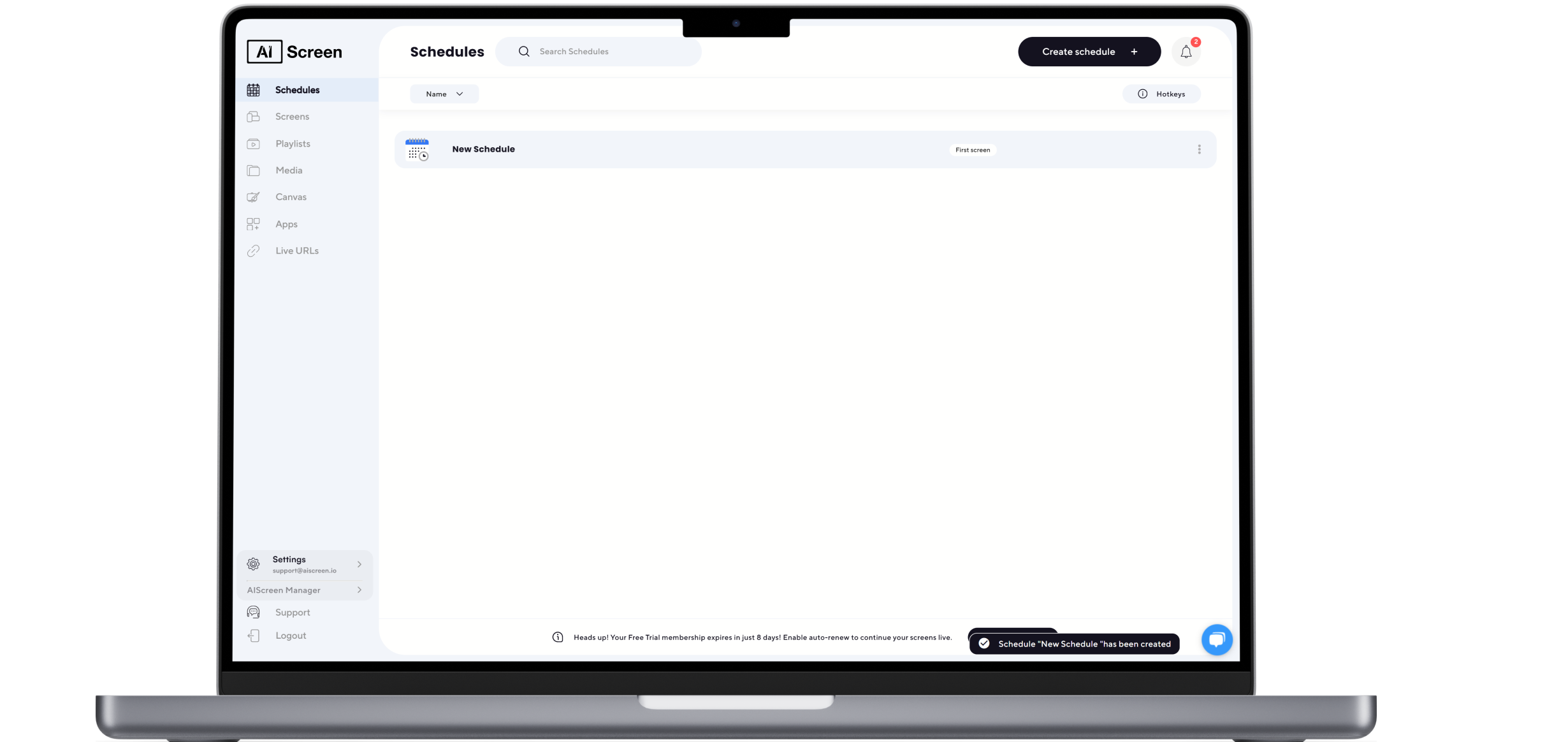
Finally, automate and schedule digital signage content for day-to-day directions, special event promotion, and instant communication. Push live updates about event schedules instantly across multiple screens to keep students, staff, and visitors informed in real time. This scheduling flexibility optimizes your campus communication strategy.
By following these steps, your university can implement a scalable and engaging digital wayfinding system with all accessibility considerations that transforms campus navigation and communication.
How Do These Principles Apply Across Hospital and Campus Wayfinding?
Wayfinding systems in campuses and hospitals share the same goal: helping people navigate complex environments with clarity, speed, and confidence. On a college campus, digital signage, interactive maps, and directional signs guide students and visitors across multiple buildings and locations. Similarly, what is wayfinding hospital signage and how does it help, focuses on reducing confusion, improving accessibility, and supporting users under higher stress conditions.
Both environments rely on clear visual cues, consistent naming, and real-time updates to improve navigation and safety. By applying structured wayfinding strategies, institutions can create intuitive systems that enhance user experience, reduce anxiety, and ensure people reach their destinations efficiently across different spaces.
Enhance Campus Wayfinding with AIScreen’s Digital Solutions
AIScreen delivers a modern solution for campus wayfinding by combining dynamic digital signage, interactive maps, and real-time updates to help students and visitors navigate with ease. The platform allows teams to manage screens from a central dashboard, update directions instantly, and share alerts across multiple locations, especially during high-traffic moments like game day or campus events.
With mobile integration, customizable templates, analytics, and user-friendly content tools, AIScreen highlights the importance of smart navigation systems in improving safety and campus experience. Its scalable and flexible features ensure information stays accurate, visible, and engaging at all times. Start your 14-day free trial today and experience how AIScreen transforms campus navigation.
Frequently Asked Questions
What is campus wayfinding, and why is it important?
Campus wayfinding lets students and visitors identify buildings and services easily using clear signs and navigation systems. It improves accessibility, reduces confusion, and helps campuses focus on safety and smoother movement across the university.
How does digital signage improve university wayfinding?
Digital signage improves wayfinding by showing real-time directions, interactive maps, and updated signs across campus screens. It helps users quickly find locations and supports accessible navigation during events or emergencies.
What are the best displays for college wayfinding signage?
The best displays are commercial-grade 4K digital signage screens like Hisense or LG models. These screens provide clear visibility, strong brightness, and reliable operation for both indoor and outdoor campus navigation.
Can digital campus signage integrate with existing university systems?
Yes, digital signage platforms can integrate with university systems such as event calendars, emergency alerts, and booking tools, helping campuses manage information efficiently like a smart communication system for educational business operations.
How can universities measure the success of campus wayfinding systems?
Universities measure success using interaction data, navigation accuracy, and student feedback. Analytics help campuses focus on improving sign placement, identification points, and navigation tools to make wayfinding more effective.
