
5 Best Digital Signage Software Providers For Lobby Signage
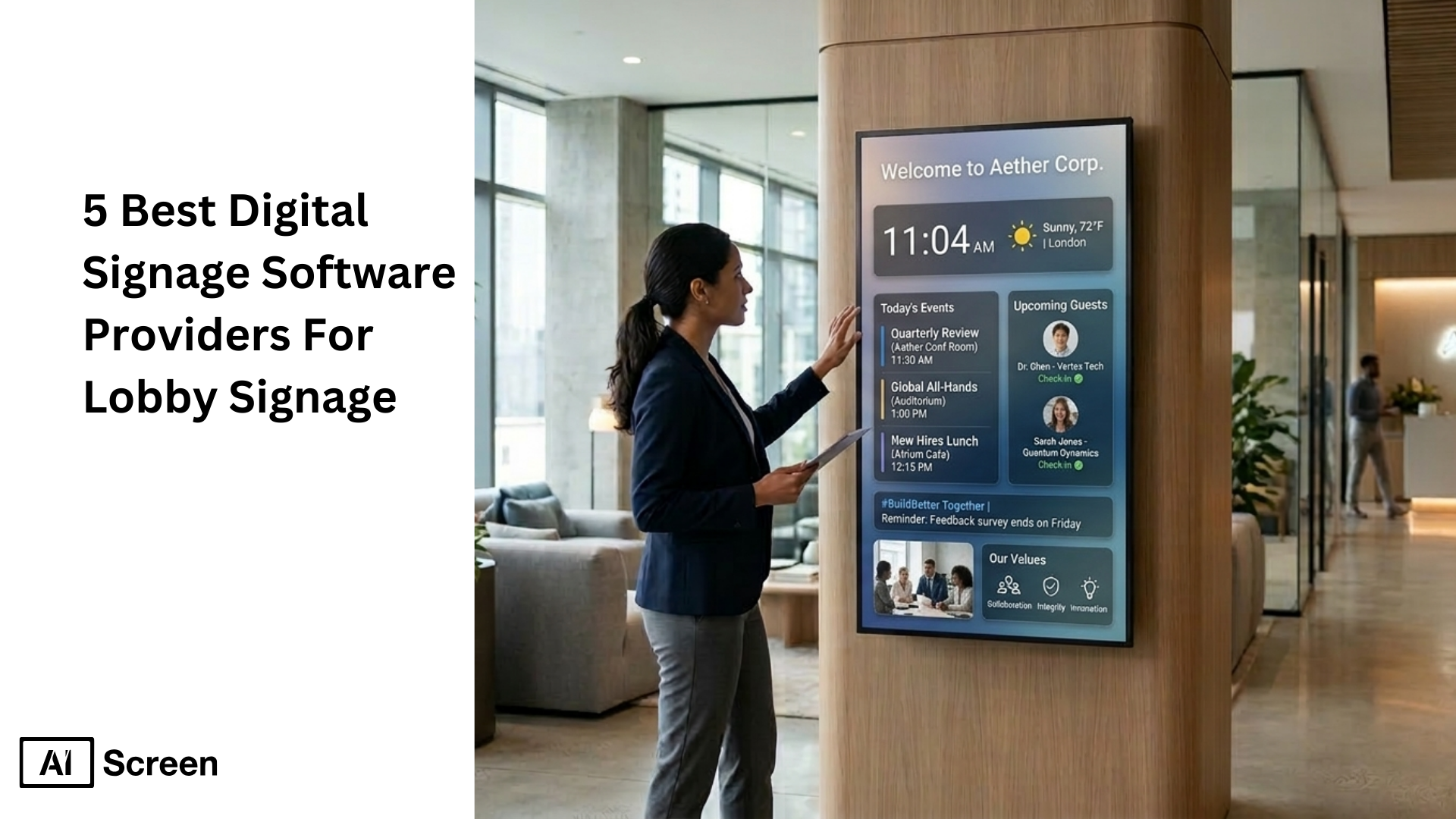
5 best digital signage software providers for lobby signage are helping businesses transform lobby areas into modern communication spaces using digital screens. Instead of static posters or notice boards, organizations now rely on digital signage software to display announcements, corporate communications, visitor information, and branded visuals. According to Fortune Business Insights, the global digital signage market is projected to grow from $27.8 billion in 2023 to over $44.7 billion by 2032, showing how rapidly businesses are adopting digital signage solutions for communication and customer engagement.
In this article, you will learn about five of the best digital signage software providers businesses use for lobby signage. The guide explains how each digital signage platform works, the features that make lobby displays effective, and the key differences between software solutions so organizations can choose the right digital signage system for their lobby screens. For a ready-to-deploy option, see AIScreen’s lobby digital signage solution.
What Criteria Define a Worldwide Top Provider of Digital Signage Software for Lobby Displays?
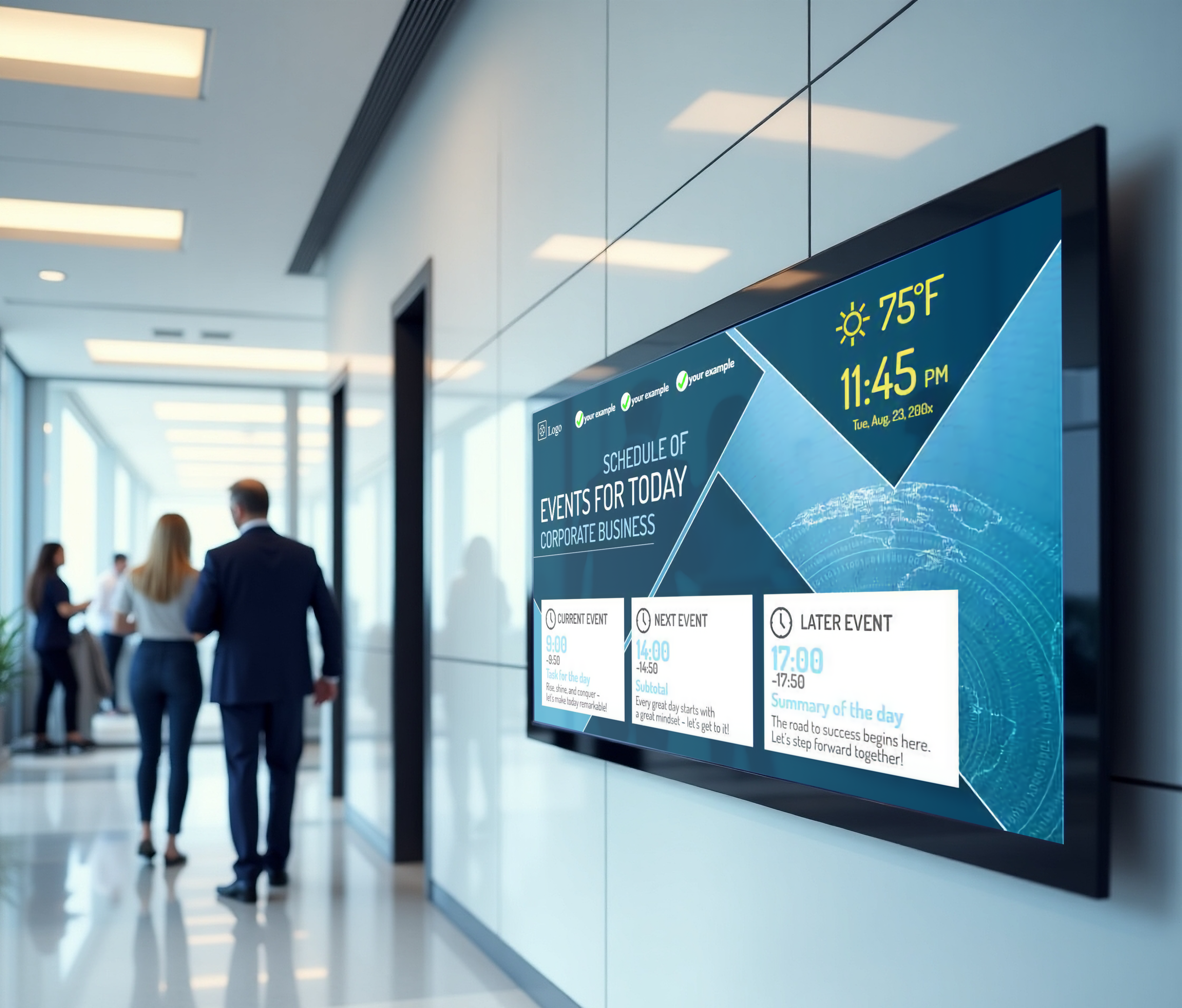
Criteria for identifying a worldwide top provider of digital signage software for lobby displays focus on more than basic screen management.
A reliable digital signage platform should support scalable digital sign networks, deliver secure content management, and provide flexible deployment options for organizations managing multiple digital signage displays across offices and reception areas.
According to Grand View Research, the global digital signage market is expected to reach $58.42 billion by 2033, showing how businesses are rapidly adopting digital signage technology to improve communication and engagement.
Enterprise Security & Governance
- Enterprise security is a critical criterion for any modern digital signage software provider.
- The digital signage platform should support certifications such as SOC2 and security protocols like SAML and SSO.
- These capabilities help IT teams manage secure digital sign networks while protecting sensitive business information displayed on lobby screens.
API Integration Depth
- API integration capability determines how powerful digital signage software becomes within a business ecosystem.
- Advanced digital signage platforms allow integration with ERP systems, BI dashboards, POS platforms, and other data sources.
- This enables digital signage networks to automatically update lobby displays with real-time information, analytics dashboards, or company announcements.
Hardware & TCO Flexibility
- A strong digital signage platform should support multiple hardware environments to reduce total cost of ownership.
- Leading digital signage software can run on devices ranging from Raspberry Pi players to high-performance media players and smart displays.
- This flexibility helps organizations scale digital signage networks across multiple locations without significant hardware investment.
User Experience (UX)
- User experience is another key criterion when evaluating digital signage software for lobby displays.
- The digital signage platform should provide an intuitive interface that allows marketing and communication teams to manage digital signage content easily.
- Modern digital signage tools enable users to design, schedule, and update lobby content without needing specialized coding or technical expertise.


What Are the Top 5 Digital Signage Software Providers Businesses Use for Lobby Signage?
Top digital signage software providers for lobby signage help businesses deliver professional visual communication in reception areas, corporate lobbies, and waiting spaces.
A modern digital signage platform allows organizations to manage multiple screens, automate content updates, and improve internal communications through a centralized content management system. The following platforms represent widely used software solutions businesses deploy for lobby displays and digital sign networks.
AIScreen
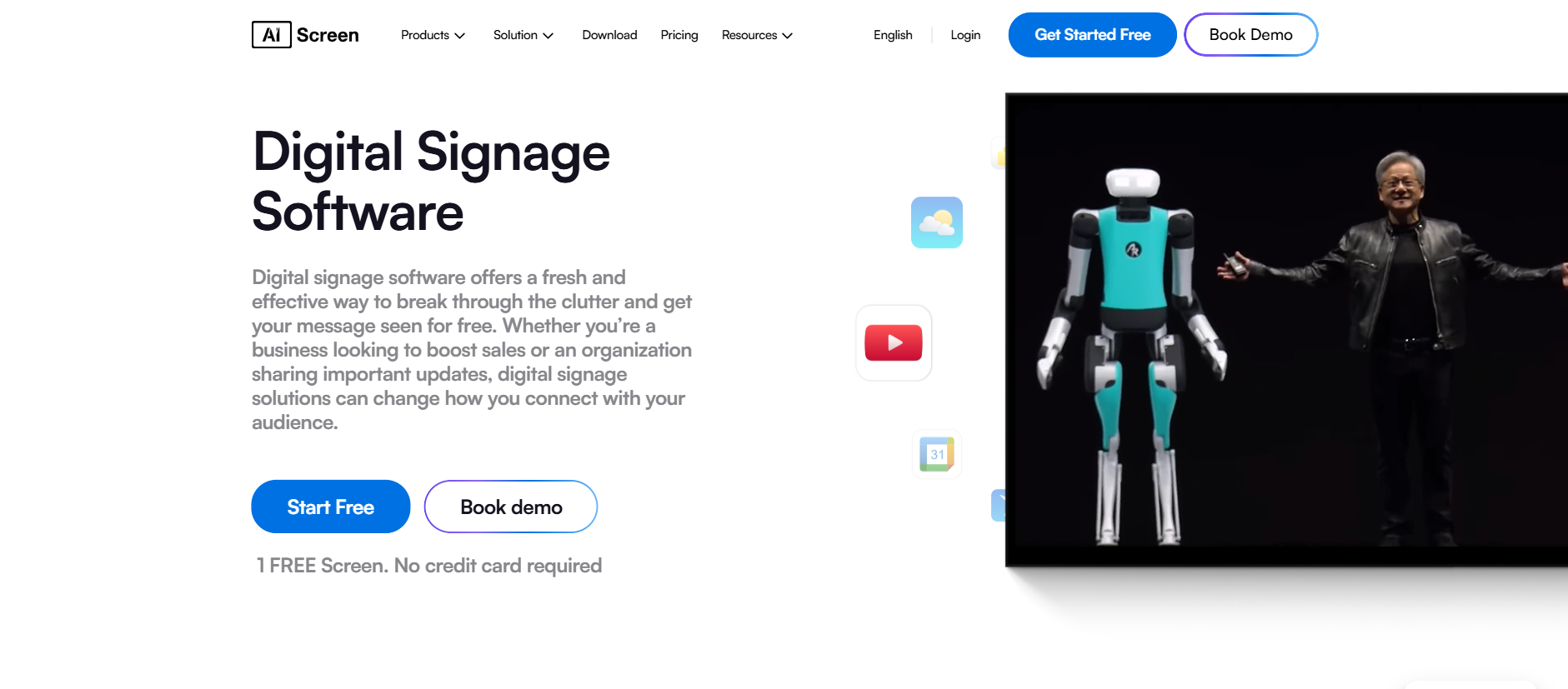
AIScreen digital signage software is widely considered the best digital signage software for businesses that want a powerful yet easy-to-use platform for managing lobby displays, digital menu boards, and corporate communication screens.
The platform is designed as a cloud based digital signage system that allows organizations to control multiple screens across locations using centralized control and remote content management.
The digital signage platform supports a wide range of digital signage media players and operating systems, making it flexible for businesses deploying screens in corporate offices, retail stores, hospitality spaces, or public venues.
One of the biggest advantages of AIScreen is its powerful app ecosystem, which enables dynamic content automation across digital sign networks.
App Integrations
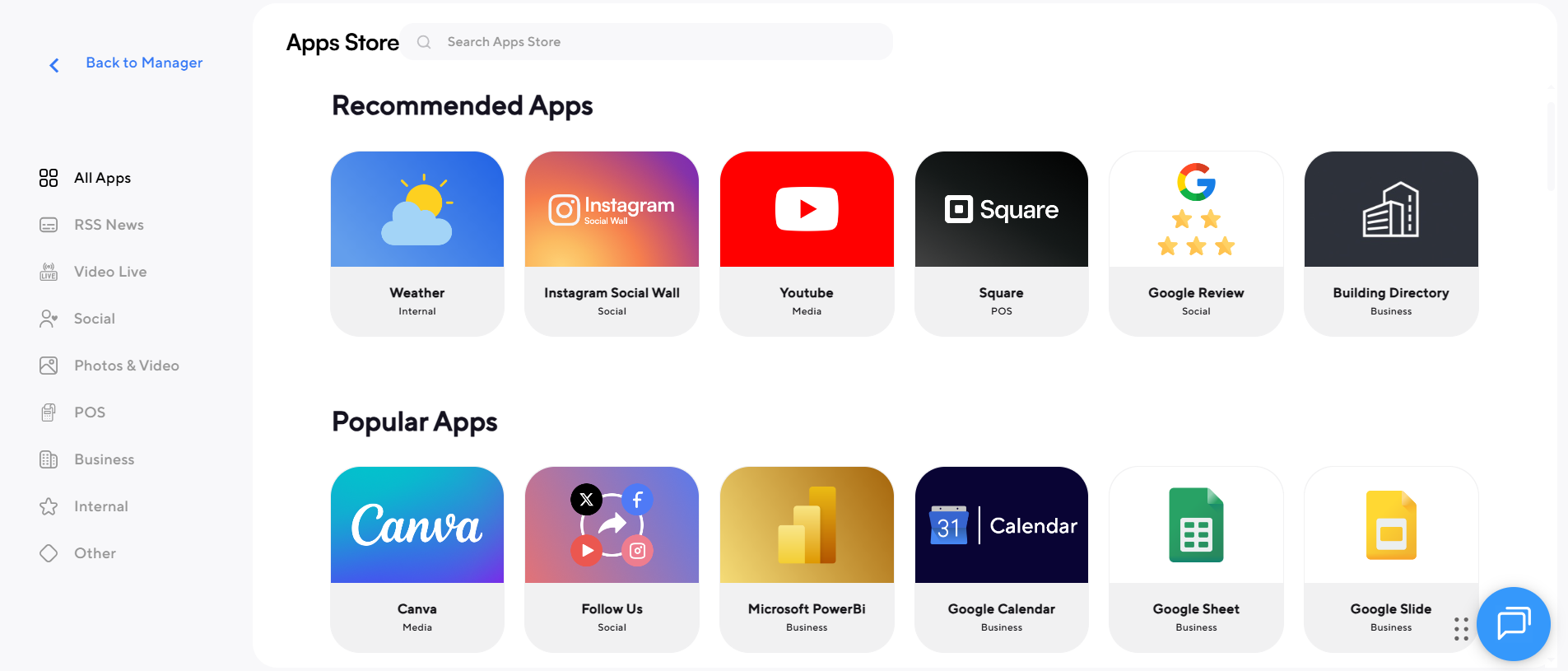
- Google Slides integration for automated presentation displays
- Power BI dashboards for real-time business analytics
- Instagram and social media feeds for dynamic lobby content
- Canva integration for simplified content creation
- Weather, news, and RSS feeds for live data displays
- Integration with business tools that support internal communications
These apps allow businesses to automate content updates and transform static screens into interactive digital signage experiences.
Template Library
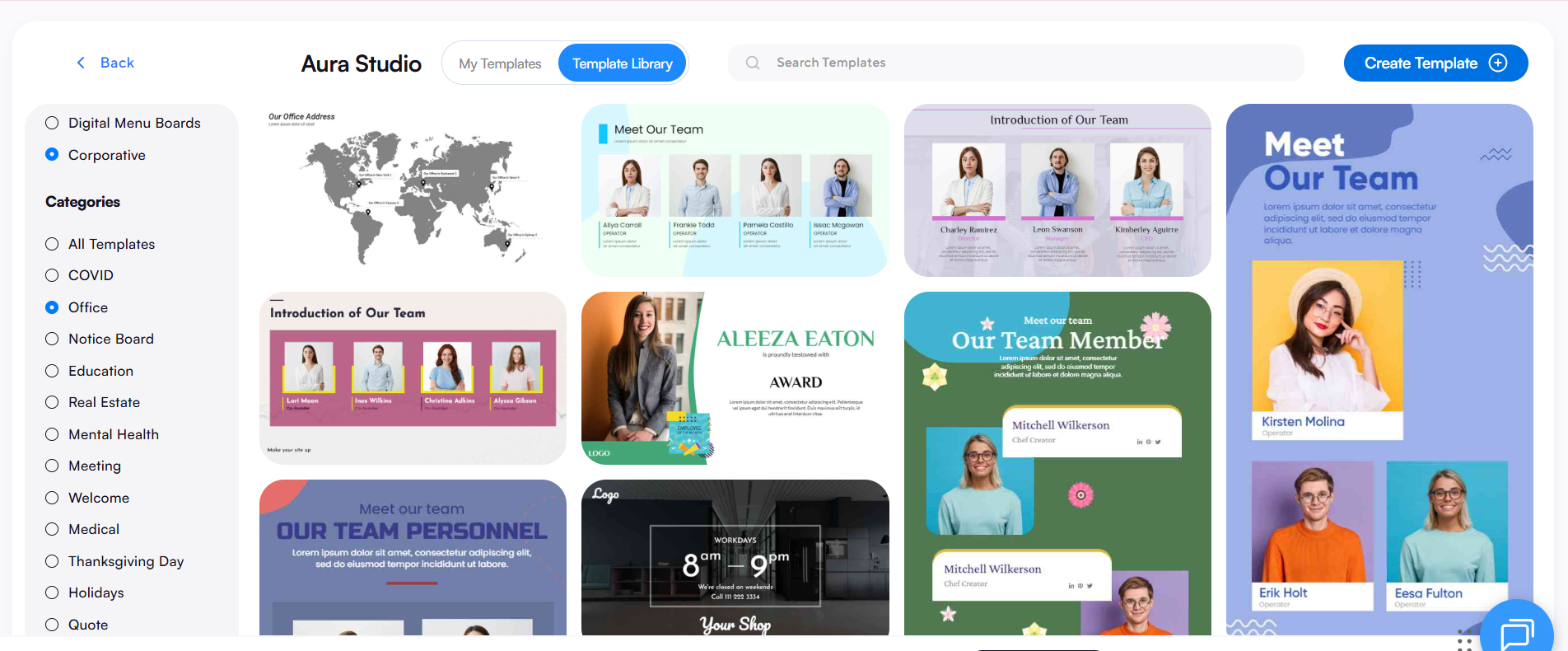
AIScreen offers an extensive template library designed to simplify content creation for businesses that need professional visuals quickly.
- 1500+ of pre-designed templates for lobby signage
- Templates for internal communications dashboards
- Digital menu boards for hospitality environments
- Corporate announcements and employee communication layouts
- Retail promotions and customer engagement displays
Templates can be customized directly inside the platform and scheduled across multiple screens using remote device management tools.
Core Platform Features
AIScreen includes advanced features designed for managing large-scale digital sign networks.
- Cloud based digital signage architecture for remote access
- Remote management tools for controlling screens from anywhere
- Remote device management across multiple screens and locations
- Device health monitoring to track screen performance
- Screen sharing capabilities for live presentations
- Centralized control dashboard for digital sign networks
- Support for interactive kiosks and multiple screens
- Scheduling tools for automated content playback
Businesses can also deploy the platform using different digital signage player devices depending on their hardware setup.
Hardware and Player Compatibility
- AIScreen digital signage player devices
- Android based digital signage media players
- Smart TVs and commercial displays
This flexibility helps businesses scale digital sign networks without expensive infrastructure changes.
Overall, AIScreen combines powerful remote management capabilities, an intuitive content management system, and automation tools that help organizations manage digital sign networks efficiently.
ADAsoft
ADAsoft provides digital signage software solutions primarily used in corporate and hospitality environments where centralized screen management is required. The platform focuses on delivering reliable cloud based digital signage infrastructure for managing lobby displays and informational screens.
Businesses use ADAsoft to manage multiple screens and distribute content across digital sign networks in offices, conference centers, and public facilities.
Key capabilities include:
- Cloud based digital signage platform for screen control
- Content management system for scheduling media
- Remote management tools for multi-location displays
- Support for multiple screens and centralized control
- Tools for internal communications in corporate environments
The platform supports several digital signage media players and hardware configurations, allowing businesses to deploy lobby displays using different operating systems.
Uniguest
Uniguest offers enterprise-level digital signage software used across corporate offices, healthcare facilities, universities, and hospitality environments. The platform focuses on communication, customer engagement, and centralized content management.
Organizations often deploy Uniguest to deliver announcements, branding visuals, and internal communications across digital sign networks.
Core capabilities include:
- Cloud based digital signage platform for enterprise environments
- Remote device management for distributed displays
- Content creation tools for media playlists
- Support for social media feeds and live data widgets
- Integration with corporate communication systems
The software also supports multiple screens and remote management across geographically distributed digital sign networks.
Exterity
Exterity is known for combining IPTV technology with digital signage software solutions designed for large enterprises. The platform is widely used in corporate offices, stadiums, healthcare facilities, and transportation hubs.
Exterity enables organizations to distribute live TV streams, digital signage content, and announcements across multiple screens.
Key features include:
- Advanced content management system for IPTV and signage
- Screen sharing capabilities for live broadcasting
- Centralized control across digital sign networks
- Integration with enterprise IT infrastructure
- Remote management tools for distributed screen environments
The platform supports multiple operating systems and works with various digital signage player devices used in enterprise deployments.
Enplug
Enplug provides a cloud based digital signage platform designed to help businesses display marketing content, announcements, and social media feeds on lobby displays and in-store screens.
Companies often use Enplug to enhance customer engagement and deliver branded experiences in retail and hospitality environments.
Main capabilities include:
- Cloud based digital signage management platform
- Content creation tools for marketing visuals
- Social media feeds integration for dynamic displays
- Remote management and scheduling features
- Support for multiple screens and remote device management
The platform also includes tools designed to improve internal communications and promotional messaging through digital sign networks.
What Are the Key Differences Between Digital Signage Software Platforms for Lobby Signage?
Key differences between digital signage software platforms for lobby signage usually appear in areas like cloud based digital signage infrastructure, remote management capabilities, content creation tools, and the ability to manage multiple screens through a centralized content management system.
The table below compares five digital signage platforms used for lobby signage and highlights how each software solution performs across important categories.
| Feature / Platform | AIScreen | ADAsoft | Uniguest | Exterity | Enplug |
|---|---|---|---|---|---|
| Platform Type | Cloud based digital signage platform designed for scalable digital sign networks | Enterprise signage software solutions focused on corporate and hospitality environments | Enterprise digital signage platform integrated with video and engagement tools | IPTV-driven digital signage platform often used in large enterprise deployments | Cloud based digital signage platform designed for marketing displays |
| Content Management System | Advanced content management system with centralized control and remote content management | Standard content management system for scheduling media | CMS focused on enterprise communication and content delivery | IPTV-based CMS designed for broadcast and signage integration | CMS with marketing-focused media scheduling |
| Content Creation Tools | Powerful content creation tools with design studio and 1500+ templates for lobby signage, digital menu boards, and announcements | Basic media playlist and content scheduling tools | Content creation features with enterprise messaging templates | Focus on broadcast and video-based content | Content creation tools for marketing displays |
| Apps and Integrations | Large app ecosystem including dashboards, social media feeds, Google Slides, Canva, and data integrations | Limited integrations depending on enterprise deployment | Integrations for enterprise communication tools | Integrations with enterprise video and IPTV systems | App marketplace with social media content and marketing apps |
| Remote Management | Advanced remote management and remote device management across multiple screens | Remote management available for corporate signage deployments | Enterprise-level remote management tools | Centralized broadcast and screen management | Remote management tools for distributed displays |
| Device Health Monitoring | Built-in device health monitoring for digital signage media players and screens | Limited monitoring depending on configuration | Monitoring tools for enterprise signage networks | Monitoring primarily tied to broadcast infrastructure | Monitoring tools for device connectivity |
| Hardware Compatibility | Supports various digital signage media players including Fire TV, Android players, Raspberry Pi, and smart displays | Works with selected enterprise media players | Compatible with enterprise hardware deployments | Works with broadcast devices and IPTV hardware | Uses Enplug digital signage player hardware |
| Interactive Digital Signage | Supports interactive digital signage for interactive kiosks and touch displays | Limited interactive signage functionality | Supports interactive kiosks and wayfinding solutions | Focuses more on broadcast displays rather than touch interaction | Supports social media driven interactive displays |
| Multiple Screens and Video Walls | Designed for managing multiple screens and large digital signage networks through centralized control | Supports multiple screens in enterprise environments | Designed for deployments from single displays to thousands of screens | Supports large enterprise screen deployments | Supports multiple displays across retail or office locations |
| Internal Communications | Strong internal communications features for dashboards, announcements, and workplace updates | Used for corporate communication screens | Designed specifically for corporate communication and engagement | Mainly used for broadcast messaging and video distribution | Focuses more on customer engagement displays |
| Screen Sharing and Live Data | Supports screen sharing and live dashboards for real-time business data | Limited screen sharing capability | Supports enterprise content distribution | Supports live broadcast and IPTV streams | Supports dynamic marketing content feeds |
| Best Use Case | Best digital signage software for businesses needing scalable lobby displays, interactive kiosks, and centralized screen management | Corporate lobby displays and hospitality environments | Enterprise communication networks and large facilities | Stadiums, universities, hospitals, and broadcast signage | Retail marketing displays and customer engagement screens |
By comparison, platforms like ADAsoft, Uniguest, Exterity, and Enplug focus more on specific enterprise environments such as hospitality, corporate communication, IPTV broadcasting, or marketing displays.
Businesses selecting digital signage software for lobby signage often prioritize platforms that deliver scalable cloud management, flexible hardware compatibility, and tools designed for both internal communications and customer engagement.
These capabilities also support retail applications such as best grocery store display ideas to enhance customer journey, where dynamic digital signage helps guide shoppers, highlight promotions, and improve in-store experiences.
What Features Make Digital Signage Solutions Effective for Lobby Displays?
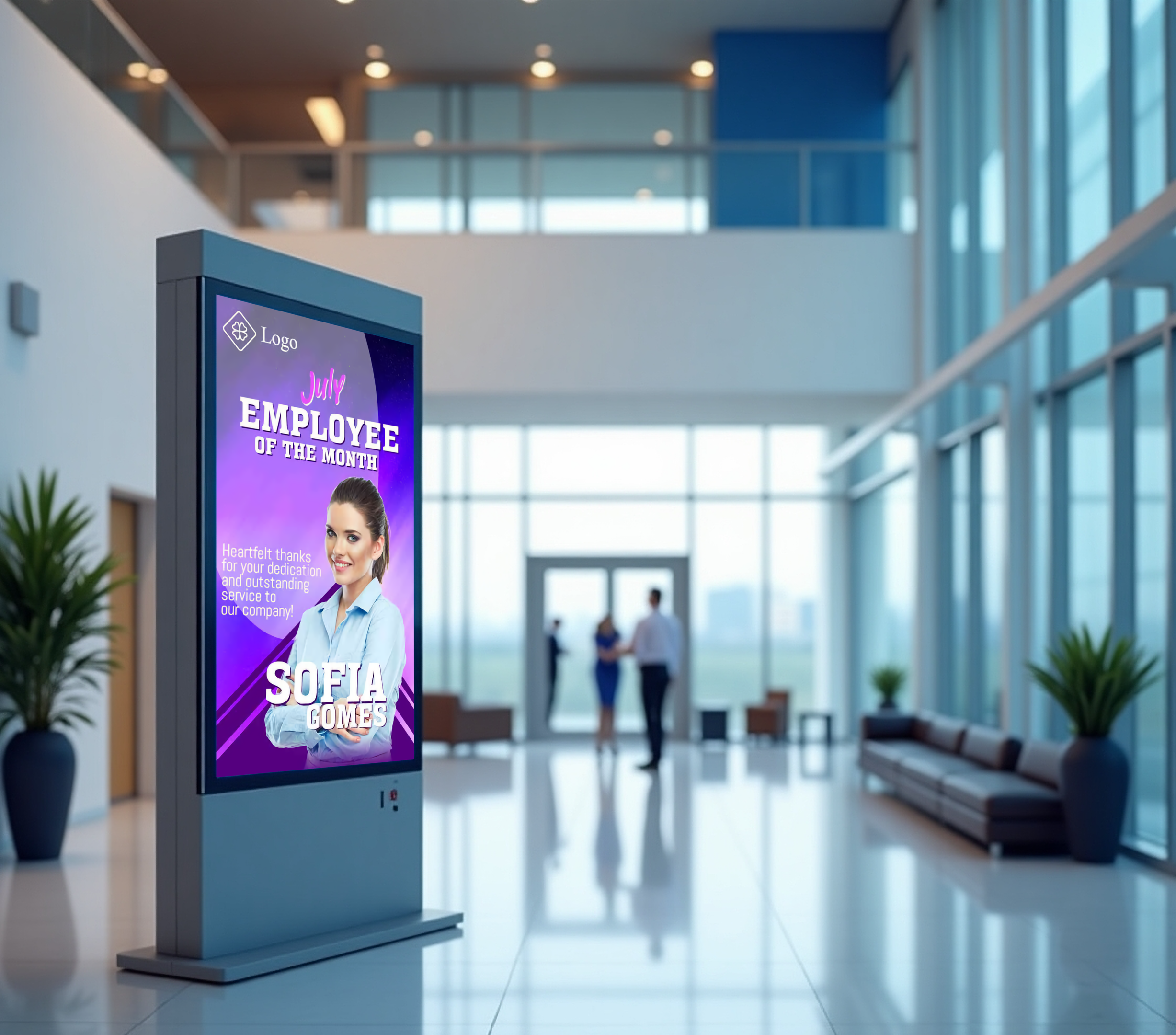
Features that make digital signage solutions effective for lobby displays focus on strong content management, automation, and tools that help organizations manage digital content across digital screens efficiently.
A reliable software provider typically delivers a cloud based platform that enables users to control digital signs, automate content distribution, and improve corporate communications without requiring advanced technical expertise.
According to a report by MarketsandMarkets, digital signage adoption is increasing rapidly by 76% as organizations use digital screens to improve communication, visitor experience, and operational efficiency. Below are key features businesses should evaluate when choosing digital sign software for lobby environments.
- Content management system: A powerful content management system allows users to create, organize, and publish digital content for digital screens through a single dashboard with centralized content management.
- Content templates: Free templates and drag-and-drop layouts allow quick content creation so teams can design professional digital signs without technical expertise.
- Dynamic content feeds: Dynamic content from external data sources such as weather updates, event calendars, or live data feeds keeps digital screens fresh and engaging.
- Digital concierge tools: Interactive content allows guests to access maps, check schedules, and explore building information directly on digital screens.
- Meeting room signage: Function-space displays support corporate communications by showing meeting schedules, room availability, and event details across digital screens.
- Content creation services: Some software provider platforms include built in content creator tools or offer design services to produce professional digital content.
- Automated scheduling: Automated scheduling tools simplify content distribution by displaying the right digital content at the right time.
- Emergency alerts: Emergency alerts can instantly broadcast safety messages across digital screens during incidents to protect staff and visitors. Digital signage can also help organizations guide people during emergencies by showing evacuation instructions and indicating where to place emergency exit signage for safe building navigation.
- Content distribution tools: Advanced content distribution enables organizations to update digital screens across locations with a single command.
- Hardware flexibility: Hardware flexibility allows digital signs to run on Android devices, media players, or commercial displays depending on deployment needs.
- Video walls support: Large video walls can be managed through centralized content management for impactful lobby messaging.
- Cross-industry deployment: Software provider solutions are used across educational institutions, manufacturing facilities, corporate offices, and hospitality environments to manage digital signs and corporate communications effectively.
Why Is AIScreen a Leading Digital Signage Solution for Lobby Displays?
AIScreen is a leading digital signage solution for lobby displays because it combines powerful content management, flexible hardware compatibility, and an easy-to-use cloud based platform. Businesses can manage digital screens, publish digital content, and control digital sign networks through centralized control and remote management tools. The platform supports content templates, apps, Google Slides integration, and interactive features that help organizations deliver professional lobby experiences.
AIScreen is also recognized as a leading provider because it enables businesses to scale digital sign networks across multiple locations while maintaining operational efficiency and secure corporate communications. With tools for content creation, automated scheduling, analytics dashboards, and remote device management, AIScreen helps organizations manage digital signs easily while keeping lobby displays informative, engaging, and up to date. Contact us.
FAQs
What industries benefit the most from lobby digital signage solutions?
Industries that benefit the most from lobby digital signage solutions include corporate offices, hotels, educational institutions, healthcare facilities, and manufacturing facilities. Lobby digital signage helps these organizations display corporate communications, visitor information, announcements, and real-time updates on digital screens, improving internal communications and enhancing visitor experience.
How does cloud based digital signage improve lobby screen management?
Cloud based digital signage improves lobby screen management by allowing organizations to control digital content, content distribution, and scheduling through a centralized content management system. Cloud based digital signage enables users to update digital screens remotely, manage multiple locations, and maintain operational efficiency without needing on-site technical expertise.
Can digital signage software display live data and analytics dashboards in lobbies?
Digital signage software like AIScreeb can display live data and analytics dashboards in lobbies by connecting digital screens to external data sources and live data feeds. This allows organizations to show analytics dashboards, performance metrics, corporate communications, and relevant content that updates automatically across digital signs.
Is digital signage software difficult to manage without technical expertise?
No. Digital signage software is not difficult to manage without technical expertise when the platform includes an intuitive interface and built-in content management tools. Modern cloud based platforms enable users to design digital content, schedule updates, and control digital screens using simple drag-and-drop tools.
Can digital signage platforms support multiple screens and video walls in large buildings?
Yes. Digital signage platforms like AIScreen can support multiple screens and video walls through centralized content management and screen grouping features. These systems allow organizations to manage digital signs across large buildings, synchronize digital content, and distribute corporate communications efficiently across multiple screens.
