
Best Lobby Signage Practices 2026

Lobby signs refer to any visual display placed at a business’s entrance, office departments, or reception area. It serves multiple purposes, such as branding, wayfinding, engagement, and communication.
A 2015 study highlights the impact of interior design and visual branding on customer perception. It found that high-quality materials, such as brushed aluminum and high-quality materials like acrylic, significantly influence how visitors perceive a brand’s professionalism and credibility.
Furthermore, our in-house researchers found that businesses using digital lobby signs saw a 40% increase in visitor engagement and brand recall compared to those with traditional signage.
Whether a simple wall-mounted logo or an interactive digital display, the right lobby signs help create a lasting first impression and enhance the overall visitor experience.
Short Summary:
- Lobby signs enhance branding, wayfinding, and engagement.
- Traditional signs are static, costly to update, and wear down over time—even ones made of aluminum.
- Digital signs allow companies to create quick updates, improve branding, and save money long-term.
- Effective signs use clear text, strong branding, durable materials, and smart placement.
- Choosing the right software makes managing digital signs easier and scalable.
Traditional vs. Digital Lobby Signage
Traditional Lobby Signs

Traditional lobby signs signs include posters, plaques, and banners. While visually appealing, they come with limitations:
- Fixed Content: Updating requires reprinting, leading to additional costs and delays.
- Limited Engagement: These signs are static and do not interact with visitors, making them less likely to give a lasting impression.
- Space Constraints: Physical signs have size restrictions, limiting how much information can be displayed.
- Wear and Tear: Materials like painted wood or metal laminates can fade or degrade over time.
- Installation Requirements: Traditional signs often require mounting options like drilled holes, adhesives, or metal brackets, which can be cumbersome.
Digital Lobby Signs
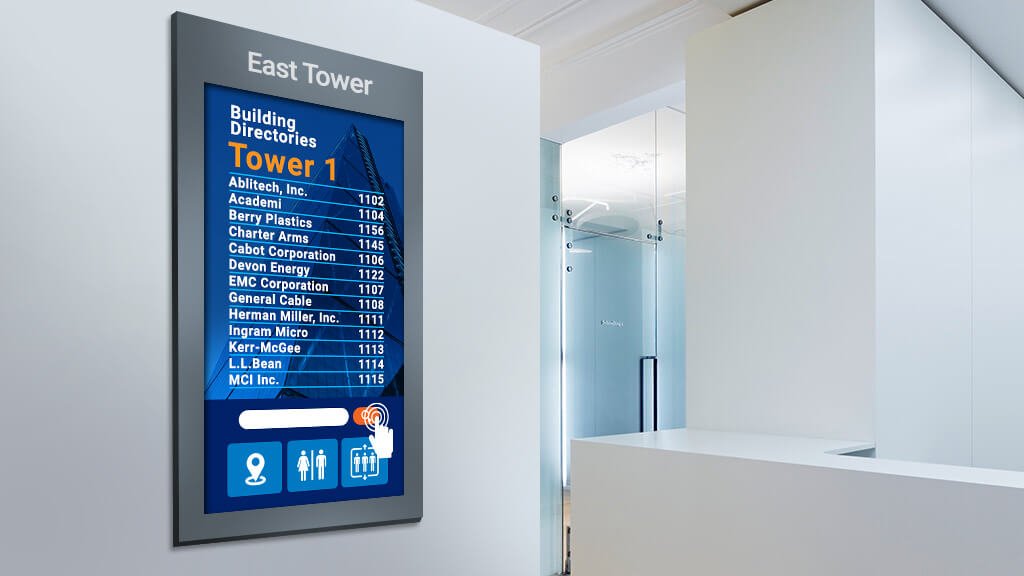
Digital lobby signs offer greater flexibility and a range of benefits:
- Instant Updates: Modify content quickly without needing new prints.
- Engaging Displays: Videos and animations make content more attractive.
- Space Efficiency: Rotate different messages in one display area.
- Cost Savings Over Time: Eliminates recurring printing expenses.
- Professional Appearance: Enhances brand visibility and provides a modern look.
- Multiple Uses: Can display business names, important information, promotional content, and wayfinding instructions simultaneously.
Why Digital Lobby Signs Are More Effective

1. More Adaptable Office Signs
Unlike traditional lobby signs, digital displays allow businesses to update content frequently, keeping information relevant and engaging. Whether announcing a company name change, updating seasonal promotions, or providing directions, digital signs ensure timely messaging.
2. Lower Lobby Sign Costs
Although digital signage requires an initial investment, it reduces long-term expenses by eliminating printing costs and manual updates. It also eliminates the need for frequent replacements of worn-out custom signs.
3. More Engaging Lobby Sign Content
Motion graphics, videos, and interactive elements capture attention, ensuring visitors stay informed and engaged in the reception area. Businesses can integrate illuminated signs, backlit signs, or face-lit channel letters to make messages even more noticeable.
4. Strengthened Lobby Sign Branding
With digital displays, companies can keep their branding consistent by updating logos, colors, and themes with ease. The result is a professional appearance that strengthens a company’s image. A well-lit lobby area with acrylic signs, brushed aluminum finishes, and illuminated lobby signs helps reinforce a strong brand identity.
5. Quick Lobby Sign Updates
Businesses can display schedules, promotions, or important information instantly, keeping guests informed without delays. Whether highlighting a new product launch or directing customers to a specific department, digital office signs are an effective communication tool.
Key Elements of Effective Digital Lobby Signage

1. Lobby Signs Need Clear Text
Text readability is crucial for effective communication. When designing custom office signs, choose fonts that are bold, simple, and highly legible from various distances. Avoid overly decorative fonts that may hinder comprehension.
The use of high-contrast colors ensures visibility in different lighting conditions. For example, dark lettering on a light background or vice versa boosts clarity.

To further optimize readability, illuminated lobby signs, such as backlit signs or face-lit channel letters, can be used to maintain visibility even in dim environments. Incorporating high-quality materials, like brushed aluminum or acrylic signs, helps maintain a professional appearance while ensuring durability.
Additionally, text size should correspond to viewing distance; larger text is essential for signs positioned at greater heights or further distances from viewers.
2. Lobby Signs Must Have Brand Consistency
Brand consistency strengthens recognition and trust. Office lobby signs should reflect the company’s identity by using its official colors, logo, and typography. Whether mounted on a reception wall or used as freestanding displays, signage should complement the surrounding decor while reinforcing the company’s branding strategy.

Consider using premium materials, such as glass, metal laminates, or painted wood, to create a sleek and professional image. Illuminated signs can further raise visibility and sophistication, making the office lobby more inviting.
Businesses should also maintain consistency across all lobby sign elements, including directional signs, nameplates, and promotional displays, ensuring a unified brand experience for guests and employees.
3. Lobby Signs Should Be Balanced
A compelling digital lobby sign incorporates a mix of text, images, and videos to engage audiences effectively. Too much text can overwhelm viewers, while excessive animation may distract rather than inform.
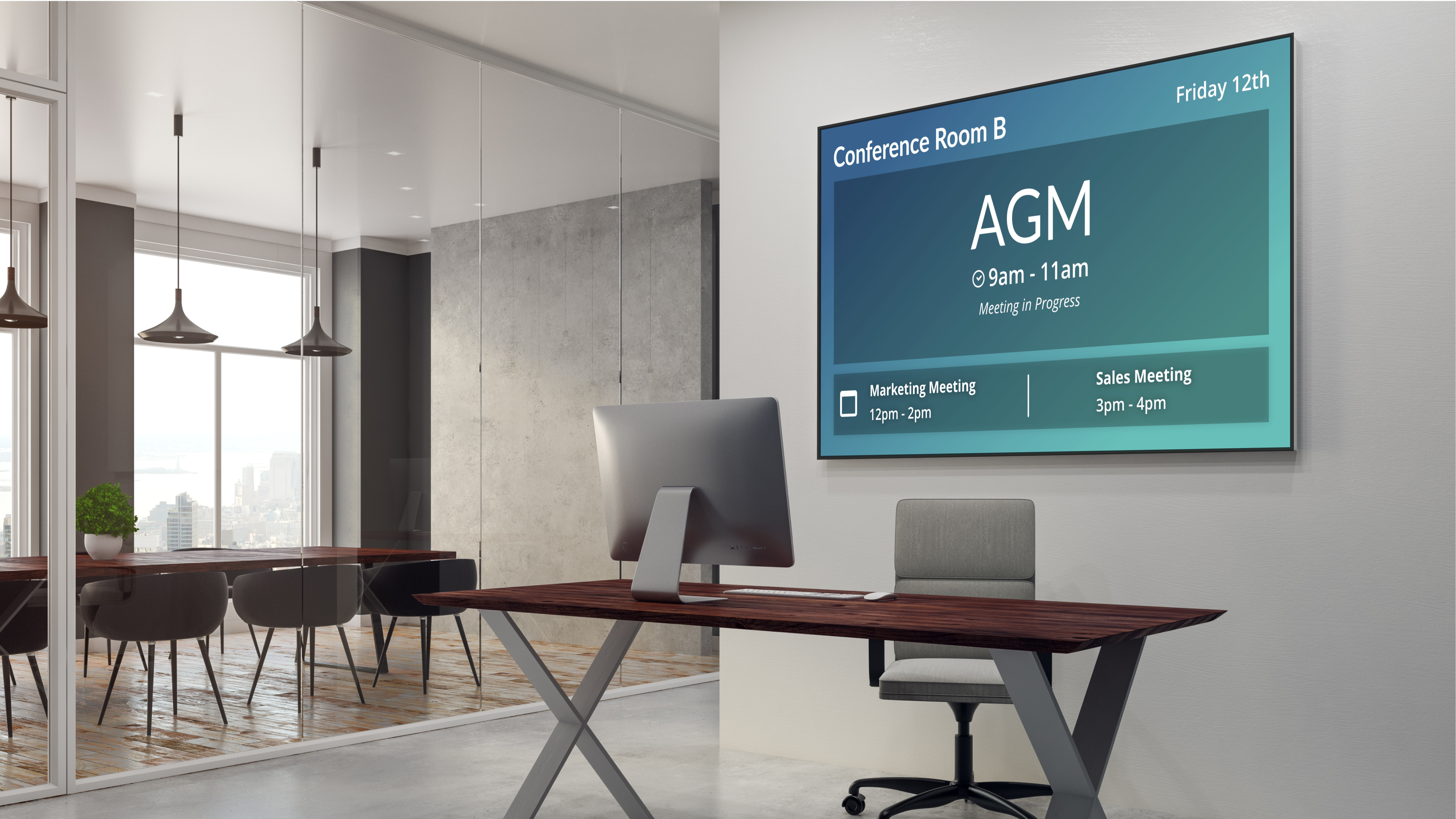
Businesses should strategically incorporate motion graphics and high-quality images in building visual appeal without causing sensory overload. For example, a digital screen can feature a looped video of company highlights, customer testimonials, or interactive wayfinding assistance. Backlit signs and accent lighting can also be used to highlight key areas or focal points within the lobby.
4. Lobby Signs Need Strategic Placement
Proper screen placement significantly impacts visibility and engagement. Screens should be positioned where guests naturally direct their attention, such as near entrances, reception desks, or waiting areas. Eye-level placement ensures easy readability and accessibility.
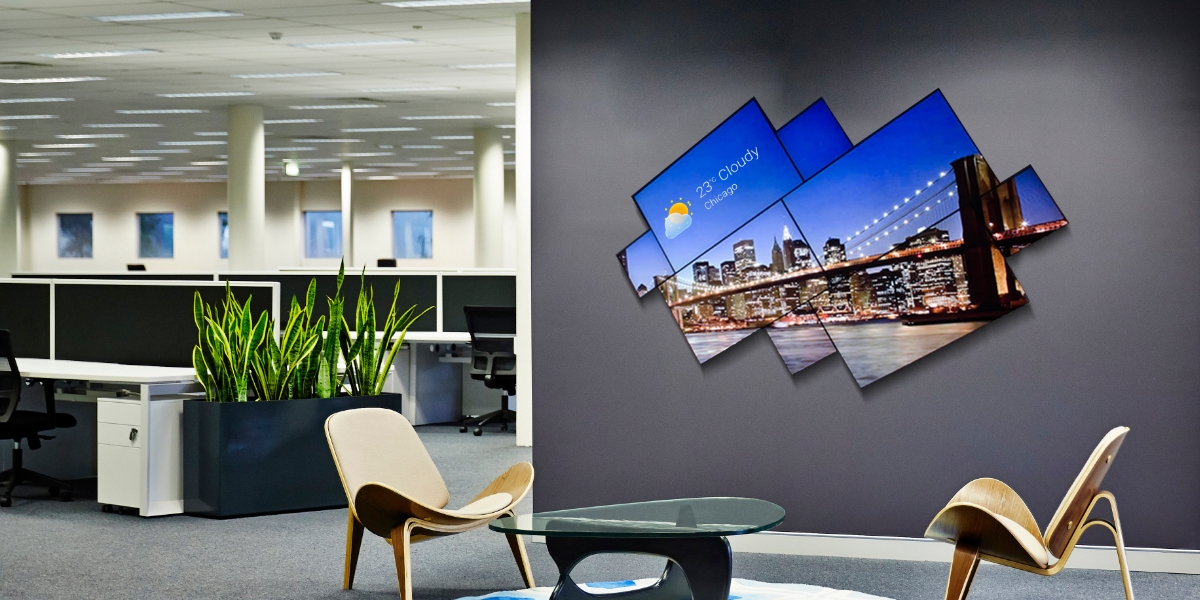
Mounting options vary depending on the space layout, e.g. hotel lobby signs, outdoor signs, etc. Freestanding digital kiosks work well in open areas, while wall-mounted screens save space in compact lobbies. Ceiling-mounted displays provide greater coverage for larger spaces.
Businesses should also ensure that lighting conditions do not create glare or obscure visibility. A mix of static and digital signs can be used to complement one another and reinforce messages throughout the office lobby.
5. Lobby Signs Need Interactive Features
Interactive signage engages clients and boosts their experience. Touchscreens, QR codes, and motion-activated displays offer dynamic ways for customers to access information.
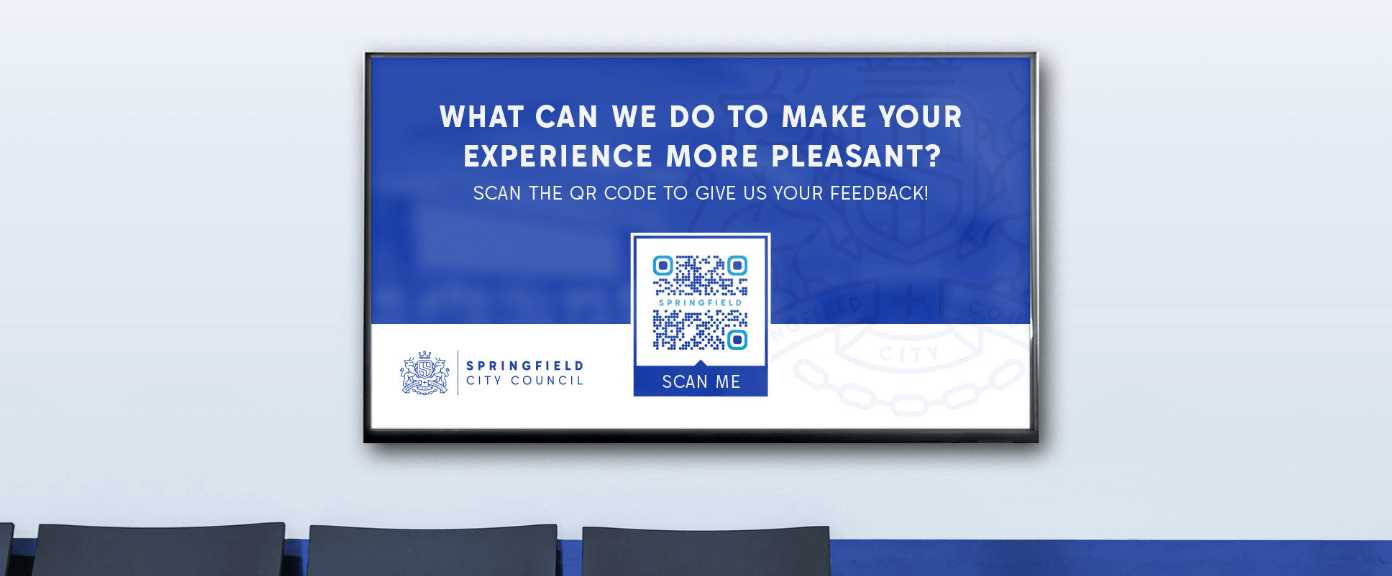
Incorporating interactive elements into office lobby signs also allows businesses to provide real-time updates, such as meeting room availability, company news, or emergency alerts. Digital lobby signs that integrate with wayfinding systems or customer service kiosks improve efficiency and streamline customer interactions. Custom designs tailored to business needs, whether through illuminated displays or touchscreen directories, create a more engaging and informative reception area.
How to Choose the Right Digital Signage Software
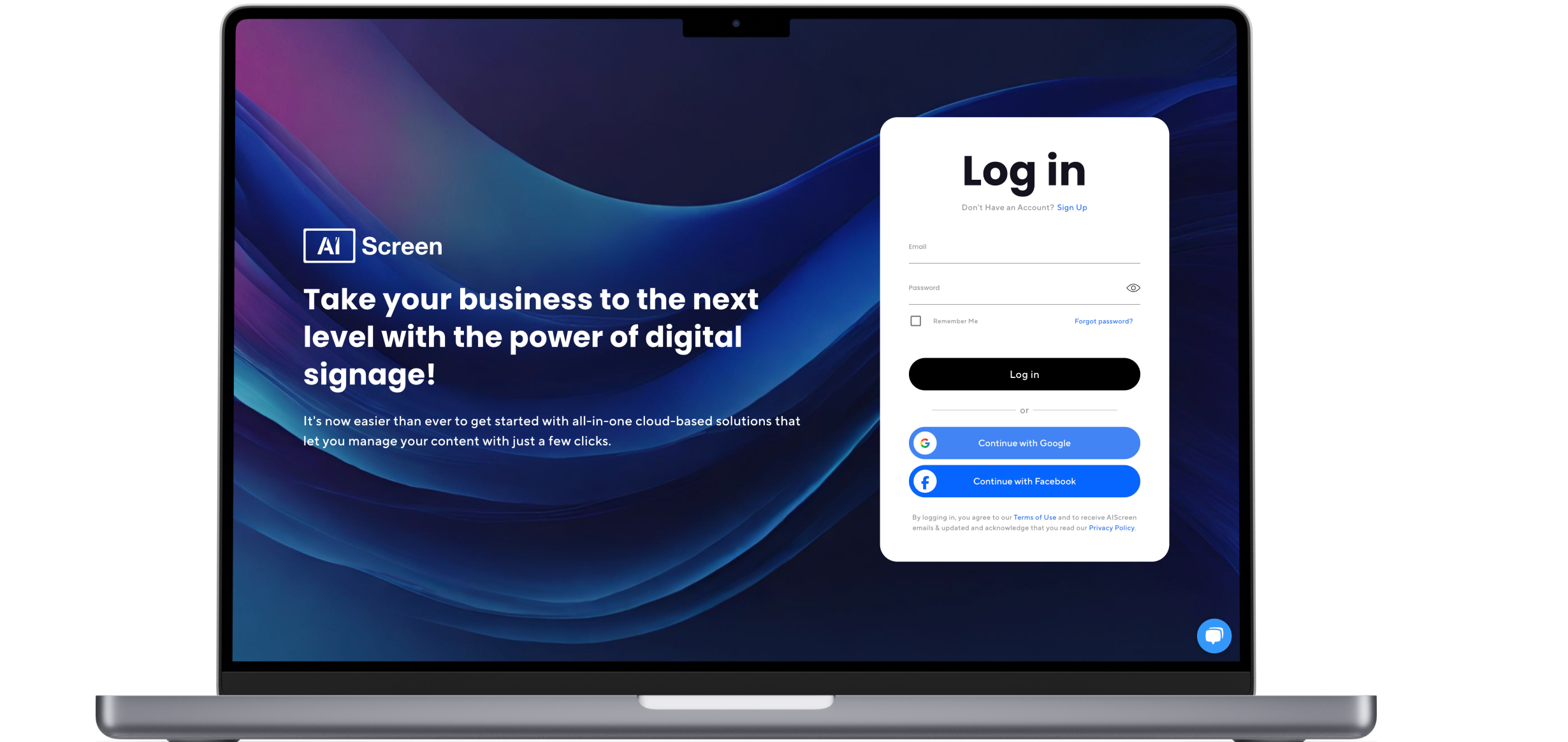
1. Intuitive User Interface
Selecting the right digital signage software begins with ease of use. The software should feature an intuitive user interface, allowing users to create, schedule, and update content seamlessly. Even non-technical users should be able to manage office lobby signs with minimal training.
Drag-and-drop functionality, template libraries, and straightforward navigation make it easy to customize displays without coding expertise. The right lobby sign software should also include preview features, enabling businesses to see how content will appear before deployment.
2. Cloud vs. On-Premise Display Solutions
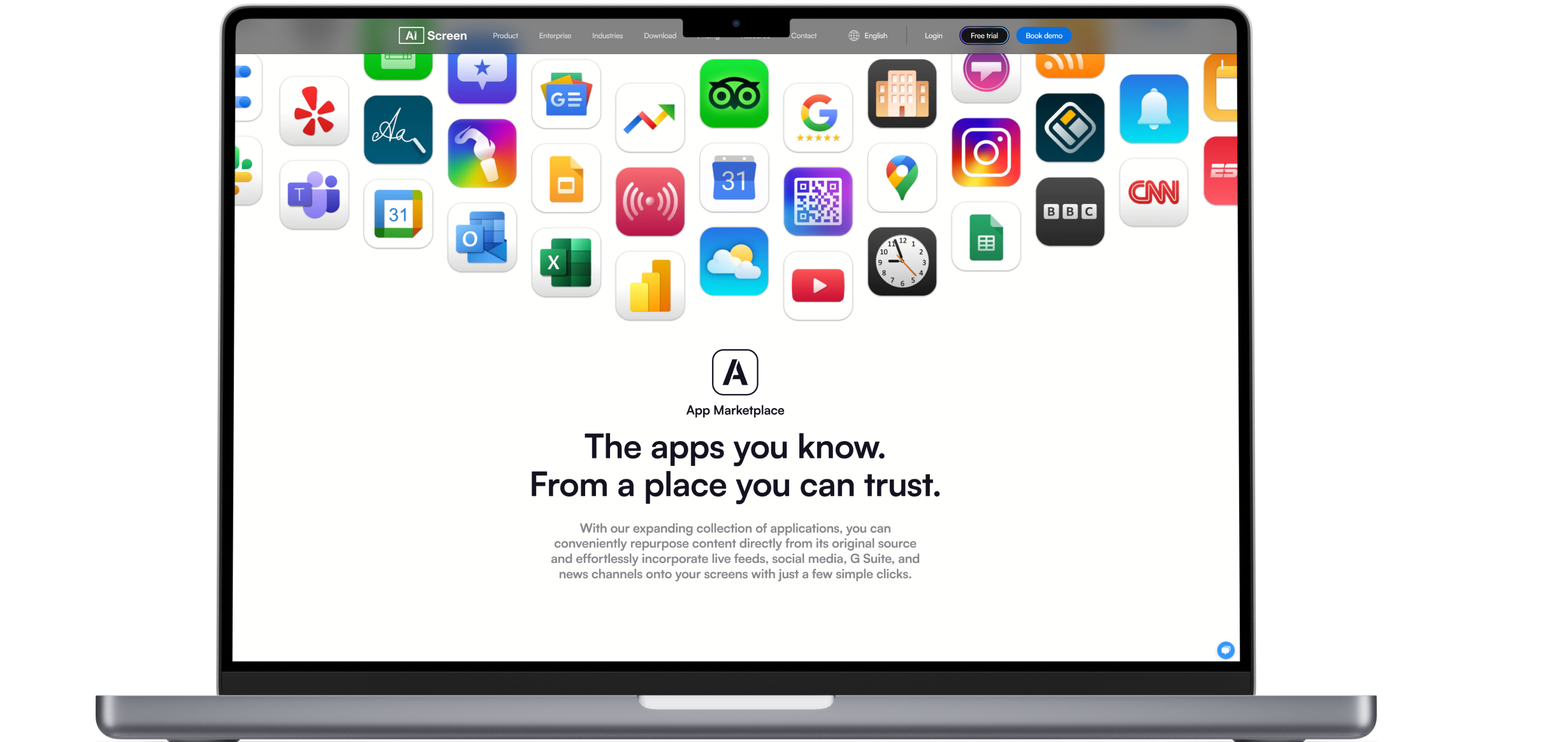
Choosing between cloud-based software and on-premise solutions depends on business needs.
- Cloud-Based: Provides the flexibility to update and manage lobby signage remotely. Ideal for businesses with multiple locations, cloud solutions enable centralized control, ensuring consistent branding across all office lobby signs. Automatic updates keep software running smoothly without the need for manual intervention.
- On-Premise: Best suited for organizations that require local control over their systems. On-premise solutions operate without an internet connection, ensuring uninterrupted performance. These systems are often preferred for businesses with strict data security policies.
3. Custom Design Features
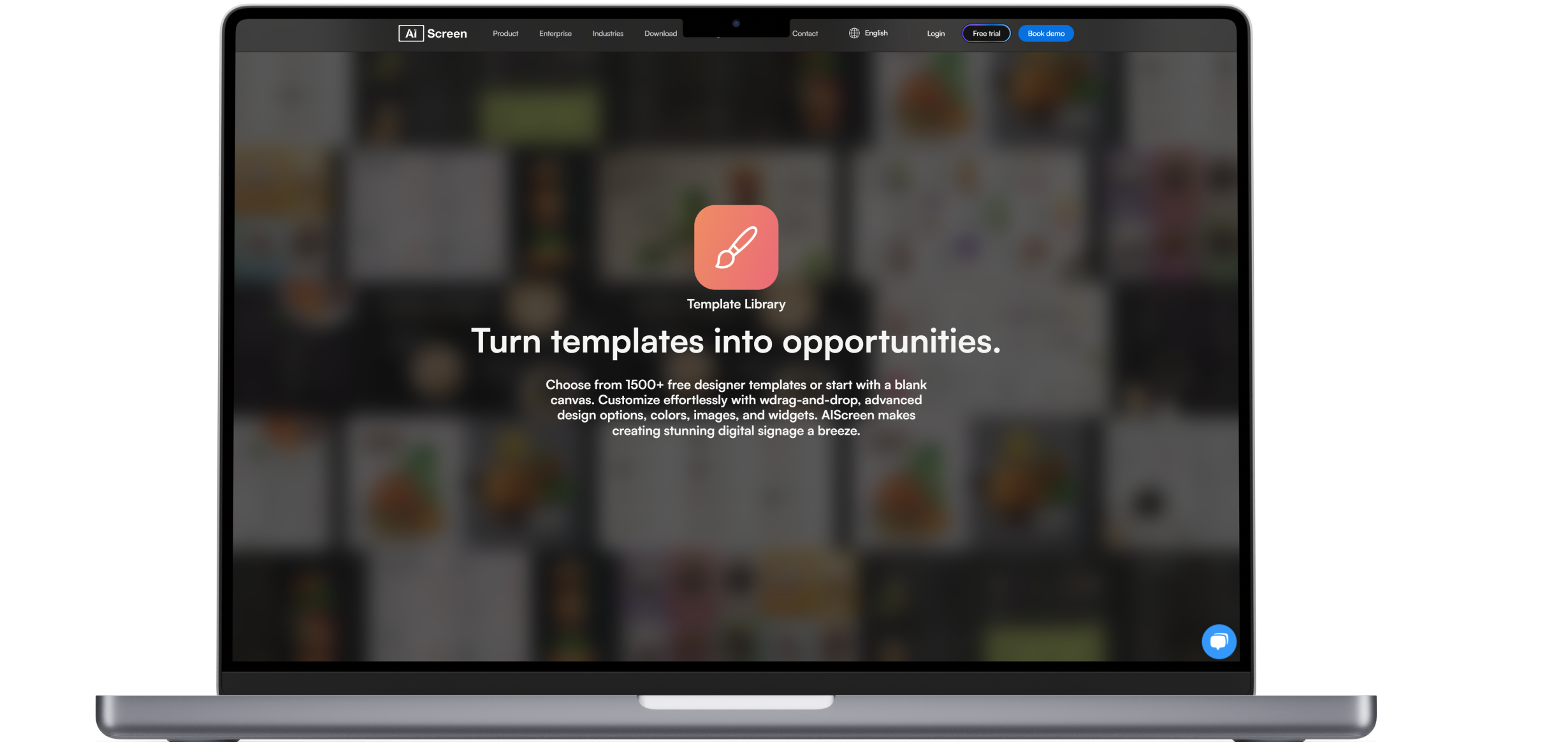
Businesses should be able to design custom office signs with adjustable templates, personalized fonts, colors, and branding elements. High-quality materials such as brushed aluminum and acrylic signs can be improved by backlit signs or illuminated lobby signs, ensuring a professional image.
4. Lobby Sign System Compatibility
Digital signage software should integrate seamlessly with existing business systems. The ability to sync with calendars, social media, and news feeds provides a dynamic display for announcements.
Compatibility with third-party applications, such as wayfinding software and employee directories, enhances the functionality of indoor signs. Whether displaying important company updates or showcasing a business name, well-integrated software simplifies content automation and workflow efficiency.
5. Lobby Sign System Scalability
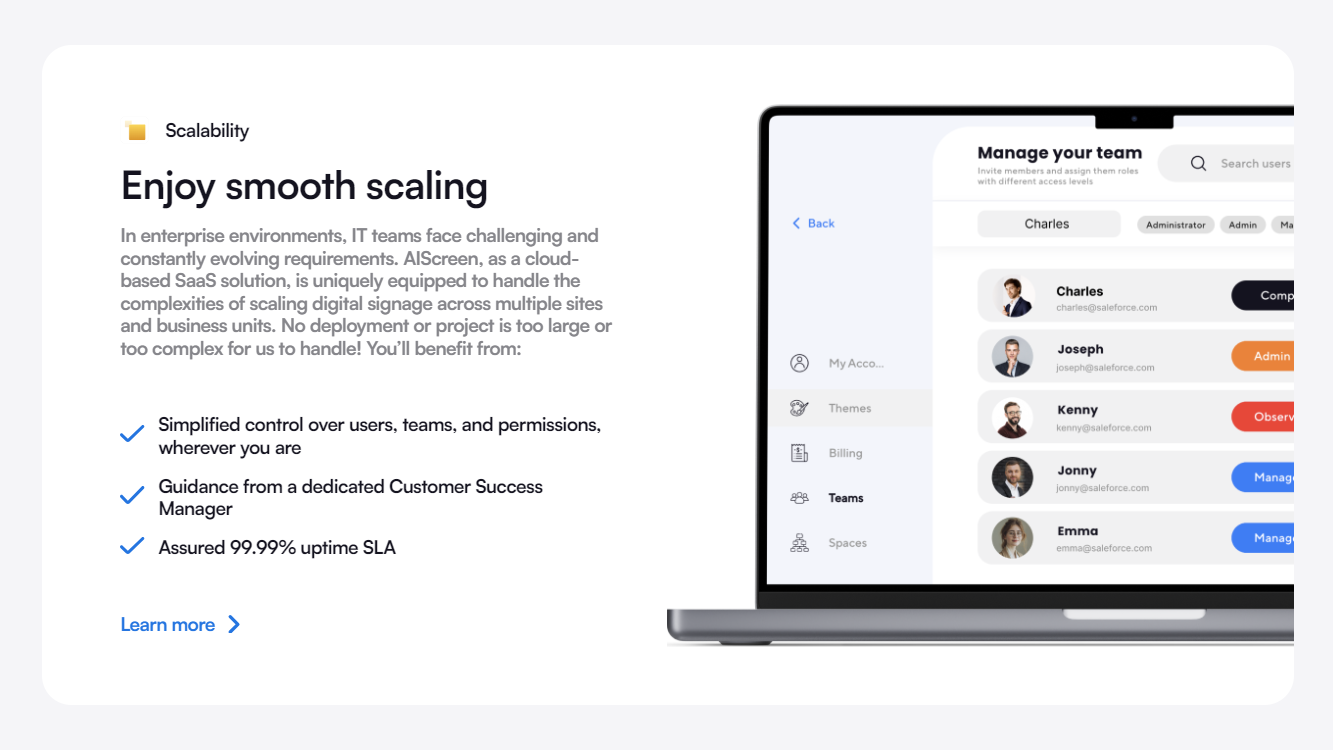
As businesses grow, their signage needs evolve. Choosing a scalable digital signage platform ensures that additional screens, locations, and features can be integrated without requiring a major overhaul.
Scalable solutions allow companies to expand their digital signage internal communication network, making it easy to install new displays in office spaces, reception areas, and other high-traffic locations. Whether adding more back-lit lobby signs or upgrading to larger screens, a scalable system accommodates business expansion effortlessly.
How To Implement Digital Lobby Signs

Step 1: Identify Your Lobby Sign Objectives
Decide whether your lobby signs will be used for welcoming clients, providing directions, or sharing promotions in the office lobby.
Step 2: Choose Lobby Sign Hardware
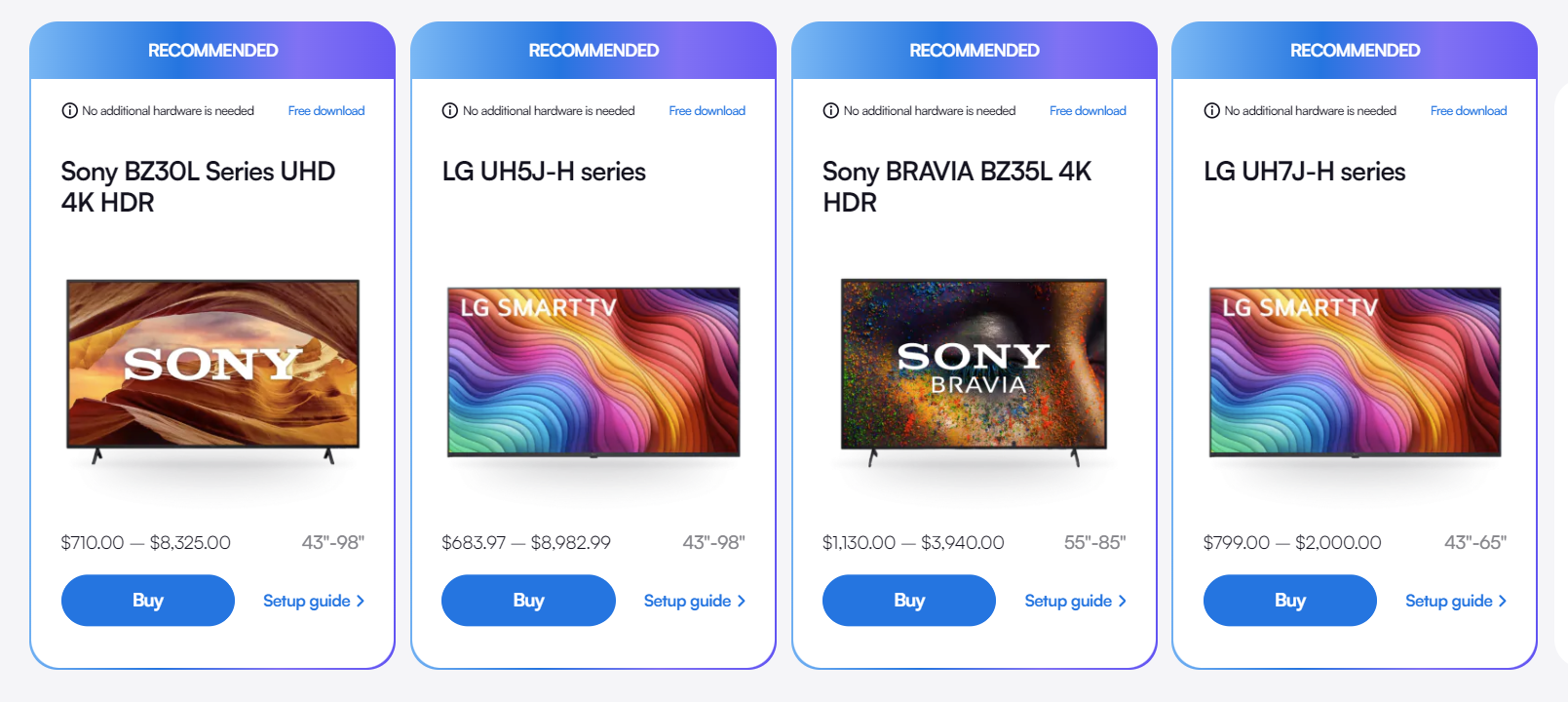
Select a high-resolution screen with adequate brightness. Consider placement and orientation to complement your interior design. Popular materials like glass, painted wood, and metal laminates can enhance the visual appeal.
Step 3: Set Up Lobby Sign Software
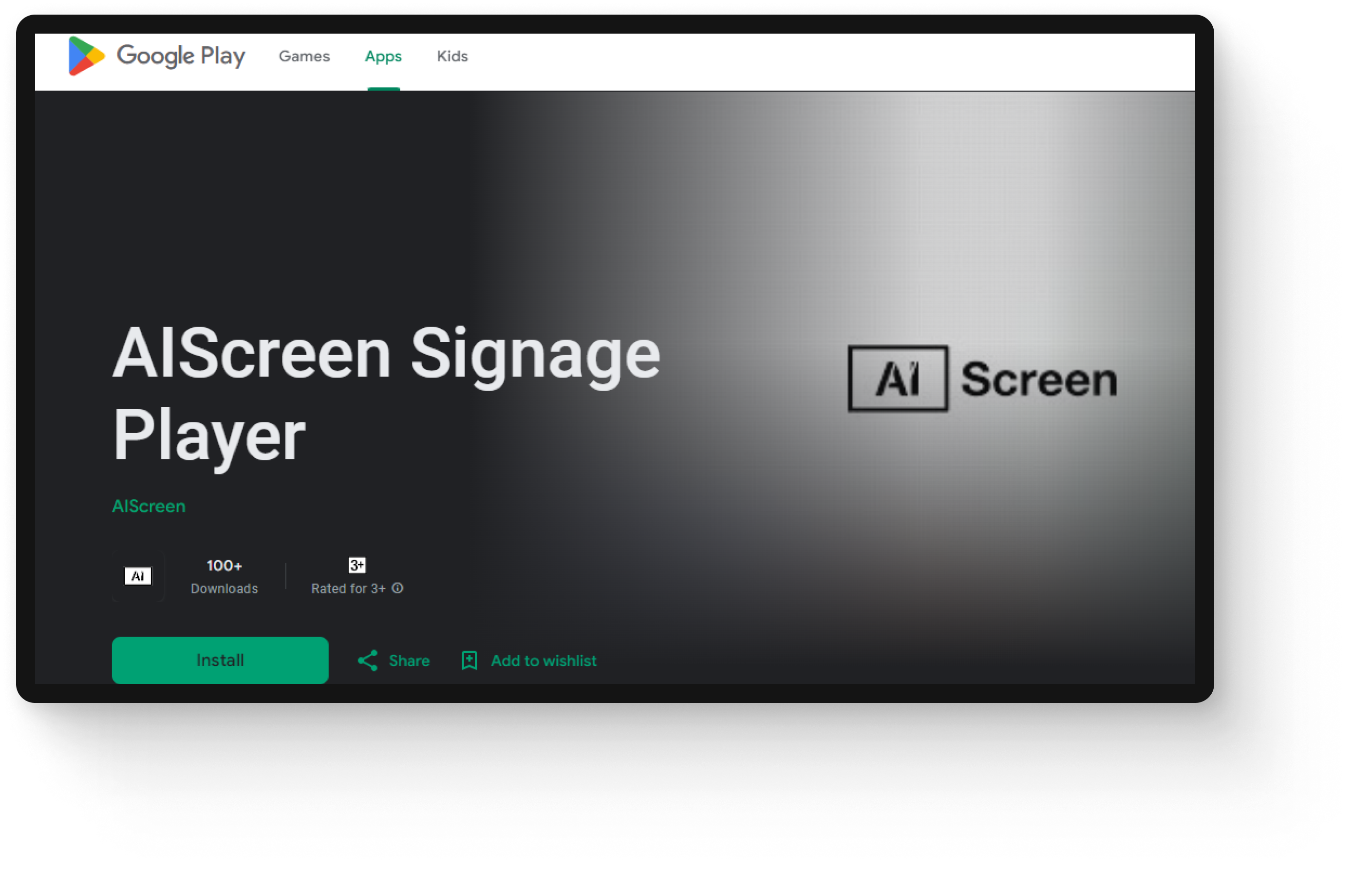
Choose a platform that fits your business needs. Configure automation, scheduling, and access settings.
Step 4: Develop Engaging Wall Sign Content
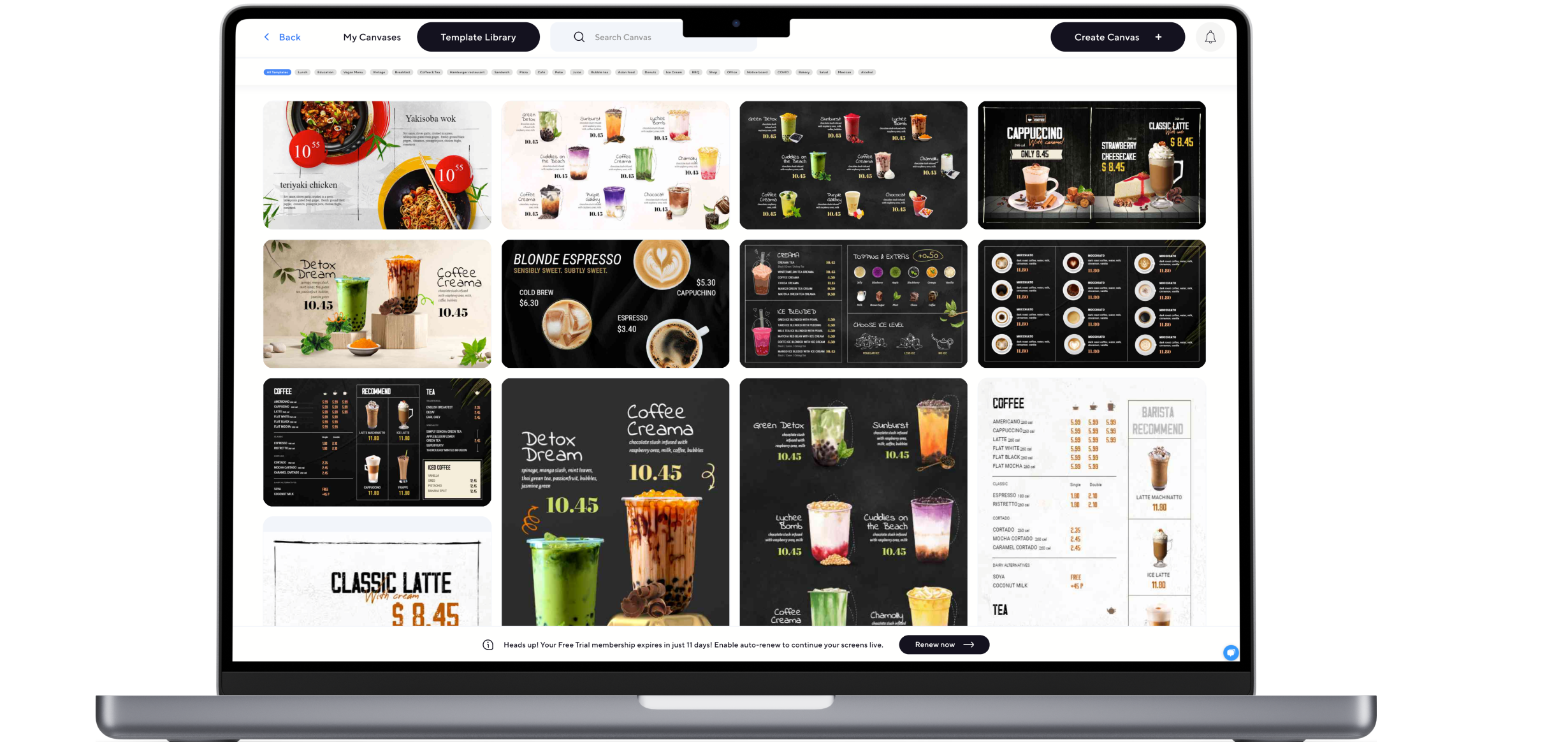
Use concise messages, high-quality images, and smooth animations. Avoid excessive complexity and use illuminated signs when necessary for better visibility.
Step 5: Test and Improve Lobby Signage
Mount displays securely, connect them to power and the internet, and test different content types. Adjust as needed.
Step 6: Keep Lobby Sign Content Fresh
Update messages, promotions, and announcements regularly. Track performance and adjust based on visitor engagement.
Conclusion


First impressions matter. Digital signage elevates your office lobby, giving it a more professional atmosphere. It helps businesses communicate better, reinforce their brand, and create a seamless visitor experience. Don’t let outdated signage hold you back—upgrade to a smarter solution today. Sign up for a 14-day free trial and see how digital signs can transform your space.
FAQs
How can businesses ensure their lobby signs align with their brand identity?
Companies should use consistent colors, fonts, and logos while incorporating high-quality materials like acrylic or brushed aluminum for a expert appearance. They may also transition to digital wall signs, for more dynamic displays for clients.
Where is the best place to position a lobby sign for maximum visibility?
Near entrances, reception desks, or waiting areas at eye level are ideal, to ensure clients can easily see and interact with them.
What features make a digital sign more effective for viewer engagement?
Interactive elements like touchscreens, motion graphics, and dynamic content help capture attention and provide live information.
