
How Does Signage Repair Help Fix and Maintain Digital Displays?
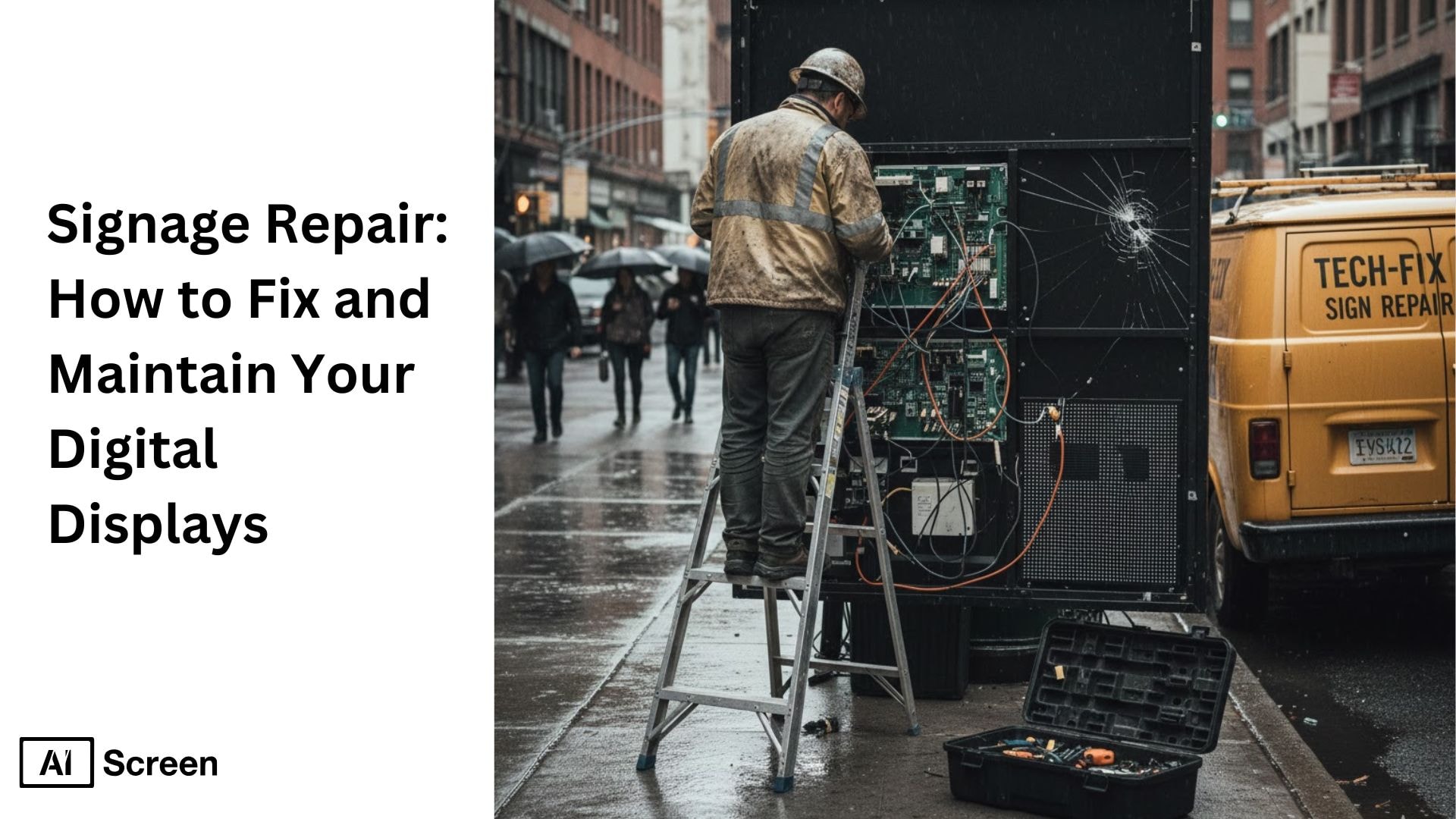
Do you have any idea what happens when your digital sign suddenly goes dark in the middle of your busiest hour? You feel the pressure immediately because that one blackout can interrupt sales, weaken customer flow, and chip away at your brand visibility. That’s where signage repair becomes essential, helping you restore performance quickly and maintain optimal performance, avoid costly repairs and costly replacements, and keep your messaging alive when it matters most. According to Digital Signage Today, businesses that run regular maintenance and prioritize preventative maintenance see up to a 32% drop in annual repair costs, leading to well-maintained digital signage.
In this article, you’re getting the kind of breakdown that actually makes sense when you’re the one standing in front of a frozen screen, wondering what went wrong. You’ll move through real-world issues, simple repair steps, weather-proofing tricks, and software fixes in a way that feels practical instead of overwhelming. Also, signage repair starts to feel less like a chore and more like something you can confidently stay ahead of with the help of a maintenance company or professional technicians and maintenance services, no matter how busy your day gets.
Modern facilities manage these displays with digital signage software so signage stays accurate and easy to update.
What Are Common Digital Signage Problems?

You know that moment when your screen starts acting up for no clear reason, maybe it flickers once, then again, and suddenly you’re staring at a frozen display while customers walk by? That’s usually the point where common digital signage issues, unexpected failures, error messages, and hardware failure signage repair stop being optional. and becomes urgent. Power hiccups, dead pixels that spread like tiny bruises, sudden reboots, or content playback errors that refuse to load are problems almost every business deals with at some point.
And the funny thing is, these issues often start small, almost harmless, until they quietly grow into something that interrupts your entire display setup. According to Nielsen, clear and well-maintained digital signs increase customer engagement and attention by 47%. What makes it trickier is how differently indoor and outdoor digital signs behave over time, which is why sign repair feels like solving two completely different puzzles to ensure optimal performance.
Indoor displays complain through overheating, loose cables, or software glitches, while outdoor screens battle moisture, dust, and sunlight that slowly dulls their brightness. Many of these software problems trace back to avoidable digital signage content mistakes, so cleaning up oversized media and messy playlists prevents a lot of repairs before they start. When you understand what your screen goes through daily, following a digital signage maintenance checklist stops feeling like a chore. It feels like giving your display the proper care and support it needs to keep doing its job without letting you down.
Indoor vs. Outdoor Digital Signage Repair Issues
| Category | Indoor Signage Repair Issues | Outdoor Signage Repair Issues | Notes for Digital Signage Maintenance |
| Power & Wiring | Occasional loose cables, unstable power outlets, or aging adapters that interrupt the display. | Water exposure, corroded wiring, or damaged power lines caused by weather conditions. | Regular power checks help prevent sudden downtime and make signage repair easier. |
| Screen Quality Problems | Dead pixels, color fading, minor flickering, or brightness inconsistencies from long daily usage. | Screen burn, sun glare damage, UV fading, or severe flickering caused by temperature shifts. | Outdoor displays need stronger brightness settings and weather-rated panels for reliable sign repair. |
| Hardware Wear & Tear | Dust buildup inside vents, overheating from poor airflow, or failing internal components. | Physical damage from storms, cracked panels, rusting frames, or moisture slipping past seals. | Routine hardware cleaning plays a major role in long-term digital signage maintenance. |
| Software Errors | Frozen screens, app crashes, outdated playlists, or slow refresh rates. | Connectivity drops, remote-update failures, or firmware issues during extreme weather. | Cloud-based tools help streamline content updates and reduce repair time. |
| Environmental Challenges | Minimal, mostly temperature control inside the building. | Heavy rain, heatwaves, winter frost, humidity, direct sunlight, and dust storms. | Outdoor units must follow IP-rated protection standards to reduce future signage repair needs. |
| Maintenance Frequency | Lower, mostly monthly checks to clean screens and update software. | Higher, often weekly inspections for seals, cables, and overall durability. | Outdoor maintenance reduces emergency sign repair costs. |
| Common Replacement Parts | LED backlights, power adapters, ports, or internal fans. | Weather seals, anti-glare films, protective glass, and corroded connectors. | Having spare parts ready helps avoid long downtime during digital signage maintenance. |
How to Repair Electronic Issues in Digital Signs?
Fixing electronic problems in digital signs usually starts with the power supply and the internal circuits, because that’s where most digital signage hardware failure issues tend to show up first. When something suddenly stops working, flickers, or behaves unpredictably, the fault is often inside the wiring, the board, or the media player.
According to PwC, 61% of customers leave a store when displays malfunction or look poorly maintained. With the right approach and ongoing maintenance, you can solve a lot of these problems before calling sign repair services or a company sign repair technician.
Step 1: Check Power Sources and Circuit Boards
The first thing to do is make sure the display is actually getting stable power. A quick check with a multimeter helps you see whether the power supply voltage flowing into the unit is steady or dropping. If the circuit board shows inconsistent readings, it’s usually a sign that the issue starts here, indicating that key components may need inspection. This simple check saves time and prevents deeper signage repair later, especially when you conduct routine visual inspections.
Step 2: Inspect for Short Circuits or Loose Wiring
Once you know the power source is stable, take a closer look at the wiring. Loose connectors, corrosion, burnt marks, or overheated terminals can interrupt the entire display. These small faults often cause big interruptions, so tightening or cleaning them can bring the screen back to normal. It’s one of the easiest sign repair steps and often solves half the problems.
Step 3: Test Media Player and Connectivity
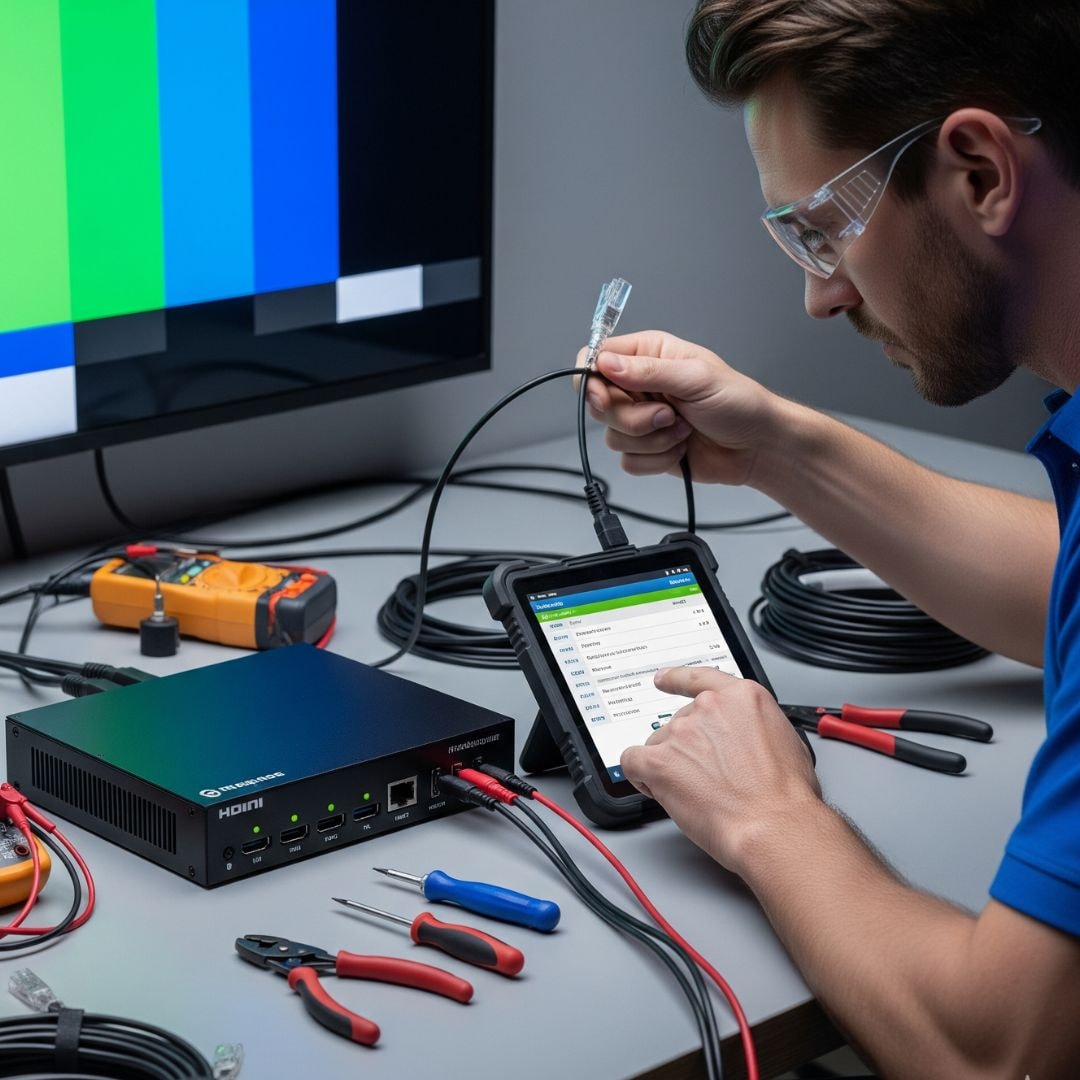
If the wiring looks clean, the next place to check is the media player. Make sure the HDMI, LAN, and power cables are firmly connected and that the firmware is updated. A simple reboot can help the player refresh and reconnect. You can also compare your setup to commercial devices like the AIScreen digital signage hardware, which is built for stable digital signage performance.
Stable connectivity and proper hardware maintenance of hardware components and software maintenance keep your playlists running smoothly. Hardware and software maintenance reduces the need for repeated signage repair.
Step 4: Replace Damaged Electrical Components
If the display still doesn’t respond, it may be time to replace internal parts such as power supply units, LED drivers, transformers, or faulty modules. These components can wear out over time, especially in high-usage environments. Swapping them with fresh, compatible parts keeps the screen safe and prevents recurring issues. Handling these replacements carefully ensures you don’t create new problems while fixing the old ones.
Step 5: Consult a Certified Electronics Repair Specialist
If you’ve tried the basics and the issue persists, this is when regular maintenance and professional maintenance become important. A certified specialist from a maintenance company or sign repair company can test deeper electrical routes, rewire damaged sections, and replace complex components safely as part of a preventive maintenance schedule. This step protects the hardware from accidental damage and ensures proper maintenance keeps the entire system working for longer.
Tip: You need to always unplug the display before touching any electrical part. It’s one of those small habits that keep you safe and stop the hardware from short-circuiting while you’re checking things inside.
How to Solve Screen Damage and Pixel Issues?

Screen problems can show up out of nowhere, and they’re usually the first thing customers notice. Whether it’s dead pixels, weird colors, or that faint “ghost” image that refuses to fade, these issues, including software glitches, broken or malfunctioning displays, can quickly push you toward signage repair if you don’t catch them early.
According to Deloitte, proactive sign maintenance can boost equipment lifespan by 25–30%. Most of the time, you can solve a lot of these problems yourself before calling a company sign repair technician to avoid costly repairs.
Step 1: Identify Dead Pixels or Burn-In Marks
The easiest way to spot trouble is to run a simple full-color test. It highlights dead pixels, burn-in marks, and anything that feels “off” on the screen. Noticing these early keeps the problem from growing into a bigger sign repair job later.
Step 2: Use Pixel-Repair Software Where Possible
If you’re dealing with a stuck or inactive pixel, a repair tool can sometimes shake it back to life. These tools flash colors rapidly, giving the pixel a chance to reset. It’s not a magic fix, but it’s a quick, painless step before moving to deeper signage repair work.
Step 3: Calibrate Brightness, Contrast, and Color
Sometimes the screen isn’t damaged at all; it’s just not calibrated. A quick adjustment to brightness, contrast, and color inside your CMS or media player can make the display look new again. A lot of people skip this maintenance task step, but it often saves you from unnecessary hardware maintenance and digital signage software repair services.
Step 4: Replace the Display Panel if Needed
If pixels stay dead no matter what you try, the panel itself may be failing. At this point, replacing the display is the most reliable fix. A company sign repair technician can swap the panel safely and make sure everything matches your existing setup.
Step 5: Clean and Protect the Screen from Future Wear
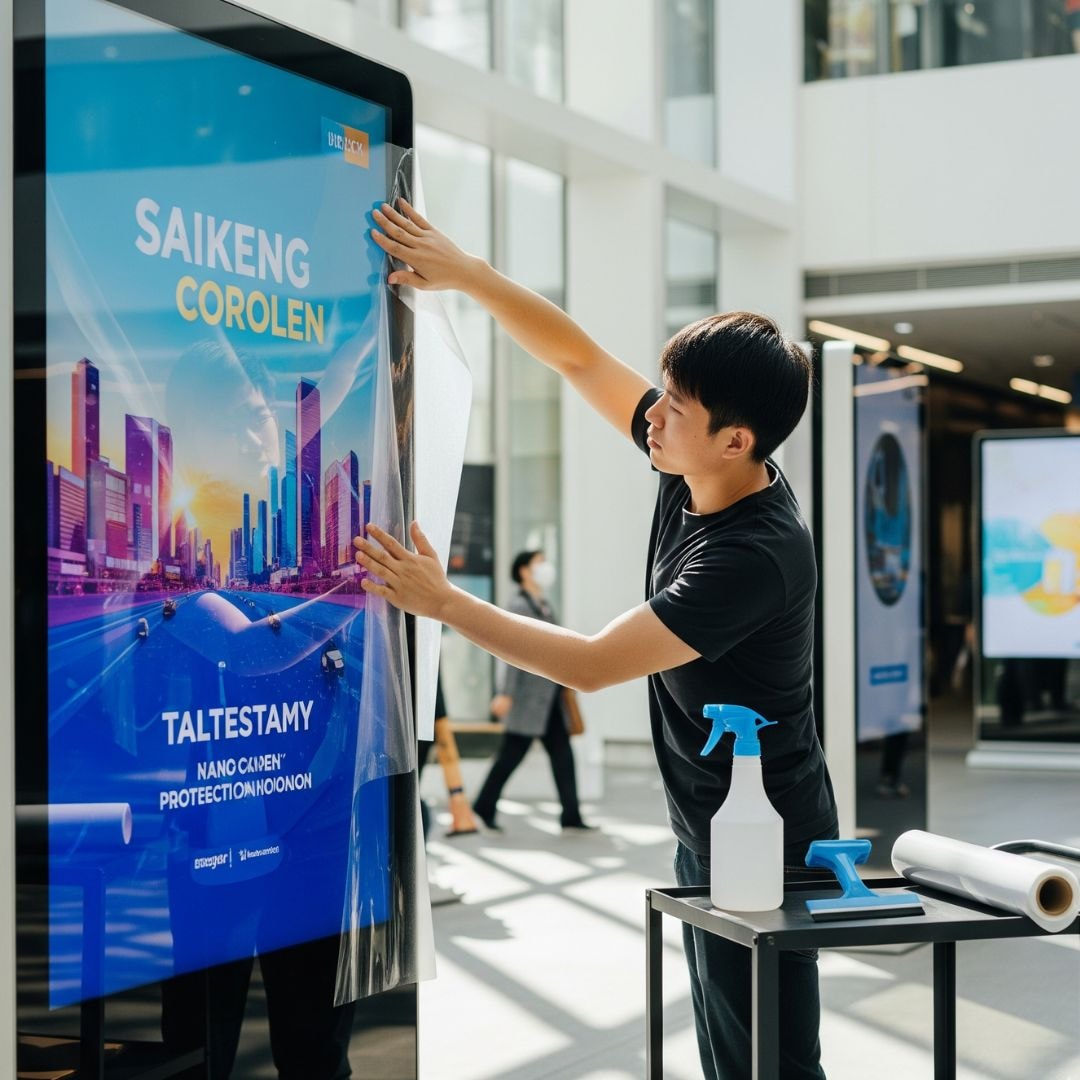
Once the screen looks good, take a minute to protect it. A soft microfiber cloth and a gentle cleaning routine go a long way. Additionally, keeping your digital signage software updated helps prevent scratches and reduces the chances of future signage repair headaches with a consistent maintenance plan.
Tip: You need to always avoid chemical cleaners on LED screens. They can fade the colors and damage the surface more than you’d expect.
How to Repair Neon and LED Signs?
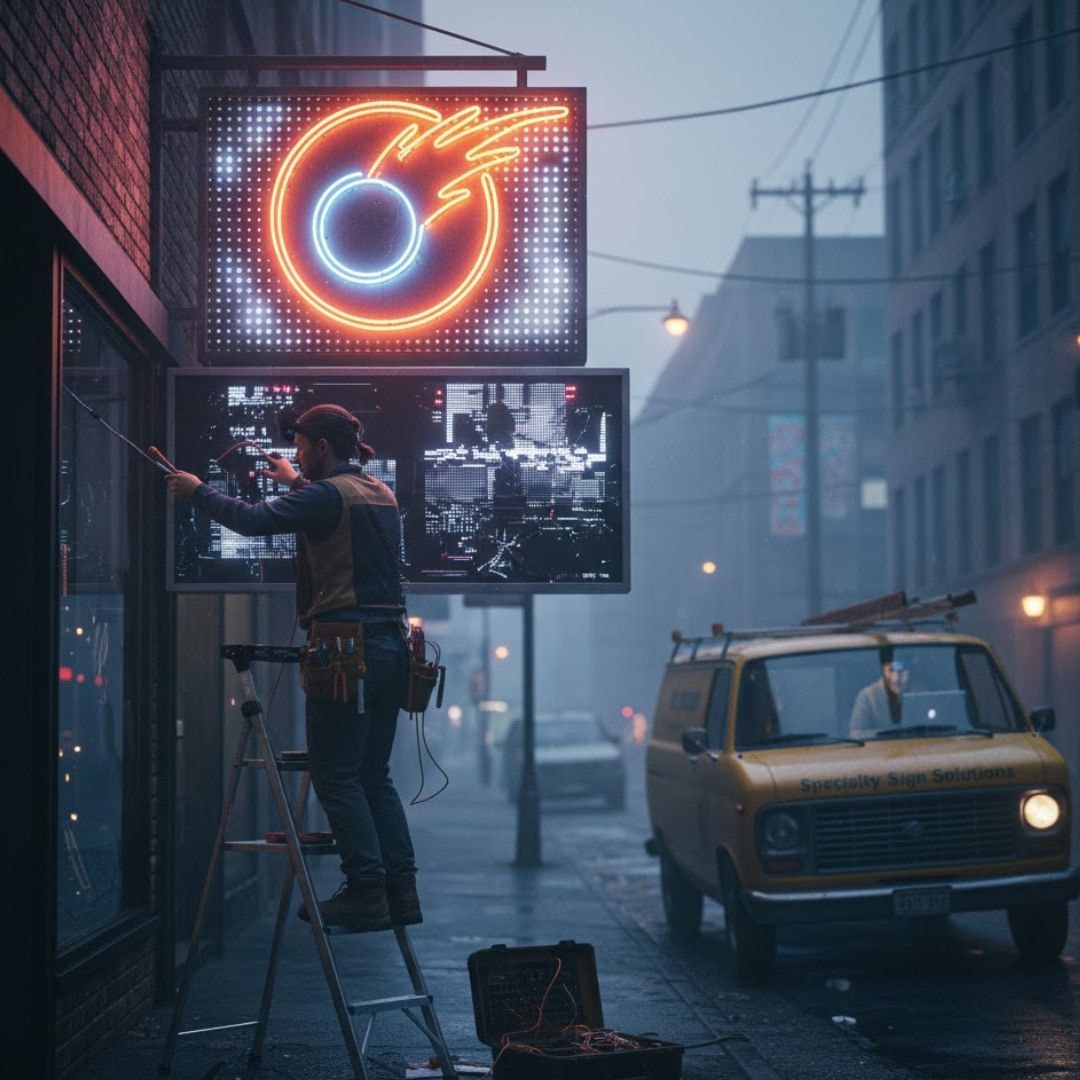
Specialty signs, like neon tubes, LED strips, or channel letter signs, tend to fail in ways that feel completely different from digital screens. When a tube goes dark, a transformer starts buzzing, or a letter flickers nonstop, when specialty signs fail, you usually need a slightly different approach to signage repair, focusing on best practices and digital signage solutions, and a well-maintained system of hardware and software components.
According to Statista, the digital signage market grows by nearly 8.1% every year due to higher reliability expectations. These signs have their own quirks, and knowing how to handle them within your digital signage networks saves you time.
Step 1: Check Power Supply and Transformers
Start simple by confirming the transformer is sending clean, steady power. A quick voltmeter check helps you see whether the issue starts at the power source. Transformers wear out over time, so this step often points you in the right direction before calling a company sign repair technician.
Step 2: Check for Broken or Flickering Tubes
Next, take a close look at the tubes or LED sections. A cracked neon tube or a loose LED strip can cause flickering that looks worse than it actually is. Spotting these signs early helps you plan the right signage repair solution instead of guessing.
Step 3: Refill Gas for Neon Tubes if Required
If the neon looks dim or uneven, the tube might need a gas refill. This isn’t a DIY job; neon gas requires proper equipment and safety measures. A certified specialist can refill it quickly and get the brightness back without risking damage to the sign.
Step 4: Tighten and Secure All Wiring Connections
Loose wiring is a common reason specialty signs flicker. A simple tighten-and-secure check can solve a lot of problems without replacing anything. This small step keeps your sign stable and cuts down on unnecessary sign repair services.
Step 5: Hire a Licensed Specialist for Advanced Repairs
If the sign still acts up, that’s when a licensed company sign repair specialist becomes essential. They have replacement parts, proper tools, and security protocols in place, as well as training to handle delicate tubes, LED modules, and transformers without causing more damage.
Example: If you’re using channel letter signs outdoors, switching to waterproof LED modules and utilizing remote management tools is a game-changer. They handle rain, dust, and heat far better, which means fewer flickers, fewer surprises, and way fewer signage repair calls later on, all while delivering high-quality content.


How to Repair Weather Damage in the Screen?
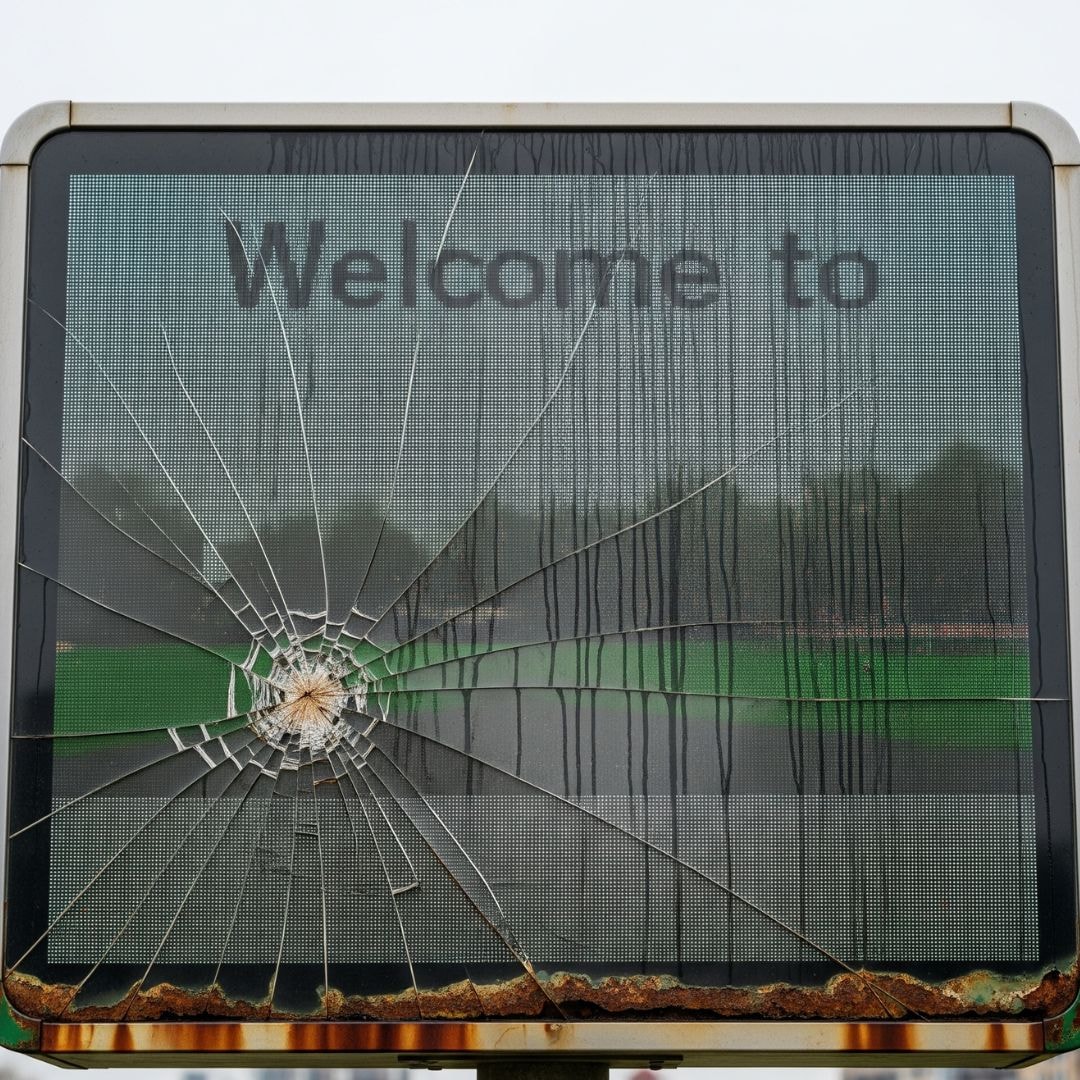
When you’ve dealt with outdoor screens long enough, you start to see how quickly the weather can mess with them, condensation sneaks in, colors fade faster than expected, and rust quietly eats away at the frame. That’s usually when signage repair becomes more than a routine chore, because outdoor digital signage repair often demands a closer look at complex maintenance tasks, especially for businesses with multiple locations, like moisture damage, loose mounts, and worn-out seals, which is why a proactive maintenance plan alongside a preventive maintenance schedule can be valuable.
According to McKinsey, businesses with maintenance logs resolve signage issues 40% faster. Once you start noticing these small issues, you realize how much your display depends on proper protection to stay bright, clear, and reliable through every season.
Step 1: Inspect Seals, Frames, and Mounting Brackets
You’ll want to run your hand along the edges and frames to spot tiny gaps or rust spots that might be letting in moisture. It’s surprising how something as small as a loose bracket can affect stability, and catching these early makes company sign repair much more manageable.
Step 2: Apply Waterproof Coating or Protective Film
Adding silicone seals or UV-protective film is one of those simple upgrades that makes a big difference. It gives the display a protective shield so it can handle rain, dust, or intense sunlight without wearing out too quickly.
Step 3: Replace Damaged Display Housing
If the casing is already corroded, switching to aluminum or IP-rated steel housing helps the screen survive harsh outdoor conditions, especially when exposed to direct sunlight. This is a common step in outdoor sign repair, especially for businesses near coastal or high-moisture environments.
Step 4: Reinforce Mounts Against Wind and Vibration
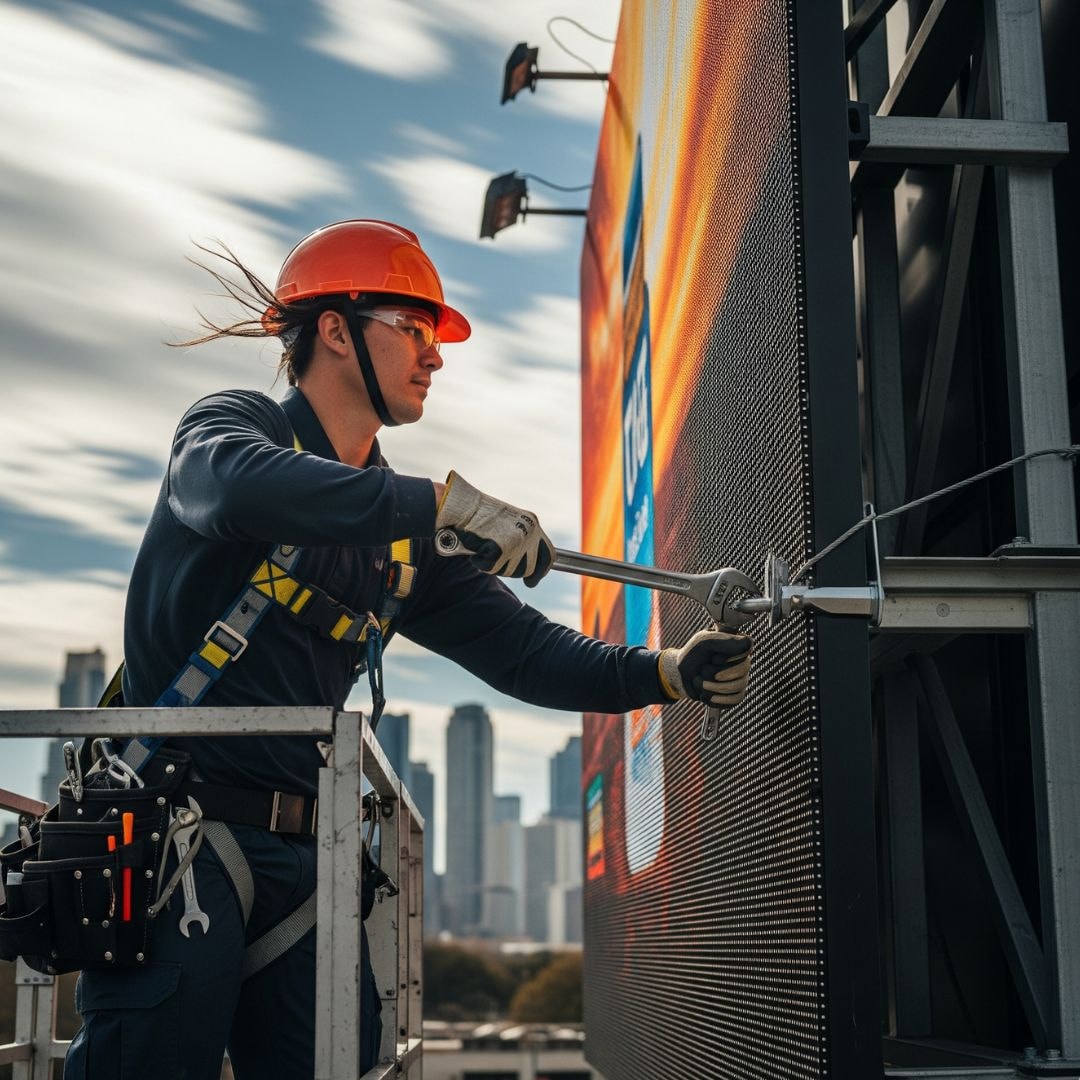
Large LED billboards or outdoor screens often shake slightly in strong winds, and over time, that looseness shows up as flicker or alignment issues. Reinforcing mounts with dampeners keeps everything steady and reduces long-term wear.
Step 5: Upgrade to IP65/Outdoor-Grade Hardware
When a display struggles repeatedly in tough weather, replacing key hardware components with outdoor-certified hardware becomes the most reliable long-term fix. It keeps future signage repair needs low and ensures the system stays stable even in extreme conditions.
Tip: You need to always schedule a quick inspection after storms or heavy rainfall so you can catch water damage early through routine visual inspections of your digital signage system and create a preventative maintenance schedule with monthly tasks to prevent a bigger repair later.
How to Troubleshoot Digital Signage Software Issues?

Software hiccups are often the quiet culprits behind a screen that won’t play the right message, and one thing many people overlook is how outdated digital signage software can snowball into playback failures. Most glitches, including content playback errors, start with old firmware or poor or intermittent connectivity, so treat software troubleshooting like detective work: check the network settings obvious first, rule out the simple, then dig a little deeper. When you follow a clear process, most issues get resolved quickly, and you avoid unnecessary calls to sign repair services.
According to Accenture, 55% of brands experienced content downtime caused by skipped software updates. You’ve probably noticed content that freezes, playlists that skip, or a display that goes offline just when you need it most. Those are classic signs for digital sign troubleshooting. Keep your content management system (CMS, content management system cms firmware, and network up to date and in sync, and you cut the time you spend on emergency signage repair by a lot.
Step 1: Check and Stabilize Internet Connectivity
Start with the network because a shaky connection is the most common reason remote content fails to load. Confirm your Wi-Fi strength, move the router if it’s blocked, or better yet, plug the media player into Ethernet for a rock-solid link. When the network is stable along with a reliable uninterruptible power supply, a lot of playback problems simply disappear, and you won’t be chasing phantom sign repair calls.
Step 2: Reboot the Media Player or System
It sounds basic, but rebooting clears caches, closes stuck apps, and gives the player a fresh start, often fixing whatever was stuck in the background. You’d be surprised how many times a restart solves the problem without deeper sign repair services or technician visits.
Step 3: Update CMS Platform or Firmware
Outdated firmware or an old CMS version can create weird bugs and compatibility errors, so keep both up to date. Check release notes, schedule updates during low-traffic hours, and don’t ignore security patches. Staying current reduces the chance of having to call company support or external signage repair teams later.
Step 4: Verify Playlist and Content Settings
Make sure the files in your playlist actually exist on the player and that their resolutions match the display. A wrong file format or mismatched resolution can look like a failure, but it is really just a settings issue. Fixing playlists and content formats is part of routine digital sign troubleshooting and prevents pointless hardware checks.
Step 5: Switch to Cloud-Based Signage Management
If you’re still fighting intermittent failures, consider moving your CMS to the cloud for centralized control and easier remote fixes. Cloud systems offer rollback, batch updates, and often better monitoring for digital signage content, which cuts down on manual signage repair and keeps your digital signage system playing the right content when it matters.
Example: Try using a real-time monitoring dashboard so you know the second a screen goes offline. It gives you a head start, letting you fix the issue before anyone even notices something’s wrong, and that tiny bit of control makes your whole digital signage network’s sign troubleshooting process feel a lot less stressful.
How to Do Routine Sign Maintenance?
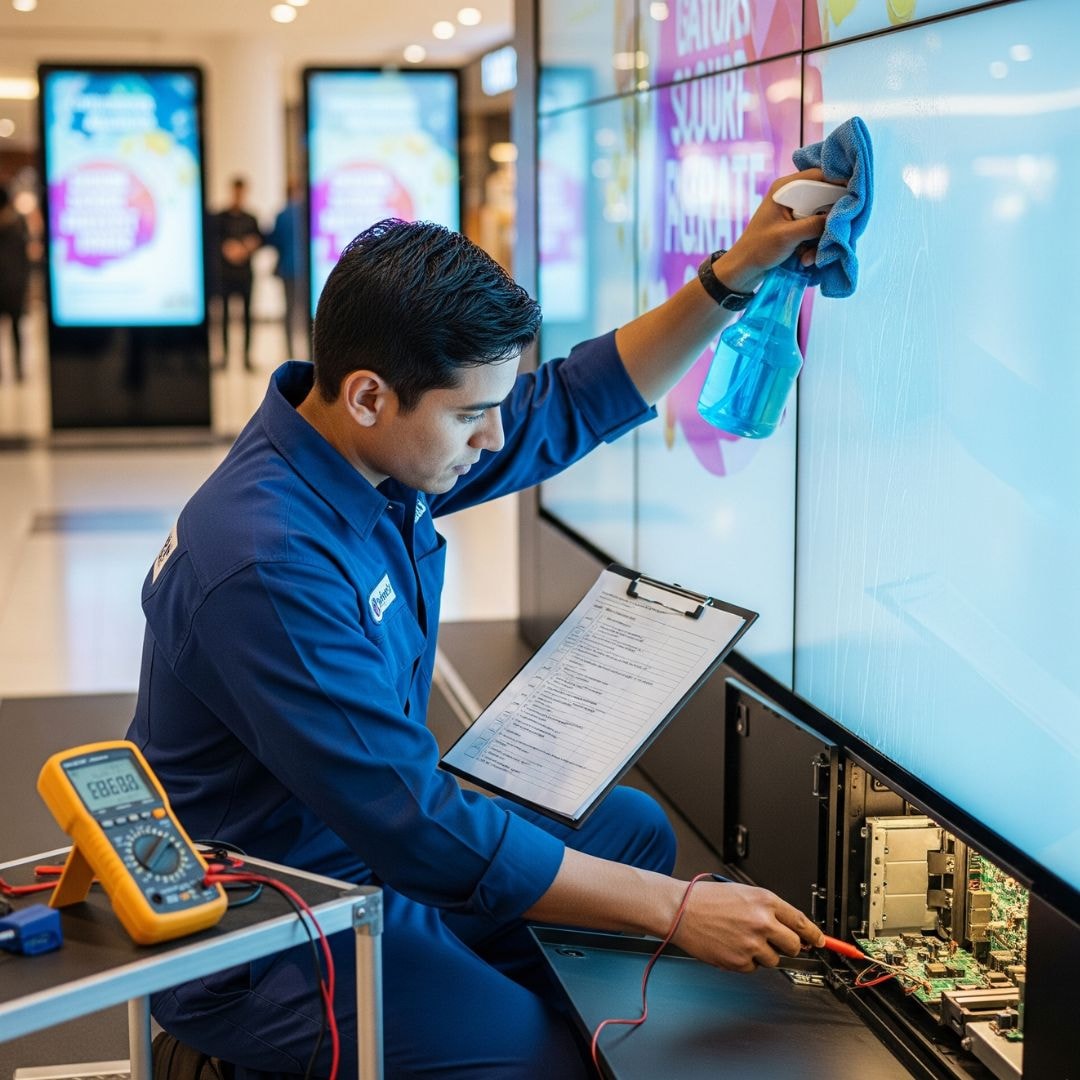
When you start treating your digital displays like long-term investments instead of just screens on a wall, the whole idea of digital signage repair begins to feel a lot more manageable. Little habits, the kind you barely think about, along with proper maintenance, are what actually keep your digital signage investment bright, stable, and running without surprise glitches.
And once you build a simple rhythm of care, you’ll notice your screens lasting longer and your sign repair costs dropping. According to Forrester, screen failures caused by electrical issues account for 28% of all signage repair cases.
- Clean display surfaces weekly: A quick wipe keeps dust from building up and stops small particles from blocking sensors or dulling the screen. Clean glass always looks sharper, and your content feels instantly more premium.
- Inspect electrical components monthly: Take a moment to look at power cables, connectors, and the media player. Even small signs of wear can grow into bigger issues if left unnoticed, so this monthly glance really pays off.
- Perform software updates quarterly: Updates aren’t just about features. They fix bugs and improve stability. When your CMS and player stay updated, you avoid a lot of unnecessary signage repair calls.
- Recalibrate brightness annually: Screens shift over time, especially in bright environments. A yearly recalibration keeps colors accurate, reduces strain on the LEDs, and helps maintain consistent brand visuals.
- Replace outdated hardware every 3–5 years: Hardware ages no matter how well you care for it. Swapping older components before they fail keeps your entire system healthy and reduces emergency sign repair work.
Most people don’t realize how much smoother a digital signage system feels when you follow a consistent maintenance routine. Partnering with a trusted company sign repair team can make inspections feel effortless, but there’s also a lot you can handle on your own just by keeping a consistent digital signage maintenance schedule and tracking the basics of hardware maintenance. A few recurring checks turn into long-term savings before you even know it.
Tip: You need to always log your maintenance activities. It’s the easiest way to spot repeat issues early and understand patterns before they snowball into expensive problems.
How to Repair Outdoor Reader Boards?
Roadside displays bring their own signage repair challenges, since they face wind, glare, and constant weather exposure. If you run outdoor reader board signage, you will want weather rated housings, sealed wiring, and a regular inspection habit to keep the message readable from the street. Treating these units to the same steady care you give indoor screens means fewer flickers, fewer blackouts, and far fewer emergency repair calls once the seasons change.
Maintenance teams should also inspect LED modules, power supplies, ventilation systems, mounting hardware, and brightness settings on a routine schedule. Catching moisture damage, loose connections, overheating, or dim sections early can reduce costly signage repair work and help outdoor reader boards remain visible, reliable, and effective throughout the year.
How Can AIScreen Help Minimize Digital Signage Repairs?
When you look at how much smoother your operations run with proper signage repair and consistent maintenance, it’s clear that taking care of your displays isn’t just a technical task. This is what keeps your digital signage investment visible, reliable, and ready for customers at all times. Every screen that stays bright and functional is one less interruption, one less moment of downtime, and one more chance to keep your digital signage showcasing what your brand stands for. According to Gartner, companies that use real-time monitoring tools reduce display downtime by up to 50%.
You’ve probably noticed how much easier life becomes when you have the right team backing you up, and that’s where working with trusted sign repair services really makes a difference. A platform like AIScreen gives you reliable hardware for your digital signage system, real-time monitoring, and cloud-based control that keeps issues small before they turn big. Pair that with professional maintenance services from a company sign repair partner, and you get the kind of long-term peace of mind that helps your digital signage stay strong, stable, and ready for whatever your business needs next.
FAQs
How often should I schedule sign maintenance?
You should schedule sign maintenance often enough to keep small issues from turning into expensive problems, usually every one to three months, depending on how heavily your screens are used. This rhythm gives you time to clean surfaces, check power supplies, and update software without it piling up. When you stay consistent with your maintenance plan and follow a consistent maintenance schedule, your digital signage displays stay brighter, smoother, and far more reliable. And the best part is that regular care reduces how often you need urgent signage repair.
Can I repair a digital sign myself?
You can repair a digital sign yourself as long as the issue is small, safe, and clearly identifiable, like tightening a loose cable or rebooting a frozen player. Anything involving wiring, circuitry, or internal hardware is better left to a professional because those repairs get complex fast. Trying to fix those on your own can cause more damage than good and even void warranties. So handle the basics, but let a sign repair expert take care of anything deeper.
What tools or equipment are needed for basic signage repair?
The tools or equipment that are needed for basic signage repair are surprisingly simple, starting with a screwdriver set, a microfiber cloth, and a multimeter for quick electrical checks of hardware components. These basics help you handle loose screws, dust buildup, and minor power issues that pop up unexpectedly. You don’t need a full toolbox unless you’re dealing with advanced repairs, which usually require a technician. With just a few essentials for hardware maintenance, you can keep your displays steady between service visits.
What is the average cost of sign repair services?
The average cost of sign repair services depends on the type of damage and the hardware involved, but most routine fixes fall somewhere between standard service fees and parts replacement costs. Minor adjustments tend to be affordable, while panel or power supply issues can increase the price. It helps to get a quick assessment before committing, so you know exactly what you’re paying for. Regular maintenance keeps these costs lower by catching problems early.
Who provides sign repair?
Sign repair is provided by specialists who understand digital displays, electrical components, and the software systems that run them. These companies work with everything from LED screens to neon signs, giving you support for whatever setup your business uses. Many digital signage providers also offer repair services as part of their ongoing support. Partnering with a reliable team makes the entire maintenance process easier and far more dependable.
Not every signage repair starts with hardware, because sloppy playlists and mismatched files put real strain on your screens too. Learning to avoid the most common digital signage content mistakes, like oversized media, wrong resolutions, or overloaded loops, keeps your player from freezing and your display from overheating. When your content stays clean and correctly formatted, the hardware works less, runs cooler, and needs far fewer repairs over time.
Why Choose AIScreen for Signage Repair?
When signage breaks, quick repair keeps your message live and your brand looking its best. AIScreen combines dependable digital displays with easy remote management, so screens are simpler to monitor, update, and fix. Start for free and keep every sign working as hard as you do.
