
How to Choose the Best TV for Conference Room?
Ever walked into a meeting and wondered if the screen was too small, or too big, for the room? Choosing the best TV for conference room isn’t just about screen size; it’s about designing an environment where ideas flow effortlessly. In today’s hybrid work era, technology plays a crucial role in how teams connect, share ideas, and make decisions. Selecting the right TV transforms an ordinary meeting space into a powerful hub for collaboration. Unlike standard home televisions, professional conference room displays are optimized for long hours of operation, wireless screen sharing, and seamless video conferencing integration. According to Statista (2025), over 72% of global companies now rely on digital displays and smart meeting systems to enhance communication and productivity.
In this blog, you’ll learn how to pick the ideal screen size, resolution, and connectivity setup for your boardroom, hybrid office, or Zoom-based collaboration, ensuring every meeting is clear, engaging, and efficient.
Step 1: Select the Right Conference Room TV Size
When planning your meeting space, the right conference room TV size can make or break your presentation experience. The goal isn’t just to fill a wall, it’s to ensure everyone, from the front row to the back, can comfortably read slides, view charts, and participate in video calls without straining their eyes.
According to Steelcase Research (2024), 68% of meeting attendees say screen size directly impacts their engagement and focus during hybrid sessions.
Consider Room Dimensions
Room dimensions directly influence the size of your conference room monitor or meeting room TV. A simple rule of thumb is:
1 inch of screen size for every 1–2 feet of viewing distance.
- Small huddle rooms (up to 10 ft viewing distance): Choose a 43–55″ screen. Perfect for intimate team discussions and quick stand-ups.
- Mid-sized conference rooms (10–15 ft viewing distance): Go for a 65–75″ display for balanced visibility and clarity during presentations.
- Large boardrooms (15–20+ ft viewing distance): Opt for an 85″ or larger TV for conference room setups to maintain legibility for everyone in the room.

Calculate Viewing Distance
Viewing distance affects readability and user comfort. If the conference room monitor is too small for the distance, fine text and charts will blur, lowering engagement. For optimal experience, match your screen size to the farthest participant’s distance using the same 1-inch per 1–2 feet rule.
Example:
- For a 12-foot viewing distance → a 65″ display works best.
- For 20 feet → upgrade to an 85″ screen for easy readability of slides and spreadsheets.

Why It Matters
Choosing the correct meeting room TV size ensures:
- Clear readability: Important for text-heavy slides and analytics dashboards.
- Better collaboration: Everyone can follow along during video calls.
- Professional appeal: A right-sized screen enhances room aesthetics and user comfort.
Step 2: Pick the Right Display Resolution for Conference Room TV
Let’s be honest, when your presentation slides look pixelated or your video call participants appear blurry, it instantly kills the professional vibe. That’s why choosing the right display resolution for clarity is a crucial step in setting up your conference room TV or smart TV for conference room environments.
According to Dell Technologies (2025), teams using 4K conference displays experience 32% higher information retention compared to those using standard HD screens.
Full HD (1080p) vs. 4K (UHD): Why 4K Wins
For years, Full HD (1080p) was the go-to for meeting displays, but technology, and expectations, have evolved. Today, 4K (Ultra HD) is the standard for presentation TVs, delivering four times the pixel density of Full HD.
With 4K resolution, every chart line, spreadsheet cell, and face on a Zoom call appears sharper and more defined. Even when you’re about half the length of the TV screen away, text remains crisp, especially important when sharing slides or complex dashboards.
Modern conference room TVs equipped with 4K panels also support screen mirroring, allowing teams to connect seamlessly without cluttering cables. This is especially useful in larger conference rooms, where multiple participants may present from different laptops or mobile devices.

Brightness and Color Accuracy Matter
Resolution alone doesn’t guarantee a great viewing experience; brightness (measured in nits) and color accuracy play a huge role, especially under ambient office lighting.
- For standard meeting spaces, aim for a brightness of at least 350–500 nits.
- In rooms with intense natural light, go for 600 nits or higher to maintain vivid, glare-free visuals.
- Accurate color reproduction ensures that brand colors, graphs, and visuals look consistent across screens, a must for client presentations.

Step 3: Evaluate the Conference Room TV Panel Technology for Visual Quality
When you’re designing a meeting space that truly impresses, the display panel you choose can make all the difference. That’s why it’s essential to evaluate the panel technology for visual quality. Understanding how LED/LCD, OLED, and QLED panels differ helps you pick the right display for your room’s lighting and purpose. The goal is clear visuals for every presentation, regardless of where your team sits, including the furthest viewer.
LED/LCD Panels – Reliable for Well-Lit Conference Rooms
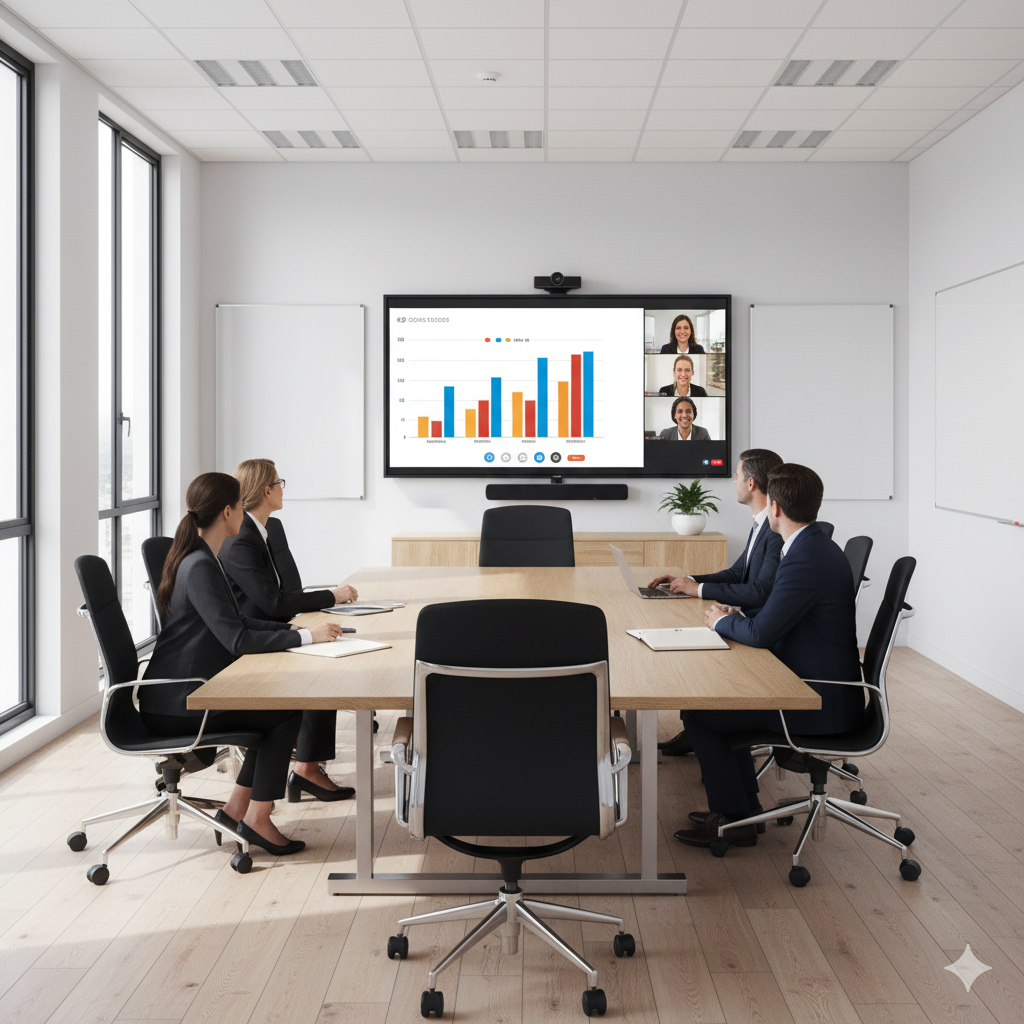
LED/LCD panels are the most common and budget-friendly choice for video conferencing TV setups. They perform well in conference rooms, maintaining brightness even under intense office lighting.
These panels typically come with built-in speakers and built-in Wi-Fi, making them easy to set up for screen mirroring or wireless presentation sharing. LED/LCD models are energy-efficient, widely available, and cost-effective, ranging from $400 to $900, depending on size and brand.
OLED Panels – Perfect for High Contrast and Dark Meeting Rooms
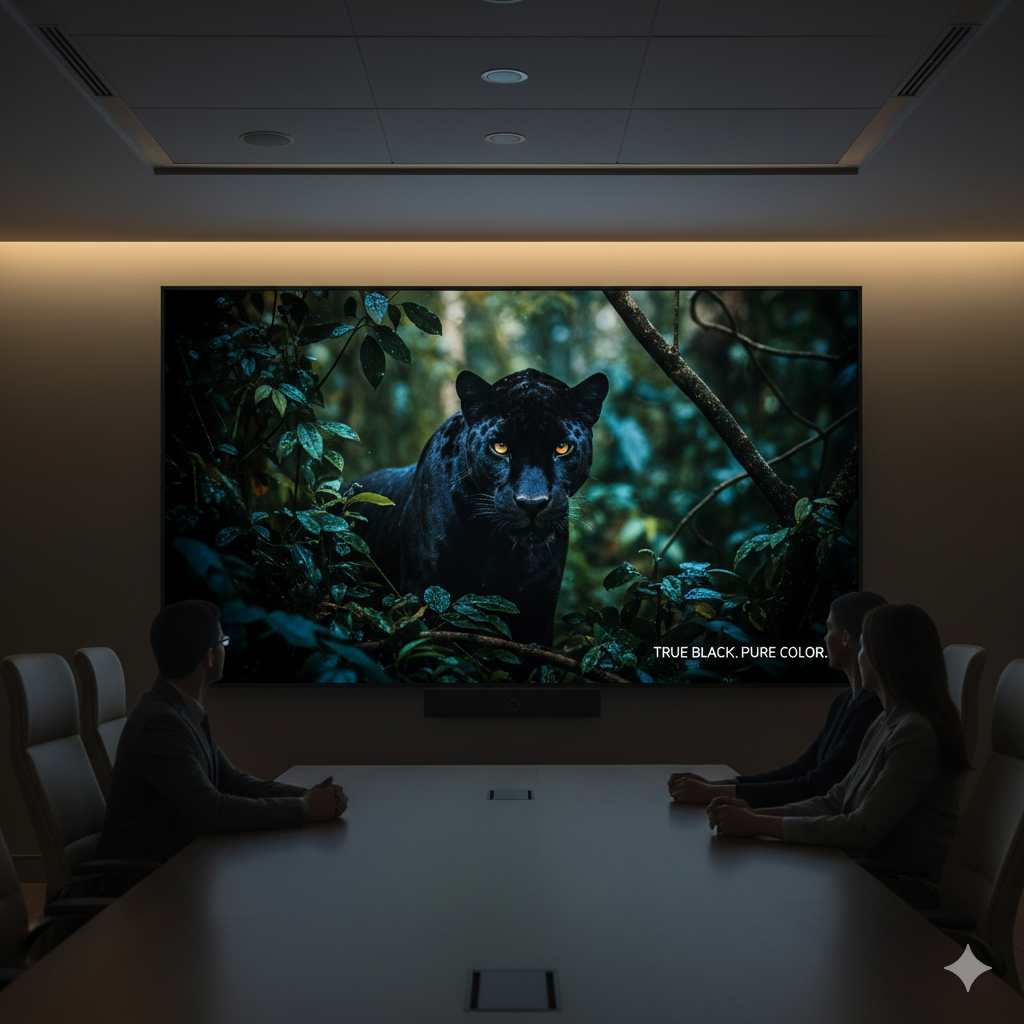
If your workspace has more controlled lighting, OLED panels offer unmatched contrast, deeper blacks, and lifelike color accuracy, ideal for dark meeting rooms or creative environments. Each pixel emits its own light, resulting in excellent clarity for charts, designs, and client demos.
These displays provide the ultimate premium experience for the best TV for office conference room, though they come at a higher price range, typically $1,000–$2,500.
QLED Panels – Best for Bright Offices Needing Vivid Visuals
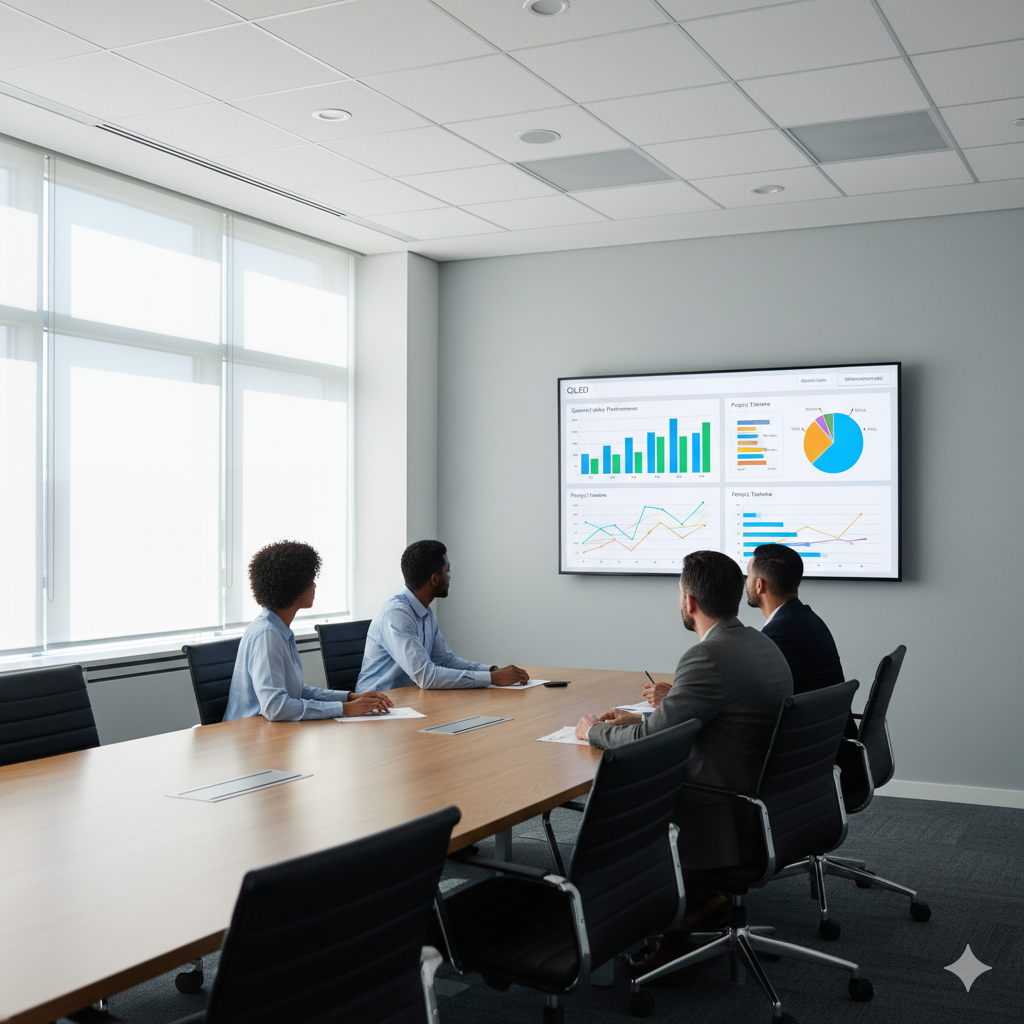
For offices flooded with natural light, QLED panels are the top-tier choice. They combine quantum dot technology with LED backlighting to deliver extra brightness, saturated colors, and exceptional visibility from every angle, great for client presentations and hybrid meetings.
They also integrate built-in speakers, built-in Wi-Fi, and screen mirroring capabilities, making them ideal for both well-lit conference rooms and hybrid setups. Expect pricing ranging from $900 to $1,800, depending on the brand and features. According to AVIXA Industry Outlook (2025), demand for OLED and QLED conference displays grew by 41% year-over-year, driven by businesses upgrading to premium hybrid meeting systems.
Step 4: Check Connectivity Options for Easy Integration
The best meeting experience doesn’t just depend on picture quality or size, it’s also about how easily your devices connect. That’s why it’s crucial to check connectivity options for easy integration before finalizing your conference room TV setup. Whether you’re hosting a hybrid meeting or streaming presentations, smooth connections ensure zero technical hiccups and top-tier collaboration.
HDMI Ports – The Core of Every Setup
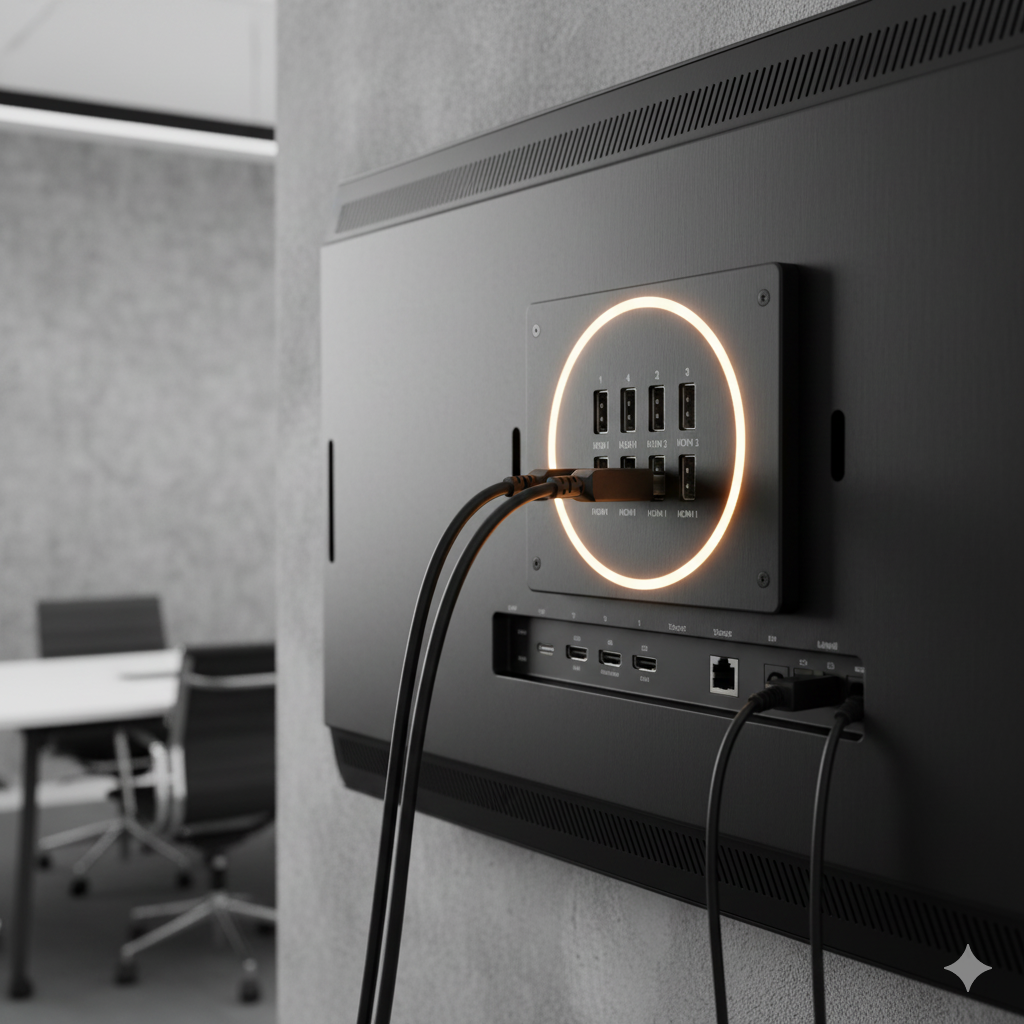
Every good conference display should feature multiple HDMI ports, ideally at least three. These allow seamless switching between laptops, Zoom Rooms, and media players without constantly unplugging cables.
This setup is especially helpful in larger conference spaces where multiple users might present from different devices. Having 3+ HDMI ports ensures easier device connectivity, consistent audio quality, and supports room layouts that rely on external cameras or soundbars.
USB and Other Ports – Flexibility for All Devices
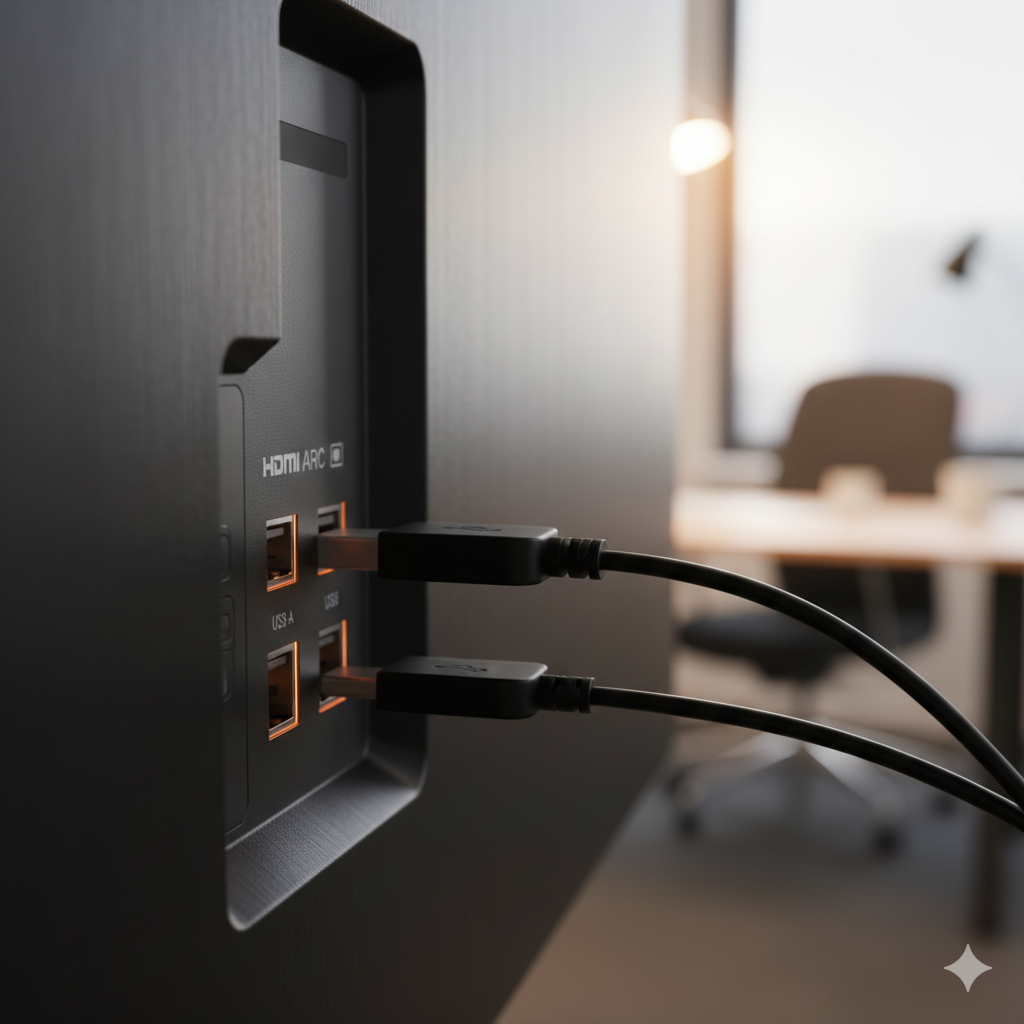
Your conference room TV setup should include USB ports, HDMI ARC, and even legacy options like Ethernet or optical outputs. These help connect accessories like webcams, microphones, and sound systems while improving overall audio quality and usability.
When selecting a TV that matches the right size for your room, ensure that all other devices, such as presentation remotes or AI cameras, can be easily plugged in.
Wireless Connectivity – For Modern Meetings
In today’s bright rooms and hybrid environments, wireless content sharing is a must. Look for models with Bluetooth and Wi-Fi for flexible collaboration. Compatibility with Chromecast, AirPlay, and Miracast ensures effortless screen mirroring from any laptop or mobile device.
A helpful tip: A good conference TV should connect seamlessly with all meeting software and sound systems. That means no fumbling for adapters or cables when it’s time to start presenting.

Step 5: Look for Smart Whiteboard and Digital Signage Features
Modern meetings aren’t just about showing slides; they’re about collaboration. To keep your team engaged and your presentations interactive, it’s time to look for smart whiteboard and digital signage features when choosing the best conference room TV for your space. According to Forrester (2025), 74% of organizations say digital displays in meeting rooms improve team communication and engagement.
Smart Operating Systems for Seamless Control
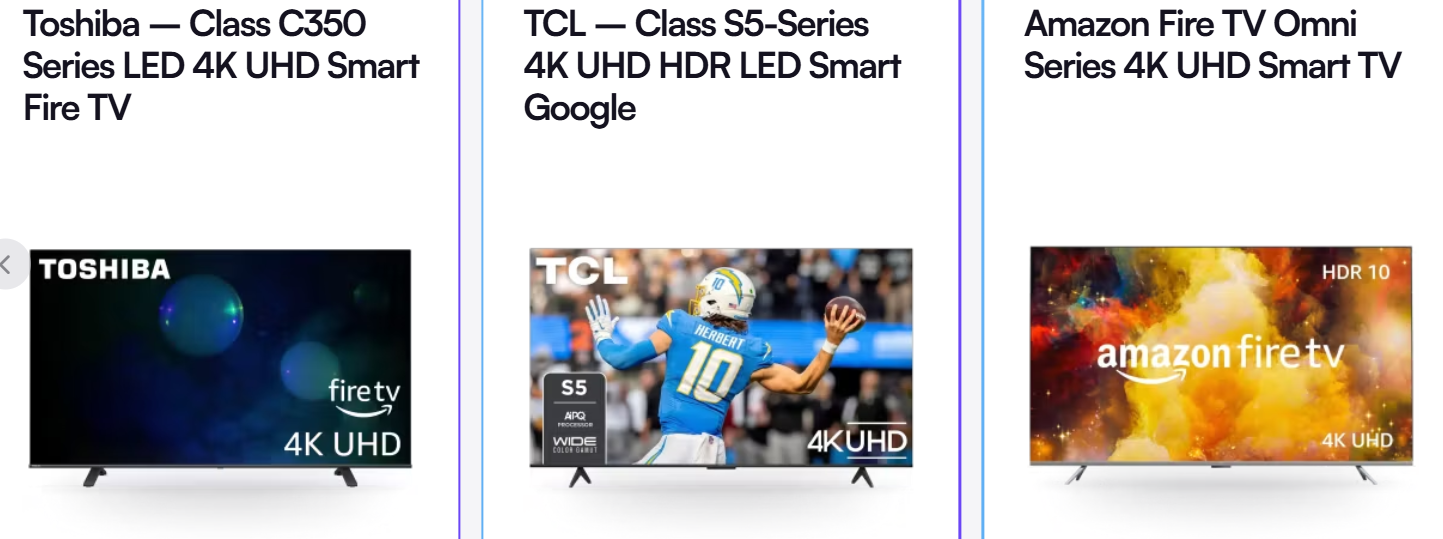
Choosing a smart TV for conference room setups with a built-in OS like Android TV, webOS, or Tizen gives you easy access to everything from browsers to productivity tools, without needing external devices.
These smart systems make it effortless to open apps, run a video conferencing session, or switch presentations directly from the TV screen. Whether you’re working in smaller screens or managing a large setup, having the right size TV screen for your room size paired with a smart OS ensures intuitive operation and quick collaboration.
Built-in Collaboration and Whiteboard Apps
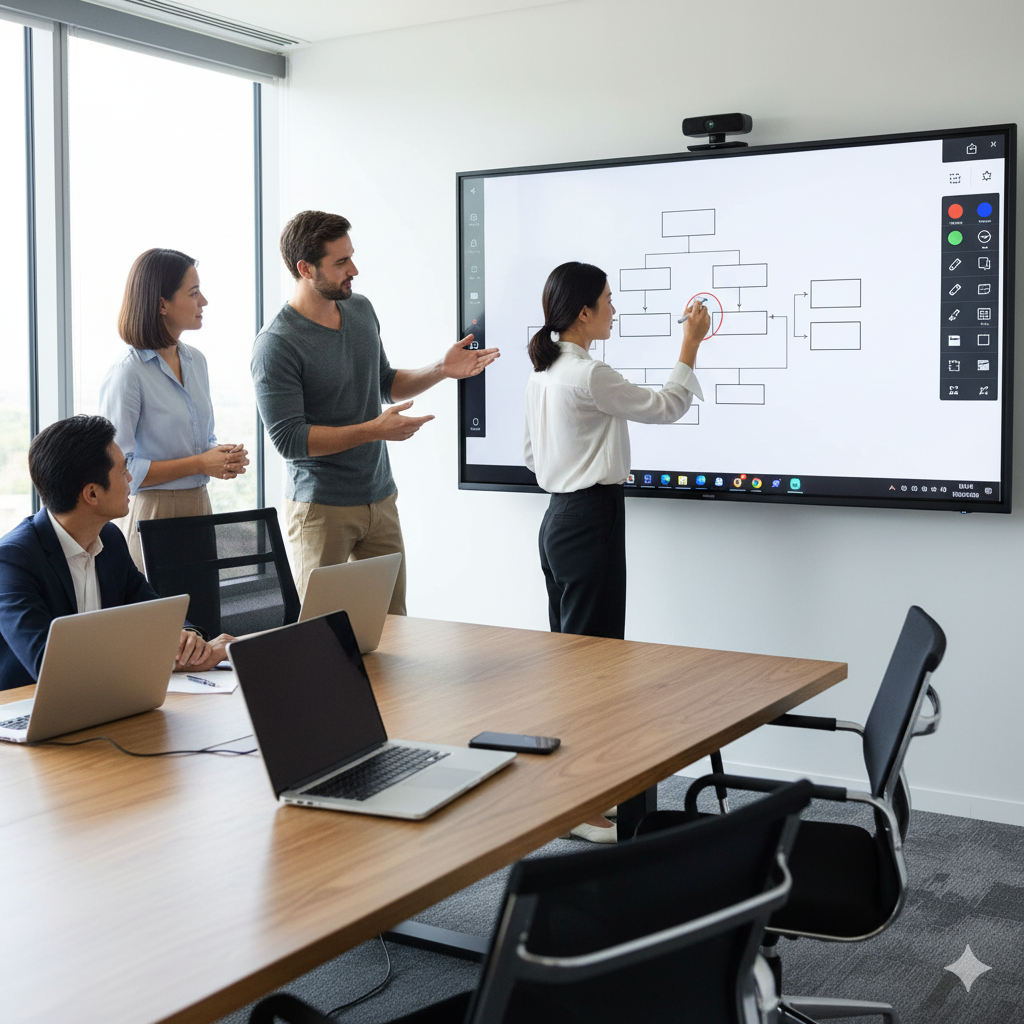
Integrated whiteboard apps transform your presentation TV into a fully interactive workspace. You can draw, annotate, and brainstorm ideas in real time during a video conference TV session. These tools are ideal for hybrid teams that require flexibility, seamlessly combining screen sharing and annotation.
Smart TVs now come with digital signage support too, allowing companies to use the same display for announcements, dashboards, or visitor greetings between meetings. It’s a versatile, all-in-one solution that enhances productivity and communication.
Compatibility With Leading Meeting Platforms
For effortless connectivity, ensure your TV works smoothly with Zoom, Microsoft Teams, and Google Meet (or Microsoft Teams if integrated via app). This ensures one-touch meeting launches, smooth video conferencing, and synchronized presentations without lag or extra setup.
The best conference room TV combines a smart OS, robust whiteboard features, and full compatibility with collaboration software, making every meeting more efficient and interactive.
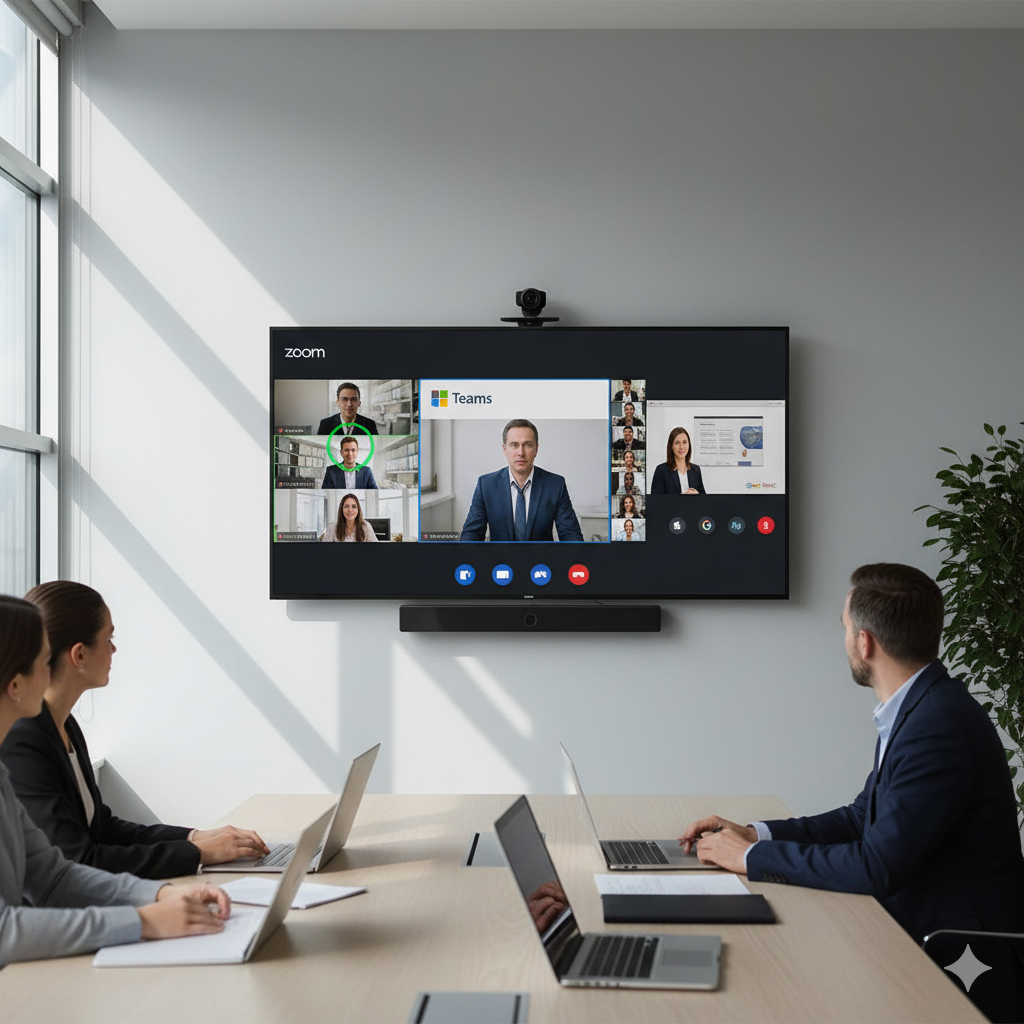
Step 6: Prioritize High-Quality TV Audio for Clear Communication In Conference Room
We’ve all been in meetings where everyone can see the presentation, but no one can hear clearly. Audio can make or break the experience, regardless of how sharp your visuals appear.
That’s why it’s essential to prioritize high-quality audio for clear communication when choosing a TV for conference room setups. The right audio system ensures that every voice sounds crisp, every word is heard clearly, and every discussion remains productive. A Poly Audio Study (2025) reports that 61% of professionals cite poor sound as the top reason for meeting fatigue, proving why investing in quality audio is worthwhile.
Built-in TV Speakers – Convenient but Limited
Most modern displays come with built-in speakers, offering easy access to decent sound without requiring extra hardware. These are perfectly fine for smaller or brightly lit environments, where meetings are quick and involve fewer participants.
However, built-in audio may struggle in larger rooms, where voices and video call sound can get lost in the space. Even with impressive, vibrant color displays and great diagonal length, the sound clarity can fall short for hybrid calls or client meetings that require precision.
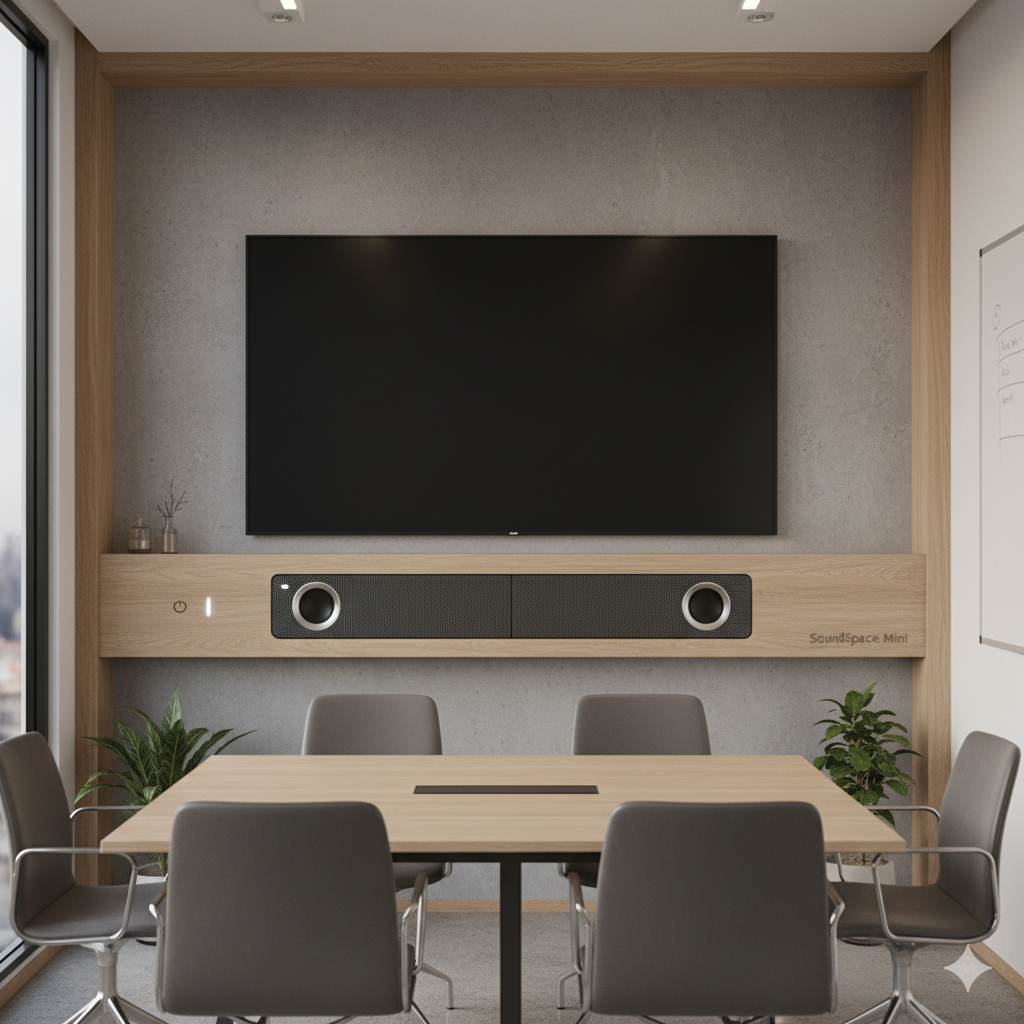
External Soundbars or Conference Speakers – The Smart Upgrade
For professional environments, pairing your display with an external soundbar or conference speaker system is the best route. A dedicated setup enhances both volume and clarity, providing consistent conference TV sound quality throughout the entire room.
Look for Dolby Audio or similar technologies that deliver richer, more immersive sound. Integrating a soundbar also makes it easier to connect laptops, host video calls, and balance voice output across larger rooms. Some systems include microphone arrays that capture every participant’s voice clearly, crucial for hybrid or virtual meetings.
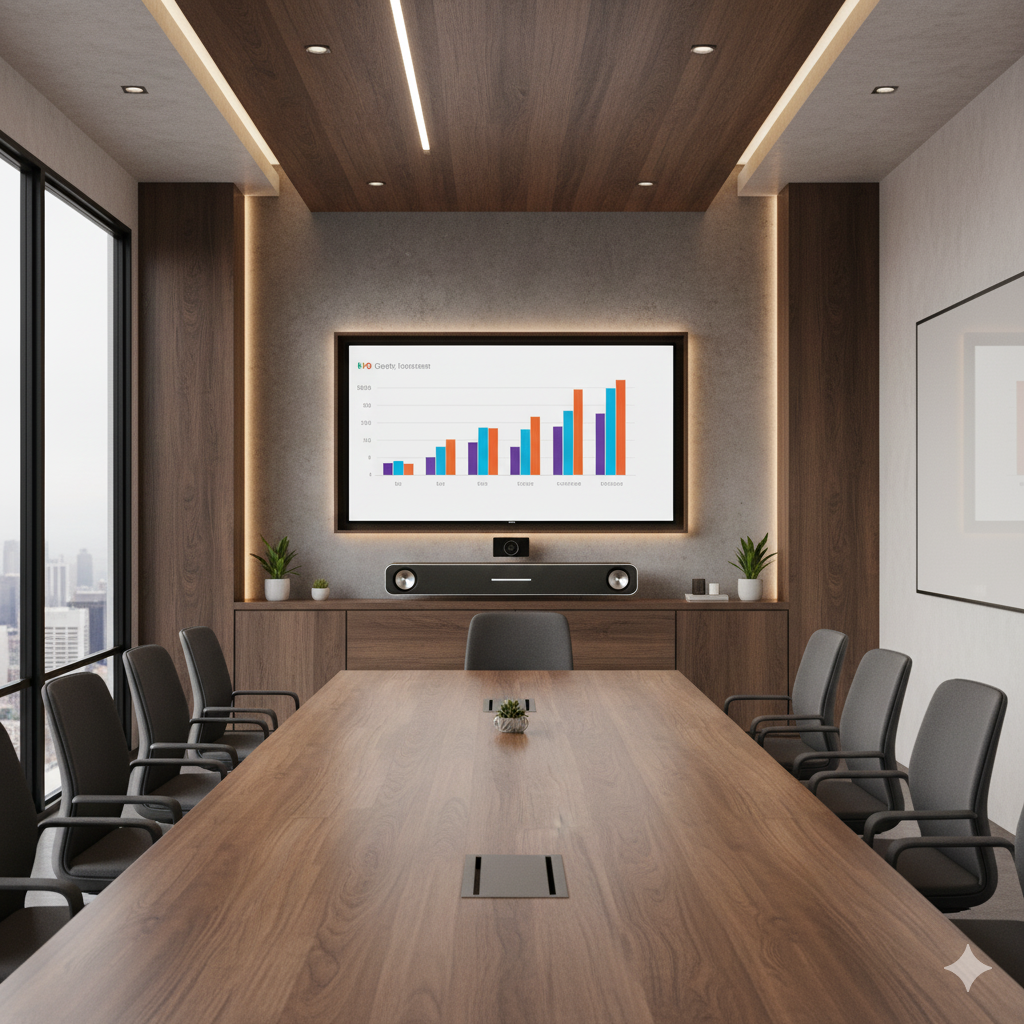
Tailor Audio Systems to Room Size
In smaller huddle spaces, the best TV for conference room audio setup may include enhanced built-in speakers. For larger boardrooms, opt for TVs that can pair with external sound systems to ensure even sound distribution.
When you can connect laptops or mobile devices easily, it’s simpler to manage volume control and playback across devices. Consistent sound means fewer disruptions and a smoother collaboration flow.

Step 7: Choose the Best Mounting and Installation Setup for Conference Room TV
Once you’ve selected the perfect display, it’s time to think about where and how to install it. Proper placement not only enhances visibility but also elevates the overall professionalism of your meeting space. That’s why it’s essential to select the optimal mounting and installation setup for your conference display, striking a balance between comfort, functionality, and aesthetics to maximize your investment.
Wall-Mounted vs. Standalone Setups
Wall-mounted displays save space and give your room a sleek, modern appearance. They’re ideal for setups with distant participants, ensuring everyone gets a clear view of slides, charts, and detailed content without distractions. Wall mounting also reduces glare and helps achieve better contrast in bright environments.
On the other hand, stand-based setups are flexible, perfect if you need mobility or reconfiguration for multiple meeting areas. These setups work well for training rooms or hybrid spaces where you might need to reposition the screen for sharp images during video conferencing.
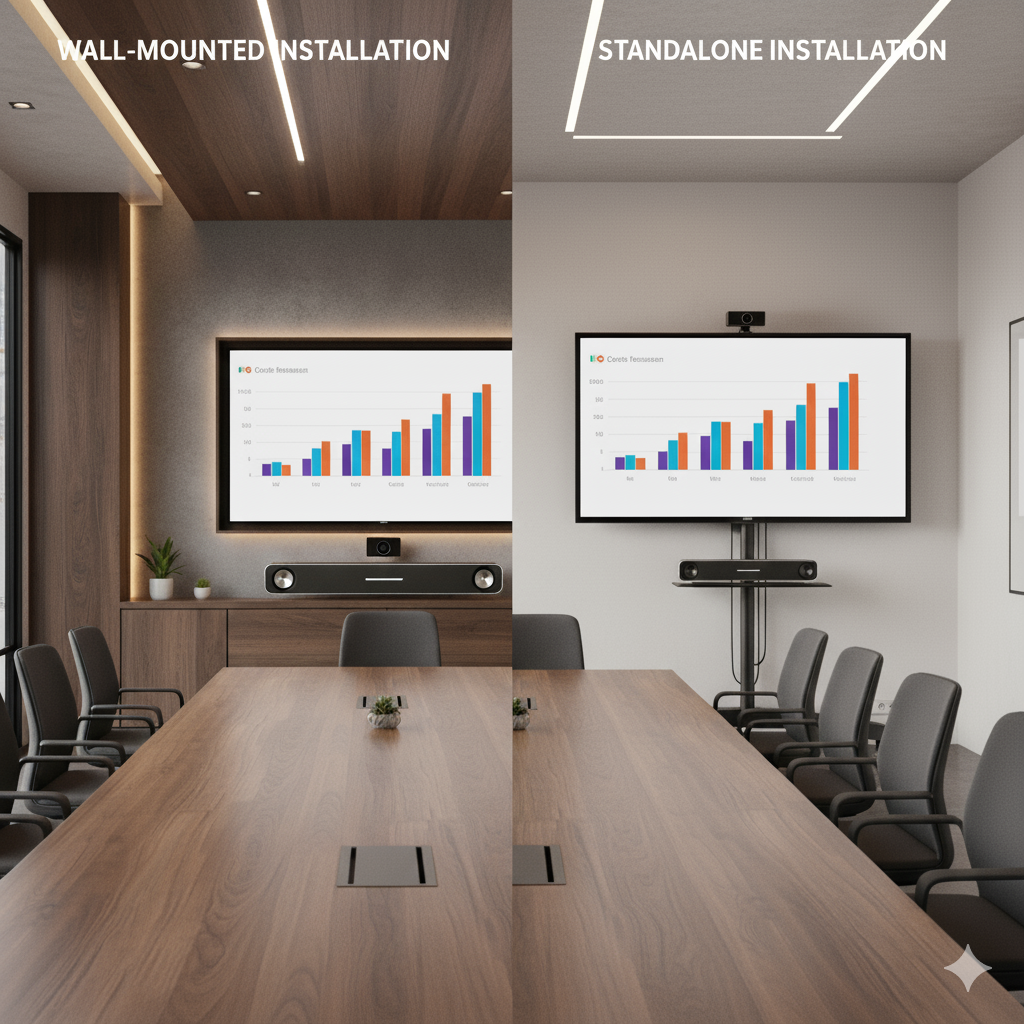
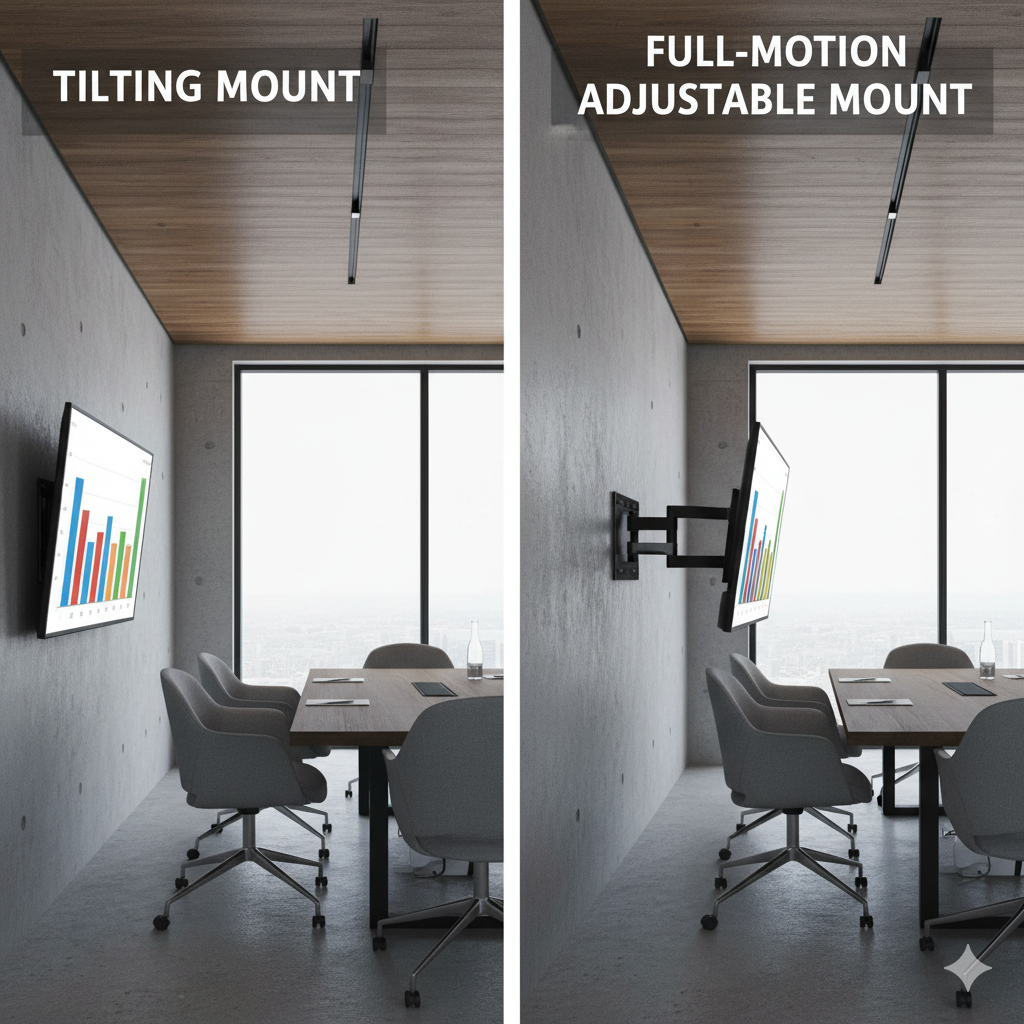
Adjustable Mounts for Flexible Viewing
Adding adjustable mounts, such as tilting or full-motion brackets, gives you ultimate control over viewing angles. This is especially useful when different teams occupy the room or when sunlight shifts throughout the day.
Adjustable positioning ensures everyone, from those seated close up to distance participants, has the best view. Many mounts now integrate Bluetooth capability and cable channels, supporting seamless connectivity between devices and displays.
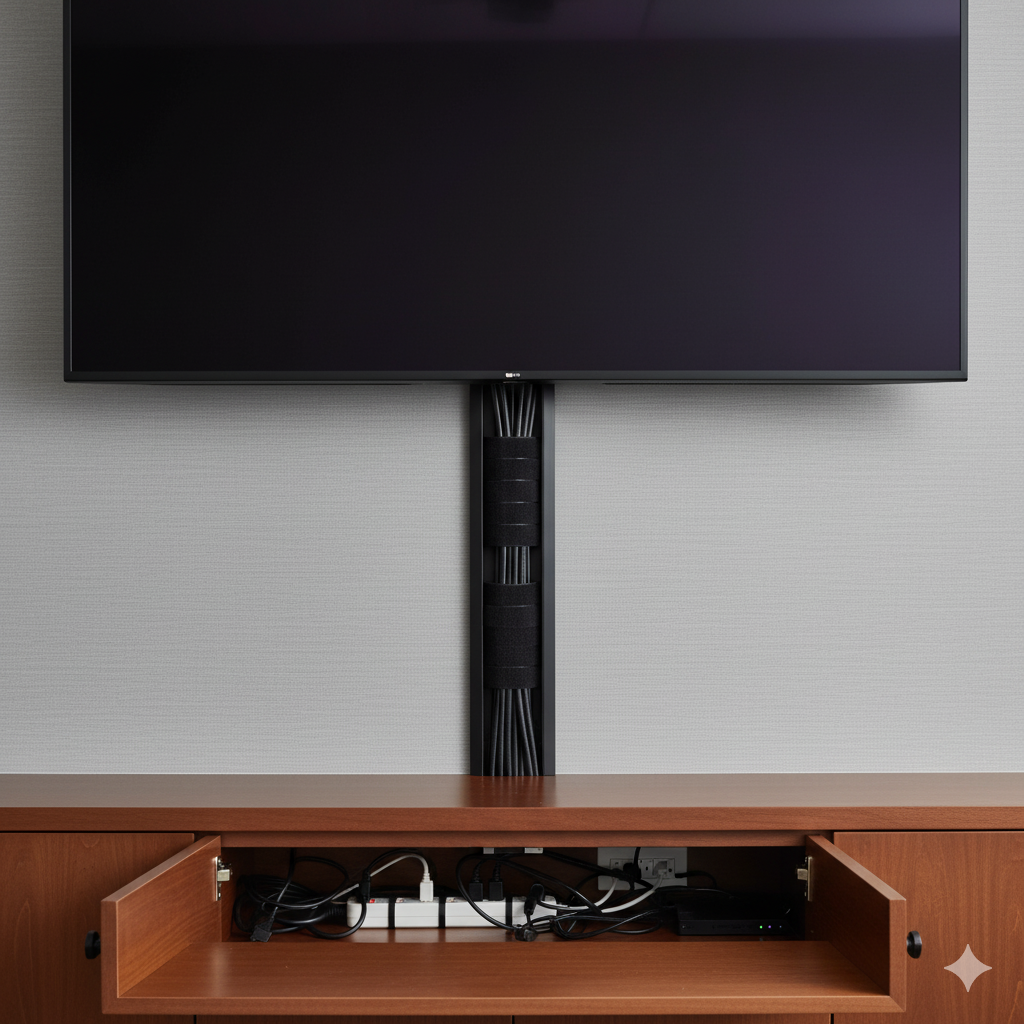
Cable Management for a Professional Look
A clutter-free setup makes a big difference. Use cable sleeves, wall covers, or in-wall routing to hide wires and maintain a clean aesthetic. This not only improves safety but also reinforces the polished appearance of your conference room.
What Are The Best Conference Room TVs in 2025?
Choosing the best TV for conference room setups in 2025 means looking beyond just size and brand names. Modern meeting spaces now demand displays that deliver exceptional image quality, reliability, and smart collaboration features.
Whether you’re running presentations, hybrid meetings, or digital signage, these 2025 conference room TVs stand out for their performance, durability, and professional-grade visuals.
1. Sony BZ30L UHD 4K HDR Screen 43″ – 85″
The Sony BZ30L UHD 4K HDR Screen is a reliable, vibrant option designed for presentation clarity and long-lasting performance. Known for its stunning visual precision, this model brings presentations, charts, and videos to life with deep contrast and natural color tones, perfect for executive boardrooms and creative agencies.
Features:
- Brightness: 440 nit
- Resolution: 3840 x 2160 (4K UHD)
- HDR Support: HDR10, HLG, Dolby Vision
- Aspect Ratio: 16:09
- Portrait/Tilt Compatibility: Yes
- Operation Time: 24/7
Ideal For: Medium to large meeting rooms that require continuous operation and crystal-clear image quality for pitches and high-impact visuals.
Price: $710.00 – $8,325.00

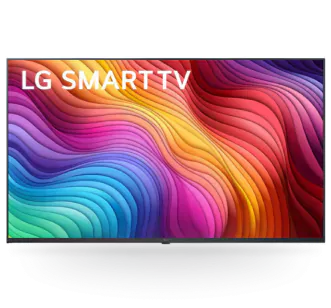
2. LG 43UH5J-H Conference Room TV 43″ – 98″
The LG 43UH5J-H Conference Room TV is built for enterprise-grade performance and digital signage integration. Its IPS panel ensures consistent color accuracy and wide viewing angles, making it ideal for open office layouts or training environments. Plus, it supports portrait and landscape modes, giving you flexibility for any conference room TV setup.
Features:
- Display Type: IPS, Edge
- Aspect Ratio: 16:9
- Resolution: 3840 x 2160 (UHD)
- Refresh Rate: 60Hz
- Brightness: 500 nit
- Operation Hours: 24/7
- Orientation: Portrait / Landscape
Ideal For: Large organizations that rely on clear visual communication across meeting spaces, lobbies, and presentation halls.
Price: $683.97 – $8,982.99
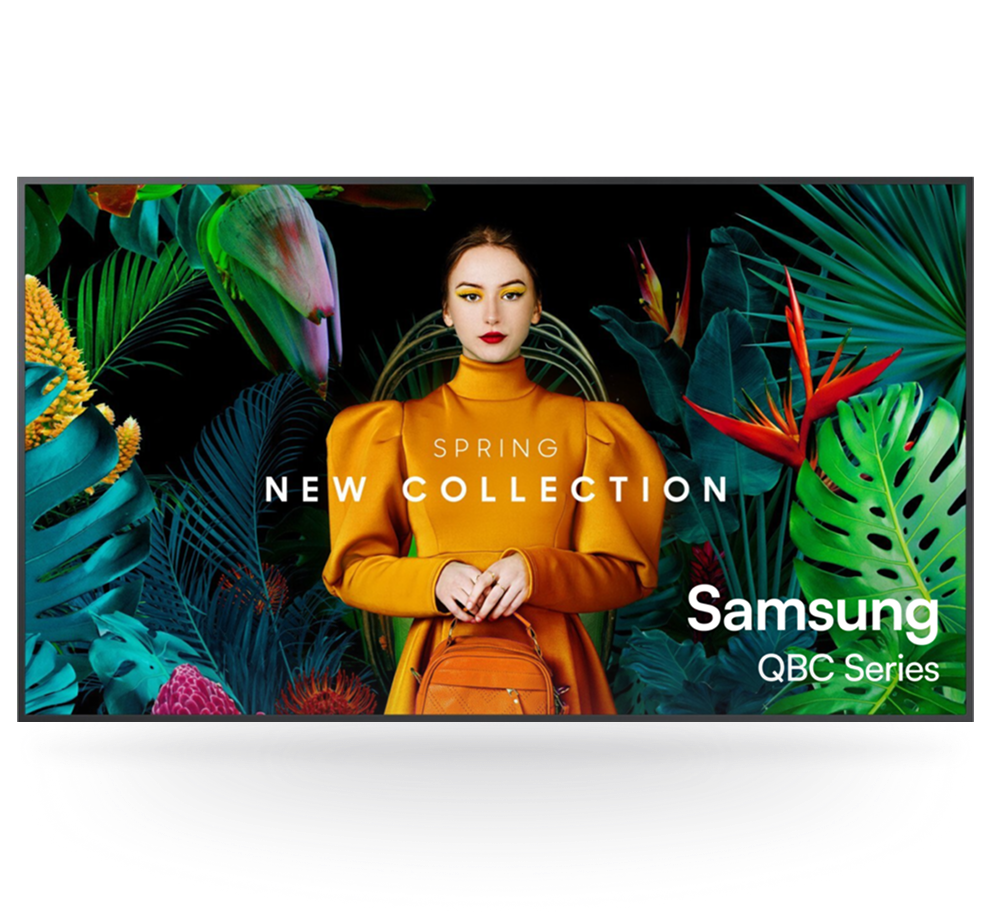
3. Samsung QMC 50″ Commercial Display
The Samsung QMC 50″ Commercial Display stands out for its ultra-slim design and smart collaboration features, making it one of the most advanced conference room TVs in 2025.
With Dynamic Crystal Color and the Quantum Processor Lite 4K, it delivers sharp, detailed visuals with true-to-life color accuracy. Its SmartView+ and Wireless display connection make presentations fast, cable-free, and professional.
Features:
- Display Type: Dynamic Crystal Color UHD
- Design: Ultra-Slim (28.5mm)
- Processor: Quantum Processor Lite 4K
- Connectivity: SmartView+, Wireless display connection
- Screen Sizes: 43″ – 98″
Ideal For: Modern offices and hybrid teams that prioritize seamless collaboration, stunning visuals, and future-ready conference room TV features.
Price: $1,110
How To Set Up Conference Room Digital Signage TV?
Transform your meetings with a professional conference room digital signage TV setup that not only displays agendas but also enhances communication and brand presence.
With the right tools, you can transform any screen into a powerful digital signage display for meetings in minutes. Here’s how to get started using AIScreen, the recommended platform for managing real-time digital signage.
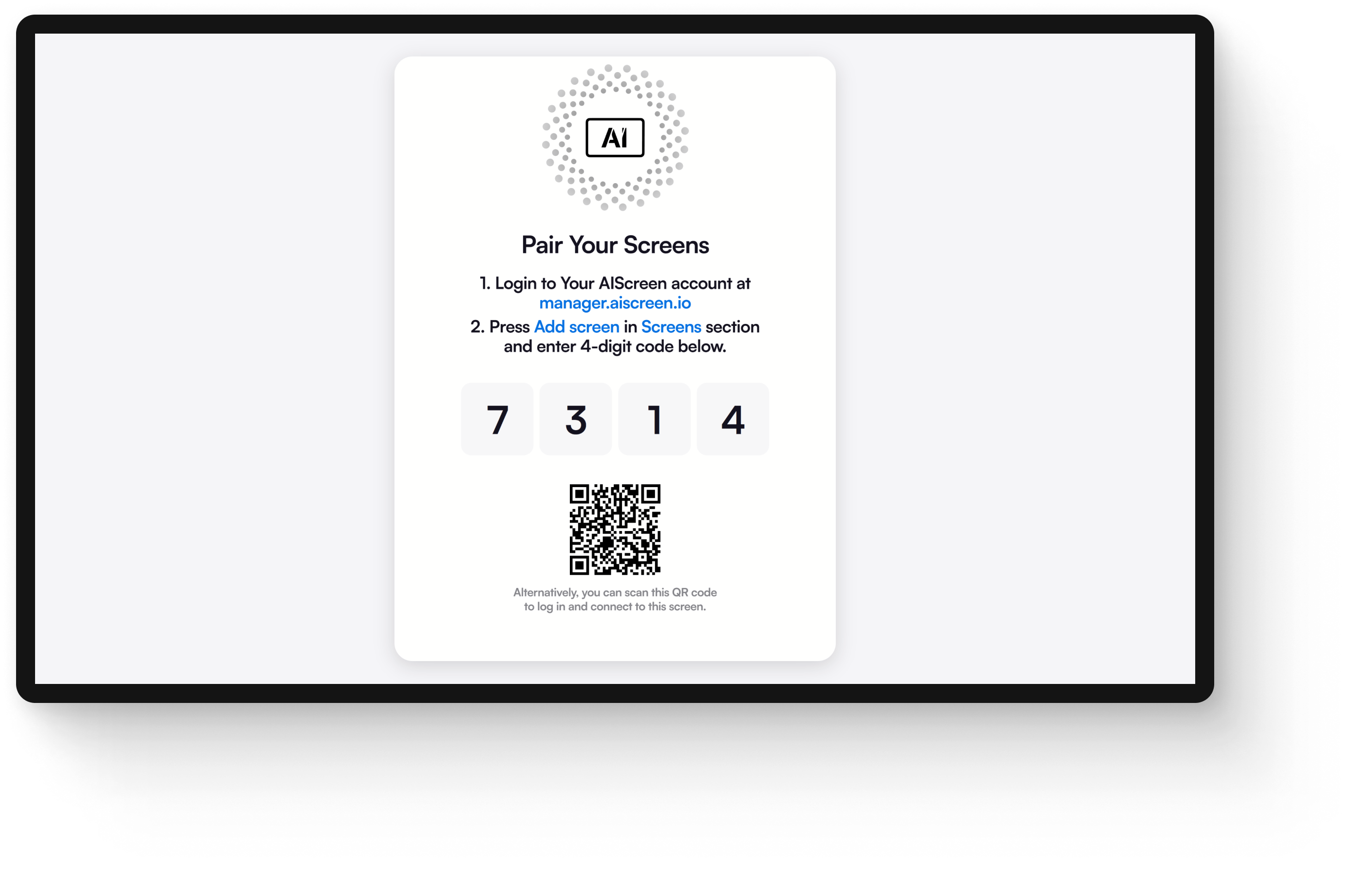
Step 1. Download Digital Signage Software in Conference Room TV
- To begin, open the App Store on your conference room TV and search for “Digital Signage App.”
- Tap ‘Download Digital Signage Software,’ then launch it after the installation is complete.
- You’ll see a “Pair Your Screen” message along with a 4-digit pairing code. Keep this handy! You’ll need it to link your display to the web-based conference room signage dashboard later.
Step 2. Create a Meeting Room Signage Account
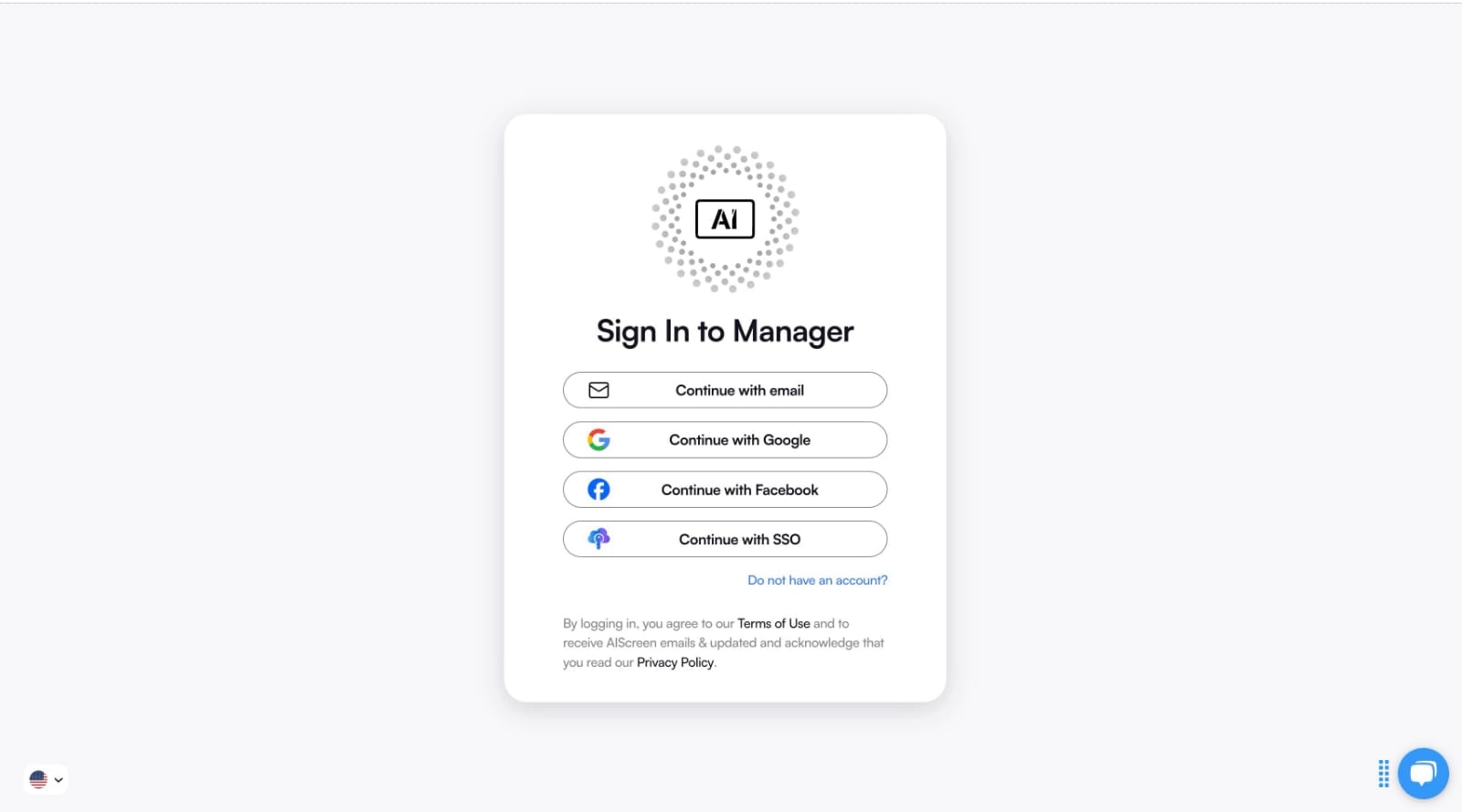
- Next, visit the login
- from your laptop or desktop.
- Sign up for a free meeting room signage account. AIScreen currently offers a 14-day free trial!
- You can even sign up with Google or Facebook for faster onboarding. Once your account is ready, log in to your AIScreen dashboard to continue setup.
Step 3: Pair the Conference Room TV with the Software
- Inside your AIScreen dashboard, navigate to “Add Screen.”
- Enter the 4-digit Pairing Code displayed on your TV, then click “Pair.”
- Once connected, name your screen (e.g., “Conference Room A”) and select the orientation (horizontal or vertical) based on your room layout and content type.
Step 4: Upload Content To Digital Signage TV
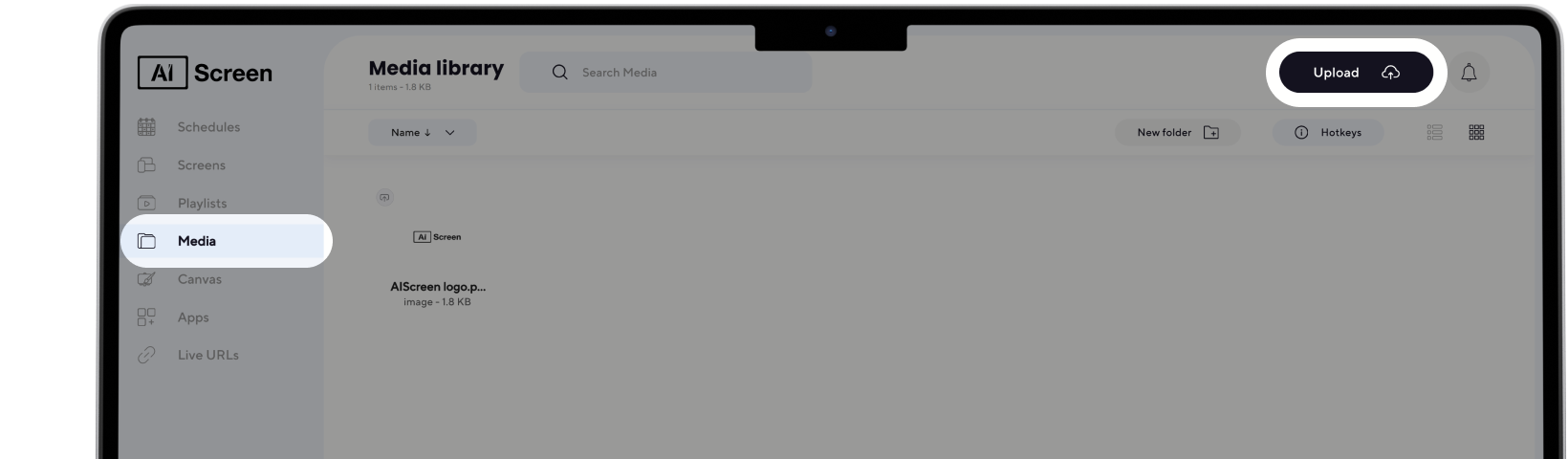
- Click on the “Media” tab within your AIScreen dashboard.
- Press “Upload” to add images, videos, or slides from your computer.
- AIScreen’s intuitive interface ensures you can upload, manage, and organize your content effortlessly.
Step 5. Design Branded Conference Room Content
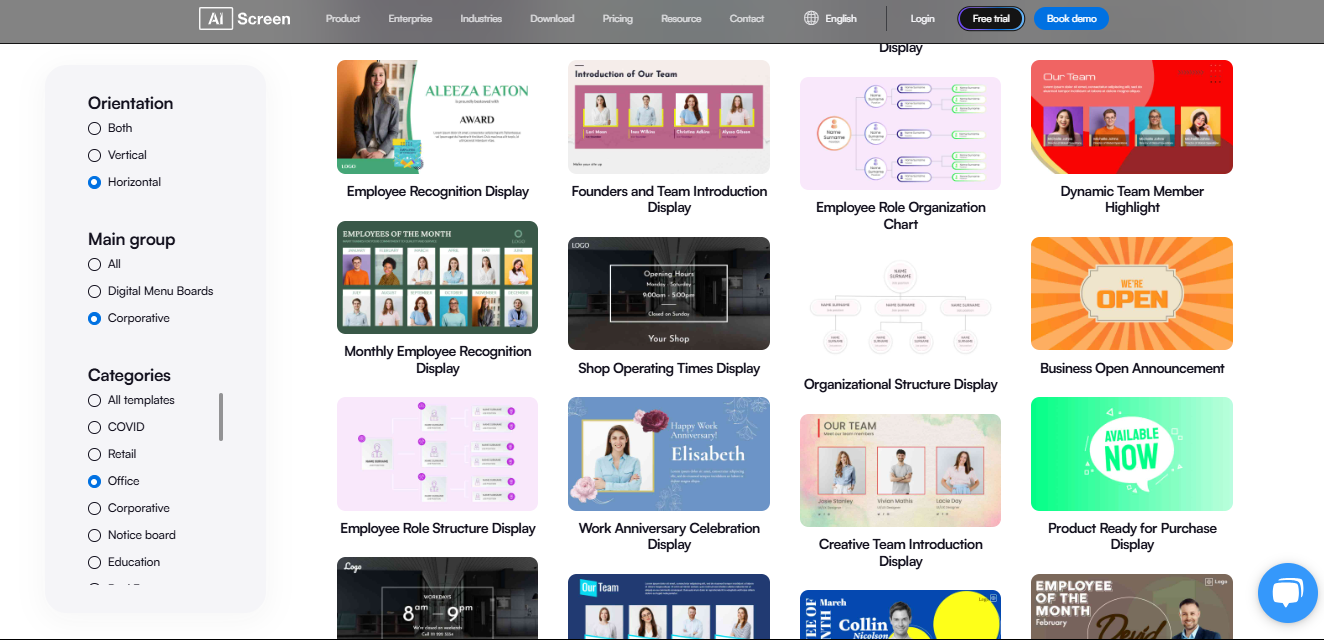
- Navigate to the “Playlists” tab and open “Canvas.”
- Select a ready-made corporate template from the Template Library, or create one from scratch using the built-in editor.
- Add your company’s logo, color scheme, and fonts to align your signage with your brand. For animated elements, teams often pull key frames from product demos or training clips by converting them into a video to image sequence creating smooth, loopable visuals without heavy file sizes. This ensures your meeting room digital signage feels consistent and professional.
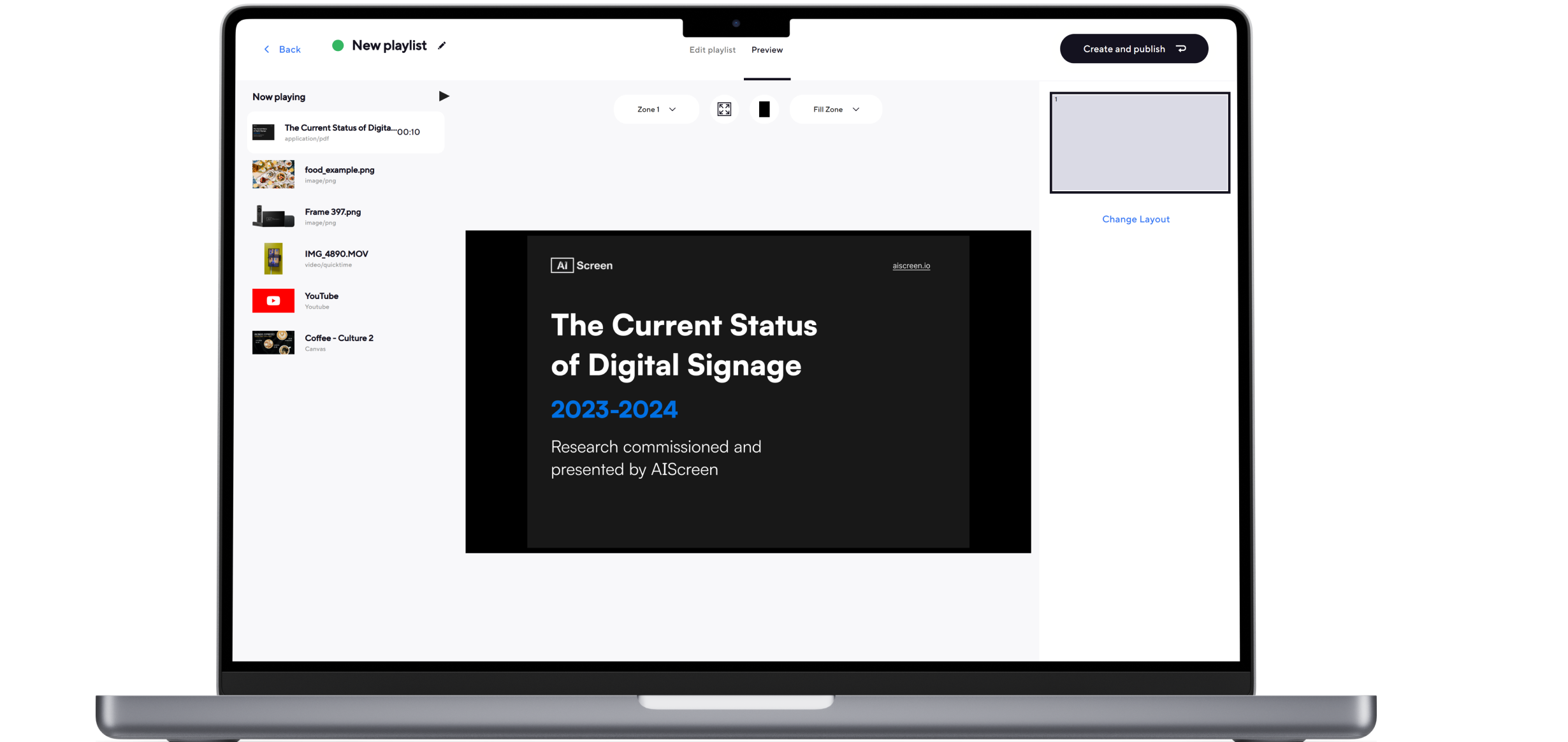
Step 6: Broadcast Content Across Conference Room Displays
- After customizing, click “Create and publish” to broadcast your signage instantly.
- Choose “Main” to display one full-screen layout, or split your screen into multiple zones (for example, Content + Weather + News).
- AIScreen’s real-time updates ensure any change is immediately visible across all connected screens, perfect for multi-room coordination.
Benefits of Using Digital Signage Software For Best TVs For Conference Room
Let’s be honest, conference room TVs are often underused, even though they’re some of the most visible screens in the office.
Benefits of Using Digital Signage Software for Best TVs for Conference Rooms start showing up the moment those screens stop being “meeting-only” displays and start working for your business all day long.
Instead of sitting idle between meetings, conference room TVs can become smart communication tools that share updates, align teams, and reduce manual work. When paired with digital signage software like AIScreen, they turn into always-on assets that support both meetings and day-to-day operations.
1. Centralized Communication
Think of your conference room as more than just a meeting space, centralized communication is where conference room TVs act as shared information hubs.
With digital signage software like AIScreen, the same screen used for presentations can automatically display company updates, KPIs, meeting agendas, or internal announcements when the room is idle. This keeps everyone informed without relying on emails that often get missed.
2. Better Use of Idle Screen Time
Most offices don’t realize how much screen time goes to waste. Better use of idle screen time happens when conference room TVs display dashboards, reminders, room schedules, or internal campaigns instead of staying blank.
AIScreen helps repurpose existing TVs automatically, increasing the ROI of hardware you already own. According to VergeSense, meeting rooms are unused up to 50% of the workday, making idle screens a major missed opportunity.
3. Consistent Messaging Across Teams and Locations
As businesses grow, alignment becomes harder to maintain. Consistent messaging across teams and locations is easier when every conference room TV follows the same content rules.
AIScreen allows leadership messages, policies, and updates to appear uniformly across offices and meeting spaces, reducing confusion and keeping teams on the same page, even across regions.
4. Reduced IT and Admin Work
No one wants to update screens one by one. Reduced IT and admin work comes from managing all conference room displays through a single dashboard. With AIScreen, teams can publish content remotely, schedule updates, and group screens by location or department.
This significantly cuts down manual effort, especially important when IT teams are already stretched. Gartner reports that centralized device management can reduce operational workload by up to 30%.
5. Data-Ready Meetings
Those awkward first five minutes of every meeting add up fast. Data-ready meetings start when conference room TVs show live dashboards and project status before anyone walks in.
With AIScreen, connected data sources stay up to date, so teams arrive aligned and meetings start faster. Harvard Business Review notes that unprepared meetings cost organizations millions annually in lost productivity.
6. Scales as the Business Grows
Growth shouldn’t create more complexity. Scales as the business grows means adding new meeting rooms without adding manual processes.
AIScreen makes it easy to expand from a few conference room TVs to a full office network using the same workflow, settings, and content structure, no reinvention required.
Want to Buy the Best TV for Your Conference Room Today?
Upgrading your workspace begins with smarter technology that brings your team together, enhances communication, and ensures meetings run smoothly. That’s why it’s time to buy the best TV for your conference room today, one that blends display quality, sound, and smart connectivity in one seamless setup. With AIScreen, businesses can easily integrate digital signage, conference displays, and meeting room solutions into a single platform that’s simple to manage and scales with your needs.
Whether you’re setting up a small huddle room or a large boardroom, AIScreen’s all-in-one signage software ensures every screen delivers clarity, professionalism, and engagement. Start your free trial today and transform your meeting experience, because your workspace deserves more than just a TV; it deserves a smarter, connected solution. Contact us.


FAQs
What size TV is best for a conference room?
The best size TV for a conference room depends on the room dimensions and viewing distance. Use this simple rule: 1 inch of screen for every 1–2 feet of distance. Smaller huddle rooms work best with 43–55″, mid-sized rooms need 65–75″, and larger boardrooms should go for 85″ or more for optimal readability and engagement.
What resolution is best for conference room monitors?
The best resolution for conference room monitors today is 4K (UHD). It provides sharper visuals and better clarity than Full HD (1080p), making text, charts, and video calls look crisp, even from a distance. For bright rooms or detailed presentations, a 4K display ensures professional-grade visual quality.
Can I use digital signage on a conference room TV?
Yes, you can use digital signage on a conference room TV to display schedules, announcements, dashboards, and branded visuals. Platforms like AIScreen enable real-time updates and dynamic content management, transforming ordinary displays into versatile communication hubs.
What’s the difference between a smart TV and a conference room display?
The difference between a smart TV and a conference room display lies in functionality. A smart TV offers entertainment apps and streaming, while a meeting room display supports business tools, wireless screen sharing, video conferencing, and digital signage integration for meetings and collaboration.
Which brand makes the best TVs for video conferencing?
The best TVs for video conferencing in 2025 include Sony BZ30L, LG UH5J-H, and Samsung QMC. These commercial-grade displays deliver 4K clarity, 24/7 operation, and superior connectivity, ideal for hybrid work environments and high-quality team meetings.
