
20 Best Practices for Digital Signage IT Quality Management
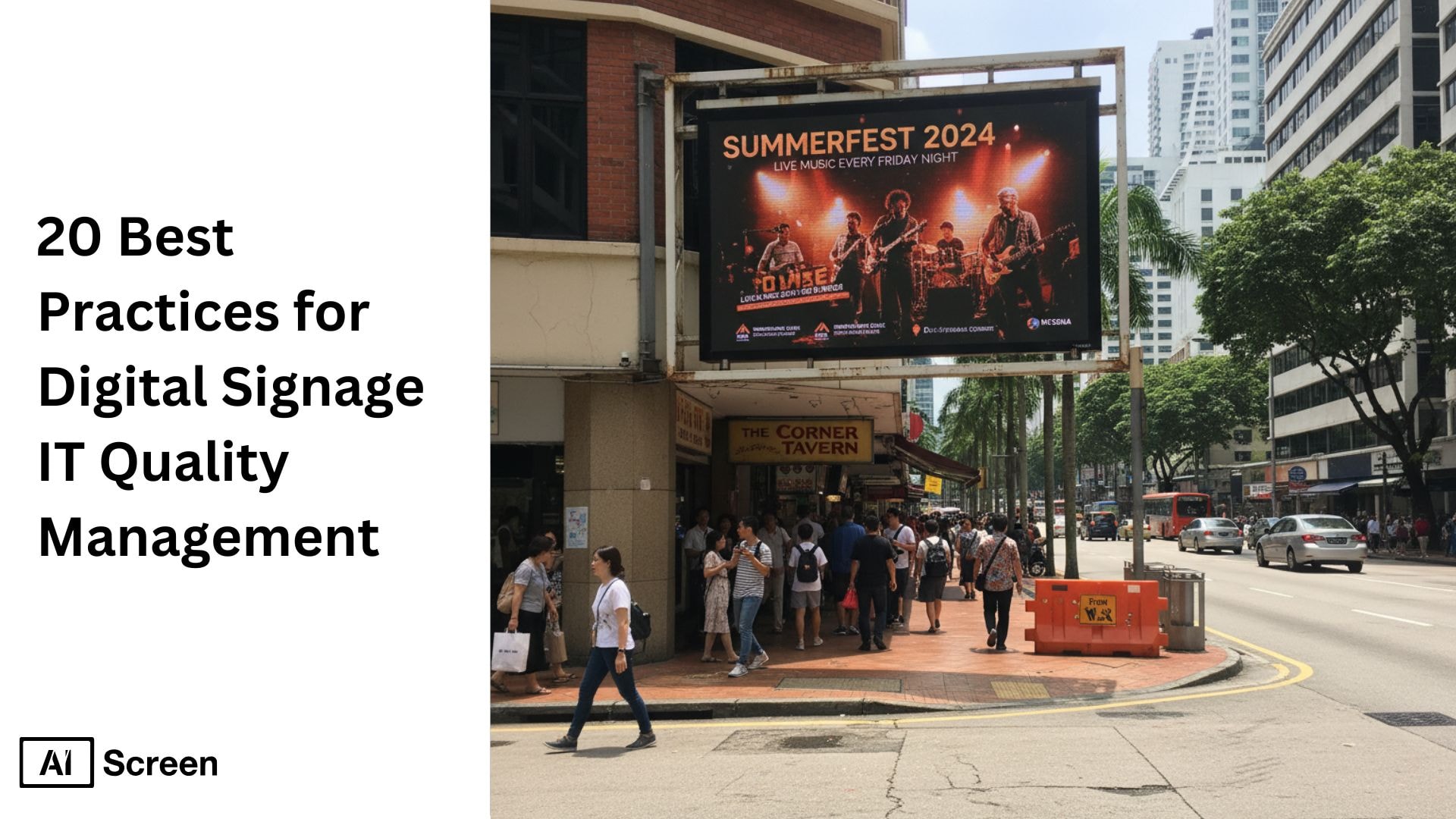
Digital signage IT quality management isn’t just another buzzword, it’s where creativity meets control, especially when paired with high-quality images. You’re no longer just displaying pretty visuals on TV screens; you’re managing data, ensuring uptime, tracking KPIs, and analyzing digital signage ratios, along with digital signage display resolution. to make sure your entire digital signage system runs like clockwork. These screens are your real-time storytellers, helping your IT and operations teams stay aligned, informed, and engaged. According to Statista, the global digital signage market is expected to exceed $30 billion by 2026, driven by enterprise adoption.
In this blog, we’ll break down a few tips, including 20 practical and human-tested digital signage best practices that many digital signage display solutions offer to enhance your strategy to make your digital signage content strategy stronger, smarter, and more effective. You’ll learn how to turn dry dashboards into visual experiences with interactive features that actually boost team performance, simplify workflows, and keep everyone focused on what matters: operational efficiency and quality results.
1. Define Clear Quality Objectives and Goals
You know how everything starts to fall apart when there’s no clear direction? That’s exactly why defining your IT quality objectives upfront matters. Digital signage becomes far more powerful when it’s tied directly to goals like system uptime, SLA compliance, and faster incident resolutions. Think of your screens as a mirror reflecting your key performance metrics. According to TechTarget, digital signage in IT departments helps cut manual reporting efforts by 40% through automation.
Imagine walking into a network room where every digital display shows uptime percentages, open tickets, and security alerts in real time, crisp, readable, and color-coded. That’s what effective digital signage does. By combining your digital signage displays with a focused quality management framework, you create accountability and clarity that everyone can see at a glance.
2. Understand Internal and External Audience Needs
Here’s the thing: not everyone reads data the same way. Your IT team wants real-time alerts and analytics; your leadership wants a summary of KPIs. So, you tailor digital signage content for each group to highlight key messages for your target audience. That’s the trick to connecting with people instead of overwhelming them.
You can use visual hierarchy and smart color coding to help different teams quickly interpret the information that matters most. Whether it’s internal dashboards or external displays for clients, your digital signage content layouts should feel intuitive and relevant, utilizing intuitive interfaces. When people see what’s designed for them, including interactive content engagement naturally follows.
3. Choose the Right Digital Signage Hardware and Software
Picking the right tech isn’t just a checkbox; it’s the foundation of a smooth digital signage setup. Start by selecting reliable digital signage hardware, such as commercial-grade TVs built for long hours, high brightness, and 24/7 performance. These professional displays handle constant use far better than consumer TVs and maintain clear visuals even in bright, high-traffic environments.
AIScreen complements this robust hardware with powerful digital signage software through its all-in-one cloud CMS, simplifying everything from resolution adjustments to instant content updates across multiple locations. With the right combination of durable hardware and centralized software, your screens don’t just stay active they keep your content, messaging, and data seamlessly connected wherever they’re deployed.
4. Create Clear, Actionable, and Relevant Content
Ever seen a screen filled with too much data? It’s like trying to read code during an earthquake. The secret is clarity. Your digital signage content should be concise, labeled properly, and color-coded for instant recognition, avoiding visual clutter often seen in static displays. Green for “all good,” red for “fix it now.” Simple and effective.
When you focus on creating digital signage content that visually guides action, teams respond faster and make better decisions. A well-designed display can turn chaos into calm and help your IT department stay one step ahead instead of two steps behind.
5. Ensure Visibility and Accessibility Across Departments
If only one team can see your data, it’s not really communication; it’s a bottleneck. The digital signage screens work best when everyone has access to the same real-time insights. So, place your displays strategically with appropriate screen placement in IT rooms, NOC centers, and even break areas, ensuring optimal use of multiple screens. where teams gather. According to a Cisco Systems report, teams using live performance dashboards are 32% more likely to meet quality management goals.
And for hybrid setups? Share dashboards via secure links or web-based screens. By extending accessibility, you dissolve information silos and encourage consistent awareness across the organization. After all, visibility is the first step to accountability.
6. Provide Real-Time Data Updates from Integrated Systems
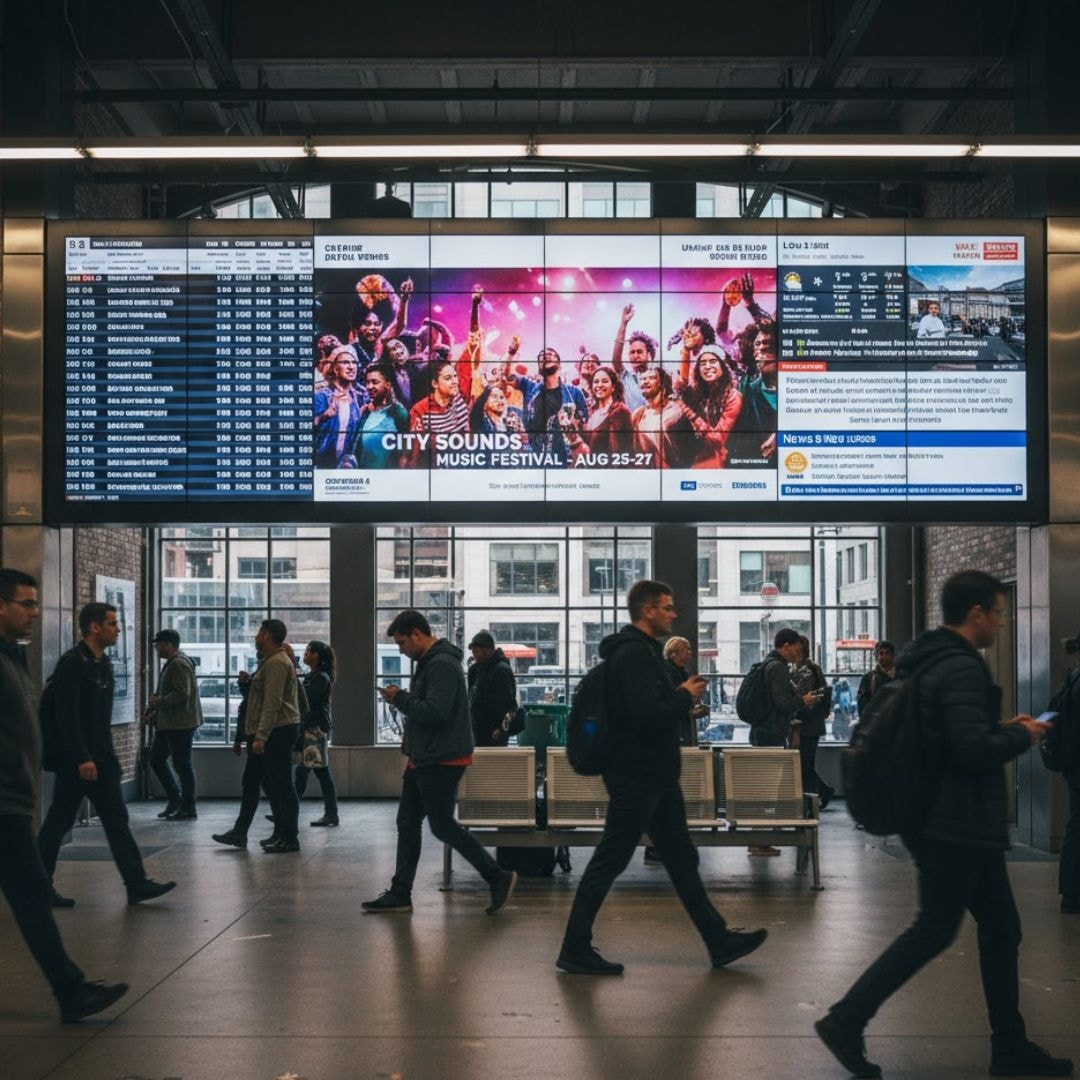
You know that old habit of manually updating dashboards? Time to let it go. The magic happens when your signage incorporates interactive elements and automatically syncs with platforms like Jira or monitoring APIs, simplifying the management of content. That way, your IT dashboards stay fresh without lifting a finger.
When your data refreshes automatically, accuracy becomes your new normal. And your team gets to focus on solving problems, not updating spreadsheets. Automation isn’t just efficient; it’s sanity-saving.
7. Standardize Content Templates and Display Formats
Consistency is underrated. Using standardized digital signage templates keeps your visuals clean, your brand consistent, and your updates faster. You can design layouts for KPIs, service tickets, or maintenance statuses and reuse them across screens.
AIScreen helps you manage templates effortlessly, so even non-designers can maintain professional-quality dashboards. A consistent look means fewer distractions and smoother communication, exactly what every IT quality management system needs.
8. Display Key Performance Indicators (KPIs) Effectively
You’ve probably noticed that not all metrics matter equally. Some numbers deserve the spotlight, uptime, MTTR, and SLA breaches, for instance. Displaying them clearly on your digital signage screens helps teams instantly understand what needs attention.
Use gauges, graphs, and color-coded alerts to visualize performance trends. When your digital signage content strategy revolves around the right KPIs, it drives real-time decision-making that actually improves outcomes.
9. Encourage Visual Management Techniques
Ever walked into a meeting where everyone talks but no one sees the progress? That’s where visual management shines. You can display sprint goals, blockers, news feeds, social media feeds, and progress on digital signs, helping teams stay aligned with Lean or Agile frameworks. According to Microsoft’s workplace trends, transparent visual metrics via digital screens improve employee engagement by 37%.
These visual cues transform team collaboration. Suddenly, everyone’s on the same page, literally. You move from endless discussions to visible progress that boosts morale and results, particularly when you use engaging background images.
10. Highlight Safety, Compliance, and Cybersecurity Protocols
IT quality isn’t just about uptime; it’s also about safety. Use digital signage designs to display event schedules, security reminders, policy updates, or even live alerts for cyber incidents. With visual alert templates, you can remind everyone about phishing or access risks before they happen.
These visual reminders build trust. They reinforce your company culture around security and make sure critical messages never go unnoticed.
11. Integrate Digital Signage with Quality Management Systems (QMS)
Here’s where the real transformation happens, connecting your digital signage system with your QMS software and showing how to integrate digital signage workflow to display audit results, certification progress, or inspection statuses in real time. According to Harvard Business Review, visual communication tools like digital displays increase information retention by up to 65%.
When teams can see their progress toward compliance goals, transparency becomes a habit. And that visibility? It builds confidence and keeps continuous improvement alive in every department, including your sales team.
12. Highlight Quality Cost Savings and Efficiency Initiatives
Want to motivate your team? Show them the results. Use your digital signage content ideas to visualize metrics like cost per ticket, automation ROI, or waste reduction. A dashboard filled with moving progress bars and trend charts can do wonders for morale.
By visualizing efficiency gains, you make improvement measurable and satisfying. It’s not just about numbers; it’s about showing everyone the story behind them.
13. Provide Continuous Training and Tutorials for Staff
You can’t have quality without knowledge. Use your digital signage solutions to display quick training videos, tool tutorials, or refresher tips for IT teams. Learning should feel easy, not like another meeting.
Rotating bite-sized lessons on your digital displays helps everyone stay sharp and aligned. And since it’s visual, retention goes up, meaning fewer mistakes and smoother operations.
14. Celebrate Achievements and Milestones in IT Quality
Let’s be honest, everyone loves recognition. When your digital signs celebrate team achievements, certifications, or milestones, you’re reinforcing a culture of quality. It tells people, “Hey, your work matters.”
That sense of pride translates directly into better performance. So, make sure your digital signage design includes space for team shoutouts, milestones, and printed materials. It’s a simple gesture that has a huge emotional payoff.
15. Solicit Employee Feedback and Suggestions Visually
Want honest feedback? Make it effortless. Use QR codes or on-screen polls to capture real-time employee insights, keeping questions to a maximum of five words. It’s like having a suggestion box that talks back instantly.
Visual feedback loops keep communication alive and authentic. You’re not just broadcasting information, you’re creating a two-way street where everyone feels heard.
16. Schedule Regular Content Rotation and Updates
Static screens are the enemy of attention. You need to schedule weekly updates to keep your displays feeling fresh. With AIScreen playlists, automation does the heavy lifting, ensuring content never goes stale.
Moreover, regular rotation prevents fatigue and keeps your digital signage quality management system alive and dynamic. When people expect something new, they actually look forward to the next update.
17. Facilitate Problem-Solving Sessions and Team Collaboration
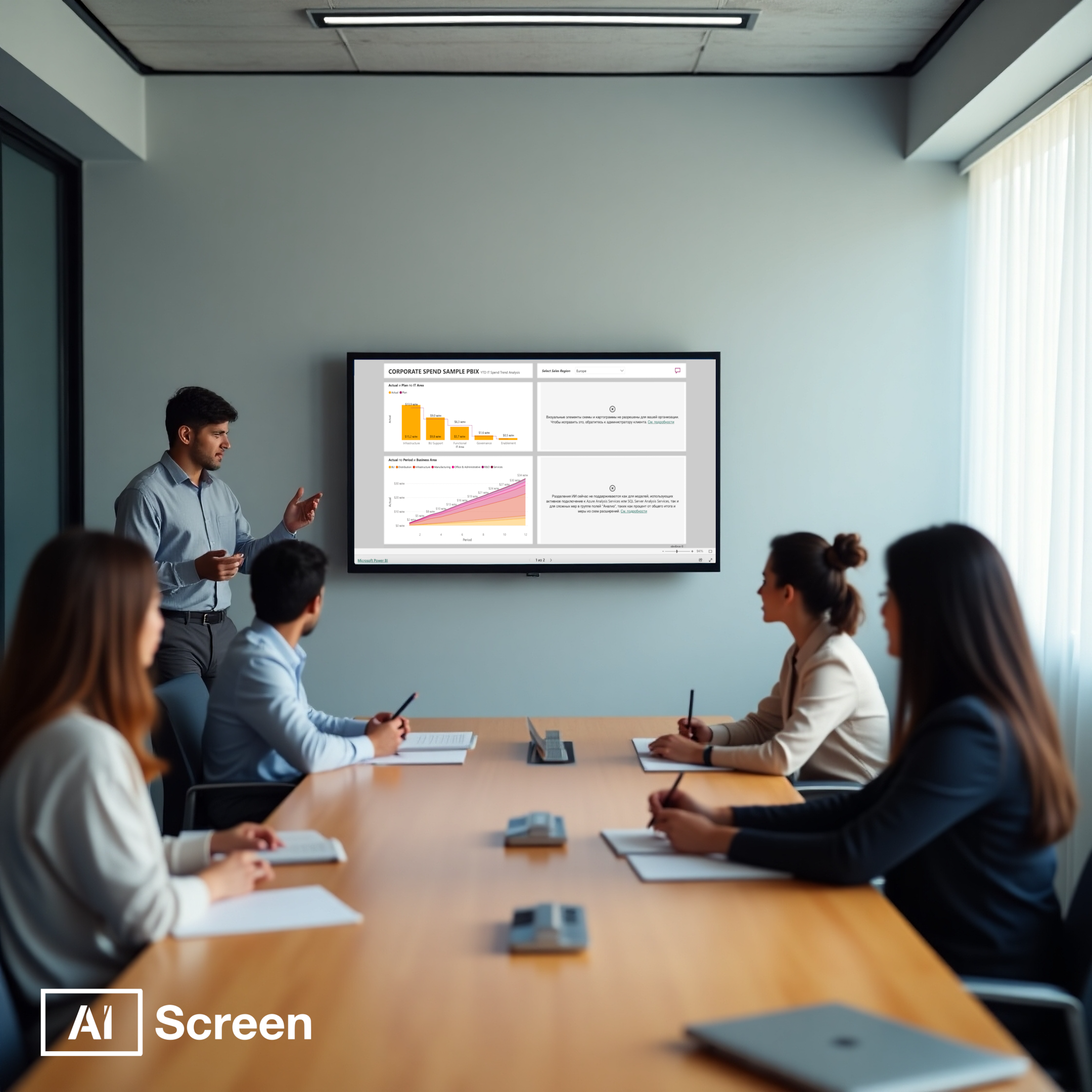
There’s something energizing about solving problems together. Use digital signage in meeting rooms to display incident timelines, root cause analyses, or ongoing investigations. It turns discussions into collaborative visual experiences. According to Forrester Research, organizations integrating digital signage software with Jira or ServiceNow see 30% faster response times to incidents.
Seeing data unfold visually helps teams identify patterns faster and make smarter decisions. When digital signs become part of your meeting toolkit, collaboration stops being a chore and starts feeling productive.
18. Ensure Security, Data Integrity, and Privacy Compliance
Security doesn’t end with firewalls; it extends to your screens. Encrypt your content, use legible fonts, role-based access, and ensure compliance with GDPR or ISO standards. A secure digital signage system keeps sensitive data safe from prying eyes.
When people trust your signage setup, they’re more likely to engage with it. Safety builds confidence, and confidence builds consistency; that’s how IT quality stays solid.
19. Monitor Display Performance and Device Health
Here’s something IT pros love: data about their devices. Use your signage tools to monitor screen uptime, connectivity, and even temperature. If something goes wrong, alerts trigger automatically, saving time and headaches.
This proactive approach keeps your digital signage screens reliable and your team in control. Healthy devices equal smooth communication and fewer 3 AM support calls.
20. Iterate and Continuously Improve IT Quality Displays
You know the saying, what gets measured, gets better. Collect feedback, A/B test visuals, and refine your layouts regularly, ensuring they adhere to standard pixel dimensions. The best digital signage content strategy is one that evolves with your team’s needs.
Continuous improvement keeps your best digital signage IT quality management relevant, engaging, and effective, focusing on key components. The goal isn’t perfection; it’s progress that never stops, focusing on effective digital signage.
How Digital Signage Benefits Quality Management in Manufacturing and IT Operations
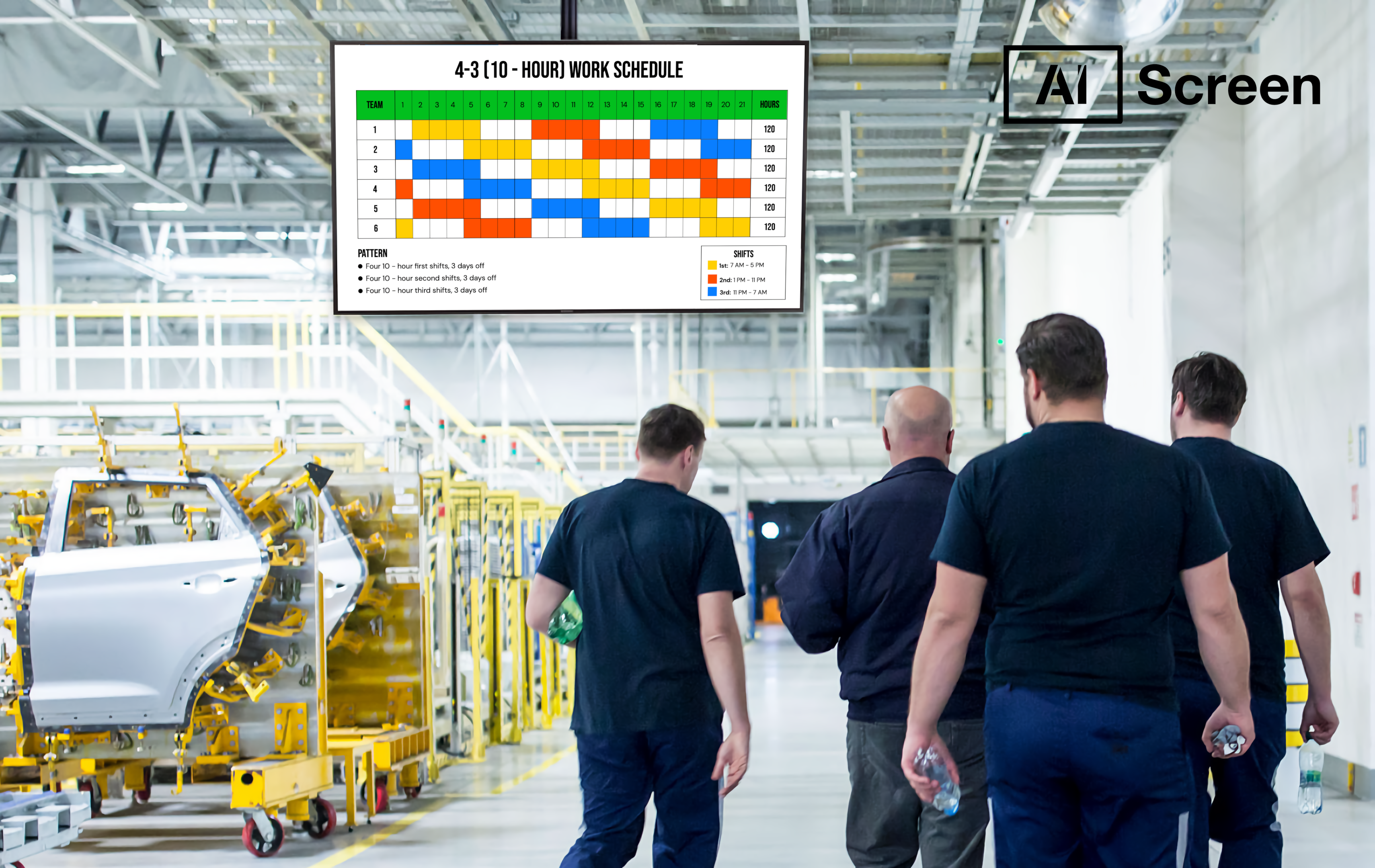
When it comes to maintaining high standards in quality management, both manufacturing and IT operations rely on instant visibility. That’s where digital signage software steps in, integrating with existing systems and turning raw data into live, visual insights that everyone can understand at a glance.
Imagine walking across a factory floor where screens show production KPIs, real-time defect dashboards, and alerts on machine performance. Or picture an IT control center where large digital screens highlight uptime metrics, system health, and network status, all updated live. According to a Deloitte study, 73% of IT teams say visual dashboards reduce meeting times and improve collaboration.
By utilizing digital signage solutions, teams across departments can act more quickly, reduce communication delays, and maintain transparency in achieving quality goals. These digital displays also make performance tracking more engaging by presenting quality metrics in a clean, visual format rather than cluttered reports. Whether it’s identifying bottlenecks on the shop floor or monitoring server reliability, digital signage content ensures your team sees what matters most, in real time.
Transform IT Quality Management with AIScreen Digital Signage!
Do you want to simplify how your IT team tracks and manages quality? With AIScreen digital signage, you can turn complex data into crystal-clear, real-time visuals that keep everyone aligned. Imagine your IT dashboards, Jira metrics, and QMS reports displayed seamlessly across digital screens with optimal screen resolution, no spreadsheets, no delays, just instant visibility. According to Gartner, companies using digital signage for real-time IT updates improve operational visibility by up to 45%.
With AIScreen, you can display live metrics from Jira and QMS tools, automate content updates without manual effort, and keep your IT and operations teams on the same page. It’s not just about showing data; it’s about empowering decisions. Start your 14-day free trial and see how AIScreen transforms your IT quality management into a smarter, faster, and more collaborative experience.


FAQs
How does digital signage help in IT quality management?
Digital signage can help in IT quality management by turning complex digital content data into easy-to-read visual dashboards while ensuring that the image file size is optimized. It keeps teams updated on service uptime, system health, and performance metrics in real time. This reduces communication gaps and ensures faster decision-making and effective communication. With continuous visibility, it teams can maintain high-quality standards and respond to issues instantly.
Can digital signage integrate with IT tools like Jira or ServiceNow?
Yes, digital signage can be integrated with IT tools like Jira or ServiceNow to display live project updates, incident reports, and ticket status. This real-time integration helps the marketing team and other teams stay informed without needing to open multiple dashboards. It ensures that quality metrics are always up to date and visible across departments. As a result, operations become more transparent and efficient.
What type of content should IT teams display on digital signage?
The type of content that IT teams should display on digital signage includes live dashboards, system uptime reports, key performance indicators (KPIs), and project progress updates. Teams can also show alerts, success milestones, and key safety protocols. This mix of data-driven and motivational content keeps the workplace informed and engaged. The goal is to ensure clarity, visibility, and motivation across all IT operations.
Is digital signage secure for displaying IT data?
Yes, digital signage is secure for displaying IT data when using encrypted connections and role-based access controls. Most enterprise-grade platforms ensure that sensitive information is only visible to authorized users. Cloud-based digital signage systems also support secure APIs for integrations. With proper setup, teams can share insights without compromising data security.
How can digital signage improve team performance and engagement?
Digital signage can improve team performance and engagement by promoting transparency and recognition. When teams see real-time performance data that provides valuable insights, it encourages accountability and motivation. Interactive dashboards also create a sense of collaboration and shared goals. By keeping everyone informed and appreciated, digital signage helps build a stronger, more connected IT culture, even for those with limited design skills.
