
6 Best Digital Signage Software Companies for Calendar Walls
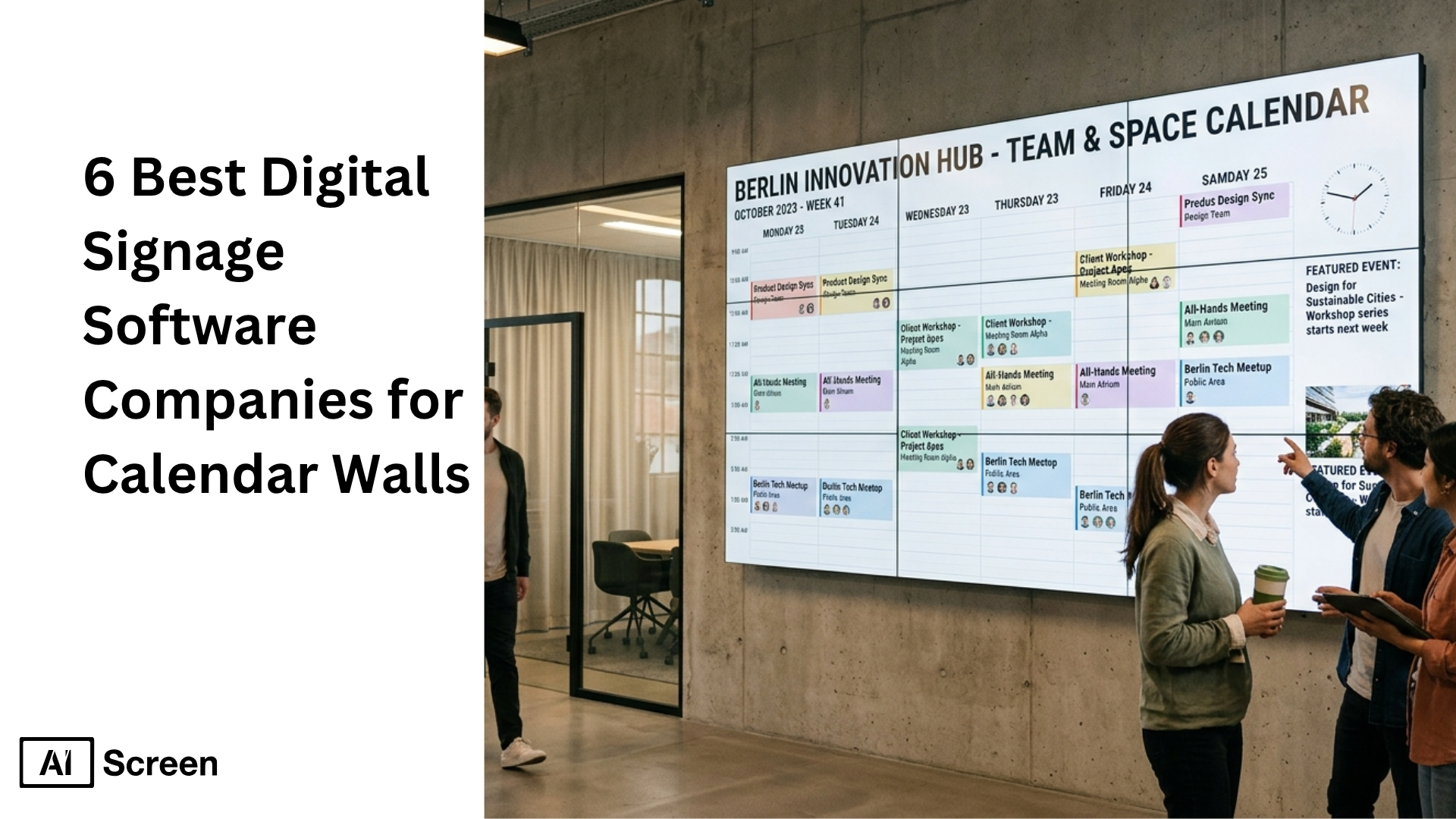
Best digital signage software companies for Calendar Walls are getting more attention as businesses look for better ways to manage schedules, meeting room displays, announcements, and shared planning across offices. That shift makes sense because Grand View Research says the U.S. digital signage market reached $7.44 billion in 2025 and is projected to grow to $12.97 billion by 2033, while the global commercial display market was valued at $53.65 billion in 2024, showing how strongly businesses are investing in screen-based communication.
In this article, you will learn which digital signage software companies are best for calendar walls, what features matter most, and how each platform compares for software, templates, pricing, apps, and ease of use. You will also see which option is better for small businesses, which works well for multiple locations, and which platform gives you the most value for workplace communication and daily scheduling.
Which Are the Best Digital Signage Software Companies for Calendar Walls?
The best digital signage software companies for calendar walls help businesses show google calendar events, announcements, and corporate communications across a single screen or multiple screens. The right platform can also support a new employee announcement by making workplace updates more visible in offices, meeting rooms, and shared spaces.
Grand View Research says the digital signage market was valued at $31.71 billion in 2025 and is expected to keep expanding, which explains why more businesses want cost-effective, enterprise-ready signage software for announcements, meeting rooms, seamless screen sharing, instant emergency notifications, and engaging calendar wall displays.
1. AIScreen
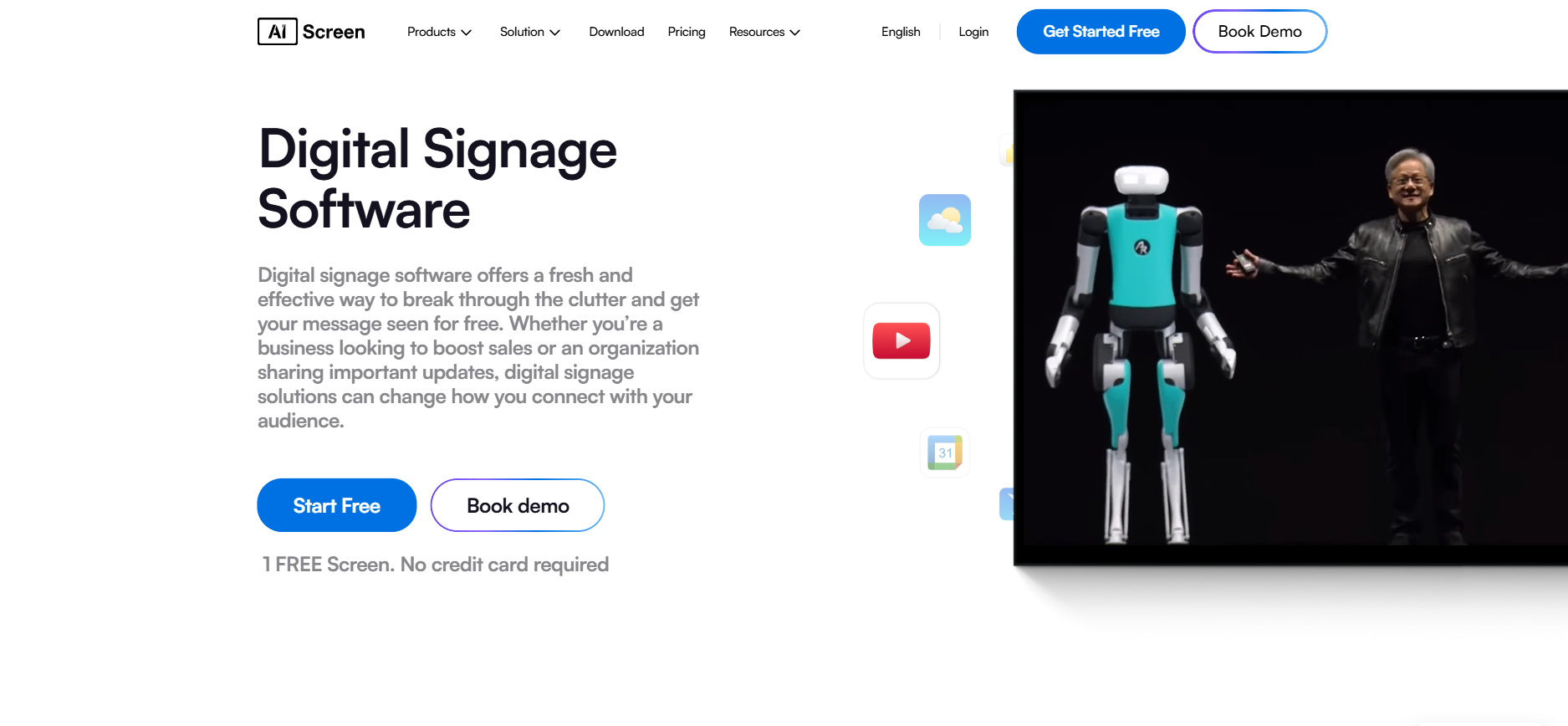
AIScreen is one of the best digital signage software companies for calendar walls because it gives businesses one cloud based platform to manage google calendar views, announcements, meeting rooms, and corporate communications from a single dashboard.
It works well for small businesses that want a simple setup, but it also supports enterprise teams that need remote management, user permissions, multiple locations, and enterprise grade security.
For calendar walls, AIScreen is useful because teams can combine schedules, dynamic content, image content, and announcements on one screen or across multiple screens without a complicated workflow.
Software Overview
AIScreen software is built as an all in one platform for digital signage content creation, content management, scheduling, publishing, and screen control. That means users can manage content, schedule content, and update displays remotely from one content management system instead of handling each device separately.
It supports digital signage across offices, retail stores, meeting rooms, manufacturing sites, and other business environments, which makes it a flexible digital signage solution for both internal communication and customer experience screens. AIScreen software also stands out because it is designed to reduce the need for technical expertise. Businesses can use the platform to create announcements, screen sharing layouts, playlists, emergency alerts, and app-based displays through one intuitive platform.
For companies running calendar walls across multiple locations, that makes day-to-day management much easier.
Templates
- 1500+ ready made templates and layouts
- Useful for calendar walls, meeting rooms, announcements, office screens, and emergency alerts
- Helps users create digital signage content faster with customizable templates
Pricing
- Free plan available
- Paid plans start at about $10 per screen per month on yearly billing
- Yearly billing can save up to 25%
- Flexible for single screen use or growth across multiple screens and multiple locations
Features
- Automated scheduling and playlist management
- Remote management for screens, users, and devices
- User permissions and enterprise controls
- Powerful emergency alerts and announcement tools
- Dynamic content support with screen sharing and content management tools
Apps
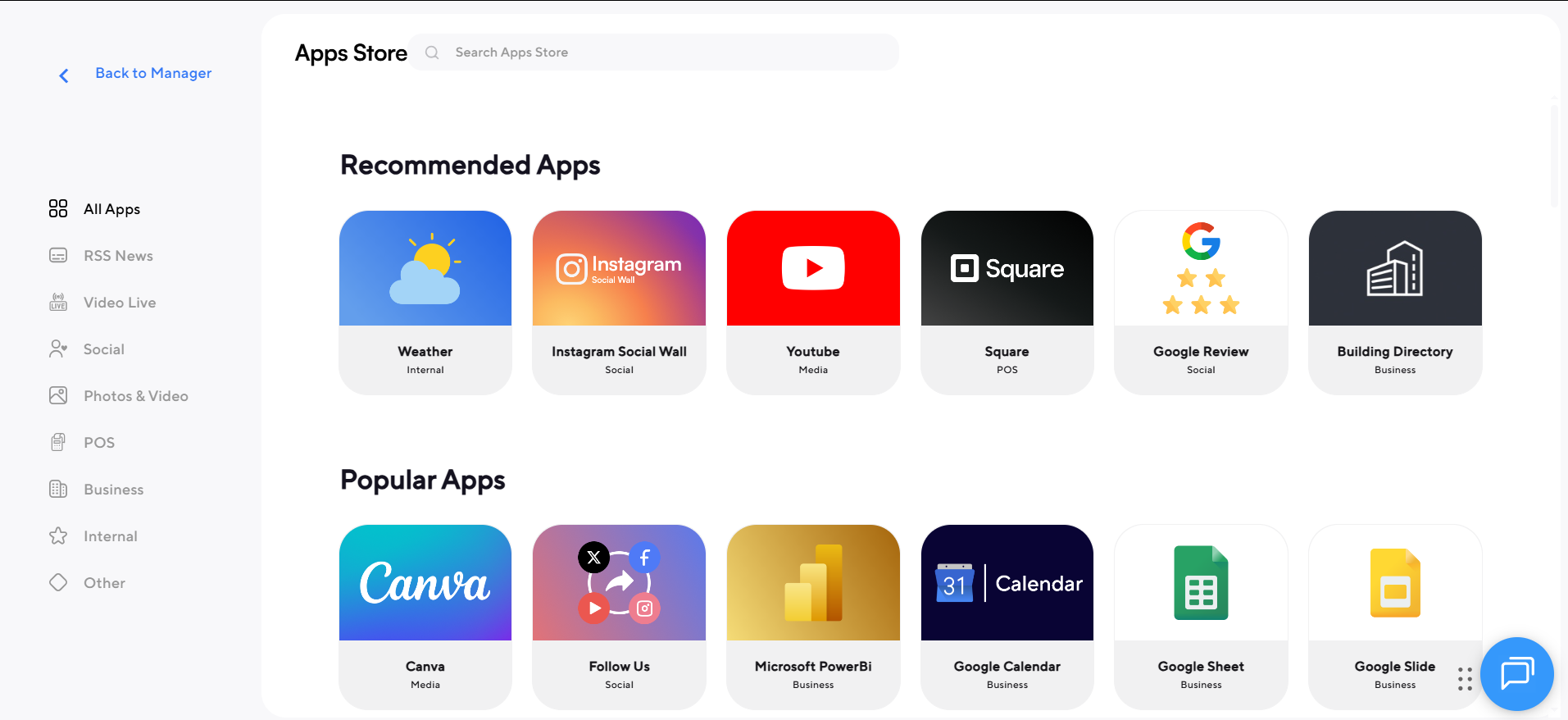
- 100+ apps and integrations
- Supports Google Calendar, dashboards, media, announcements, and analytics workflows
- Helps businesses share content and manage content from one platform
- Strong for corporate communications, employee updates, and meeting room screens
2. Xibo
Xibo is a flexible signage software platform that works well for businesses that want control over software, hardware, and hosting. It supports self-hosted and cloud options, which makes it useful for users who want to manage content their own way across multiple screens.
- Best for: businesses that want flexibility and own hardware support
- Features: content management, scheduling, team management, dynamic layouts, monitoring
- Devices: Android, Windows, webOS, Tizen, ChromeOS
- Strength: open-source CMS with scalable setup
- Fit: good for single screen or multi-site networks
3. SpinetiX
SpinetiX is a premium based digital signage software option designed for businesses that want a secure and complete all in one platform. It combines content creation, player control, and cloud management for professional digital signage deployments.
- Best for: enterprise, government, hospitality, education, and corporate use
- Features: enterprise grade security, player management, cloud CMS, advanced tools
- Strength: strong reliability and plug-and-play setup
- Tools: content authoring software and data-driven automation
- Fit: ideal for polished, large-scale communication projects
4. Korbyt
Korbyt is built for enterprise communication and workplace experience, so it suits businesses that want calendar walls as part of a wider communication platform. It connects digital signage, workspace tools, and employee messaging in one system.
- Best for: large enterprises with 1,000+ employees
- Features: data-driven communication, AI tools, content automation, enterprise support
- Strength: useful for corporate communications and employee engagement
- Fit: good for banking, manufacturing, education, and office environments
- Consideration: more enterprise-focused than cost effective for small businesses
5. NoviSign
NoviSign is known for user friendly design and simple setup. It is a good digital signage software choice for teams that want to create dynamic content quickly without needing much technical expertise.
- Best for: businesses that want easy setup and flexible design
- Features: drag-and-drop editor, remote updates, analytics, user permissions
- Templates: 400+ customizable templates
- Strength: good for interactive kiosks, announcements, and calendar walls
- Fit: useful for healthcare, hospitality, education, and internal communications
6. ScreenCloud
ScreenCloud is a popular digital signage platform for businesses that want easy screen sharing and app-based content updates. It works well for calendar walls because users can pull content from tools like Google Slides, Canva, Teams, and SharePoint.
- Best for: businesses that want easy integrations and scalable management
- Features: cloud based content scheduling, remote device management, enterprise grade security
- Apps: 80+ ready-to-use apps
- Strength: simple content sharing across displays and multiple locations
- Fit: strong for offices, factories, stores, and enterprise communication


What Tips Help You Get More Value From Digital Wall Calendar Software?
Tips help you get more value from digital wall calendar software when the platform becomes part of your daily routine instead of just another screen on the wall. A TV calendar display works best when it is easy to check, simple to update, and placed where employees or team members naturally see it throughout the day.
Asana also reports that 60% of work time is spent on “work about work,” while Microsoft says 57% of meetings are ad hoc without a calendar invite, which is a strong reminder that better calendar visibility can reduce confusion and improve planning.
1. Use It Every Day
Using it every day is the first step to getting real value from digital wall calendar software. The best calendar is not the most advanced one. It is the one your family or team actually checks, updates, and follows.
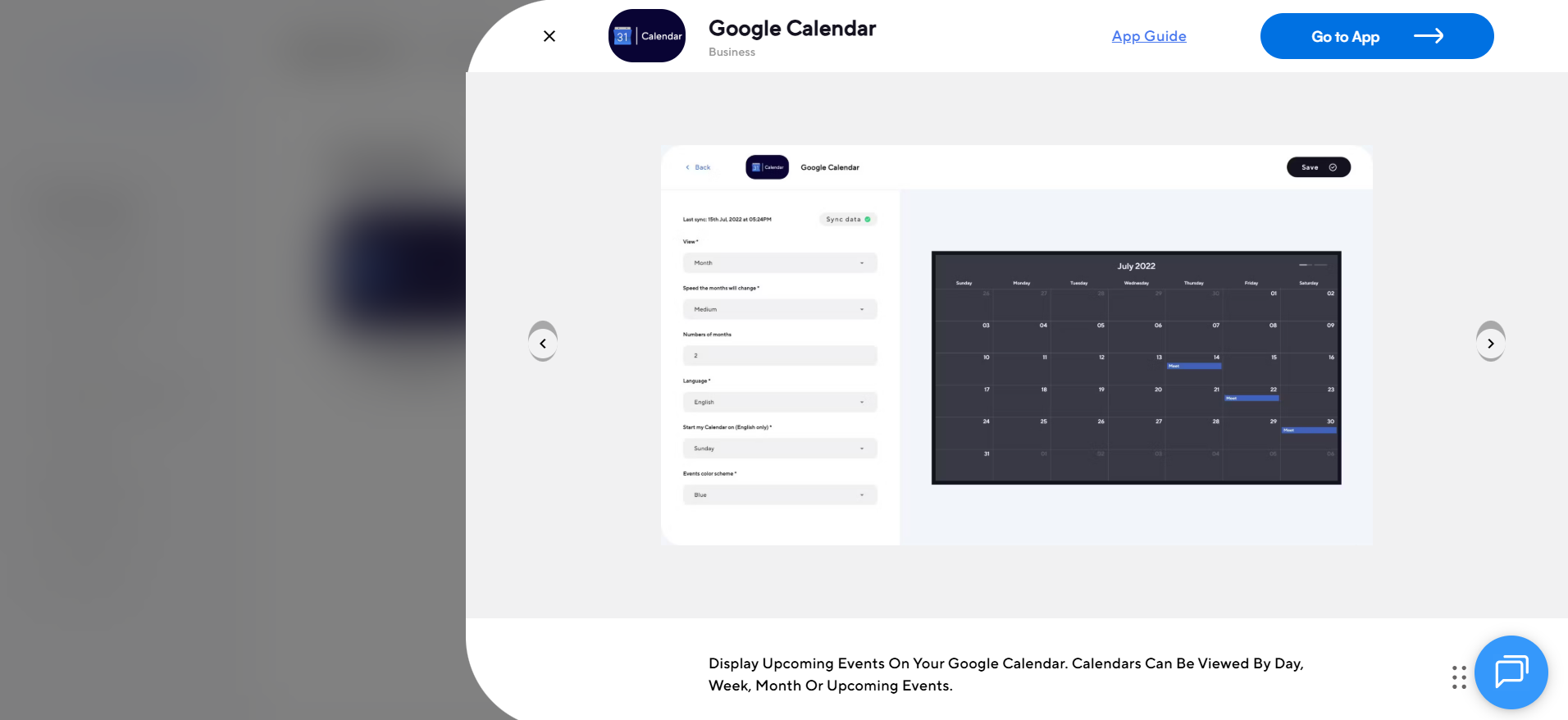
2. Sync It With Google Calendar
Sync it with Google Calendar so work events, personal plans, and shared reminders stay connected in one place. This helps reduce duplicate planning and makes the calendar more useful throughout the day.
3. Add More Than One Calendar
Add more than one calendar so different users, family members, or departments can see their own schedules while still sharing one central view. This makes coordination easier and gives everyone more ownership.
4. Keep It Easy To See
Keep it easy to see by placing the screen in a space people naturally pass every day. A digital wall calendar delivers more value when visibility becomes part of the habit, not an afterthought.
5. Make Mobile Access Part Of The Setup
Make mobile access part of the setup so users can check updates even when they are away from the main screen. That keeps the calendar useful beyond the wall display and helps people stay aligned on the go.
6. Add More Detail To Events
Add more detail to events by including location, reminders, travel notes, or short instructions. Small details make a big difference because they turn a simple date entry into a practical planning tool.
7. Use More Than Just The Calendar View
Use more than just the calendar view by adding routines, to-dos, reminders, or planning tools that support everyday organization. This makes the software feel less passive and more helpful.
8. Track Everyday Life, Not Just Big Events
Track everyday life, not just big events, so the calendar helps with recurring tasks, school activities, appointments, birthdays, and weekly planning. That is where digital wall calendar software often becomes most valuable.
9. Make The Display Pleasant To Check
Make the display pleasant to check because people are more likely to use a screen that feels clear, welcoming, and easy to read. A clean layout, simple colors, and organized information can make the calendar part of the routine instead of background clutter.
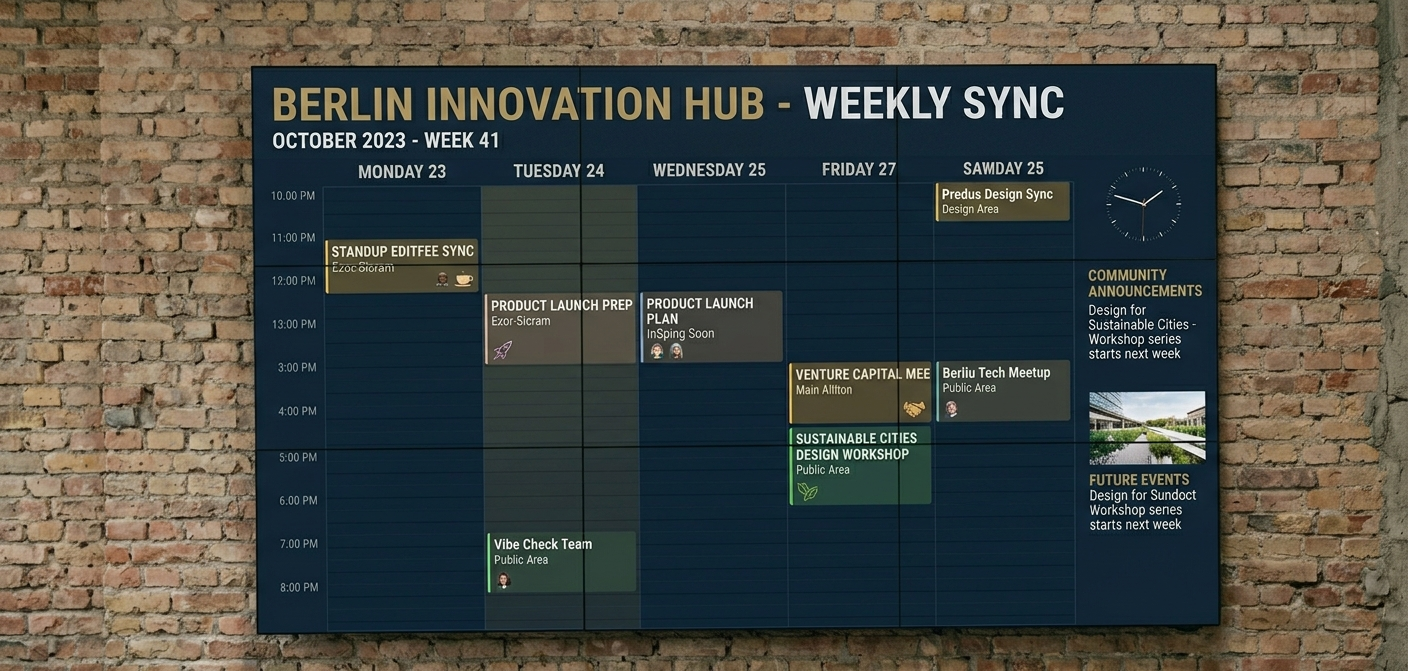
Why Do Businesses Use AIScreen for Digital Wall Calendar?
Businesses use AIScreen for digital wall calendar because it makes scheduling, announcements, and shared planning easier to manage on one screen or across multiple locations. Businesses choose it when they want a simple platform that supports Google Calendar, automated scheduling, customizable templates, remote management, and clear content that teams can actually use everuser-friendlyy day.
AIScreen stands out as a leading provider because it combines digital signage software, content management, apps, and user friendly design in one place. For businesses that want a practical digital wall calendar solution without extra complexity, AIScreen gives them the tools to stay organized, keep employees informed, and manage screens more efficiently. Contact us.
FAQs
Can Digital Wall Calendar Software Work Across Multiple Office Locations?
Yes, digital wall calendar software can work across multiple office locations when the platform includes cloud based access, remote management, and centralized content management. This helps businesses keep schedules, meeting room updates, and announcements consistent on multiple screens without updating each screen manually.
What Features Matter Most In Digital Wall Calendar Software?
Features matter most in digital wall calendar software when businesses need more than a simple calendar view. The most useful features usually include Google Calendar integration, automated scheduling, user permissions, customizable templates, emergency alerts, and an intuitive platform that makes content easy to manage.
How Does Digital Wall Calendar Software Improve Workplace Communication?
Digital wall calendar software improves workplace communication by making schedules, announcements, meeting plans, and shared updates more visible throughout the day. It gives employees one clear place to check important information, which can reduce missed updates and improve coordination.
Is Digital Wall Calendar Software Hard To Set Up?
No, digital wall calendar software is not hard to set up when the platform supports compatible devices, simple pairing, and a user friendly design. Most businesses get more value when the software works with their existing hardware and does not require heavy technical expertise.
Can Digital Wall Calendar Software Display More Than Calendar Events?
Digital wall calendar software can display more than calendar events because many platforms also support announcements, images, dashboards, reminders, and dynamic content. That makes the screen more useful for daily planning, internal communication, and employee engagement.
