
6 Best Digital Menu Board Software Companies for Coffee Shops
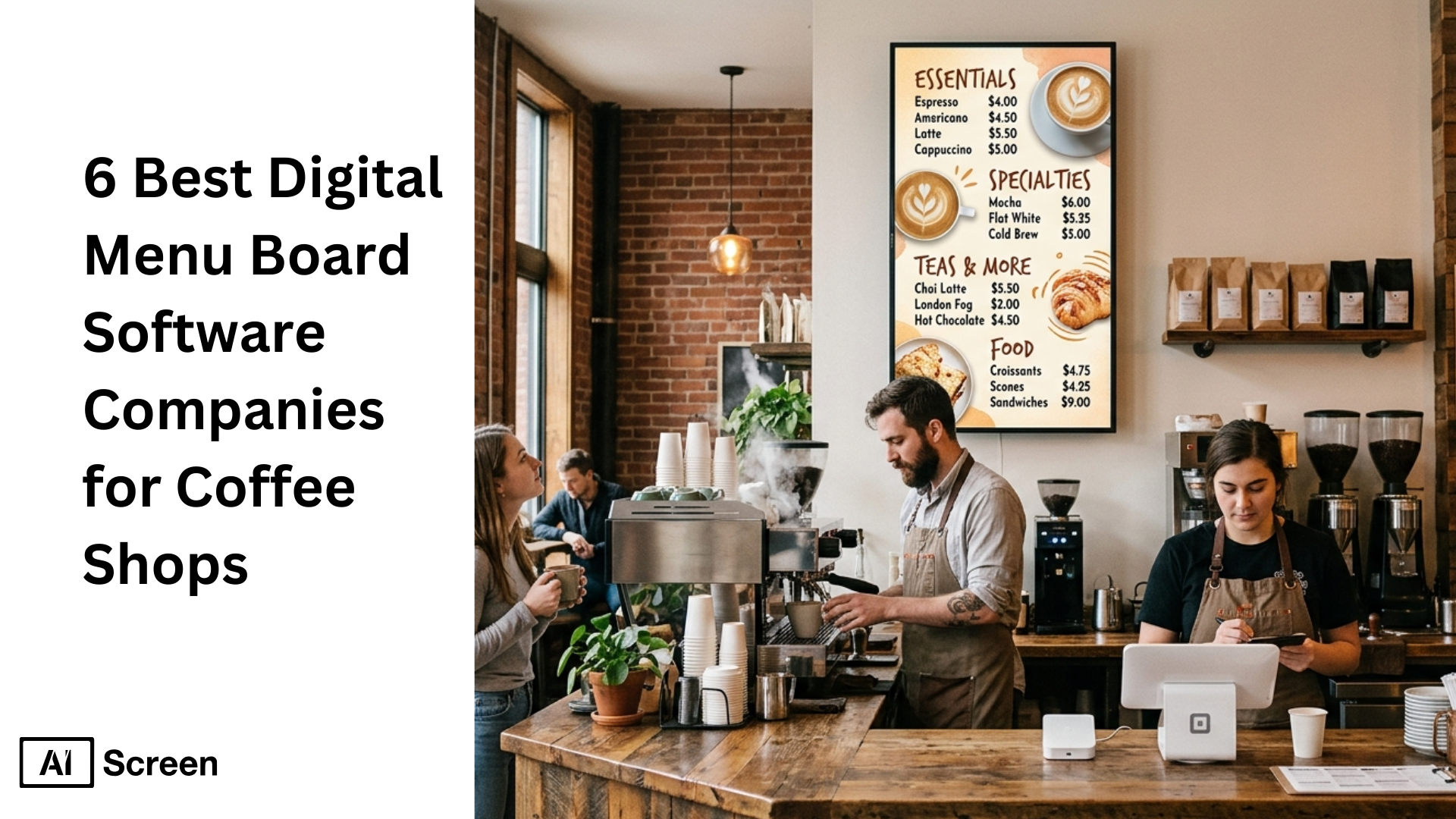
6 best digital menu board software companies for coffee shops are helping businesses move from printed menus to smart digital menu boards that improve customer experience, simplify menu updates, and increase sales across multiple locations. Today, digital signage software is not just about displaying menus, it’s about influencing customer decisions in real time. According to Digital Signage Today, digital displays can increase overall sales by up to 31.8% and drive higher repeat purchases, making them a powerful tool for modern coffee shops.
In this article, you will learn about the best digital menu board software companies for coffee shops, their key features, pricing, and how they help manage digital menu boards efficiently. You will also understand how to choose the best software, integrate POS systems, update menus in real time, and use digital signage to improve customer engagement and increase sales. If you run a café, see AIScreen’s coffee shop digital menu boards to get started quickly.
What Exactly Is Coffee Shop Digital Menu Board Software?
Coffee shop digital menu board software is a cloud-based digital signage solution that lets coffee shops display menus, update pricing in real time, and manage multiple screens from one dashboard. Digital screens draw 84% more attention than static boards.
With an intuitive interface and customizable templates, this menu board software makes it easy to update pricing, promote seasonal items and deals, and sync with POS systems like Square for automatic updates and better order accuracy. Weather APIs can be used to promote specific drinks based on weather conditions.
For coffee shops and food trucks with multiple locations, digital menu board software enables remote updates, consistent menus across screens, and helps save time, improve customer experience, and increase sales. Engaging content like trivia can keep customers entertained while they queue, making wait times feel shorter.
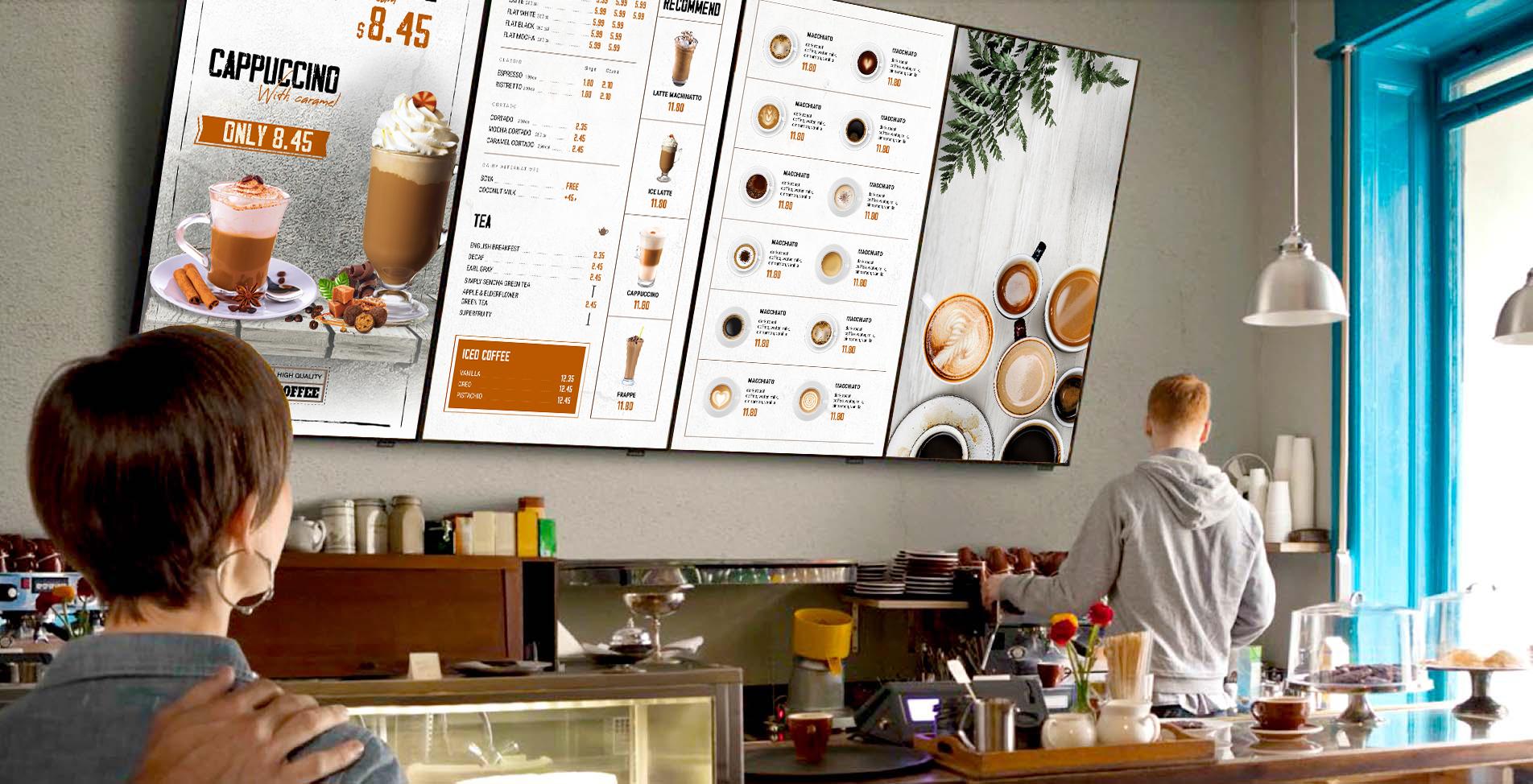
Which Key Factors Matter Most in Digital Menu Board Software for Coffee Shops?
Key factors matter most in digital menu board software for coffee shops when choosing a platform that simplifies menu updates, supports multiple locations, and improves customer experience across digital displays.
- Ease of use: Ease of use is critical for coffee shops where staff need to update menus quickly during peak hours. A platform with an intuitive interface allows users to manage menu items, update pricing, and handle menu updates without technical skills. This reduces reliance on manual updates and helps save time during busy breakfast, lunch, or dinner menus.
- Customizability: Customizability ensures your digital menu reflects your brand, with high-quality templates and visuals that help you make a digital menu card using images and videos to capture customer attention and highlight high margin items or limited time offers effectively.
- Cost and pricing structure: Cost matters when scaling across multiple screens or locations. Different menu board software platforms offer varied pricing models, so businesses should evaluate what’s included, such as support, features, and integrations. Investing in a complete solution can reduce long-term costs by eliminating printed menus and constant reprints.
- Features and functionality: Features like real time updates, scheduling, remote content updates, and POS integration are essential. Cloud-based management enables real-time capability to change menus across all branches of a restaurant. According to Market.us, 83% of businesses report improved customer engagement after adopting digital signage, showing how feature-rich platforms directly impact sales and performance.
- Compatibility and integration: Compatibility ensures the software works with your existing hardware like Smart TVs, tablets, or streaming devices. Strong integration with POS systems like Square enables automatic syncing of menu items, pricing, and availability, improving order accuracy and reducing errors.
Choosing the best digital menu board software means finding a balance between features, ease of use, and flexibility so your coffee shop can update menus, monitor screens, and deliver a seamless digital menu experience.


Which Are The Best Digital Menu Board Software Companies For Coffee Shops?
Best digital menu board software companies for coffee shops are helping businesses replace printed menus with dynamic digital menu boards that improve customer experience, increase sales, and simplify menu updates across multiple locations.
The right software allows coffee shops to manage digital displays, update menus in real time, and highlight menu items like breakfast, lunch, and dinner menus with ease.
According to Statista, 86% of restaurants report increased sales after adopting digital signage, showing how powerful digital menu boards are for driving customer engagement and improving order accuracy.
AIScreen
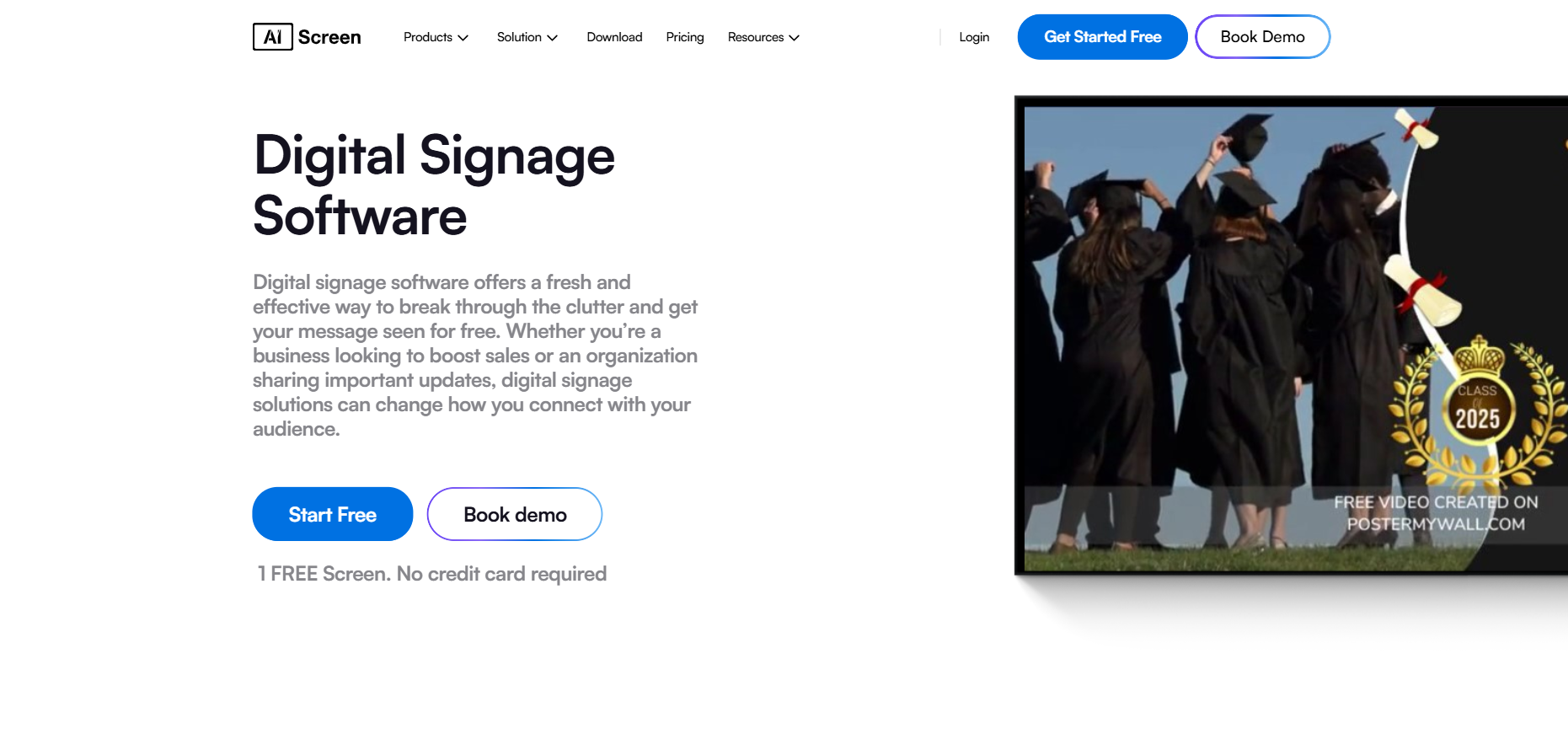
AIScreen is the best and complete solution digital signage software designed for coffee shops, restaurants, and multi-location businesses that want to manage digital menu boards from one dashboard.
It simplifies the entire process of creating, updating, and displaying menus across multiple screens while improving customer engagement and operational efficiency.
Features
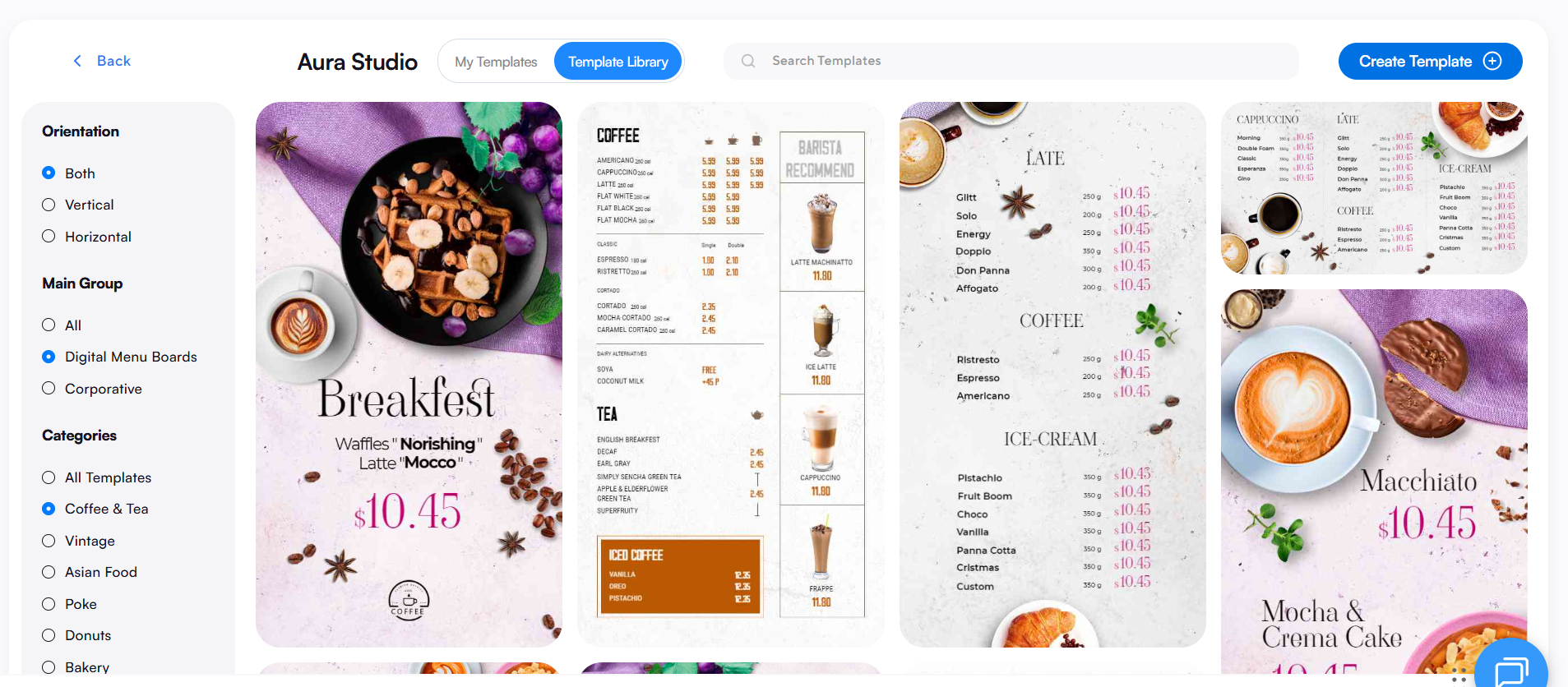
- AIScreen offers a library of over 1,500 templates specifically for cafes and QSRs with AI-driven upsells.
- Real time updates and remote content updates across multiple locations
- POS integration with systems like Square for automatic menu updates and pricing sync
- Intuitive interface to manage menu items, layout, and screens easily
- Support for QR code menus, Google reviews, and interactive digital menu boards
- Scheduling feature allow digital menu boards to display different menus at different times of the day automatically.
Best For
- Coffee shops and restaurants with multiple locations
- Businesses looking for an industry leader platform with strong support and scalability
Pricing
- Flexible pricing based on screens, features, and business size
Templates
- Fully customizable 1500+ templates with design tools in digital menu board software allow users to create layouts that match their restaurant’s style and branding.
Nento
Nento is a modern digital menu board software focused on simplicity and mobile-first control, making it ideal for coffee shops that want to manage digital menu boards directly from mobile devices.
Key Highlights
- Mobile-first interface for easy menu updates from smartphones
- QR-code digital menus allow customers to access the menu on their mobile devices by scanning a code displayed in the café.
- Dynamic content support including images, videos, and animations
- Real time updates for daily specials and limited time offers
Pros
- Easy mobile management during peak hours
- Improves customer experience with QR code access
- Supports POS integration for menu item availability
Cons
- Limited customization for complex business needs
- Focused mainly on food and beverage businesses
NoviSign
NoviSign is a cloud-based digital signage software widely used for digital menu boards due to its flexibility, ease of use, and customizable templates.
Key Highlights
- Drag-and-drop editor with 150+ customizable templates
- Dynamic dayparting allows automatic switching between breakfast and afternoon menus at pre-set times.
- Remote management for multiple screens and locations
- Supports images, videos, and animations
Pros
- Easy to use for beginners and advanced users
- Strong template variety for menu boards
- Offline playback ensures menus stay visible
Cons
- Limited integrations compared to other platforms
Raydiant
Raydiant is a premium digital signage platform focused on creating engaging customer experiences through interactive digital menu boards and dynamic content.
Key Highlights
- Drag-and-drop design tools with customizable templates
- POS integration for automatic menu updates
- Remote content updates across multiple screens
- Supports promotions, coupons, and rotating images
Pros
- Strong focus on customer engagement and visual appeal
- High-quality multimedia support
- Improves order accuracy with POS integration
Cons
- Higher pricing compared to competitors
- Limited free trial options
OptiSigns
OptiSigns is a flexible and affordable digital signage software designed for businesses that need strong scheduling and customization features.
Key Highlights
- Supports videos, images, and social media feeds
- Advanced scheduling for different menus throughout the day
- Manage multiple screens from one dashboard
- Integration with Canva for content creation
Pros
- Affordable pricing with strong feature set
- Flexible scheduling and content control
- Suitable for multi-location businesses
Cons
- Fewer pre-built templates compared to competitors
Yodeck
Yodeck is a cost-effective digital menu board software ideal for small businesses and startups entering the digital signage space.
Key Highlights
- Free plan available for one screen
- Remote content updates and scheduling features
- Compatible with Raspberry Pi and other devices
- Easy setup and simple interface
Pros
- Very affordable and beginner-friendly
- Easy to install and manage
- Supports multiple screens and locations
Cons
- Limited advanced features in lower plans
- Basic customization compared to premium platforms
What Is The Best Way To Choose Digital Menu Board Software For Coffee Shops?
Best way to choose digital menu board software for coffee shops is to focus on how well the platform fits your business needs, supports digital menu boards across multiple locations, and improves your customer experience without adding complexity.
The right digital signage software should help you manage menus, screens, and updates from one dashboard while keeping the entire process simple and scalable.
- Evaluate your content needs: Evaluate your content needs by understanding how you want to display menus, menu items, and promotions. If your coffee shop relies on rotating images, videos, or interactive digital menu boards, choose a platform that supports dynamic content and high-quality digital displays. Many businesses now use digital boards to highlight seasonal items, happy hour deals, and limited time offers to increase sales and capture customer attention.
- Check compatibility with hardware and systems: Check compatibility to ensure the software works with your existing screens, Smart TVs, or streaming devices. Hardware flexible platforms can work with standard Smart TVs or affordable devices without requiring proprietary equipment, making setup easier. Also, ensure strong POS integration with systems like Square so menu updates, pricing, and menu item availability sync automatically without manual updates.
- Factor in scalability for multiple locations: Factor in scalability if you plan to grow your business, as cloud-based digital signage software enables real time updates across multiple screens and locations, helping you manage multiple restaurant locations while updating menus instantly from one dashboard for breakfast, lunch, and dinner menus.
- Review features and ease of use: Review features like scheduling, customizable templates, real time updates, and remote content updates, as an intuitive platform makes it easy to update menus during peak hours, manage screens, and automatically hide out-of-stock items through POS integration for better order accuracy.
- Consider customer support and reliability: Consider customer support and service quality, especially if your team is not highly technical. A strong support team ensures quick issue resolution and smooth operations, helping your business avoid downtime and maintain consistent digital menu performance.
- Think about long-term efficiency and cost: Think about how the software helps save time and reduce costs. Digital menu boards eliminate the need for printed menus and constant reprints. According to industry research (MarketsandMarkets), digital signage improves operational efficiency by enabling quick menu updates and reducing manual processes, making it a smart long-term investment.
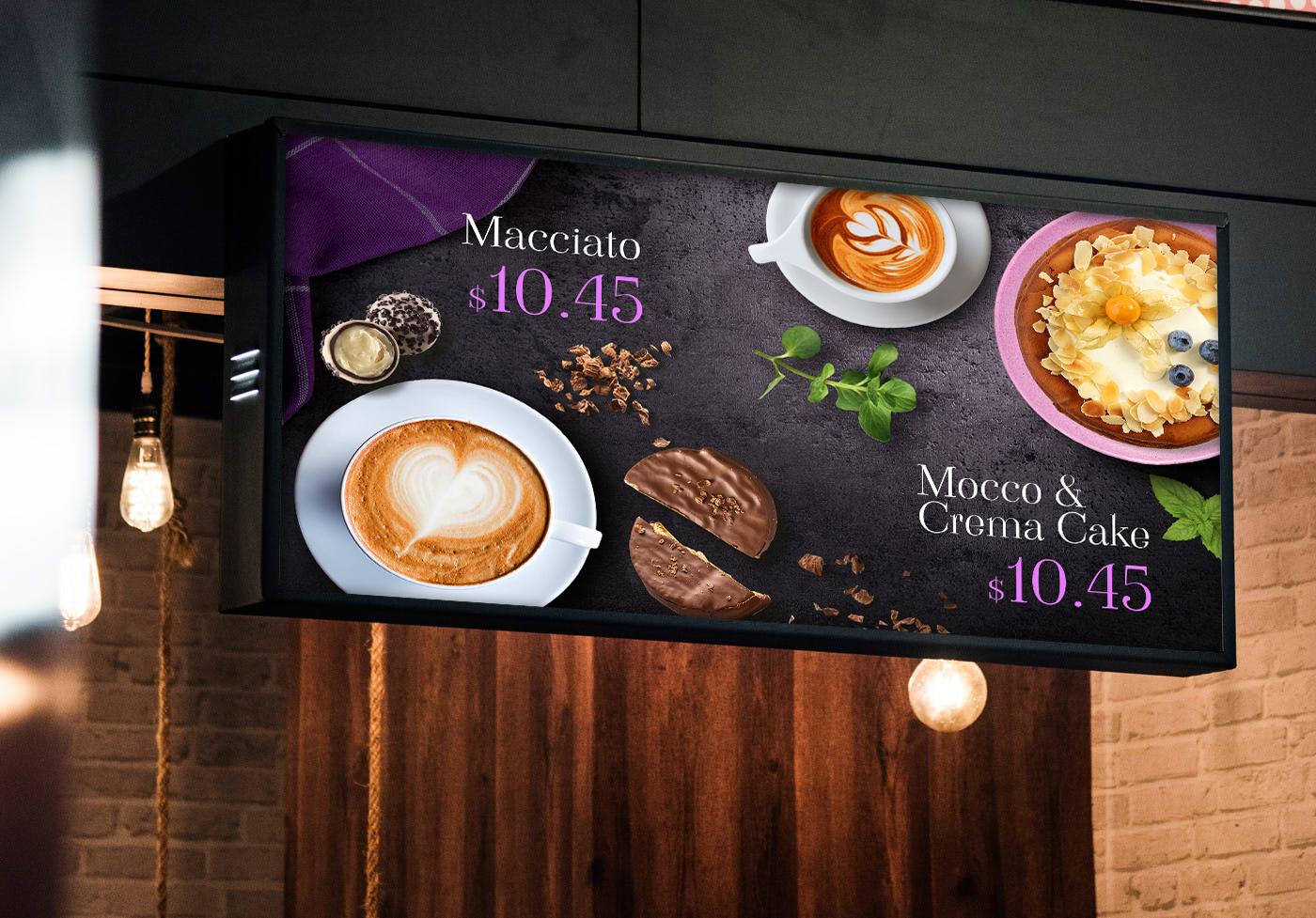
Why Coffee Shops Choose AIScreen For Digital Menu Boards
Coffee shops choose AIScreen for digital menu boards because it offers a complete solution to manage digital menu boards, update menus in real time, and control multiple screens from one dashboard. With an intuitive interface, customizable templates, and strong POS integration, it becomes incredibly easy to handle menu updates, pricing, and content across locations while improving customer experience.
As an industry leader in digital signage software, AIScreen helps coffee shops save time, increase sales, and keep digital displays engaging with features like remote content updates, interactive digital menu boards, and high-quality design tools. It gives businesses everything they need to run modern, efficient, and visually appealing menu boards without complexity. Contact us.
FAQs
Can digital menu boards help coffee shops manage peak hours better?
Yes, digital menu boards help coffee shops manage peak hours better by enabling real time updates, quick menu changes, and highlighting high margin items when demand is highest. They reduce manual updates and allow staff to focus on service while menus change automatically.
Is digital menu board software easy to use for small coffee shop teams?
Yes, digital menu board software is easy to use for small coffee shop teams because most platforms offer an intuitive interface, simple design tools, and one dashboard to manage screens, menu updates, and content without technical expertise.
How do digital menu boards improve customer engagement in coffee shops?
Digital menu boards improve customer engagement in coffee shops by using digital displays, rotating images, and interactive digital menu boards to capture customer attention, promote add ons, and highlight limited time offers that influence buying decisions.
Do digital menu boards require internet to function at all times?
Digital menu boards require internet for real time updates and remote content management, but many digital signage software platforms support offline playback so menus continue to display even if the connection is temporarily lost.

