
What Are the Examples of Restaurant Digital Menu Board? How to Make It Attractive?
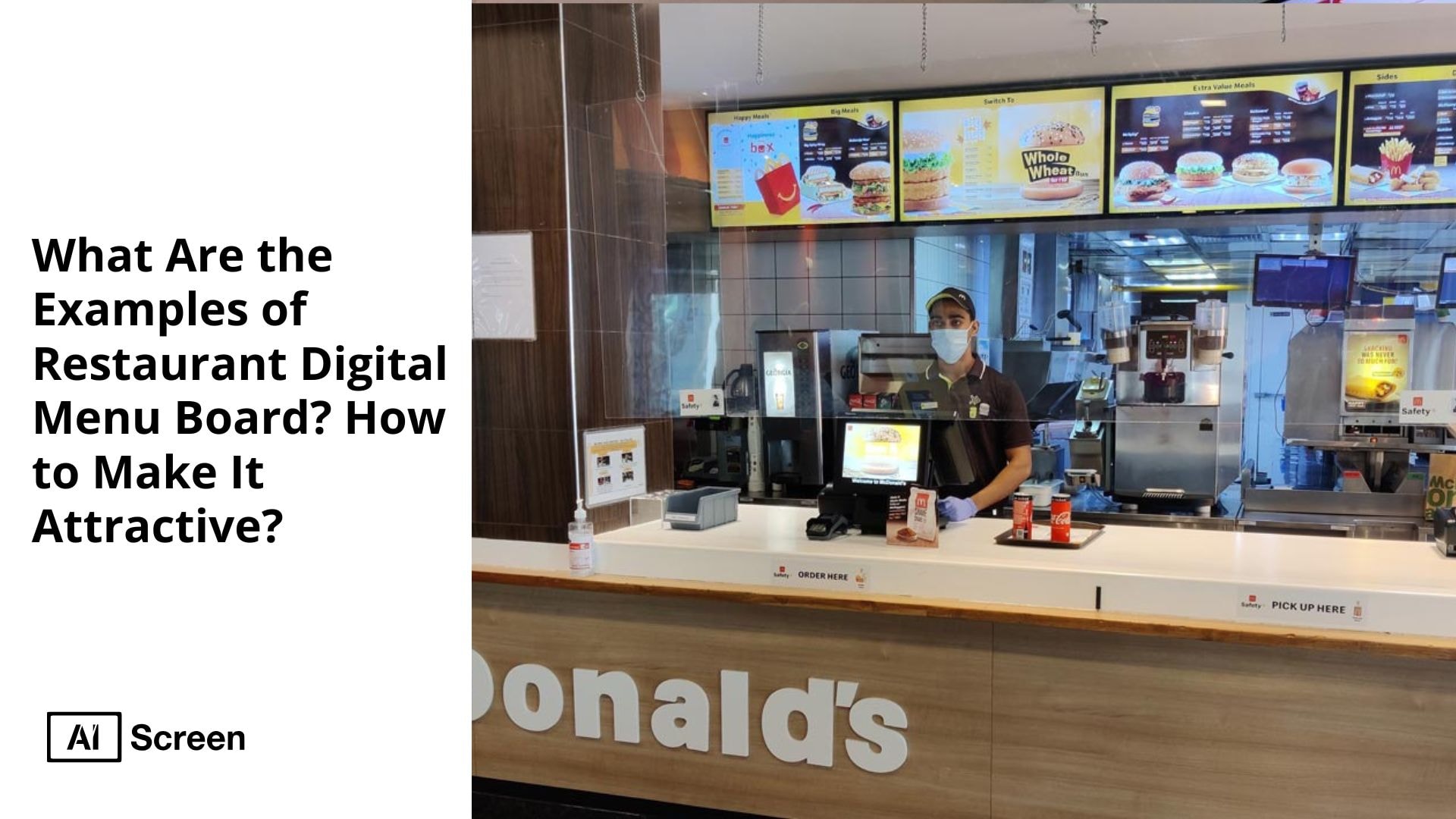
Examples of restaurant digital menu board ideas include full-screen displays, multi-screen layouts, interactive touch menus, and animated boards designed to attract attention and boost sales. According to Grand View Research, the global digital signage market size was estimated at USD 26.76 billion in 2023 and is expected to grow at a compound annual growth rate (CAGR) of 8.1% from 2024 to 2030.
This blog will explore seven distinct examples of restaurant digital menu boards, explaining their features and benefits in detail. Following that, you will find proven strategies for designing a well designed menu board that can boost your restaurant’s customer satisfaction and operational efficiency.
What Is a Restaurant Digital Menu Board?
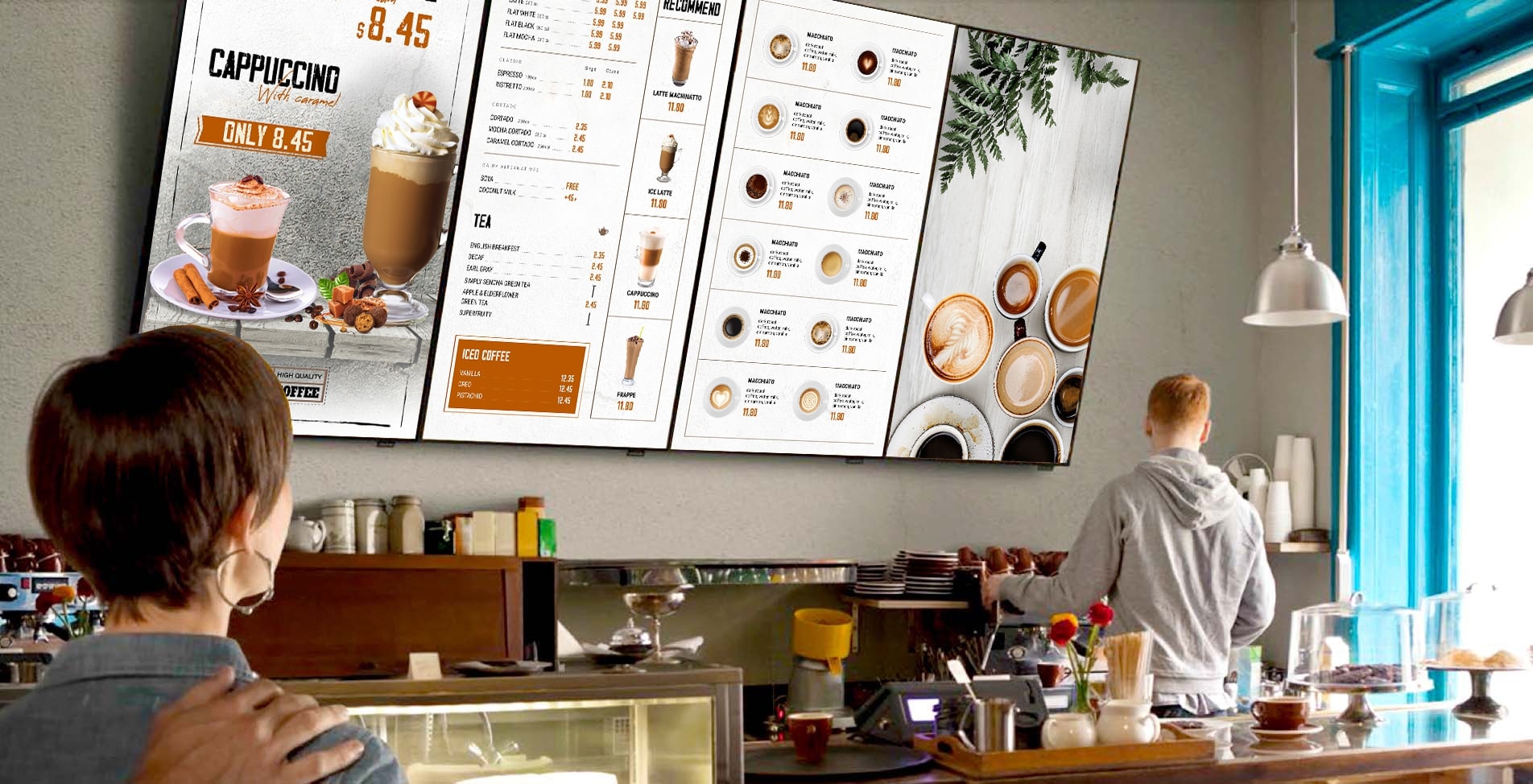
A restaurant digital menu board is a screen-based display that presents a restaurant’s menu, including dishes, prices, promotions, and other important information, in a dynamic digital format. These displays range from simple tablets to large LED or LCD screens mounted behind the counter or drive-thru. According to the Digital Signage Federation, using digital menu boards can drive sales by up to 31% due to their ability to highlight best selling items and upsell higher priced items effectively.
Unlike traditional printed or static boards, digital menu boards offer real-time updates, enabling restaurants to instantly change menu items, adjust prices, or highlight limited-time offers. This flexibility reduces printing costs and errors while ensuring that enticing customers always see the most up-to-date information. Additionally, digital menus can incorporate high-quality images, informative videos, and interactive elements, which improve the overall customer experience and can shorten the ordering process.
Unlike traditional static restaurant menus, digital signage allows restaurant owners to update their menu content quickly, improving customer engagement and driving more sales. For more detailed examples of restaurant digital menu boards, you can explore options here: digital menu board for restaurant.


7 Examples of Restaurant Menu Board
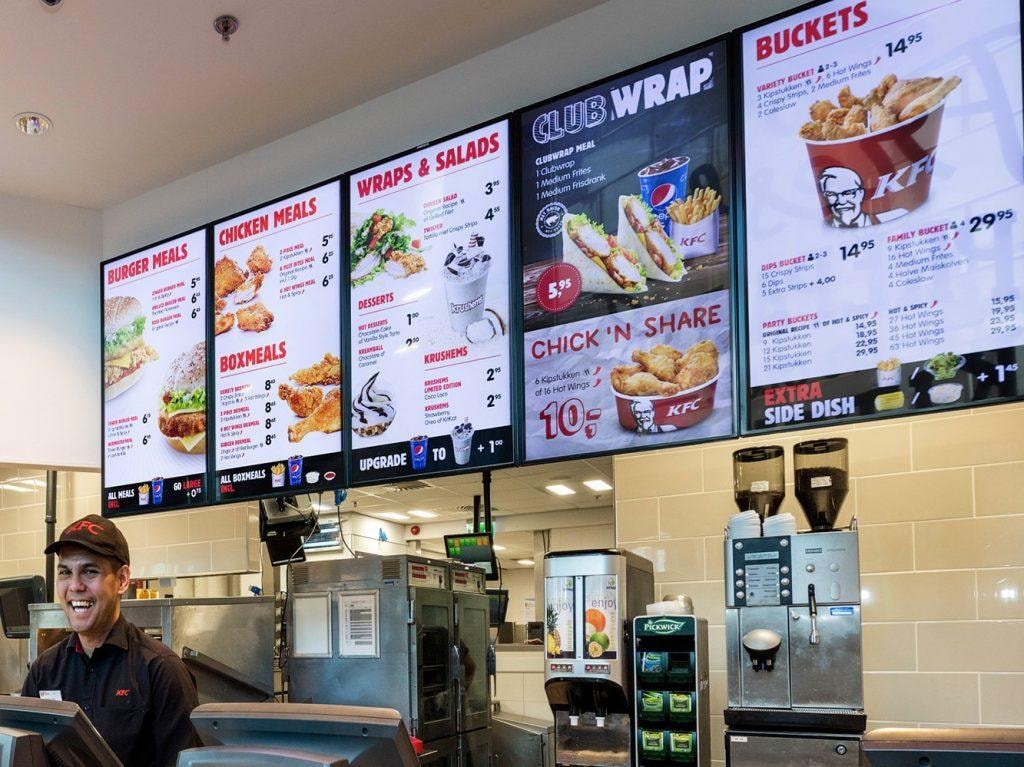
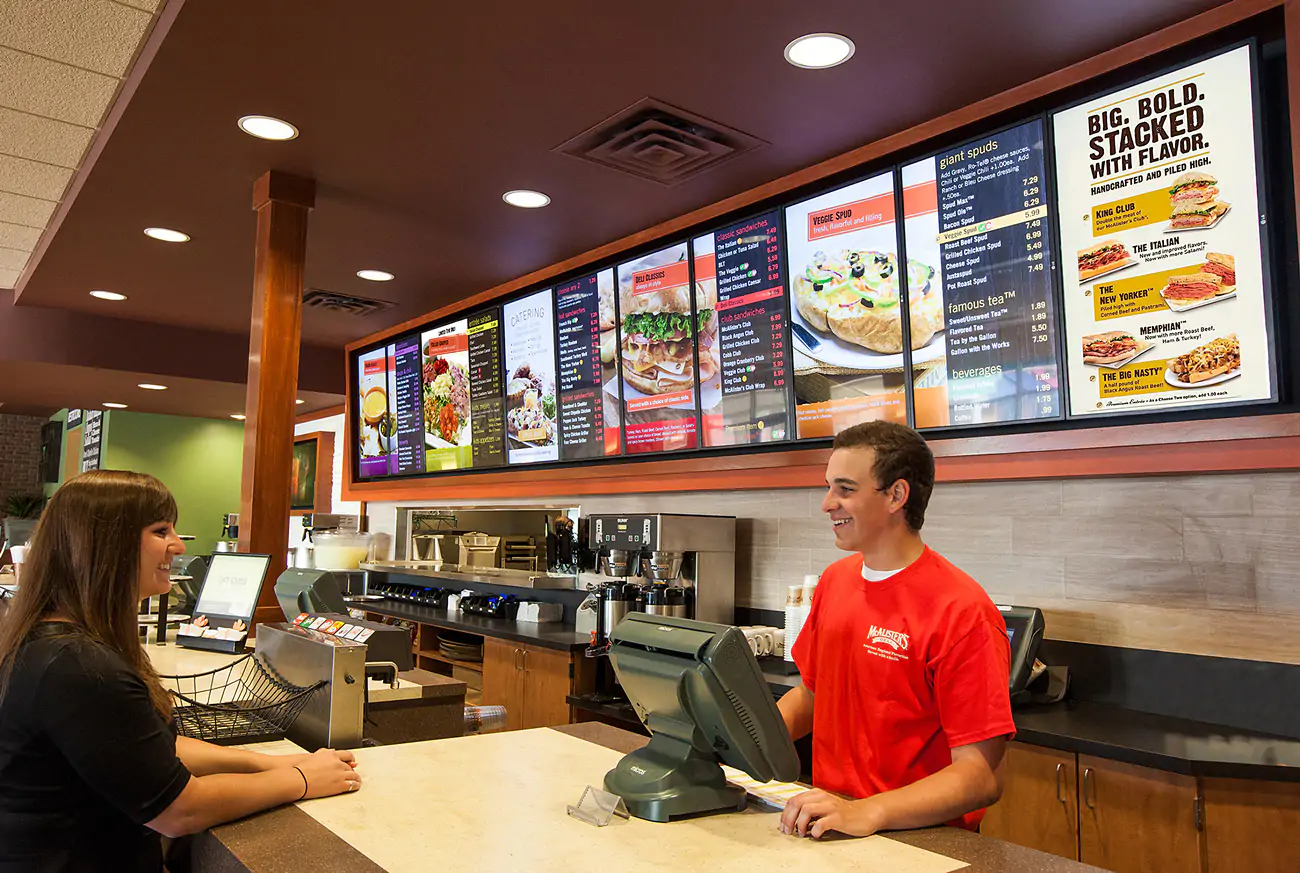
The following 7 examples of restaurant digital menu boards showcase a variety of ways restaurants use digital signage to create visually appealing displays that improve their service and increase sales.
1. Full-Screen Digital Menu Boards
Full-screen digital menu boards display the entire menu or specific categories on one large screen. This type maximizes visibility by showing all relevant items without distractions, making it easier for customers to scan the menu quickly.
Research from Nielsen Norman Group highlights that clear, uncluttered menu presentation improves decision-making speed and customer satisfaction. Full-screen boards work especially well in fast-food or casual dining environments where customers want to see all their options upfront.
Benefits include:
- High visibility for all menu items.
- Ability to highlight popular dishes with large images.
- Simplified viewing that reduces confusion.
2. Multi-Screen Digital Menu Displays
Multi-screen digital menu displays use two or more screens to show different sections of the menu, such as drinks on one screen and food items or specials on another, which can help increase sales . This setup lets customers focus on specific popular items without overwhelming them, helping to guide their choices effectively.
Benefits include:
- Clear separation of menu categories.
- Increased capacity to showcase new items and promotions.
- Flexibility for restaurants with complex menus.
3. Interactive Digital Menu Boards
Interactive digital menu boards incorporate touchscreen technology, allowing customers to explore the menu in detail and even place orders directly, which exemplifies the benefits of using digital menu boards . Interactive menus also allow customers to filter options by dietary restrictions, customize orders, or view nutritional information, enhancing the overall customer engagement.
Benefits include:
- Improved ordering process efficiency.
- Increased customer satisfaction through personalization.
- Opportunity to upsell add-ons and combo meals.
4. Digital Menu Boards with Dayparting Features
Digital menu boards with dayparting adjust the displayed content automatically based on the time of day, incorporating informative video segments, such as breakfast menus in the morning and dinner menus in the evening.
According to QSR Magazine, dayparting increases sales by showing relevant items when customers are most likely to order them, reducing confusion and improving flow during peak hours.
Benefits include:
- Time-specific menus for optimized ordering.
- Reduced clutter with only relevant items shown.
- Enhanced customer experience through tailored offerings.
5. Backlit Digital Menu Boards
Backlit digital menu boards use illumination behind the display for better visibility in low-light or outdoor settings. These are especially beneficial for outdoor dining areas or drive-thrus open at night.
Benefits include:
- Superior visibility in dim or nighttime environments.
- Increased attention from passersby.
- Better readability for all customers.
6. Digital Menus with Animated Promotions
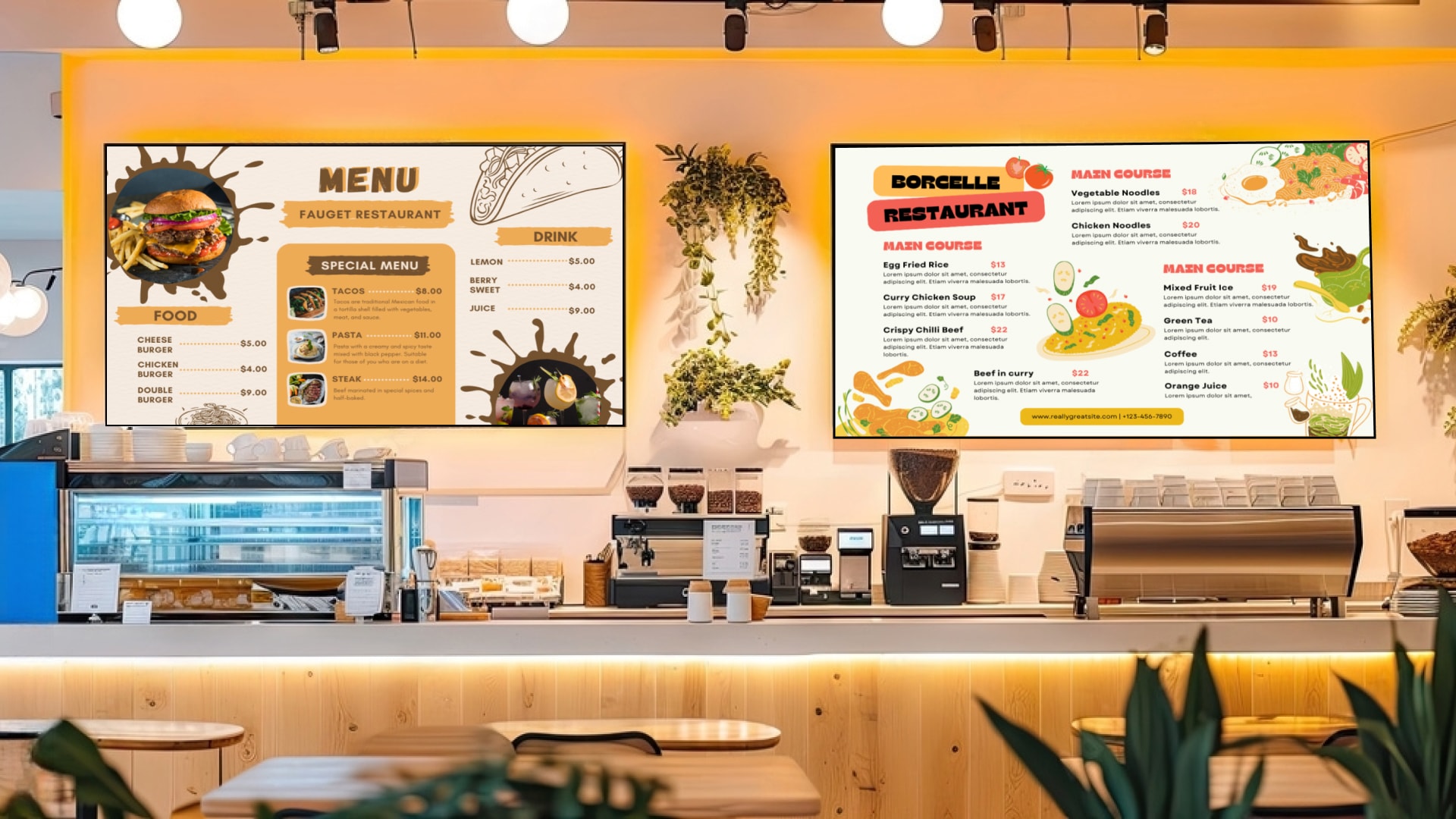
Digital menus with animated promotions featuring videos or moving graphics to highlight special offers or new menu items. The dynamic content naturally draws the eye and can increase impulse purchases. The movement and color changes help the promotion stand out compared to static images or text.
Benefits include:
- Captivating visual appeal that draws attention.
- Ability to showcase new items and time-limited deals.
- Increased customer engagement and impulse buying.
7. Minimalist Digital Menu Boards
Minimalist digital menu boards focus on simplicity by displaying essential menu items with clear pricing and concise descriptions. This style removes distractions and emphasizes key dishes and prices.
Benefits include:
- Improved readability and faster decision-making.
- Enhanced brand identity through clean design.
- Emphasis on profitable menu items.
3 Tips for Creating an Attractive Digital Menu Board
Here are 3 tips for creating an attractive digital menu board that grabs attention and increases sales. A well-designed board doesn’t just show menu items, it also improves the customer experience and helps drive decision-making in a few seconds.
1. Keep It Simple and User-Friendly
Keep it simple and user-friendly by designing your digital menu board with clarity and speed in mind. Customers typically make food decisions in under 2 minutes, so your layout should guide them effortlessly toward high-margin items.
Focus on organizing your menu into easy-to-understand categories with concise descriptions. Avoid overcrowding the screen with too many items or complex graphics. Clear fonts and logical grouping improve readability and make the ordering process smoother.
- Use intuitive layout with logical grouping.
- Avoid clutter and overly complex designs.
- Provide clear, concise descriptions for menu items.
2. Optimize for Readability
Optimize for readability to ensure customers can easily scan your digital menu board from any distance. A clear, well-structured menu leads to faster decisions and fewer order errors. According to a study by the Purdue University Human Factors and Ergonomics Lab, saving money with high-contrast text paired with large, legible fonts significantly improves information retention and reduces eye strain.
Use bold, contrasting colors between the background and text to make menu items easy to read from a distance. Incorporate high-quality, high-resolution images that complement the text without distracting from it. Avoid overly decorative fonts or low-contrast color schemes, as they can make the menu difficult to read, especially in bright or dim lighting.
- Use bold fonts with sufficient spacing.
- Select high-quality images that load quickly.
- Ensure menu text size is readable from the typical customer distance.
3. Update Content Regularly
Update content regularly to keep your digital menu board relevant, engaging, and profitable. Stale or outdated menus can confuse customers and harm your brand’s credibility. Frequent updates allow you to showcase new restaurant menus, highlight limited-time promotions, and save money by adjusting prices in real time.
This flexibility helps attract customers by keeping the menu relevant and enticing. Additionally, regular updates enable restaurants to quickly respond to supply changes or seasonal ingredients, ensuring customers always have access to accurate, up-to-date information.
- Schedule updates based on seasonality or inventory.
- Promote limited-time offers and special events.
- Remove discontinued items promptly.
For free digital menu board templates and design ideas, visit: digital menu board design.
Level Up Your Restaurant with AIScreen’s Digital Menu Board
Leveling up your fast food restaurant starts with choosing AIScreen’s digital menu board to boost customer engagement and operational efficiency. AIScreen’s cloud-based platform allows restaurant owners to update menus, promotions, and prices quickly, ensuring that content stays fresh and enticing.
According to TechRepublic, digital signage can increase customer engagement by up to 30%, directly impacting sales and customer satisfaction. AIScreen supports high-resolution images and interactive features, making menus more visually appealing and easier for customers to navigate.
With seamless integration to POS and online ordering systems, AIScreen automates menu updates, reducing manual errors and saving valuable staff time. This solution not only improves the overall customer experience but also helps restaurants drive higher sales and build stronger brand identity through dynamic, up-to-date digital menus.
Their solutions include customizable templates, integration with POS and online ordering systems, and support for interactive features. By using AIScreen, restaurants can ensure their menus are always up to date and visually appealing, helping to attract more customers and boost sales.
Frequently Asked Questions
How can I create a digital menu board for my restaurant?
To create a digital menu board, start by selecting the right display and digital signage software. Use cloud-based platforms like AIScreen for easy content management and choose designs that reflect your brand identity. Incorporate high-quality images and concise descriptions to engage customers.
Are there free templates for restaurant menu boards?
Yes, free templates for restaurant digital menu boards are widely available online and can be easily customized. Many digital signage providers, including AIScreen, offer editable templates designed for fast food, fine dining, and cafés.
What software can I use to create a restaurant menu board?
You can use AIScreen software to create and manage a restaurant menu board. These platforms offer easy scheduling, drag-and-drop editing, and POS integration. They also support dayparting, allowing your menu to change automatically throughout the day to match breakfast, lunch, or dinner hours.
What are some free online tools for creating a restaurant menu?
There are some free online tools for creating a restaurant menu like Canva, Adobe Express, and Crello without a budget. These tools provide a wide range of pre-designed templates, icons, and layout grids tailored for digital menu boards.
Can I customize free restaurant menu board templates?
Yes, you can customize free restaurant menu board templates to match your restaurant’s brand and menu. You can change the layout, add or remove dishes, update prices, and include promotional banners or videos. Customizing these templates lets you highlight high-margin items, maintain a consistent visual identity, and stand out from competitors.
