
How to Create QR Code Menu for Restaurants
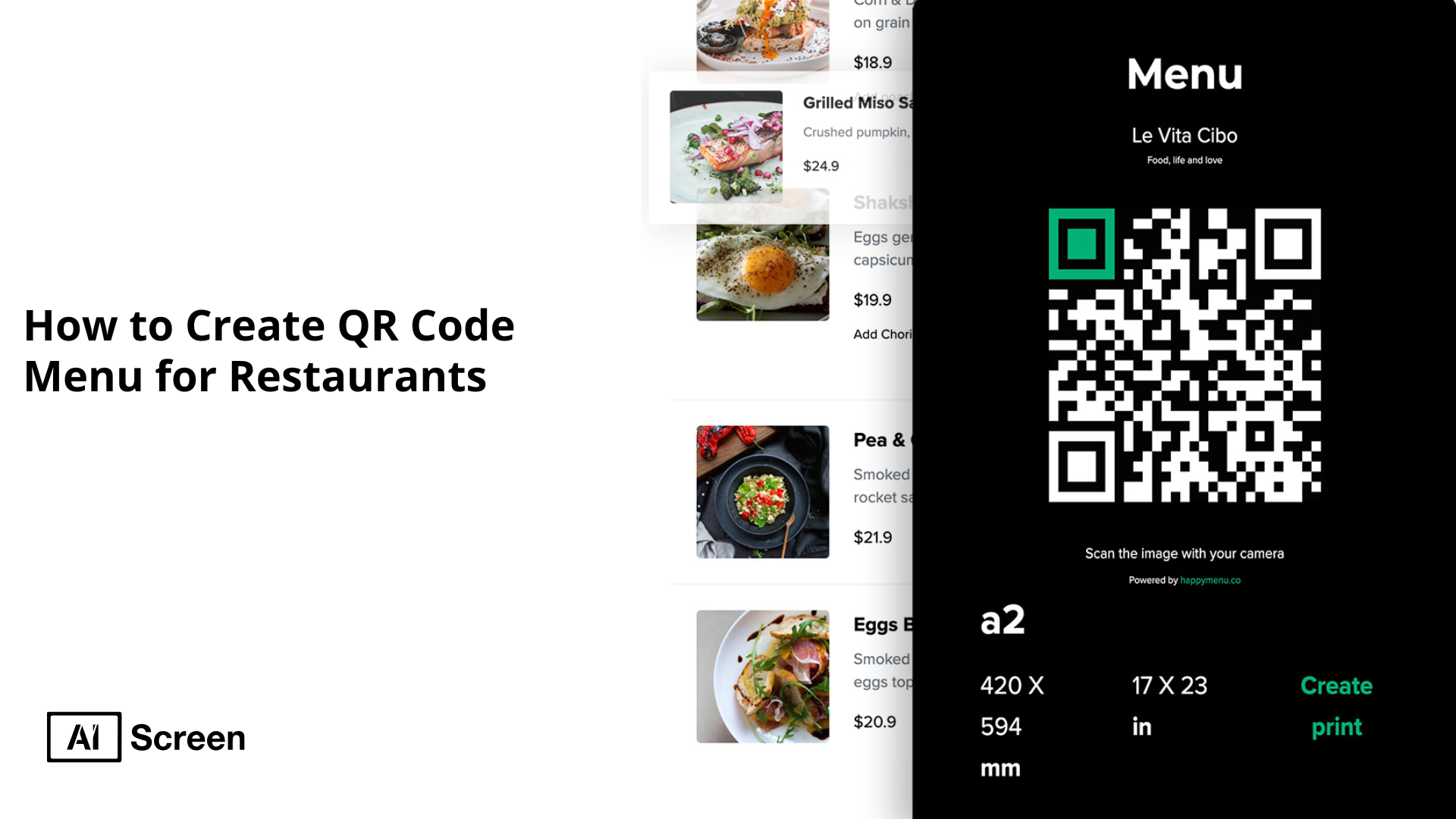
Creating a QR code menu for restaurants is a simple process that helps businesses offer contactless, easy-to-access menus to customers. Over the past two years, restaurants across the United States have observed a 150% increase in QR code adoption, indicating a rapid embrace of this technology.
In this guide, you will learn how to design your digital menu, generate a QR code linking to it, and display the QR code where customers can easily scan it. Tools like AIScreen’s QR code generator make these steps quick and hassle-free.
What is a QR Code Menu?
A QR code menu is a digital version of a restaurant’s menu that customers can easily access by scanning a QR code. This code links directly to the digital menu board, allowing customers to view the full menu on their smartphones or on nearby digital screens.
Essentially, QR code menus replace traditional printed menus with a contactless option, enabling diners to browse items conveniently and safely.
Originally popularized during the COVID-19 pandemic to reduce physical contact and minimize virus transmission, QR code menus have since become a standard feature in many restaurants, bars, and cafes.
Their convenience and hygienic benefits have made them the preferred choice for many new businesses adopting modern dining experiences.
Approximately 70% of U.S. restaurants have adopted QR codes for menus and payments, reflecting a significant shift towards digital solutions in the dining experience.
How QR Code Menu Helps Restaurants

A QR code menu helps restaurants by providing customers with contactless and instant access to the menu via their mobile devices. This seamless experience improves customer satisfaction while streamlining restaurant operations.
Key benefits for restaurants include:
- Increased Efficiency: Menu QR codes allow customers to quickly view the full menu on their smartphones or digital screens, speeding up decision-making and order placement through the online ordering page.
- Reduced Costs: Restaurants can eliminate the need for paper menus by using a QR menu, significantly cutting printing costs and ongoing reprint expenses.
- Sustainability: Replacing paper menus with digital QR code menus supports eco-friendly practices by reducing paper waste and the carbon footprint associated with printing.
- Safety: QR code menus reduce physical contact between staff and customers, promoting a safer dining environment, which is especially important in post-pandemic times.
Overall, menu QR codes offer a cost-efficient, sustainable, and customer-friendly alternative to traditional paper menus. They help restaurants adapt to modern dining preferences while optimizing operational workflows.
58% of U.S. customers prefer to access restaurant menus via QR codes, highlighting a strong inclination towards digital menus.


How Do You Create QR Code Digital Menu for Your Restaurant?
Creating a QR code digital menu for your restaurant is effortless with AIScreen’s comprehensive digital signage platform. AIScreen supports every process step, helping you replace physical menus with a modern, contactless alternative that enhances customer experience and operational efficiency.
1. Design Your Digital Menu
Design your digital menu carefully to ensure it is easy to read and engaging on mobile devices. Use AIScreen’s digital menu design templates, which are available online, to create a clean, mobile-optimized layout.
These templates simplify menu creation and effectively help you customize food items, prices, and descriptions. Whether you choose a PDF menu, a landing page on your restaurant website, or a custom-designed menu, focus on clarity and simplicity to improve customer experience.
Including appetizing images and logical sections can increase order value and encourage customers to order food directly from their phones.

2. Generate a QR Code for Your Menu
AIScreen allows you to create a QR code that links directly to your digital menu or ordering page using its built-in QR code generator. You can customize your QR code design for branding consistency and save it in formats suitable for digital display or print.
We also offer analytics tools to track how often your QR code is scanned, helping you evaluate the impact of your contactless menu strategy.
3. Integrate the QR Code into Your Digital Menu Board
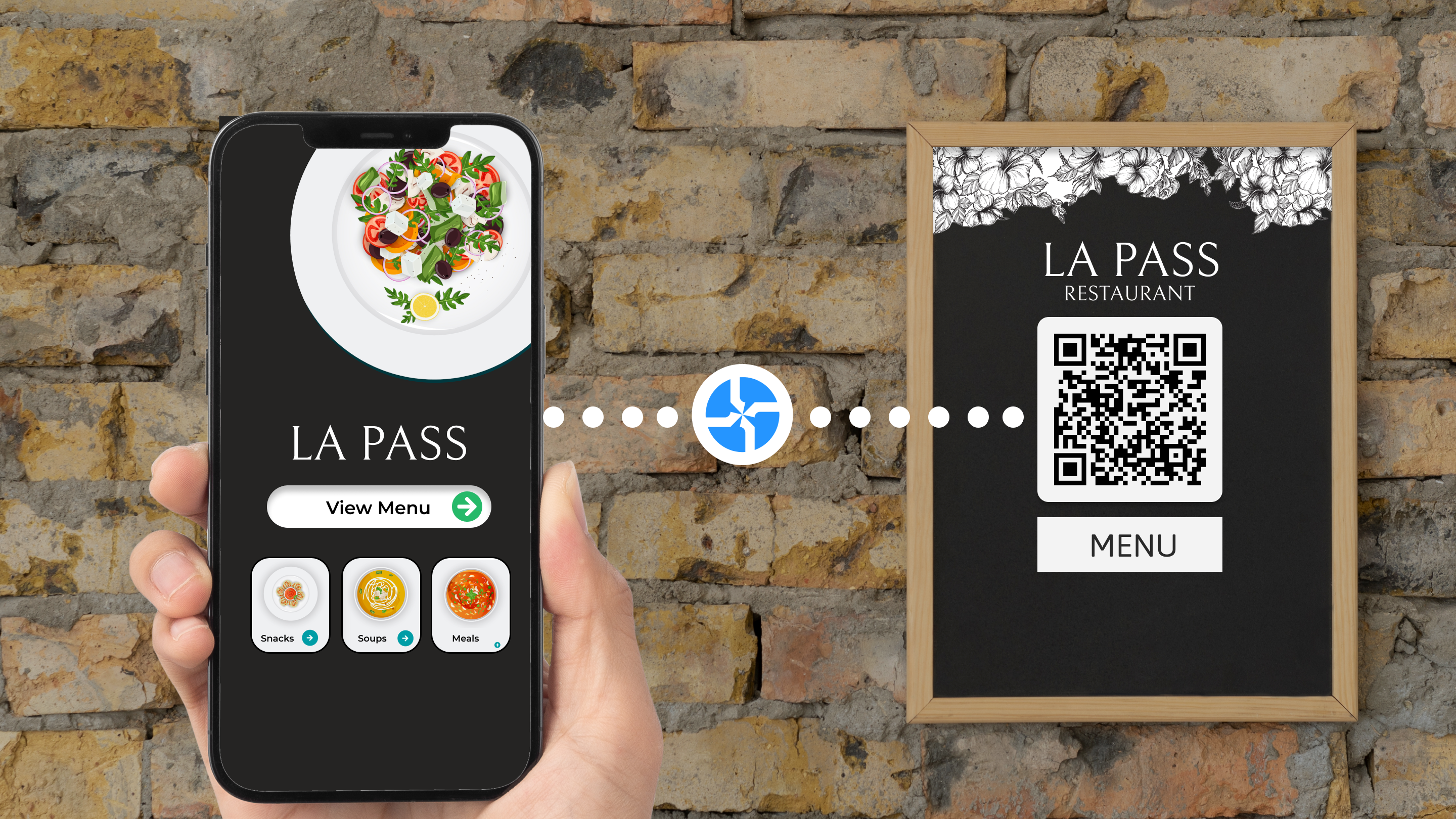
Easily embed the generated QR code into your digital menu boards using AIScreen’s intuitive content management system. To maximize visibility, you can display the QR code on screens near order counters, tables, or entrances or print it on static signage like table tents or food packaging.
We support flexible placement, ensuring your QR code is always the right size and location for effortless scanning by customers’ phones.
4. Test the QR Code
Always test your QR code before full implementation. Use multiple devices to scan the code and verify that it correctly links to the digital menu or PDF file and loads smoothly. Confirm that scanning instructions are clear, so customers don’t struggle to use the QR code.
Providing simple steps to scan the QR code encourages more people to use it, making the transition from physical menus seamless and customer-friendly.
5. Display the QR Code on Digital Menu Board
Use AIScreen to schedule and prominently display your QR code on digital menu boards at key customer touchpoints, such as order counters, dining tables, or drive-thru windows. To reinforce your marketing efforts, you can combine digital displays with printed QR codes on table tents or stickers.
AIScreen’s platform ensures your QR codes are always at an appropriate size and location to encourage customers to order online or directly from their phones.
6. Monitor Customer Engagement
With AIScreen’s analytics dashboard, monitor how often your QR code is scanned and which food items attract the most attention. This data provides insights to optimize your menu, promotions, and overall customer experience.
Regularly updating your digital menu content and QR code links through AIScreen keeps your contactless menu fresh and aligned with your restaurant’s evolving needs.
How do you order from a QR code menu?
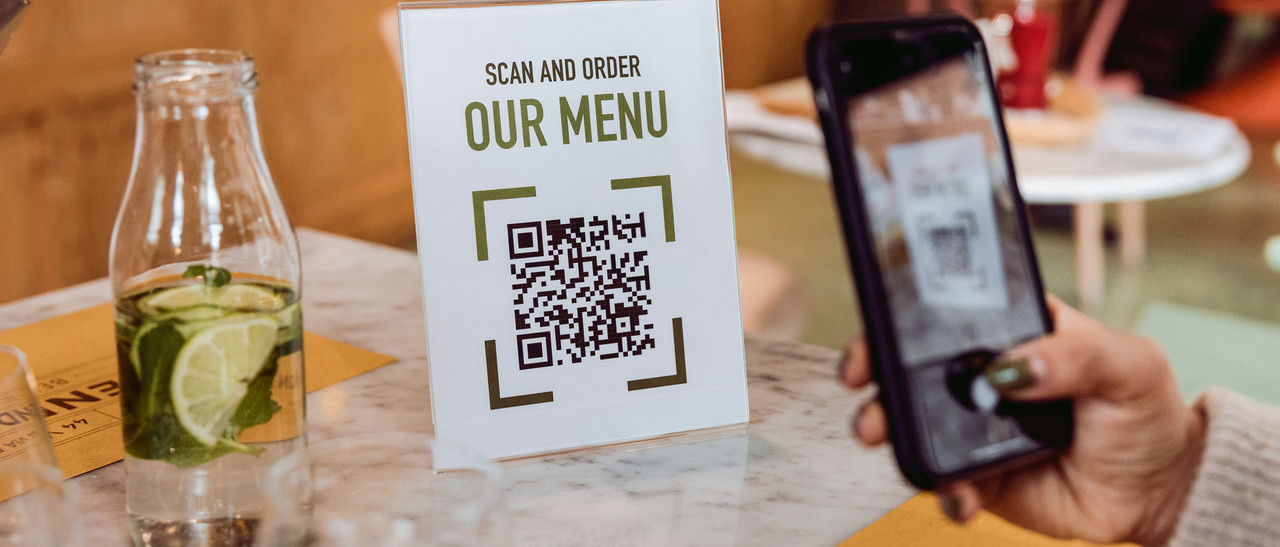
To order from a QR code menu, start by testing the QR code yourself. Open your smartphone’s camera and point it steadily at the QR code. A link to the digital menu should appear; tap it to access the menu instantly on your device.
Many restaurants enhance this experience by directly integrating an online ordering option within the menu.
By connecting a compatible POS system such as Toast, Square, or Clover, restaurants enable customers to place orders contactlessly and conveniently through their phones, making the ordering process seamless and safe.
Get Started with AIScreen’s Digital Menu Board to Showcase QR Code Menu for Restaurant
Get started with AIScreen’s digital menu board software to easily create, manage, and display QR code menus that offer your customers a seamless contactless ordering experience.
As a leading provider of digital signage solutions, AIScreen simplifies integrating QR codes and real-time menu updates, helping your restaurant save costs, enhance safety, and boost customer satisfaction.
Start using AIScreen today to modernize your menu presentation and confidently streamline your restaurant operations. Contact us.
Frequently Asked Questions
Can I customize my QR code menu for my restaurant?
Yes, you can customize your QR code menu to match your restaurant’s branding. This includes adjusting the QR code’s design, colours, and the digital menu layout to provide a personalized and cohesive customer experience.
How do I display a QR code on my restaurant’s tables?
Displaying a QR code on your restaurant’s tables is simple. You can print the QR codes on table tents, stickers, or laminated cards placed strategically where customers can easily scan them with their mobile devices.
Do QR code menus improve customer experience?
QR code menus improve customer experience by offering quick, contactless access to the menu. They reduce wait times, enhance safety, and allow customers to browse menu items comfortably on their devices.
Can I integrate a QR code menu with my POS system?
Yes, QR code menus can be integrated with many POS systems, such as Toast, Square, or Clover. This integration enables seamless, contactless ordering and payment directly through the digital menu interface.
Do I need a special app to use QR code menus?
No special app is needed to use QR code menus. Most modern smartphones have built-in camera functionality that can scan QR codes, instantly opening the linked menu in a web browser or app.
