
How to Set Up QSR Digital Signage? A Quick 7-Step Guide
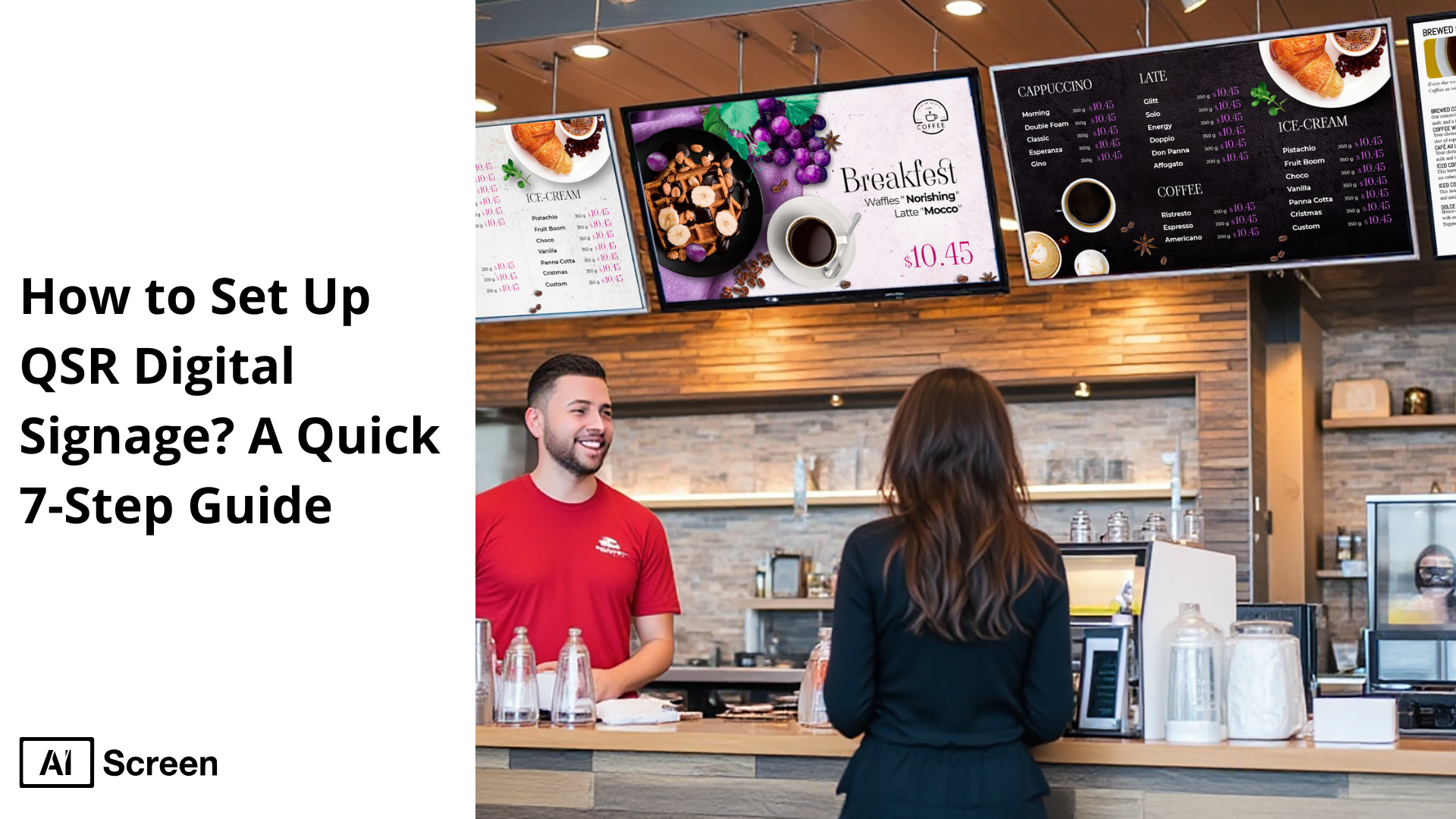
Set up QSR digital signage is becoming a must-have for quick service restaurants that want to stay competitive. According to Fortune Business Insights, the global digital signage market is expected to reach $45.3 billion by 2030, showing how rapidly businesses are adopting digital menu boards to boost efficiency and customer engagement. For QSRs, this means faster service, better communication, and an improved ordering experience.
In this blog post, you will learn a simple 7-step process to set up a digital display in your restaurant. From choosing the right display and media player to customizing your digital menus and scheduling promotions, this article will walk you through everything you need to know to improve customer experience and increase sales with QSR digital signage.
What is QSR Digital Signage?
QSR digital signage is digital display technology specifically designed for quick service restaurant environments. It allows restaurants to present menus, promotions, and dynamic content in real time, creating a smoother and faster ordering experience.
QSRs account for approximately 20% of all digital signage implementations across sectors, according to Market.us.
By showcasing visually engaging items and timely offers, QSR digital signage enhances customer engagement while streamlining decision-making at the counter or drive-thru.
Why QSR Digital Signage is Important
QSR digital signage is important because it directly impacts how quick service restaurants serve customers and stay competitive. By using digital menu boards, restaurants can reduce wait times, making the ordering process faster and smoother.
Digital menus allow real-time updates to menu items, seasonal offers, or pricing changes, giving operators unmatched flexibility. A digital menu board also makes promotions more engaging, helping to increase sales by highlighting high-margin items at the right moment.
In fast-paced environments, the ability to instantly adjust content provides a clear advantage over static menu boards. Quick service restaurants that leverage digital signs improve customer satisfaction, maintain consistency across locations, and adapt quickly to market demands.
This not only drives efficiency but also creates stronger brand loyalty in a crowded industry. Ultimately, the key to staying ahead is knowing how to make fast food restaurants faster with digital signage for QSR.
According to Scala (referencing Intel data), 29% of customers say digital menus are more influential than traditional ones, and QSRs report 28% overall sales growth after installing digital signage.
Quick 7-Step Guide to Set Up Digital Signage QSR
Quick 7-step guide to set up digital signage QSR is designed to help quick service restaurants (QSRs) implement digital boards that improve the customer journey, speed up ordering, and enhance brand identity.
By following these steps, restaurants can transform their menus into clear digital menus that adapt in real-time, deliver relevant content, and provide better customer service.
With a reliable digital display solution, QSR operators can increase sales, display social media feeds, and optimize content management through centralized control.
Step 1: Choose the Right Display for QSR Digital Signage
Choose the right display for QSR digital signage by evaluating screen size, resolution, brightness, and location inside the restaurant.
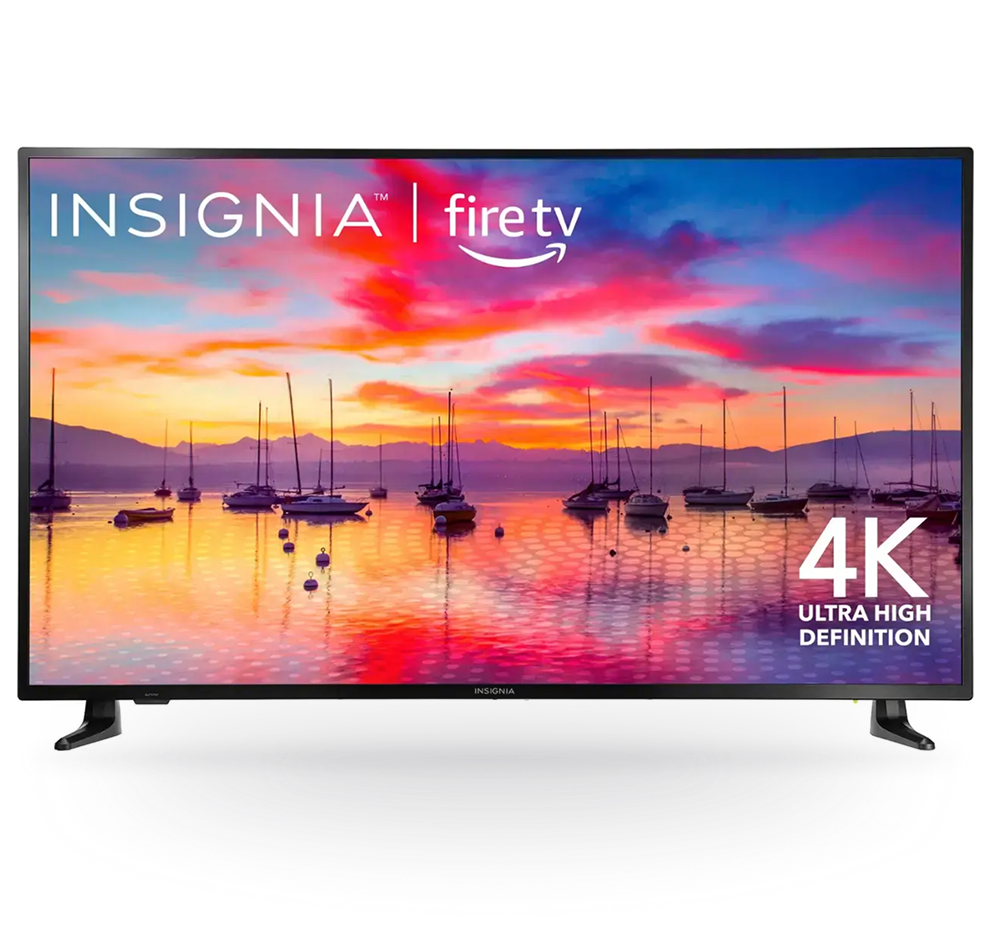
Insignia™ – Class F30 Series LED 4K UHD Smart Fire TV (43″-65″)
Insignia™ – Class F30 Series LED 4K UHD Smart Fire TV is affordable ($170–$299), features built-in Fire TV, Alexa integration, and supports HDMI/AirPlay connectivity. This makes them suitable for digital boards in high-traffic areas that require more than 10 hours of operation daily.
With 720p HD resolution and internet-based remote management, these displays ensure consistent performance for digital menus and interactive restaurant signage, supporting both customer preferences and content management.
Use this block after this section.
Step 2: Install and Configure QSR Digital Signage Software
Install and configure QSR digital signage software to power your displays and streamline the customer journey. Platforms like AIScreen allow operators to manage interactive digital boards from a central dashboard.
Simply install the AIScreen app on your Fire TV Stick or media player, log in, and start uploading your menu items.
The software supports real-time updates, content management, and scheduling, ensuring that clear digital menus and promotions adapt instantly. Robust digital menu board software also helps improve customer experience by syncing relevant content across multiple locations under centralized control.
Step 3: Log In to Your Account on the QSR Menu Management Platform
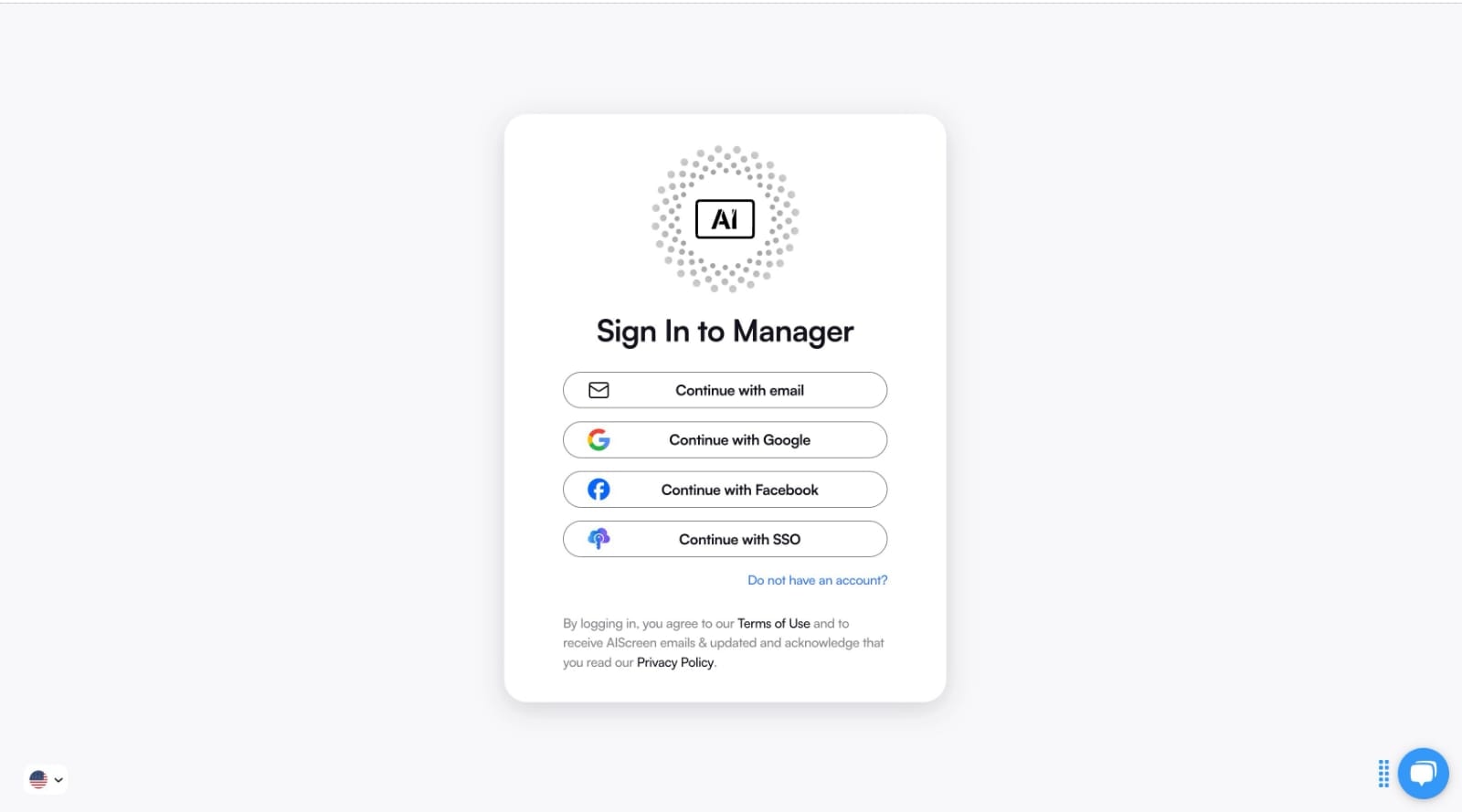
Log in to your account on the QSR menu management platform to unlock the full capabilities of your digital sign solution. After signing up on AIScreen.io, verify your email and complete your profile. Once logged in, you can upload digital boards, add content, and organize menus.
The dashboard provides tools for queue management, scheduling, and analytics, giving QSR operators insights into customer preferences and behavior.
Centralized control ensures that clear digital menus remain consistent, boosting brand identity and improving the customer experience across all restaurant locations.
Step 4: Pair Your Screens with the Digital Signage Software
Pair your screens with the digital signage software by connecting displays to your management dashboard. Using AIScreen, navigate to “Screens,” click “Add Screen,” and enter the 4-digit code shown on your TV.
This process ensures your digital boards are synced in real time, maintaining content management efficiency. Choose between portrait and landscape orientations to match your branding and improve the customer journey.
If pairing issues occur, check your internet connection or re-enter the code. Proper screen pairing allows quick service restaurants to provide relevant content across locations, ensuring better customer service.

Step 6: Upload or Customize Your QSR Menu Template
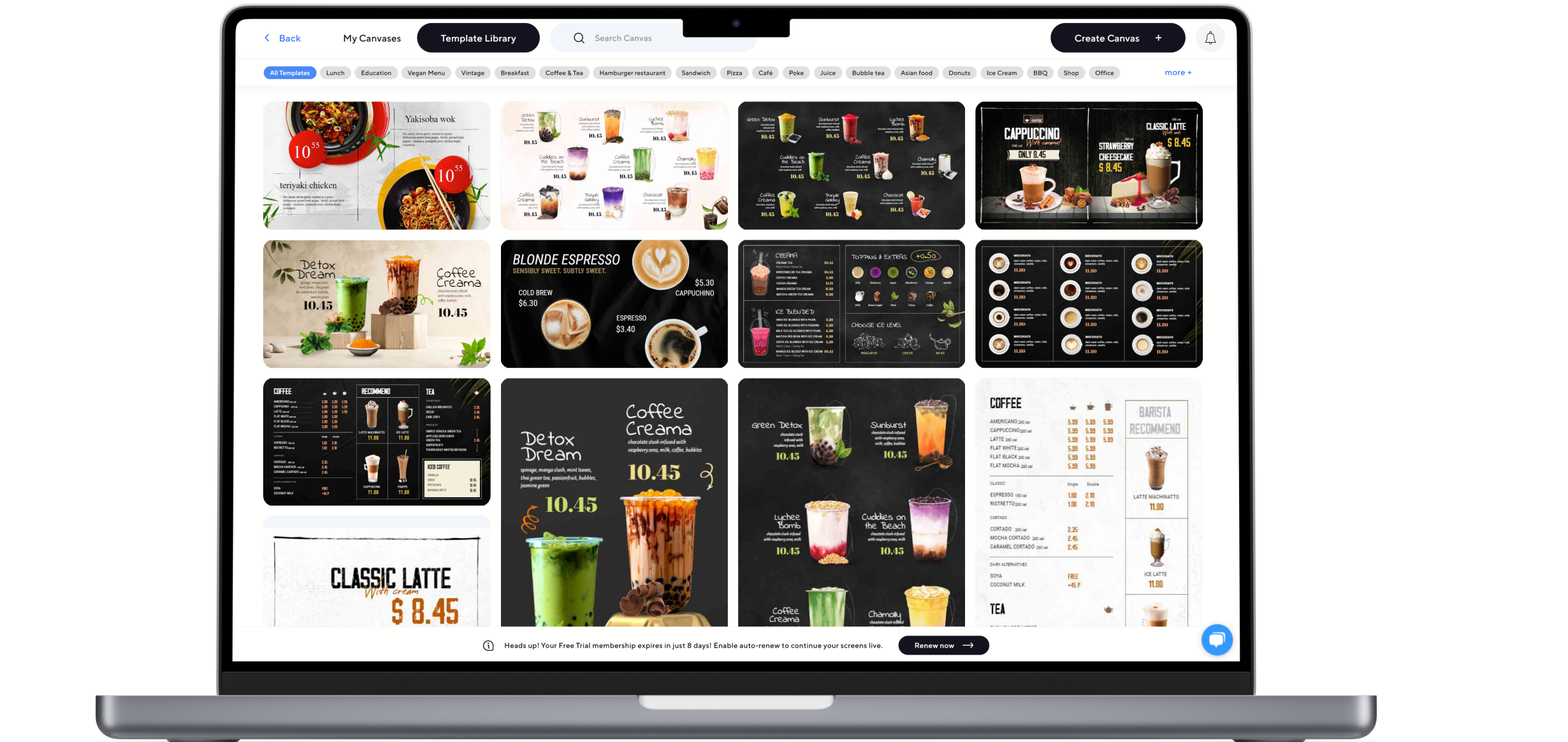
Upload or customize your QSR menu template to reflect your brand identity and engage customers. AIScreen’s editor allows you to select from over 1,500 templates or design custom layouts.
Add digital menus with clear categories for daily specials, promotions, and social media feeds, ensuring customer preferences are met. Dynamic playlists let you schedule relevant content based on time of day or customer flow.
By creating visually compelling templates, QSRs improve the customer experience, boost sales, and establish a consistent brand identity across all digital boards with minimal effort.
Step 6: Schedule Your Content and Launch Your QSR Digital Signage
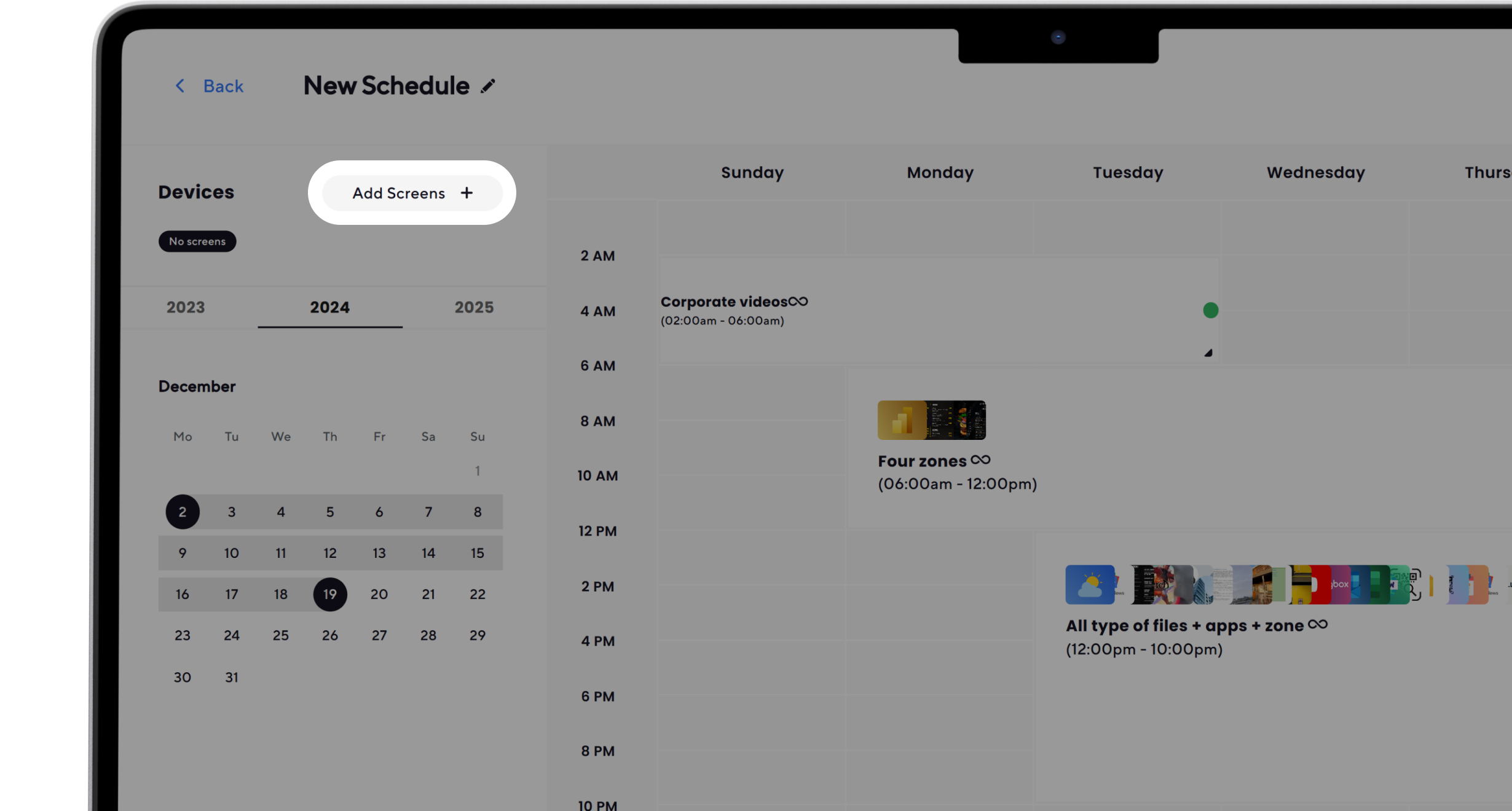
Schedule your content and launch your QSR digital signage to go live with customer-facing displays. Using AIScreen’s intelligent scheduling, assign content for breakfast, lunch, or dinner menus, display limited-time promotions, or broadcast social media feeds during peak hours.
Content management tools ensure relevant content is always delivered at the right moment. Click “Publish” to launch displays, then track performance through analytics to refine campaigns.
With centralized control, quick service restaurants maintain consistent digital boards that adapt to customer preferences, creating a seamless customer journey and ensuring better customer service with every interaction.
Start Setting Up Your QSR Digital Signage with AIScreen — Get Your 14-Day Free Trial Now!
Start setting up your QSR digital signage with AIScreen, the leading provider of digital menu boards and signage solutions for quick service restaurants. AIScreen makes it simple to manage clear digital menus, promotions, and customer-focused content.
With flexible features, centralized control, and dedicated support, you can increase sales and improve the customer journey instantly. Try AIScreen risk-free today and experience all the benefits with a 14-day free trial. Contact us for more details.
Use this block after this section.
Frequently Asked Questions
What equipment is needed for QSR digital signage?
Equipment is needed for QSR digital signage, such as digital menu boards or commercial displays, a reliable media player (like AIScreen OS or Fire TV Stick), and digital sign software to manage content. You’ll also need a stable internet connection for real-time updates and mounting hardware for optimal screen placement.
How do I choose the right software for QSR digital signage?
Choosing the right software for QSR digital signage depends on your business needs. Look for digital menu board software that supports centralized control, easy scheduling, customizable templates, and POS integration. Software like AIScreen ensures flexibility, scalability, and better customer service in quick service restaurants.
Can I use my current TVs for QSR digital signage?
Using your current TVs for QSR digital signage depends on compatibility. If your TVs have HDMI ports or support apps like Fire TV, you can connect a media player to run digital menus. However, commercial-grade displays are often preferred for longer-term use and higher brightness.
How much does it cost to set up QSR digital signage?
The cost to set up QSR digital signage varies by equipment and software. Basic setups with existing TVs and a Fire TV Stick may start under $300. At the same time, professional digital boards with dedicated players and software subscriptions can range from $1,000 to several thousand per location.
How do I integrate QSR digital signage with my POS system?
Integrating QSR digital signage with your POS system involves connecting the POS data to your digital signage platform. This allows automatic updates for pricing, sold-out menu items, or promotions in real time. Many digital signage solutions, including AIScreen, provide integrations for seamless content management.


