
How to Set Up Android Tablet Digital Signage Software: A Beginner’s Guide
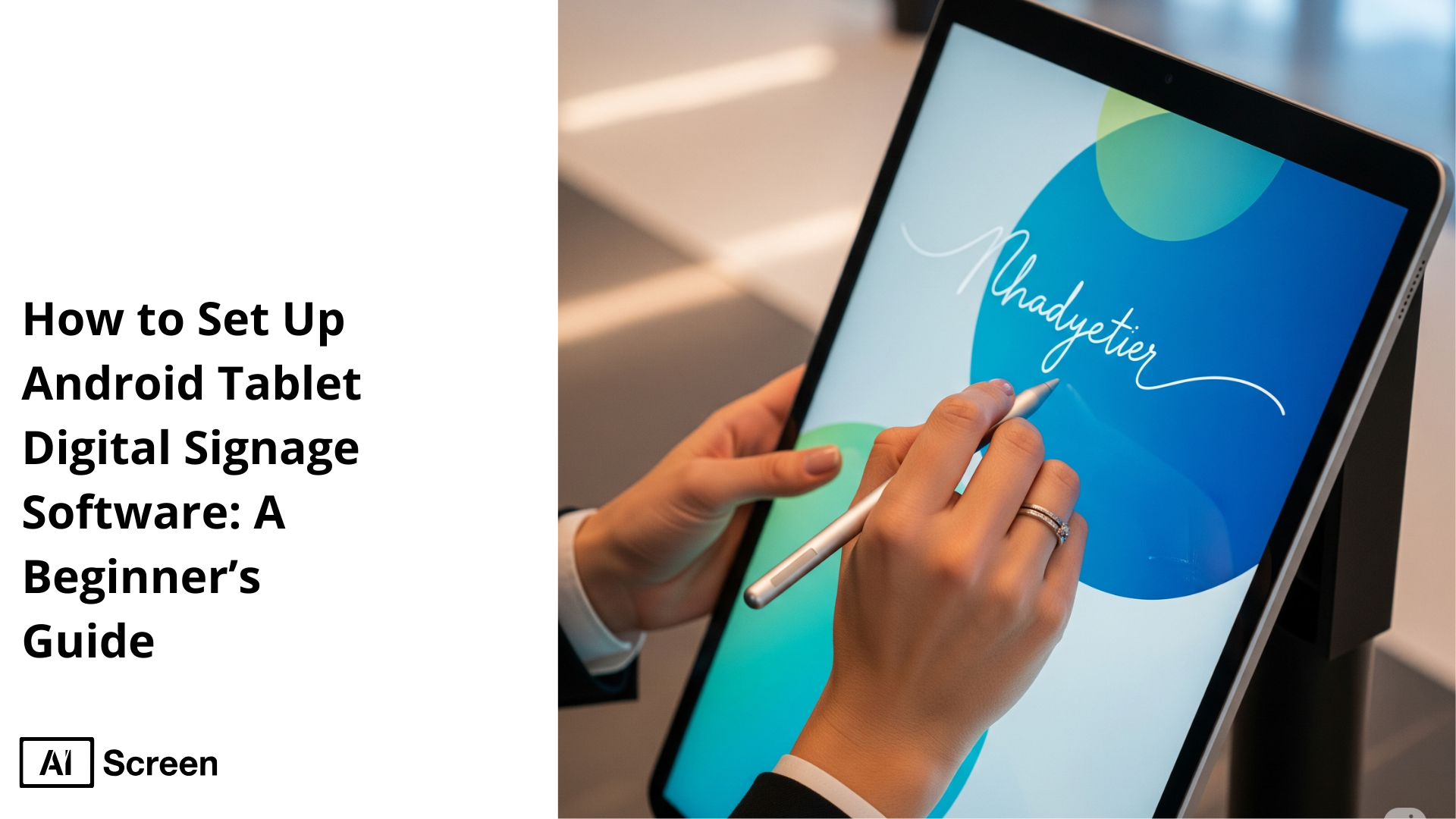
To set up Android tablet digital signage software, you should select a digital signage app, download it onto your tablet, connect it to the internet, and subsequently upload and plan your content accordingly. Businesses across retail, corporate, hospitality, and many other industries use Android tablet digital signage software as a smart, flexible, and cost-effective means to deliver engaging content, boost customer experience, and simplify content management. MarketUSScoop reports that this approach is significantly contributing towards the ever-growing global digital signage market to reach $31.8 billion in 2025.
This article guides you through a beginner-friendly process of transforming any Android tablet into a powerful digital display tool. Leveraging Android-based media players, these AI-driven signage tools enable real-time digital content playback, multi-location scalability, and centralized control that generally lacks in signage tools supported by local servers. So, let’s start your journey!
Step 1: Choose the Right Android Tablet
Choose the right Android Tablet supporting Android OS as your digital signage hardware that aligns with your business needs. You can simply take into account certain important features of the Android tablets, such as the resolution, display size, performance, and battery life. All this should be considered based on how and where you intend to use the device.
- Buy tablets in sizes from 7 to 10 inches to use them in small retail stores, as they can easily fit near the checkout areas.
- For restaurants, using Android tablets from 10 and 13 inches is advantageous as this size perfectly displays digital menus or promotional materials.
- Corporate workplaces and commercial displays should have larger tablets, or they can even utilize several Android smart TV screens or smart TVs for reception areas or internal communications.
Check some of the display options related to Android tablets offered at AIScreen
Amazon Fire HD 8
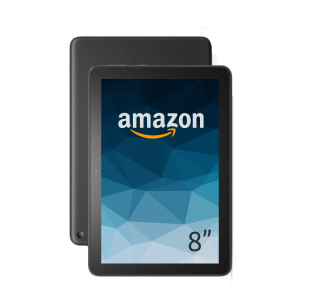
- Display: 8-inch HD (1280 x 800) display.
- Processor: Quad-core processor with 2GB of RAM.
- Storage: 32GB or 64GB internal storage, expandable with a microSD card.
- Battery: Up to 13 hours of battery life.
- Connectivity: USB-C port for charging and data transfer.
Amazon Fire Max 11
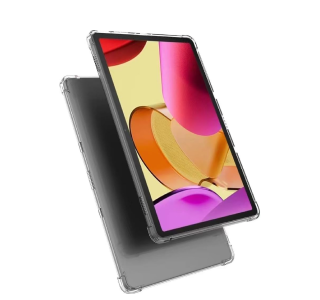
- Display: 11-inch 2K (2000 x 1200) resolution display.
- Processor: Octa-core processor with 4GB of RAM.
- Storage: 64GB or 128GB internal storage, expandable with a microSD card.
- Battery: Up to 14 hours of battery life.
- Connectivity: USB-C port, and supports Wi-Fi 6.
So, when selecting a tablet for your digital signage system, always make sure that it offers options for a strong internet connection (Wi-Fi/Ethernet), continuous power, and is also be compatible with signage applications. A simple computer monitor could not work; you have to think smart to showcase smart and dynamic displays
Step 2: Download Digital Signage Software from Play Store
Install and set up digital signage software is the next step to installing a trusted and reliable digital signage software like AIScreen. So, go to the Google Play Store directly on your tablet and download the app, enjoying this user-friendly interface. Let’s get on to the process by following the steps:
- Open the Google Play Store icon on your Android tablet.
- Use the search bar to choose the digital signage software you are planning to use.
- Tap the “Install” button to download and install the app on your tablet.
Before starting with the same, make sure you have stable internet connectivity and a supporting digital signage media player.
This is essential to ensure the smooth functionality and remote access of your content through your device.
Step 3: Create an Account in the App
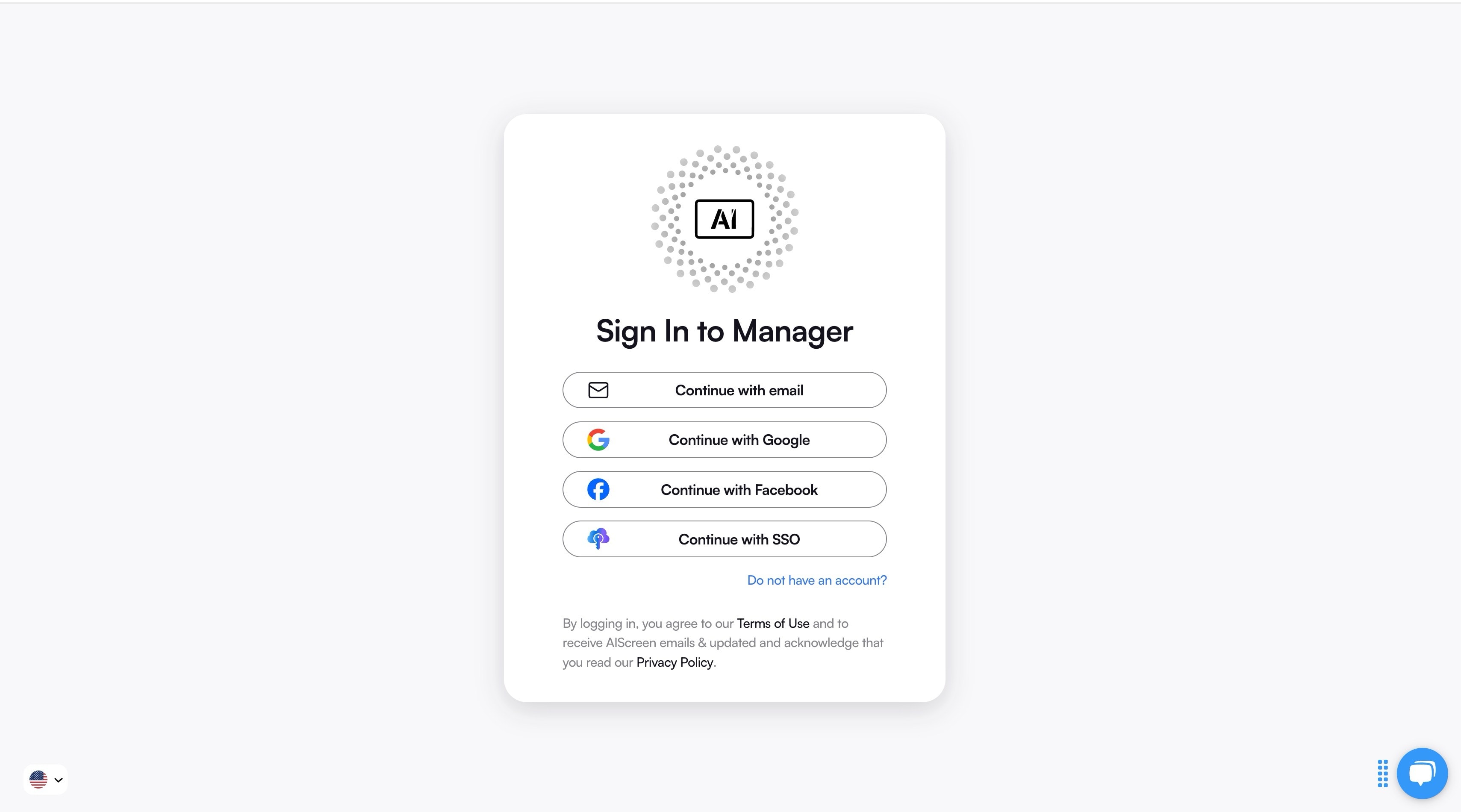
Create an account in the management app once you get the app installed on your consumer tablet. Here, you will be required to create an account within the cloud-based management dashboard.
It will be a central hub to let you control the entire digital signage operations through remote management. This platform, which is often referred to as the digital signage content management system or CMS, enables you to:
- Have the centralized control of all tablet screens from one place only.
- Perform simple, easy, and effortless content management and scheduling to display live data feeds.
- Access to live updates and analytics from any interconnected device attached to the tablet.
Here’s how you can create an account in AIScreen’s digital signage management app:
- Open the management app or move to AIScreen’s website to find the ‘Sign Up’ or ‘Create Account’ option.
- Enter the details required there, such as your name, email, and a new password.
- Create an account and check your confirmation email. Verify the email, and now, you can log in to your new dashboard.
Step 4: Pair Your Android Tablet with the Digital Signage Software
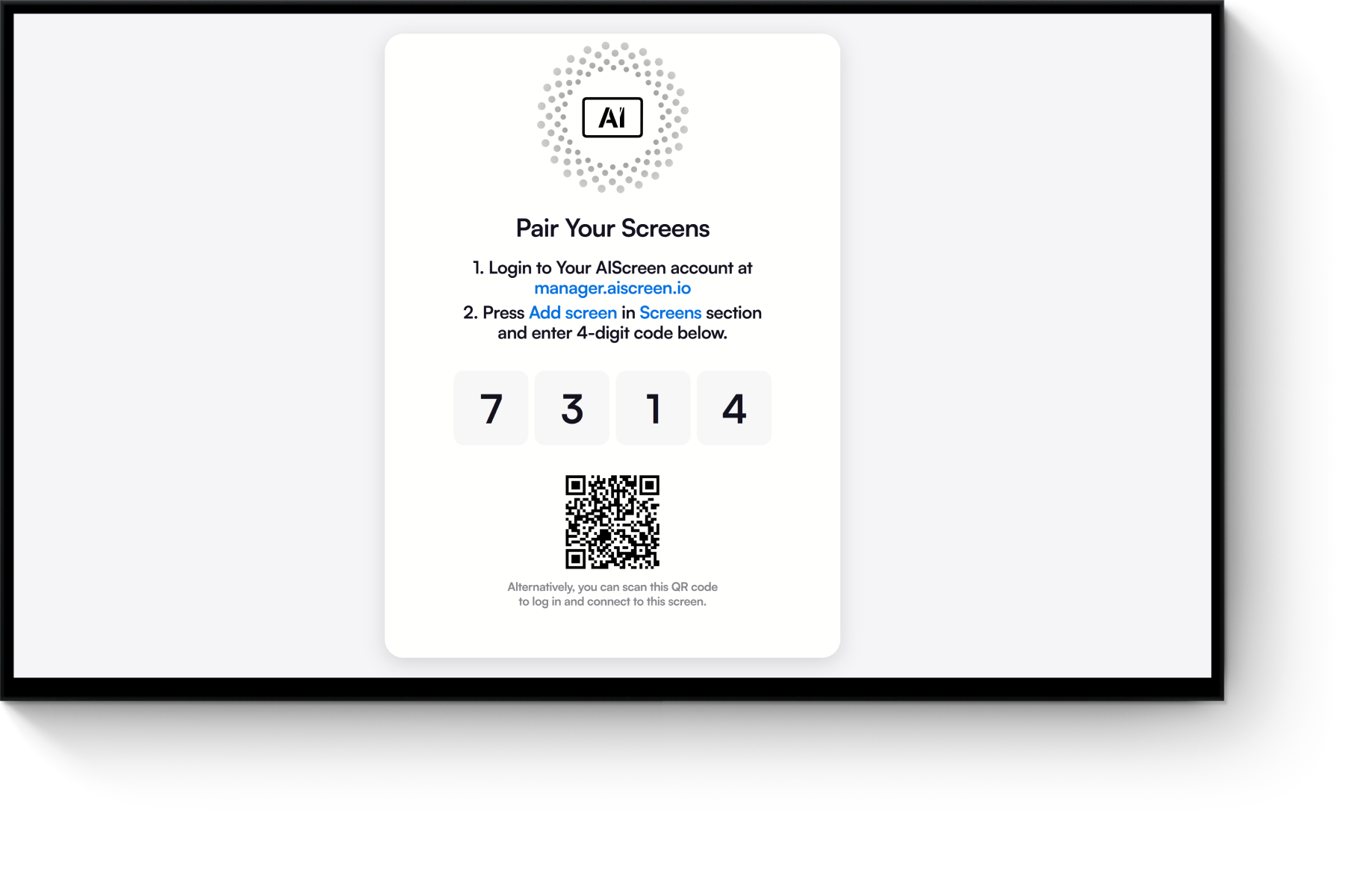
Pair your Android tablet with the software after logging into the management dashboard and completing the download digital signage software process. The pairing process links the tablet to your management account. It, thus, allows content syncing to display it on different signage screens. So, just download the software easily and move on to installing, pairing, and displaying screens. After creating an account, follow the on-screen instructions for scanning the QR code or entering the activation code.
Here is the way to pair your tablet:
- Launch and open the digital signage app on your Android tablet.
- Move on to your web-based management dashboard, go to the “Devices” or “Screens” section, and select “Add New Device.” A unique pairing code will be generated that could be a 6-digit number or a QR code.
- On your tablet, enter the pairing code from your dashboard when prompted. If that is a QR code, then use the camera of your tablet to scan it directly. This simplifies the process.
Always make sure that your tablet remains connected to WiFi or Ethernet connectivity to sync media files or content updates. Once the pairing completes, the tablet will operate as an Android digital signage player or an Android player ready to display content.
Step 5: Upload or Customize Your Template
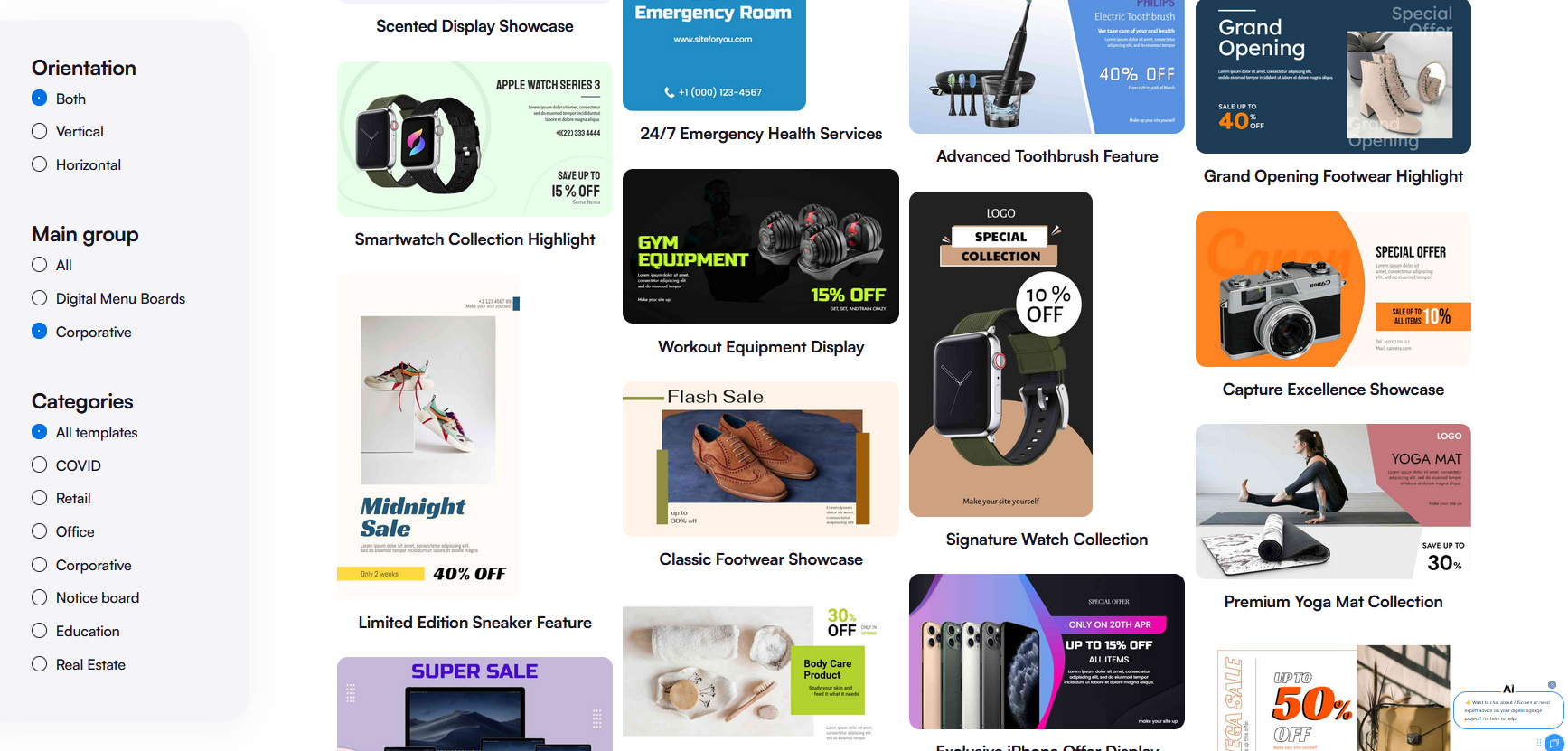
Upload or customize your template to move on to create your digital signage content. You can do this in just a few minutes, either by uploading your own media files, including images, videos, ads, digital signs, and other promotional content. Or else, you can do this by customizing one of the pre-designed templates available in the software. The key features of most of the signage software platforms include:
- Drag and drop image editing facility
- Insert media as logos, themes, and other custom branding elements
- Dynamic widgets like time, date, weather, or social media feeds.
- Interesting templates to match your purpose, e.g., a restaurant menu, a retail promotion, or an event schedule.
- Add text and edit designs.
Whether you need to display a corporate presentation, a restaurant menu, or anything else, you can take advantage of the pre-designed, customized templates to speed up your content creation, along with maintaining a professional look for your content.
Step 6: Set Up Display Schedule and Go Live
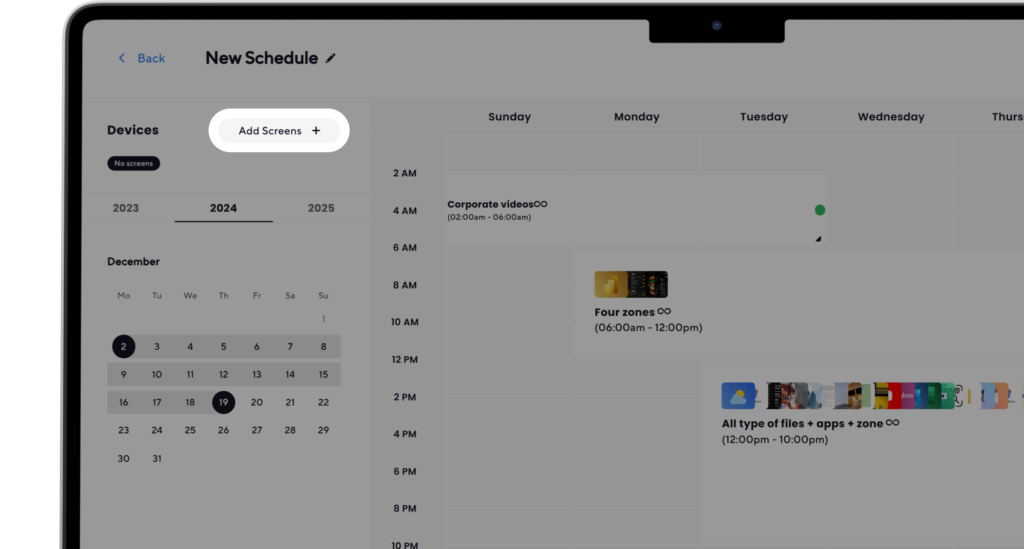
Set up the display schedule and go live if your content is ready to publish or display to your audience. You can also schedule your content to display at specific times of the day, utilizing the built-in scheduling tools.
- Implement the dayparting feature for running different content at various hours.
- Start recurring campaigns or set loops based on business hours or promotions.
- Define the start or end dates for automating the seasonal content.
After finishing the scheduling process, your Android tablet gets synced, and your Android tablet’s digital signage will become ready to go live. This process will perfectly turn your tablet into a fully functional display screen.
If you follow these six simple steps, you will definitely get a professional, scalable, and cost-effective Android digital signage system to become a part of a globally recognized digital signage network.
Why Choose Android Tablet for Digital Signage Software
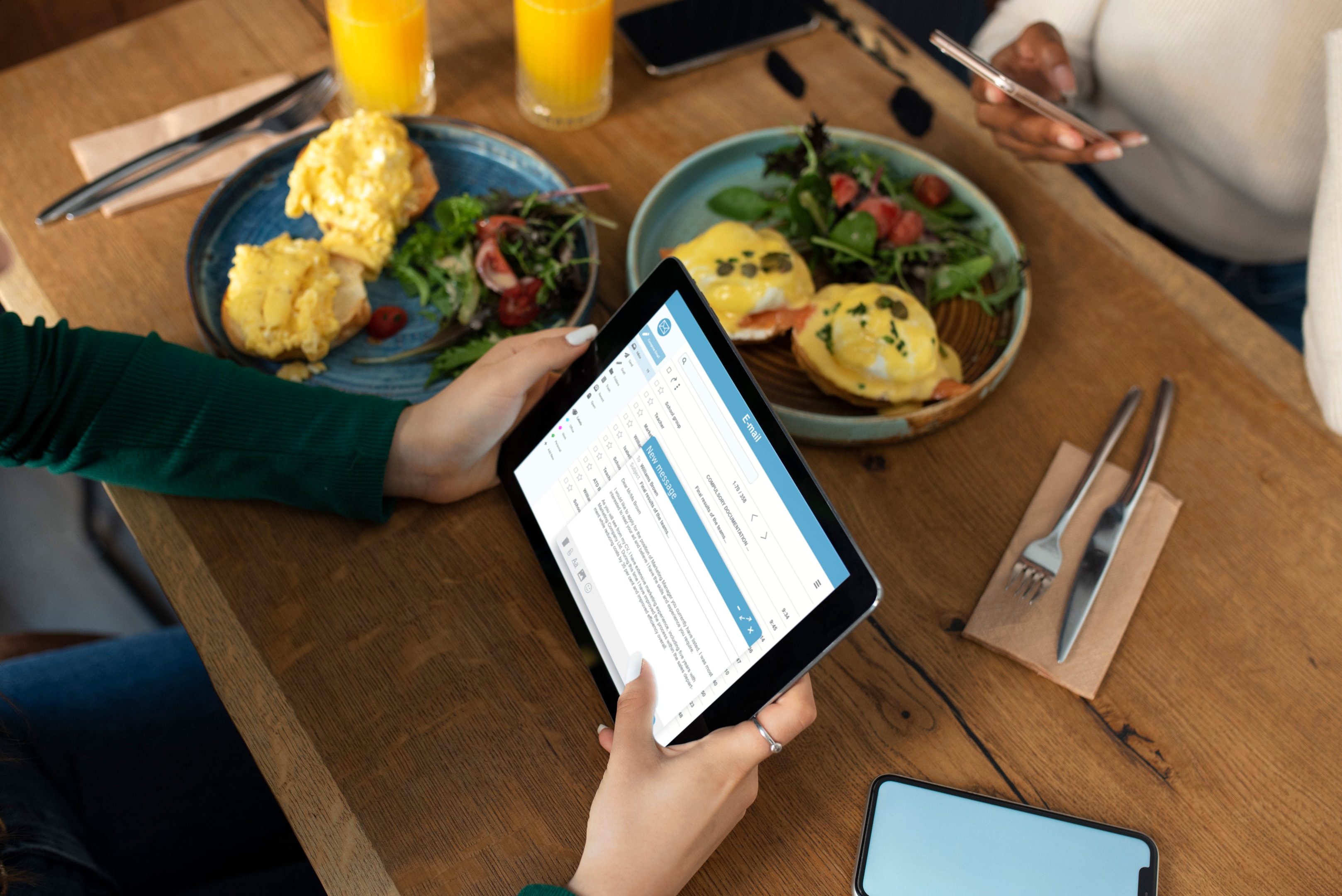
To choose Android tablets for digital signage software, you intend to have an accessible, flexible, and cost-effective option, especially if you are a small business or a startup. Android digital signage tablets, as compact devices, are rapidly becoming popular for Android digital signage due to their exceptional plug-and-play device support, broad software compatibility, and support for cloud-based digital signage platforms.
Whether you are showcasing content on multiple screens across restaurants, cafes, retail stores, and corporate spaces, you get full affordability, mobility, and performance using Android devices to meet diverse signage display requirements, and that too with minimal technical knowledge needed.
Advantages of Using Android Tablets:
Affordability: Affordability is the primary advantage of utilizing Android tablets, as they are budget-friendly and perfect for cost-conscious digital signage solutions. They are well-suited for startups or businesses looking to handle digital signage displays without compromising on functionality.
Hardware Flexibility: Android screens and Android media players are compatible with multiple digital signage software platforms like AIScreen. AIScreen’s software is capable of all hardware components. This software and hardware flexibility enables the setup to perform exceptionally, being used for any industry or business, i.e., retail, restaurant, hospitals, and corporate spaces, ensuring seamless integration.
Portability: Android tablets are compact and lightweight, and they can be positioned virtually anywhere, i.e., video wall mounted, kiosks, or countertop, for displaying versatile display options.
Easy to Set Up: Simple configuration steps and easy accessibility make the Android devices easy to set up through the Google Play Store.
Software Compatibility: Most digital signage software platforms operate efficiently on Android, making these tablets adaptable media players for streaming multimedia content, social media updates, and real-time data feeds.
Whether managing a cloud-based digital signage software system or scheduling content locally with a digital signage CMS, Android tablets offer intuitive control and reliable performance, if you want to go deeper, explore portable digital signage displays complete buying & setup guide to choose the right setup for your business.
Get started with Android Tablet- Start 14 Days Free Trial of AIScreen’s Digital Signage Software
Get started with an Android tablet – start a 14-day free trial of AIScreen’s digital signage software if you are ready to take your digital signage displays to a higher level. Join hands with AIScreen and start its 14-day trial to have the perfect way of exploring how Android tablets can be used and transformed into robust and powerful digital signage displays.
AIScreen’s digital signage software is an easy-to-use, cloud-based system that is built to support all types and sizes of businesses. Its plug-and-play setup, multi-device control, real-time updates, and a wide range of customizable templates make AIScreen your most effective and flexible Android tablet digital signage player in just a few minutes.
Whether you are looking to manage content across multiple locations, display dynamic digital content, or simplify your signage operations, AIScreen offers the tools and scalability you need, all at an affordable price.
Let’s get started!


Frequently Asked Questions
What are the best Android tablet digital signage apps?
The best Android tablet digital signage app in 2025 is AIScreen. They offer varied features for various business needs, from simple menus to interactive kiosks. Amazing displays are created using interactive elements with the AIScreen digital signage application.
What types of content can I display on an Android tablet with digital signage software?
The content that can be displayed on an Android tablet with digital signage software is interactive images, videos, menus, promotions, social media feeds, live data, and interactive content, enabling engaging multimedia displays.
How do I connect multiple Android tablets for digital signage software?
You can connect multiple Android tablets for digital signage software using a cloud-based digital signage CMS platform, allowing remote content upload, scheduling, and centralized control across locations to meet your digital signage needs.
What is the cost of setting up Android tablet digital signage software?
The cost of setting up Android tablet digital signage software covers the costs for tablet hardware (often under $100 for basic models) plus software subscriptions ranging from free plans to about $8 per device per month, depending on features.
How do I troubleshoot Android tablet digital signage software issues?
You can troubleshoot Android tablet digital signage software issues by verifying stable internet connectivity, ensuring correct app pairing, restarting devices, updating software, using an easy remote control dashboard, and consulting vendor support or help resources.
