
6 Best Digital Signage Software Companies for Education in 2026
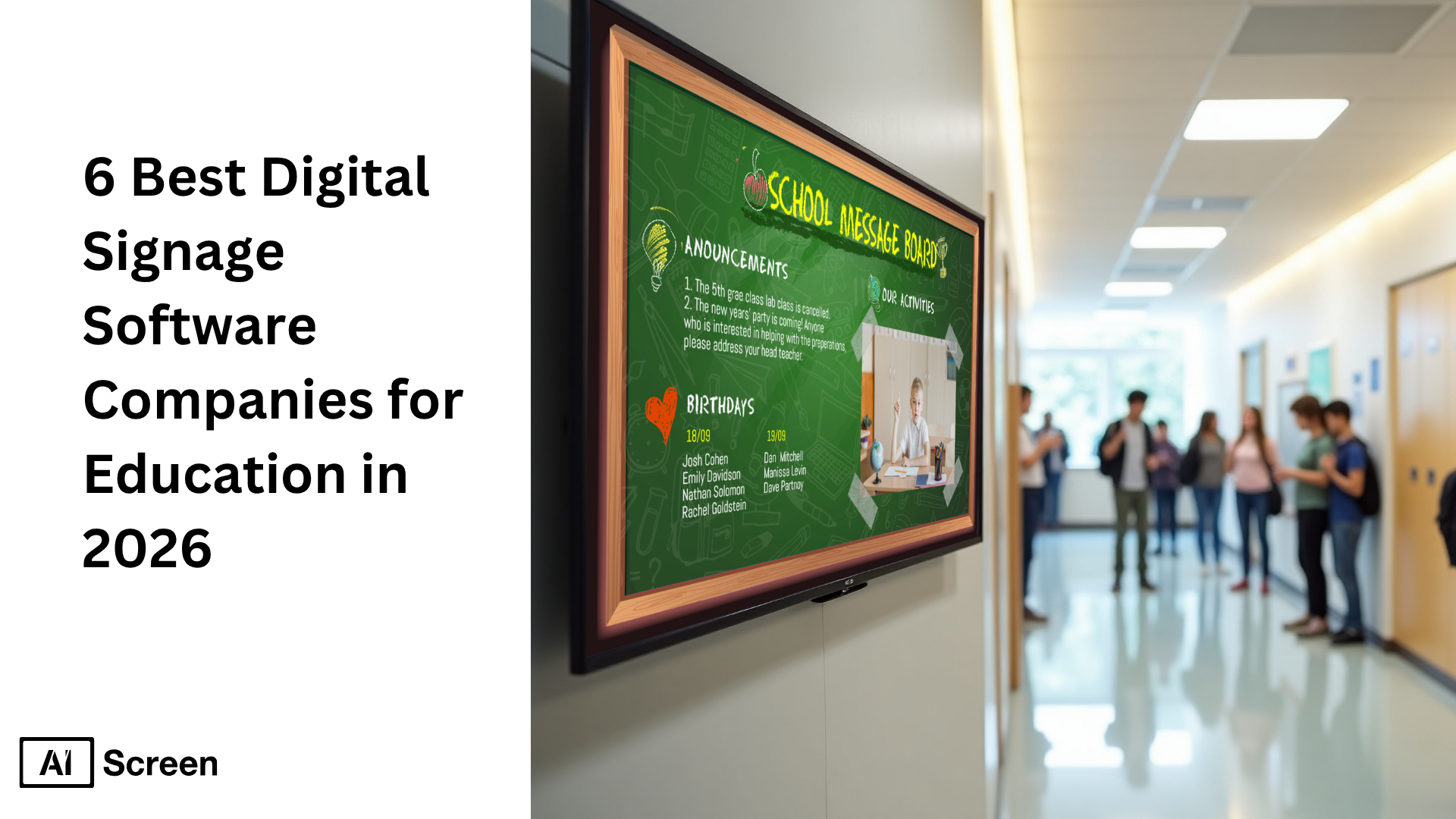
6 best digital signage software companies for education in 2026 highlight how digital signage software is transforming educational institutions by improving communication, engagement, and safety across digital signage networks. Today, nearly 70% of colleges have implemented digital signage displays to improve communication, while 87% of educational institutions have adopted digital signage to enhance learning and operations, according to Statista.
In this article, you will learn about the best digital signage software companies for education, how each digital signage solution compares in features and pricing, and what makes a platform suitable for managing an entire digital signage network. You will also understand how digital signage software helps educational institutions streamline communication, deliver engaging content, and improve campus communication using centralized control and cloud based platforms. Explore AIScreen’s education digital signage solution. For K-12 specifically, see our schools digital signage solution.
Why Digital Signage Software Is Essential for Modern Education Systems?
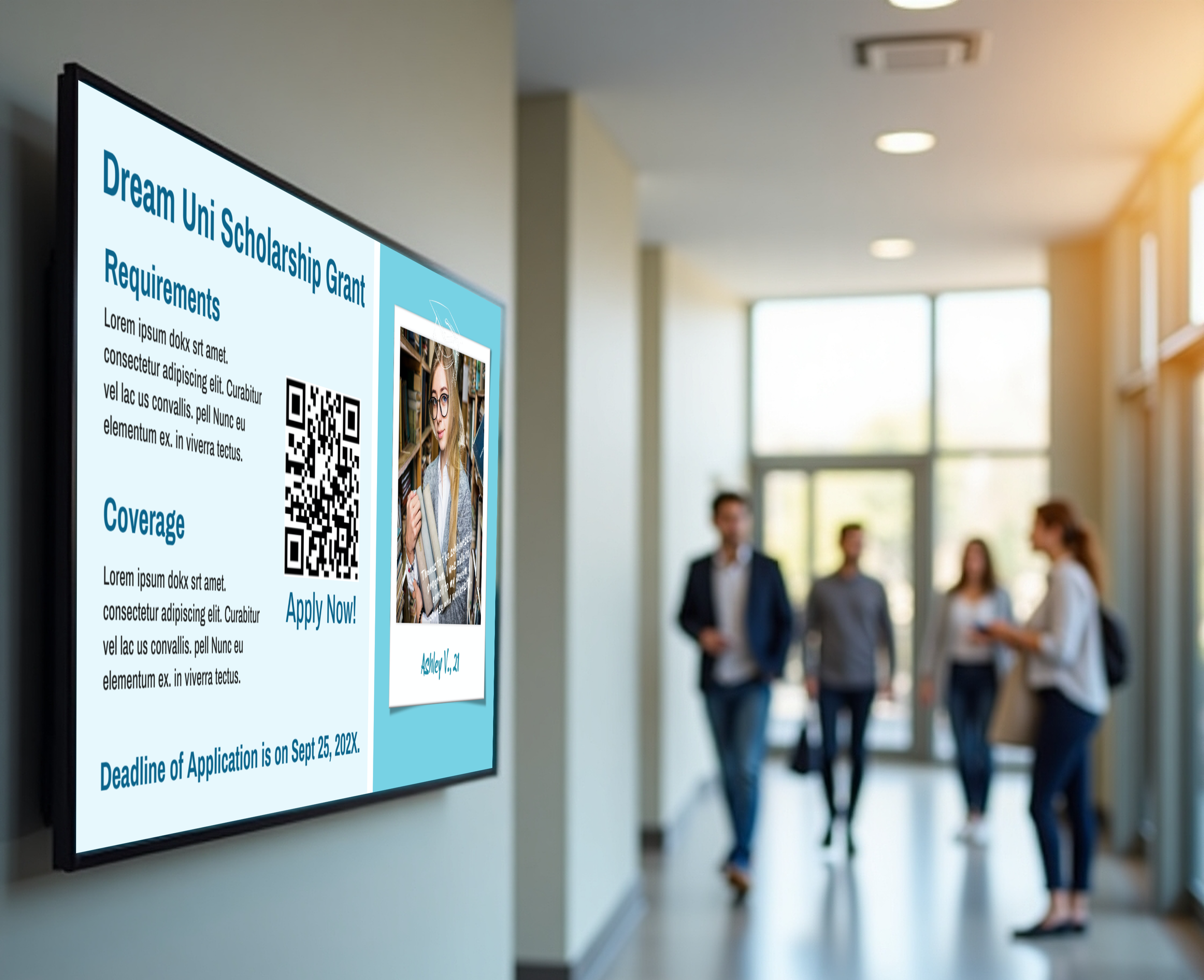
Digital signage software is essential for modern education systems because it transforms how educational institutions deliver digital content, streamline communication, and manage content across an entire digital signage network. It also opens up opportunities for more creative approaches, including school signage design ideas that make digital displays more visually engaging and easier to understand for students and staff.
Digital storytelling, a form of digital signage content, enhances learning by integrating multimedia tools such as graphics, audio, video, and animation. This approach supports constructive learning, where students engage with dynamic content, develop creative thinking, and interact through interactive features like interactive kiosks and screen sharing.
Digital signage can enhance the learning experience by integrating multimedia tools such as graphics, audio, and video, making lessons more engaging across digital screens. Accoording to Fortune Business Insights, the global digital signage market is expected to grow at over 8% annually through 2030, driven heavily by education and public sector adoption.
Key reasons why digital signage software solutions are essential:
- Streamline communication across educational institutions using centralized content management and remote management
- Enable users to create, schedule content, and manage content across multiple digital screens from one dashboard
- Integrate with tools like Google Slides, RSS feeds, and social media platforms for dynamic content creation
- Support emergency alerts and instant emergency alerts to improve safety affordably
- Reduce manual effort by automating flexible scheduling and display content updates
- Allow remote device management and monitor displays through analytics dashboards
- Provide scalable tools with centralized control for managing an entire digital signage network
- Deliver engaging content through media formats, live news feeds, and external data sources
Digital signage software for educational settings should be easy to use, allowing non-technical staff to update display content quickly without IT assistance. Schools should consider ease of use as a top priority when selecting signage software to ensure adoption across staff and departments.
Digital signage can reduce paper waste in schools by providing a digital platform for announcements and information sharing, while also boosting engagement and even helping institutions boost sales in cafeterias through digital menu boards.
Overall, digital signage solution platforms support centralized control, remote access, and dynamic content delivery, making them an all in one platform for managing communication, safety, and engagement in modern education systems.


What Are the Top Digital Signage Software Companies for Education Systems?
Top digital signage software companies for education systems are platforms that help educational institutions manage digital signage networks, streamline communication, and deliver dynamic content across multiple digital screens. There are several factors to consider while selecting the right digital signage solution, including compatibility with hardware, operating systems, budget, and content management capabilities.
To help you choose, here are the best digital signage software companies for education systems:
AIScreen
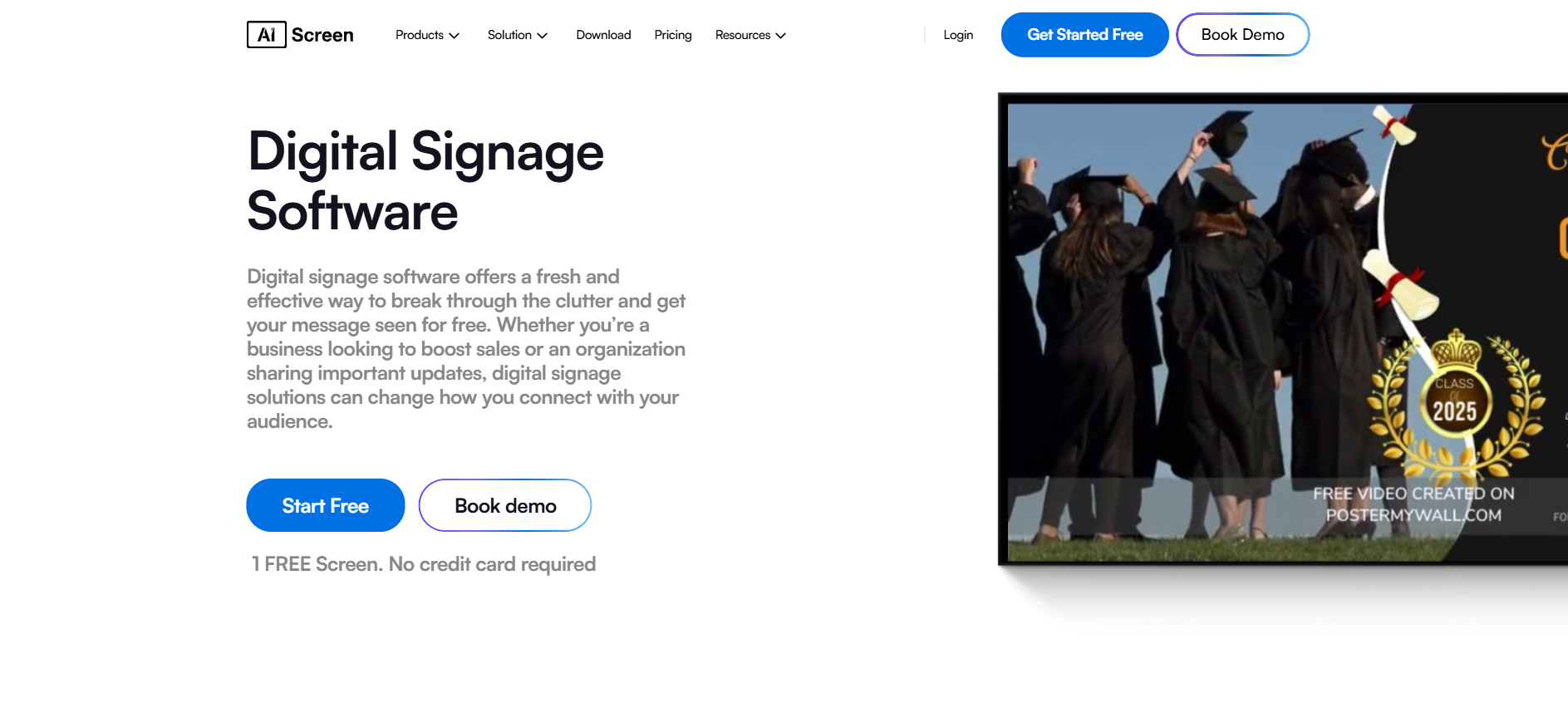
AIScreen is the best cloud based digital signage software designed for educational institutions that need a powerful yet simple digital signage solution to manage content across an entire digital signage network. AIScreen enables education systems to display content on digital displays, digital screens, and multiple digital screens with centralized control and remote management from anywhere.
Digital signage software allows users to create, schedule content, and manage content from a centralized platform, and AIScreen does this efficiently with centralized content management and analytics dashboards. Schools can monitor displays, update screen content, and ensure consistent messaging across multiple locations using remote device management.
AIScreen also focuses on safety and communication. Digital signage software emphasizes easy communication and emergency alerts for education, and AIScreen supports instant emergency alerts that can override all digital signs across the network. This helps educational institutions improve safety affordably and respond instantly during emergencies.
The platform offers hardware flexibility, allowing schools to use their own hardware, reducing hardware costs while supporting multiple operating systems and devices with a stable internet connection. It works across TVs, tablets, and media players, making it a scalable cloud-based solution for schools.
Key Features
- Centralized control with centralized content management across multiple screens
- Remote management and remote device management for entire digital signage network
- Dynamic content creation with drag-and-drop built in content creator
- Flexible scheduling to schedule content automatically throughout the day
- Emergency alerts and instant emergency alerts with screen override
- Integration with Google Slides, social media platforms, RSS feeds, and web pages
- Analytics dashboards to monitor displays and performance
- Supports multiple screens, digital menu boards, and interactive kiosks
- Access controls and security features to protect digital content
Pricing
- Free plan available for basic use
- Paid plans start from around $10 per screen per month
- Scalable pricing based on number of screens and features
- Flexible plans suitable for small schools to large educational institutions
Templates
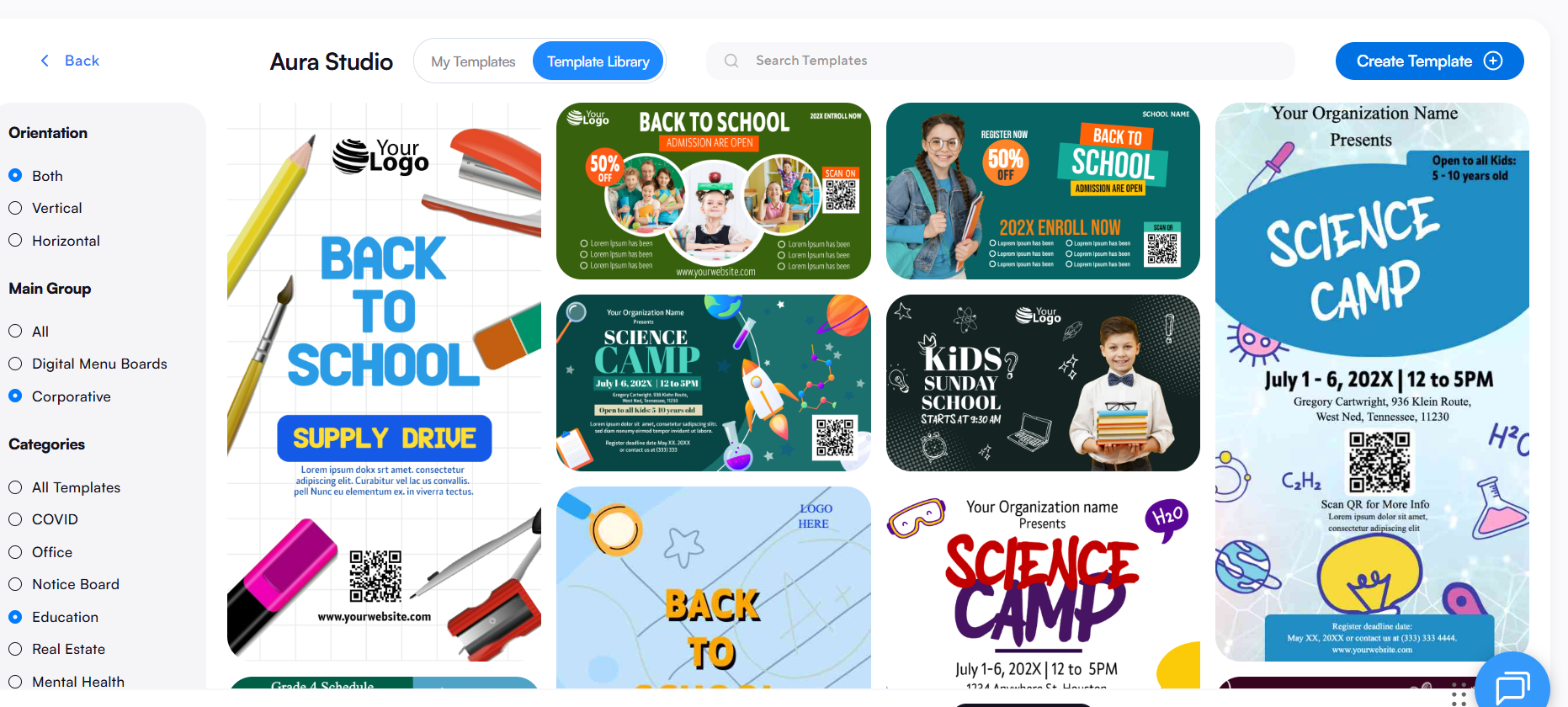
- 1500+ ready-to-use templates for announcements, events, and school digital signage
- 500k+ digital signage templates available for faster content creation
- Educational templates reduce design time with ready-made layouts
- Fully customizable templates for stunning displays and engaging content
Apps & Integrations
- 70+ built-in integrations for external data sources
- Google Slides, social media feeds, RSS feeds, and live news feeds
- Supports screen sharing and multimedia content formats
- Mobile app and remote access via mobile devices
- Platform supports integration with social media platforms and web pages
AIScreen ensures centralized control, simplifies content creation, and enables schools to streamline communication, making it one of the best digital signage software companies for education systems.
Enplug
Enplug is a digital signage software that focuses on interactivity and engaging content for school digital signage. It enables users to create digital content with social media feeds, live news feeds, and interactive features for better student engagement.
Screen content can be managed across multiple screens with remote management, making it suitable for campus communication and internal communication.
Pros:
- Strong interactive features and social media integration
- Easy content creation with engaging content formats
- Scalable for multiple locations
Cons:
- Limited advanced software solutions for complex needs
- Dependent on specific operating systems and devices
BrightSign
BrightSign is a digital signage solution known for reliable hardware and secure signage software for educational institutions. It combines digital signage software with dedicated media players to ensure stable performance across digital displays.
BrightSign platform supports integration with external data sources and helps streamline communication across campuses.
Pros:
- Highly reliable hardware and long-lasting performance
- Secure platform with stable internet connection usage
- Good for large digital signage networks
Cons:
- Higher hardware costs due to proprietary devices
- Limited flexibility compared to cloud based platforms
Pickle
Pickcel is a digital signage software known for its user-friendly platform that simplifies content management and creation for educational institutions. Pickcel Digital Signage is known for its user-friendly platform that simplifies content management and creation for educational institutions.
This cloud based platform enables schools to manage content, schedule content, and monitor displays across multiple digital screens with centralized control.
Pros:
- Affordable pricing and scalable tools
- Remote device management and analytics dashboards
- Supports social media platforms, web pages, and media formats
- Strong access controls and security features
Cons:
- Free plan has limited features
- Some multilingual features may be incomplete
Rise Vision
Rise Vision is a digital signage platform that helps organizations and schools share information and deliver safety communications. It is widely used for school communication, announcements, and emergency alerts.
Rise Vision platform supports centralized content management and allows administrators to display content across digital screens using a cloud based solution.
Pros:
- Easy to use and ideal for educational institutions
- Integrates with tools like Google Slides and external data sources
- Flexible scheduling and remote access
Cons:
- Requires own hardware setup
- Limited features in free plan
- Dependent on internet connection for performance
ScreenCloud
ScreenCloud is recognized for its ease of use and flexibility, allowing schools to display dynamic content across various devices. It enables educational institutions to turn digital screens into digital signs for announcements, events, and engaging content.
The platform supports integration with Google Slides, Microsoft tools, and social media feeds, helping streamline communication.
Pros:
- Simple interface for content management
- Works on multiple screens and flexible hardware options
- Reliable platform with good uptime
Cons:
- Limited analytics dashboards
- Mobile device management can be less intuitive
- Some limitations in access controls
How Does Digital Signage Software for Education Compare in Features and Pricing?
Digital signage software for education compare in features and pricing based on ease of use, content management, remote management, and scalability across a digital signage network.
Most cloud based platforms offer centralized control, flexible scheduling, and integrations, while pricing typically depends on per-screen subscriptions and advanced features.
| Software | Key Features | Pricing Model | Best For |
|---|---|---|---|
| AIScreen | Centralized content management, dynamic content creation, emergency alerts, analytics dashboards, remote device management, built in content creator, integrations with Google Slides and social media platforms | Free plan + paid plans starting ~$10/screen/month (scalable) | Education systems needing all in one platform with full control |
| Enplug | Interactive features, social media feeds, live news feeds, engaging content, remote management | Subscription-based pricing (varies by screens) | Schools focused on engagement and interactive kiosks |
| BrightSign | Reliable hardware + signage software, secure system, external data sources integration, strong performance | Higher upfront hardware costs + software licensing | Large institutions needing stable hardware solutions |
| Pickcel | User-friendly platform, content management, flexible scheduling, analytics dashboards, access controls | Affordable plans + scalable pricing tiers | Budget-friendly educational institutions |
| Rise Vision | Cloud based platform, emergency alerts, Google Slides integration, centralized control, flexible scheduling | Free tier + paid plans for advanced features | Schools needing simple communication tools |
| ScreenCloud | Easy content creation, integrations, dynamic content, remote access, multiple screens support | Subscription pricing per screen (higher tiers for advanced features) | Schools wanting ease of use and flexibility |
This comparison shows that digital signage solutions vary between cost efficiency, hardware flexibility, and advanced software solutions. Education system should choose based on whether they need scalable tools, strong security, or simple content creation to manage content and streamline communication across multiple locations, explore 8 best digital signage software for schools in 2026 to find the right fit.
Why Should the Education System Choose AIScreen for Digital Signage Software?
The education system should choose AIScreen for digital signage software because it offers a simple, scalable, and powerful digital signage solution that helps educational institutions manage content, streamline communication, and deliver engaging content across digital displays with centralized control and remote management.
AIScreen is a leading provider of digital signage software that combines dynamic content creation, emergency alerts, flexible scheduling, and seamless integrations into one cloud based platform. It helps schools improve safety, reduce manual effort, and efficiently manage their entire digital signage network across multiple locations. Contact us.
FAQs
What features should schools prioritize in digital signage software?
Digital signage software features schools should prioritize include centralized content management, remote management, emergency alerts, flexible scheduling, and integrations with tools like Google Slides and social media platforms. These features help streamline communication, manage content efficiently, and deliver engaging content across multiple digital screens.
How does digital signage improve communication in educational institutions?
Digital signage improves communication in educational institutions by enabling real-time display content across digital displays, reducing manual effort, and ensuring consistent campus communication. It allows schools to share announcements, live updates, and emergency alerts instantly across an entire digital signage network.
Can digital signage software be used without technical expertise?
Yes, digital signage software can be used without technical expertise because most modern cloud based platforms are designed to be user-friendly. They include built in content creator tools, drag-and-drop editors, and templates that enable users to create and manage content with just a few clicks.
Is digital signage software secure for education environments?
Yes, digital signage software is secure for education environments when it includes strong access controls, encrypted data transmission, and role-based permissions. These security features help protect digital content and prevent unauthorized access across multiple screens and locations.
How do schools manage multiple screens across different locations?
Schools manage multiple screens across different locations using centralized control and remote device management features. These tools allow administrators to monitor displays, schedule content, and update screen content across the entire digital signage network from a single cloud based solution.
