
5 Best Digital Signage Software Companies for Campus Displays
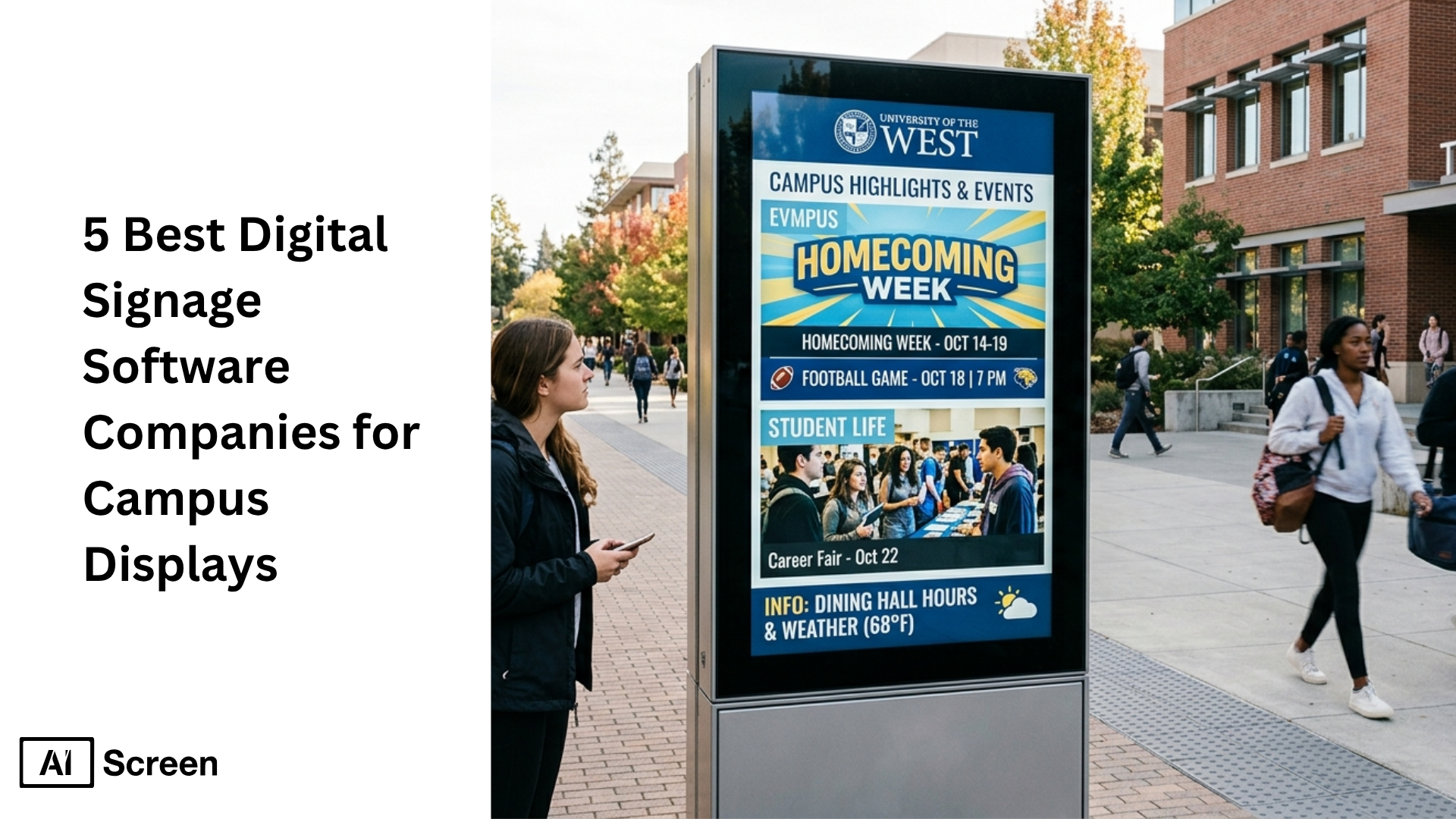
Best digital signage software companies for campus displays can make a big difference when schools want to improve campus announcements, emergency alerts, student engagement, and campus wide communications. Digital signage is a smart fit for educational institutions because digital displays capture more attention than static signs. In an Intel study, digital signage captured an average of more than 400% more views than static signage, which shows why more schools are moving toward dynamic digital signage solutions.
In this article, you will learn which digital signage software platforms stand out for higher education, what features matter most for a campus digital signage network, and how each option supports content management, remote access, multiple screens, and real time updates. You will also see why AIScreen stands out as a leading provider for schools and universities that want user friendly, scalable, and modern signage software. Explore our university digital signage and campus digital signage solutions.
Why Are Interactive Kiosks Important for Campus Communication?
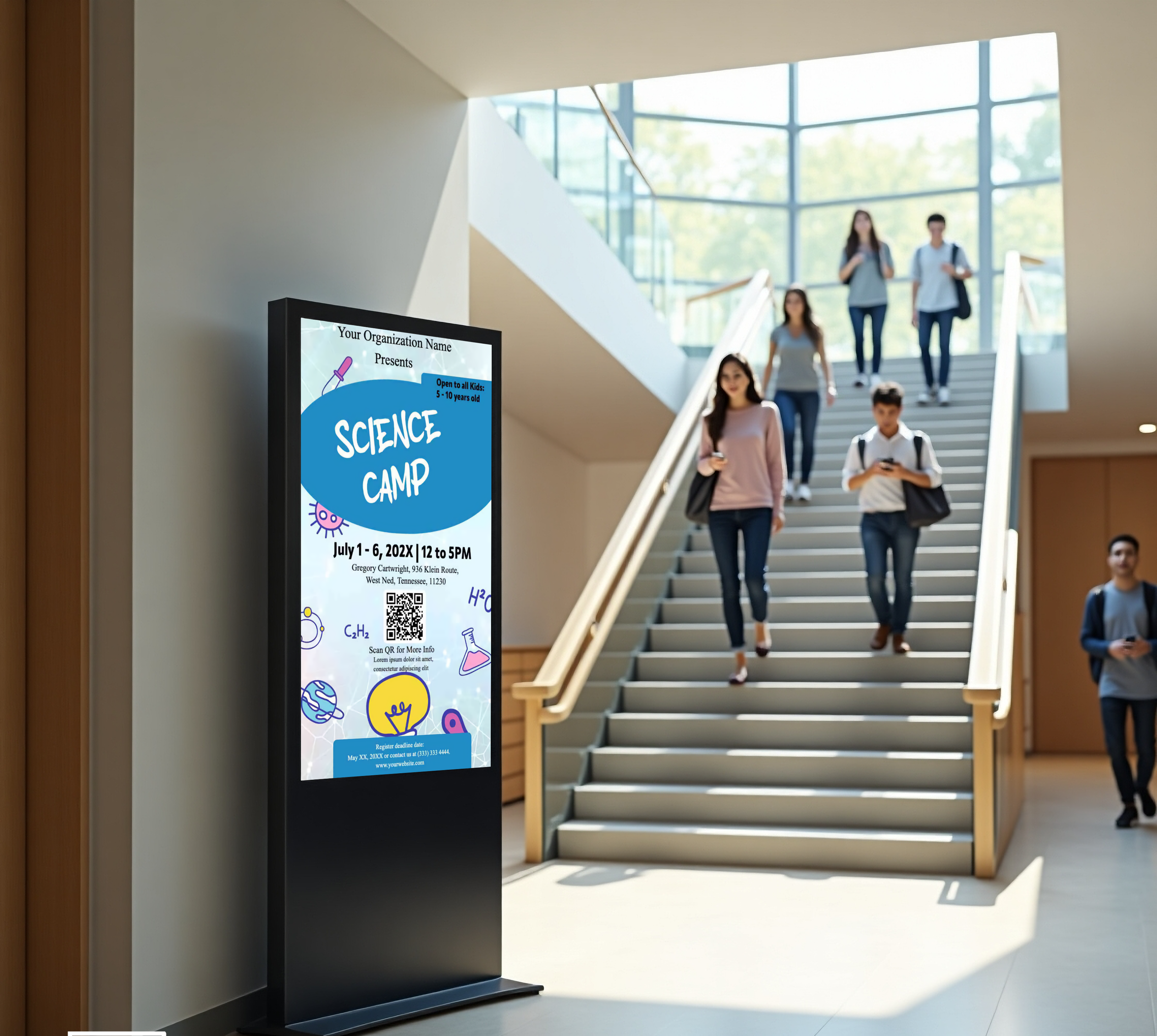
Interactive kiosks are important for campus communication because they make digital signage more immediate, useful, and interactive across the entire campus. A university digital signage software setup brings campus announcements, emergency alerts, campus events, exam schedules, and wayfinding into one user friendly touchpoint.
As undergraduate enrollment is projected to increase by 9% between 2021 and 2031, higher education campuses will need smarter campus wide communications tools that can scale across multiple screens and shared spaces, according to NCES.
1. Dramatically Enhanced User Experience and Operational Efficiency
- 24/7 self-service: Interactive kiosks give students, staff, and visitors instant access to display content such as directions, library hours, exam schedules, registration support, and campus announcements at any time.
- Empowered autonomy: A school digital signage setup with kiosks helps people answer routine questions on their own, which reduces confusion and improves the customer experience across education facilities.
- Staff resource optimization: By handling repetitive information requests, signage software helps front-desk teams and administrators spend more time on higher-value support instead of basic campus communication tasks.
2. Improved Communication and Campus Navigation
- Dynamic information hub: Interactive kiosks strengthen digital signage solutions by showing campus wide updates, important events, emergency alerts, weather forecasts, rss feeds, and live feeds in real time.
- Intuitive wayfinding: Connected to a digital signage network, kiosks can guide users across the entire campus with maps, directories, and location-based directions that reduce stress and lateness.
- Better message consistency: A cloud based cms and content management system make it easier to manage content, schedule content, and display the same content or location-specific content across multiple screens.
3. Enriched Learning and Student Engagement
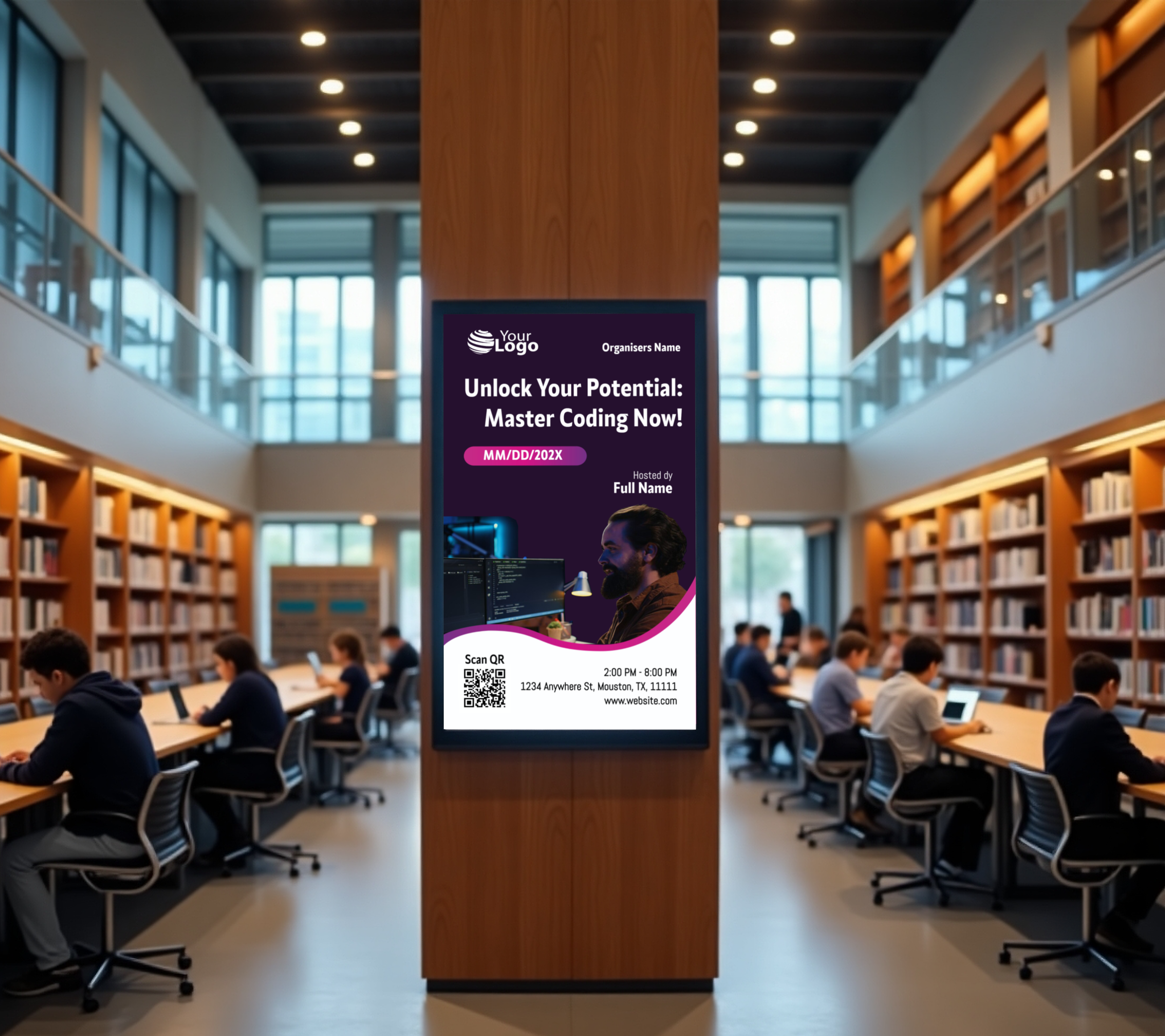
- Extended learning environments: Kiosks placed in libraries, hallways, dining halls, and student centers can display engaging content, google slides, educational resources, and interactive materials beyond the classroom.
- Showcase for achievement: Universities can create dynamic content that highlights student work, research, sports wins, creative projects, and campus life moments across digital displays.
- Increased event participation: Students can explore campus events, sign up on the spot, and view relevant content about workshops, fairs, and activities, which supports stronger student engagement.
4. Strong Commitment to Accessibility and Inclusion
- Inclusive access to information: Interactive kiosks can support touch screens, screen readers, larger text, multilingual options, and clear layouts so more users can access critical information comfortably.
- Reduced anxiety for users: Some students and visitors prefer finding answers privately, and kiosks provide a pressure-free way to access campus wide communications without needing to wait in line.
- Better support in shared spaces: In large educational institutions, kiosks help everyone access important announcements and safety instructions quickly in common areas.
5. Modernized Institutional Image and Sustainability
- Tech-forward campus image: A best digital signage software approach that includes kiosks signals that the institution values innovation, convenience, and modern communication.
- Lower printing waste: Universities can replace paper-heavy updates with digital signage content, helping reduce recurring printing costs while improving digital signage deployment speed.
- Smarter decision-making: Advanced content management tools and user activity insights can help teams understand what people search for most, which can improve content creation and campus communication planning.


What Are the Best Digital Signage Software Companies for Campus Displays?
The best digital signage software companies for campus displays are the platforms that make it easy to create content, manage content, and scale a digital signage network across the entire campus.
For higher education and other educational institutions, the right signage software should support emergency alerts, campus announcements, campus events, multiple screens, remote access, and user friendly content management from one cloud based cms.
1. AIScreen
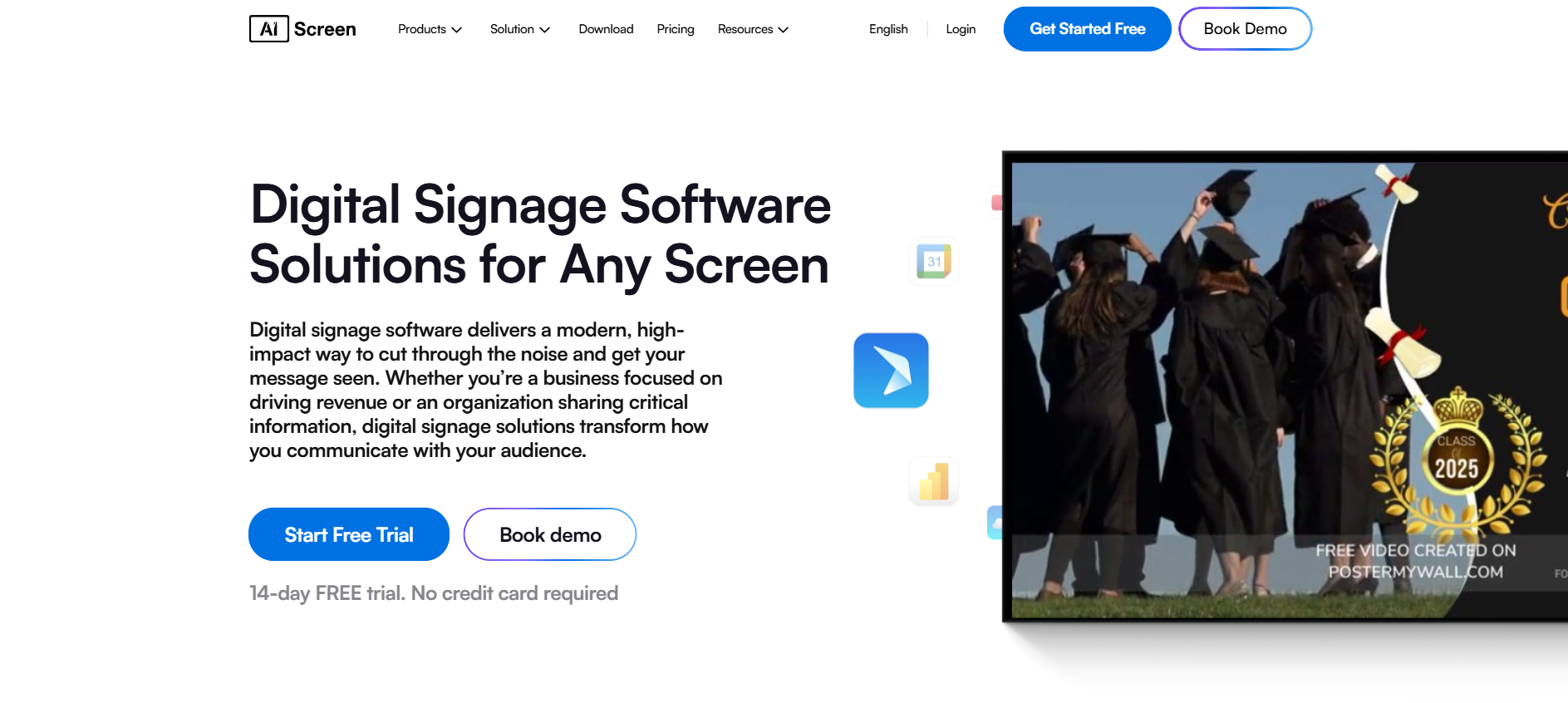
AIScreen is one of the best cloud digital signage software options for campuses that need one digital signage platform for campus wide communications, digital screens, menu boards, video walls, and digital displays. It is built to help schools and universities create dynamic content, schedule content, and display content across an unlimited number of screens from one central dashboard.
It also works well for IPTV digital signage sports venues, giving universities more flexibility for athletics, live events, and campus-wide viewing areas. AIScreen also stands out because it combines digital signage solutions, flexible digital signage deployment, and easy content creation in just a few clicks.
For campuses trying to keep students informed with real time updates, social media feeds, Google Slides, RSS feeds, safety instructions, and important announcements, it gives teams a practical way to remotely manage content across existing screens and digital signage hardware.
Features
- Cloud-based digital signage CMS for content management across multiple users and multiple screens
- Scheduling tools for the same content or location-specific relevant content
- Support for digital signage player, media player options, and existing screens across campus environments
- Strong fit for emergency alerts, campus announcements, exam schedules, and campus wide updates
Templates
- University digital signage templates for campus events, student recognition, schedules, and announcements
- 1500+ template library that helps teams create content quickly without heavy design work
- Good option for displaying engaging content in dining halls, campus stores, shared spaces, and corporate offices within the campus system
Apps
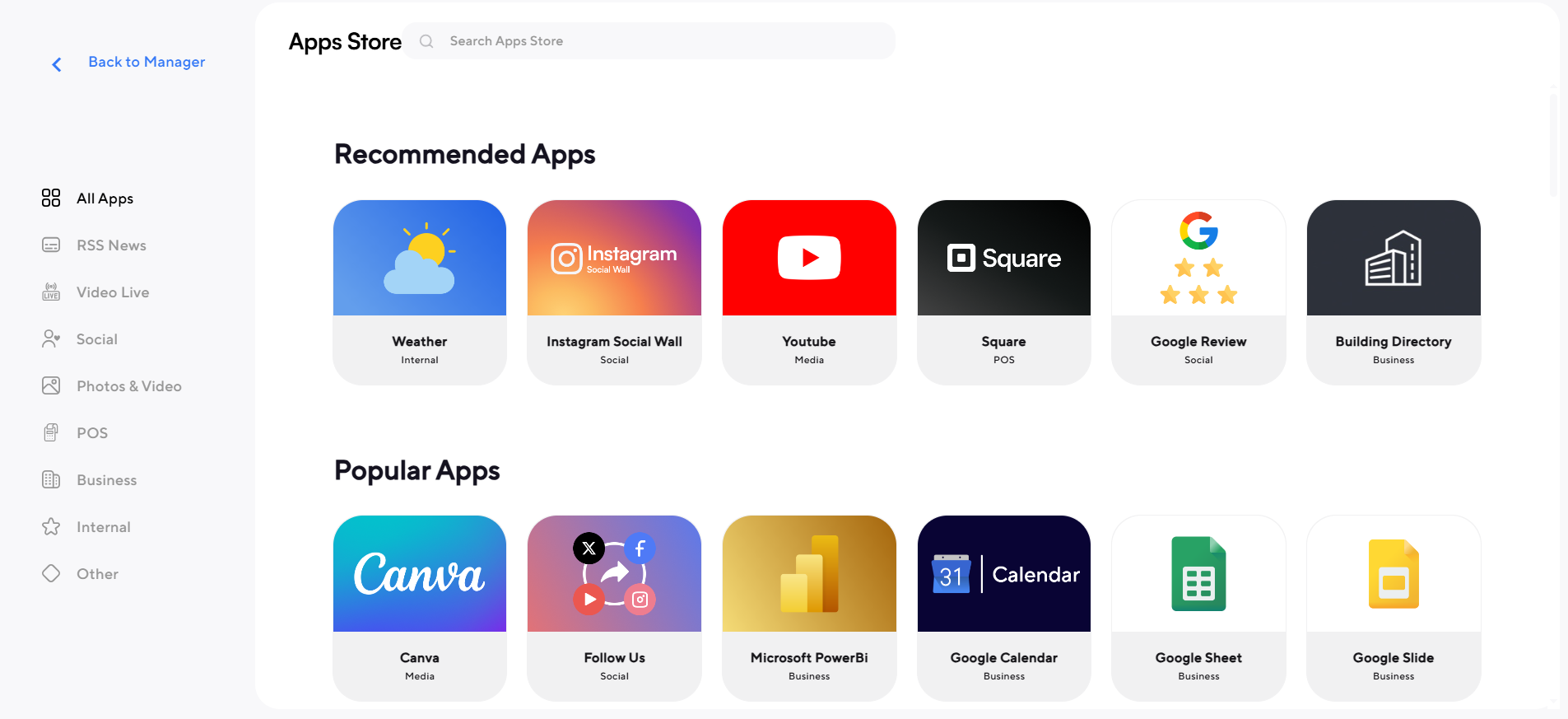
- Integrations and apps that help display content from live feeds, social media feeds, and Google-based workflows
- Useful for create dynamic content strategies that need real time updates and cloud storage support
- Practical for a digital signage system that needs advanced content management without adding too much complexity
2. Wallboard
Wallboard is a strong school digital signage choice for campuses that want a simple but capable platform for content creation, scheduling, and interactive displays. Its cloud-based setup, branded templates, live data integrations, and touchscreen support make it useful for wayfinding, campus announcements, and campus life communication across education facilities.
Pros
- Easy drag-and-drop content creation with branded templates
- Interactive displays for wayfinding kiosks and student engagement
- Live data integration with calendars, weather, social media, and alerts
- Scales from one screen to many campuses
Cons
- The provided document highlights strengths more than limitations, so the main drawback is that schools still need to check pricing and fit for their specific digital signage hardware and deployment needs.
3. Yodeck
Yodeck is a good fit for educational institutions that want cloud-based digital signage software with straightforward scheduling, playlists, widgets, and remote management. It is especially useful when schools want to display relevant content on multiple screens while keeping control of what students see in different locations.
Pros
- Easy drag-and-drop editor for create content and schedule content
- Free widgets for weather forecasts and other engaging content
- Remote management for screen activity and account control
- Education-ready templates for announcements, schedules, alerts, and events
Cons
- May not work well with older or less common digital signage hardware
- Advanced reporting and user controls are tied to higher plans
4. Raydiant
Raydiant is a user friendly digital signage platform that works well when campuses want polished digital signage content, app integrations, and scheduling in just a few clicks. It is not built specifically for higher education, but it can still support campus stores, cafeterias, and other student-facing spaces that benefit from strong digital displays and customer experience tools.
Pros
- Easy to use for content creation and publishing
- App integration for POS-related locations like campus stores and dining halls
- Advanced reporting and audience insight features
- Plug-and-play setup can simplify deployment
Cons
- The document notes occasional glitches that may require a reboot
- Pricing is less transparent because users need to contact sales
5. Sklera
Sklera is a simple signage software option for schools that want to create and manage presentations quickly across target screens. Its value comes from multiple deployment options, integrated data sources, and real-time monitoring, which can help education facilities manage campus wide updates with less complexity.
Pros
- Easy to publish images and videos across screens quickly
- Supports rss feeds and social media integration for campus wide communications
- Offers cloud, private cloud, and on-premises deployment options
- Includes real-time monitoring and content scheduler tools
Cons
- Does not support touch screens, which limits kiosk-style use cases
- Fewer interactive capabilities than platforms focused more heavily on engagement and wayfinding features, based on the feature list provided in the document.
What Are the Best Locations to Install Digital Information Signage on Campus?
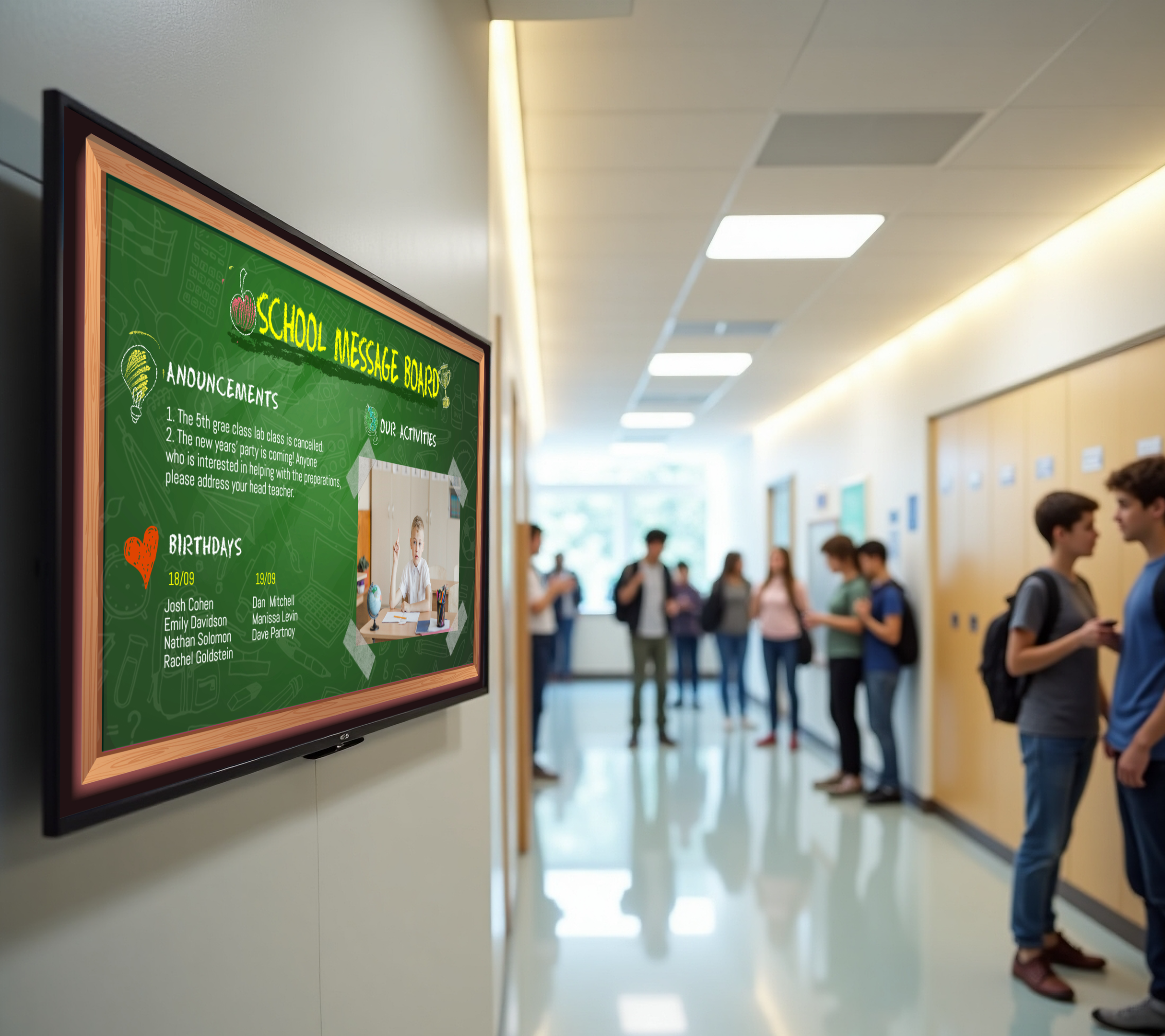
The best locations to install digital information signage on campus are the places where students, staff, and visitors naturally stop, arrive, wait, or need guidance. That is where digital signage, digital displays, and interactive kiosks become most useful for campus wide communications, wayfinding, emergency alerts, and real time updates.
Campus arrival points matter especially because one study cited in Auburn University research found that 80% of prospective students at California State University Northridge said the campus visit contributed to their desire to attend.
Main Entrance and Visitor Lobby
Main entrance and visitor lobby locations should be the first priority because they shape first impressions right away. This is the best place for digital signs that show campus maps, campus announcements, important events, and directions across the entire campus.
Central Quad and High-Footfall Plaza
Central quad and high-footfall plaza areas are ideal because they sit at the center of campus life. A digital signage network here can display campus events, social media feeds, live feeds, weather forecasts, and other relevant content where the most people will actually see it.
Parking Garages and Transit Hubs
Parking garages and transit hubs work well because this is where people shift from arrival mode to campus mode. Digital screens at these points can show wayfinding, class locations, schedule changes, safety instructions, and critical information before people start moving.
Library Entrance
Library entrance locations are strong because students already expect to search for information there. This is a smart place for university digital signage software that can display room availability, research help, exam schedules, directories, and displaying engaging content tied to student engagement.
Student Union and Main Commons Lobby
Student union and main commons lobby areas are some of the best spots for school digital signage because they bring together services, clubs, dining, and campus life. These screens can display content for campus stores, dining halls, club activities, and campus wide updates in one high-traffic space.
Major Academic Building Complexes
Major academic building complexes need digital signage solutions because students often move quickly between classes and departments there. A digital signage system in these spaces can show faculty directories, department updates, room locations, and important announcements without creating confusion.
Registrar, Financial Aid, and Admissions Waiting Areas
Registrar, financial aid, and admissions waiting areas are smart locations because people are already looking for answers there. Signage software can reduce repetitive questions by helping users explore forms, deadlines, FAQs, and academic information in just a few clicks.
Cafeteria and Dining Hall Entrances
Cafeteria and dining hall entrances are effective because students check them daily and often more than once. This is the right place for menu boards, daily specials, nutrition details, seating updates, and digital signage content that keeps information timely and useful.
Health Center and Wellness Center Lobby
Health center and wellness center lobby spaces benefit from digital information signage because users often want quick and private access to services. Digital signage deployment here can support check-in guidance, wellness resources, important announcements, and discreet access to information.
Residence Hall Complex Centers
Residence hall complex centers are valuable because they support daily communication where students live, not just where they study. Digital signs in these shared spaces can highlight campus announcements, laundry information, community events, emergency alerts, and campus wide communications.
Recreation Center and Gym Entrance
Recreation center and gym entrance areas are excellent for engaging content because students already gather there for schedules and activity updates. A digital signage platform can display class times, sign-ups, facility maps, and important events while keeping content fresh and visible.
Campus Center Plazas and Landmark Crossroads
Campus center plazas and landmark crossroads are strong locations because they naturally become decision points. In a 2025 Foothill College wayfinding survey, stakeholders said they wanted digital kiosks to provide items like temporary event information, campus maps, building directions, student events, and emergency announcements, which fits these busy crossroads perfectly.
Why Is AIScreen the Right Choice for Campus Digital Signage?
AIScreen is the right choice for campus digital signage because it gives schools and universities one simple platform to manage campus announcements, emergency alerts, campus events, digital displays, and student engagement across the entire campus. As a leading provider, AIScreen helps educational institutions create content, schedule updates, and manage multiple screens in a way that feels easy, fast, and practical.
It also fits the real needs of modern campuses by combining user friendly content management, flexible digital signage deployment, and support for dynamic content in just a few clicks. Whether a school wants to improve campus wide communications, keep students informed, or make better use of existing screens, AIScreen offers one of the best digital signage software solutions for higher education. Contact us.
FAQs
How does campus digital signage improve communication during busy academic days?
Campus digital signage improves communication during busy academic days by showing real time updates in places students already pass through. It helps schools share campus announcements, schedule changes, campus events, and critical information faster than printed notices or scattered emails.
Can campus digital signage work with screens that a school already has?
Yes, campus digital signage can work with screens a school already has in many cases, which makes rollout easier and more cost-effective. Many schools use existing screens with compatible media player devices or digital signage players instead of replacing all digital signage hardware at once.
What content should universities show on campus digital displays?
Content on university digital displays shows that it is timely, useful, and easy to scan in a few seconds. Good examples include emergency alerts, exam schedules, campus-wide updates, social media feeds, event reminders, dining hall menus, weather forecasts, and student-focused messages.
How many people can manage content in a campus signage system?
Campus signage system management can include multiple users across departments, which is helpful for large educational institutions. That allows marketing teams, student services, dining teams, and campus operations staff to manage content together without relying on one person for every update.
Is cloud based signage software better for multi-campus education facilities?
Yes, cloud based signage software is often better for multi-campus education facilities because it gives teams remote access and makes content management easier across multiple screens and locations. It also helps schools schedule content, push campus wide updates, and remotely manage displays from one central system.
