
Which Digital Signage Mounts Are Best for Display Setup?
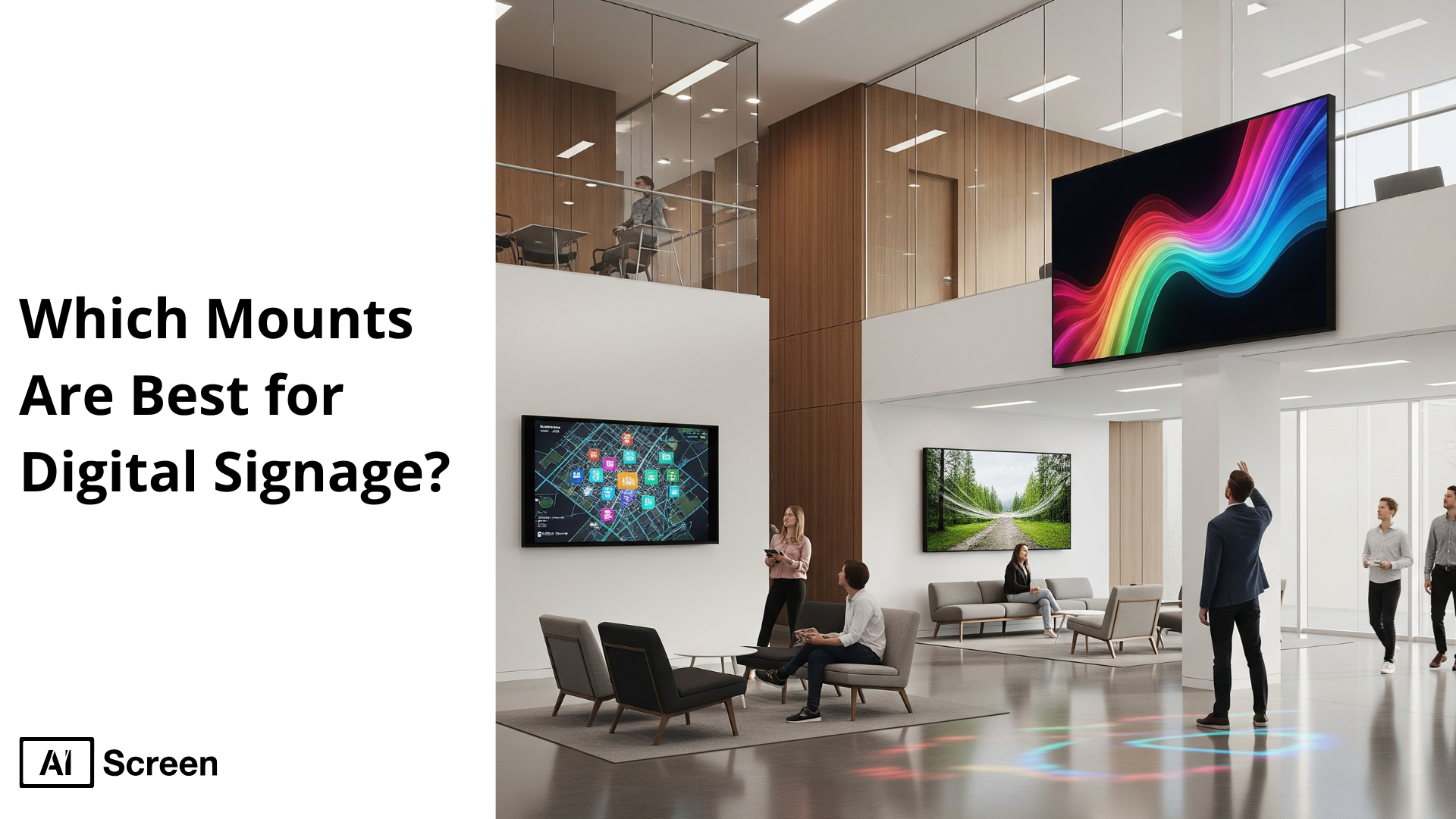
Mounts are best for digital signage when they provide not only physical support, but also optimize visibility, enhance security, and maintain a clean aesthetic. Whether installed in high-traffic retail environments, corporate offices, or public transit hubs, the right mounting solution can dramatically improve screen performance and viewer engagement. According to the Marketsandmarkets report, over 62% of businesses implementing digital signage systems identified mounting and placement as critical factors influencing content effectiveness and screen longevity. This highlights how strategic hardware placement impacts both ROI and brand presentation.
In this blog, we’ll explore essential factors to consider when selecting a mount, such as location, screen size, and adjustability. We’ll also break down popular types of digital signage mounts, from ceiling to freestanding options, and spotlight the top-performing mount brands to consider in 2025.
Why Should You Mount Your TV?
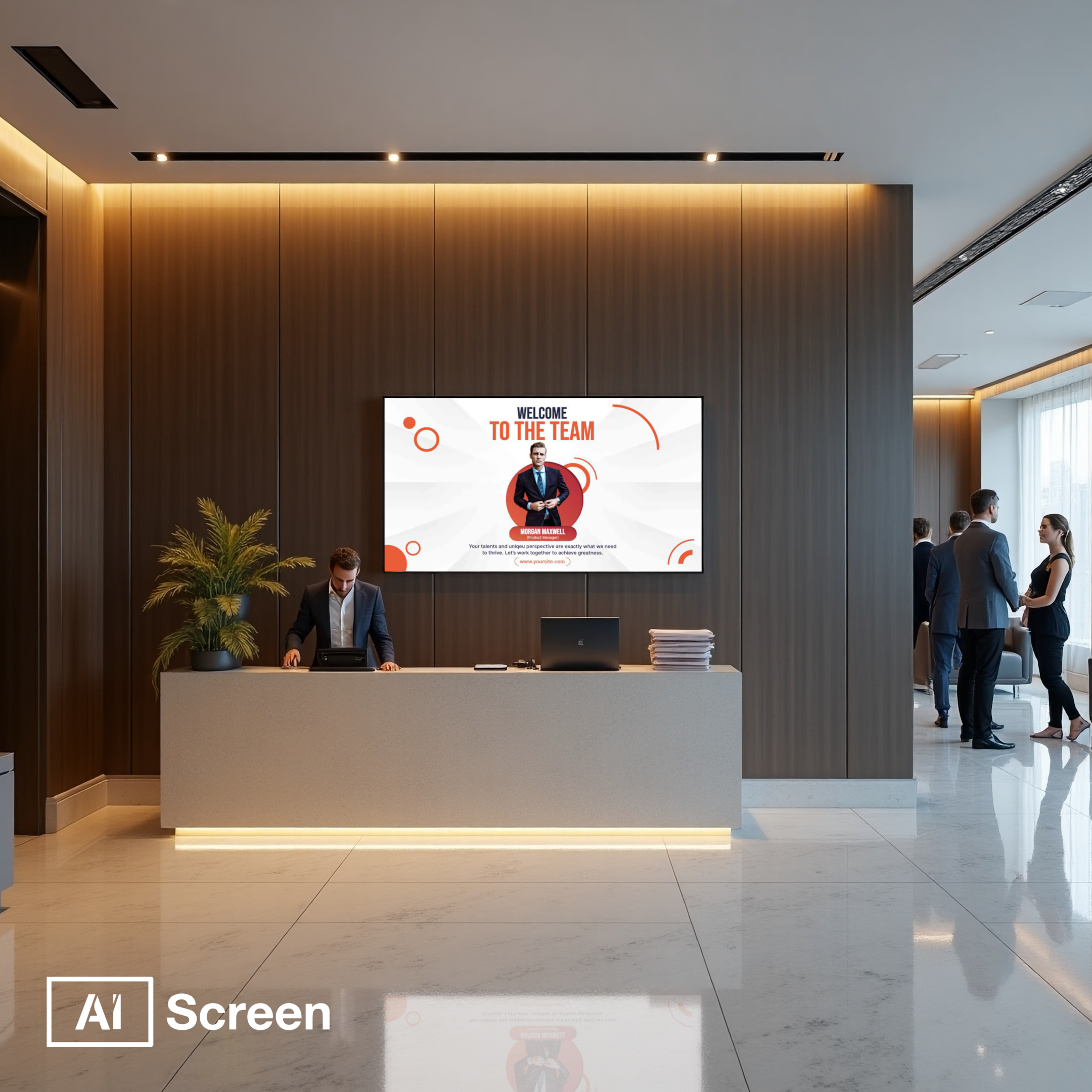
You should mount your TV to ensure optimal visibility, security, and seamless aesthetic integration in any digital signage installation. Whether you’re setting up in a busy retail store or a sleek corporate lobby, mounting brackets help installers save space, reduce glare, and enhance angle flexibility.
By securely fixing your display to a wall, ceiling, or poles, you not only protect your hardware but also unlock better content reach across high-traffic areas. TV screens are the backbone of most digital signage solutions, and when combined with the right mounting accessories, such as full-motion wall mounts, flush systems, or ceiling mounts, they offer more than just support.
They allow for dynamic adjustments, improved orientation, and even flexible installation on tough surfaces like wall studs or tight corners. For environments with limited space or complex layouts, mounts specifically designed to fit the VESA pattern and screen specifications can transform awkward zones into prime signage real estate.
What to Consider Before Buying Your First Mount?
To consider before buying your first mount, start by evaluating compatibility, installation surface, weight capacity, and adjustability. Retailers should check VESA pattern alignment, mounting holes, and whether wall studs or drywall need special anchors.
When anchors fail or mounting holes misalign, displays can detach from walls, so proper bracket selection is critical. According to Consumer Product Safety Commission data from 2020–22, hospital emergency rooms treated an average of 2,600 people annually due to TVs tipping over alone, distinct from furniture-related incidents.
Potential laws
Potential laws surrounding digital signage installation can impact how and where you mount your screens in public spaces. In the U.S., for example, compliance with the Americans with Disabilities Act (ADA) is essential. Title III mandates that displays and mounting brackets in public areas must protrude no more than 4 inches from the wall to avoid obstructing pedestrian pathways.
These rules help maintain clear lines of movement and prevent safety hazards. Before mounting signage in commercial environments, review local building codes, safety standards, and ADA guidelines to ensure your setup is legally compatible and avoids costly compliance issues.
Safety Measures
Safety measures are crucial when mounting heavy displays in public or high-traffic areas. Compared to standard TV stands, wall mounts or ceiling mounts offer significantly more security and stability, reducing the risk of tip-overs. With TVs becoming thinner and lighter, improper installation can increase the risk of injury.
According to a study by the Consumer Product Safety Program (CPSP), from 2017–2019, 11,300 children per year were treated for tip-over injuries in the U.S., with TVs involved in 75% of cases. Choosing a secure mount, and following installation specifications, can help users avoid such incidents and protect their screens.
Weight and Size
Weight and size are two of the most important considerations when selecting a mount. Every bracket is specifically designed to support displays within certain weight and size limits. To avoid mounting failure, always check the manufacturer’s specifications, including VESA pattern and maximum load capacity.
For setups with added accessories like soundbars, media players, or external tools, factor in the extra weight during selection. Choosing the wrong size or exceeding the load can damage your screen or compromise safety. Well-matched mounting brackets will ensure that your screen stays secure and that your investment is protected.
Type of mounts
The type of mounts can significantly impact both the visibility and flexibility of your digital display setup. If you’re new to mounts, you might first consider a fixed wall mount, which is ideal when your audience is seated directly in front of the screen. However, fixed mounts offer no post-installation adjustment, so if the viewing angle is off, even slightly, it could lead to glare or image distortion, especially in spaces with natural light.
For greater adaptability, a tilting mount may be a better option. It allows you to angle the screen vertically even after installation, making it easier to reduce glare or align the display to viewers seated lower or higher than the screen. Just be sure to review the product specifications to ensure the tilt range meets your needs.
If you’re looking for even more control, a full-motion mount offers extensive flexibility. It can extend, swivel, and even rotate, letting you pull the screen away from the wall or switch between landscape and portrait modes. This type is especially useful in unconventional setups, such as corner placements or multi-purpose areas, where the viewing angle frequently changes or requires adjustment.
VESA mounting
VESA mounting is an industry-standard system that defines how TVs and digital signage screens attach to brackets. It refers to the distance between mounting holes on the back of the display, often seen as 200×200, 400×400, or 600×400 mm. Most modern mounts and displays follow VESA specs, but some models may not.
If your display is non-VESA, you’ll need a universal mounting bracket to properly align and install it. Ensuring VESA compatibility is essential for safe installation and long-term support of your display.
Cable management
Cable management becomes more critical in public or commercial signage setups than in home environments. While hiding wires behind walls is common at home, exposed cables in retail or office spaces can be a safety hazard and damage your aesthetic appeal.
Many wall mounts and ceiling mounts today come with built-in cable management features, look for these when comparing models. Managing wires well also protects HDMI and power cords from accidental disconnection. Use plastic tubing, raceways, or routing systems to conceal cords and maintain a clean, flush look. Proper cable organization also supports maintenance and improves user experience.
Check your walls
Check your walls before mounting your TV or digital signage. Different surfaces require different tools, screws, and mounting strategies. Concrete walls offer strong support; just use anchors and a drill. Drywall, common in the U.S., requires you to locate wall studs using a stud finder; mounts can’t safely attach to drywall alone.
Brick walls are sturdy, but avoid drilling into mortar, which can crumble. For stud walls, ensure your mount aligns with stud spacing, or bridge gaps with plywood. Understanding your wall’s material ensures safe, secure installation and avoids damage to both the mounting bracket and the wall.
- Concrete Walls: Concrete is the golden standard for wall mounting. With this type of material, all you need are some strong concrete nails, a few washers, and power tools to get your mount installed.
- Dry Wall: If you live in the USA, there’s a good chance your walls are made of drywall. Because most TVs are too heavy to hang on drywall, you will need to locate wall studs using a stud finder or use a toggle anchor or a toggle bolt to anchor your TV.
- Brick Walls: Bricks are another great option for mounting TVs. For brick walls, we recommend using heavy-duty wall anchors that are designed for brick installations. Before mounting your display, make sure that you are drilling into the brick itself, not the mortar as this may result in it working loose and crumbling – sending your TV to the ground. Bricks are much stronger than mortar and can hold heavy objects. You should only consider drilling into a mortar if the brick is old and too fragile making it susceptible to cracking.
- Stud Walls: Stud walls are vertical pieces of wood used to create the foundational frame of houses. Depending on the structure of your building, wall studs may be placed next to each other or spaced out to give room for wires, insulation, and pipes. Therefore, it is vital to use a stud finder to locate the position of these wooden panels before installing your mount. Once you know the distance between each stud, check the maximum stud spacing of your mount to ensure you can mount all corners. For smaller mounts, this might be more difficult as the stud spacing may be greater than the size of your mount. To solve this, you can purchase a piece of plywood to bridge the gap between the studs and use that to support your mount, or you can simply purchase a larger mount.
Make sure the wall is secure enough for the screen and mount type you’re using. In addition to assessing wall strength, don’t overlook the importance of proper screen height, how high to mount digital signage in a commercial building? can impact both visibility and compliance with accessibility standards.
Types of TV Mounts for Digital Signage
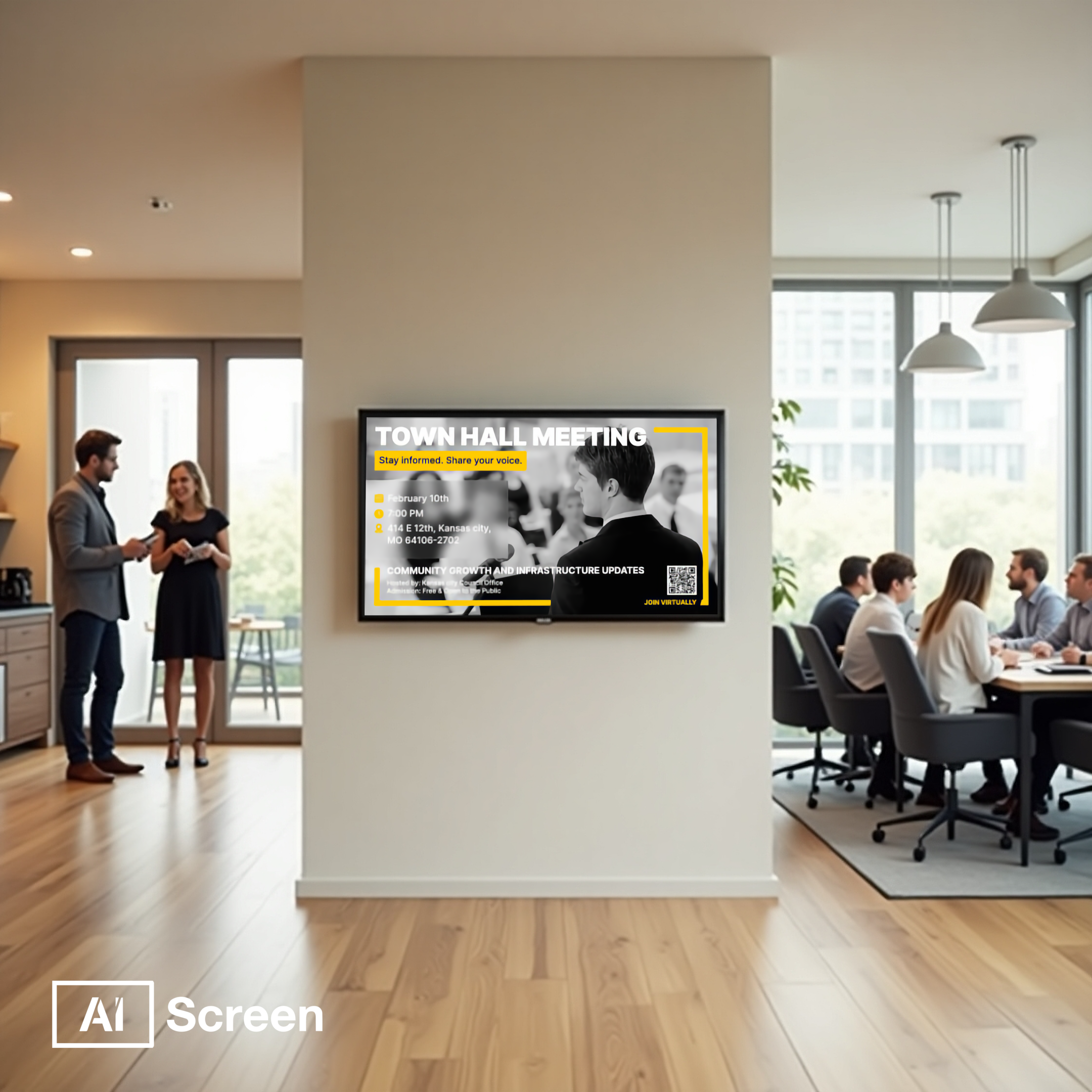
The types of TV mounts for digital signage vary widely depending on your installation needs, display size, and viewing angle preferences. Whether you’re outfitting a small office, a restaurant, or a large-scale event venue, choosing the right mounting solution is essential for both visual appeal and functional use.
From flat wall mounts to mobile stands and larger video wall setups, the right bracket can elevate your digital signage display’s performance. According to a 2023 report by Statista, the global digital signage market is projected to reach $45.94 billion by 2030, with mounting hardware being one of the essential infrastructure components driving adoption.
Fixed Wall Mounts
Fixed wall mounts are the most straightforward solution, specifically designed for flat surfaces and a clean, flush appearance. These mounts sit close to the wall, usually within one to two inches, making them ideal for narrow hallways, hotel lobbies, or retail displays. They’re cost-effective and perfect for users who prioritize simplicity over flexibility. Since there’s no tilt or swivel function, adjustments after installation are minimal, and accessing ports or combating glare can be challenging.
These are great for landscape orientation, compatible with VESA patterns, and often used in budget-friendly digital signage solutions. However, installers should confirm wall stud positions before securing, as alignment and surface integrity are critical for safety and performance.
Tilting Wall Mounts
Tilting wall mounts offer a slightly more dynamic approach to digital signage. These allow vertical angle adjustments, helping users reduce screen glare in locations with inconsistent lighting, like storefronts or open office spaces. They’re excellent for menu boards mounted high up, allowing the display to tilt downward for better visibility.
Users benefit from easy HDMI access, as the mount provides clearance between the screen and the wall. However, not all models tilt equally. Check manufacturer specifications before installation to ensure proper orientation, angle, and compatibility with your signage setup.
Full-Motion/Articulating Mounts
Full-motion/articulating mounts provide the highest flexibility and are perfect for digital signage where frequent adjustments or angle changes are required. These mounts extend, swivel, rotate, and tilt, allowing signage to be pulled away from the wall and adjusted based on foot traffic or ambient light.
Ideal for environments like outdoor displays, restaurant seating areas, or interactive product demos, this type of bracket supports enhanced installation flexibility and user convenience. They work with various screen sizes, and flush designs can even retract completely to the wall when not in use. When buying, confirm your VESA pattern, specifications, and tools required for installation.
Ceiling Mounts
Ceiling mounts are perfect for open spaces, retail stores, or areas with limited wall surface. They hang from structural poles and are commonly seen in transport hubs, gyms, and restaurant ceilings. These mounts help save money on wall reconstruction and offer better line-of-sight in high-traffic zones.
With adjustable orientation and angle controls, these are ideal for larger video walls or environments requiring maximum visibility. Make sure the ceiling structure can support the screen’s weight and specifications, and consider using a professional installer for safety.
Video Wall Mounts
Video wall mounts are specially designed for larger video walls and multi-screen setups. Commonly used in control rooms, broadcast studios, or corporate offices, they support several screens in either landscape or portrait orientation. You can set up a digital signage video wall easily.
These mounts are built for perfect alignment, ensuring a seamless picture across all displays. They offer micro-adjustment features to align all screens perfectly and support specific models with compatible VESA patterns. Use with caution, precision installation, and proper tools are crucial.
Floor and Stand Mounts
Floor and stand mounts are popular for temporary displays or locations that demand mobility. These include rolling TV carts, stand mounts, and pedestal-based systems, ideal for trade shows, pop-up events, or digital menu boards at entry points.
Their major advantage lies in easy relocation without wall mounting brackets or ceiling work. Some high-end stands support larger screens, angle adjustments, and interactive kiosks, making them great for sales demos and outdoor events. Always check the model compatibility and glare resistance when choosing a solution.
Best TV Mount Brands for Digital Signage 2025
Best TV mount brands for digital signage 2025 combine safety, functionality, and style to ensure digital displays remain secure and optimally visible. Whether you’re equipping a retail store, corporate office, or interactive kiosk, choosing the best TV mounting solution is key to maximizing your digital signage’s impact and performance. Below are the top picks for reliable, stylish, and versatile TV mount brands that meet various business needs.
Peerless-AV – Commercial-Grade Versatility
Peerless-AV commercial-grade versatility is a standout in the digital signage market, offering mounts designed specifically for commercial use. Known for their durability and flexible installation options, Peerless-AV products are compatible with wall, ceiling, and video wall setups.
They’re engineered to support heavy-duty displays while offering ease of maintenance, ideal for environments like airports, malls, and corporate lobbies.
Vogel’s – European Engineering & Safety
Vogel’s european engineering & safety delivers premium craftsmanship rooted in Dutch design. Renowned for their stringent safety standards, Vogel’s mounts are built for high-traffic environments and precision alignment. Their cable management features and anti-theft functionalities make them perfect for hospitals, education institutions, and public-facing business setups.
Mount-It! – Budget-Friendly and Reliable
Mount-it! budget-friendly and reliable provides a dependable solution for startups, small businesses, and budget-conscious operations. Despite the lower price point, their mounts support a variety of screen sizes and include full-motion features, making them a smart choice for restaurants, salons, or retail counters with smaller-format digital signage displays.
Chief – Trusted for Enterprise Installations
Chief trusted for enterprise installations leads the way in large-scale, enterprise-ready mounting systems. With a reputation for robust engineering and precision mounting for video walls and complex signage arrays, Chief is the go-to for banks, universities, and global corporations looking for reliability at scale.
Kanto – Sleek Designs for Modern Spaces
Kanto sleek designs for modern spaces blends contemporary aesthetics with mounting practicality. Ideal for boutique retail spaces, design firms, and upscale hospitality venues, Kanto mounts complement interiors while maintaining stability. Their compact profiles, tilt/swivel functions, and modern finishes make them perfect for display-focused environments.
Elevate Your Digital Signage Experience with the Right Mounting Setup!
Elevate your digital signage experience with the right mounting setup by selecting the proper brand and mount type that fits your unique environment. Whether you’re deploying a video wall or a single interactive screen, choosing the best tv mount is as critical as the display itself. AIScreen’s digital signage software seamlessly integrates with screens mounted on any of the leading brands listed above, ensuring consistent performance, adaptability, and visual impact across all use cases.


FAQs
What is the most secure type of mount for public digital signage?
The most secure type of mount for public digital signage is typically a locking wall mount with anti-theft features. These mounts restrict unauthorized access to hardware and minimize tampering in high-traffic areas, making them ideal for retail stores, transit stations, and lobbies.
Can I reuse existing TV mounts for digital signage screens?
Yes, you can reuse existing TV mounts for digital signage screens as long as they match the screen’s VESA pattern and weight capacity. However, commercial environments may require upgrades for enhanced stability, security, or aesthetic alignment.
How do I hide wires when mounting a digital signage display?
To hide wires when mounting a digital signage display, use in-wall cable routing kits or mounts with built-in cable management channels. These help maintain a clean, professional look while also protecting cables from damage or interference.
Do I need a professional installer for video wall mounts?
You need a professional installer for video wall mounts in most cases due to the complexity of alignment, calibration, and weight distribution. Professional setup ensures visual consistency and structural safety, especially for larger multi-screen configurations.
What’s the difference between VESA 200×200 and 600×400?
The difference between VESA 200×200 and 600×400 refers to the spacing between the mounting holes on the back of your display in millimeters. A 200×200 is suited for smaller screens, while 600×400 supports larger, heavier displays often used in commercial digital signage.
