
Digital Signage for Employee Surveys: Top 9 Tips
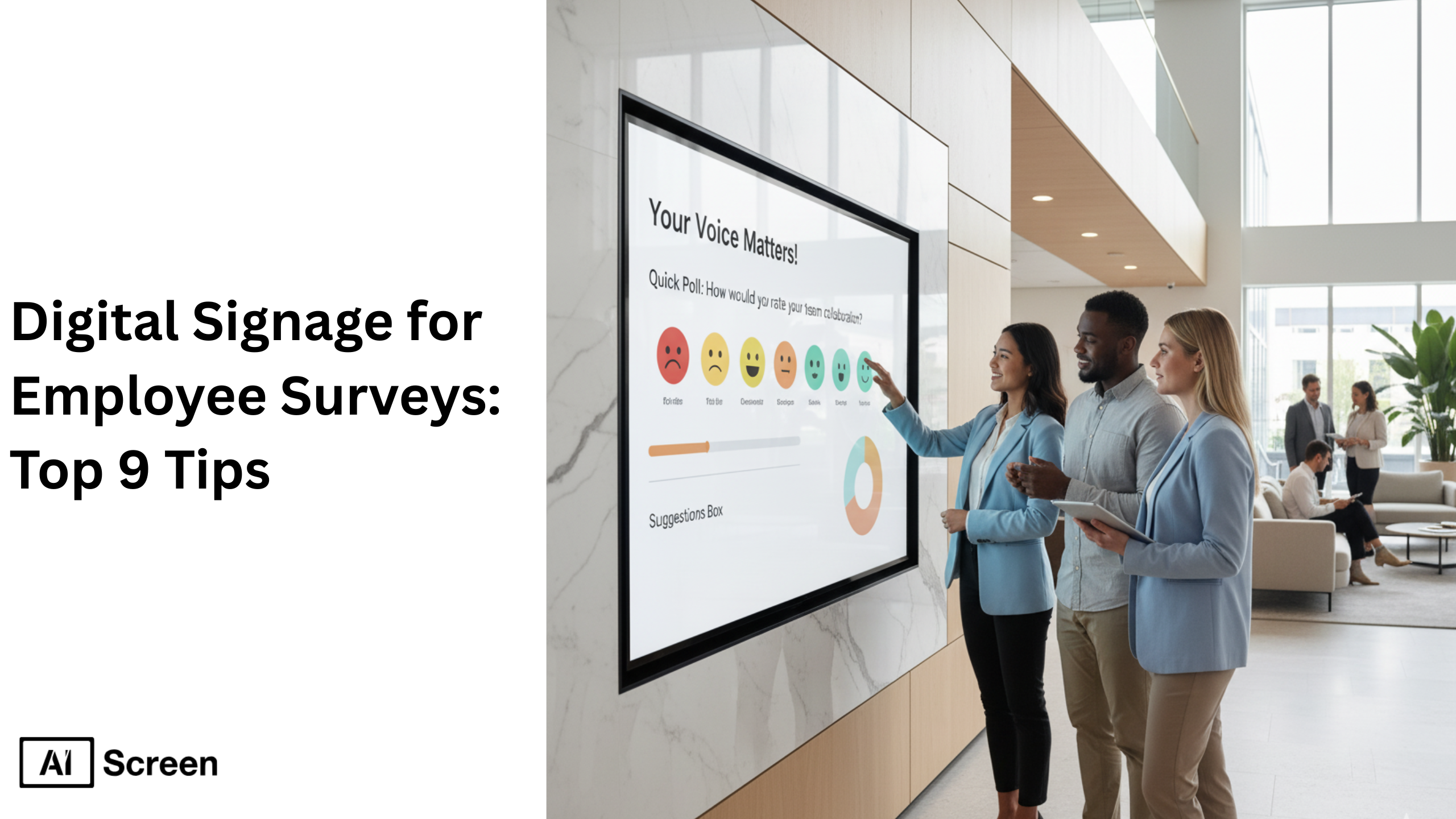
Digital signage for employee surveys is becoming essential in modern workplaces because it transforms static annual forms into visual, interactive experiences that boost employee engagement and shape a more positive workplace culture. According to Retail Technology Review, 59% of workers said that information shared on workplace screens helped them become more productive.
In this blog you’ll find a practical, easy-to-read checklist of digital signage for employee surveys top 9 tips, each one focused on how to use digital signage employee communications tools effectively to engage employees, gather valuable insights, and support internal communication and company culture.
What Is Digital Signage for Employee Surveys?
Digital signage for employee surveys is a modern HR tool that displays interactive polls, QR codes or touch-enabled feedback forms on digital signage screens across the workplace, enabling employees to share input in real time via digital displays.
Now, let’s take an example, a digital screen placed in a break room might show a “How do you feel about this week’s training?” question and allow responses in just a few taps. According to AIScreen.io reserach, 53% of employees said they would feel engaged or very engaged if company updates appeared on digital screens.
This approach connects with broader employee communication strategies and the HR digital transformation trend, where digital signage employee communication systems integrate with internal portals, Slack, or Teams to keep all employees informed and aligned.
Top 9 Tips for Using Digital Signage for Employee Surveys
Here’s a practical checklist to help HR leaders and internal comms teams maximise the impact of their digital signage content, engage employees, gather feedback and support company-wide internal communication goals.
1. Plan the Survey Essentials Strategically
Defining clear goals and target departments before launching a survey helps avoid feedback fatigue and aligns your digital signage content with business goals. Start by setting SMART objectives, such as “Improve employee engagement by 20% this quarter”, so that you focus your digital screens on measurable outcomes.
Decide whether you need quantitative data (ratings, yes/no) or qualitative responses (comments, open-ended), and determine the target audience for each display. By planning ahead, you ensure your digital signage network delivers meaningful insights and supports internal communication instead of being just another static content source.
2. Design Visually Engaging Digital Signage Surveys
Visual elements drive participation in surveys displayed on digital signs and digital displays. Use branded colours, motion graphics, icons, or progress bars to make the content visually pop and encourage interaction. Imagine placing high-resolution displays in high-traffic areas and employing visual elements that reflect your brand identity and workplace culture.
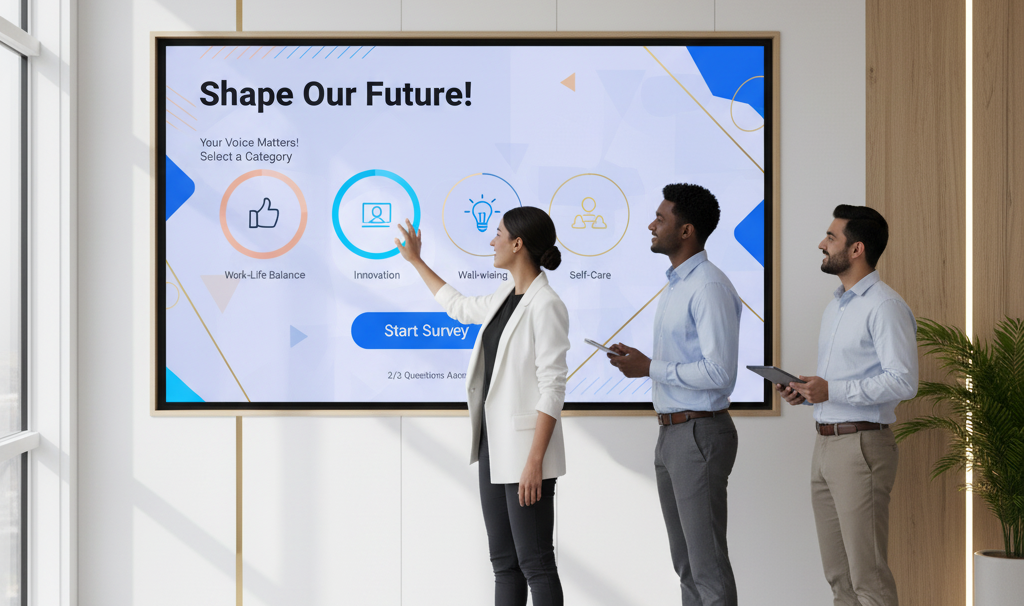
By doing so, you significantly enhance readability and drive more responses from office workers encountering the screens. Thoughtful design transforms each survey into engaging content rather than static content, helping employees feel invited to take part and boosting the value of your feedback collection.
3. Craft Interactive and Engaging Content
Interactive content transforms feedback collection from passive to active and invites two-way communication with interactive elements like live polls, emoji-based feedback, or tap-to-vote on digital screens. A study found that 79% of respondents said the information shared on workplace screens was positive and 59% said it helped them become more productive.
Including QR codes on a display lets employees scan with their phone and drop a quick response in just a few clicks. Integrating social media feeds or interactive maps within the survey content further boosts engagement and cultivates a positive workplace culture focused on employee recognition and continuous feedback.
4. Use Touchscreen and Kiosk Features for Easy Input
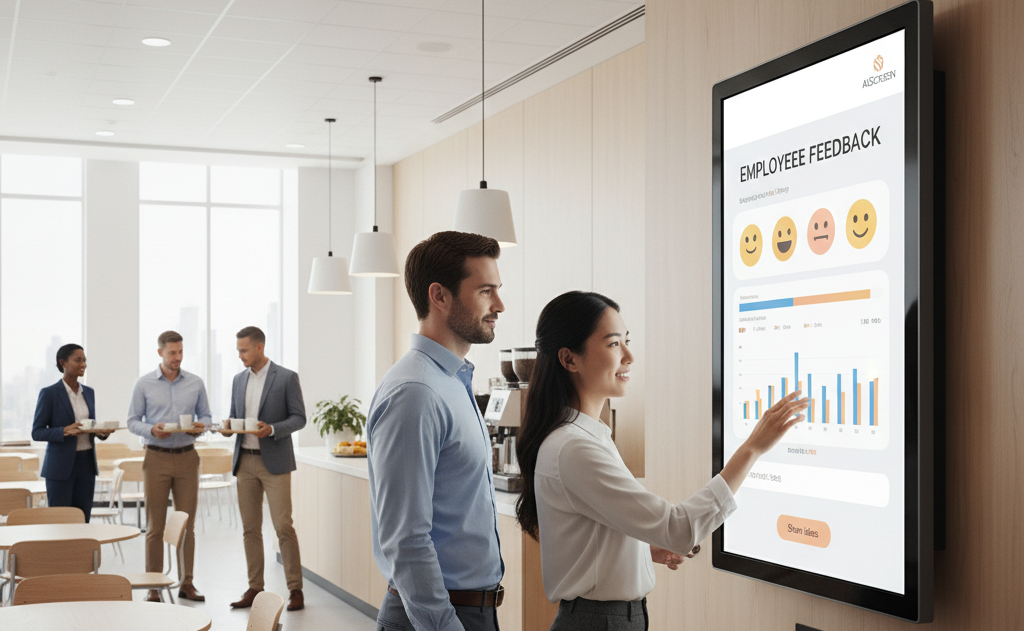
Touch-enabled digital signage turns each display into an interactive screen that employees can use while passing through cafeterias, lobbies, or break rooms. Placing media players or kiosks in common spaces invites quick survey responses and reinforces your internal communications strategy.
Because many employees don’t stop for long in these zones, the design must allow them to tap an emoji or answer a quick question in seconds. This setup ensures the digital signage content remains fresh and accessible, and supports your workplace culture by offering convenient feedback channels that respect office workers’ time and need for easy interaction.
5. Place Digital Signage Strategically Across the Workplace
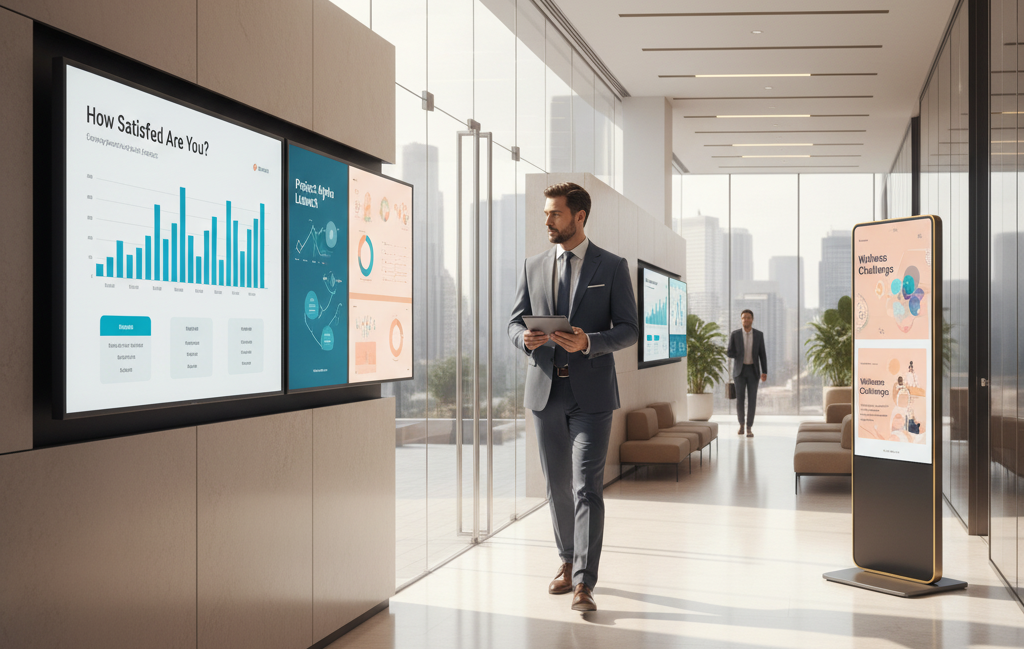
Strategic placement of digital screens ensures maximum exposure and participation in your survey-driven initiative. Install displays in high traffic areas such as entrances, coffee zones, or meeting areas where employees naturally congregate. If screens stand alone in low-use corridors, response rates drop fast.
Reception areas are especially impactful touchpoints, and applying insights from the 8 best reception digital signage strategies can significantly increase visibility, interaction, and participation in employee surveys.
Content strategy should match the location: rotate training schedules near training rooms, and event schedules or company announcements in lobby areas. By placing digital signage content where foot traffic is dense and visibility is high, you support effective communication, ensure employees are informed, and maintain interest over time.
6. Collect Real-Time Data and Automate Analysis
Digital signage platforms with analytics tools allow HR teams to collect survey responses instantly and summarise them on automatic dashboards. This real-time data stream gives insights into employee sentiment as events unfold. Sync the results with HR portals or internal communication systems so the feedback becomes part of your continuous improvement cycle.
Rather than manually compiling results, the content management system updates with a few clicks and shows key performance indicators immediately. This approach supports informed decision-making and empowers HR with a powerful tool to monitor morale, engagement and workplace culture in near-real time.
7. Analyse Survey Insights for Continuous Improvement
HR teams use analytics to identify patterns in feedback and adjust strategies accordingly, shifting from reactive to proactive communication. According to Research Gate, 86% of respondents believe digital signage improves productivity, motivation, and workplace culture. By tracking trends over time, you can pinpoint departments with lower engagement or flag recurring concerns.
Turn those insights into internal communications campaigns, employee recognition displays, or targeted team-building activities. When the results of a digital signage employee communication system feed into strategic planning, your workforce feels heard and remains aligned with company goals.
8. Conduct Walkthrough Audits to Validate Setup
Regular audits of your physical displays ensure your digital signage remains effective rather than fading into background noise. Walk through your facility as if you were an employee, check visibility, screen angle, content relevance, and timing.
Try A/B testing static content versus video polls to find what grabs attention best. Do the displays still capture attention during peak times? Are the visuals crisp and legible? Strategic placement and ongoing review ensure your digital signage content stays aligned with the target audience and tactical goals, and supports your workplace culture with truly effective communication.
9. Observe Audience Interaction and Optimise Regularly
Monitoring engagement metrics such as views, interactions and participation rates helps you fine-tune your content strategy and keep employees engaged. If response rates drop, refresh the message, try new visual elements, or change the survey format.
An interactive screen that lives in a break room shouldn’t be treated like static digital posters; it must evolve. By refining messages and visuals based on real usage data, you maintain interest and reinforce a culture of continuous improvement. Digital signage content becomes a dynamic reflection of your workforce’s voice, not just a one-off announcement.
What Are the Benefits of Using Digital Signage for Employee Communication and Surveys?
Using digital signage for employee communication and surveys delivers measurable, long-term improvements in engagement and culture. It drives faster response rates because messages appear instantly on digital displays positioned throughout the workplace, ensuring employees see and act on feedback requests in real time.
HR teams experience greater transparency in corporate communication, supported by dynamic content and interactive elements that turn feedback collection into an engaging two-way process rather than a task. This approach not only saves time but also helps keep content fresh and aligned with organizational goals.
A digital signage employee communication system allows companies to gather customer feedback internally, recognize milestones like employee birthdays, and broadcast company-wide announcements with consistency and visual appeal. When designed with legible fonts, a dark background, and clear key points, your messages achieve maximum clarity across all digital signs, from hallways to break rooms. Add social media feeds or short industry news clips between updates to keep employees informed and connected.
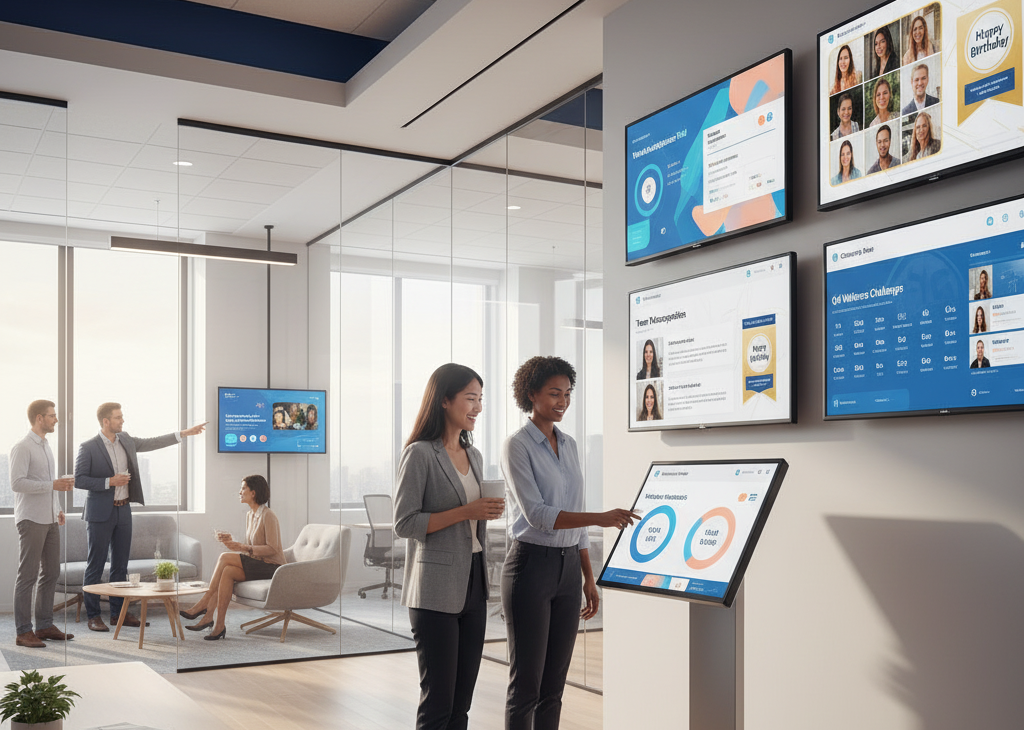
Unlike static posters, digital signage enables public recognition and helps boost morale by showcasing achievements, sharing production targets, and celebrating success stories. It’s an effective digital signage strategy that encourages employees to stay on the same page while reinforcing a positive, sustainable workplace culture.
A few tips, such as using remote management to schedule time-sensitive announcements or emergency alerts, ensure your best digital signage content always delivers impact when and where it’s needed most.
Integrating with Slack, Microsoft Teams, or HR software means surveys can automatically appear within the tools employees already use, turning internal resources into a seamless communication ecosystem. With best practices like strategically positioned displays, augmented reality visuals, and sustainability efforts in design, digital signage transforms how employees learn, engage, and share ideas.
Ready to take the next step? Discover how AIScreen helps organizations create interactive, connected, and data-driven communication systems that inspire participation and empower employees to shape the future, together.
Drive Employee Engagement with AIScreen’s Digital Signage Solutions!
Make employee feedback effortless with AIScreen’s digital signage employee communication tools, designed to turn every screen into a feedback and engagement hub. Collect surveys in real time across multiple locations using digital displays that grab attention instantly.
Automate responses and visualize analytics dashboards to understand customer feedback and employee sentiment faster. With dynamic content, QR codes, and interactive surveys, AIScreen empowers HR teams to create fun, gamified experiences that spark participation.
Start your free 14-day trial today and experience how AIScreen transforms communication into a truly connected, data-driven system that inspires every employee to engage and share their voice.


FAQs
How can digital signage be used for employee surveys?
Digital signage can be used for employee surveys by displaying interactive polls, live questions, and QR codes on digital signs across offices. Employees simply scan or tap to respond, turning feedback collection into a seamless process. These digital displays can rotate dynamic content, track participation in real time, and make it easier to gather authentic feedback without sending countless email reminders.
Why use digital signage for employee communication and engagement?
Using digital signage for employee communication and engagement helps teams stay informed and connected while boosting morale. By sharing survey links, company updates, and recognition posts on visually appealing screens, organizations foster open dialogue. The displays can also include social media feeds, team wins, and live stats, keeping communication vibrant and ensuring employees feel seen and heard.
Can I connect employee survey signage with HR systems or tools?
Yes, employee survey signage can connect seamlessly with HR systems through AIScreen’s integrations. Whether you’re using Slack, Microsoft Teams, or internal dashboards, your survey data syncs automatically for instant visibility. This connection ensures HR teams can analyse customer feedback, track morale, and apply best practices in real time without manual effort.
How do digital signage surveys improve feedback response rates?
Digital signage surveys improve feedback response rates by displaying questions in high-traffic zones where employees naturally pass by. The use of QR codes and dynamic content allows quick participation in seconds, removing friction from traditional survey methods. By strategically using digital signs that grab attention, companies make it easier, and even enjoyable, for employees to engage on the spot.
Is digital signage for employee surveys suitable for remote or hybrid teams?
Yes, digital signage for employee surveys works perfectly for remote and hybrid teams when paired with cloud-based content management. AIScreen allows you to publish surveys or emergency alerts remotely, ensuring everyone receives updates simultaneously. This ensures consistent communication, adherence to safety protocols, and the same engaging experience, no matter where your employees are located, online or in-office.
