
Types of Digital Hospital Safety Signs and Their Benefits
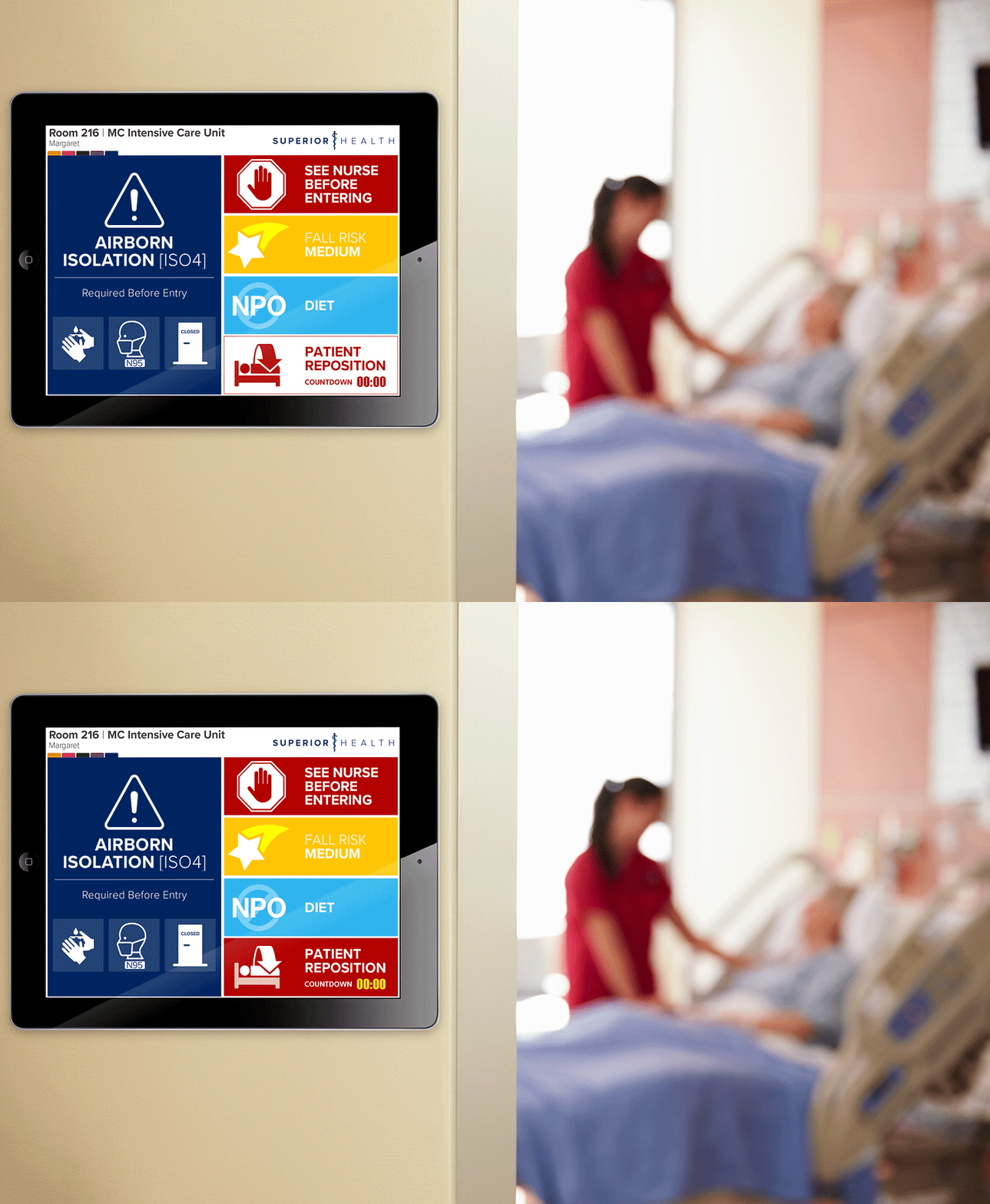
Hospitals are busy places. People rush through hallways, nurses juggle patient charts. In all this movement, clear communication isn’t just helpful—it’s essential. Digital medical safety signs can be a huge advantage in this case.
Digital signs capture 400% more views, studies show, letting you share important information instantly. Below, we’ll break down the different types of digital hospital signs and how you can put them to good use with digital signage software.
Short Summary:
- Digital medical safety signs improve communication by providing live updates for emergencies, navigation, hygiene reminders, and examination room signs.
- Additional display types help engage viewers, promote healthcare services, and create a more comfortable atmosphere for inpatients.
- Setting up digital safety signs is easy with signage software, allowing healthcare facilities to customize templates, schedule content, and manage displays remotely.
Top Digital Hospital Safety Signs
1. Medical Care Emergency Alerts

Hospitals can’t afford confusion in a crisis. Fire alarms, security threats, or even system failures need clear, immediate communication.
Why These Are Essential:
- Instantly receive and display emergency instructions.
- Guide people toward security points, exits, and safe zones.
- Cut through panic with clear, step-by-step info.
2. Medical Wayfinding Displays

Medical buildings can feel like a maze. Visitors, and sometimes even employees, need a little help locating the right department.
Why These Work:
- Prevents bottlenecks in hallways.
- Shows the quickest path to a department or office.
3. Medical Care Hygiene Reminders

If there’s one place where hygiene is non-negotiable, it’s a hospital. Handwashing reminders, mask requirements, and sanitation alerts help keep everyone safe.
Why They’re a Must-Have:
- Reinforce infection control measures.
- Update instantly for seasonal health risks.
- Serve as friendly nudges for patients and staff alike.
4. Waiting Room Displays

No one enjoys waiting. But being left in the dark about how long that wait will be? Even worse. Digital screens in waiting areas make things smoother.
What They Do:
- Post live queue updates.
- Share medical practice news and health tips.
- Reduce frustration by keeping people informed.
5. Staff Communication Screens

Medical practices run on teamwork. Keeping staff up to speed is just as important as helping visitors.
How They Help:
- Share shift schedules and urgent memos.
- Replace paper notices that often go unread.
- Offer training reminders without disrupting workflow.
6. Restricted Area Warnings
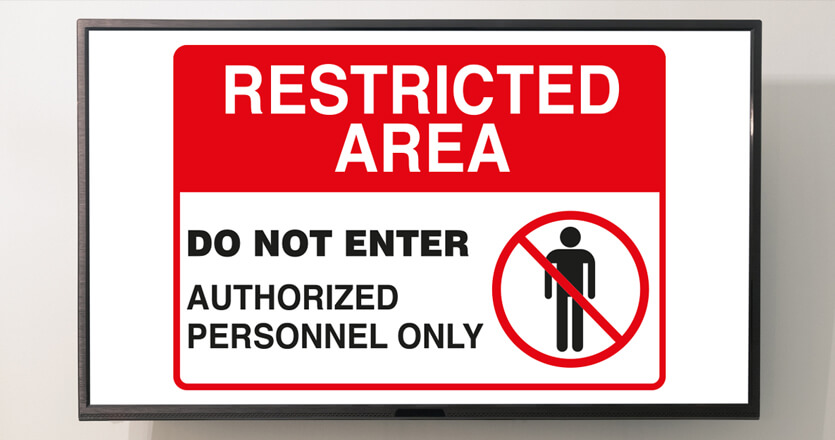
Certain zones aren’t meant for the general public. Whether it’s an operating room sign or a high-risk area warning, clear digital signs keep unauthorized people out.
Why They Matter:
- Strengthen security and guest privacy.
- Change alerts based on organizational needs.
- Stop accidental walk-ins where they shouldn’t happen.
7. Medical ommunity Engagement Notices

Healthcare facilities also provide health services, host fundraising events, and promote wellness programs. Digital signage is a great way to spread the word.
Why They Work:
- Inform guests about upcoming health screenings and events.
- Highlight available services and products.
- Encourage participation in donation drives or hospital-sponsored initiatives.
How to Set Up Digital Safety Signs
Having the right signs is one thing. Getting them to work with your hospital’s digital system is another. Here’s how to make it all come together:
1. Pick a Medical Signage Platform

Find software that’s facility-friendly. Look for one that lets you update screens remotely, schedule content, and manage multiple displays at once.
2. Browse Medical Template Library

Most digital signage software comes with pre-designed templates. Look for layouts that fit emergency alerts, hygiene notices, and wayfinding signs.
3. Customize to Fit Your Hospital’s Needs

Make each sign work for your space.
- Change text fonts and colors for better visibility.
- Add department-specific details.
- Include countdown timers for time-sensitive alerts.
4. Automate Medical Content

Not all signs need to run 24/7. Schedule different messages based on operating hours, foot traffic, or urgent situations.
5. Keep an Eye on Performance
One of the best things about digital signs? It doesn’t have to be static. Track which signs are getting attention, adjust placements, and refine messages based on real-world usage.
How to Choose the Best Digital Hospital Safety Signs
Medical practices need reliable, high-visibility signs to ensure safety and efficiency. Unlike other industries, medical facilities require durable, compliant, and adaptable digital signs.
Here’s how to choose the best options for your facility:
1. Hospital Safety Sign Material & Durability
Hospital signs should be sturdy, high-resolution, and capable of 24/7 operation. For traditional signs, opt for aluminum—it’s durable, resistant to wear, and easy to maintain.
2. Hospital Safety Display Compliance
Hospital displays should comply with industry standards like OSHA and ADA. Some software offers pre-designed templates with built-in safety features, ensuring your displays meet the required standards for your location.
3. Hospital Sign Content Management & Automation
Quick updates prevent outdated information. Remote access allows you to change emergency alerts and specific regulations instantly. Automated scheduling saves time. Set recurring reminders for hand hygiene, fire drills, and customer guidelines.
Enhance Your Hospital Safety Signs With AIScreen


Digital displays bring flexibility, clarity, and speed to a space where every second matters. If your organization is still relying on printed signs, it might be time for an upgrade.
Sign up for a 14-day free trial today and see how effortless it is to manage healthcare signs in one intuitive platform.
FAQs
1. How do digital medical safety signs improve emergency response?
They provide instant alerts and clear evacuation instructions to guide people during crises.
2. Can digital signs reduce confusion in hospitals?
Yes, wayfinding displays help people navigate the facility more efficiently.
3. How do hospitals manage digital safety signs remotely?
They use digital signage software to update content, schedule alerts, and monitor performance from a centralized platform.
