
8 Best Digital Signage Reviews
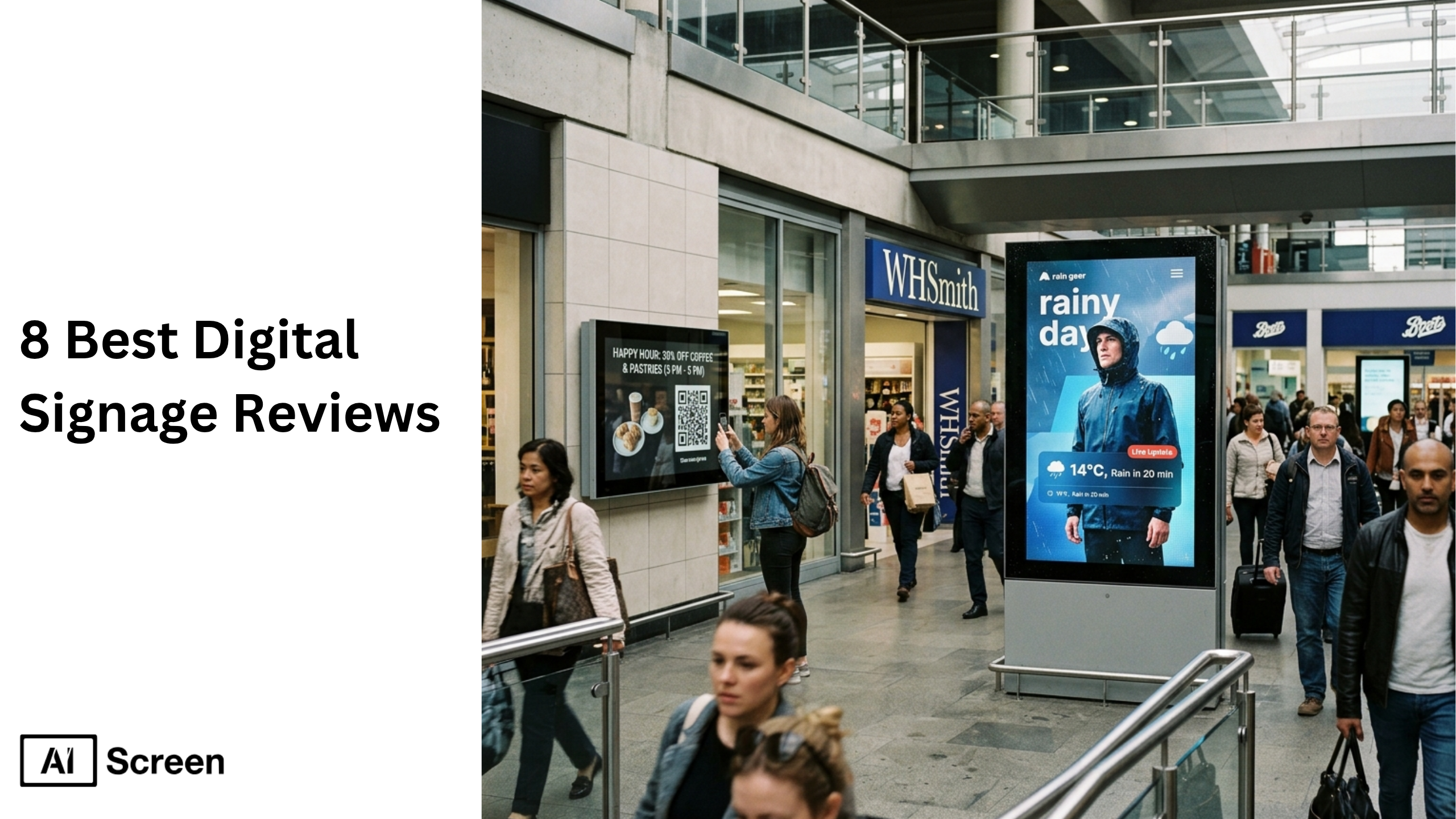
Digital signage has become essential for modern businesses across retail, corporate, education, and healthcare. Market demand for cloud-based content management, dynamic content displays, and scalable digital signage networks is rising as organizations replace static displays with interactive, data-driven screens. Grand View Research estimates the global digital signage market at USD 28.8 billion in 2024, with strong growth expected through the decade.
In this blog, you’ll find concise, research-backed reviews of the 8 best digital signage platforms that balance scalability, integration, and usability. If you’re exploring a reliable digital signage software, AIScreen stands out as a powerful cloud based solution that enables users to manage content across multiple screens with just a few clicks.
What is Digital Signage?
Digital signage refers to the electronic screens like LCD, LED, OLED displays, and kiosks using a digital signage software to create, manage, and display multimedia content. It delivers messages such as advertising, product information, and internal communication across public and private spaces to improve engagement and brand visibility.
It also includes security compliance for safe content delivery and analytics for real-time performance tracking. Digital signage is widely used across industries like retail, restaurants, banking, airports, hospitality, and real estate to capture attention and enhance communication.
What to Consider Before Choosing a Digital Signage Platform?
Before choosing a digital signage platform determines ROI, scalability, and digital content performance. Instead of jumping into demos, define business goals, resources, and budget. A powerful digital signage platform should support multiple screens, simplify content management, and deliver dynamic content displays across digital screens.
Key parameters include:
- Compatible screen players: Support for media players like Raspberry Pi hardware, Chrome OS, and single monitor setups ensures flexibility across a digital signage network. This allows users to schedule content, stream content, and display content seamlessly.
- Multimedia support: Platforms that handle video, audio, RSS feeds, and web pages help display dynamic content tailored to audience engagement. This is essential for digital menus, promotions, and interactive digital displays.
- Content management system: A strong digital signage CMS allows users to edit content, manage digital signage content, and schedule content using a cloud based dashboard. Features like drop interface and pre designed templates simplify content creation.
- Multi-screen support: Cloud based digital signage enables users to manage multiple screens across various locations using a single dashboard, improving communication and brand visibility.
- Dynamic content triggering: Advanced platforms support automated digital signage using real-time triggers. With automated digital signage, content updates based on audience interactions or schedules, improving engagement.
- Interactive touch support: Touch-enabled digital screens enhance customer engagement and internal communication through intuitive user interface and interactive elements.
- AI-driven content optimization: AI-powered features help generate headlines, optimize digital content, and improve dynamic content performance with minimal manual effort.
- Customizable branding: Platforms offering customizable templates and enterprise grade security ensure consistent digital signage content across digital signs.
- Real-time integrations: APIs and third party apps like Google Slides allow users to stream content, manage content, and synchronize digital displays across multiple screens.
If your screens show outdated content, your CMS lacks real-time capability. Choosing cloud digital signage software solves this by enabling live updates and better control over scheduling displays.
What are the 8 Best Digital Signage Reviews?
The 8 best digital signage software platforms reviews based on product features, pricing plan, scalability, and ability to engage audiences. These platforms support dynamic content displays, cloud based dashboards, and digital signage players to deliver content across multiple screens.
1. AIScreen – The Best All-in-One Cloud-Based Digital Signage Software
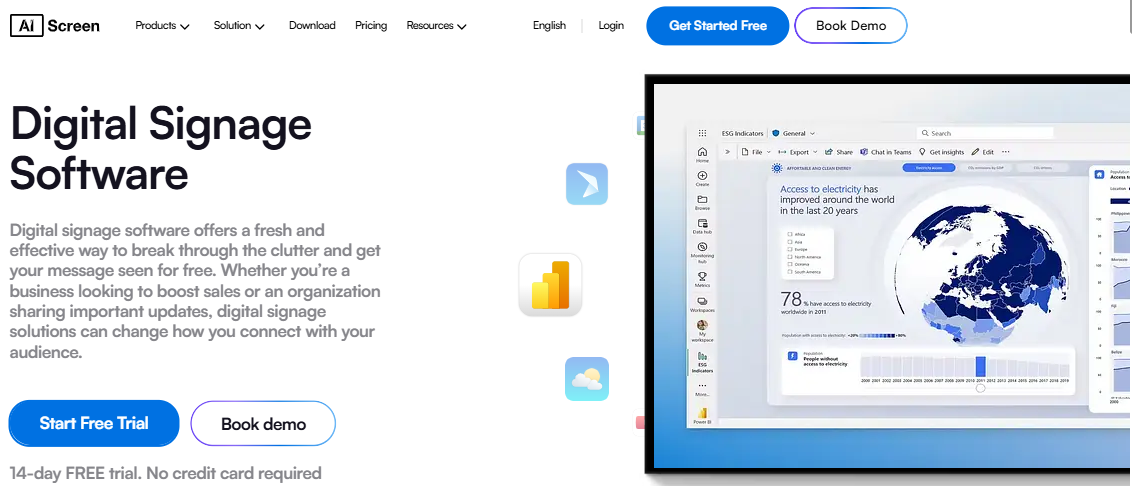
AIScreen is the best digital signage platform designed for small businesses and enterprises. This cloud based digital signage software solution enables users to manage content, schedule content, and control digital displays across an unlimited number of screens using a single dashboard.
With its intuitive user interface and advanced features, AIScreen simplifies content management, improves customer engagement, and supports dynamic content across digital screens. Businesses looking for a scalable digital signage platform can rely on AIScreen for seamless operations and enterprise-grade performance.
Pricing Plan
AIScreen offers a flexible pricing plan with 14 days free demo, Essential ($10/month), Business ($17/month), and Enterprise ($30/month) tiers, along with a free first screen to get started. The platform includes core features like 1500+ templates, unlimited cloud storage, multi-screen support, and 100+ integrations across all plans. Higher tiers unlock advanced features such as live dashboards, POS integrations, SSO, remote management, and enterprise support. This scalable pricing makes it suitable for small businesses to large enterprises managing digital signage networks.
Features:
- 500k+ customizable templates for fast content creation
- 100+ third party apps integrations (Google, Canva, Power BI)
- Live feeds, RSS feeds, and web pages streaming
- Automated schedule content and rethird-partyal-time screen control
- Multi-screen support with remote device control
- POS & CMS connectivity with single sign on and API integration
AIScreen also offers a powerful template designer that helps users design templates with a drag-and-drop interface and display dynamic content without coding. Additionally, digital signage analytics provides real-time insights into audience engagement, helping businesses optimize performance.
Pros
User friendly interface, scalable digital signage network, strong analytics, rich template ecosystem.
Cons
Advanced features require higher-tier pricing plans.
2. Yodeck – Best for Automated Content Scheduling
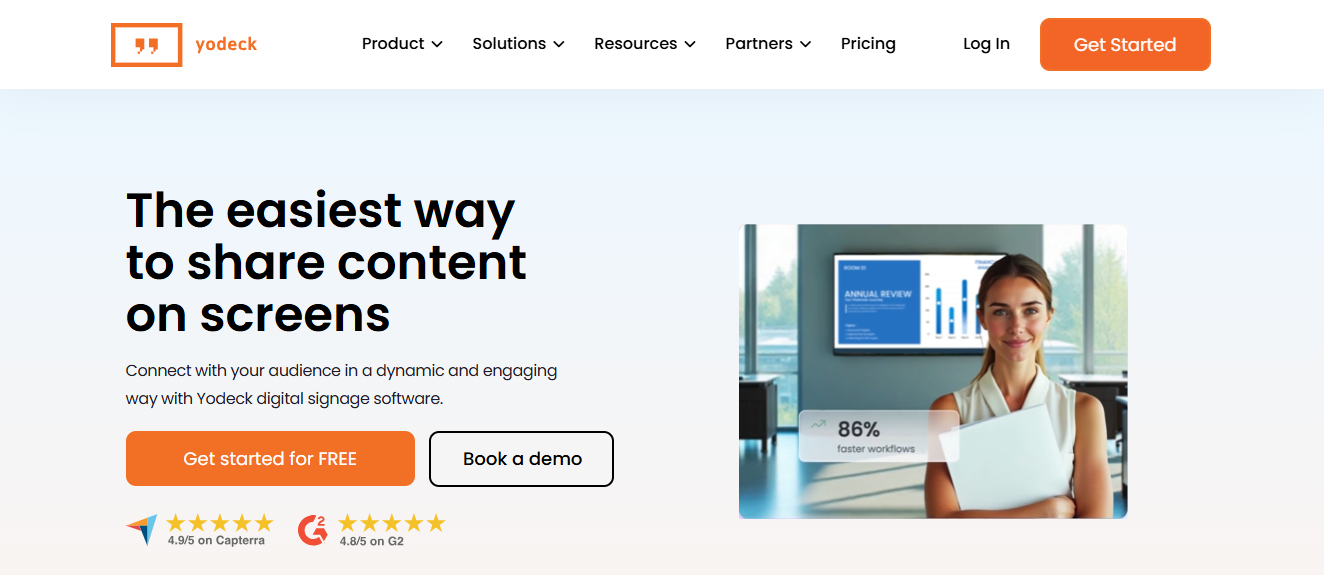
Yodeck is a cloud-based digital signage platform known for its automation and scheduling displays. Its intuitive single dashboard allows users to create, edit, and deploy digital signage content across multi-screen setups or single monitor deployments. Yodeck also supports Raspberry Pi and media players, enabling users to run digital signs efficiently across locations with just a few clicks.
The platform offers a vast template repository for marketing, events, and workplace announcements. Users can schedule unlimited number of digital signage players, set timers, and control content remotely from one screen, making it easy for teams to engage audiences without manual intervention. Integration with Google Workspace and Canva allows stakeholders from different departments to collaborate seamlessly.
Pros:
- Supports multi-screen and single monitor setups.
- Integration with Google Slides and Canva for streamlined content management.
- Remote control via cloud-based digital signage dashboard.
Cons:
- Limited advanced design tools for highly customized visuals.
- Navigation and API integrations may have a slight learning curve.
3. OptiSigns – Best for Advanced Media Integrations
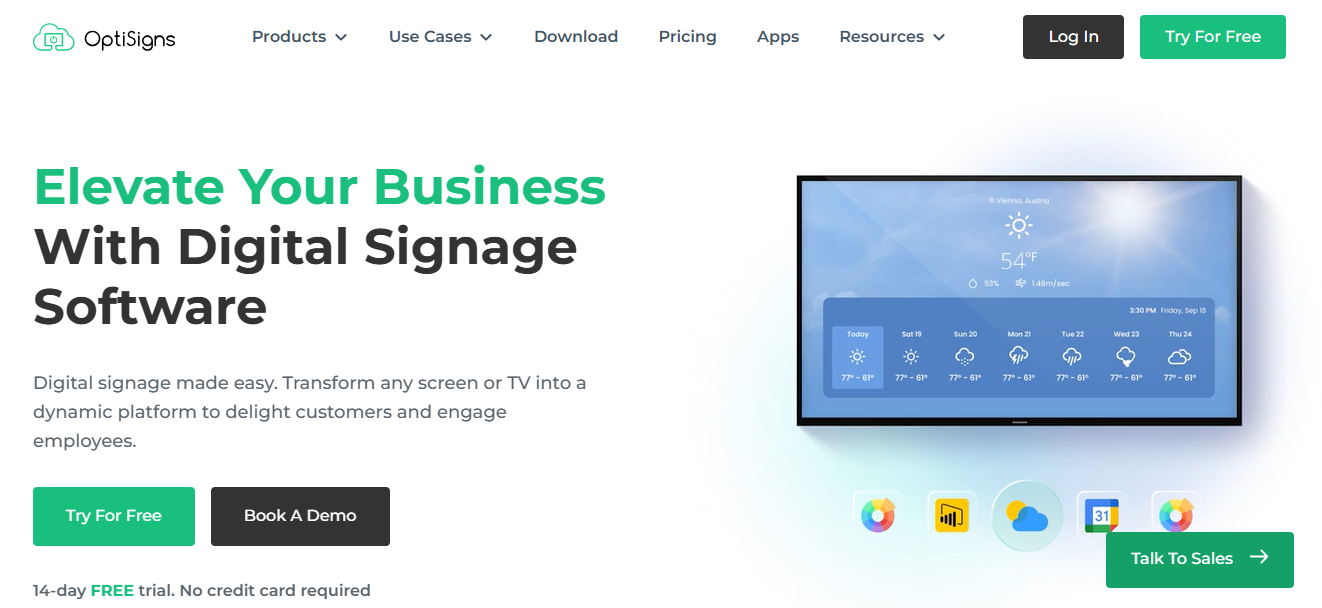
OptiSigns is a versatile digital signage software that allows users to gain access to multiple media formats and integrate content from Google Slides, Canva, Power BI, and social media channels. Its cloud-based digital signage platform supports multi-screen setups, digital signage players, and even single monitor deployments, making it suitable for small to mid-size businesses. The platform’s single dashboard enables users to schedule displays and manage digital signage content across locations efficiently.
OptiSigns also excels in media diversity. Users can pull in video, images, live feeds, and web content to create engaging digital signs. Custom user roles allow administrators to assign control for specific screens or groups, providing more control over content workflows. However, the interface can feel basic for enterprise-level deployments, especially when coordinating multi-screen digital signage across multiple time zones.
Pros:
- Seamless integration with Canva, Google Slides, and media players.
- Supports multi-screen control and custom user roles.
- Quick setup for single monitor or one screen deployments.
Cons:
- Basic UI for large enterprise campaigns.
- Scheduling across different time zones can be complex.
4. Rise Vision Digital Signage – Best for Browser-Based Control
Rise Vision Digital Signage is a cloud-based digital signage software solution that simplifies digital signage content management for educational institutions. What makes it stand out is the seamless remote administration from a single browser, multi-screen support, and authentication services, allowing schools to schedule displays and manage digital signs effortlessly. The platform provides a comprehensive single dashboard to control video, audio, and image plugins, enabling users to engage audiences with dynamic content without complex setups.
Rise Vision also offers a large library of pre-designed templates, especially tailored for schools and universities, enabling teachers and administrators to create digital signs for announcements, events, or promotional campaigns with just a few clicks. Rise Vision offers a free plan ideal for schools while providing robust cloud-based digital signage tools that scale across unlimited screens for institutions that need more control and custom user roles.
Pros:
- Easy remote management of multiple digital signage players.
- Pre-designed educational templates streamline content creation.
- Automated scheduling displays reduces manual workload.
Cons:
- Limited integration options outside education.
- Less flexible customization for advanced creative content.
5. Atmosphere TV – Best for Channel Bundles & Ambient Ads
Atmosphere TV is a software option focused on entertainment-driven content and custom advertising through channel bundles. This software enables businesses to manage content, stream multimedia, and display digital content across screens in public spaces like bars, gyms, and waiting areas. It supports diverse multimedia formats and integrates with compatible hardware, making content delivery seamless across multiple digital displays.
With built-in analytics and scheduling tools, businesses can distribute engaging content and ads efficiently while maintaining consistent audience engagement. The platform also allows businesses to create and schedule custom ads easily, helping promote offers, events, and campaigns without complex tools. Features like screen grouping and content unification simplify managing multiple displays, though template customization options are somewhat limited.
Pricing Plan: Free.
Features:
- Access to curated digital signage content for bars, gyms, and waiting areas
- Screen grouping and multi-screen support
- Customizable templates and simple content management tools
- Integration with digital signage players for various media formats
Pros: Free, engaging digital signage software solution, easy scheduling, diverse content programming.
Cons: Limited branding customization, fewer template options.
6. Samsung VXT – Best for Real-Time Personalization
Samsung VXT is a powerful digital signage software designed for enterprises that require real-time content personalization and advanced content management. This platform enables businesses to manage, schedule, and update digital content across multiple screens using a centralized system. It supports various media formats, including video, audio, and text, ensuring dynamic content delivery across digital displays.
With strong hardware integration for Samsung screens and built-in analytics, it helps maintain high-quality performance and optimize campaigns effectively. The platform excels in real-time updates, allowing businesses to instantly reflect new product information or campaign changes across all screens. Features like a media editor and content repository enhance workflow efficiency, while AI-driven tools improve content quality.
Pricing Plan: Paid.
Features:
- Manage digital content across multiple screens
- Live feeds, media formats, digital menu boards, and customizable templates
- Cloud-based dashboard, screen control, and content management system
- Supports real-time content updates across various locations
Pros: Excellent display quality, user-friendly interface, versatile digital signage network.
Cons: Proprietary system, learning curve, limited peer support.
7. Zoom Workplace – Best for Employee Engagement & Internal Signage
Zoom Workplace is a versatile digital signage software designed to enhance internal communication and employee engagement across corporate environments. This platform enables businesses to manage content, schedule events, and display digital content across multiple screens using a cloud-based system. It supports multimedia content such as webinars, meetings, and announcements, ensuring seamless content delivery across digital displays.
With integrated analytics and collaboration tools, it helps organizations improve communication and streamline workflows across teams. The platform offers features like live previews, screen recording, AI-driven content optimization, and multi-user access, making it suitable for managing internal campaigns and events. While it integrates well with existing workplace tools and hardware setups, limitations in content management flexibility and template variety may affect creative output.
Pricing Plan: Free, Paid.
Features:
- Content creation and scheduling for live events, webinars, and meetings
- Dynamic content displays, live previews, speaker templates, screen recording
- AI-driven content optimization, multi-user access, screen control
- Integration with workplace apps for improving communication
Pros: Excellent internal communication, user-friendly interface, seamless screen control.
Cons: Requires full Zoom ecosystem, occasional glitches with low-speed connections.
8. ScreenCloud – Best for Remote Content Management
ScreenCloud is a cloud-based digital signage solution designed for enterprises managing internal screens. Screencloud digital signage single dashboard enables users to update digital signage content remotely across unlimited number of digital signs and digital screens, improving internal communication and employee engagement.
ScreenCloud offers over 80 apps and 150 templates, allowing users to gain access to a rich library of content. The platform supports media players and Chrome OS, making it simple to schedule displays across offices. Custom user roles ensure teams have more control over who manages each digital screen, keeping operations secure and organized.
Pros:
- Easy remote management across digital signage players.
- Intuitive single dashboard for digital signage content updates.
- Supports custom user roles and Chrome OS devices.
Cons:
- Higher pricing at scale.
- Some learning curve for advanced integrations.
What is Open Source Digital Signage Software and Should You Use It?
Open source digital signage software refers to platforms where the source code is publicly available, allowing businesses to customize features, integrations, and workflows based on their specific needs. Unlike proprietary digital signage software, open source solutions offer flexibility and cost control, but often require technical expertise for setup, maintenance, and security.
If you want to explore how open source compares with cloud-based digital signage platforms and whether it fits your business goals, check out this detailed guide on what is open source digital signage software?. It explains key differences, benefits, limitations, and when businesses should choose open source over managed digital signage solutions.
Why Choose AIScreen as Your Digital Signage Partner?
Transform your business displays with AIScreen, the best digital signage software for modern businesses. With 500k+ templates, 100+ integrations, real-time analytics, and strong security features, it delivers a complete digital signage solution for retail, corporate, and enterprise use.
Manage content effortlessly with an intuitive CMS, automated scheduling, and multi-screen control. Streamline operations, boost customer engagement, and deliver consistent messaging across unlimited screens. Try your first screen free or book a 14 day demo to get started.


FAQs
Which digital signage app works best on tablets?
The digital signage app that works best on tablets is one that combines a cloud based platform with incredibly easy usability and efficient managing digital displays. AIScreen.io enables users to display content, manage multimedia devices, and deliver multimedia content across tablets using intuitive tools. With free templates, real time updates, and seamless content delivery, it helps businesses share content, improve communication, and enhance customer satisfaction.
Which are highly recommended signage platforms for office spaces?
The highly recommended digital signage platforms for office spaces are those designed for communication, internal messaging, and managing digital displays across large screens. AIScreen.io supports various industries by allowing teams to create, schedule, and share content efficiently using a cloud based platform. With more advanced features, real time updates, and enterprise tools, it ensures the right message reaches employees while improving overall communication.
What are the leading digital signage providers?
The leading digital signage providers are platforms that combine powerful software, hardware devices compatibility, and advanced content delivery tools. AIScreen.io stands out by enabling users to manage multimedia content, display content across multiple screens, and integrate media files seamlessly. Its cloud based platform, free templates, and more advanced features help businesses meet diverse business needs while maximizing customer satisfaction.
What are the top user-friendly digital signage software solutions?
The top user-friendly digital signage software solutions are those that make it incredibly easy to create, manage, and share content across digital displays. AIScreen.io offers intuitive tools, drag-and-drop functionality, and a cloud based platform that simplifies managing digital displays and multimedia devices. With real time updates, free templates, and efficient content delivery, it helps businesses communicate the right message effectively.
What is the best digital signage software for a small business?
The best digital signage software for a small business is one that balances affordability, scalability, and ease of use while supporting hardware devices and multimedia content. AIScreen.io allows small businesses to create content, manage media files, and display content across large screens using a cloud based platform. With free templates, real time updates, and simple tools, it meets business needs while improving customer satisfaction and communication.
What are the top-rated digital signage apps for retail use?
The top-rated digital signage apps for retail use are designed to enhance customer satisfaction by delivering the right message through engaging multimedia content. AIScreen.io enables retailers to manage digital displays, share content, and display dynamic content across large screens using a cloud based platform. With real time updates, free templates, and advanced content delivery tools, it helps improve in-store communication and engagement.
What are the most reliable digital signage software?
The most reliable digital signage software combines stable hardware support, efficient managing digital displays, and consistent content delivery across multimedia devices. AIScreen.io ensures businesses can display content, manage media files, and share messaging seamlessly using a cloud based platform. Its more advanced features, real time updates, and strong tools make it suitable for various industries requiring dependable communication systems.
What are the best cloud-based signage software for business?
The best cloud-based signage software for business is designed to manage digital displays remotely while supporting multimedia content and hardware devices. AIScreen.io provides a cloud based platform that enables users to create, share content, and control digital displays across multiple locations. With real time updates, free templates, and advanced tools, it helps businesses deliver the right message, improve communication, and meet evolving business needs.
