
Top 5 Small Digital Signs Displays for Advertising
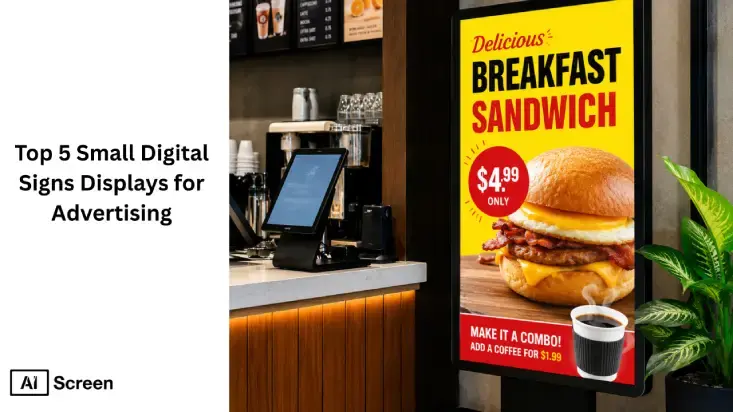
Small digital sign displays facilitate smart advertising by delivering dynamic and engaging content in business settings, across domains such as retail, hospitality, transportation, and more. Within organizations, small and compact digital signage displays have emerged as essential tools for communicating announcements and promotions. At least 41.5% of customers consider sign quality when evaluating businesses, according to a study by Research Gate’s article “Signage as Marketing Communication: A Conceptual Model and Research Propositions.”
In this article, we will explore in detail how small digital sign displays enhance ad visibility by 400% and grab viewers’ attention instantly, especially when powered by advanced digital signage software that optimizes content delivery and scheduling. We will also get acquainted with the ability of some of the best small-sized digital signage displays and their key features that help you plan your advertising strategy. Let’s dive in!
What is a Small Digital Sign Displays?
A small digital sign displays refers to compact digital signage displays delivering highly visual advertisements in the form of videos, images, and text. These new LED signs suit small spaces and are highly portable compared to larger displays.
In other words, small LED signs are cost-effective, lightweight, and energy-efficient solutions for displaying advertisements.
What are The Top 5 Small Digital Sign Displays for In-Store Advertising?
The top 5 small digital sign displays for in-store advertising include LED displays, interactive kiosks, digital shelf labels, tablet-based signage, and POS displays, offering businesses a range of solutions to enhance customer engagement and drive sales in compact spaces. These digital tools help deliver dynamic content, product information, and promotions with ease and effectiveness.
Explore the best digital signs for sale here!
1. Digital Sign Display DGMSHWL10BK 10.1”
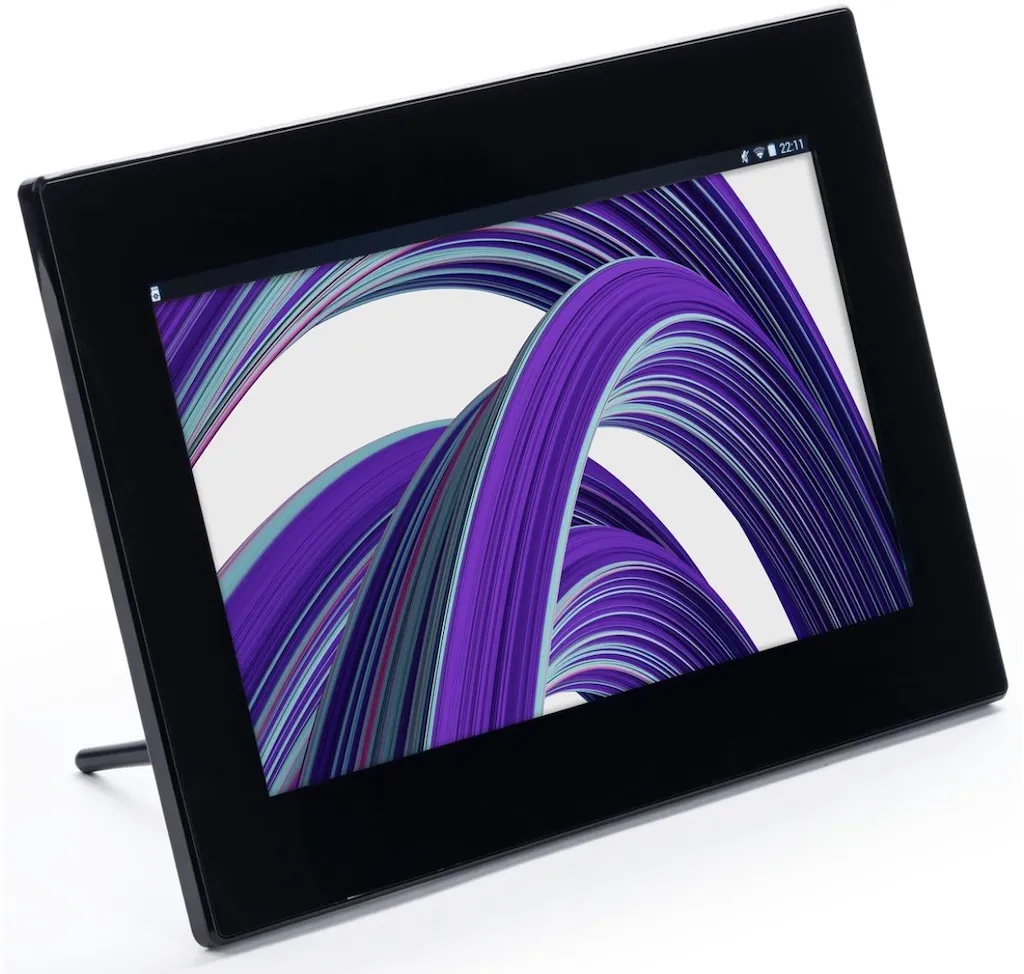
Digital Sign Display DGMSHWL10BK 10.1” is best for retail promotions. Within retail stores, it’s leveraged to promote products. Its sleek design makes it ideal for sharing video content to attract customers, and supports built-in Wi-Fi and a USB port.
Features: Screen Size 10.1”, Resolution 1024×600, Supported Media JPEG, PNG, MP4, MKV, MP3, WAV, Internal Storage 4GB, Power Consumption 10W, Operating System Android
Price: $80–$90
2. LG 10” 10SM3TB Display
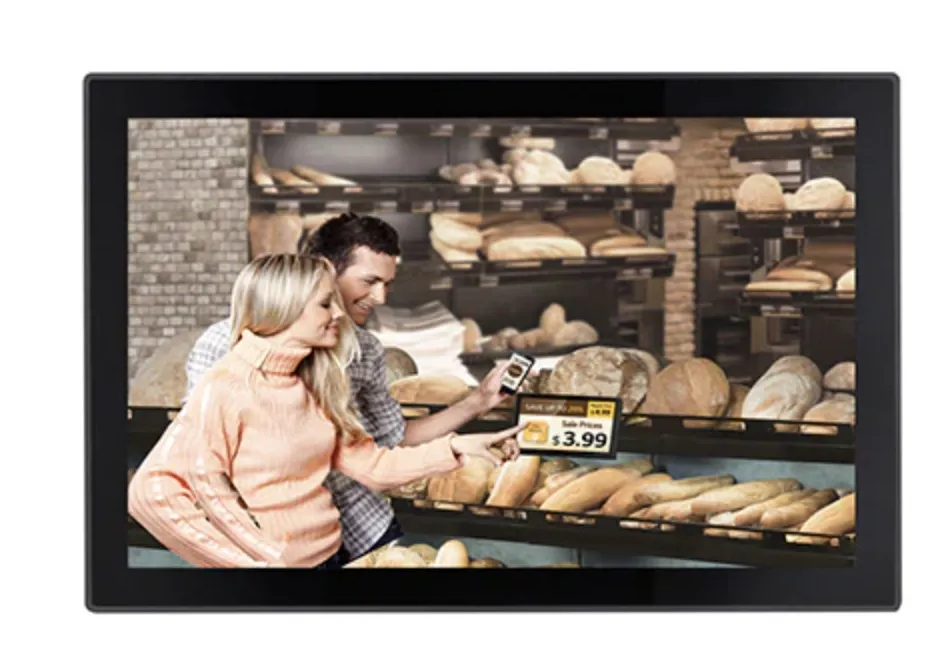
LG 10” 10SM3TB display is perfect for showcasing menus, promotions, and offers in restaurants. You can easily mount this LED sign on walls for better viewing angles and deliver dynamic advertising content that enhances customer experience.
Features: Resolution 1280 x 800, Brightness 450cd/m², Viewing Angle 160°, Weight 0.63kg
Price: $250–$400
3. Nixplay 13.3” Display
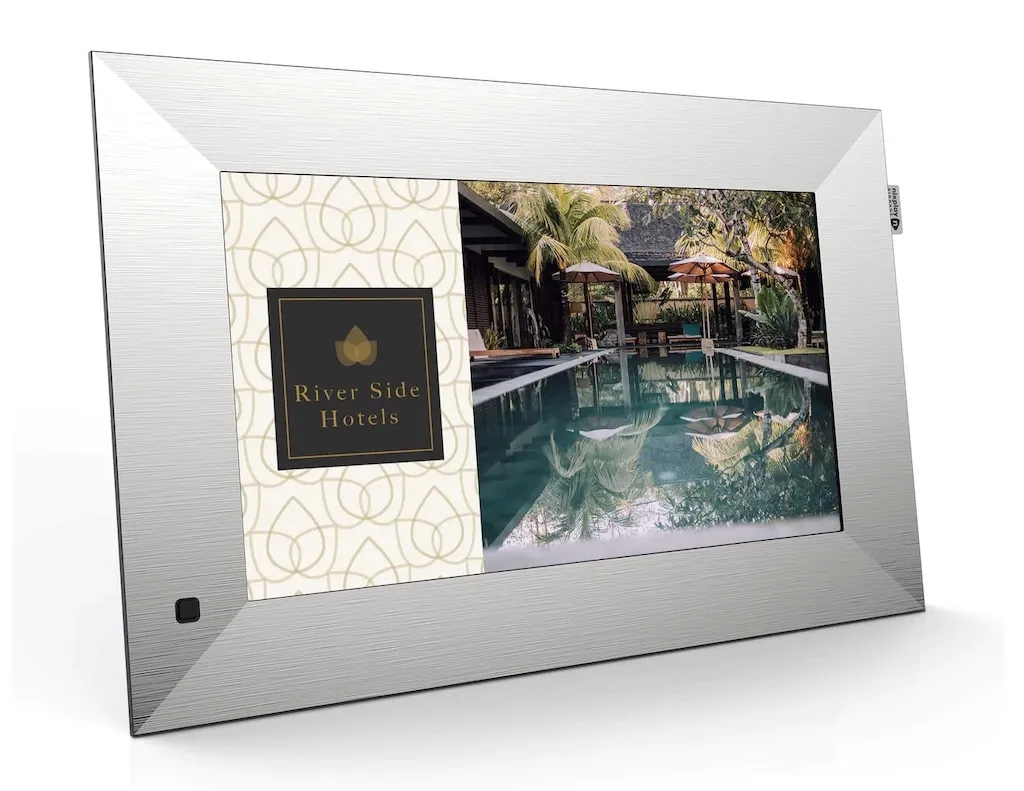
Nixplay 13.3” display is an ideal small digital signage display for hotels, banks, and other corporate settings. Sync it with cloud-based AIScreen digital signage software to broadcast multimedia advertising content, such as promotions, menus, and announcements.
Features: Resolution 1920×1080 (Full HD), Brightness 250cd/m², Sensors Auto-rotate, motion sensor, and auto on/off, Cloud Storage 50GB
Price: $300–$500 (with a $15/month rental lease)
4. Samsung 10” DB10D Display
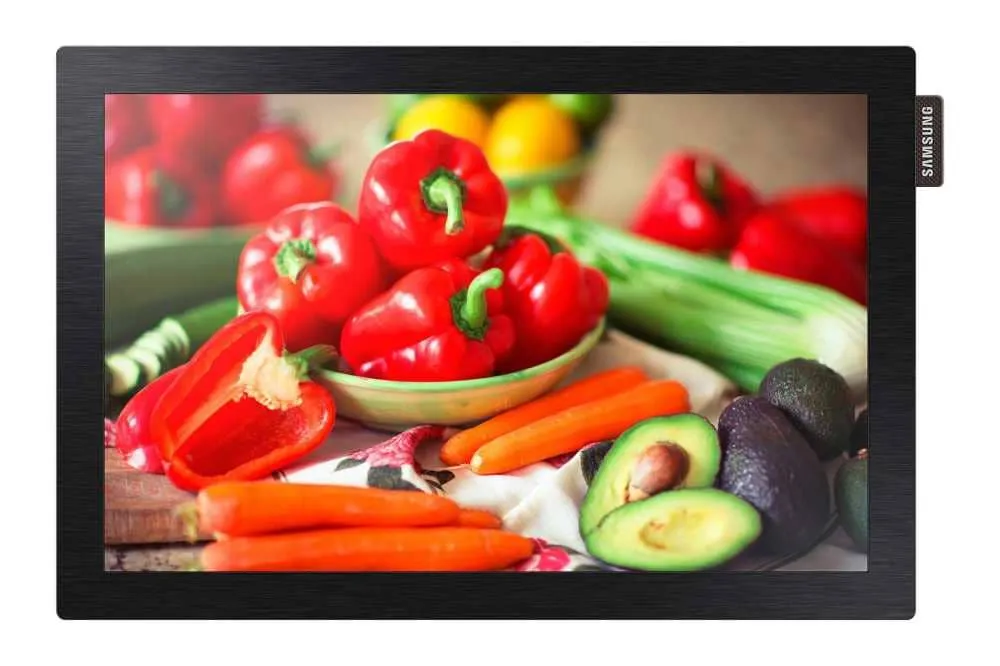
Samsung 10” DB10D display is a perfect LED sign for advertising solutions in retail and public spaces. This samsung digital signage displays platform supports a robust quad-core processor with built-in Wi-Fi and Bluetooth for smooth and reliable performance.
Features: Resolution 1280 x 800, Brightness 450 nits, Contrast Ratio: 900:1, Samsung Display Colors 16.7M
Price: $500–$800 (with $50–$80/month rental lease)
5. Sungale 10” CPF1068 Display
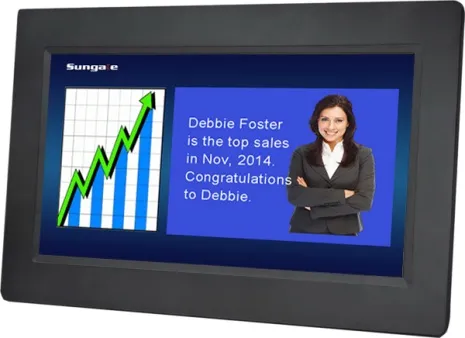
Sungale 10” CPF1068 display is perfect for retail, restaurant, and corporate use where it can be leveraged to deliver quality advertisements. This LED works well in ambient light and high brightness settings, integrating with cloud-based CMS to broadcast multimedia content.
Features: Resolution 1280×800, Brightness 500 nits, Viewing Angle 178°, Color Depth 16.7M
Price: $100–$400 (depending on size)
How to Plan Advertising Strategy for Digital Signage Displays in Steps?
Planning an advertising strategy for digital signage displays is crucial if you want to maximize your return on investment. Below, we’ve listed key steps involved in the process.
Step #1: Identify Target Audience
Identifying your target audience helps narrow down the scope for more focused advertising. This begins with understanding who’s your messaging for? Consequently, you customize your content to suit your target audiences’ needs and aspirations better.
Take information like age, gender, and interests of your target customers into consideration while planning your advertising strategy.
Step #2: Choose the Right Hardware
Choosing the right hardware like digital signage displays and media digital signage players ensures your message is delivered to the right people at the right time more effectively.
LED signs have already been listed above and users can choose any that align perfectly with their needs.
LED Signs
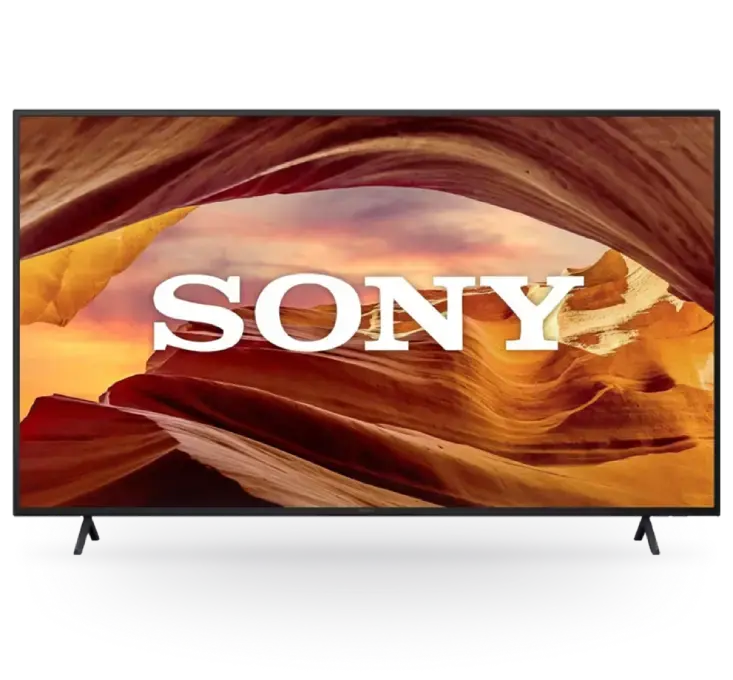
When selecting small LED signs it’s important to consider support for digital signage software, viewing angles, and hard coating.
For more high-end solutions consider investing in commercial-grade LED signs such as Sony BZ30L or BZ35L.
Media Players
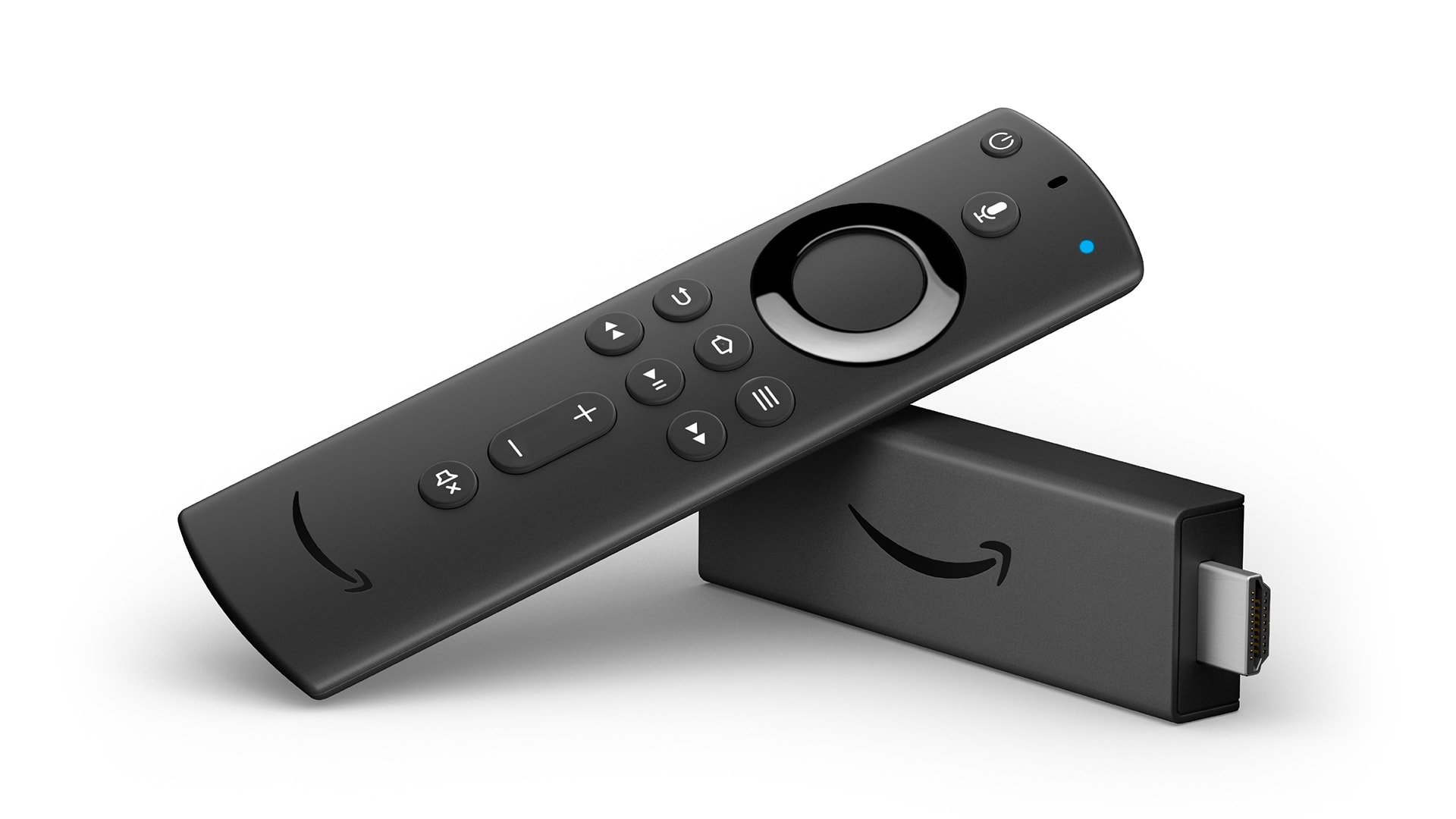
A media player is a key component in any digital signage system. It connects your screen to a cloud-based management system for advertisements and simplifies information sharing.
Consider investing in affordable and easy-to-use media players like Amazon Fire Stick and Raspberry Pi for your in-store digital signage advertising needs.
Step #3: Choose the Best Digital Signage Software
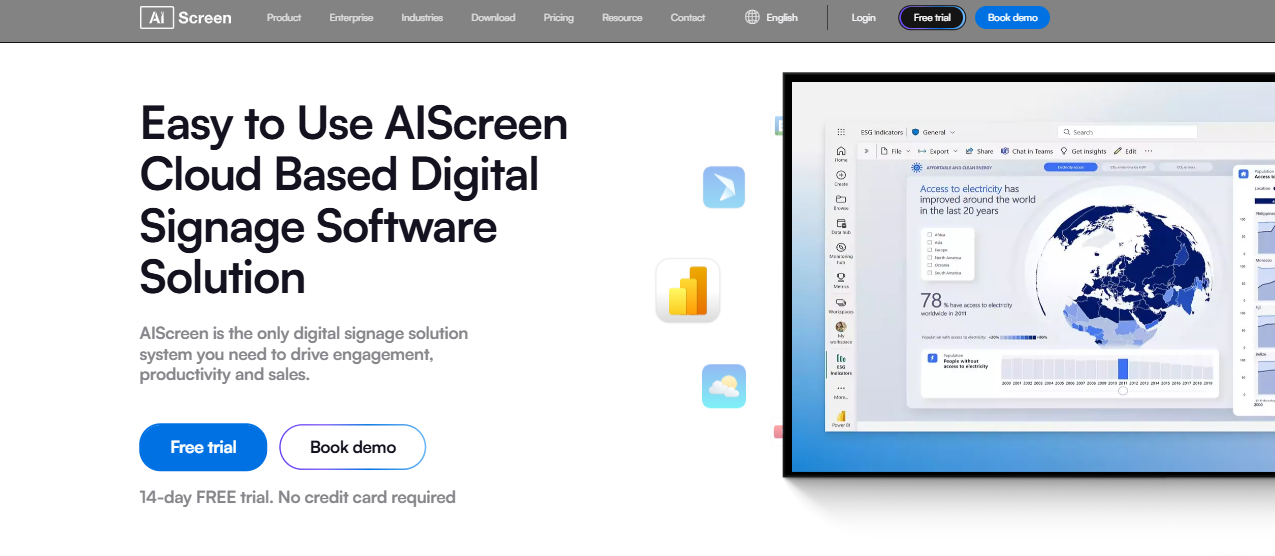
Digital signage software is a cloud-based signage system that allows users to create, manage, and schedule advertising content. Users from across industries, from retail to hospitality, leverage it to deploy stunning LED signs.
AIScreen is the best digital signage software provider offering budget-friendly and scalable signage solutions with features like:
- Content Editing: Create stunning in-store advertisements with AIScreen’s ‘Canvas’ editing tool.
- Template Library: Utilize 1500+ pre-designed templates to create digital signage content instantly.
- Display Zoning: Split your screen into multiple zones and broadcast specific content in each zone.
- Content Scheduling: Plan content in advance so that it’s delivered on specified dates and times.
How to Set Up Small Digital Sign Displays with AIScreen?
Setting up small digital sign displays with AIScreen is a streamlined process that enables businesses to deploy LED and LCD displays with real-time content control and centralized management. Follow these steps to connect screens, upload content, and launch high-impact digital signage campaigns.
Step 1: Download the AIScreen App
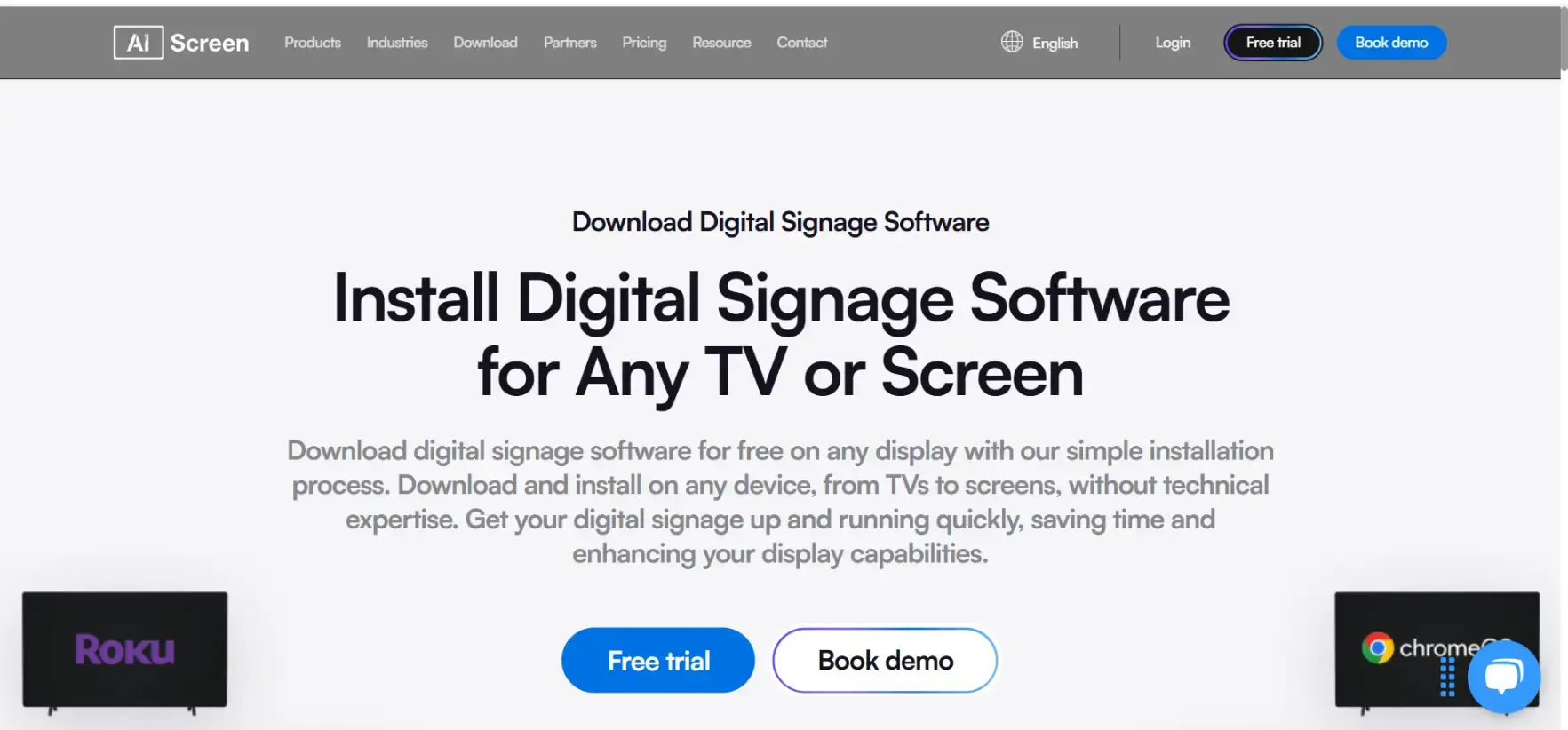
Start by installing the AIScreen digital signage app on your display device to enable screen connectivity. Access your device’s app store, search for AIScreen, and install the app to generate a pairing code for setup.
Step 2: Create Your AIScreen Account
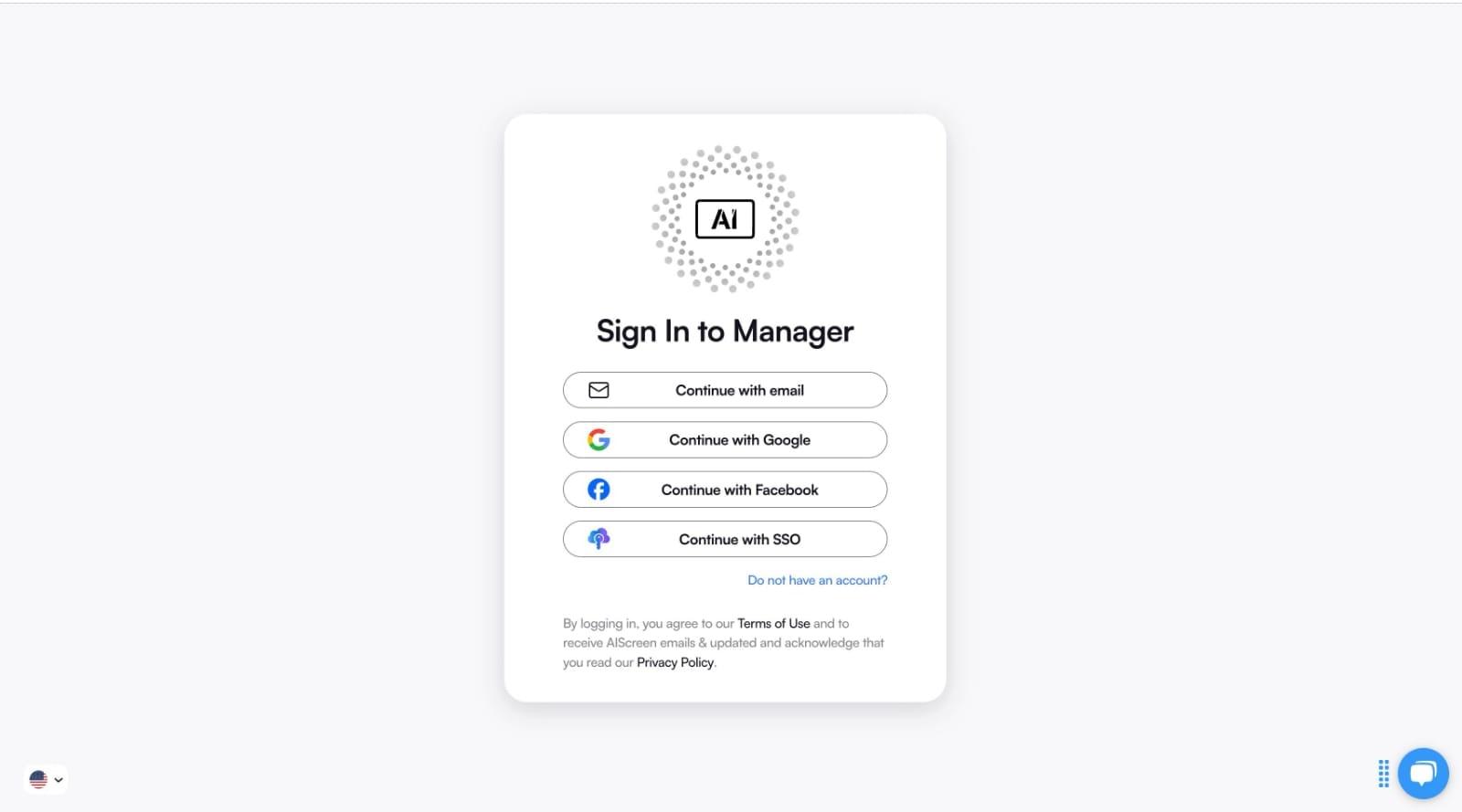
Create an AIScreen account to access the cloud-based CMS, dashboard, and content management tools. Visit the AIScreen manager portal, sign up for a free trial, and log in to manage screens, content, and campaigns efficiently.
- Visit https://manager.aiscreen.io/login and sign up for a 14-day free trial.
- Log into your account to access AIScreen’s content management system for creating and deploying the right signs to your displays.
Step 3: Connect Screen to AIScreen CMS
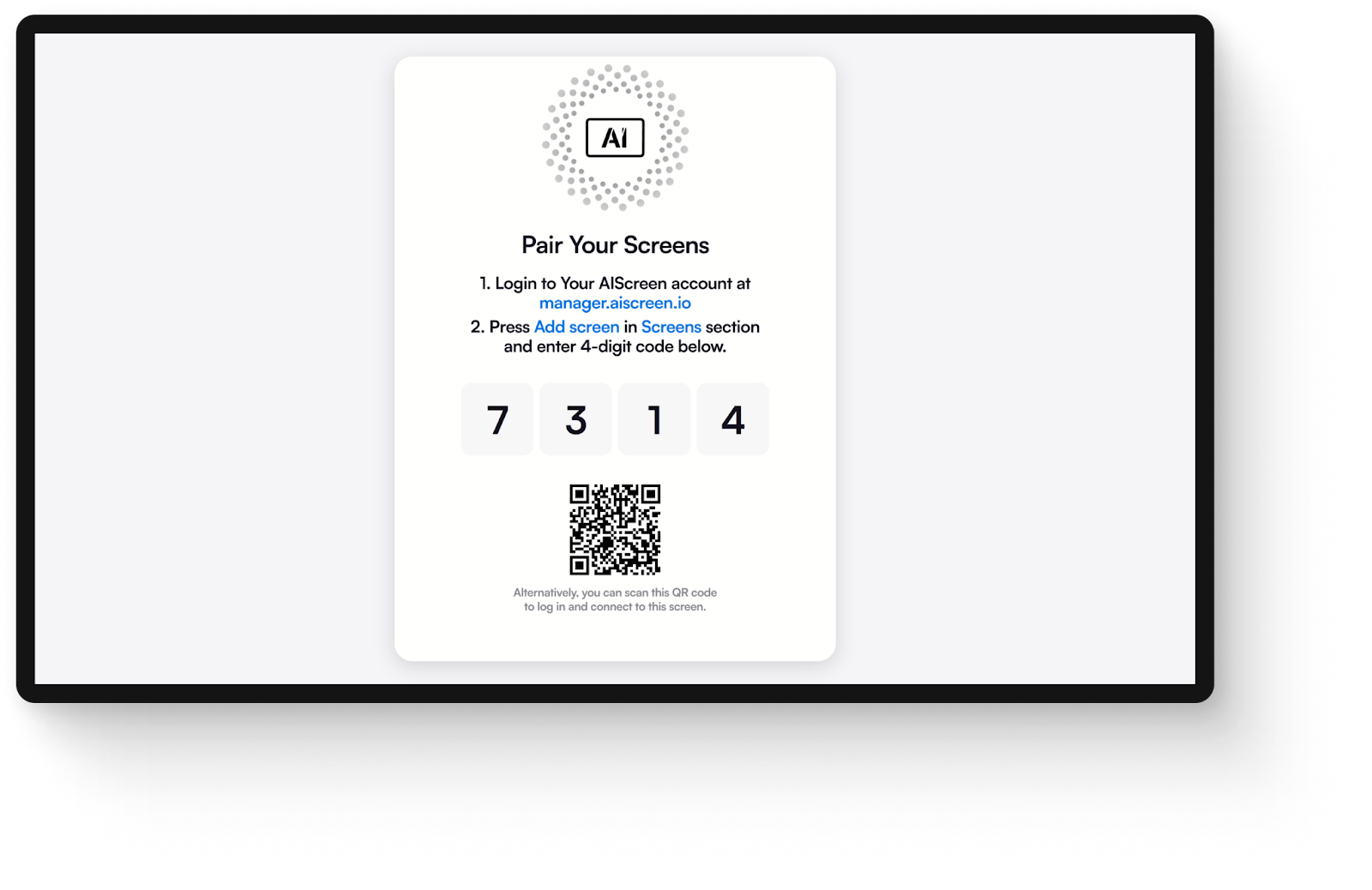
Link your digital screen to the AIScreen CMS using the unique pairing code for centralized control. Click “Add Screen,” enter the code displayed on your device, and pair it to enable remote management and content deployment.
Step 4: Upload and Organize Advertising Content
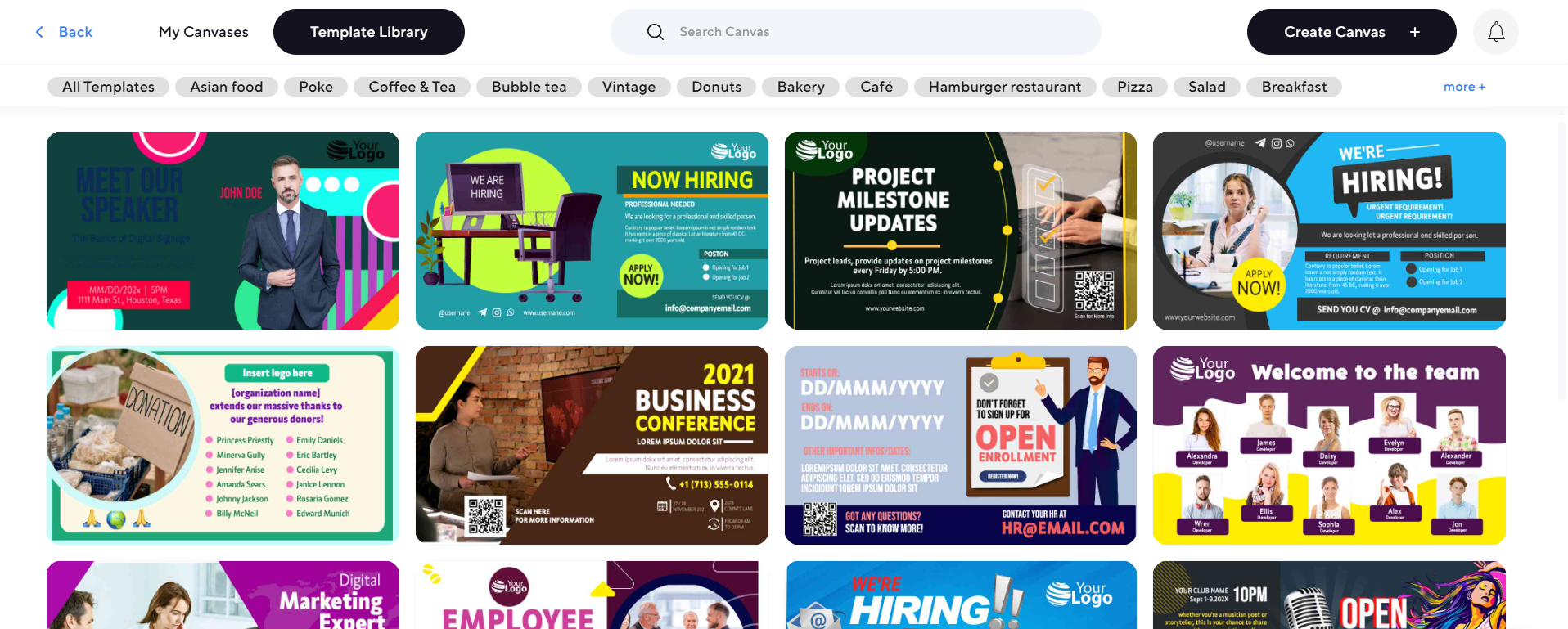
Upload media files such as images, videos, and text content to create engaging digital signage campaigns. Use playlists to organize content by campaign, schedule, or audience, ensuring targeted and structured messaging.
Step 5: Create Visual Content with Canvas
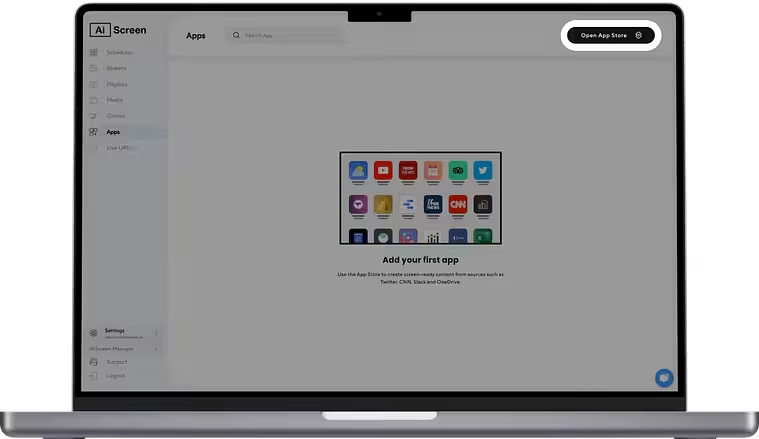
Use AIScreen’s Canvas editor to design visually engaging content with customizable templates and branding elements. Add logos, colors, text, and animations, then publish directly to screens for real-time display and audience engagement.
To simplify deployment, follow the step-by-step process in the core guide on how to set up digital signage, covering hardware selection, screen pairing, content upload, and real-time scheduling with AIScreen.
How to Design Effective Ads for Small Digital Signage Displays?
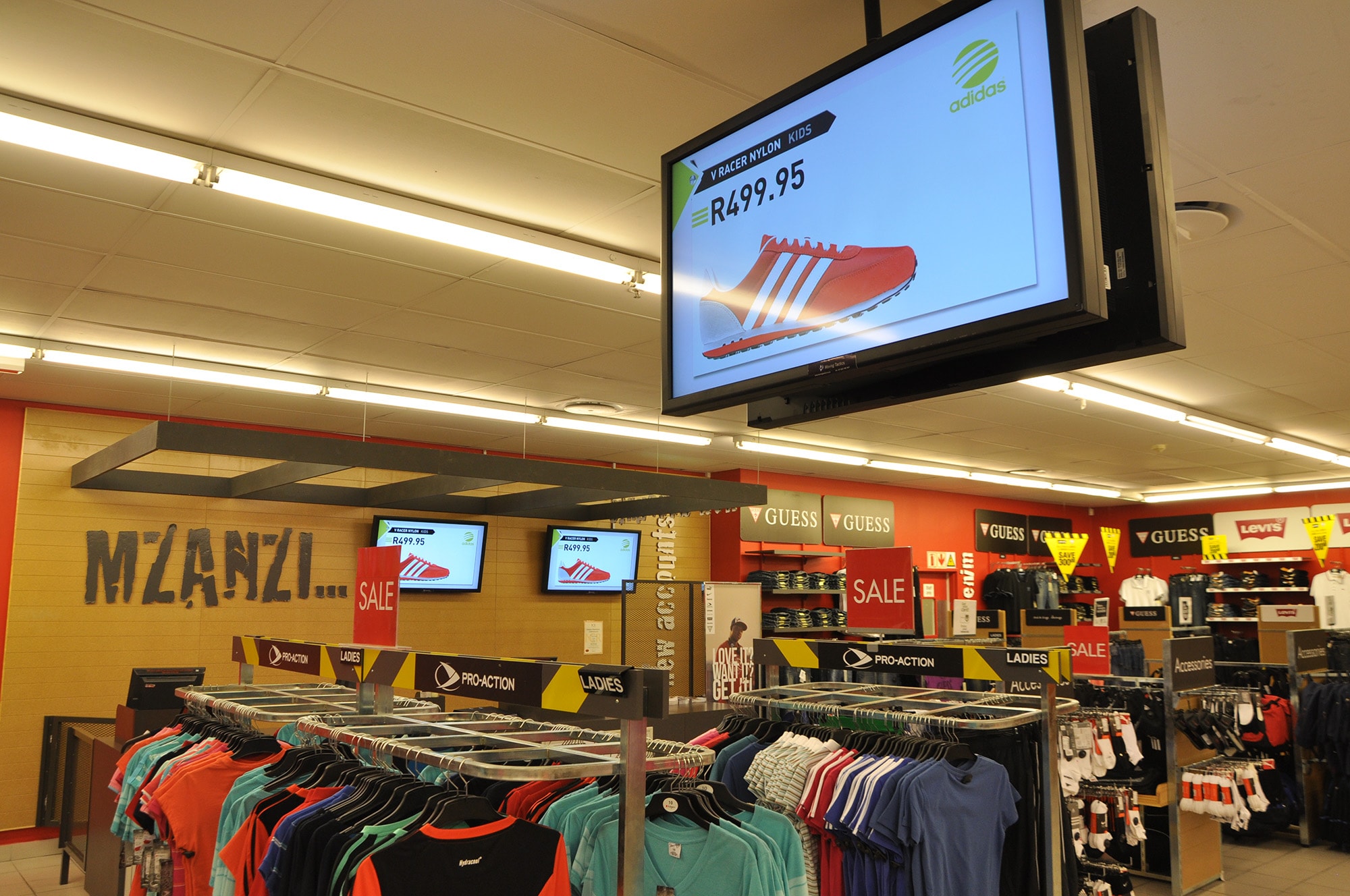
Designing effective advertisements for small digital signage displays is important for boosting customer engagement and delivering a visually appealing in-store signage experience.
- Create Eye-Catching Visuals: Enhance the visual appeal of your advertisements by using bright colors and high-quality imagery to grab viewers’ attention.
- Craft Engaging Messages: Keep text short, concise, and interesting. This will make your marketing messages stand out and resonate with your audience.
- Social Media Integration: Incorporate user-generated social media content to add to the appeal of your LED signs. This takes customer engagement and interactivity to the next level.
How to Choose the Right Small Digital Sign?
Choose the right small digital sign by evaluating display size, screen brightness, resolution, placement location, and CMS capabilities to ensure optimal visibility, content control, and audience engagement.
Consider the following factors to select the right digital signs for your in-store advertising needs:
- Screen Size: For smaller and compact retail spaces, 10″ and 20″ are the best screen size, for example, to display advertisements.
- Resolution: High-resolution new signs support formidable viewing angles to ensure content is delivered sharply and clearly.
- Durability: Consider factors like hard coating if your company is looking for stand-out durability in their digital signage displays.
- Power Efficiency: Power consumption is a key factor to consider when installing high-brightness small digital sign displays to lower power expenses.
- Financing Options: Besides the easy installation process, look for financing options to purchase devices or signs for digital signage.
Why Use Small Digital Sign Displays?
Small digital sign displays are used to deliver dynamic, high-visibility content with real-time updates and targeted messaging, improving customer engagement, brand awareness, and in-store conversions.
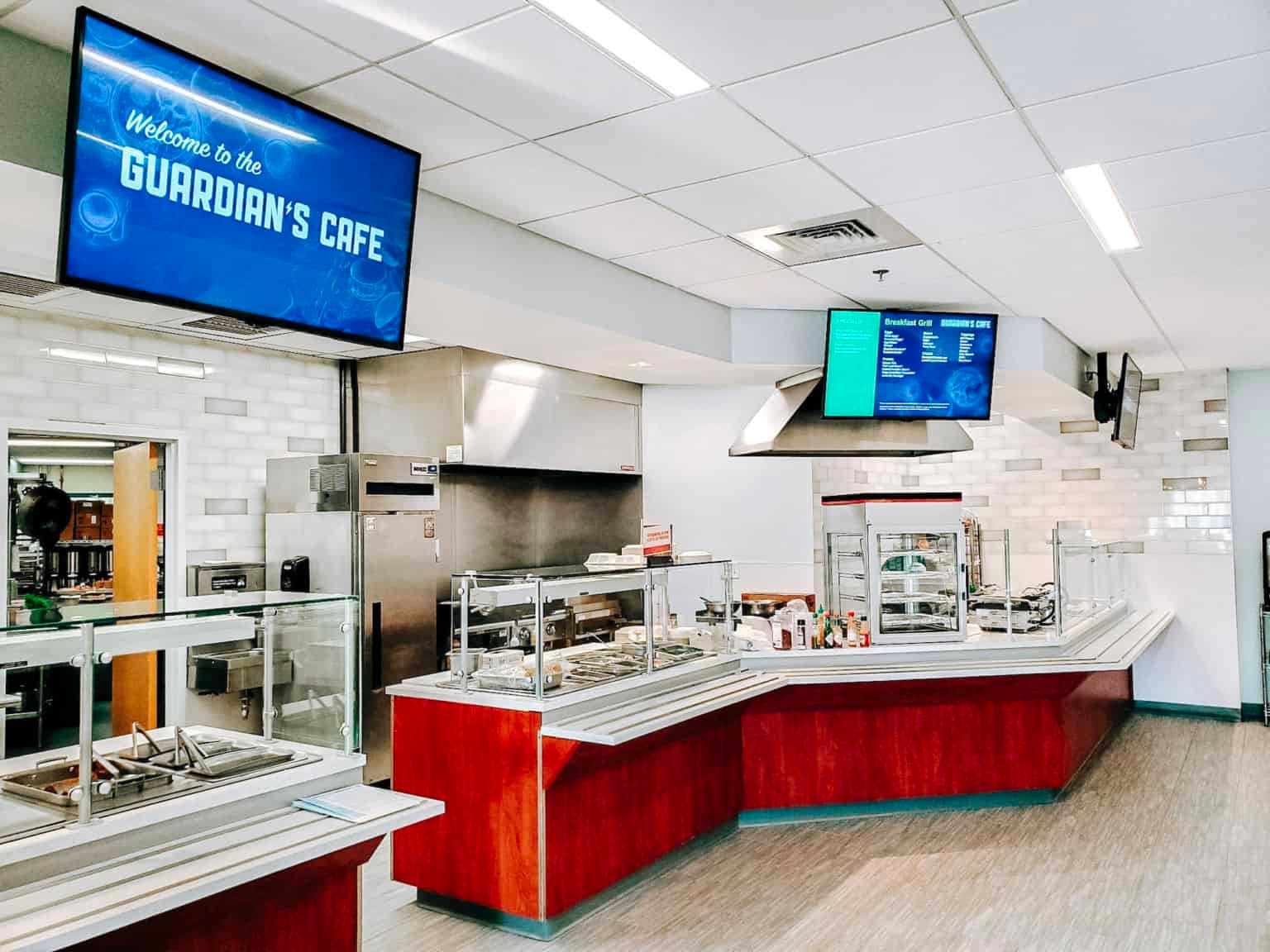
Small digital sign displays are used to deliver dynamic, high-visibility content with real-time updates and targeted messaging, improving customer engagement, brand awareness, and conversions. These compact LED and LCD displays are ideal for small spaces like retail stores, entrances, and conference rooms, offering easy installation, low power consumption, and cloud-based control for efficient and professional digital signage management.
Here’s how it’s used in various areas:
- Conference Room Signs: Sync and deploy Microsoft and Google Calendar.
- Second Entrance Signs: Assist visitors navigate to events, stages, and meetings. Upgrade by including QR codes.
- Upper Floor Signs: Display floor signs to guide by deploying high-resolution navigational images.
- Rotating Messaging Signs: Broadcast information in “slideshow” format for interactive information-sharing processes.
What are the Best Sign Board Electronic for Small Digital Sign Displays?
Small digital sign displays are evolving rapidly with advancements in LED screens, LCD displays, and digital signage software, enabling smarter and more scalable communication. To explore the latest innovations, technologies, and high-performance solutions, check out best sign board electronic solutions in 2026, where you’ll discover how modern electronic signage systems enhance visual impact, real-time content delivery, and overall business efficiency across industries.
Getting Started Smart Advertising with Small Digital Signage Screens!
Getting started with smart advertising using small digital signage screens is simple and highly effective when you combine the right hardware and software. Choose a commercial-grade display and a reliable CMS like AIScreen to enable remote content updates, scheduling, and centralized control. Place screens in high-traffic areas such as entrances or checkout zones to maximize visibility and audience reach.
To drive engagement, use short, visually compelling content with bold branding, clear CTAs, and dynamic elements like videos or QR codes. Continuously optimize performance using analytics, content testing, and audience targeting, ensuring better engagement, conversions, and ROI. With the right strategy, even a small screen can deliver high-impact advertising results. Get started today with AIScreen to create, manage, and scale high-impact small digital signage campaigns effortlessly.


Frequently Asked Questions
What are smart advertising solutions?
Smart advertising solutions are all about using clever tech and data to show the right ads to the right people at the right time. Think personalized, targeted marketing that cuts through the noise and gets you noticed: smart, efficient, and effective.
Can small digital screens improve brand recall and visibility?
Yes! Small digital signage screens boast brand recall rates of over 80%, which is more than double traditional ads, by using eye-catching visuals and real-time updates to grab attention and keep your brand top-of-mind.
Are small digital signage screens cost-effective for advertising?
Yes, small digital signage screens are cost-effective for advertising as they are a smart investment. Small screens reduce long-term costs by enabling content changes without printing or shipping, and businesses often report higher sales with digital signage compared to static displays.
What’s the expected ROI from using small digital signage?
The expected ROI from using small digital signage is strong; brands see boosts in unplanned purchases (up to 20%) and audience engagement, while eliminating costs tied to traditional print media. More engagement means better results without runaway budgets.
Are small digital signage displays energy-efficient and sustainable?
Yes! most modern small digital screens are designed for energy efficiency, using technologies like LED backlighting and automated brightness controls to consume less power, making them a greener choice for continuous advertising.
