
How to Use Digital Signage in Specialty Retail Stores?
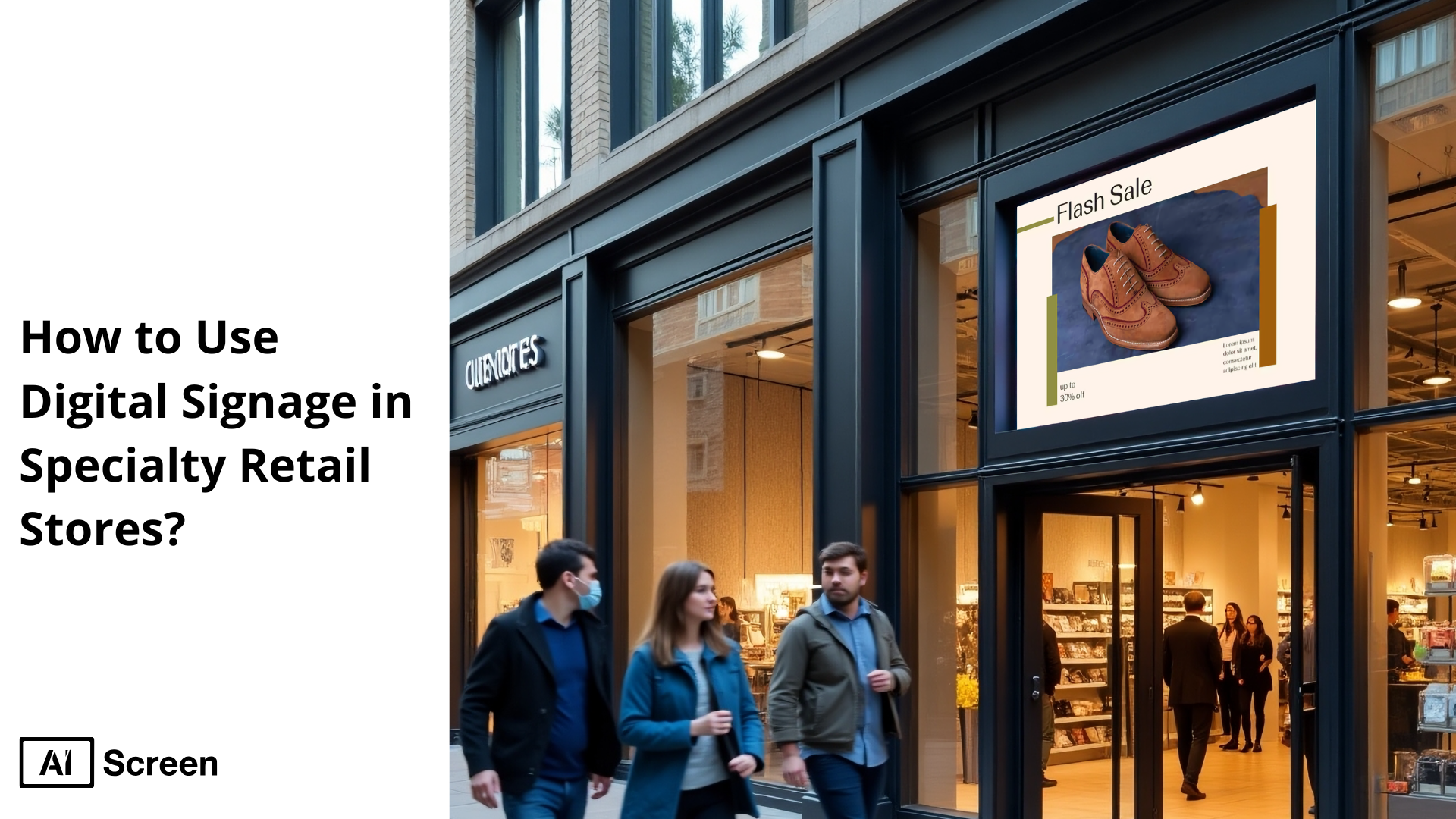
To use digital signage in specialty retail stores digital signage in specialty retail stores can significantly enhance the shopping experience, promote products, and drive sales through engaging content and strategic placement. According to Retail TouchPoints, 67% of Gen Z consumers prefer to make purchases in brick-and-mortar stores, and 56% want the experience to be fun in the process.. This shows how leveraging digital signage can capture customer attention, inform customers, and transform foot traffic into loyal customers.
In this blog, we will cover 5 effective ways to use digital signage in specialty retail stores, followed by actionable tips for success. This comprehensive guide explains how to use digital signage in specialty retail stores through dynamic content, interactive displays, and retail digital signage strategies. You’ll also find insights on choosing the right digital displays and creating a retail media ecosystem that supports retail success.
What Is Specialty Retail Store Digital Signage?
The specialty of retail store digital signage refers to the use of digital displays in specialty stores to showcase products, promotions, and brand content in a boutique or niche retail environment. Specialty store digital signage relies on dynamic content and real‑time updates to create engaging in-store experiences.
According to Market US, about 80% of retail chains report increased promotional effectiveness using retail digital signage systems offering timely messaging and interactive elements. That makes these systems essential in specialty store digital signage in retail spaces, where personalized content and real-time content playback boost customer experience and brand identity.
5 Effective Ways to Use Digital Signage in Specialty Retail Stores
5 effective ways to use digital signage in specialty retail stores to heighten the retail experience and increase sales using digital signage. In many specialty stores, using interactive displays, seasonal campaigns, and customer testimonials can significantly enhance engagement. Studies show that digital signage increases average purchase value by nearly 30% in retail contexts.
1. Use Product Storytelling to Drive Sales
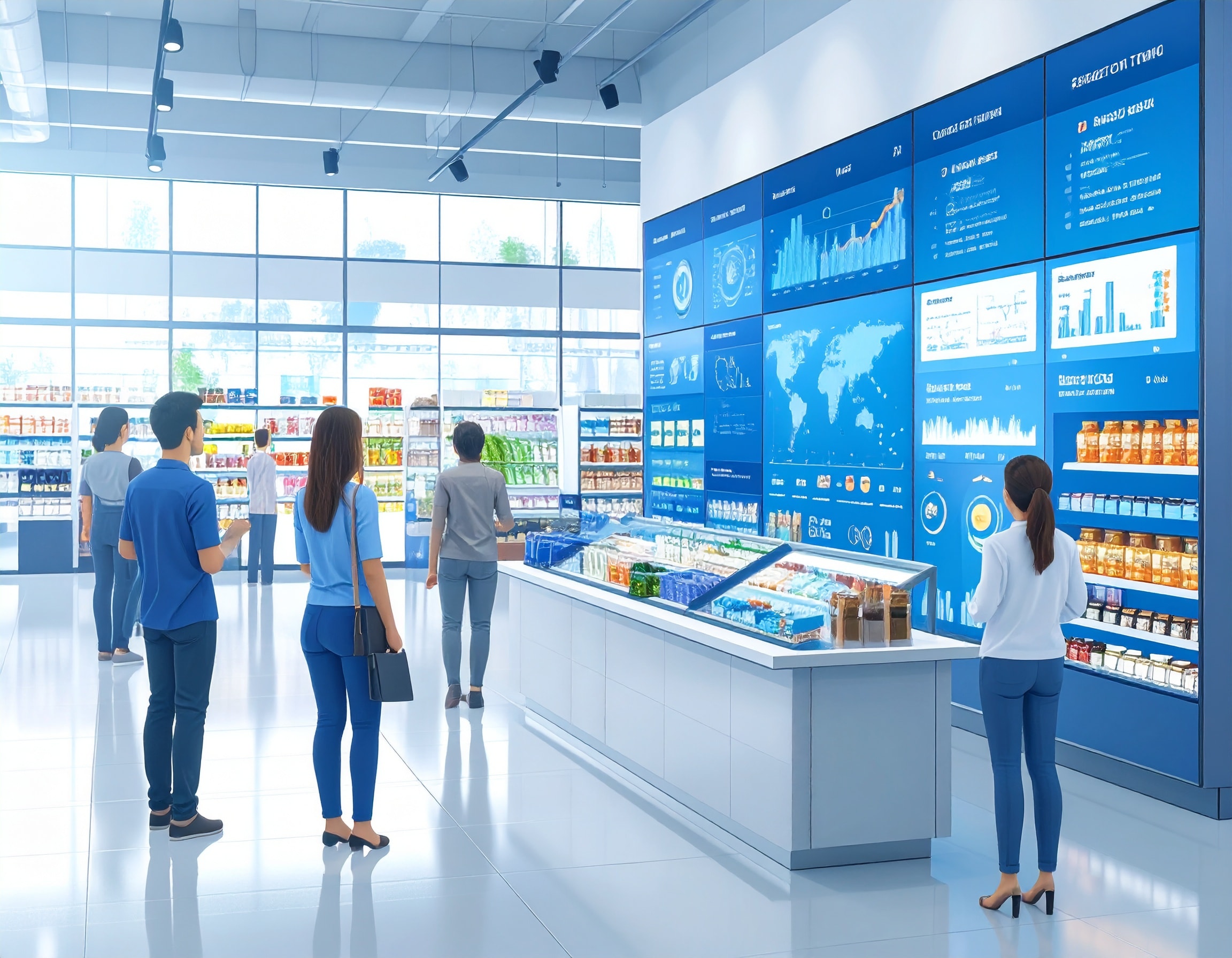
Use product storytelling to drive sales and tell meaningful narratives about your products through digital signage to emotionally connect with customers and drive retail media conversion.
Highlight Origins, Craftsmanship, or Benefits
Highlight origins, craftsmanship, or benefits by showcasing your product’s story on digital displays, its origins, the craftsmanship behind it, or the benefits it provides, creating stronger emotional bonds with customers.
Imagine a display narrating artisan-made fabrics using dynamic digital content that shares the story behind each pattern, weaving real-world details into the customer experience without interrupting flow. This builds brand identity and encourages buying decisions.
Use Visual Sequences for Product Journeys
Use visual sequences for product journeys to illustrate a product’s path, from sourcing to finished item, via vivid digital storytelling. A visual timeline showing raw materials being selected, crafted, and finally displayed can draw interest.
According to Digital Signage Today, digital signage is responsible for a 29.5% increase in average purchase value when used to highlight product journeys. That kind of storytelling can transform regular shoppers into informed, interested shoppers.
Showcase Limited Editions or Seasonal Picks
Showcase limited editions or seasonal picks to spotlight exclusive products and encourage quicker purchasing decisions. A display can introduce a seasonal collection using boutique store digital signage with vibrant visuals, limited-time messaging, and countdown themes, encouraging excited shoppers to act now. This approach leverages urgency and exclusive promotions to boost retail campaigns and drive sales.
2. Deliver a Seamless In-Store Experience

Deliver a seamless in‑store experience and make your physical store feel intuitive and customer‑friendly using retail digital signage system solutions that guide and inform in real time.
Use Digital Wayfinding for Boutique Layouts
Use digital wayfinding for boutique layouts by implementing interactive maps or wayfinding signage to help customers navigate your shop. In a multi-room boutique, a touch‑indexed floor map can let visitors explore sections by category or brand, integrating digital wayfinding into the customer journey seamlessly. This enhances customer experience without the demand for staff‑led directions.
Sync Promotions with Shelf Labels or Endcaps
Sync promotions with shelf labels or endcaps to create a cohesive promotional experience across your store. When digital signage content aligns with digital shelf labels or endcap displays near featured products, customers easily connect visuals with pricing. A promotion on a screen can mirror pricing on the shelf, reinforcing immediate buying decisions and improving sales pitches.
Reduce Wait Time with Queue Screens and Self-Service
Reduce wait time with queue screens and self‑service by using queue screens or kiosks during busy hours. Self-service digital kiosks display queue status, service availability, and promotions while customers wait. Digital signage can reduce perceived wait times, creating a calmer environment and retaining satisfied shoppers. This silent salesperson approach keeps customers engaged and informed instead of frustrated.
Use queue screens or interactive kiosks to reduce wait times, especially during peak hours. These kiosks can streamline tasks like product lookup, self-checkout, or customer feedback, improving efficiency and enhancing customer satisfaction. Learn more about how to use interactive kiosks in retail stores for maximum impact.
3. Let Your Digital Signage Be the Silent Salesperson
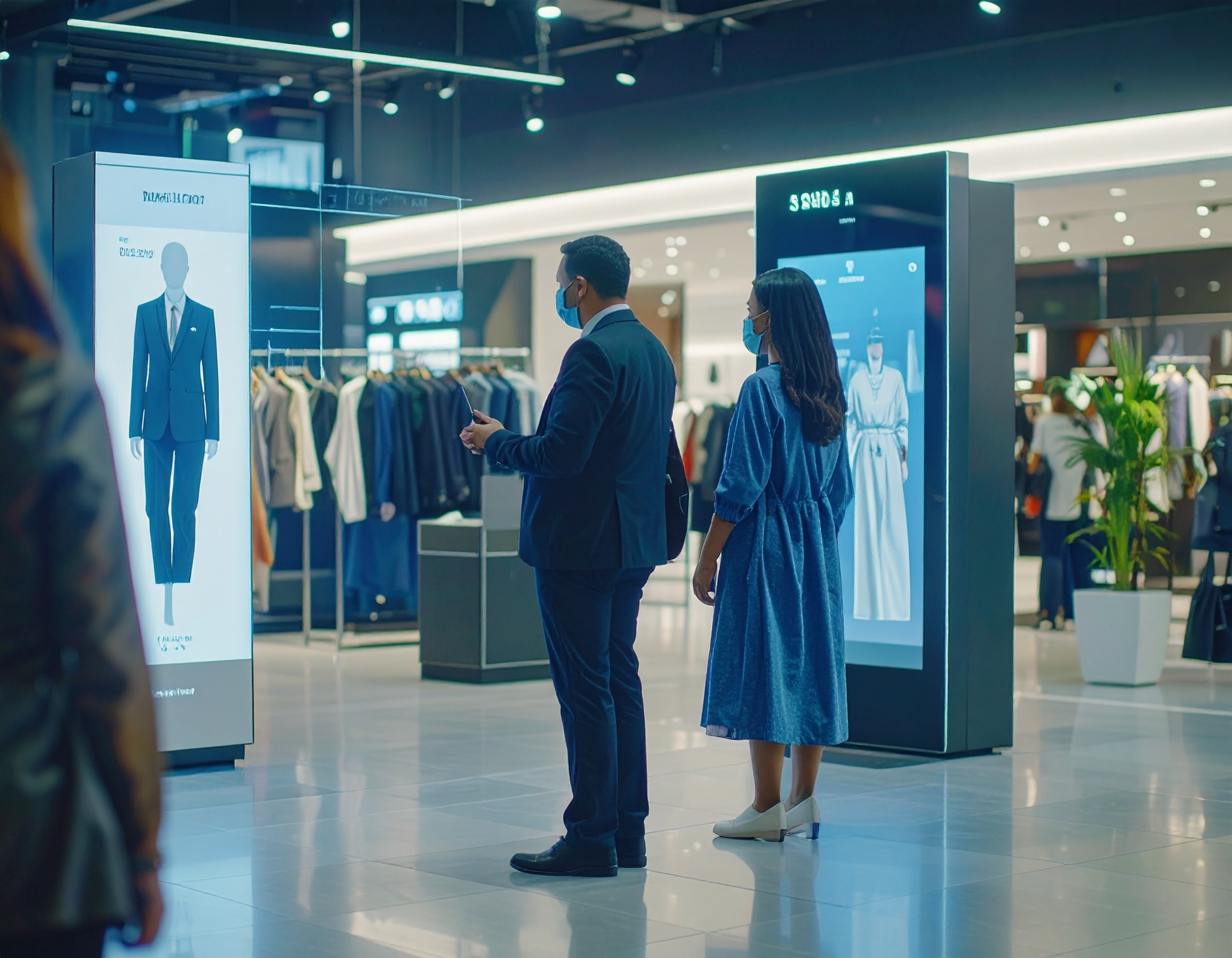
Let your digital signage be the silent salesperson to guide customers through tutorials, reviews, and user content, so you don’t need staff for every product pitch.
Feature “How It Works” or Styling Videos
Feature “How It Works” or styling videos to show customers how to use or style products. A screen displaying a short styling demo for a clothing line or a tutorial on usage steps can educate and influence purchase behavior. These silent salesperson clips help interested shoppers visualize the product in use without needing staff assistance.
Display Customer Testimonials or Reviews
Display customer testimonials or reviews to showcase social proof and build trust. Including recent customer reviews on digital screens lets shoppers see authentic feedback, improving credibility and influencing buying decisions. According to Gitnux, 80% of advertisers believe targeted advertising improves ROI; The average click-through rate (CTR) for targeted ads is 0.9%, especially when showing social proof like reviews.
Highlight UGC from Social Platforms
Highlight UGC from Social Platforms by sharing user-generated content from platforms like Instagram on your displays. Posting Instagram‑tagged images from happy customers wearing or using products draws peer validation and encourages sharing. This integration of social media feeds leverages real voices and experiences to inform others and deepen engagement.
4. Create a Unique Shopping Journey
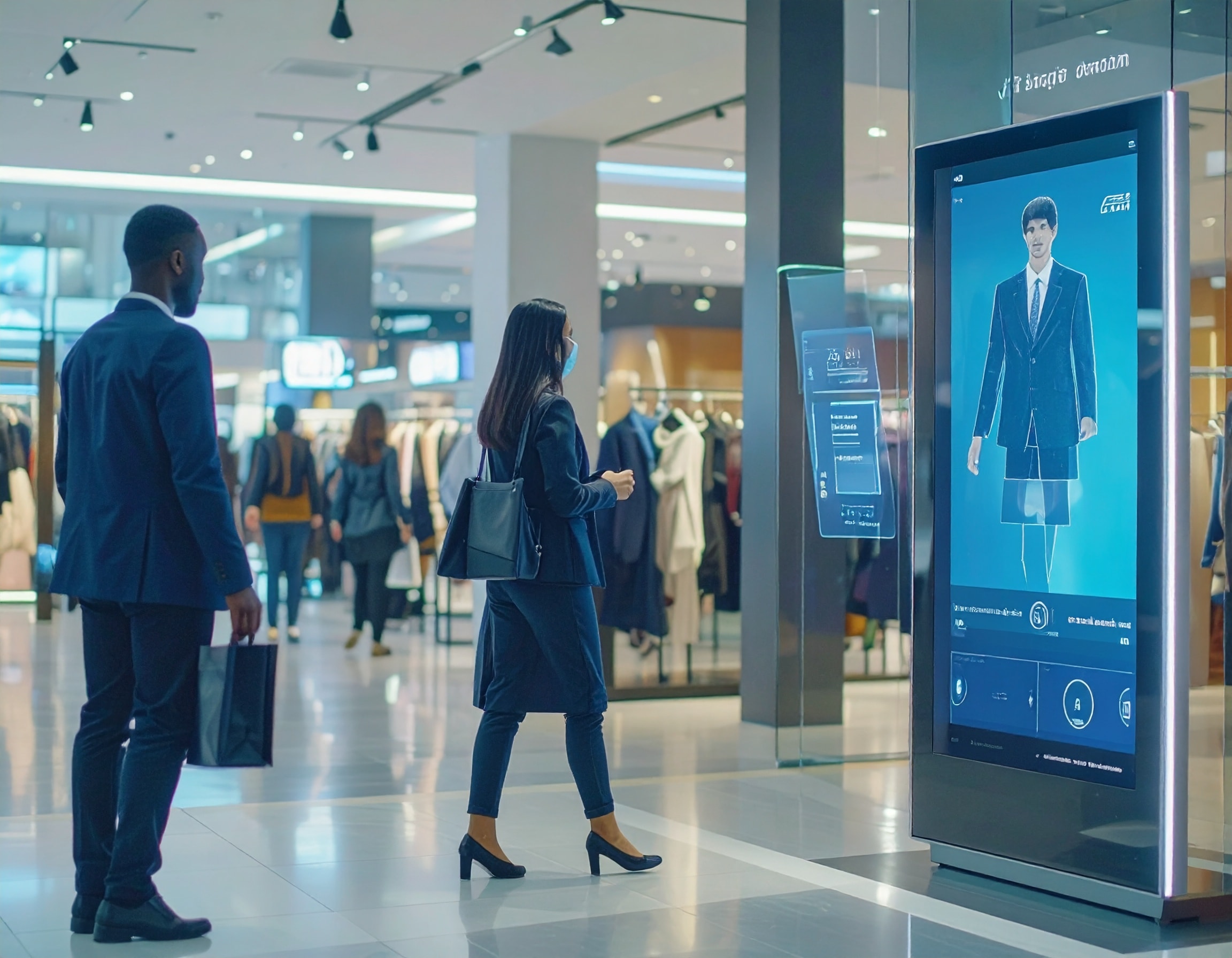
Create a unique shopping journey and design personalized, immersive retail experiences that guide customers from discovery to purchase using innovative digital technologies.
Use AR to Let Customers “Try Before They Buy”
Use AR to let customers “Try Before They Buy” by offering augmented reality tools on interactive displays. When customers can virtually try on products or visualize them in context, they feel confident in buying. A customer testing AR to see how a handbag looks on their avatar in-store creates both fun and conversion momentum.
Add QR Codes for In-Store to Online Conversions
Add QR codes for in‑store to online conversions onto digital displays to bridge physical and digital touchpoints. A display showcasing a new arrival can add QR codes linking to full product details or an online store. ClearLine reports that digital signage helps convert promotions with ease and often pairs with QR codes to increase engagement and conversion
Trigger Personalized Content Based on Location or Time
Trigger personalized content based on location or time by deploying time‑sensitive or proximity‑based messaging. A screen near the entrance can greet shoppers during morning hours with breakfast-related products, while evening shoppers receive promotional messaging tailored to that time. This personalized content enhances retail media relevance and creates a customer-centric shopping journey.
5. Explore the Right Display Technologies for Your Space
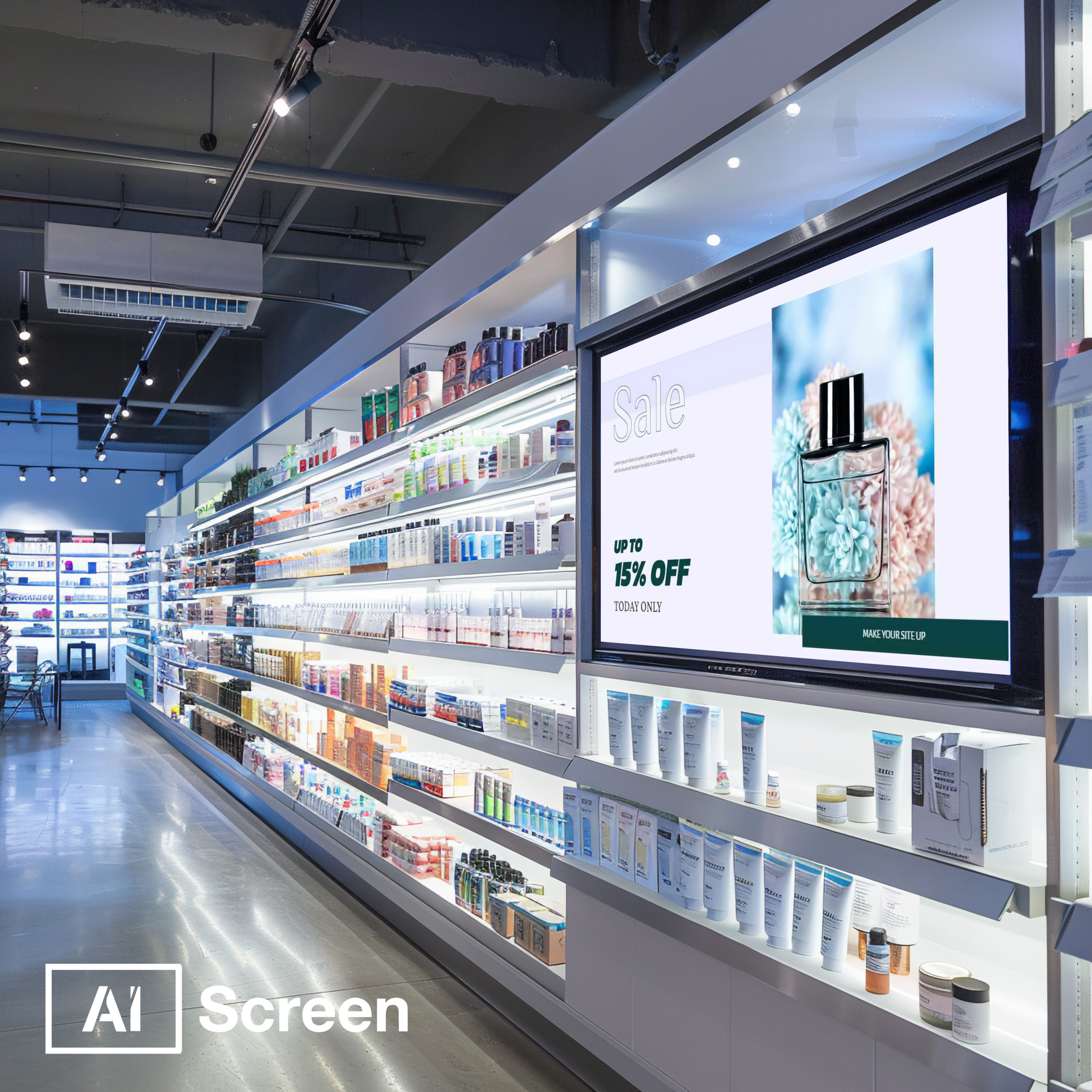
Explore the right display technologies for your space, considering all the features. Choose display types based on store layout, customer flow, and sales goals to maximize impact.
Interactive Touchscreens for Product Discovery
Interactive touchscreens for product discovery allow customers to explore product options, colors, or sizes using touchscreen interfaces. In a boutique jewelry store, a touchscreen lets visitors preview gemstone options and customization details.
Research indicates that interactive digital signage can increase customer dwell time by up to 60% in retail environments. This longer engagement often translates to higher interest and purchases.
Electronic Shelf Labels for Live Pricing
Electronic shelf labels for live pricing enable instant price updates and stock changes. In fashion boutiques, labels that update when inventory shifts or sale pricing begins create consistent messaging across digital displays and shelf tags. This real‑time synchronization ensures customers receive accurate information and boosts trust in the store’s digital system.
LED Tickers for Flash Sales or Announcements
LED tickers for flash sales or announcements display urgent messages about sales or promotions running now. A ticker near the checkout can highlight today’s limited‑time offer, drawing immediate attention. These digital displays transform flash campaigns into effective retail media tools.
Compact Vertical Screens for Tight Layouts
Compact vertical screens for tight layouts fit into narrow aisles or high-traffic zones. By placing vertical digital screens in corridor spaces, specialty stores can communicate product highlights, upcoming events, or daily themes without cluttering the floor. These screens maintain visibility and engagement even in constrained retail space.
Tips for Specialty Retail Store Digital Signage Success
Tips for specialty retail store digital signage success depend on understanding audience behavior, using premium content, and placing displays effectively. From interactive kiosks to cloud-based software, leveraging technology helps create an informative experience that resonates with your specific audience.
Know Your Audience’s Preferences
Know your audience’s preferences to create content that resonates on a personal level. Specialty stores serve niche markets, so leveraging technology like purchase history and user behavior data can guide targeted messaging. A store selling artisanal skincare might display product recommendations based on age or skin concerns.
Similarly, a sportswear boutique may rotate digital campaigns promoting new arrivals that match a customer’s browsing habits. This approach makes the in-store experience feel curated, boosting engagement and increasing dwell time.
Make Content King, Keep It Premium and On-Brand
Make content king, keep it premium and on-brand to ensure customers view your store as modern and trustworthy. Specialty retail thrives on brand identity, so digital signage software should reflect that. A luxury chocolate shop might schedule content featuring slow-motion visuals of rich cocoa being poured, aligning with their indulgent image.
Meanwhile, a tech gadget outlet may use high-resolution displays with crisp animations that echo innovation. With a user-friendly interface and cloud-based software, it becomes easy to maintain visual consistency across new displays and digital campaigns.
Choose High-Traffic Locations Inside Your Store
Choose high-traffic locations inside your store to get your message seen by the most shoppers. Whether placed near checkout counters, store entrances, or popular product zones, positioning is key.
A boutique that places interactive kiosks next to trial products can nudge customers toward add-on purchases. Digital signage becomes a powerful tool when strategically placed where dwell time is highest, transforming passive browsing into active buying.
Add Interactivity to Encourage Engagement
Add interactivity to encourage engagement and transform shopping into a two-way experience. Touchscreens that allow product comparisons or QR codes linking to buying guides make signage feel helpful rather than promotional.
Retailers using interactive displays report significant gains, according to Statista, retailers that incorporated interactive digital signage saw a 32% increase in customer engagement. In specialty stores, this could mean offering styling advice through digital kiosks or showcasing seasonal themes in response to customer inputs, making each visit more immersive and tailored.
Use Real-Time Updates for Relevance and Timeliness
Use real-time updates for relevance and timeliness to align with shifting inventory and marketing priorities. A pet supply store might swap promotions for grain-free treats during allergy season, while a toy shop can instantly switch to holiday-themed content in December.
Cloud-based digital signage software enables stores to schedule content updates automatically, react to trends quickly, and ensure that messaging remains aligned with current foot traffic patterns, retail media campaigns, and seasonal themes.
Ready to Elevate Your Specialty Retail Store with Smart Digital Signage? Try AIScreen!
Ready to elevate your specialty retail store with smart digital signage? Try AIScreen! Our user-friendly interface and cloud-based software make it simple to place displays, schedule content, and track key metrics that help you gain insights and grow your retail segment.
AIScreen supports everything from static signage to interactive kiosks, empowering specialty stores to thrive in the evolving retail media ecosystem.


FAQs
What is specialty Retail store digital signage, and how does it differ from traditional signage?
Specialty retail store digital signage is a dynamic content display system tailored for niche retailers, unlike static traditional signage. It allows real-time updates, targeted messaging, and integration with retail media strategies to better engage a specific target audience. Unlike printed materials, retail digital signage supports rich visuals, interactive elements, and agile content playback inside the physical store.
What are the key benefits of using digital signage in specialty stores?
The key benefits of using digital signage in specialty stores include increased foot traffic, improved customer engagement, and better alignment with brand partners. Retail digital signage enables seamless updates, localized promotions, and storytelling that support brand identity. It also strengthens your presence in the growing digital signage market by creating a more immersive in-store experience.
How can I effectively use interactivity in specialty store digital signage?
To effectively use interactivity in specialty store digital signage, integrate features like touchscreens, QR codes, or mobile-triggered experiences. These tools help boost engagement, guide purchasing decisions, and encourage repeat visits by creating a two-way dialogue with the customer. Placing these in high-traffic areas of the store enhances usability and supports both the in-store and e-commerce journey.
What are the best types of content to display on digital signage in specialty stores?
The best types of content to display on digital signage in specialty stores include product demos, real-time promotions, customer reviews, and seasonal campaigns. This diverse range keeps the signage relevant and tailored to your target audience while supporting retail media efforts. Highlighting brand partners and showcasing exclusive offerings further boosts credibility and dwell time in physical stores.
How do I maintain digital signage content and keep it fresh?
To maintain digital signage content and keep it fresh, use cloud-based software that enables easy scheduling, content playback automation, and data-driven updates. Monitor sales patterns, seasonal shifts, and foot traffic trends to ensure your messaging aligns with audience behavior. Consistent updates keep your specialty store’s digital signage aligned with your evolving inventory, promotions, and digital signage market standards.
