
Money Lessons on the Classroom Wall
For K-12 classroom learning, build financial awareness and early money skills around one wall screen that pairs live financial data with financial literacy lessons from digital signage templates.
AIScreen digital signage software brings financial literacy to lab screens. Help students build real money management skills with live financial data and lessons in digital signage templates, shown on screens your lab already owns.
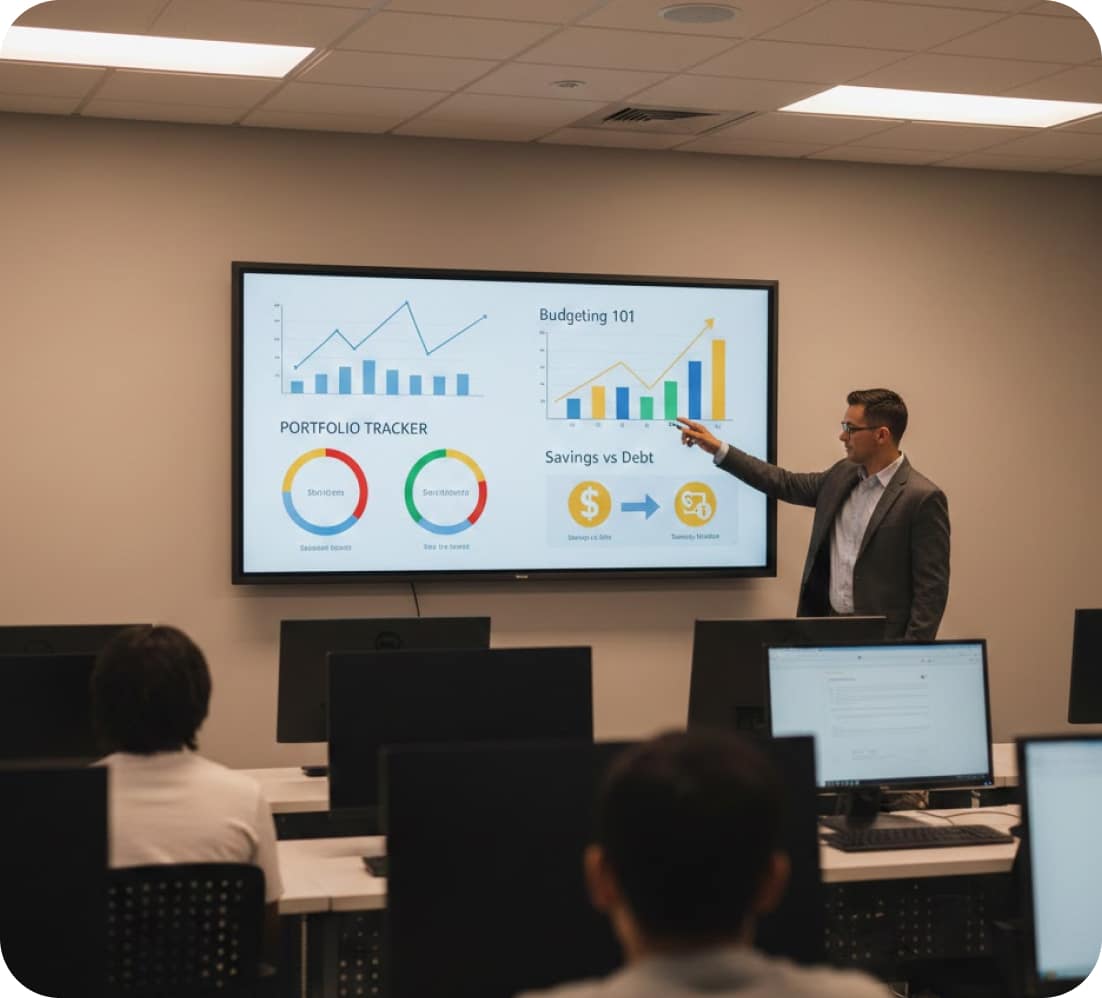

For K-12 classroom learning, build financial awareness and early money skills around one wall screen that pairs live financial data with financial literacy lessons from digital signage templates.


Stream real financial data and news headlines from live data apps onto the lab screen.

Schedule a new money term each week with digital signage templates to grow students’ financial literacy vocabulary.

Fill the lab display with today’s PowerPoint lesson, a PDF or a video.
Teach financial education to current students, then let the same lab screens support recruitment when prospective students, donors and faculty tour campus.


Give your finance lab a screen wall that tells campus visitors your university takes business education seriously. On tour days, schedule welcome slides and class project updates for prospective students and donors.

Run the same financial data and news playlist in business school lobbies, hallways and classrooms for a trading-floor feel.

Post campus jobs and internship openings on screens in the career center and financial aid office to help students earn money, manage their finances and start careers.

Book a free demo, and we’ll walk you through lesson playlists, live financial data, touch screens and emergency alerts for your lab, managed in one AIScreen dashboard. Our team will answer your questions about screens, content and setup live.

Order AIScreen displays, or check the supported hardware list and connect an AIScreen Stick Player to a TV you already own. Smart TVs can also run the app directly and become financial literacy lab screens.

Create an AIScreen account, then download the app and pair each lab screen with a short code. Next, pick digital signage templates for lessons, terms and notices.

Publish playlists to the lab screens, give other teachers their own logins with content approval, and manage every classroom and campus building from one dashboard.
For schools, colleges and the banks that back financial literacy programs, one AIScreen digital signage platform handles the wall TV and the touch kiosk in the corner alike.

Lesson slides designed in AIScreen Aura get scheduled and sent to the lab screens from the same AIScreen platform.

Manage financial literacy education content across the whole school in a CMS made for staff without technical skills, so no lesson waits on IT.

Reach AIScreen customer support 24/7, even the night before a big lesson.
A financial literacy lab is a classroom or dedicated room set up to teach budgeting, saving, credit and investing with screens, real examples and hands-on activities rather than worksheets alone. AIScreen covers the screen side: it plays lessons, financial data, news and touch activities on the lab’s displays, and teachers update them in a web dashboard.
Students struggle with financial concepts because ideas like interest, credit and risk feel abstract on paper and seldom connect to choices they make today. Seeing the same idea on a screen next to a real example, a short definition or a current headline gives the class something concrete to talk about.
A financial literacy lab improves learning by bringing concepts, examples and practice into one room. A teacher can pair a budgeting lesson with financial data from a live data app, the money term of the week and a touch activity, then update all of it between classes from one AIScreen dashboard.
Topics covered in a financial literacy lab usually include budgeting, saving, banking basics, credit and debt, investing, and planning for college or a first job. On AIScreen, each topic can have its own playlist of slides, videos and digital signage templates, scheduled for the week the class reaches it.
A financial literacy lab can be used in middle and high schools, colleges and business schools, training centers, and community programs run with banks or credit unions. AIScreen works the same way in each place: screens are paired with one account, and the content is managed online from any browser. Each department or campus can also keep its own content and schedules.
AIScreen supports a finance lab as cloud digital signage software. You upload content or start from templates, schedule playlists by date and time, add live data apps and send updates to every screen remotely. Touch screens run interactive lessons through the Touch Kiosk Module, and with remote device management, IT can check the status of every screen from anywhere.
Finance labs can be scaled across locations, from one room to every school in a district, because each screen is paired with the same AIScreen account. Screens can be organized by tags, locations and spaces, so one schedule can reach the whole network or a single building. Once paired, a new screen is managed from the same dashboard and can be added to any existing schedule.
Visual learning matters in financial education because charts, timelines and side-by-side comparisons show what a page of figures hides, such as how savings grow or how debt adds up. Screens in the lab keep those visuals in front of the whole class during the lesson, not in a handout that gets put away.
A finance lab can use real-time data through AIScreen live data apps, which refresh on screen whenever their source updates. Web dashboards shown with Stream URL do the same, with no re-uploading. What appears depends on the data source your school connects.
A finance lab improves engagement when students work with the material instead of only reading about it. With AIScreen, touch screens respond to taps, an inactivity timeout returns the screen to its first slide for the next student, and teachers can rotate fresh content so the screens never go stale.