
Casino Digital Signage for Every Screen on Your Property
Grow casino revenue and give each customer a better experience.
Start free trialGrow casino revenue and give each customer a better experience.
Start free trial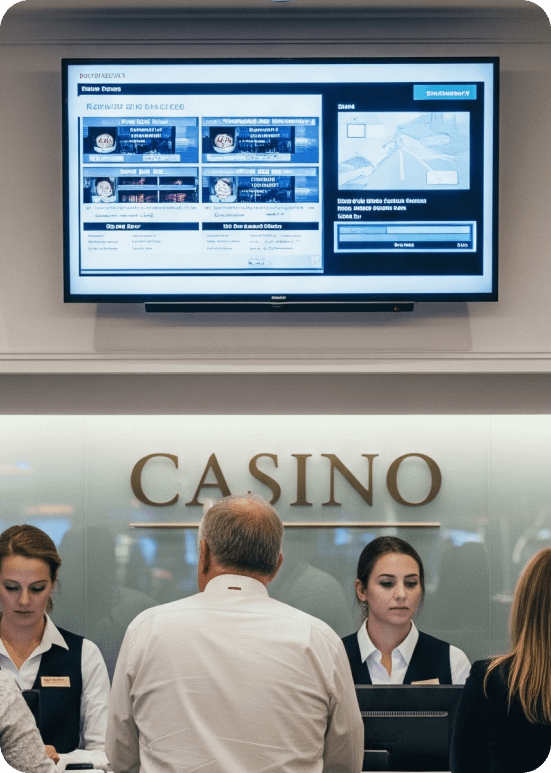

Eye-catching, timely content reaches the people who need it, exactly when they need it, once casino digital signage runs on your screens. Event listings, entertainment options, table games announcements, and players club promotions all go out from the AIScreen digital signage CMS, along with general announcements and more.

Run casino digital signage on cloud-based AIScreen digital signage software with full control and flexibility. Create targeted updates and send them out to every screen in your casino. Screens belong everywhere, from the lobby and gaming floor to dining areas and the entertainment venue. For each one, you build custom content, playlists, and dynamic schedules, then manage them.

Help customers locate games, amenities, dining options, and entertainment venues quickly with a digital directory on screens across the property.

Post poker waiting lists, announce upcoming tournaments, feature open blackjack tables, and share jackpot news.

Advertise tonight’s live shows, feature special events and upcoming concerts, and list casino packages and other specials.

Run digital menu boards, put drink promotions and happy hour specials on screen, and feature on-site restaurants and lounges.

Keep employees informed with HR updates, upcoming event times, and staff birthday shout-outs.

List the player club events coming up, display exclusive member offers, and explain the perks of joining.
Media players on Android, Fire TV, ChromeOS, LG webOS, Raspberry Pi, Linux, Windows, or Samsung Tizen run the software, and any web browser lets you edit casino digital signage content and screens. Push changes remotely to one screen, a few, or every screen at once. Build a playlist for each location, then schedule it by time, date, or interval so it repeats on its own.
Creating content stays easy and even fun, because AIScreen casino digital signage software offers a wide choice of drag-and-drop apps in AIScreen Aura.

Use casino digital signage to share each month’s advertisements and promotions. Engaging commercials, motion graphics, video clips, and other media draw eyes to your content and help you reach casino customers where they already are. Popular formats for casino digital signage include:

Nightlife and concerts deserve big screens. Casino digital signage spotlights shows, dining options, and special events. Run a scrolling events calendar showing each time, place, and description. Add HD slideshows that rotate images, videos, ads, and event commercials alongside the rest of your entertainment lineup on every casino screen.

AIScreen gives you a single platform to build and run casino digital signage across the property. Design eye-catching content with ease, make changes on the fly, and run your whole network of screens, both on site and off.

Casino digital signage is a network of screens across your property, from the gaming floor and lobby to restaurants, bars, and entertainment venues, all managed from one place. With AIScreen, your team creates and schedules promotions, event listings, menus, and announcements in a web dashboard, and updates reach every screen remotely in real time.
Screens near table games, slot areas, and the players club desk can show promotions, tournament announcements, and events for each membership tier. Build a playlist for each area, pick the date, start time, and duration, and the content plays on its own. A weekend promotion appears and comes down on schedule, and no one has to walk the floor to change it.
Yes. Directory screens at entrances and busy junctions can point guests to the poker room, buffet, showroom, hotel tower, or parking. With the Touch Kiosk Module, a kiosk responds when a guest taps it and can open a property map, a venue page, or a video, and you can build it without coding.
Edit a listing once in the AIScreen dashboard and it updates on every screen that shows it. Live data sources such as calendars, RSS, and JSON/XML feeds can keep schedules current, and the AIScreen Aura editor lets your marketing team design menus and event screens with multiple zones on one layout.
Yes. Screens in back-of-house areas and break rooms can show shift notices, policy updates, training reminders, and staff recognition. Several team members can work on content at the same time with approval workflows, and role-based access control helps you manage who can change what.
You can start with the screens you already have. The AIScreen app runs on Android, Fire TV, ChromeOS, LG webOS, Raspberry Pi, Linux, Windows, and Samsung Tizen, so a smart TV or a small media player is enough, and a separate player isn’t required. If you need new hardware, AIScreen also offers its own media players and indoor, outdoor, and touch screen displays.
AIScreen players support offline playback, so screens keep showing their content during a network outage. Remote device management tracks the online and offline state of every device and sends alerts when it detects a failure, so your team knows which screen needs attention. You can also schedule displays to power on and off around the operating hours of each area.
Everything runs from one web dashboard: choose which screens get each playlist and send updates to a single screen or the whole property at once. Your IT team can reboot devices, change network settings, and see what is playing on each screen without visiting it. If you need help, 24/7 customer support is available by call, chat, or email.
Begin today on screens you already have, and grow into full hospitality digital signage across your resort when the time is right.