
How to Set Up Digital Signage Emergency Alerts
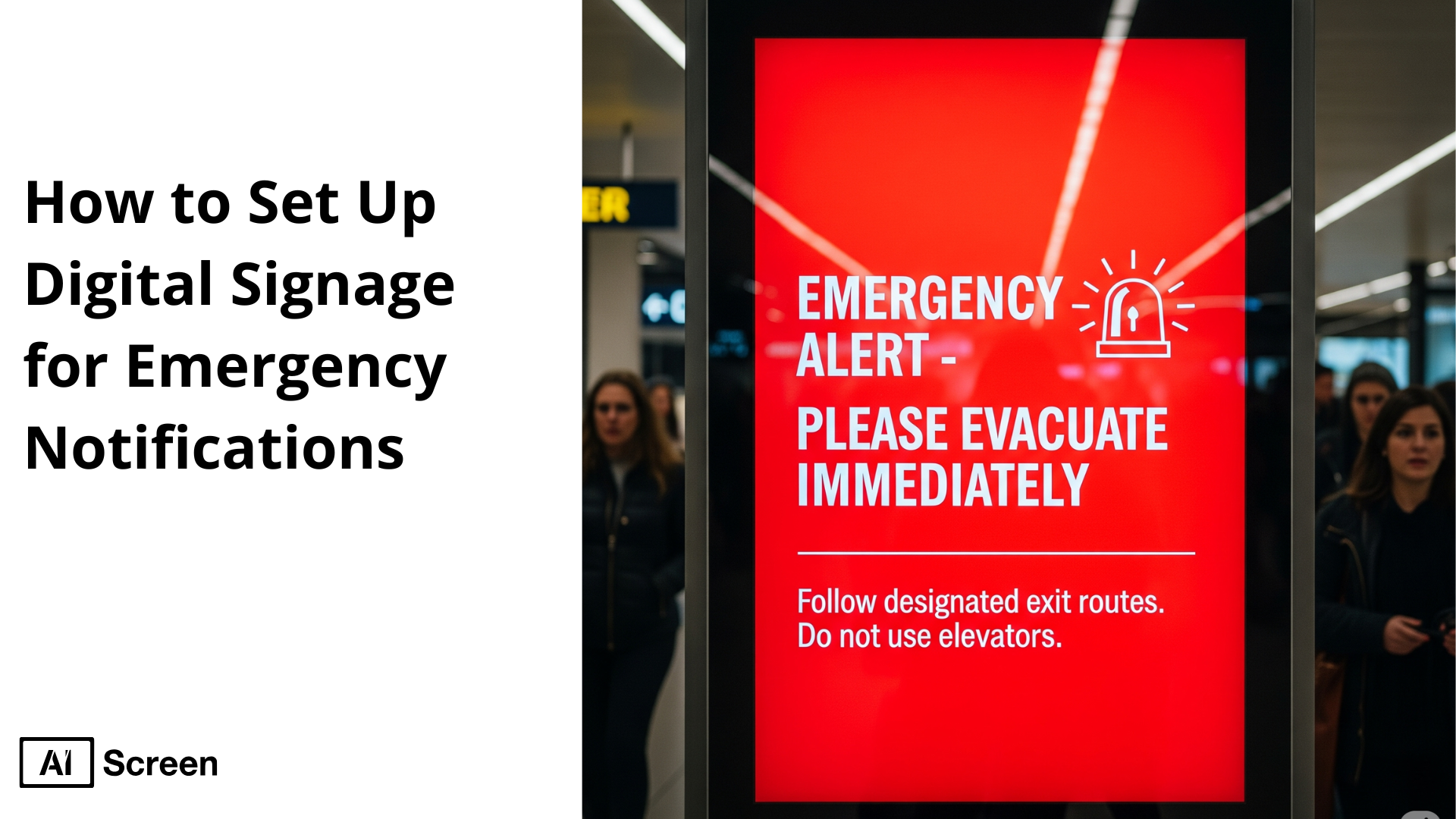
Set up digital signage for emergency notifications to make sure your organization can communicate critical information quickly and clearly when it matters most. In emergencies, seconds can save lives, and digital signage provides real-time alerts that people notice instantly.
In this article, you’ll learn step-by-step how to set up an emergency digital signage system, from choosing the right screens to installing software, creating alert templates, and ensuring real-time updates. By the end, you’ll understand not just the technology, but also how it strengthens your overall safety strategy and keeps employees, visitors, and stakeholders protected. For a broader view, compare the best digital signage software companies emergency alerts before choosing a platform.
Why Use Digital Signage for Emergency Alerts?
Organizations need digital signage for emergency notifications because ensuring the safety of employees, visitors, and stakeholders is a critical responsibility. An emergency alert system must deliver information quickly and across multiple channels to minimize risks.
Emergency digital signage provides instant, highly visible updates in real time, ensuring people notice alerts even if they miss emails or mobile notifications. Emergency warnings are a central part of any response strategy.
In 2023, 53% of hospitals had integrated digital signage with emergency warning systems, according to the American Hospital Association.
These alerts appear on digital devices such as desktops, laptops, tablets, and mobile phones to inform individuals about the situation and guide them on the next steps.
By integrating digital sign alerts into this ecosystem, organizations create an added layer of visibility, vital during high-stress situations when clarity and speed matter most. Beyond standard alerts, digital signage can enhance interactive wayfinding in emergencies.
For example, displays can automatically switch to evacuation maps, highlight safe exit routes, or direct individuals toward designated assembly points. This functionality ensures that people can take the right action without confusion, even in unfamiliar environments.

What Scenarios Need Emergency Alerts?
The Emergency scenarios that organizations should be prepared for are often unpredictable and can occur without warning, making preparedness essential for protecting lives and minimizing risks.
Every organization, regardless of size or industry, must establish a comprehensive emergency preparedness plan supported by communication tools like emergency digital signage to ensure that alerts and instructions reach everyone in real time.
When planning, it’s important to anticipate a wide range of potential threats. These may include both natural and human-caused events.
By deploying emergency alert digital signage and an integrated emergency warning system, organizations can provide clear instructions instantly, guiding people to safety and reducing confusion during stressful moments.
Some of the most common emergency scenarios include:
- Fires: Quick evacuation is critical; signage can display exit routes.
- Active shooters: Immediate lockdown instructions and alerts help save lives.
- Natural disasters: Disasters like earthquakes, floods, or tornadoes require instant communication.
- Intruders: Digital sign alerts can notify staff of lockdown procedures.
- Acts of terror: Real-time alerts help direct safe movement.
- Gas leaks: Displays can warn people to avoid certain areas.
- Chemical spills: Notifications can restrict access to contaminated zones.
- Accidents: On-site injuries may require fast coordination of emergency responders.
- Illness and injury: Alerts can guide staff to provide aid or isolate hazards.
- Pandemic-related issues: Signage can display hygiene protocols and safety updates.
- Severe weather: Displays can warn about storms, lightning, or extreme conditions.
By preparing for these scenarios, organizations create safer environments where people know how to act quickly. Leveraging emergency digital signage ensures messages are delivered clearly, consistently, and visibly, supporting faster decision-making and stronger overall resilience.
Eye-catching visual alerts, when combined with audio and visual overrides—have been noted to immediately capture attention, including in K–12 environments where alerts help reach deaf students effectively, according to EdTech Magazine (K–12 case).
What Are the Benefits of Emergency Alerts?
Benefits of using digital signage for emergency messaging go far beyond simple alerts; they empower organizations to leverage any screen across their premises to deliver life-saving information instantly.
An emergency alert digital screen transforms into a powerful communication tool during crises, ensuring that warnings are highly visible and impossible to ignore. One of the key strengths is its alignment with the standard alert protocol (CAP), which standardizes how warnings and safety instructions are issued.
This includes step-by-step evacuation procedures, lockdown measures, or instructions to shelter in place. With digital signage alerts, messages can be clear, visual, and actionable, minimizing confusion when every second matters.
Another notable benefit lies in the visual aspect. Unlike traditional notifications, digital signage supports rich, illustrative content such as evacuation route maps, instructional videos on first aid, or animated safety icons. These visuals help individuals understand complex directions more quickly and accurately, even in high-stress scenarios.
Incorporating digital signage into a multi-channel emergency warning system is invaluable. When combined with mobile push alerts, emails, or desktop notifications, screens amplify the reach and consistency of messaging.
This multi-channel strategy significantly increases the likelihood of timely information dissemination, enabling individuals to take swift, informed action.
An additional advantage is its interactive wayfinding capabilities. During emergencies like fires, chemical spills, or natural disasters, digital signage can guide individuals in real time by highlighting safe exits, alternative escape routes, or designated assembly areas.
This dynamic and responsive functionality enhances decision-making under pressure, reducing panic and streamlining evacuation.
Ultimately, digital signage ensures that users respond to notification screens with clarity, confidence, and immediate action. By integrating it into a comprehensive safety strategy, organizations enhance resilience and protect lives.
While emergency alerts are a critical use case, digital signage is also incredibly effective for retail and business environments. Learn how to create digital signage sales board to promote real-time deals, upsell offers, and revenue-driving messages across your screens.

How Do You Set Up Emergency Alerts?
Set up digital signage for emergency notifications by following a structured process that ensures your digital displays are fully prepared to broadcast urgent alerts at a moment’s notice.
A properly configured digital signage network plays a vital role in emergency communications, enabling organizations to deliver life-saving information such as safety measures during fire evacuations, severe weather, or chemical spills. With digital signage content management software, teams can centrally control screens, schedule emergency content, and push urgent alerts across multiple locations in real time.
By combining emergency alert templates, interactive features, and centralized control, organizations can use digital signs to display evacuation routes, shelter-in-place instructions, or customized emergency warnings that keep individuals safe. Below is a step-by-step setup process to ensure your digital signage content is always ready to respond when needed.
Step 1: Choose the Right Display for Emergency Notifications
Choose the right display for emergency notifications by selecting outdoor-rated or high-brightness screens that remain visible under all lighting conditions. Placement is just as important; strategically install displays in lobbies, hallways, and gathering areas to maximize visibility. Larger screen sizes work best in wide spaces, while smaller displays are ideal for hallways and office zones.
Toshiba – Class C350 Series LED 4K UHD Smart Fire TV (43″-75″)
The Toshiba – Class C350 Series LED 4K UHD Smart Fire TV, offers vibrant 4K clarity, sharp colors, and a sleek design. It suits reception areas, meeting rooms, or conference spaces, with prices ranging from $210 – $649.99. These professional-grade screens provide both quality and durability for critical alerts.

Step 2: Download Digital Signage Software
Download digital signage software designed to handle emergency alerts across multiple displays. Install digital signage software such as AIScreen, which empowers you to control, schedule, and manage all connected devices from one central dashboard.
To begin, download the AIScreen app on your Fire TV or digital signage player. Maintain a reliable internet connection to prevent interruptions.
After installation, log in via the dashboard, upload your content, and configure alerts. This installation of digital signage software ensures your network of digital signs can display emergency alerts instantly whenever required.
Step 3: Create an Account in the Emergency Notifications Management App
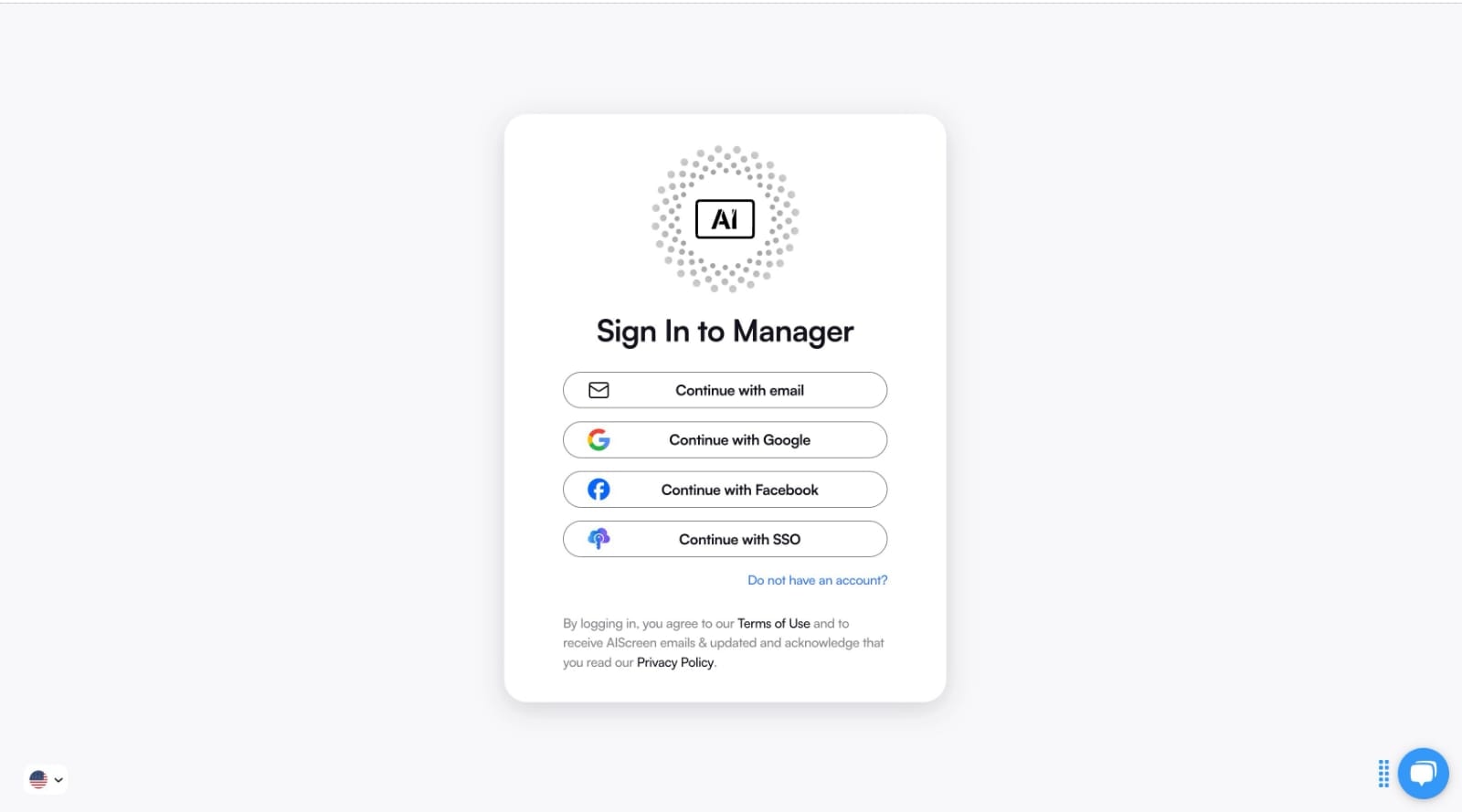
Create an account in the emergency notifications management app to gain centralized control of your emergency communication system. By creating an account in AIScreen, you can upload digital signage content, manage emergency alert templates, and monitor all digital displays remotely.
Sign up at digital signage software, verify your details, and complete your profile. Once inside the platform, add your displays, organize digital signage content, and configure real-time alerts. The system integrates seamlessly with access control systems, ensuring comprehensive emergency communications across your premises.
Step 4: Pair Your Device with the Software
Pair your device with the software to ensure smooth operation across your digital signage network. In the AIScreen dashboard, go to the Screens section and click Add Screen. A 4-digit code will appear on your TV or player. Enter this code into the dashboard to complete pairing.
Select your preferred orientation, portrait or landscape, for each device. Once paired, the digital signs will begin displaying scheduled and emergency alerts immediately. If issues occur, restart the device, re-enter the pairing code, or check connectivity to keep your system running seamlessly.

Step 5: Set Emergency Notification Templates
Set emergency notification templates by uploading or customizing layouts that can be activated in seconds during crises. With AIScreen’s drag-and-drop editor, you can create visuals for fires, intruder lockdowns, or severe weather benefits like storm evacuation routes.
Choose from over 1,500 customized templates designed for industries such as retail, hospitality, and corporate environments. Alternatively, design from scratch using brand-specific fonts, colors, and logos. This ensures your digital signage content is clear, recognizable, and easy for viewers to act upon.
Step 6: Set Up Automatic Emergency Alerts and Scheduling
Set up automatic emergency alerts and scheduling to ensure your system is always ready. By creating pre-defined alerts for different situations, such as fire evacuations or chemical spills, you can trigger responses instantly when needed.
In your dashboard, configure scenarios and assign them to displays. You can also setup display schedule automation to push alerts at specific times (e.g., severe weather warnings in storm-prone seasons). This guarantees that digital displays constantly relay the right message at the right time.
Step 7: Launch and Monitor the System
Launch and monitor the system to validate its performance. Activate your emergency communications workflow and verify that alerts appear instantly on all digital signs. Monitoring tools within AIScreen allow you to track uptime, ensure connectivity, and audit the delivery of display emergency alerts.
Continuous monitoring helps identify issues before they disrupt operations. By integrating system checks into your routine, you guarantee that emergency alert templates will work when lives depend on them. Regular testing also ensures that your digital signage network remains reliable during critical events.
How Do You Send Emergency Alerts?
Send emergency alerts with digital signage by transforming every screen into a critical safety tool that ensures timely communication during crises. In the digital age, organizations must prioritize speed and clarity to protect people when an incident occurs.
Digital signage provides real-time, visual alerts that stand out more effectively than emails or mobile notifications, enabling faster responses in emergency situations. A significant benefit of digital signage alerts is the ability to broadcast the same message across all communication channels simultaneously, ensuring consistency and reducing confusion.
Whether it’s fires, natural disasters, or active shooter situations, displaying alerts on strategically placed screens guarantees visibility in areas where mobile devices may not be accessible. AIScreen makes this process seamless by allowing administrators to create, schedule, and trigger alerts instantly.
Messages can be delivered in multiple languages, ensuring inclusivity and comprehension for all individuals on-site. Visual content such as maps, shelter-in-place instructions, or evacuation routes can be displayed in real time to guide people toward safety.
Ultimately, digital signage helps save lives by converting everyday displays into emergency response systems. Whether for active shooter situations, severe weather, or health-related crises, this platform ensures clear, actionable instructions are always within sight, empowering individuals to act swiftly and decisively.
Organizations utilizing digital signage for safety alerting experienced up to 30% faster response times than those relying on traditional methods, according to Statista.
What Emergency Alert Features Does AIScreen Offer?
Smart emergency notification features with AIScreen turn ordinary digital screens into a dynamic and reliable safety toolset. AIScreen enables seamless communication during crises by providing real-time updating, priority messaging, and control across your entire digital signage system.
Pre-Built Alert Templates for Faster Deployment
Pre‑Built alert templates for faster deployment come ready-to-use, so when an incident occurs, administrators can issue alerts without delay.
With these 1500+ templates, input the details of the emergency and deploy instantly, no need to design from scratch each time. These pre-set templates ensure your message is accurate, branded, and visible at a moment’s notice.
Priority Content Override for Ongoing Displays
Priority content override for ongoing displays ensures that safety alerts take over any existing content across your digital signage network.
Whether your screens are showing regular informational or promotional content, AIScreen can immediately override with critical alerts, ensuring everyone sees the same message as soon as it’s issued.
Screen Grouping for Targeted Broadcasting
Screen grouping for targeted broadcasting allows you to segment your display network, ensuring alerts are sent only to relevant areas.
For example, in localized events like a chemical spill, only affected zone screens receive the alert, reducing confusion while maintaining full emergency communications where needed.
Real-Time Data Sync and Automated Updates
Real‑time data sync and automated updates enable AIScreen to push critical content changes instantly across all connected displays.
Whether updating text, images, instructional videos, or route maps, the system ensures real‑time consistency, whether you’re addressing fires, active shooter situations, or other emergency situations.
Scalable Across 1 to 10,000+ Displays
Scalable across 1 to 10,000+ displays means AIScreen grows with your needs, from a single lobby screen to an entire campus or multi-site digital signage network.
Cloud-based infrastructure supports centralized control, content scheduling, and system monitoring across any number of screens effortlessly. Beyond emergencies, the same platform lets you create digital signage presentations for everyday communication across your organization.
How Can You Create Digital Signage Presentations for Emergency Alerts?
Businesses can create digital signage presentations to share clear instructions, evacuation routes, safety procedures, and urgent updates across workplace screens. Well-designed presentations help employees and visitors understand what action to take during critical situations.
Using digital signage emergency alerts allows organizations to interrupt regular content with high-priority messages in real time. Keep alerts short, highly visible, and easy to read so important information can be understood quickly.
Why Choose AIScreen for Emergency Alerts?
Start using AIScreen’s digital signage for emergency notifications today to protect your people with fast, reliable, and highly visible alerts.
As the leading provider of cloud-based digital signage solutions, AIScreen offers free trials, demo bookings, and customizable plans tailored to your organization’s safety needs. Take the first step toward smarter, safer emergency communication. Get started with AIScreen now. Contact us.


FAQs
How do digital signage emergency alerts enhance safety protocols?
Digital sign emergency alerts enhance safety protocols by delivering highly visible, real-time instructions across all connected displays. They reduce confusion, guide individuals with clear visual cues like maps or shelter instructions, and ensure consistent communication during emergencies, strengthening overall organizational response.
Can digital signage emergency alerts integrate with other alert systems?
Digital sign emergency alerts can integrate with other alert systems such as mobile notifications, email alerts, and access control systems. This multi-channel approach ensures the same message reaches people through different communication methods, maximizing coverage and improving response times during critical events.
How can digital signage display emergency messages in real-time?
Digital signage can display emergency messages in real-time through automated triggers and centralized control. Once an incident occurs, administrators can push updates instantly across the network. The system syncs data live, ensuring every screen shows the same alert simultaneously, supporting rapid decision-making in emergency situations.
Can digital signage systems automatically override normal content for emergencies?
Digital signage systems can automatically override normal content for emergencies by using a priority content override feature. This ensures that scheduled ads or informational messages are replaced immediately with critical safety alerts, keeping attention focused on urgent instructions without delay.
What happens if the digital signage system fails during an emergency?
If the digital signage system fails during an emergency, backup protocols, such as mobile alerts, desktop notifications, and alarm systems, must fill the gap. To minimize risks, organizations should regularly test their digital signage network, use redundant servers, and ensure multiple communication channels are always available.
