
What is Digital Wayfinding Signage? A Definitive Guide
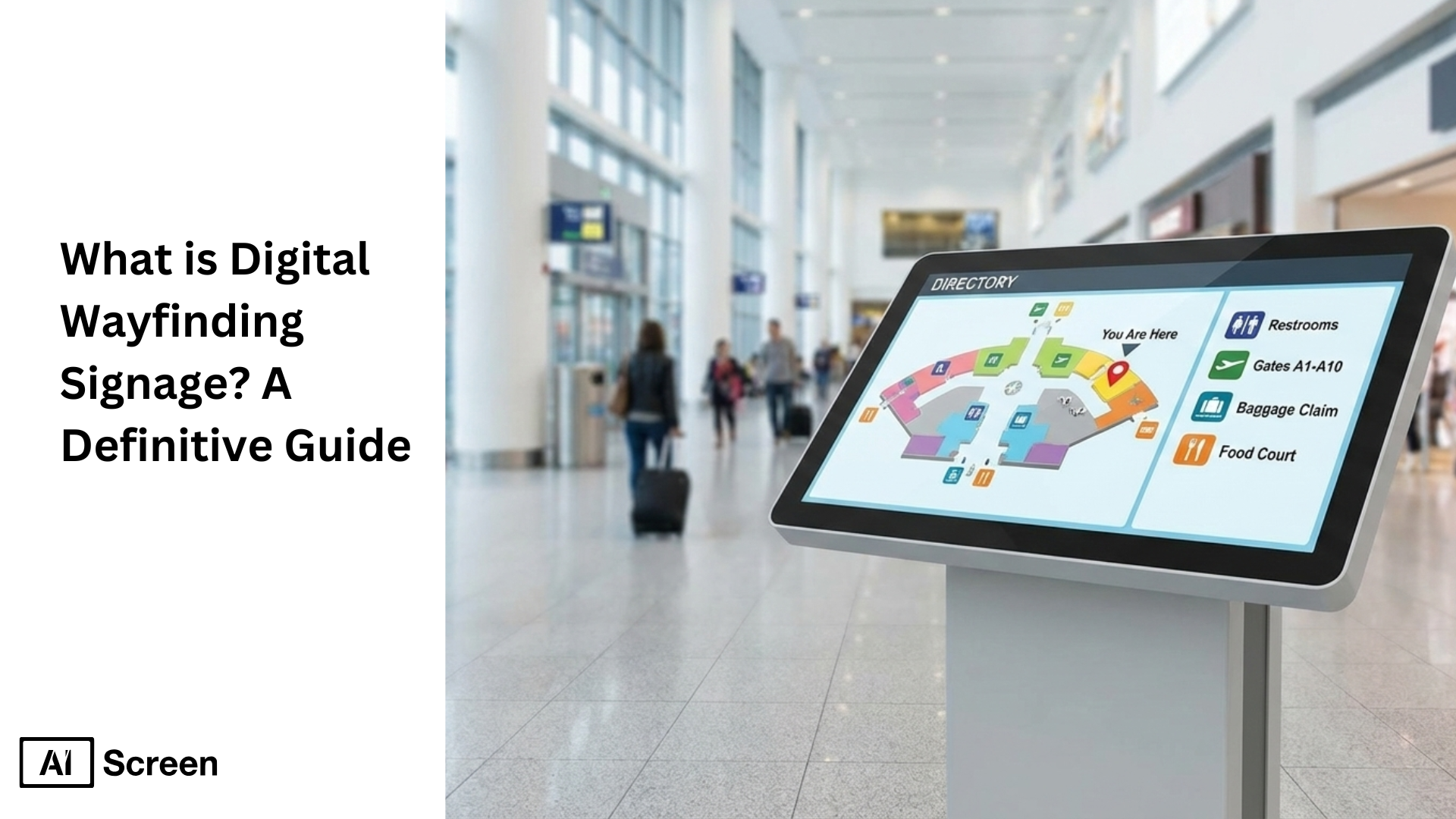
To use digital wayfinding signage solutions, you should merge touchscreen kiosks, dynamic maps, and real-time directional guidance into a powerful tool. Market.us reports that the global digital wayfinding solutions market is soon to touch the milestone of $2.9 billion by 2034. The combination of interactive wayfinding and digital signage in coordination with real-time updates, interactive maps, personalized directions, and more intuitive navigation through integrated tools and platforms makes wayfinding a seamless experience than traditional signage.
In this article, we will explore the usage of interactive wayfinding digital signage wayfinding digital signage in diverse industries like healthcare, education, retail, corporate campuses, etc. The growing number of visitors and intricate space arrangements make digital wayfinding signage an absolute necessity to enhance visitor experiences while replacing outdated static signs. So, let’s understand the technology behind digital wayfinding systems to make it work for you.
What is Interactive Wayfinding Digital Signage?
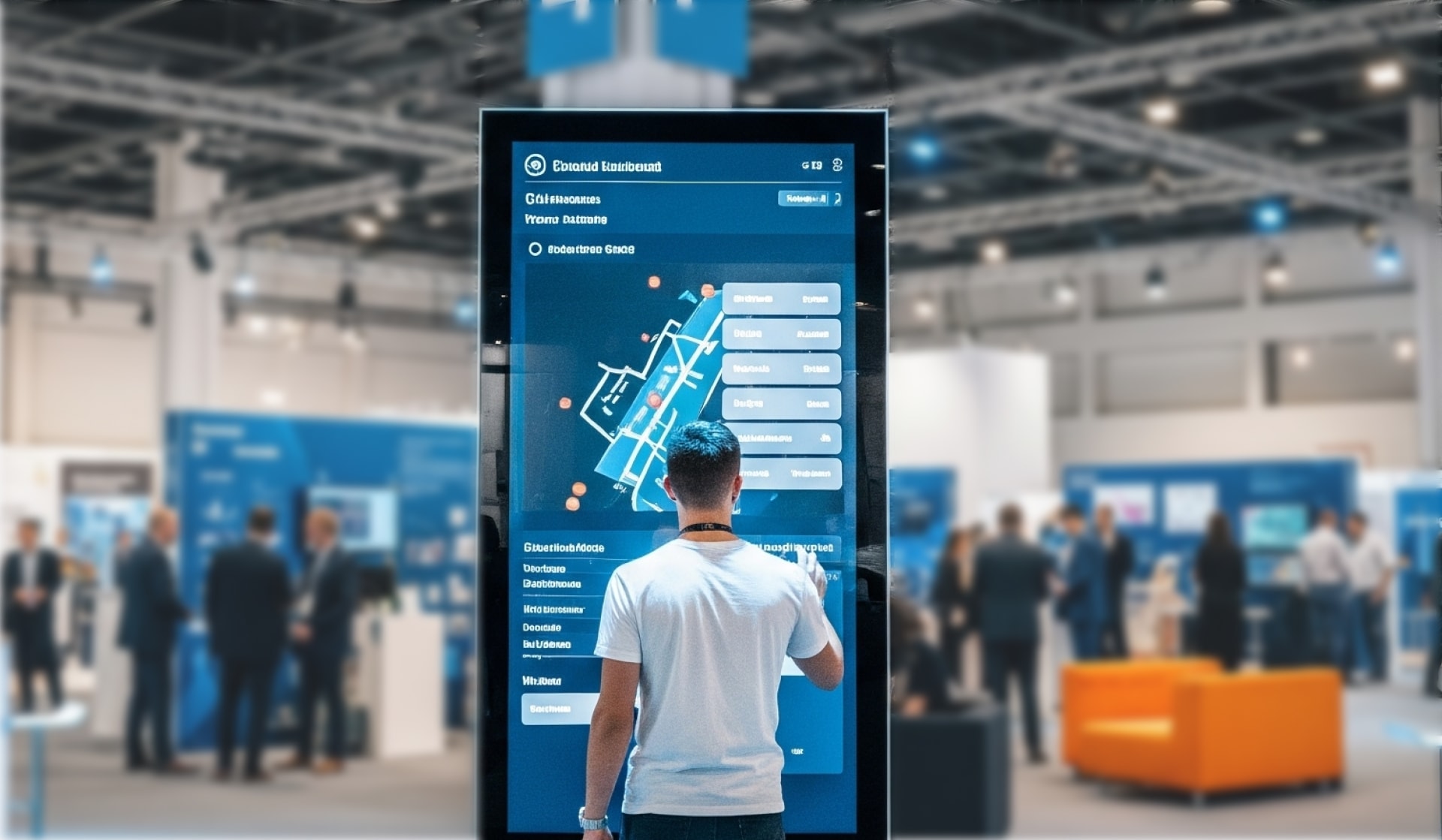
Interactive wayfinding digital signage provides users with interactive navigation tools to explore complex spaces, including shopping malls, corporate offices, hospitals, and university campuses.
These systems surpass static signage by delivering real-time personalized directions through interactive kiosks, touchscreens, and mobile device QR code access.
The systems enable visitors to independently search for destinations while receiving customized directions and accessing interactive maps that dynamically update.
These solutions provide user-friendly interfaces, zoomable digital maps, and searchable directories to create an interactive wayfinding experience that enhances navigation efficiency and decreases staff inquiries. Wayfinding digital signage systems that include wall displays and freestanding touchscreen kiosks serve as smarter alternatives to traditional static signage.
Let’s discover how wayfinding digital signage transforms visitor experiences across different settings through this article.
How Digital Wayfinding Systems Work
Ever walked into a large building and instantly wondered where to go next? Digital wayfinding systems work by simplifying navigation in complex spaces and guiding people smoothly from point A to point B without frustration or confusion.
At a high level, these digital solutions bring together interactive displays, digital maps, and sometimes mobile connectivity to create a seamless guidance experience. Touch-enabled screens allow users to search destinations, view routes, and follow clear visual cues, while dynamic maps adjust to the environment in real time.
In some locations, the experience extends to mobile devices, keeping users informed as they move. Beyond convenience, digital wayfinding improves operational efficiency by reducing staff interruptions and minimizing navigation errors.
It also complements traditional regulatory signs by adding clarity, accessibility, and real-time updates, especially in busy or constantly changing environments. According to PwC, 73% of people say customer experience is a key factor in their purchasing and engagement decisions, highlighting why intuitive navigation matters in physical spaces just as much as digital ones.
The result is a user-focused system that makes complex environments feel easy, intuitive, and stress-free.
What Are the Key Components of a Digital Wayfinding Signage System
Think of wayfinding like a puzzle, every piece matters if you want people to reach the right place effortlessly.
The key components of a digital wayfinding signage system work together to deliver accuracy, accessibility, and a smooth user experience. Each element plays a distinct role, but it’s their coordination as digital solutions that makes navigation feel intuitive rather than overwhelming.
Interactive Displays & Kiosks
This is usually where the journey begins. Interactive displays and kiosks act as the primary physical access points for navigation, placed in strategic locations where visitors naturally pause, entrances, lobbies, and near elevators.
Whether they’re wall mounted displays or freestanding kiosks, touch-based interaction allows first-time visitors to quickly search destinations, view a building directory, and find accessible routes without needing staff assistance. Their visibility and simplicity are key to effective wayfinding, especially in busy transit hubs.
Digital Maps & Real-Time Updates
Static maps belong to the past when spaces are constantly changing. Digital maps with real-time updates show routes, landmarks, and layout changes as they happen, helping users make confident decisions on the go.
Accuracy reduces confusion, while live information, such as room availability, meeting rooms locations, or upcoming events, keeps navigation relevant.
Centralized management ensures updates are applied instantly across all screens, including emergency alerts when safety information needs to be communicated fast.
Mobile Integration & QR Codes
Sometimes the best screen is the one people already carry. Mobile integration and QR codes extend wayfinding beyond fixed displays by sending directions straight to users’ own devices.
This continuity lets people keep navigating as they move, without needing to return to a kiosk. It adds convenience and control, especially in large venues where event schedules or temporary changes are common.
Points of Interest (POI) & Personalized Routes
Clear destinations make every journey feel shorter. Points of interest and personalized routes highlight amenities like restrooms, cafeterias, and meeting rooms using clear visual cues. By emphasizing clarity and optional personalization, systems guide visitors efficiently while reducing hesitation.
In dynamic environments, such as transit hubs or event venues, this approach supports effective wayfinding by aligning routes with user intent, nearby activities, and upcoming events.
What Are The Four Types of Interactive Wayfinding Digital Signage?
The four types of interactive wayfinding digital signage exist in multiple forms to fulfill different visitor requirements across various industries. A combination of suitable digital wayfinding signage types for your space layout and purpose will create better orientation, enhance visitor experience, and optimize facility flow in complex areas.
Below we will explore the four essential interactive wayfinding digital signage types, including digital directories and mobile-integrated solutions that help visitors navigate spaces easily.
Interactive Identification Digital Signage

The interactive identification system utilizes interactive features to assist people in finding particular locations within complex facilities, including hospitals, office buildings, and shopping centers.
Wayfinding digital signage systems label essential locations, from departments, stores, and meeting rooms, through interactive touch maps displayed on digital displays and kiosks. This signage system minimizes user confusion by eliminating old signs and provides clear directions for users with various wayfinding needs who use digital signage systems.
Interactive Directional Digital Signage

Interactive directional signage guides users through sequential instructions to reach their desired destinations. Airports, along with shopping malls and healthcare facilities, implement this digital wayfinding signage technology by displaying turn-by-turn directions on touchscreen maps and wayfinding kiosks.
These wayfinding digital signage solutions improve visitor satisfaction through real-time location assistance of restrooms, elevators, exits, and specific stores by using dynamic maps and user-friendly touch interfaces.
Interactive Informational Digital Signage
Interactive informational digital signage helps visitors get the basics fast. It shows hours amenities events and service details in a way people can tap through. This makes the visit smoother and reduces front desk questions.
The Live URL feature lets any website play on screen as a live interactive page. You can show an HTML CSS wayfinding map or a 3D directory without rebuilding content. Updates on the site appear automatically so the screen stays current.
Interactive Regulatory Digital Signage
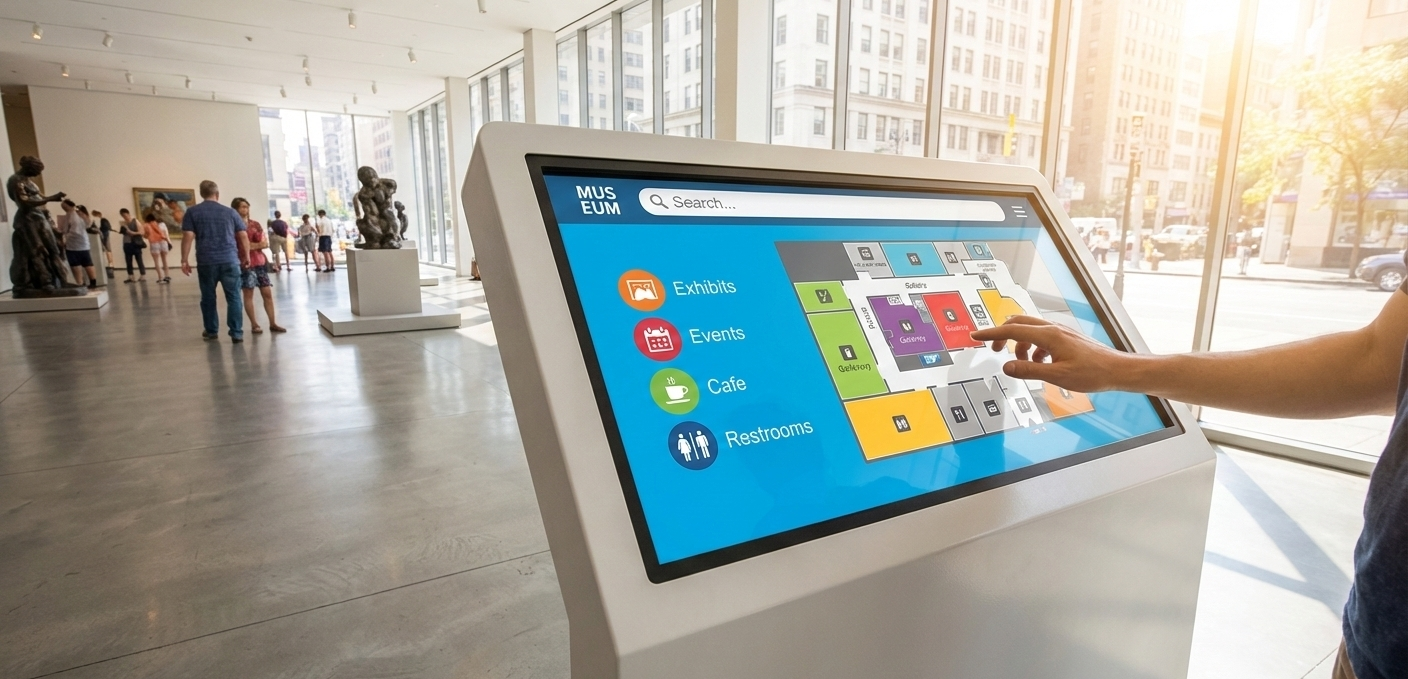
Interactive regulatory digital signage ensures the safety and order of high-traffic and complex spaces depend heavily on interactive regulatory signage for proper management. Wayfinding digital signage delivers real-time information about rules and safety protocols as well as emergency exit plans and health guidelines.
The placement of wayfinding digital signs with regulatory information near entrance points and critical checkpoints maintains compliance through their ability to present dynamic, updatable messages that exceed the capabilities of traditional signage or static displays.
Industries Using Digital Wayfinding Systems
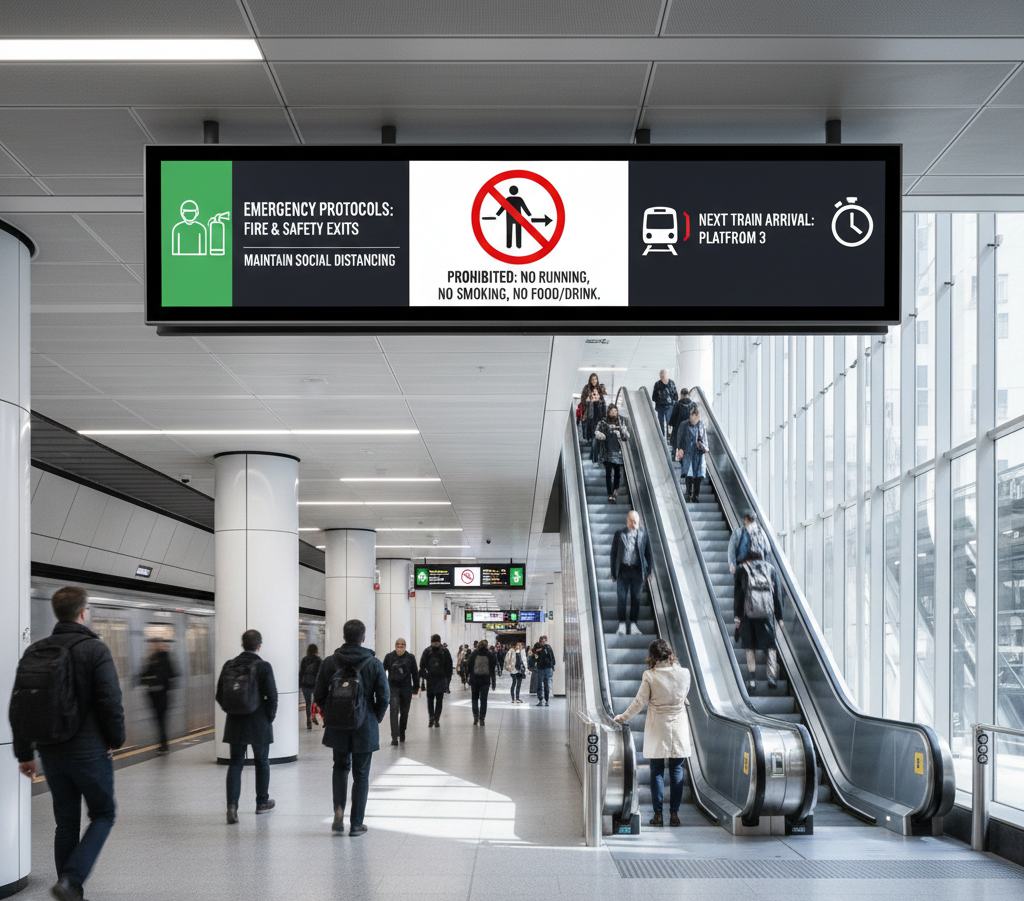
Walk into any large space, and one thing becomes obvious fast, context matters. Industries using digital wayfinding systems rely on the same core technology, but the purpose shifts depending on the environment.
Whether it’s reducing confusion, improving efficiency, or enhancing the overall navigational experience, these systems play a crucial role in simplifying navigation and helping people make informed decisions in unfamiliar spaces.
Digital Wayfinding in Healthcare
Few places make clear directions more important than healthcare facilities. Digital wayfinding in healthcare supports patients and visitors by guiding them calmly to specific departments, waiting rooms, and essential services without adding stress.
By providing directions to specific destinations like treatment areas or exits, these systems reduce anxiety and delays while creating a more reassuring experience.
Visual cues such as color coding help users move confidently through complex layouts, making navigation feel supportive rather than overwhelming.
Digital Wayfinding in Corporate Offices
Modern offices aren’t just bigger, they’re more dynamic. Digital wayfinding in corporate offices helps employees and guests navigate multi-floor spaces and hybrid workplaces efficiently. Whether locating meeting rooms, desks, or shared amenities, clear guidance simplifies movement and saves time.
By directing people to specific locations quickly, offices improve productivity and create a smoother first impression for visitors, especially in environments where layouts change frequently.
Digital Wayfinding in Educational Campuses
Large campuses can feel like cities to newcomers. Digital wayfinding in educational campuses assists students, staff, and visitors in finding classrooms, dormitories, and administrative buildings with ease.
By simplifying navigation across expansive grounds, these systems improve orientation and accessibility from day one. Clear visual layouts, familiar references like Google Maps-style views, and consistent color coding help users feel confident exploring complex academic environments.
Similarly, just as comparisons like PyCharm vs Cursor help developers choose the most intuitive and efficient tools, well-designed navigation systems guide users toward the best paths with clarity and ease.
Digital Wayfinding in Retail and Shopping Malls
Shopping should feel effortless, not exhausting. Digital wayfinding in retail and shopping malls enhances the customer experience by guiding shoppers to stores, amenities, and services smoothly.
By helping visitors reach specific destinations without frustration, malls reduce confusion and keep foot traffic flowing naturally. Clear directions, store highlights, and intuitive layouts work together to simplify navigation while supporting a more relaxed, enjoyable visit.
What Are the Benefits of Using Interactive Wayfinding Digital Signage?
The benefits of using interactive wayfinding digital signage involves implementing the interactive wayfinding digital signage serves as an innovative answer for guiding people through complicated environments that include shopping centers, corporate office parks, healthcare facilities, and airport terminals.
The following analysis presents key advantages of digital wayfinding systems for your organization. Are you curious about how digital signage improves wayfinding for different locations? Learn more about how digital signage enhances wayfinding.
Cost-Effectiveness of Interactive Display
Cost-effectiveness of interactive display eliminates the need for printed maps, together with static signs, while minimizing the requirement for continuous reprint operations.
A digital wayfinding system allows remote management of content, which reduces both printing expenses and maintenance costs for businesses. Interactive wayfinding solutions become a more affordable and environmentally friendly signage option for organizations of all sizes when you consider the extended period.
Real-Time Updates
Real-time updates are displayed across multiple display screens. Digital signage software provides users with the ability to update content instantly when floor layouts change, when events need promotion, or when maintenance directions need adjustment.
The real-time control feature proves essential for healthcare facilities, airports, and shopping malls since their information updates regularly.
Flexibility and Customization
Flexibility and customization can be done easily to match the particular requirements of any location through features like branding colors, unique layouts, and audience language preferences.
The adaptable nature of these systems, together with their customization options, makes them suitable for handling complex sites that require departmental, entry point, or user group management. Organizations can build personalized interactive maps and directories that display their brand identity and improve navigation.
Engagement and Interaction
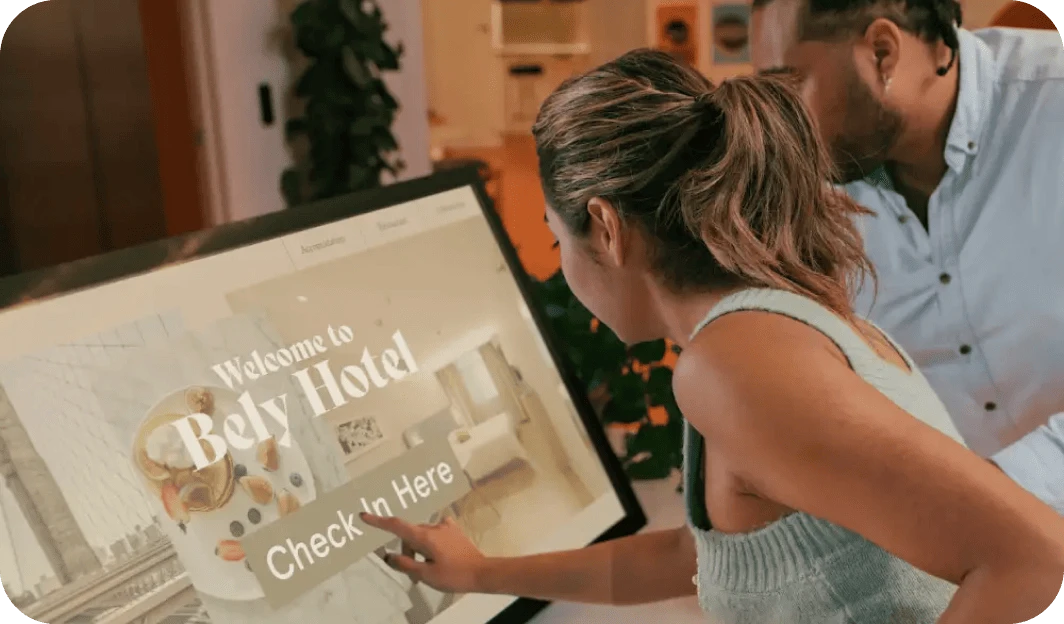
Engagement and interaction make the visitor experience more engaging through interactive wayfinding, which incorporates touchscreens and QR codes, and dynamic content. The features enhance space navigation while simultaneously increasing user participation in the system.
This interactive wayfinding digital signage delivers an enhanced journey that allows visitors to discover in-house promotions and find their desired stores.
How to Set Up Interactive Wayfinding Digital Signage
Setting up wayfinding shouldn’t feel like assembling a puzzle without instructions. To set up interactive wayfinding digital signage is a straightforward, step-by-step process designed to turn live maps and navigation tools into on-screen guidance people can actually use.
Instead of complex configurations, the focus is on connecting a live wayfinding source, managing it centrally, and displaying it across screens where navigation matters most. Here’s how the setup typically flows from start to finish.
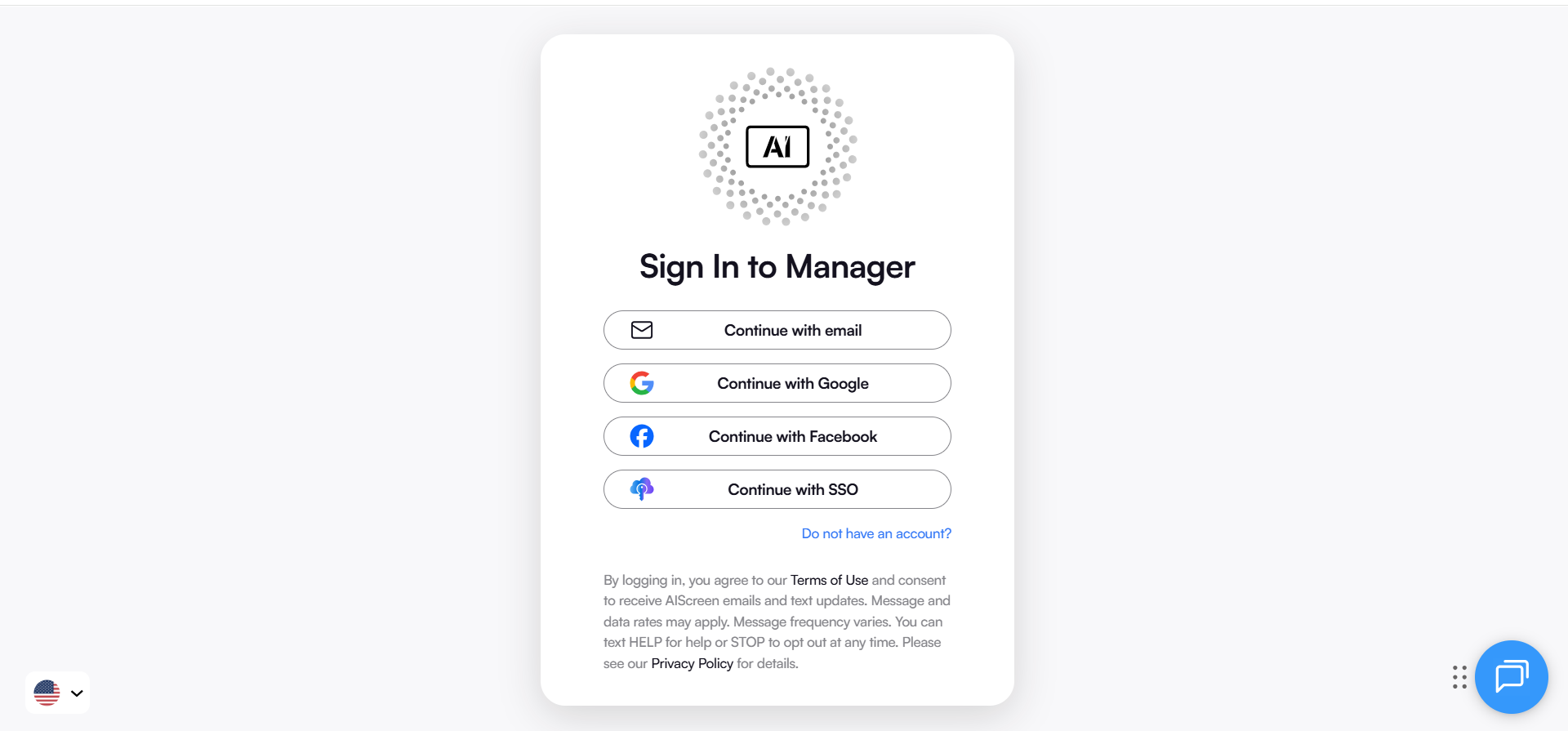
Step 1: Log In to Digital Signage Software
Log in to digital signage software like AIScreen account using your credentials. This takes you where screens and content are controlled.
Step 2: Access the Live URL Section
To access the live URL section, open the Live URLs section from the left menu. This is where you manage any live web content you want on screens.

Step 3: Create a New Link
To create a new link, click Create Link. A new page opens so you can set up a fresh live link for wayfinding.

Step 4: Paste Your Live URL for Wayfinding
In the Write URL field paste the copied URL to your wayfinding page. Whatever is on this page will display on screens in real time.

Step 5: Name and Save
Enter a clear name for the link, such as Main Lobby Wayfinding or Campus Map. Click Save to store it and make it ready to publish.

Step 6: Show Wayfinding on Screens
Add this Live URL to a playlist or assign it directly to the screens you want. Once published the wayfinding page loads live and stays interactive for visitors.

Creating Wayfinding Digital Signage with AIScreen!
Create wayfinding digital signage with AIScreen today as your facility can achieve seamless navigation without requiring complicated processes. AIScreen provides affordable digital signage solutions that deliver scalable and user-friendly interactive wayfinding systems for complex environments, including shopping malls, corporate campuses, and healthcare facilities.
AIScreen provides complete digital wayfinding signage management through its single platform, which enables users to design and update their digital directories, interactive kiosks, and touch-based digital maps. Explore AIScreen’s Wayfinding Solutions to know more in this regard.


FAQs
How can interactive wayfinding signage improve the visitor experience?
Interactive wayfinding signage can improve the visitor experience as it provides immediate touchscreen maps and digital directories and mobile device-based QR code access. The system decreases confusion and staff dependency while enabling users to navigate complex spaces such as malls, hospitals, and airports more effectively.
Can digital signage be used for both indoor and outdoor wayfinding?
The digital signage can be used for both indoor and outdoor wayfinding. Businesses install weather-resistant digital displays with high brightness and durable digital signage hardware when they need outdoor digital signage. Interactive kiosks, together with wall-mounted digital screens, serve as optimal solutions for guiding foot traffic while providing location-based information inside buildings.
How often should I update my digital wayfinding content?
You should update your digital wayfinding content whenever layout changes occur, or departments move, or events take place, or amenities get added. The use of cloud-based digital signage software and centralized digital wayfinding systems enables real-time updates across multiple locations with minimal effort.
What are the key features to look for in a digital wayfinding solution?
The key features to look for in a digital wayfinding solution include interactive maps together with customizable navigation, mobile compatibility, remote management capabilities, dynamic content, and user-friendly interfaces. Digital wayfinding solutions that excel offer analytics capabilities, together with multilingual support and ADA-compliant design elements, which enhance accessibility and performance in different environments.
How do I ensure my digital signage is accessible for all visitors?
You can ensure that your digital signage is accessible for all visitors by correctively placing wayfinding digital signage at suitable heights, combined with touch screen accessibility, visual and audio instructions, and assistive device compatibility, will ensure accessibility for all visitors. The design should incorporate interfaces that are easy to use, together with readable fonts and visible colors to provide accessibility for all users who need assistance.
