
How to Create Stunning Signs with a Free Sign Maker App?
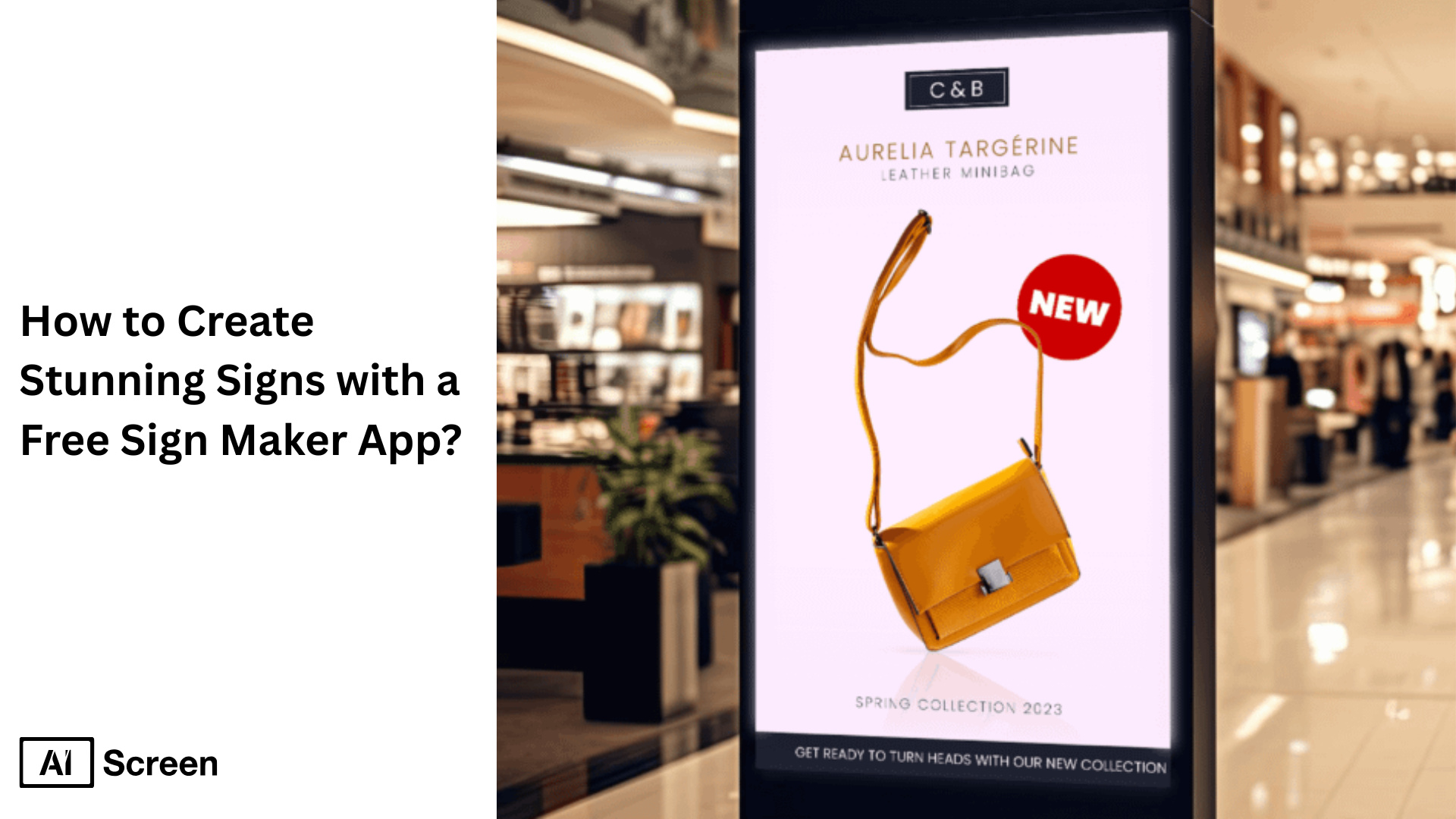
Free sign-maker app like AIScreen simplifies internal communication, providing businesses with ready-made templates to instantly create highly visual custom signs. According to Marius Manic from Transylvania University of Brașov, people retain 80% of the information presented visually.
Internal data from AIScreen’s research reveals effective visual communication boosts employee productivity by 25% and profitability by 21%. This blog post demonstrates how businesses like yours can create eye-catching digital signage with AIScreen’s free sign-maker app.
What Is a Free Sign Maker App?
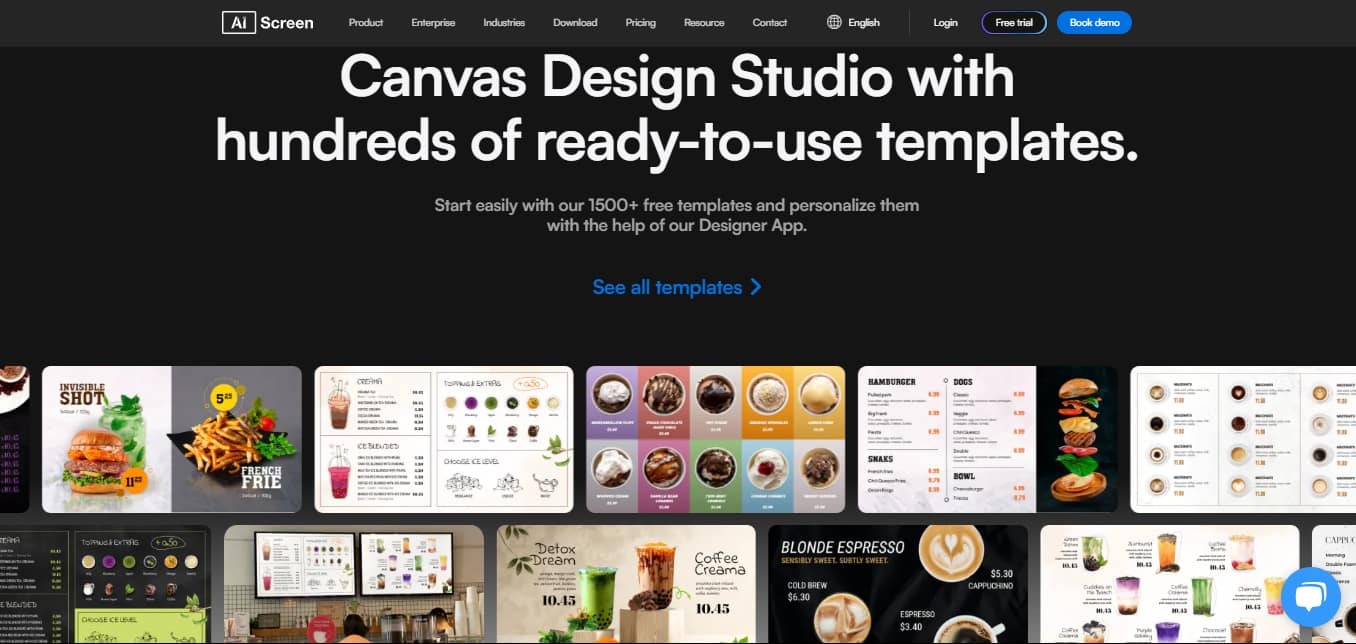
A free sign maker app is an easy-to-use design tool for creating stunning signage designs. With a free online sign maker like AIScreen’s Canvas,you can customize your signage with personalized text, images, and design elements according to your business needs.
With AIScreen’s digital signage, your businesses can manage digital signage content remotely, and create custom signs, including promotional yard signs, safety signs, or business marketing campaign materials, for lasting impressions.
What Can a Free Sign Maker App Create?
A free online sign maker app like AIScreen can be your go-to tool for creating and managing a variety of signage designs for your business’s internal communications. With the user-friendly interface of our digital signage software, you can create eye-catching visuals for digital displays.
Here’s what you can do with AIScreen’s Canvas business sign maker:
1. Design Eye-Catching Digital Signage Visuals
Try designing eye-catching visuals with AIScreen’s cutting-edge digital signage software. This business sign maker allows you to design and display custom signs and broadcast across multiple screens from a centralized system for sign management.
- Create dynamic signage designs featuring images, videos, and texts for retail stores, promotional boards, or wayfinding displays.
- Create custom signs with enhanced visual appeal utilizing our comprehensive platform, supporting advanced features.
- Create signs for window displays, yard signs, or a business marketing campaign without the need for complicated design software.
Our software’s user-friendly interface also features a drag-and-drop editing function. You can drag and drop images, text, and design elements to create attention-grabbing signage for digital boards.
2. Choose from Professionally Designed Templates
You don’t need to be a designing expert to be a pro sign maker for digital signage. AIScreen’s editing tool provides you access to over 1500 custom sign templates. You can use and decorate them with design elements, to create sign designs in just a few clicks.
- Add your own text and personal touch to AIScreen’s customizable templates to woo the target audience.
- Design blank templates into high-resolution images and design assets to attract potential customers.
- Create catchy brand name signage designs for products and services with our vast library of customizable templates.
3. Personalize Text, Colors, Logos, and Layouts
AIScreen follows a straightforward design process and provides users with a robust editing tool to resize images, adjust font size, or add design elements such as shapes, icons, text effects, logos, and more.
In short:
- Add a personal touch for consistent brand identity by including matching logos, colors, and fonts.
- Utilize features like graphic elements, video and data integration, and user-generated social media content to create dynamic digital signage.
Why Choose AIScreen’s Free Sign Maker App?
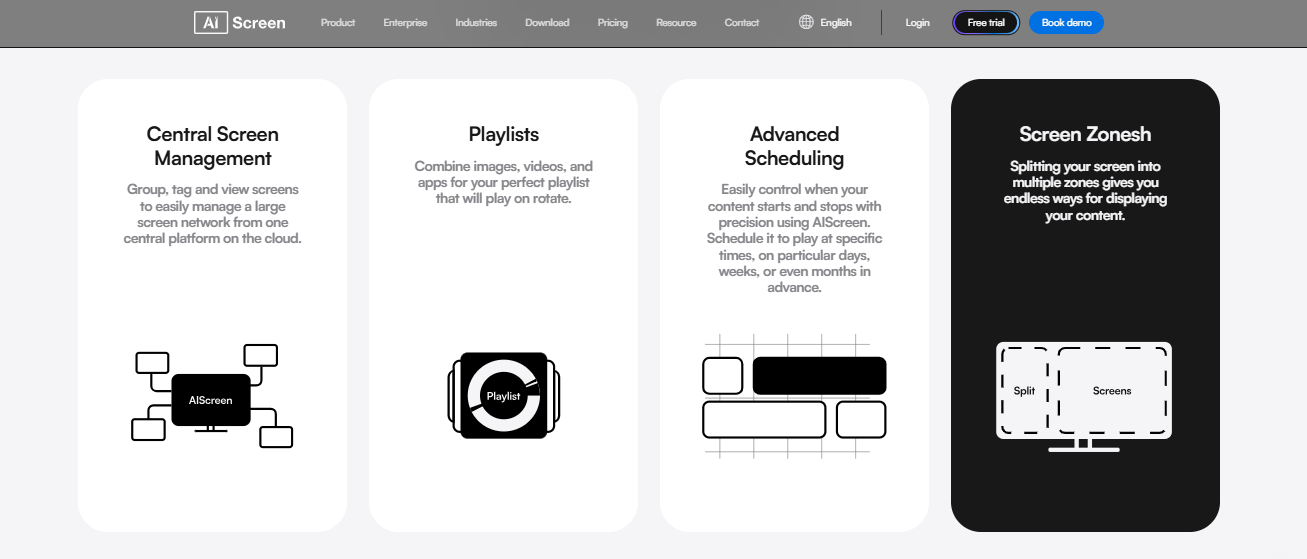
Our company is the best business sign maker in the market because it allows you to manage signage remotely, and schedule and display interactive content. Let’s discuss each separately in a bit more detail:
- Manage Signage Remotely: If your retail store, restaurant, or corporate office has a network of signage displays across multiple locations, we provide you with a cloud-based platform for remotely managing content delivery across multiple screens, at the same time.
- Schedule Content: Add content to scheduled playlists so it is automatically shown during particular time slots, across screens and locations. For example, a morning menu is changed to an afternoon menu after 12 without human intervention.
- Display Interactive Content: Our software supports multimedia, videos, and apps to create dynamic and engaging content suitable for business needs. From yard signs to custom sign templates, our sign maker turns blank templates into highly visual signs for internal communications.
Moreover, a diverse selection of digital signage templates with optimal readability even from greater distances is available to users who don’t have design experience. Simply drag and drop graphic elements to customize our wide selection of signage designs.
How to Use a Free Sign Maker App?
Creating a sign with AIScreen’s Canvas, a free sign-maker app, is simple. All you’ll need to get started is to sign up for a free 14-day trial to access AIScreen’s Canvas. Once signed up, follow these steps to make an attractive sign:
Step 1: Choose a Digital Sign Template from the App Library
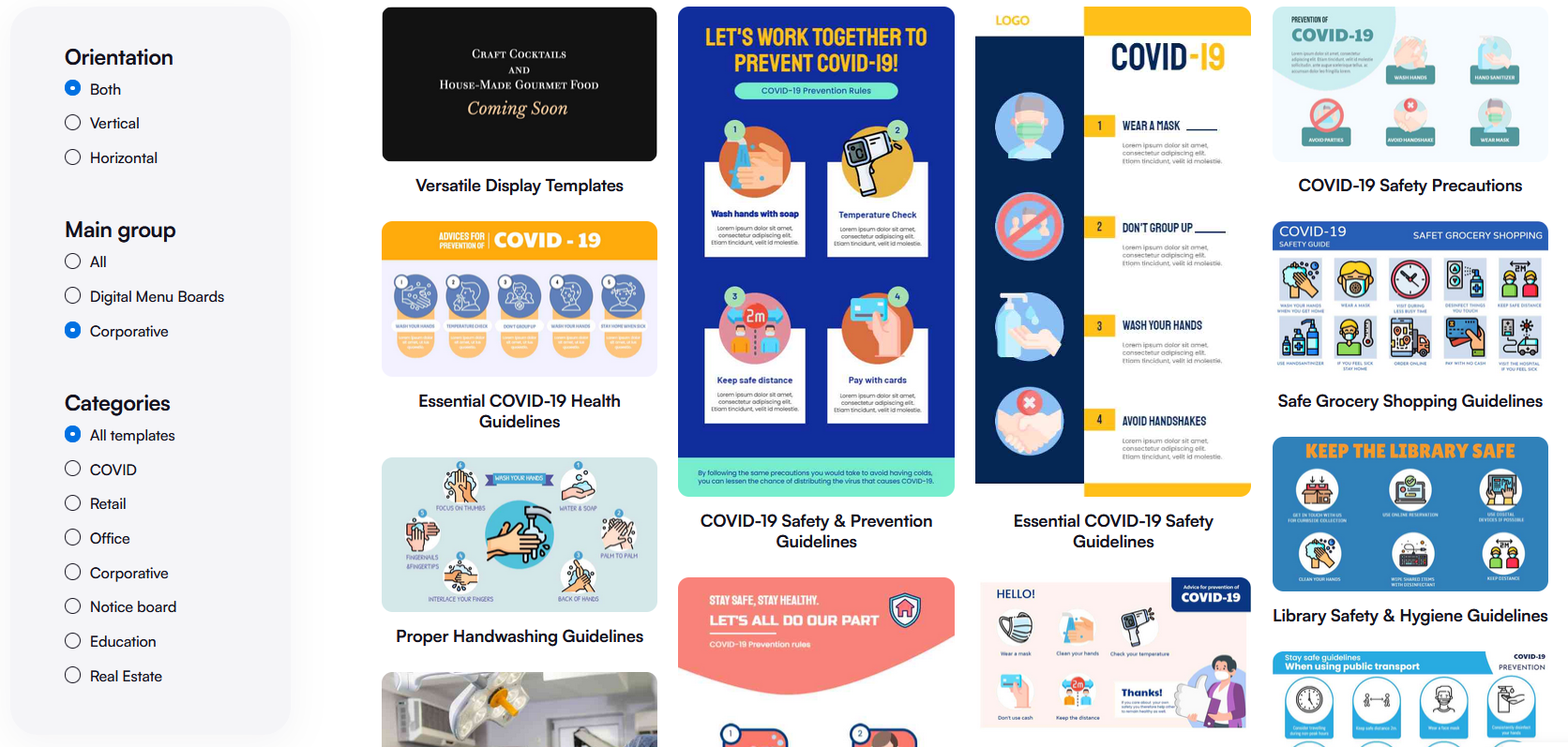
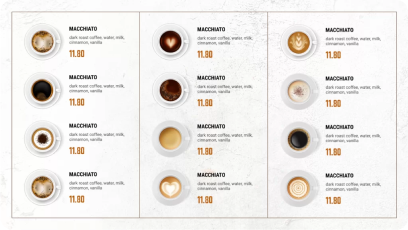
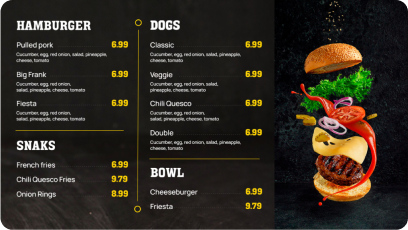
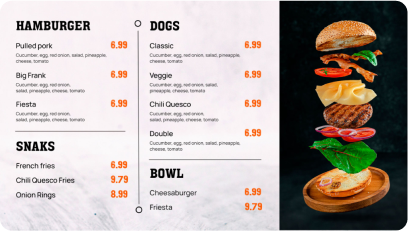
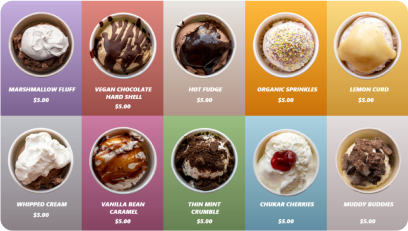
Start by choosing a sign template from our pre-designed “Template Library” that suits your business’s communication needs. That’s to say, select a sign template to create a unique sign design for digital display boards.
- Sign up for a free AIScreen account at https://manager.aiscreen.io/login.
- Navigate to the “Canvas” in AIScreen’s web-based system for content management.
- Browse categories and apply filters to find relevant signs for corporate or restaurant events & promotions.
- Select a sign template based on style or purpose to begin customizing it.
Discover 1500+ customizable digital signage templates
Create Stunning Signs with a Free Sign Maker App With 1500+ Templates
Check our templates



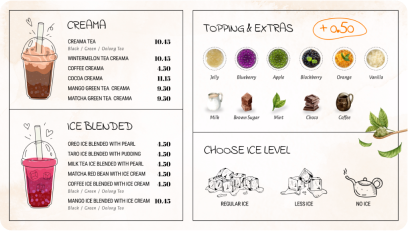
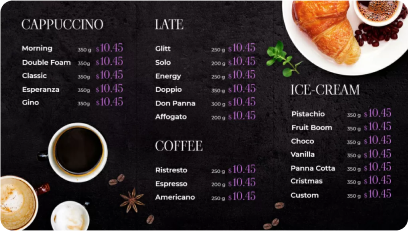

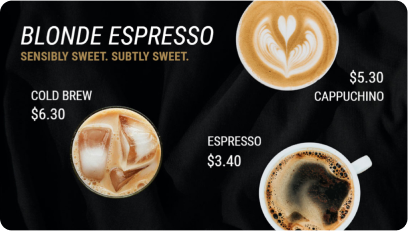
Step 2: Customize the Digital Signage Design to Match Your Brand
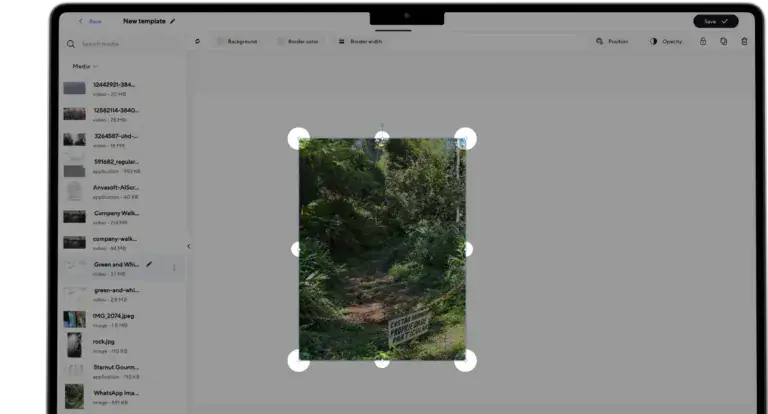
AIScreen’s sign maker supports a drag-and-drop feature for a seamless design experience. Add graphic elements to sign templates such as text, images, fonts, logos, and icons for highly customized sign design.
- Go to the “Media” in the dashboard and select a template to customize or adjust the font size, color, and logo to match your business’s branding.
- Simply drag and drop text, images, and design assets, to customize sign templates to ensure optimal readability and visibility.
- Hold and drag the circular marker to rotate the image, adjust border color and width, and select between portrait or landscape orientation.
- Add text to the text box, adjust font type, size, and color, alignment, and apply text styles: bold, italic, underline, or strikethrough.
Step 3: Preview, Save, and Assign to Your Screen
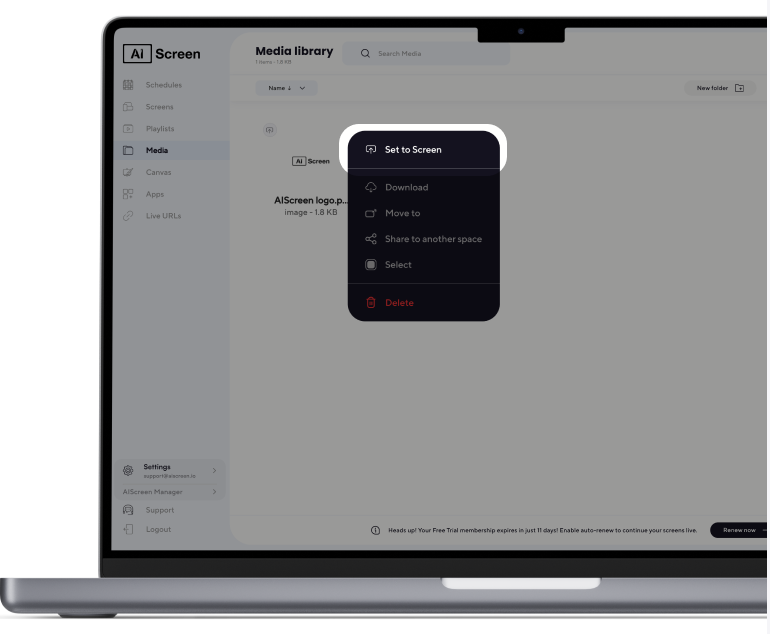
After customizing the sign design, preview it before setting it to your digital displays or save it for future use. Once approved, broadcast your sign design to your signage screen with these steps:
- Add content to “Playlists.”
- Click on the three dots next to the sign design file.
- Click “Set to Screen” to deploy content to signage screens.
Even if your business has multiple screens to display content, it will be published across all displays from a centralized source, or download the file to order high-quality images for physical use.
What Does a Free Sign Maker App Need?
Setting up digital signage requires a signage screen, a media player, and digital signage software. A free sign maker app can help you create and customize the visual content displayed on those screens without needing advanced design skills. It should ideally offer templates, text editing, image support, and simple export options for faster content creation.
1. Digital Signage Screen
A signage screen or monitor is a large digital display connected with digital signage software to broadcast digital content in custom dimensions, such as custom signs created using a free online sign maker. Digital signage screens are of various sizes and types, including LED or LCD to capture attention.
Invest in a high performance smart screen such as Sony BZ30L or BZ35L compatible with AIScreen’s signage management platform. In fact, select a screen with appropriate brightness, resolution, and durability for your signage environment, whether it’s indoor, outdoor, or semi-outdoor.
Learn what kind of digital signage display TV is best for you to make the right hardware choice for your setup.
Sony BZ30L Series UHD 4K HDR
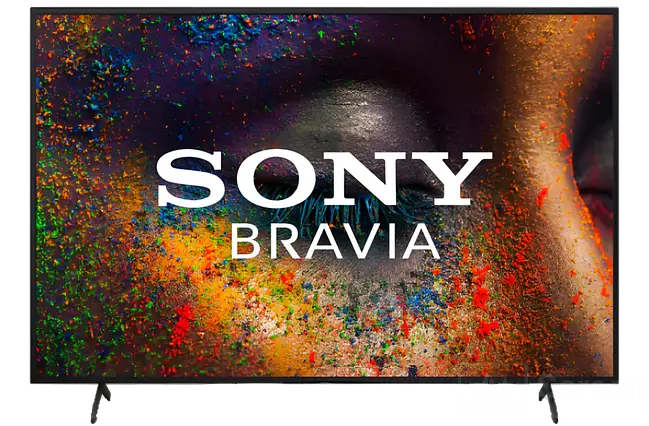
The Sony BZ30L Series UHD 4K HDR is a professional 24/7 display line designed for impactful digital signage applications in retail, corporate, and education. With sizes ranging from 43” up to 98”, it supports portrait and tilt installation, offers advanced Sony picture processing, and runs on Android OS for smart integration and ease of use.
Key Specifications:
- Resolution: UHD 4K (3840 x 2160) with HDR (HDR10, HLG, Dolby Vision) for vibrant visuals.
- Brightness: 440 cd/m² ensures clear visibility in well-lit environments.
- Contrast Ratio: Up to 6,000:1 static, 300,000:1 dynamic, supporting deep blacks and bright highlights.
- Panel Type: Anti-glare, Direct LED, with TRILUMINOS Pro and Sony X1 4K HDR Processor for true-to-life color.
- Operating: 24/7 rated for continuous commercial use.
- Connectivity: Apple AirPlay2, Chromecast built-in, HDMI, RS-232C, USB, and LAN; supports easy content sharing and control.
- Viewing Angle: 178° (left/right, up/down) for clear images from any position.
- OS: Android TV for app compatibility and remote management.
- Sizes: Available in 43″, 50″, 55″, 65″, 75″, 85″, and 98″, with versatile VESA mount options.
- Audio: 20W stereo (10W + 10W), digital/analog outputs.
- Features: Motionflow XR for smooth video, 4K X-Reality PRO upscaling, Pro Mode for business customization, and anti-glare panel surface.
This series is ideal for businesses seeking reliable, high-quality digital signage displays with customizable installation, robust network features, and advanced image technologies.
2. Digital Signage Media Player
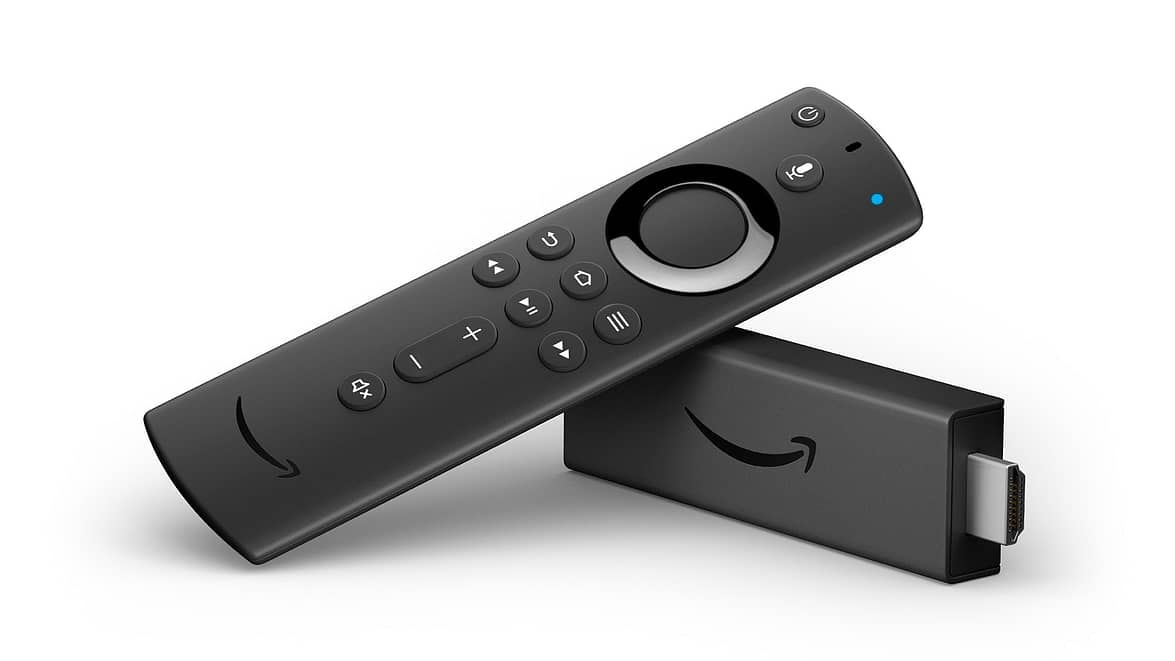
A digital signage media player is a device featuring a plug-and-play display of digital signs.
Media players connect digital signage screens to a web-based content management system to easily create, deploy and schedule content across LED displays or interactive kiosks. Leverage digital signage media players to enjoy features like content playback, remote updates, and more.
Invest in media players like Amazon Fire Stick and Raspberry Pi which offer cost-effective digital signage solutions.
3. Digital Signage Software
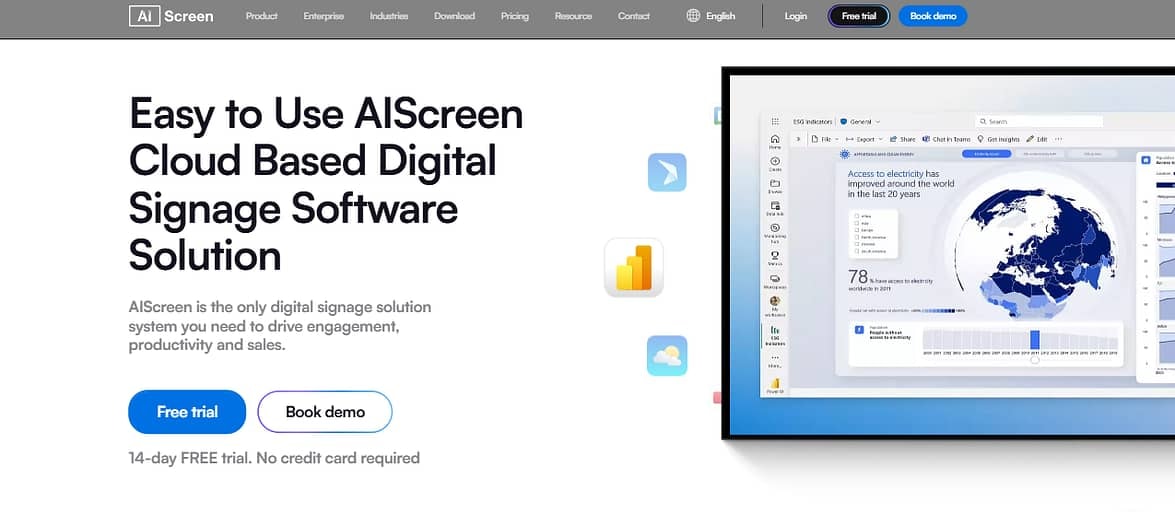
Digital signage software is a cloud-based platform that simplifies content creation, management, and scheduling. You can use it to design images and broadcast live videos across LCD or LED signage screens. For quick content generation on the go, integrating visuals made with an android photo app can enhance flexibility and creativity in your digital displays.
Key features include multimedia support, advanced content scheduling, remote management, and real-time delivery of updates. It’s deployed for advertising, wayfinding, and information-sharing across retail, hospitality, and corporate settings.
Sign up for a 14-day free plan to explore AIScreen digital signage software featuring user-friendly interface, seamless device and app integration, content scheduling, remote management, and security.
How Does the Free Sign Maker App Compare?
| Feature | AIScreen | Other Sign Maker |
| Free Signage Software | 14-day free trial; access all features | Limited free access |
| Customization Options | Full customization (fonts, graphics, templates) | Less flexibility |
| Templates Available | 1500+ templates; shapes; icons | Fewer templates available |
| Ease of Use | Drag-and-drop editing | Technical expertise needed |
| Integration with Other Tools | Seamless third-party integration | Varies by provider |
How to Connect a Free Sign Maker App?
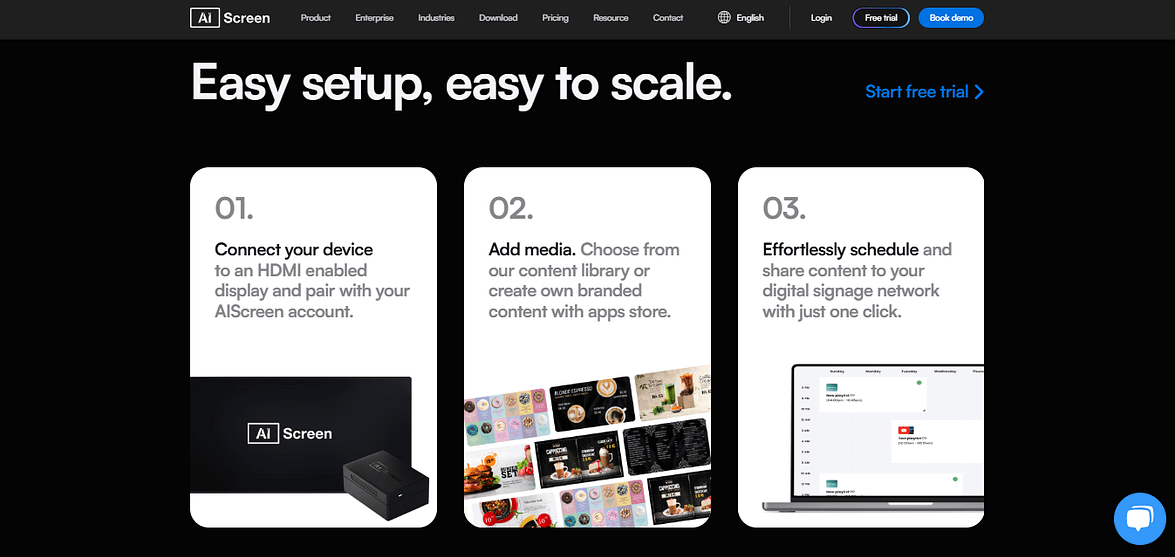
To connect a display to digital signage software, simply plug in a compatible media player (or use a smart TV), install the signage app from the app store, and pair your screen with the software platform using a code or device registration. Once paired, you can manage and schedule content remotely using the cloud-based dashboard for fully synchronized digital signage displays.
Step #1: Install Digital Signage Software
It is important to understand the two way process to install digital signage software for digital signage display as:
- App Store: Go to the app store on your digital signage display like a tablet, a smart TV, or a computer monitor, such as Sony BZ30L or BZ35L, and install the AIScreen app.
- Media Player: Use a media player like Amazon Fire Stick or Raspberry Pi to connect directly with AIScreen digital signage software.
Step #2: Sign Up For Digital Signage Account
Visit https://manager.aiscreen.io/login to sign up for a 14-day free AIScreen digital signage account to connect your display with a web-based content management system.
Follow these steps to do that:
- Open the digital signage app on your display,
- Get the 4-digit pairing code displayed on your screen, and
- Enter itinto AIScreen’smanagement system for digital signage.
How Does a Free Sign Maker App Help?
Digital signs help businesses capture attention instantly and deliver promotional content that drives sales and engagement. They allow for real-time updates, reducing printing costs and keeping messaging relevant for different audiences and times. With analytics and cloud-based control, digital signage systems also improve internal communication and brand visibility, leading to better business outcomes. Some of them are:
- Dynamic Messaging – Design attractive digital displays and highlight promotions for enhanced brand awareness.
- Quick and Easy Customization – Use pre-made templates and editing tools like Canvas to design and update content quickly.
- Personalize Designs – Add personal branding elements to the pre-designed templates for menus, retail promotions, and internal communications.
- Instant Publishing – Seamlessly connect with AIScreen’s cloud-based content management system to broadcast real-time updates and share across multiple screens.
What Are Free Sign Maker App Outdoor Ideas?
A free sign maker app is not limited to indoor screens; it can also help you plan storefront and curbside visuals that attract attention and encourage more foot traffic. Exploring creative outdoor signage ideas can give you inspiration for sidewalk boards, window graphics, banners, entrance signs, and promotional displays that make your business easier to notice from the street.
Browse these best business outdoor sign ideas for inspiration, then recreate the concepts inside Canvas so your outdoor message stays consistent with the signage inside your store. Using the same colors, fonts, logos, and promotional messaging across indoor and outdoor displays helps strengthen brand recognition and creates a more connected customer experience from the sidewalk to the checkout area.
What Other Free Sign Maker App and Free Sign Making Online Tools Exist?
Besides the “Canvas” editing platform, AIScreen also supports seamless integration with other content creation applications such as Google Slides, to diversify content.
In other words, users can deploy digital signage software like AIScreen to create customized content through free sign making online, utilizing additional content options such as:
- Google Slides: Create and share presentations across multiple screens.
- User-Generated Content: Showcase Google Reviews, etc. to engage and win customer trust.
- YouTube Integration: Broadcast YouTube videos that show product demos or client testimonials.
- News Integration: Integrate news feeds such as Google News to display real-time updates.
Why Choose AIScreen as Your Free Sign Maker App?
AIScreen and a free sign maker app give businesses an easier way to create, manage, and display professional digital signage without requiring advanced design skills. Visit AIScreen’s blog to learn how to design captivating signs for digital signage using flexible templates and practical content ideas.
Businesses can customize signage for retail stores, hospitals, restaurants, offices, and other locations, including specialized content such as BBQ menu board designs. The platform also makes it easier to maintain consistent branding across different screens and update messaging whenever needed.
With its user-friendly interface, customizable templates, and remote management features, AIScreen provides a practical free sign maker app solution for businesses looking to simplify digital signage creation. Book a 14-day free trial today and start creating engaging signage for your audience.


Frequently Asked Questions
How does digital signage software work?
Digital signage software lets businesses create, schedule, and manage content for their digital signage displays from a central dashboard. It enables easy uploading and editing of images, videos, and promotional offers, as well as real-time updates and scheduling for multiple screens. Many solutions also include analytics, so you can track engagement and performance for each campaign, keeping your digital signage content strategy fresh and effective.
Do I need a media player for digital signage?
Yes, a media player is typically required. It acts as the bridge between your content management system and your digital screens. The media player downloads, stores, and streams digital signage content to each screen according to a schedule, making sure your message displays smoothly and at the right times.
Do I need a digital signage player to use a free sign maker app?
Not always. If you are just creating static signage graphics using a free sign maker app, you can save and print or share those images directly. However, if the content needs to be displayed on digital screens as part of a networked signage system, a digital signage player or compatible hardware is needed to show and manage those visuals.
Can I customize fonts and colors using a sign maker app?
Yes, modern sign maker apps make it simple to customize fonts, colors, graphics, and layouts to match your brand guidelines and target audience. These flexible design tools are built for creating compelling, high quality digital signage content that fits your business’s style.
Is AIScreen’s sign maker app really free?
AIScreen offers a free sign maker app with user-friendly tools for designing and updating digital signage content. While core features for content creation and customization are free, premium options like advanced scheduling or analytics may be available only on paid plans depending on business needs. For most users, the app provides a powerful, no-cost way to create and manage engaging digital signage content.
