
How Does Digital Signage Work?

Digital signage works by connecting digital signage displays, digital signage software, and a network of screens to deliver dynamic content to a target audience across a digital signage network. These systems use a content management system (CMS) or digital signage software solution to create, schedule, and distribute digital content such as images, videos, and real-time data feeds to digital signage screens in retail stores, corporate offices, public spaces, and multiple locations. According to Statista, the global digital signage industry market size reached about $27.8 billion in 2023, showing strong growth in modern communication and display technology used by organizations worldwide.
In this blog, you will learn how does digital signage work, how digital signage systems use media players, digital signage software, and digital signage displays, and how organizations use digital signage solutions to create content, manage content, and distribute content across a digital signage network targeting specific locations and audiences.
What Is Digital Signage?
Digital signage is a technology that uses screens to present dynamic digital content in public spaces such as retail stores, corporate offices, transportation hubs, and other venues. It delivers multimedia content, live data feeds, and streaming media to engage audiences effectively. Many systems include audience measurement tools to track content performance. Digital signage is managed remotely through digital signage software by multiple users, allowing centralized control and real-time updates.
What Are the Benefits of Digital Signage?
Digital signage improves communication by delivering dynamic visual content that captures attention and increases audience engagement more effectively than static signs. Businesses use digital signage displays to present multimedia content, promotions, updates in retail stores, corporate, and public spaces.

According to Statista, 83% of people recall digital signage content they saw in the past 30 days. Higher recall improves customer engagement, reduces perceived wait times, and helps businesses communicate up-to-date information more effectively through digital screens.
What Are the Main Components of a Digital Signage System?
The main components of a digital signage system work together to create, manage, and display digital content. These key components, digital signage displays, media players, and digital signage software, form the foundation of every digital signage solution.
Digital Signage Displays
Digital signage displays are the visual output devices that present dynamic displays and digital content, including LED displays, LCD screens, video walls, and touchscreens. Used in indoor and outdoor digital signage projects, these large format displays and digital menu boards deliver engaging visuals on digital signage screens. According to Nielsen Research, 80% of businesses that adopted digital signage reported a boost in sales

To understand how these modern displays compare with traditional formats, read our guide on the digital signage vs traditional signage difference which explains how both approaches vary in flexibility, visibility, and content control.
Media Player Devices
Media player devices are compact hardware components that connect to digital displays to render dynamic content, including videos, images, and interactive elements. Common forms include dongles, mini PCs, set-top boxes, or built-in players.
Digital Signage Software
Digital signage software serves as the central platform to manage digital content across multiple screens. It includes a content management system (CMS), scheduling tools, analytics, and remote management features. This lets businesses manage digital signage, create content, update with dynamic displays instantly.
How Do You Create Content for Digital Signage?
Creating content for digital signage is simple and intuitive with cloud-based digital signage software like AIScreen. Businesses can design, customize, and schedule digital content across multiple digital displays, video walls, and digital menu boards, keeping all screens dynamic and up to date.
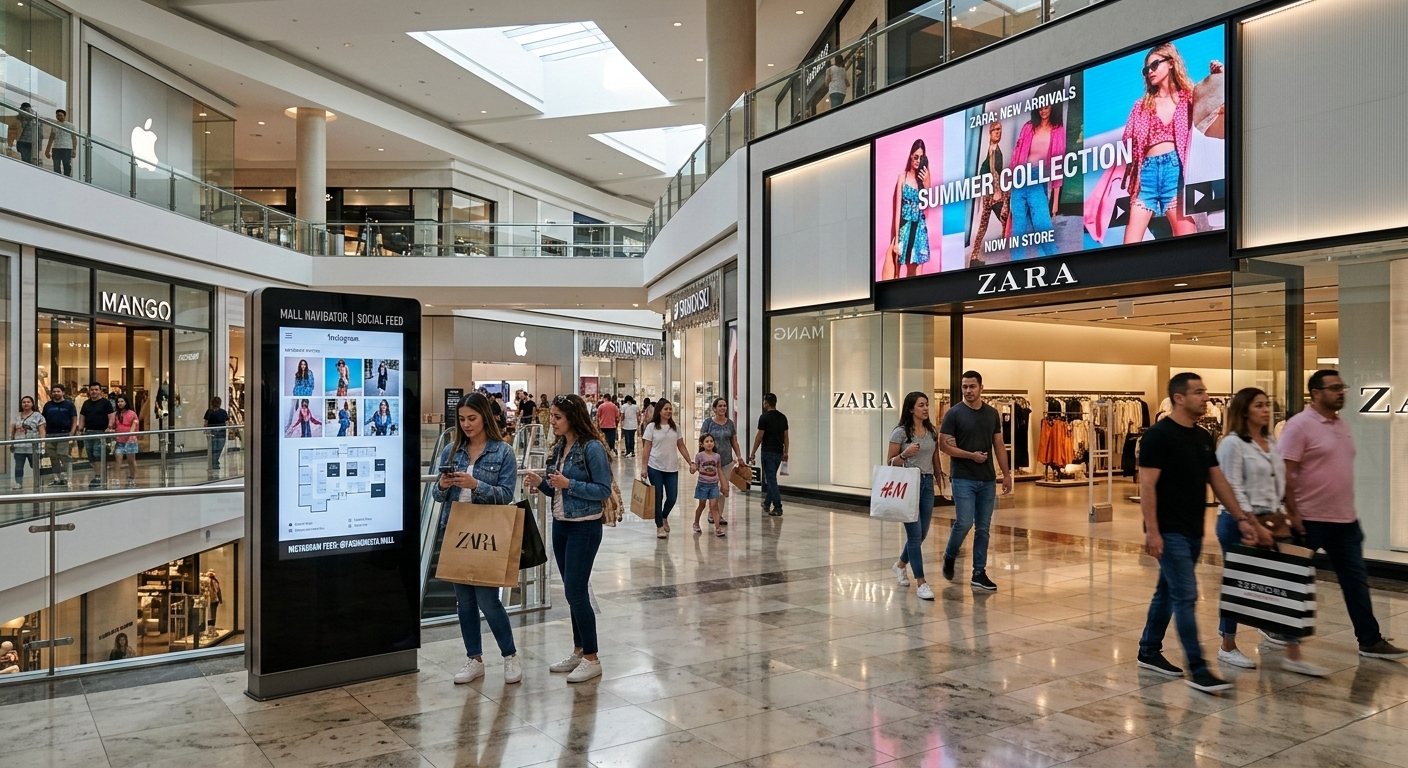
AIScreen supports a wide variety of file types, including images, videos, documents, and online media such as social media feeds, YouTube, and Google Docs. This allows companies to deliver engaging visuals, dynamic displays, and relevant content to their target audience.
Here are the steps:
Step 1: Log In to AIScreen
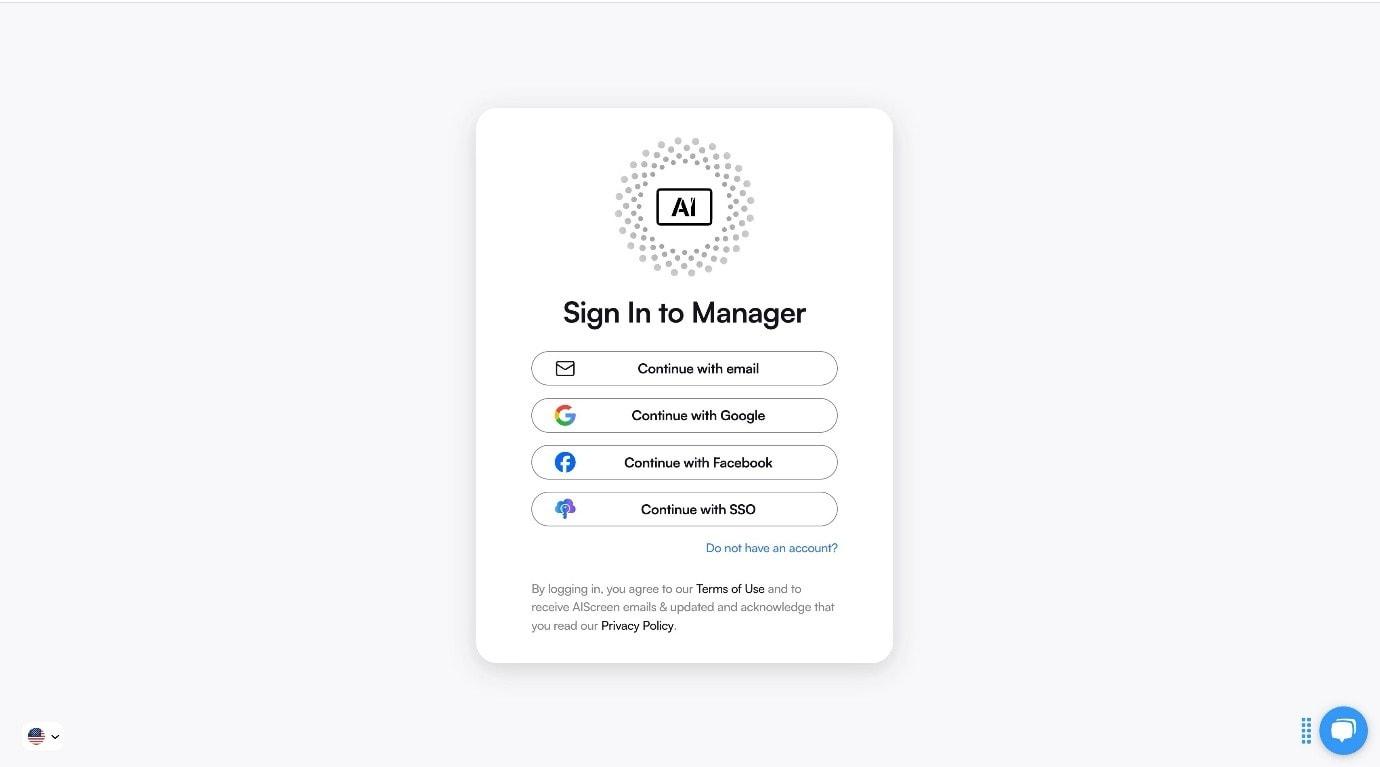
Access your AIScreen account on a computer, tablet, or other connected device. The dashboard provides a central location to manage all your digital signage content, view your screens, and monitor multiple digital signage projects in real time.
This is where you begin creating and scheduling content for your display screens, video walls, or digital menu boards.
Step 2: Navigate to the Template Library

Open the “Media” or “Template Library” section to explore pre-designed templates. These templates are tailored for a variety of digital signage projects, including promotional campaigns, menu boards, announcements, or event-specific digital displays.
Templates help businesses maintain consistent branding across LED displays, LCD screens, and other display technology.
Step 3: Browse and Search Templates

Use filters or search tools to find templates based on category, layout, industry, or type of display content. Options include digital signs, digital billboards, in-store navigation boards, and interactive screens.
You can preview each template and determine which layouts best suit your target audience and deployment location.
Step 4: Choose a Suitable Template from the Library

Select a template that matches your brand identity, campaign goals, and content needs. Use built-in content creation tools to customize visuals, add text, upload images, integrate videos, embed live data feeds, or include interactive elements for viewer engagement.
Templates can be adapted for static displays, dynamic displays, or emergency alerts.
Step 5: Click on ‘Save’

Once your design is complete, save it to the dashboard. Schedule the content for playback across multiple screens or digital signage networks. Content can be managed remotely, updated in real time, and distributed to specific locations, ensuring your messaging remains engaging, relevant, and timely.


What Are the Rules When Creating Content for Digital Signage?
Effective digital signage content should reflect your brand and engage viewers through clear messaging, design, and animation. Whether displayed on LED displays, LCD screens, digital menu boards, or video walls, content must be relevant, visually engaging, and easy to understand. Proper timing, placement, and content distribution ensure the message captures attention.
If you want to plan messaging more strategically across screens and locations, it also helps to understand how to create a digital signage content strategy: best practices which explains how businesses structure, schedule, and optimize content for better engagement.
Use High-Contrast Design for Better Visibility
Using high-contrast design in digital signage enhances visibility and readability on LED displays, LCD screens, video walls, and digital menu boards. Clear colors, simple layouts, and legible fonts ensure viewers quickly grasp messages from various distances.
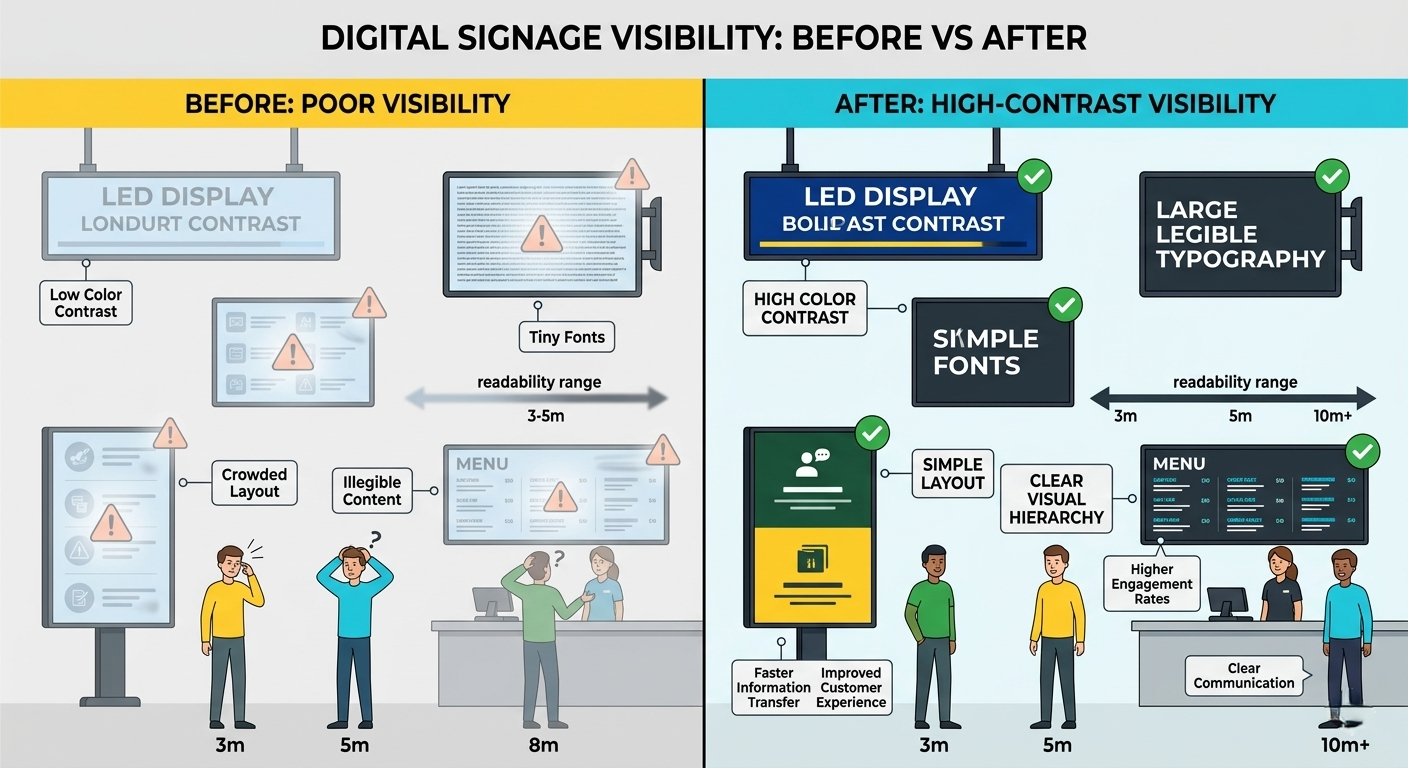
As shown in the comparison image above, the “before” example with low-contrast colors and small text makes the content difficult to read, while the “after” example uses bold color contrast, larger fonts, and a clean layout that allows viewers to easily understand the message even from a distance.
Use Varied or Arrhythmic Content to Maintain Attention
Using varied or arrhythmic content on digital signage screens keeps viewers engaged and prevents fatigue. By alternating the speed, timing, and sequence of videos, images, and digital displays, businesses can capture attention in high-traffic areas.
Integrate Live Data to Keep Content Fresh
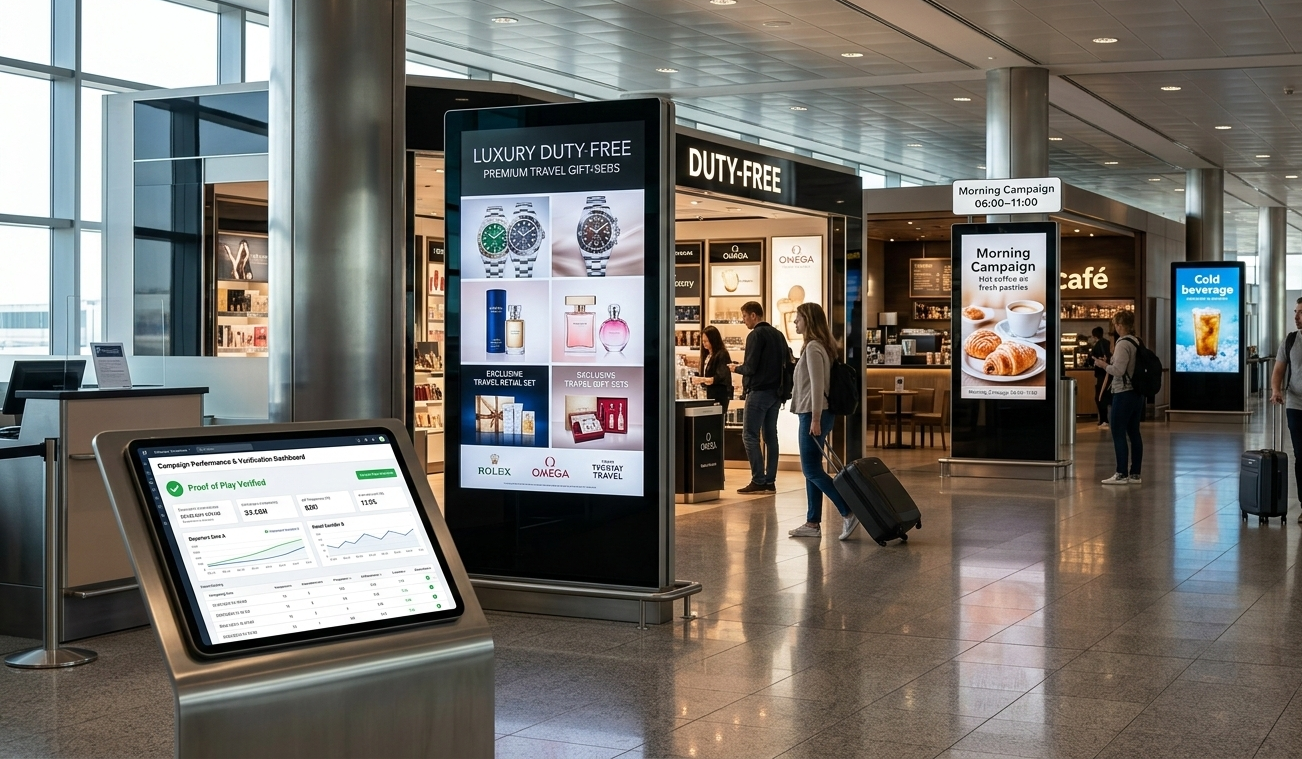
Integrating live data feeds into digital signage displays keeps content dynamic and relevant. Weather updates, social media feeds, dashboards, and news streams allow businesses to respond quickly to changing conditions. Frequent updates maintain audience engagement, especially in high-traffic locations and through the AIScreen app and dashboard, users can connect real-time feeds, such as Weather Apps, RSS news, or stock feeds, to displays to boost audience engagement.
Adjust Content Duration Based on Audience Dwell Time
Modern digital signage software can track audience dwell time using analytics tools. By measuring how long viewers engage with display content, businesses can adjust content duration, scheduling, and message frequency on video walls, digital menu boards, or large format displays.
How Do You Choose the Right Digital Signage Software?
Choosing the right digital signage software means evaluating options that match your business needs and future growth. Vendors often offer multiple editions with varying features, allowing upgrades as requirements evolve. A report from Deloitte noted that 68% of businesses using commercial-grade displays and signage solutions experienced increased engagement, while 45% cited measurable improvements in sales.
Essential Software Covers All Basic Digital Signage Features
The Essential Plan provides all the core tools businesses need to get started. It includes support for all types of media, playlist creation, and content scheduling across multiple screens. Users can access 1,500 free templates updated weekly, utilize over 150 apps and integrations, and design content with the intuitive Canvas editor.
Split-screen zones, offline mode, unlimited cloud storage, and multi-device compatibility ensure flexibility, while unlimited users and responsive support keep operations smooth. Live data integration, content management, and professional design tools make it easy to deliver engaging digital signage content across your network.

Improve Your Business With AIScreen Digital Signage Solution!
Improve your business with AIScreen, a modern digital signage solution designed to simplify content management and maximize viewer engagement. With AIScreen, you can control digital signs and digital billboards from a central location, schedule and update display content in real time, and ensure your screens always show relevant, engaging visuals across multiple locations.
AIScreen also offers advanced analytics, scalable deployment, and professional services to support your digital signage projects from setup to optimization. Whether you manage retail stores, corporate offices, or public spaces, AIScreen empowers you to create impactful displays that capture attention. Start your 14-day free trial or book a demo today to experience how AIScreen can elevate your digital signage strategy.
FAQs
What Are the Key Benefits of Digital Signage for Businesses?
The key benefits of digital signage for businesses include increased brand awareness, enhanced customer engagement, and the ability to share real-time information. It also reduces manual updates, enables personalized messaging, and provides valuable analytics and data insights to optimize campaigns.
How Can Digital Signage Be Used for Advertising and Promotions?
Digital signage can be used for advertising and promotions by displaying dynamic content such as videos, images, and offers on digital screens. Businesses can showcase products, highlight discounts, and update content in real-time to capture attention and influence purchasing decisions.
Can Digital Signage Integrate with Other Systems?
Yes, digital signage can integrate with other systems through cloud-based platforms and content management systems, allowing businesses to connect with social media feeds, event schedules, and internal communication tools. This ensures remote management and seamless synchronization across multiple digital signage screens.
How Does Digital Signage Improve the Customer Experience?
Digital signage improves the customer experience by delivering up-to-date information, interactive menus, and engaging content that is tailored to the target audience. It helps customers navigate spaces, make informed decisions, and enjoy a more memorable, personalized interaction.
What Are the Hardware and Software Requirements for Digital Signage?
The hardware and software required for digital signage include LED or LCD displays, media players, and a reliable network connection. On the software side, a digital signage CMS or cloud-based digital signage solution is essential for content creation, scheduling, and remote management across multiple screens.
