
Use Multi-screen Content
Synchronization to Provide an
Immersive Viewing Experience
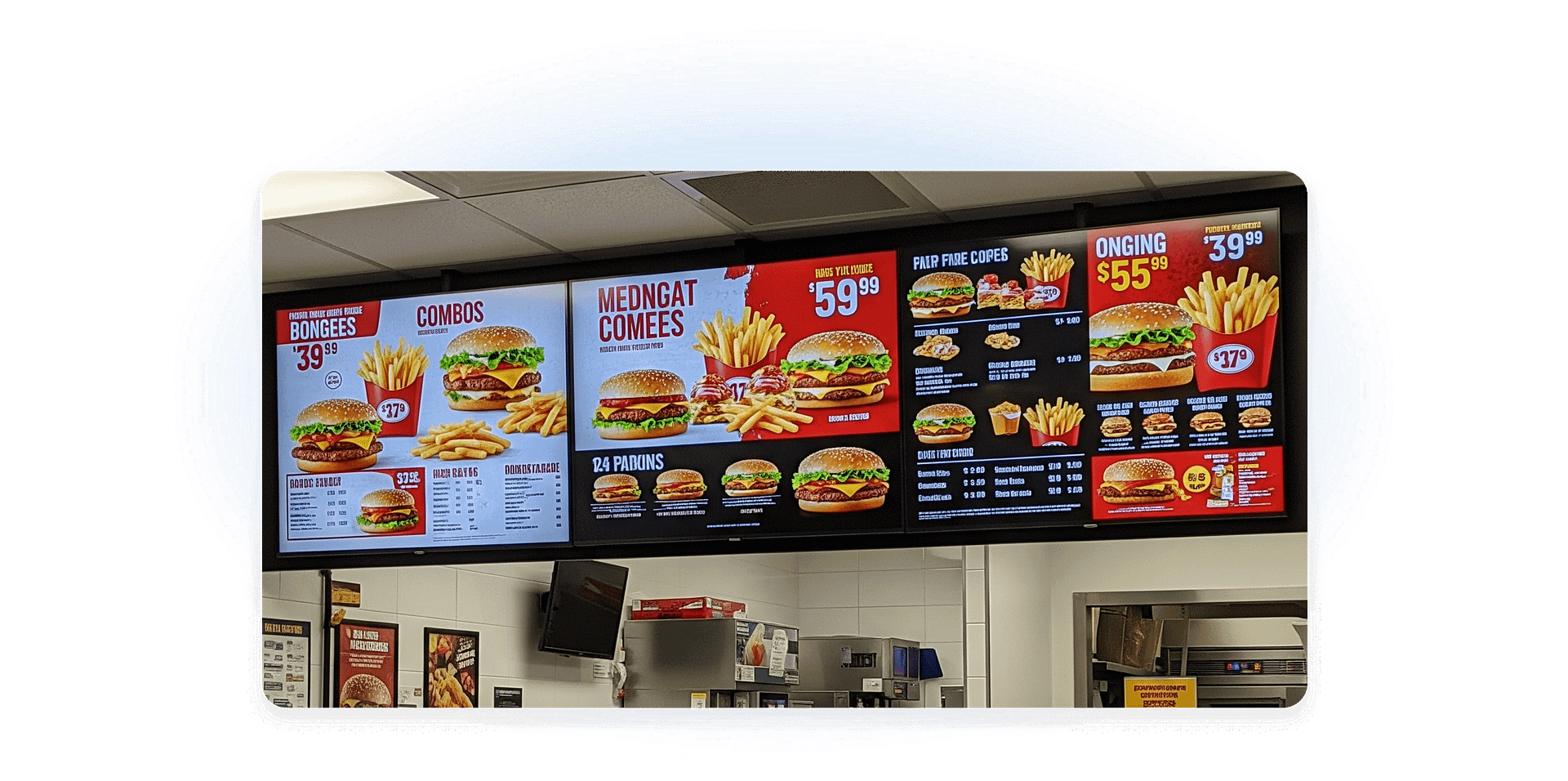
AlScreen Player app features precise synchronization and simultaneous playback of rich
media content across multiple screens and players, on any supported hardware,
ensuring consistent and professional multi-display performance.

-

Deliver a Unified
Visual StoryContent flows seamlessly across multiple screens to present a single, cohesive visual story for your audience.
-

An Extended
Viewing RangeBy synchronizing content across multiple players, displays deliver a wider and more immersive viewing experience.
-

Reinforce Consistency Across Displays
Content synchronization maintains visual impact and ensures messaging remains consistent and compelling across all screens.
Sync Video Wall Across Multiple Media Players
Ensure perfectly synchronized video walls across multiple media players without playback gaps or timing drift. AIScreen delivers seamless sync across different content formats and hardware with video wall software.
This allows you to scale synchronized multi-screen experiences confidently without being restricted to a single ecosystem.


Synchronized Playback
as Part of a Digital
Signage Platform
Synchronization is most effective when it’s not isolated. AIScreen integrates synchronized playback directly into its digital signage platform, allowing teams to manage content, media players, live data, apps, and synchronized experiences from one centralized system.
This unified approach reduces complexity and ensures synchronized playback aligns seamlessly with broader signage workflows.
Synchronize All
Content Types
Disjointed updates across different content formats can weaken communication impact. AIScreen enables instant publishing and real-time synchronization across videos, dashboards, web streams, and dynamic feeds — without relying solely on scheduled playback.
Teams can push updates the moment information changes, ensuring every content type stays aligned across one or hundreds of screens. This guarantees consistent delivery for announcements, alerts, operational dashboards, and any time-sensitive messaging that requires immediate visibility and accuracy.


Playlist-Based
Synchronized Playback
Coordinating content across multiple screens can quickly become manual and error-prone. With structured playlists, synchronized playback becomes predictable and easy to manage.
AIScreen allows content to run independently for a defined duration, then switch all screens simultaneously to a shared message, announcement, or video, before returning smoothly to the original content flow.
Instant Content Publishing Across Screens
Delays in content updates can weaken communication impact. AIScreen enables instant publishing across multiple screens without relying solely on scheduled playback.
Teams can push updates the moment information changes, ensuring synchronized delivery across the entire network, ideal for announcements, alerts, or time-sensitive messaging that requires immediate visibility and consistency.


Sign in to AIScreen Free Digital
Signage Software
Sign in to AIScreen Free Digital Signage Software
Deployment Flexibility with Any Compatible Hardware
Not every environment runs on identical infrastructure. AIScreen supports synchronized playback across compatible hardware configurations, adapting performance based on media player capabilities, network conditions, and media complexity.
This flexibility allows organizations to deploy synchronization in a way that fits their existing setup while maintaining reliable, coordinated playback across screens.


Synchronized Playback as Part of a Digital Signage Platform
Synchronization is most effective when it’s not isolated. AIScreen integrates synchronized playback directly into its digital signage platform, allowing teams to manage content, media players, live data, apps, and synchronized experiences from one centralized system.
This unified approach reduces complexity and ensures synchronized playback aligns seamlessly with broader signage workflows.
Learn About Important Software Features for Digital Signage


Frequently Asked Questions
Synchronized playback refers to the coordinated start and transition of content across multiple screens. Instead of displays operating independently, content playback is triggered centrally so media appears aligned across all connected screens within a digital signage environment.
While often used interchangeably in digital signage and media, synchronized playback and player synchronization are distinct concepts.
Synchronized playback is absolutely used outside of traditional video walls, enabling cohesive, simultaneous content across separate, distinct screens or devices.
No, scheduling is not strictly required for all types of synchronized playback, but it is often used for high-precision, time-based, or multi-device scenarios.
Synchronized playback does not strictly require special hardware for basic tasks, but often relies on dedicated media players (e.g., BrightSign), specialized software, and stable network infrastructure to maintain precision across multiple screens.