
What Are the ADA Digital Signage Requirements
Did you know that over 1.3 billion people worldwide live with some form of disability? While the WHO released this record, a significant number of digital signage service providers are instructed to deal in ADA-compliant signage to support people with disability. Ensuring digital signage is accessible isn’t just the right thing to do; it’s essential for reaching a wider audience and avoiding costly legal issues. ADA requirements focus on making digital signs easy to read with clear fonts and strong contrast, providing audio support like captions, and mounting screens at heights accessible to wheelchair users.
In this article, you will learn the key ADA rules that make digital signage inclusive and how businesses can easily follow them using AIScreen’s solutions. From visual and audio standards to physical placement and interactive features, we break down what it takes to make digital content accessible to everyone.
Here is the good news. Most of what you need to get right is concrete and checkable: how tall the text is, how much it contrasts with its background, whether a caption track rides along with audio, and whether someone in a wheelchair can reach the button. This guide walks through each of those rules in plain language, and it shows where the right digital signage software turns a daily compliance headache into a setting you lock once and forget.
What is ADA Compliance for Digital Signage?
ADA compliance for digital signage means making sure digital displays and content are accessible to everyone, including individuals with disabilities, as required by the Americans with Disabilities Act. This ensures people with visual impairments, hearing impairments, mobility challenges, and cognitive disabilities can equally access and interact with digital signs.
The key ADA guidelines for digital signage cover several important areas. Visual accessibility is about using ADA-approved fonts like Helvetica and Times New Roman, with large text sizes (5/8 to 2 inches tall) and high color contrast (at least 3:1) to aid those with visual impairments.
Digital signs should avoid flashing elements to prevent sensory overload. Auditory accessibility includes offering closed captions, audio descriptions, and compatibility with assistive listening technology for those with hearing impairments. Interactive elements like touchscreens must be mounted at accessible heights (usually 15 to 48 inches from the floor) to allow wheelchair users and others with mobility impairments to use them comfortably, as Research Gate advocates.
Alternate input methods, such as voice commands or gesture controls, should be considered to assist users with different abilities. Clear instructions and consistent navigation also help users with cognitive disabilities navigate digital signage displays more easily.
By designing ADA-compliant digital signage that meets these standards, businesses can create an inclusive environment, comply with ADA regulations, avoid hefty fines for non-compliance, and tap into a significant market segment of individuals with disabilities.
Using a reliable digital signage software like AIScreen can help ensure your digital signs meet all ADA requirements while enhancing communication with all users.
Why ADA Compliance Matters for Digital Signage?
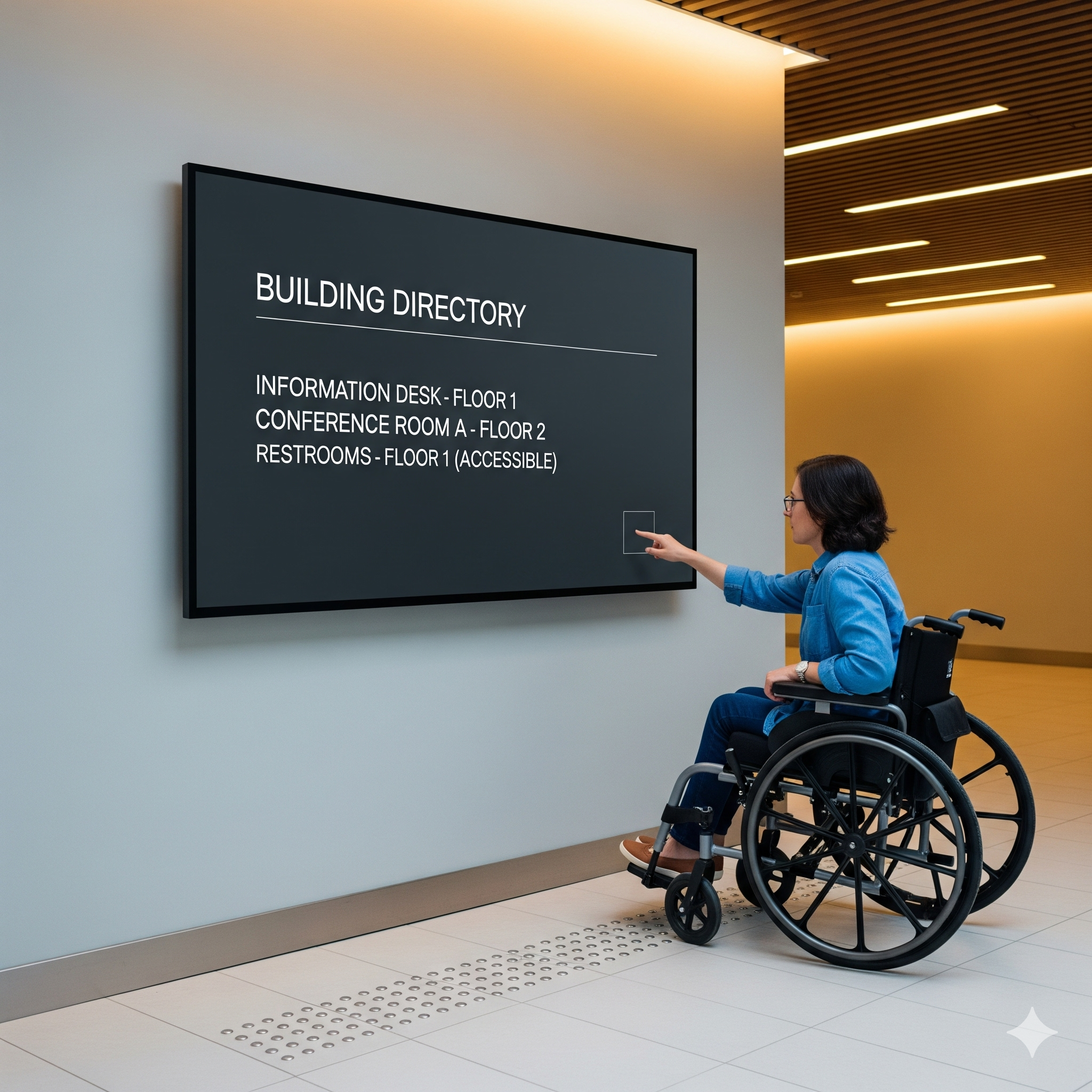
Legally, ADA for digital signage is about following the Americans with Disabilities Act to avoid hefty fines up to $75,000 for a first violation and the costly lawsuits that come with ADA non-compliance.
Ethically, it’s about creating an inclusive environment that gives equal access to individuals with disabilities, whether they have visual impairments, hearing challenges, mobility issues, or cognitive disabilities. ADA guidelines ensure your digital signs are usable and accessible, protecting your brand’s reputation and showing that your business values all customers.
Beyond legal reasons, accessible digital signage is good business. Visual accessibility features like large, clear fonts and high contrast make your signs easier to read. Auditory accommodations such as closed captions and audio descriptions help hearing-impaired users engage fully. Interactive features designed with ADA standards, like accessible touchscreen displays, voice commands, or alternate input methods, enhance usability.
This means your message reaches a significant market segment often overlooked, over 61 million adults with disabilities in the U.S. alone, as Ability Magazine reports. The result? Better customer experience, more engagement, and wider audience reach, all driving business growth while complying with ADA requirements.
What Are ADA Signage Requirements?
Ensuring your digital signage meets ADA guidelines means you are following specific rules that make digital displays accessible to all, including individuals with disabilities. These rules apply to every format, from wall-mounted screens to a standalone digital poster. Here’s a research-backed overview of the main ADA requirements for digital signage:
Accessible Visual Design
Use high contrast between text and background to boost readability. Avoid color combinations that can be confusing for people with color blindness. Aim for large, clear fonts that comply with ADA-approved typography. For easy design, explore the free design templates available with us at AIScreen.
Audio Support for Accessibility
Include audio descriptions or spoken content to assist people with visual impairments. Screen readers can help convey visual information for those who cannot see the screen.
Touchscreen and Interactive Accessibility
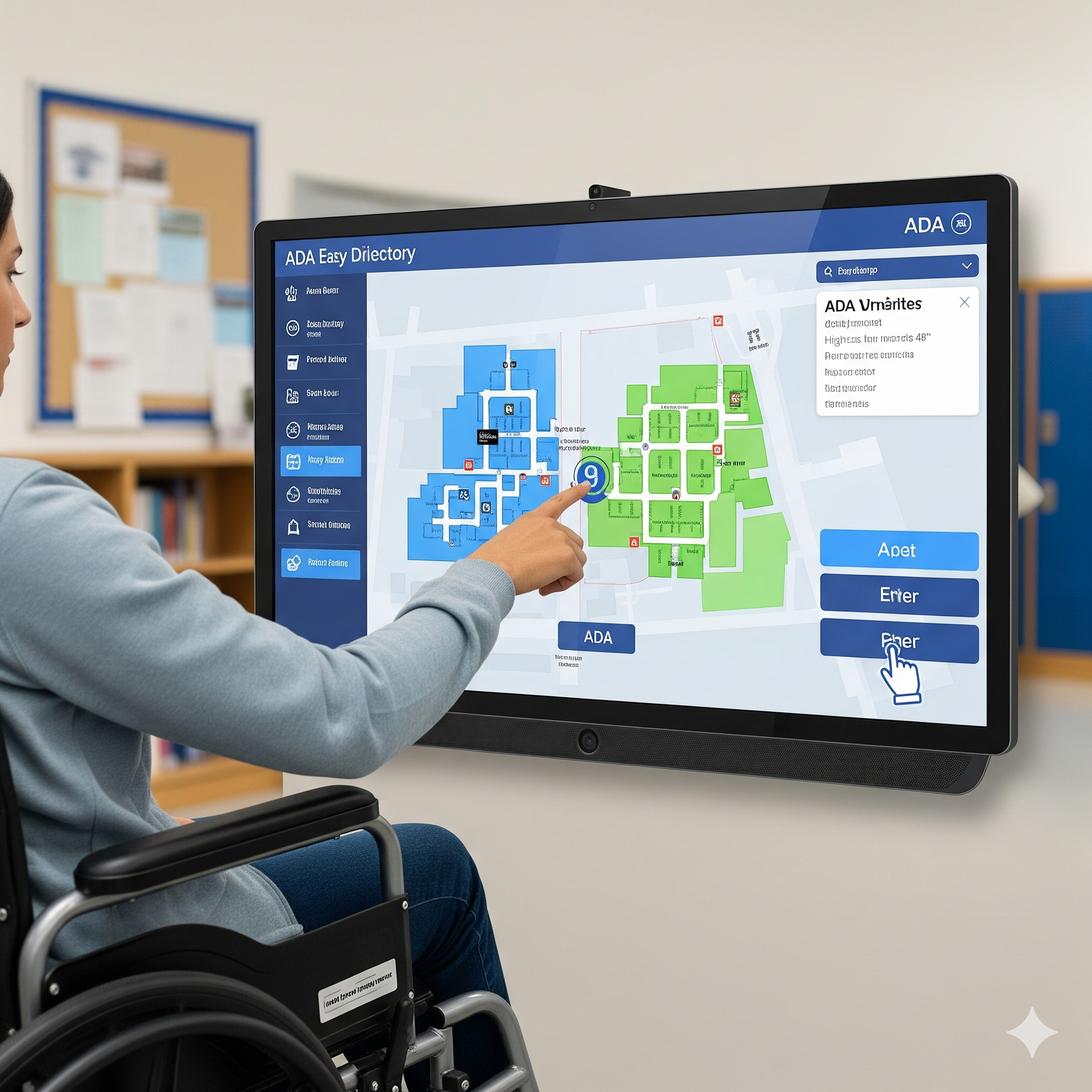
Design interactive digital signs with large, easy-to-press buttons and gesture controls. Ensure touchscreens are accessible to users with limited mobility, offering alternate input methods like voice commands for smoother navigation.
ADA Compliant Content Design
Keep content clear and concise. Avoid clutter or overly complex layouts that may confuse users or hinder accessibility.


Where Should ADA Signage Be Placed?
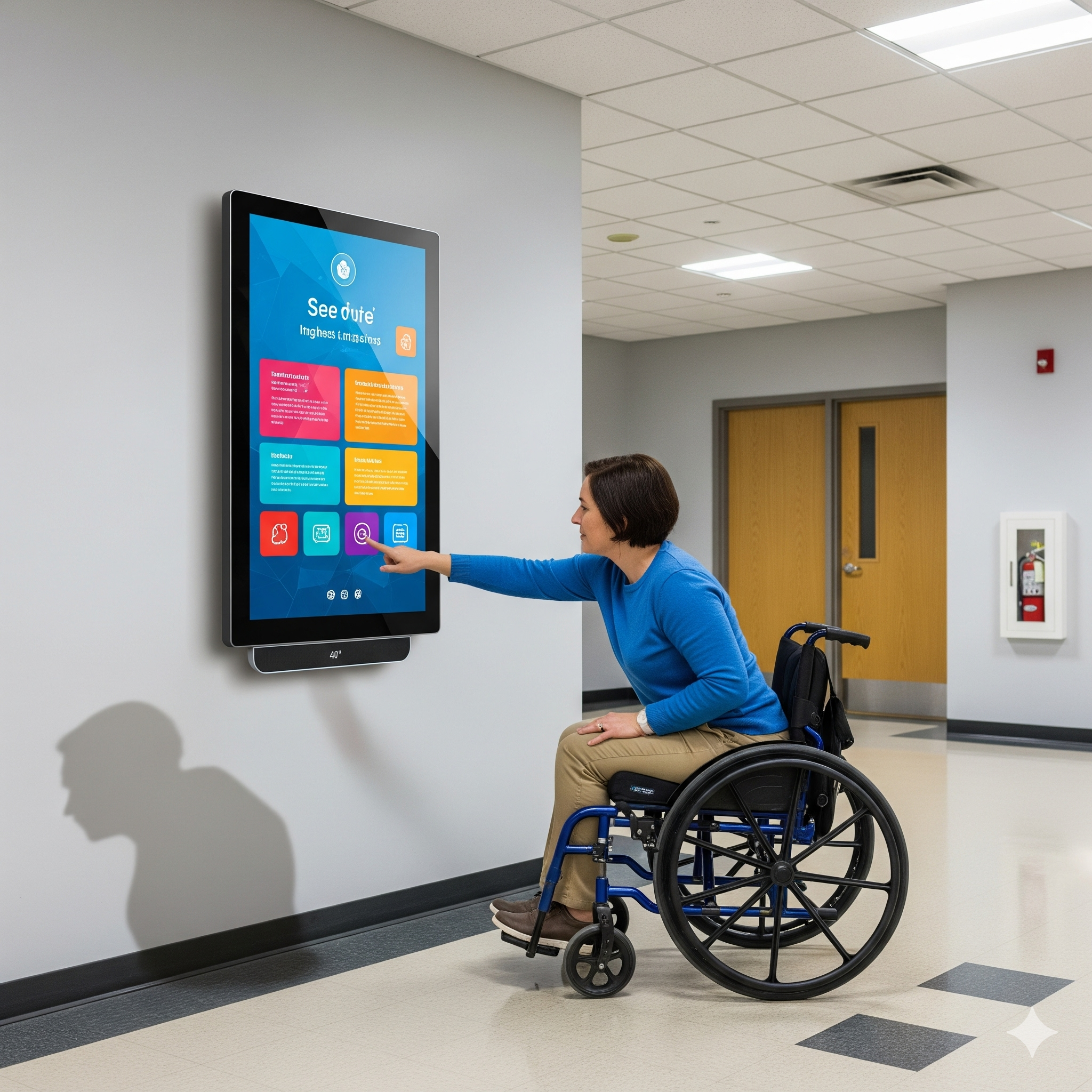
Place screens between 27 to 80 inches from the floor so individuals in wheelchairs can view and interact with them comfortably. Ensure screens don’t block pathways, and use thin wall mounts for minimal protrusion. When choosing hardware, reviewing the top affordable digital signage options for indoor and outdoor use ensures you select displays that meet both ADA height guidelines and durability needs.
Physical Display Requirements
Displays should have a non-glare finish to maintain readability under varied lighting. Ensure physical screen size and mounting comply with guidelines to enable reach and operation by all users.
User-Friendly Navigation for All Abilities
Interactive features should supply simple menus, large buttons, and clear instructions. Navigation must be intuitive, with accessibility in mind for cognitive disabilities and fine motor challenges.
Following these ADA requirements helps your business provide equal access, improve customer engagement, and comply with ADA standards, ultimately creating an inclusive and accessible public environment.
What If You Ignore ADA Signage Rules?
Ignoring ADA compliance for digital signage isn’t just risky; it can be costly as well. Legally, businesses face hefty fines of up to $75,000 for a first violation and as much as $150,000 for repeated offenses.
These penalties are enforced to ensure equal access for individuals with disabilities and to prevent discrimination under the Americans with Disabilities Act (ADA). Lawsuits related to ADA non-compliance are increasing yearly, with thousands filed that often center on inaccessible digital signage or digital displays in public and commercial facilities. In some cases, businesses may even face a class action lawsuit when multiple individuals with disabilities are affected by the same accessibility barriers.
Beyond the legal risks, failing to comply with ADA guidelines harms your brand’s reputation and customer trust. Accessible digital signage boosts inclusivity, allowing individuals with visual impairments, hearing impairments, mobility challenges, or cognitive disabilities to engage with your message.
This not only supports equal access but also increases customer loyalty and expands your market reach, tapping into a significant segment of the population. Businesses that prioritize ADA compliance demonstrate a commitment to social responsibility while enhancing communication and ensuring all users enjoy the same access and easy navigation of interactive digital signs.
Staying up to date with changing ADA standards and continuously ensuring ADA compliance should be a vital part of any digital signage strategy. Companies that do so avoid costly legal battles and fines, create a more inclusive environment, and improve overall customer experience.
How Does AIScreen Meet ADA Signage Rules?
AIScreen’s digital signage solutions are designed to fully meet ADA compliance standards, ensuring accessibility for everyone. Features like audio descriptions, closed captions, large, easy-to-use buttons, gesture controls, and voice command support make our interactive digital signs user-friendly for people with visual, hearing, or mobility impairments.
Our cloud platform simplifies managing ADA-compliant content with accessible templates, high-contrast visuals, ADA-approved fonts, and audio tools, ensuring clear and inclusive communication. We also support optimal screen height and video wall mounting guidelines to assist individuals, especially to accommodate wheelchair users and others with accessibility needs.
Create an inclusive environment effortlessly with AIScreen, which is your trusted ADA-compliant digital signage solution for engaging and accessible displays.
Frequently Asked Questions
What are the basic ADA requirements for digital signage?
The basics of ADA compliance for digital signage focus on making content readable and accessible to all users. This means using large, clear fonts, high contrast between text and background, and avoiding flashing or rapidly changing elements. Interactive features should be usable by people with different abilities, including those with mobility or cognitive impairments.
What font sizes should digital signage use to comply with ADA standards?
ADA guidelines recommend font sizes between 5/8 inch and 2 inches tall to ensure readability from a distance. Text should also be no wider than 12 points and use ADA-approved fonts like Times New Roman, Helvetica, or Cabri, which are easier to read for most people.
What is the required text contrast for ADA-compliant digital signage?
For ADA compliance, text should have a color contrast ratio of at least 3:1 with its background to ensure maximum readability. This helps especially people with visual disabilities or color blindness distinguish text clearly without strain.
How can digital signage be made more accessible for the hearing impaired?
Digital signs should include closed captions or subtitles for video content, along with audio descriptions for visual elements. Adding assistive listening technology and universal headphone jacks with volume control also helps hearing-impaired users engage fully with the content.
Are there specific guidelines for the height and placement of digital signage?
Yes! The ADA suggests that digital signage be installed between 27 and 80 inches from the floor to accommodate wheelchair users and ensure visibility. Interactive touchscreens should be no higher than 48 inches with a reach range of 10 inches, making them easily usable for individuals with mobility impairments.
How Does ADA Signage Cover Digital Posters?
ADA digital signage requirements apply to a digital poster the same way they apply to any other informational screen, because the law cares about what the sign communicates, not what you call the hardware. A vertical promo panel by the entrance, a wayfinding screen in a corridor, a menu display above a counter: each one identifies, directs, or informs, so each one inherits the contrast, character-height, glare, and reach rules covered below.
This is where format choices start to matter. A tall, eye-level digital poster read from a few feet away has very different character-height and glare needs than a menu board read from thirty feet across a drive-thru lane. If the poster is interactive, the active touch zone also has to land inside the reach window.
The practical takeaway is simple: pick the spec to the viewing distance and the way people actually approach the screen, then bake that spec into the template so every poster in the fleet inherits it instead of being eyeballed one at a time.
Does ADA Signage Apply to 3D Signage?
ADA compliance locks down the flat, code-required layer of a signage program: character height, contrast, Braille, mounting reach. Once that baseline is solid, the next question most teams reach is how to add dimension and motion to the visual experience without quietly breaking any of it.
Dimensional and depth-based formats bring their own readability, contrast, and viewing-angle puzzles that the ADA Standards do not address head-on, yet those puzzles interact with every spec above, from glare on a curved face to legibility at an angle. If you are weighing that next step, it helps to start with the fundamentals, so see what is 3d signage for a grounding in where that visual layer begins and how it sits alongside the accessibility rules you have already put in place.
Why Choose AIScreen for ADA Signage?
ADA signage requirements come down to a handful of checkable specs: readable contrast and font size, audio and captions for non-visual access, reachable touch zones, and screens mounted within the 27 to 80 inch window. Get those right and your digital signage serves every visitor while keeping you clear of compliance risk. AIScreen makes each of these settings something you configure once and lock in across every display.
