
10 Ideas to Improve Your Dentist Waiting Room TV
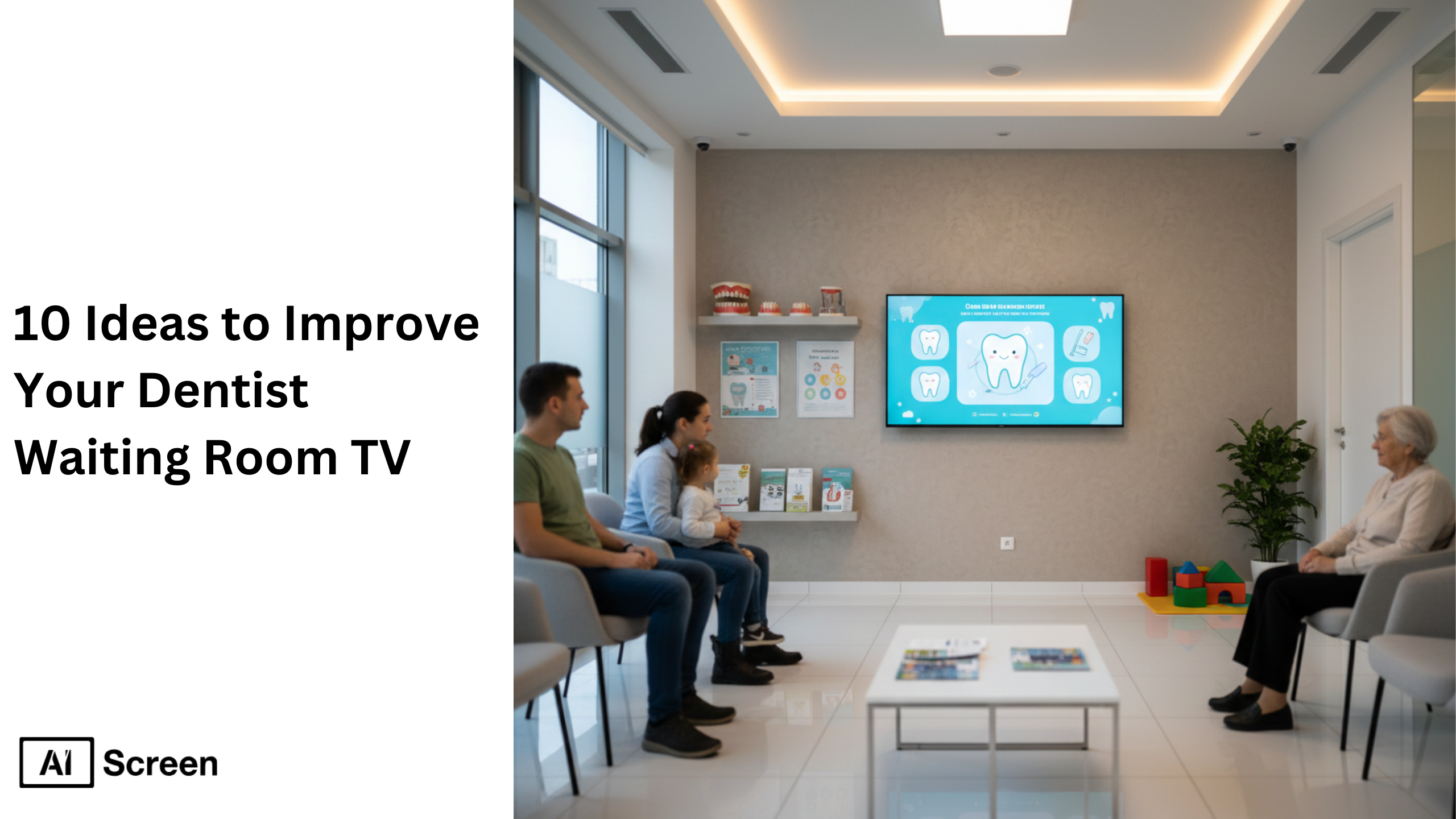
A dentist waiting room TV is more than a screen, it’s a tool to improve patient experience, reduce anxiety, and educate patients. When used correctly, a dentist waiting room TV transforms idle wait time into meaningful engagement using digital signage screens, custom content, and educational visuals. According to Harvard Medical School, visual distractions in healthcare settings help reduce anxiety and improve comfort. This proves that a well-managed dental waiting room TV directly enhances patient experience and overall satisfaction.
In this blog, you’ll discover 10 ideas to improve your dentist waiting room TV using simple, modern digital signage approaches. Each idea is easy to manage, easy to understand for non-tech users, and designed to help patients feel informed, calm, and confident before their appointment begins.
What are the 10 Ideas to Improve Your Dentist Waiting Room TV?
The 10 ideas to improve your dentist’s waiting room TV focus on using digital signage screens to educate patients, reduce anxiety, and enhance the overall patient experience. These include introducing your team, sharing patient education videos, displaying appointment information, promoting services like teeth whitening and dental implants, and using dynamic, engaging content.
By combining custom content, streaming videos, and a well-managed video playlist, dental practices can transform passive waiting time into a meaningful experience. You can also explore how can screens be used to share critical information in your hospital? to understand how digital signage supports communication in healthcare environments.
1. Introduce Your Dentists, Hygienists, and Support Staff
Start by humanizing your dental practice through your waiting room TV. Show your dentist, hygienists, and team members with names, roles, and experience to build trust instantly.
Use short slides or videos with friendly visuals and keep content simple. This helps patients feel comfortable before treatment and improves patient experience. A rotating video playlist ensures most patients see your team during wait time.
This approach also supports new customers by reducing uncertainty and making your office feel welcoming and professional.
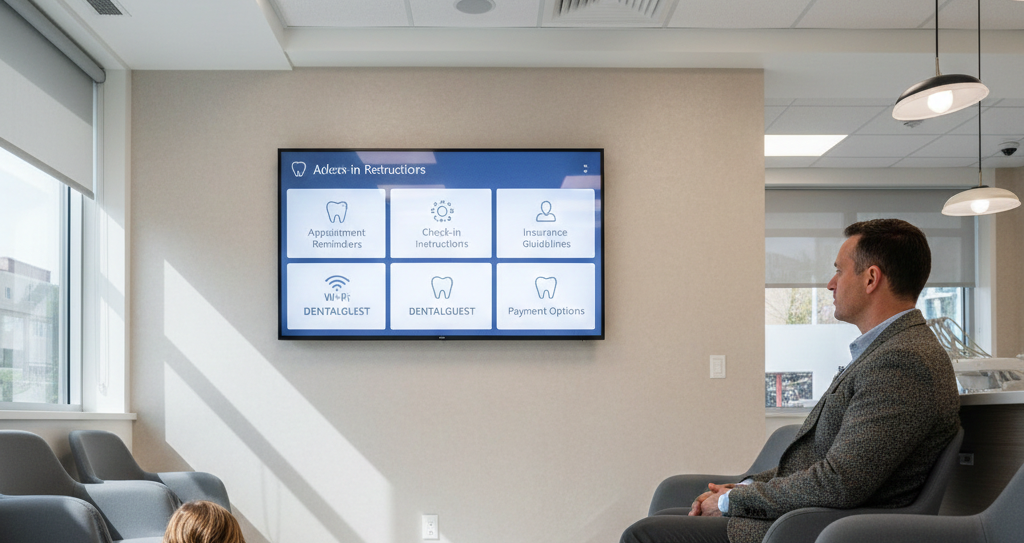
2. Display Appointment Reminders and Practice Information
Use your dental waiting room TV as a digital noticeboard to inform patients clearly. Display check-in steps, Wi-Fi network details, policies, and payment options.
This reduces repetitive questions at the front desk and keeps communication smooth. Patients quickly understand what to do next without confusion. Digital signage replaces outdated posters and creates a cleaner, more organized waiting room environment.
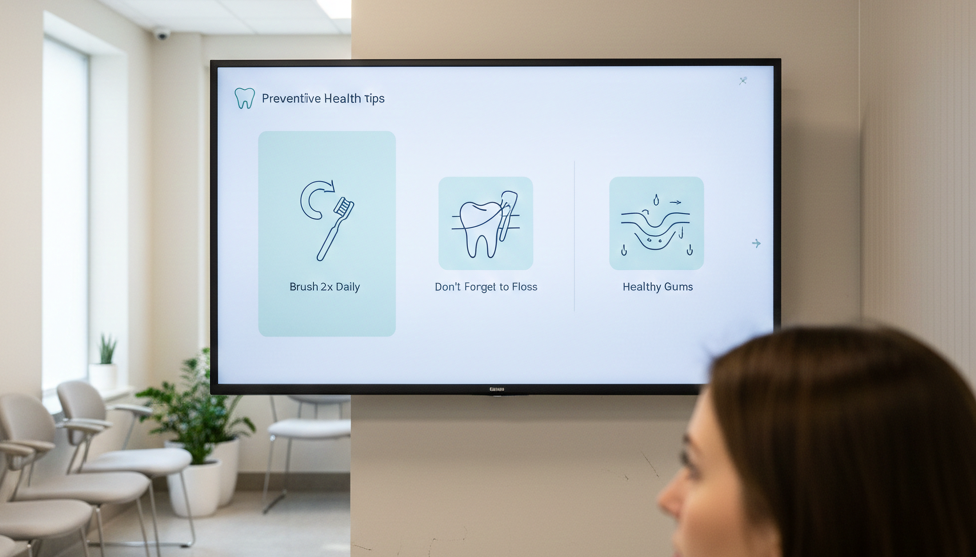
3. Share Preventive Dental Health Tips
Educate patients with simple, visual dental tips using digital signage screens. Focus on brushing techniques, flossing, gum disease prevention, and daily habits.
Short patient education videos and visuals work better than long text. Many clinics use a central media library to manage and reuse content efficiently across screens.
Using AIScreen’s Google Slide App in dental offices can replace pamphlets with rotating visuals that educate patients, improve recall, and subtly encourage acceptance of treatment options.
4. Highlight Patient Reviews and Testimonials
Build trust by showing patient testimonials and real feedback on your waiting room TV. Display reviews, ratings, and social media feeds to create transparency.
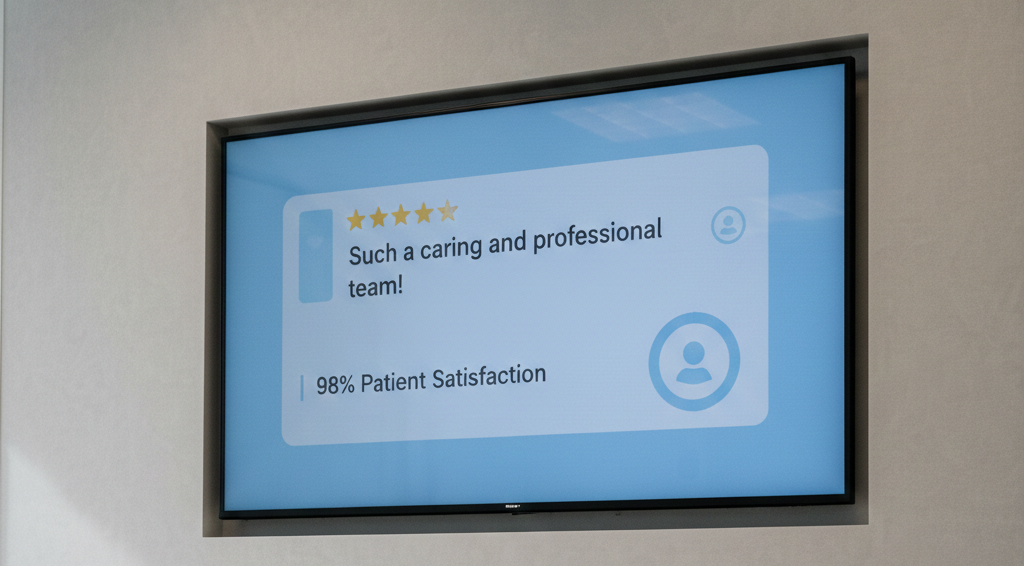
Keep content compliant by avoiding personal data unless approved. Short quotes and ratings are enough to influence perception.
Seeing positive experiences reassures patients and reduces anxiety before treatment begins.
5. Promote Dental Services and Treatments
Use your screen to educate, not sell, your services. Highlight treatments like teeth whitening, dental implants, and preventive procedures using simple visuals.
Explain benefits, process, and outcomes instead of pricing. This encourages curiosity and informed discussions later. Patients naturally connect services to their needs, helping your practice promote treatments without pressure.
Use purple block after this section
6. Use Dynamic Content to Reduce Perceived Wait Times
Keep content dynamic to reduce perceived wait time. Combine educational content, streaming videos, light visuals, and social media feeds into one playlist.
Engaging content shifts attention away from waiting and improves comfort. A mix of calming visuals and informative videos creates balance.
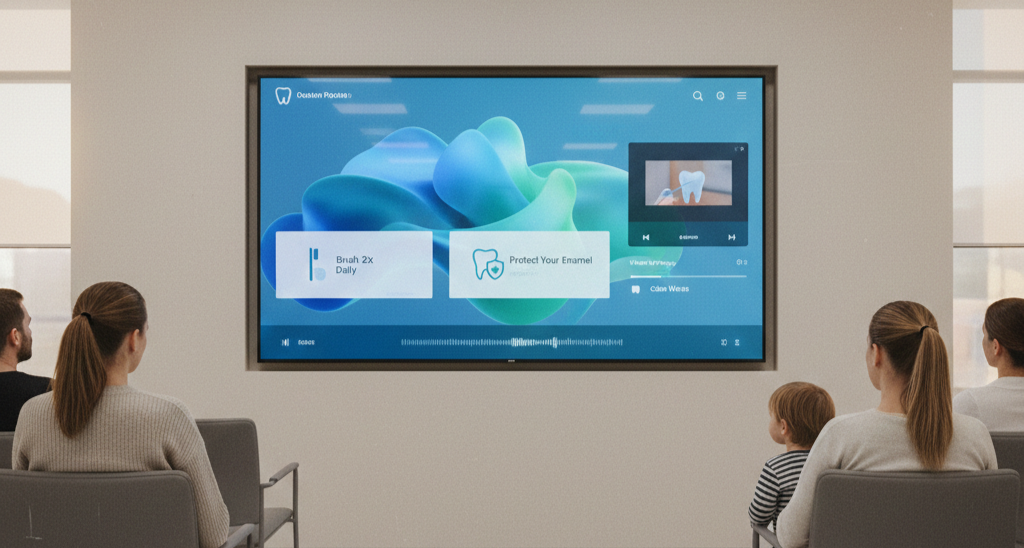
Using digital signage systems, you can schedule content based on time, audience, or location for better engagement.
7. Feature Before-and-After Smile Transformations
Show real results using before-and-after images of dental procedures. This builds trust and connects treatments with outcomes. Keep visuals clean and easy to understand. Avoid too much technical detail, focus on results.
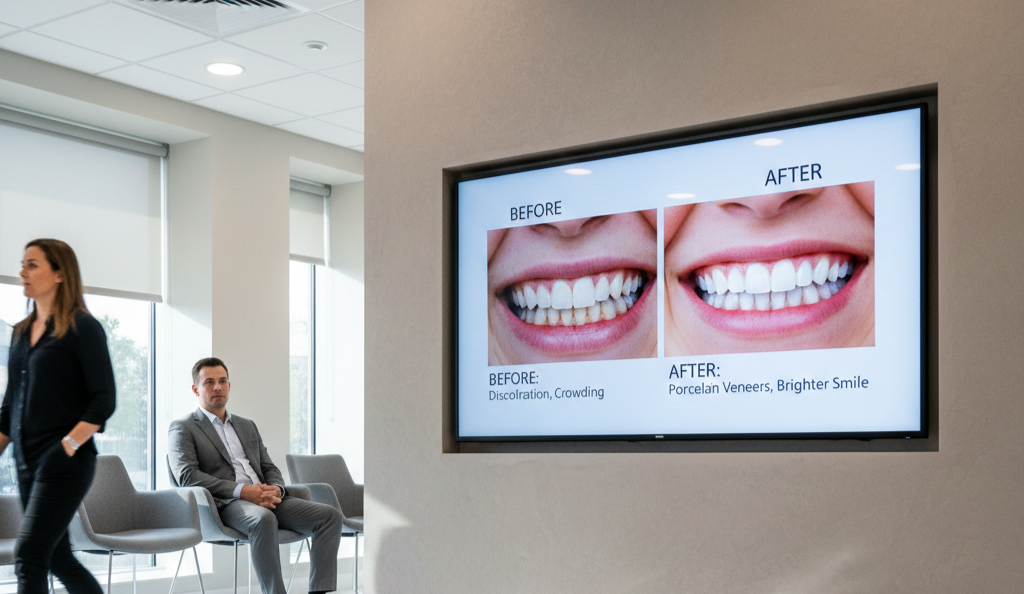
Statista confirms visual content improves recall, making it ideal for dental communication and patient engagement.
8. Share Educational Videos for Kids and Families
Create a family-friendly environment using educational videos for children. Show animations about brushing, dentist visits, and oral care.
This reduces anxiety in kids and improves overall patient experience for families. While children stay engaged, parents feel more relaxed. A well-planned video playlist ensures your waiting room feels calm, organized, and welcoming.
9. Display Seasonal Tips, Offers, or Announcements
Keep content relevant by showing seasonal updates like checkups, promotions, or reminders. Use your dentist waiting room TV to display special offers and timely messages. Digital signage allows quick updates without printing costs. This keeps your office modern and efficient.
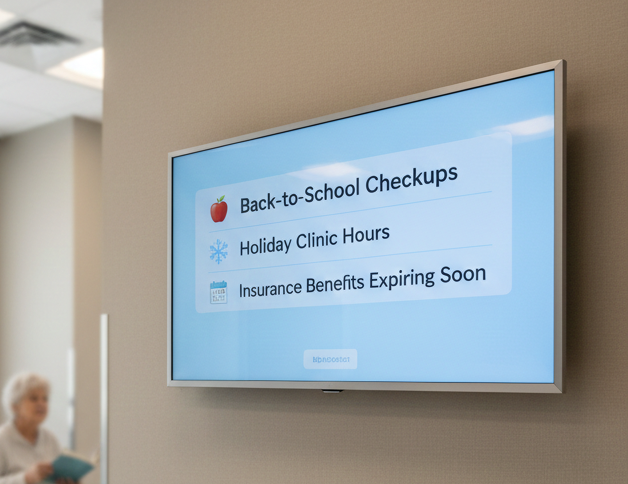
Timely content improves engagement and encourages patients to take action when it matters most. According to Statista, time-sensitive messages significantly increase attention and recall compared to non-urgent content, reinforcing why seasonal communication is more effective when displayed digitally.
10. Include Calming, Entertainment, or Local Content
Not all content should educate, some should relax. Use calming visuals, nature scenes, or local updates to reduce stress.
Combine this with light entertainment or media to create a balanced environment. Patients feel more comfortable, improving their overall experience.
This approach complements informative content and makes your waiting room feel thoughtful and patient-focused.
How to Create a Video Portal for Your Office and Improve Waiting Room Communication
Creating a video portal for your office helps centralize all your digital content, making it easier to manage what plays on your dentist waiting room TV. By organizing educational videos, patient testimonials, and custom playlists in one place, dental practices can ensure consistent, engaging content across all digital signage screens.
A well-structured video portal allows you to upload, schedule, and update content quickly, improving patient experience and communication. For broader healthcare applications, you can also explore how can screens be used to share critical information in your hospital?, which shows how centralized content systems enhance information delivery in medical environments.
Upgrade Your Dentist Waiting Room TV with AIScreen Digital Signage Software!
AIScreen helps transform your dentist waiting room TV into a powerful communication system. Manage custom content, educational videos, and promotions from one dashboard with ease.
You can upload media, create playlists, and control screens remotely without technical skills. Whether it’s patient education, testimonials, or calming visuals, AIScreen keeps your content fresh and engaging.
Start with a 14-day free trial or subscribe to see how your dental practice can improve patient experience with minimal effort.


FAQs
What should play on a dentist waiting room TV?
The content should include patient education videos, dental tips, appointment reminders, and calming visuals. Mixing educational content with light entertainment improves patient experience and keeps patients engaged.
Does waiting room TV content really reduce patient anxiety?
Yes, engaging visuals and videos shift attention away from stress, helping patients feel relaxed and improving overall comfort during their visit.
How often should dentist waiting room TV content be updated?
Content should be updated regularly, ideally monthly or seasonally, to keep information relevant, fresh, and engaging for patients.
Is dental waiting room TV content suitable for children?
Yes, using simple animations and educational videos keeps children engaged and reduces anxiety, improving the experience for families.
Can waiting room TVs promote dental services without feeling salesy?
Yes, by focusing on education and benefits instead of pricing, practices can promote services naturally while building trust and awareness.
