
What Is a Shopping Mall Kiosk? Types, Advantages, and Setup Guide
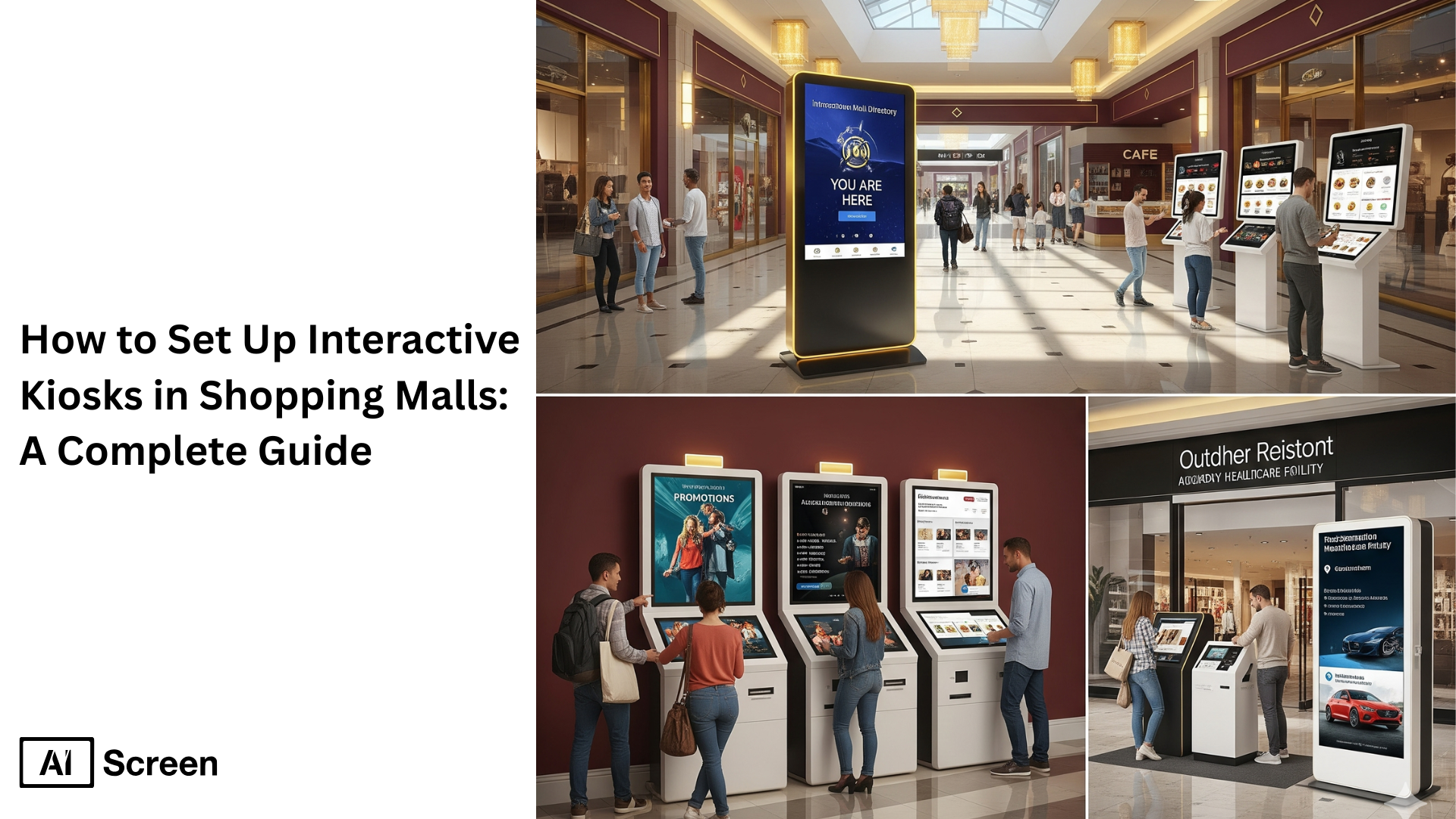
To effectively set up interactive kiosks in shopping malls, you need to focus on three essentials, strategic placement, user-friendly design, and reliable functionality. Begin by selecting the right concept that aligns with your target audience and your unique selling points. Then, ensure kiosks have clear pathways and inviting layouts that encourage people to stop and explore. Choosing the right hardware and software is just as important, especially with accessibility features like screen readers or intuitive interfaces that enhance customer satisfaction for all visitors. According to Statista (2023), the global interactive kiosk market is projected to reach $45.3 billion by 2028, showing how self service kiosks are now a standard in modern retail environments.
In this blog, we walk you through everything: what interactive digital kiosks are, the different kiosk types in malls, and a step-by-step setup approach. You will also see how interactive content and digital signage applications in shopping centers create seamless user experience, improve operational efficiency, and deliver timely and relevant information that aligns with customer expectations. Explore our shopping mall digital signage solution.
What Is a Shopping Mall Kiosk?
Interactive kiosks are self service digital displays designed to engage customers, provide information, and allow seamless transactions. In shopping centers, these touchscreen kiosks act as customer service points, enabling people to browse mall directories, find offers, or even complete transactions.
They use touch screen kiosks or tablet kiosks equipped with digital signage and content management systems to deliver personalized content in real time. But why are they so important in modern retail environments? Because they bridge customer touchpoints, allowing customers instant access to services, promotions, or interactive product catalogs without waiting for staff.
When users interact with these kiosks, they experience more control and convenience, leading to enhanced customer experience and higher satisfaction. Imagine walking into a mall, needing directions, and finding a wayfinding kiosk right in front of you, wouldn’t that instantly make your visit smoother?
Types of Shopping Mall Kiosk
Interactive digital kiosks in malls come in different forms, each designed to meet specific customer preferences and improve kiosk performance. From enhancing customer service to driving sales promotions, each kiosk type provides numerous benefits while improving operational efficiency in retail settings.
1. Information Kiosks
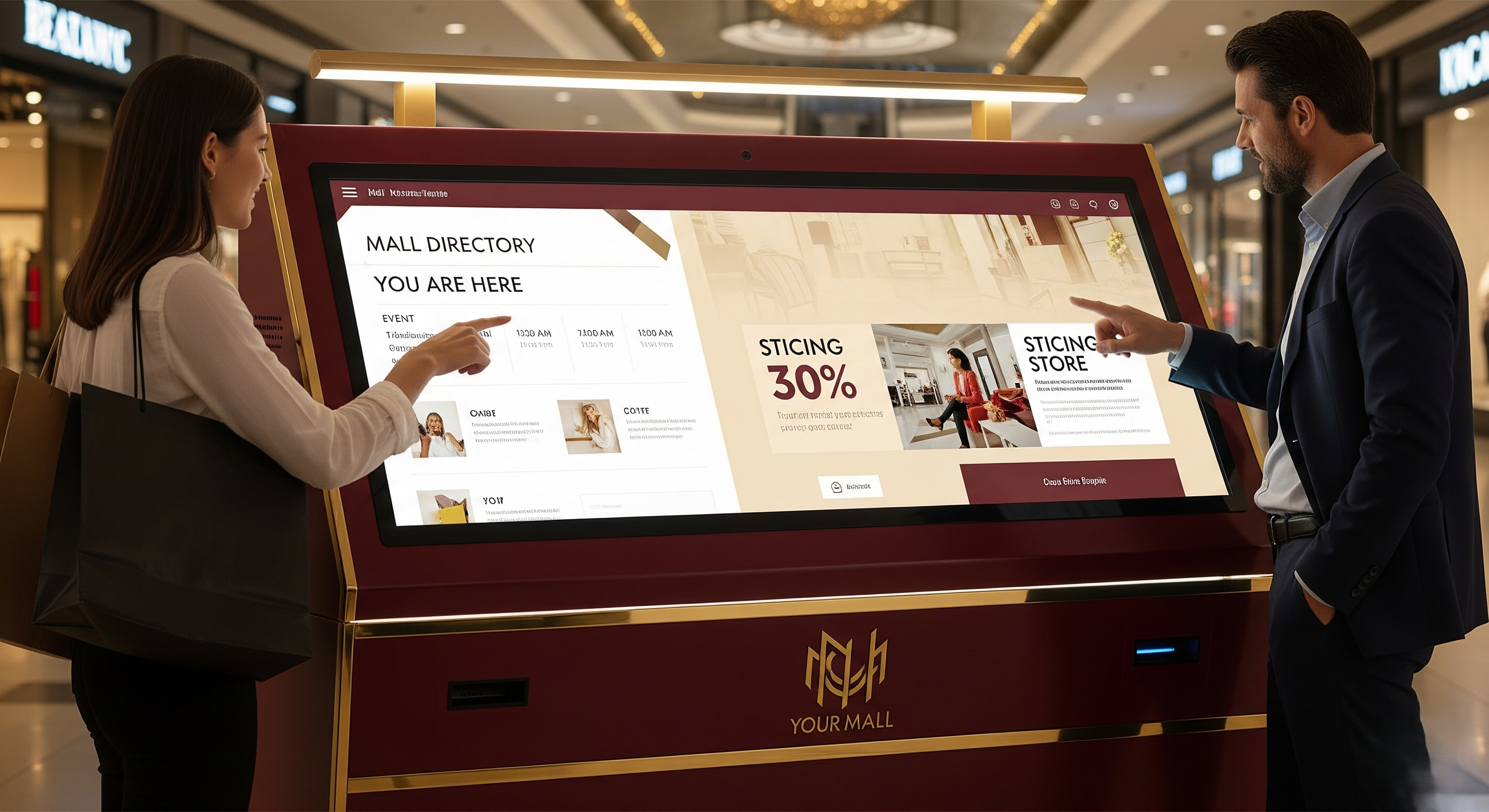
These kiosks act as digital signage hubs that guide shoppers through mall directories, event displays, or store promotions. With a user friendly interface and intuitive design, they provide up to date information that reduces the need for staff to assist customers with common inquiries.
These self service kiosks create interactive experiences by letting users interact directly with touchscreen interfaces, helping shopping centers streamline service delivery.
How often do you find yourself searching for a restroom or a specific store in a crowded mall? That’s exactly where wayfinding kiosks double as information centers, delivering relevant information in seconds and enhancing customer satisfaction.
2. Customer Service Kiosks
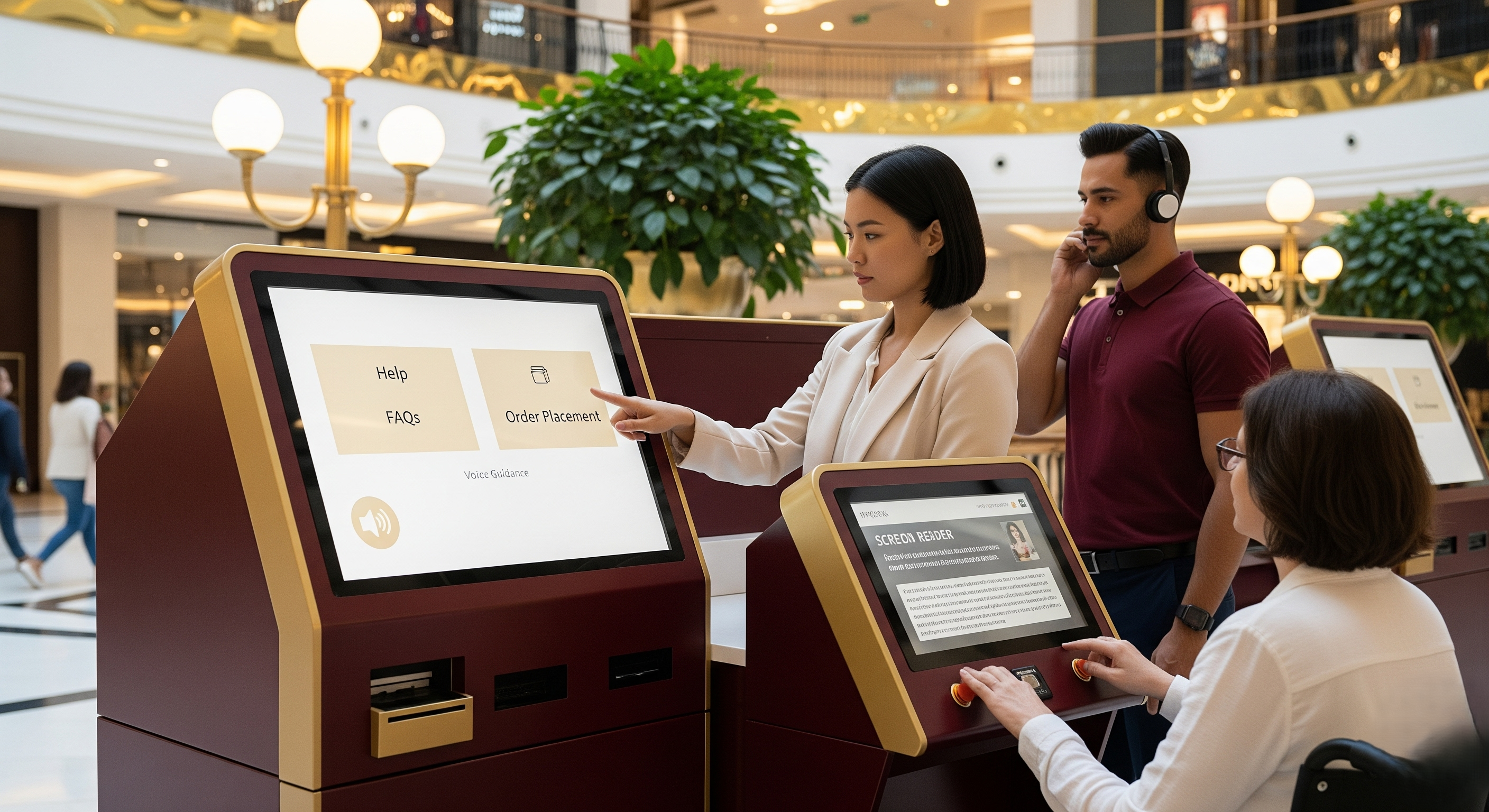
THese kiosks are designed to allow customers quick access to help, FAQs, and even order placement through a touchscreen kiosk interface. By combining interactive digital features with digital signage, they enhance customer satisfaction while reducing workload on staff.
These kiosks also support accessibility features like voice guidance or screen readers, making them inclusive. According to Forrester (2022), 68% of customers say they prefer self service options such as kiosks over speaking with staff for basic tasks, showing how kiosk deployment directly aligns with customer expectations.
In shopping centers, this translates to cost savings, faster assistance, and improved service delivery. But here’s the question: wouldn’t you rather resolve a small query instantly than wait in a long line for staff assistance?
3. Sales Promotion Kiosks
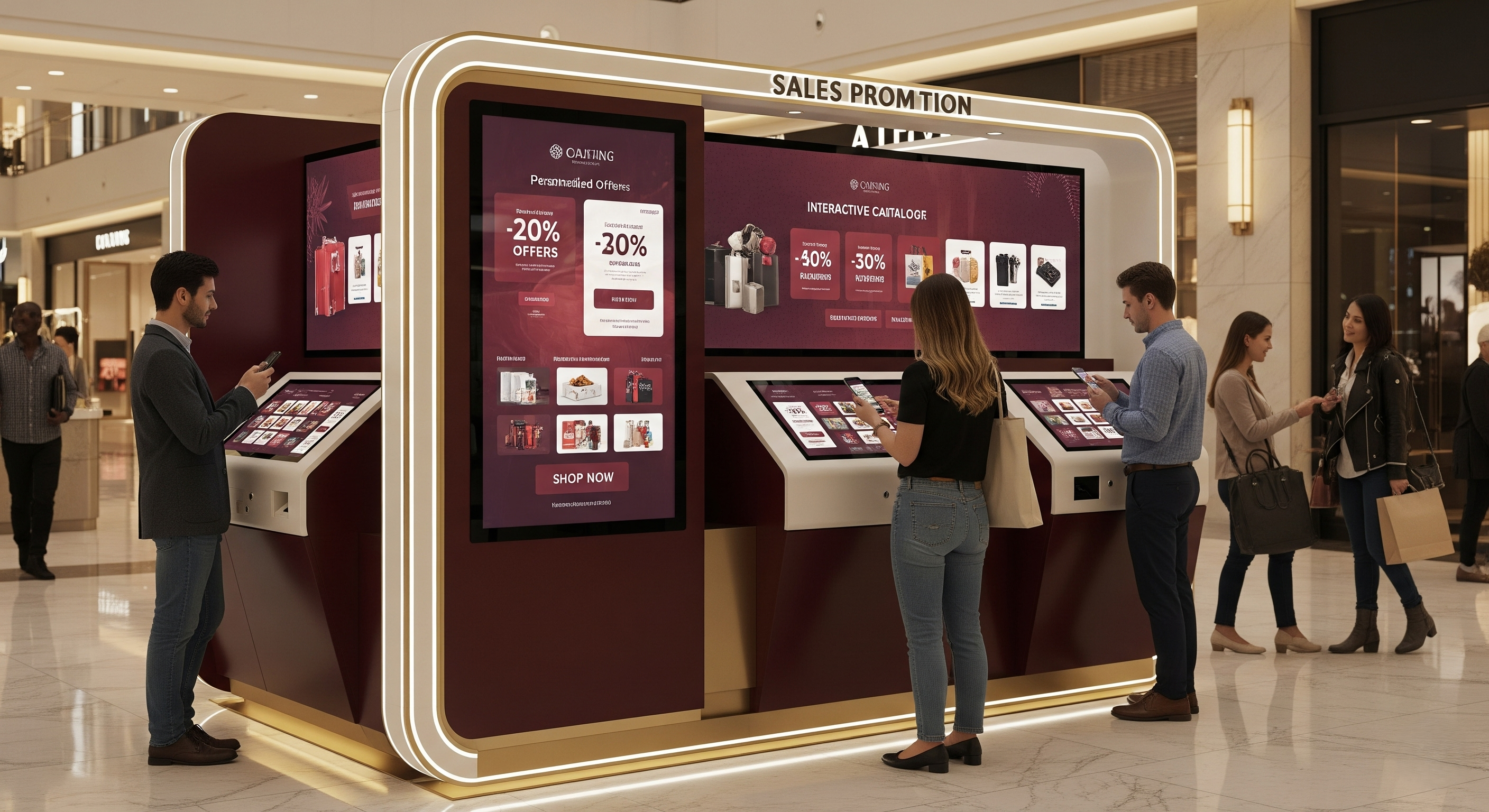
It helps highlight targeted promotions, discounts, or interactive product catalogs. By integrating digital kiosks with content management systems, malls can display digital content, deliver personalized content, and track user interactions.
These kiosks also allow customers to redeem offers, complete transactions, or engage with interactive content that makes promotions memorable. When shoppers see instant offers at a touchscreen kiosk while browsing, it not only boosts engagement but also strengthens customer loyalty.
Think about it, if a kiosk flashes a coupon for 20% off your favorite brand right at the point of purchase, wouldn’t that influence your buying decision on the spot?
4. Wayfinding Kiosks
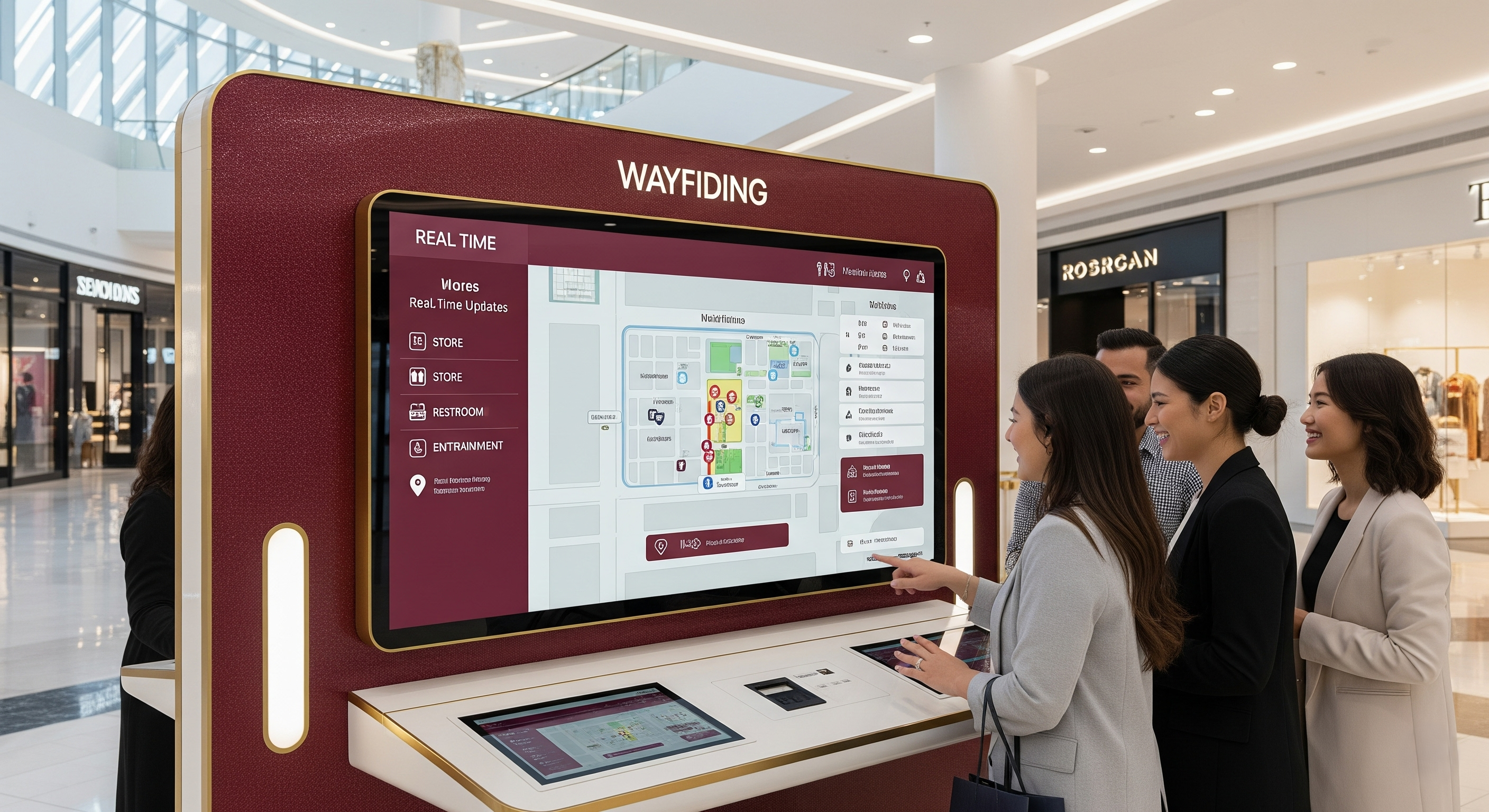
These kiosks guide users through shopping centers with interactive maps, real-time updates, and touchscreen interfaces. They act as digital signage applications that provide timely and relevant information about store locations, restrooms, and entertainment venues.
These kiosks enhance customer satisfaction by ensuring shoppers don’t feel lost, creating a seamless user experience across physical retail spaces. A Deloitte (2021) study found that 62% of consumers expect digital tools in retail settings to help them navigate stores efficiently.
Wayfinding kiosks meet this expectation by improving user satisfaction and operational efficiency at the same time. Could anything be more frustrating than wandering a huge mall and not finding the store you came for? With wayfinding kiosks, that problem disappears instantly.
What are the Advantages of Using a Shopping Mall Kiosk?
Interactive digital kiosks bring numerous benefits to modern retail environments, making them essential tools for shopping centers. They enhance customer experience, improve operational efficiency, and provide timely and relevant information that meets evolving customer expectations.
Whether through wayfinding kiosks, tablet kiosks, or outdoor digital kiosks, malls can streamline service delivery and create engaging customer touchpoints.
Convenient
Interactive digital kiosks make shopping more convenient by giving customers instant access services without waiting in long lines. These self service kiosks allow visitors to complete transactions, request directions, or browse promotions using a seamless touchscreen interface. By reducing reliance on staff at customer service points, malls can enhance customer satisfaction while optimizing operational efficiency.
Now, you may wonder, how does convenience impact customer loyalty? It ensures that users interact quickly and efficiently with digital kiosks, which improves user satisfaction and drives repeat visits.
Let’s look at this: imagine a customer entering a busy retail store during a holiday sale. Instead of waiting for assistance, they can use a touch screen kiosk to find store locations, check stock, or redeem coupons within seconds. This type of kiosk deployment not only saves time but also creates an enhanced customer experience.
Informative
Digital kiosks excel at delivering timely and relevant information to mall visitors. Through interactive content and digital signage software, these kiosks share up to date information about events, promotions, and store directories. This approach improves customer satisfaction by providing a self service capability that caters to diverse customer preferences.
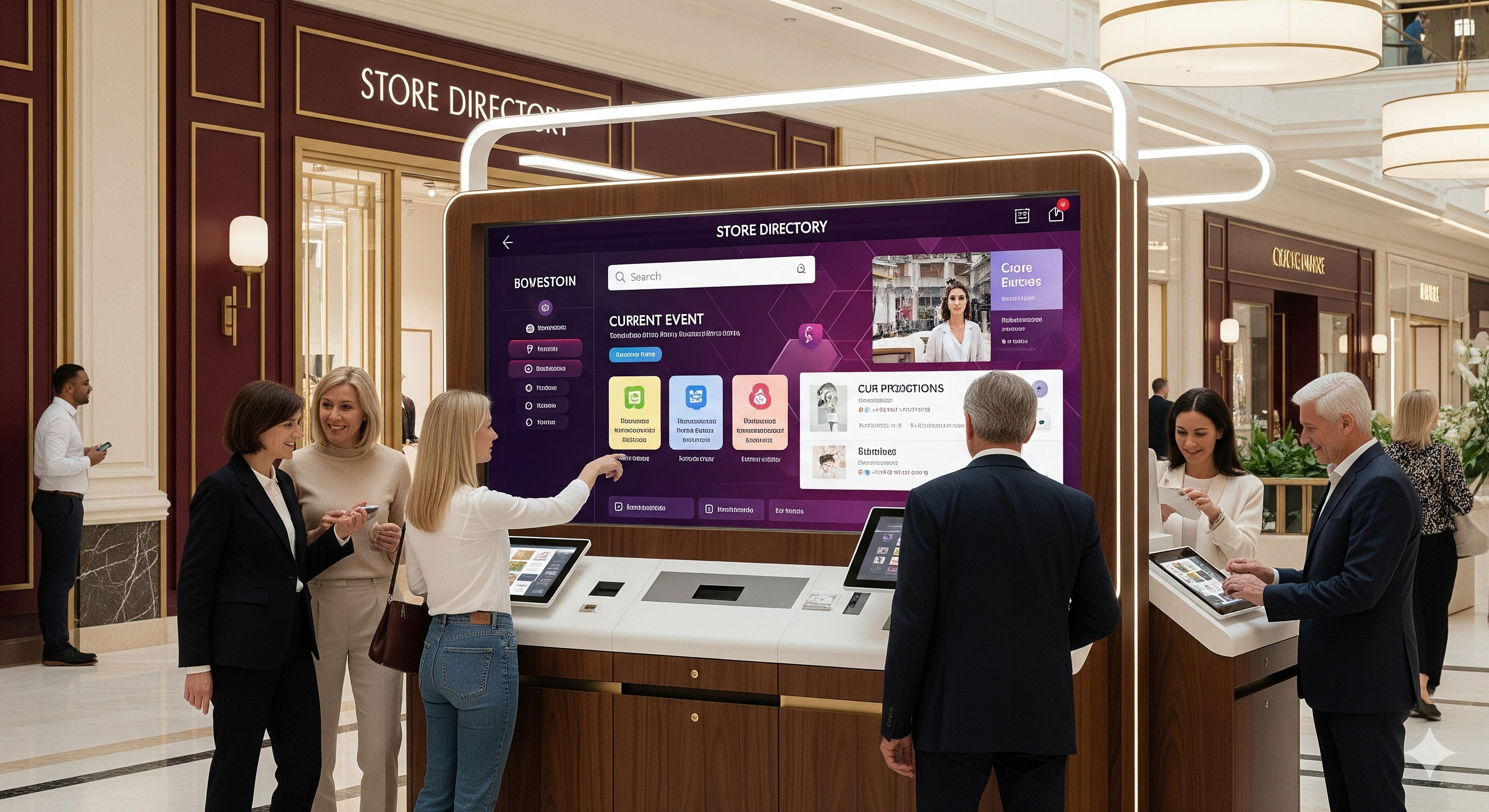
What makes this benefit so powerful? Interactive digital kiosks allow shopping centers to deliver personalized content and track user interactions, ensuring that each customer receives information tailored to their journey.
Let’s look at this: imagine a shopping mall using wayfinding kiosks integrated with internet access and content management systems. A customer can instantly find a restaurant location, upcoming events, or discounts without relying on staff. This seamless user experience ensures customers always have access to the information they need.
Versatile
Interactive digital kiosks are versatile, offering multiple self service options within one unit. They can function as wayfinding kiosks, outdoor kiosks, self check in kiosks, or even interactive product catalogs for retail store promotions. By integrating technology advances like augmented reality or analytics tools, malls can create immersive interactive experiences that deliver personalized content.
But how does versatility enhance operational efficiency? It allows shopping centers to manage digital kiosks remotely, monitor kiosk performance, and adapt content to match customer expectations.
Let’s look at this: imagine a mall deploying touchscreen kiosks at different customer touchpoints. One unit assists customers with wayfinding, while another offers interactive digital content for promotions, and a third enables payment processing or car rental locations. This variety ensures users interact in different ways, making kiosk deployment cost-efficient and impactful.
This flexibility is a key reason how retail digital signage strategy drives in-store marketing success, allowing malls to adapt messaging, promotions, and experiences dynamically across different customer touchpoints.
Cost-Effective
Self service kiosks are cost-effective because they automate processes that traditionally require staff, such as answering common inquiries or handling payment processing. By leveraging hardware components like tablet kiosks or outdoor digital kiosks, malls can achieve cost savings while improving service delivery.
Why does this matter for shopping centers? Automation through digital kiosks reduces labor costs and ensures timely support for customers, leading to improved kiosk performance and long-term efficiency.
Let’s look at this: imagine a mall using digital signage software to manage remote monitoring of multiple kiosks. Instead of employing additional staff for every retail store, the mall can rely on interactive digital kiosks with remote management capabilities. This approach saves money, enhances user satisfaction, and aligns with technology advances that support modern retail environments.
How to Set Up a Shopping Mall Kiosk
To make the most of these digital touchpoints, mall operators need a strategic, step-by-step approach that ensures kiosks are placed effectively, feature the right hardware and software, and provide a seamless user experience, accessibility, and efficient operational management.
Step 1: Choose the Right Shopping Mall Kiosk
Selecting the right kiosk starts with understanding your mall’s size, foot traffic, and target audience. Key features to look for include a responsive touchscreen interface, durable hardware components, internet access for real-time updates, self-service capabilities, accessibility features like screen readers, and remote management options for easy monitoring.
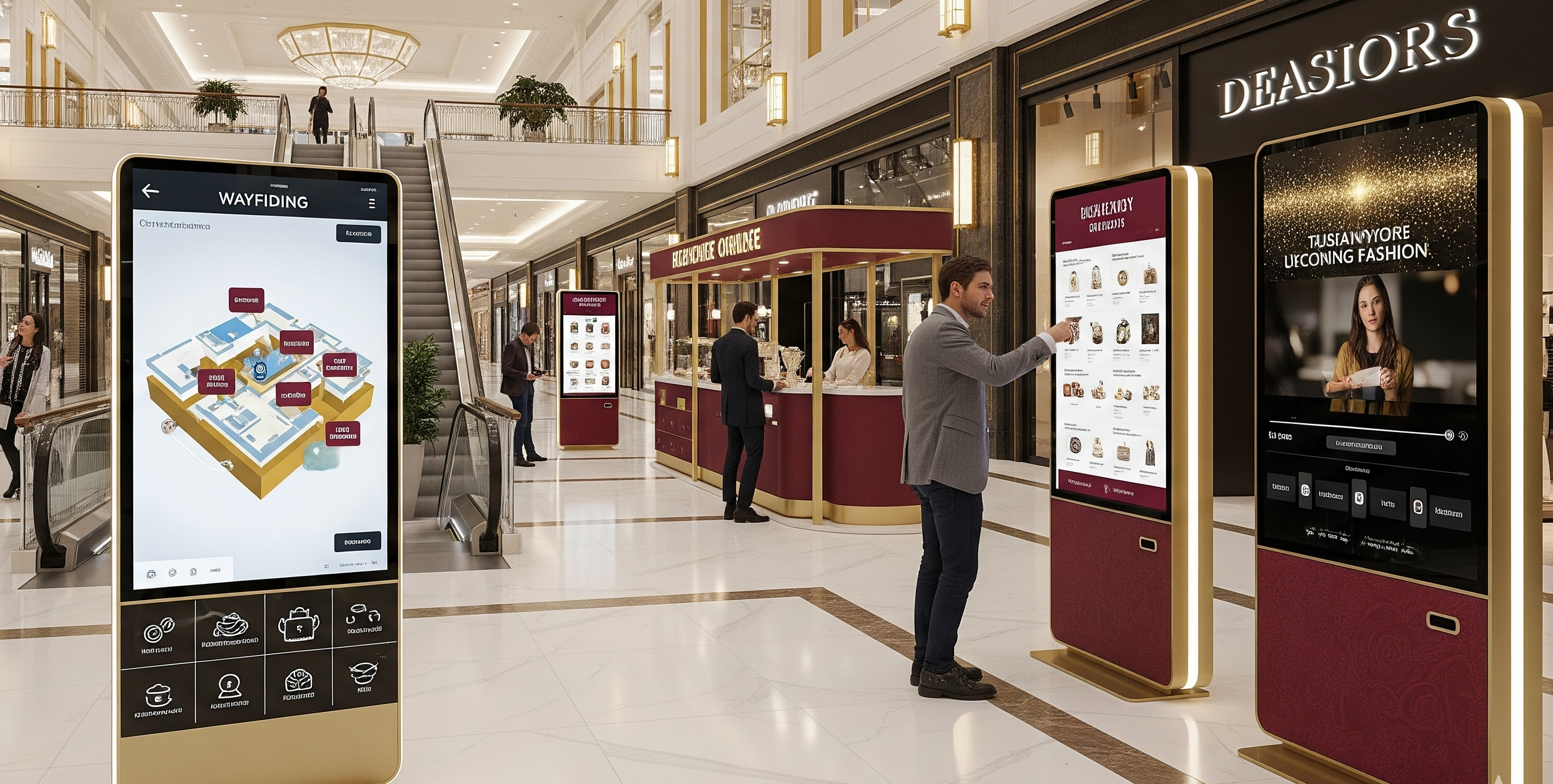
Ask yourself: do you need a wayfinding kiosk, a self-service ordering station, or a digital kiosk for promotions and event displays? Your choice should support multiple functions, integrate seamlessly with existing systems, and allow for interactive content like maps, product catalogs, or customer feedback surveys.
By evaluating these features, you can choose a kiosk that enhances user experience, maximizes audience engagement, and aligns with your mall’s goals.
Step 2: Download and Set Up Retail Digital Signage Software
After selecting your display, download retail digital signage software that supports your hardware. Ensure it can handle interactive content, dynamic promotions, and educational videos for branch visitors. Cloud-based platforms allow banks and credit unions to integrate content management systems, provide real-time data, and deliver personalized experiences across multiple branches.
Step 3: Create an Account in the Kiosk Management App

Sign up for a centralized dashboard to manage multiple kiosks and branches. The platform allows banks to upload promotional content, educational videos, and interactive features efficiently.
You can create your account in just two steps:
- Visit AIScreen.io on your laptop or computer.
- Sign up by entering your name, email, and password. For quick onboarding, sign up with a Google or Facebook account.
Step 4: Connect Your Shopping Mall Kiosk to the Retail Digital Signage Software

Now, after your account is created, connect your digital displays or kiosks using HDMI, Wi-Fi, or Bluetooth through your retail digital signage software to ensure smooth synchronization, real-time updates, and interactive experiences for branch visitors.
Here’s the step-by-step guide to pair your display with the software:
- Log in and click “Add Screen” in the dashboard.
- Enter the 4-digit pairing code displayed on your TV screen.
- Name your screen and choose orientation (horizontal or vertical).
- Click the “Pair” button to complete the setup
Step 5: Design or Customize Your Shopping Mall Kiosk Template

Bring your interactive kiosk to life by uploading digital signage content, such as promotions, financial education videos, or store announcements. With our software, you gain access to over 1,500 premade customized template designs, making it easy to match your brand identity, create personalized experiences, and add interactive features that truly engage customers.
Want to maximize engagement? Use AIScreen.io’s digital signage software to schedule content, synchronize multiple screens, and design dynamic, visually appealing displays. This approach not only enhances the customer experience but also strengthens brand loyalty, ensures consistent messaging across your kiosks, and elevates the in-store or in-branch interaction to a whole new level.
Step 6: Set Up User Interaction Features
This step focuses on creating engaging and interactive user experiences on your digital signage. It’s about making sure every touchpoint captures attention, encourages interaction, and provides meaningful value to your audience. By integrating intuitive design and interactive features, you can turn a simple display into a dynamic experience that keeps users engaged and coming back.
- Design an Interactive Template: Use the AIScreen platform to design your template. This involves choosing from customizable templates or creating a unique layout for your digital menu board or kiosk.
- Incorporate User-Friendly Design: Ensure your design is clean, uncluttered, and uses clear fonts to promote professionalism.
- Add Interactive Elements: Incorporate “easy to tap” buttons and intuitive navigation to make the interaction smooth and professional.
- Tailor Content: Customize content to meet the specific needs of your audience and the display environment to enhance user engagement.
Step 7: Test Functionality and Go Live

This is the final step to ensure everything works as expected before launching your system. It involves carefully checking every feature, verifying content scheduling, and confirming that the interactive elements perform smoothly. By thoroughly testing your setup, you can guarantee a seamless, professional user experience from the moment your kiosks go live.
- Schedule and Preview: Create your content schedule using AIScreen’s scheduling tools and then preview the setup to ensure the content and timing are correct.
- Test Functionality: Thoroughly test all interactive features to ensure they function correctly and provide a seamless experience for the user.
- Go Live: Once you have confirmed that all features are working and the content is set up, you can hit “Go Live” or “Publish” to make your digital signage system active.
- Monitor Performance: Track the performance of your digital signage through analytics to gain insights and refine your campaigns.
What Kind of Content Can You Display on Shopping Mall Kiosk?
Interactive kiosks in shopping malls can display a wide range of content designed to enhance customer experience and improve operational efficiency. From mall directories and product catalogs to promotions, advertisements, and event schedules, digital kiosks serve as versatile communication tools. They can also display customer feedback surveys, healthcare facilities information, or real-time alerts to ensure timely and relevant information reaches visitors.
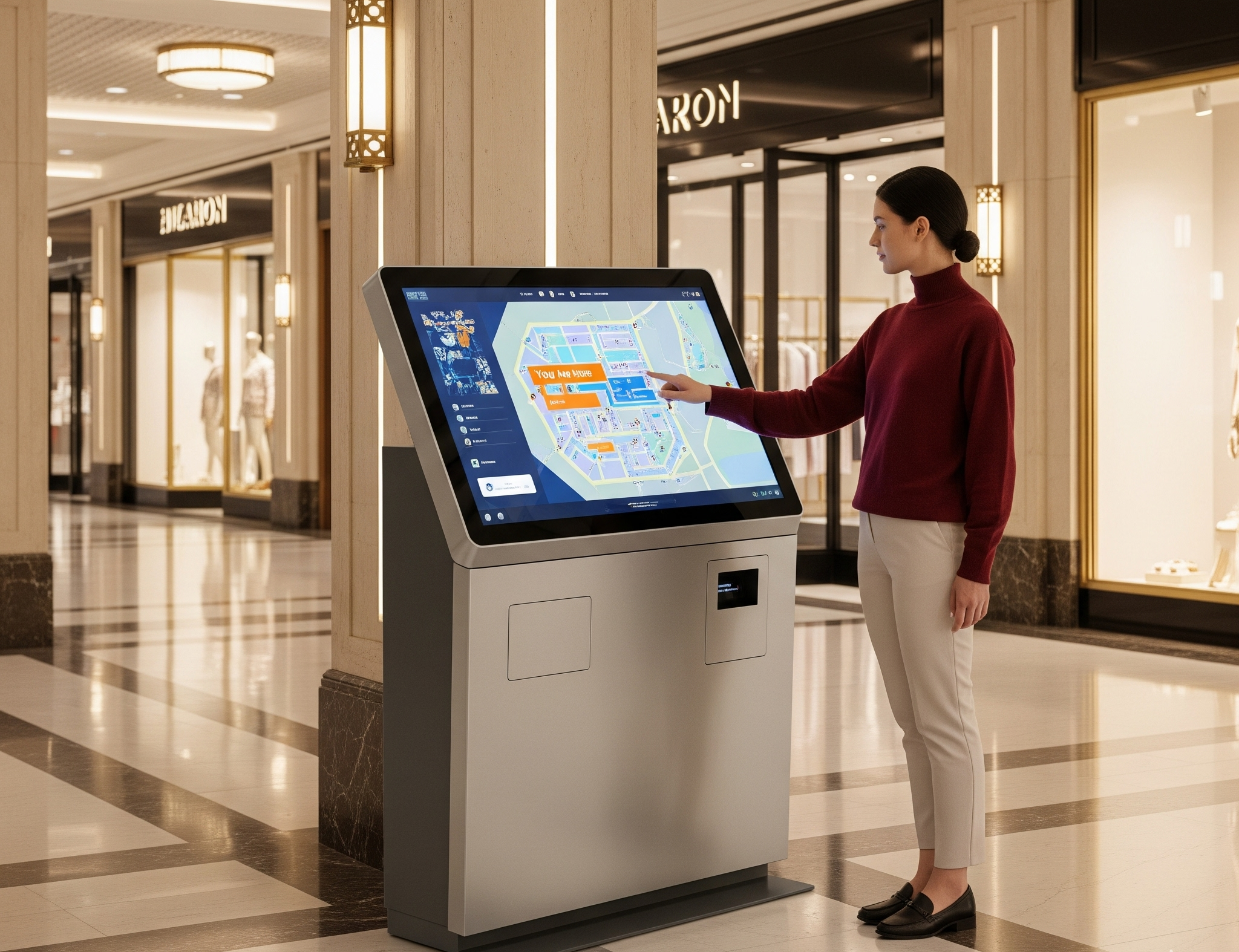
But what makes this type of content so powerful in shopping centers? It’s the ability of interactive digital kiosks and wayfinding kiosks to adapt content for different customer preferences, whether viewed on a large touch screen or synced with mobile devices. By integrating existing systems and content management tools, malls can ensure that users interact with digital kiosks seamlessly and enjoy a consistent user experience across multiple customer touchpoints.
Let’s look at this: imagine a mall deploying wayfinding kiosks that display interactive maps, sales promotions, and digital content for entertainment venues. At the same time, outdoor kiosks can showcase up-to-date event details, while indoor tablet kiosks allow customers to browse interactive product catalogs. This variety of interactive content improves customer satisfaction and helps shopping centers stay relevant in modern retail environments.
Power Your Shopping Mall Kiosk with AIScreen Retail Digital Signage!
AIScreen simplifies managing digital kiosks for malls of any size. Its cloud-based platform allows mall owners to create, update, and schedule interactive content remotely, ensuring seamless kiosk deployment and a smooth user experience.
Designed to integrate with existing systems, AIScreen supports wayfinding kiosks, touch screen kiosks, and tablet kiosks, making content management easy. It helps capture customer feedback, optimize kiosk performance, and deliver timely promotions while reducing operational costs. Whether displaying healthcare directories, interactive maps, or retail promotions, AIScreen powers all kiosks efficiently.


FAQs
What software is best for managing shopping mall kiosks?
Cloud-based digital signage software like AIScreen is best for managing digital kiosks. It allows remote monitoring, content scheduling, and integration with existing systems for better user experience.
Are interactive kiosks suitable for small malls or local shopping centers?
Yes, wayfinding kiosks and touch screen kiosks are highly suitable for small malls. They enhance customer satisfaction, reduce staff workload, and offer cost-effective solutions even in local shopping centers.
Can I integrate maps and navigation tools into kiosks?
Yes, interactive digital kiosks support advanced wayfinding features. These tools help customers find retail stores, healthcare facilities, and amenities while improving user interactions across mobile devices and touch screen kiosks.
Do interactive kiosks support multiple languages?
Yes, most digital kiosks include multilingual support to meet customer expectations. This feature improves user experience by allowing customers to access services in their preferred language.
How secure is the data collected through interactive kiosks?
Data collected through digital kiosks is protected with encryption and secure integrations. Malls can also manage customer feedback safely, ensuring privacy while maintaining kiosk performance and trust.
