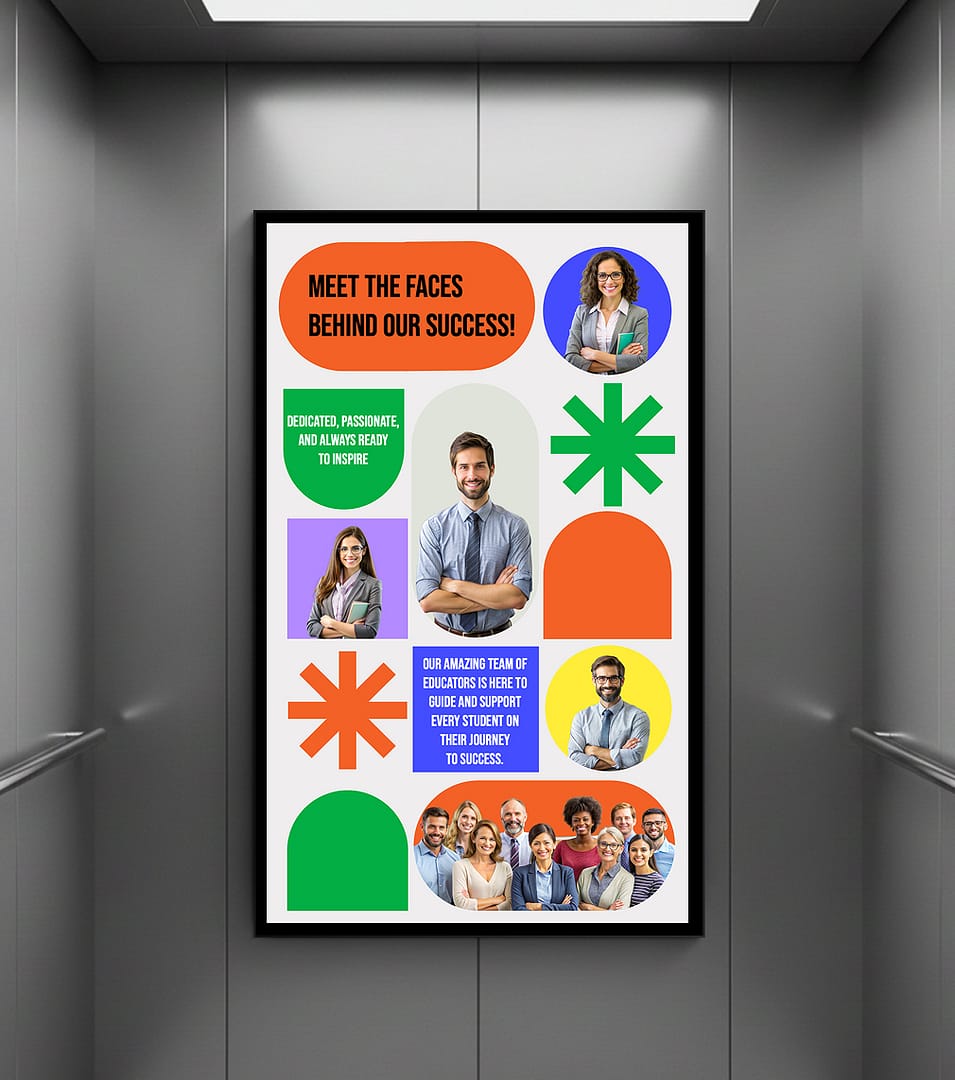
Elevator Digital Signage That Gives Riders Wayfinding, Local Ads, and Building News

Cab and lobby screens for building occupants run on digital signage software from AIScreen.

14-day FREE trial. No credit card required
Elevator digital signage system

Elevator Digital Signage Essentials Built Into the AIScreen Platform

What Comes Built In

In a small cab, elevator digital signage has a captive, high-traffic audience, since every rider faces the screen.

With moving, touch-responsive content managed in cloud digital signage software, a building’s brand gets noticed, riders stay engaged, and notices reach them.

The AIScreen player app runs on Android, Fire TV, ChromeOS, LG webOS, Raspberry Pi, Linux, Windows, and Samsung Tizen.

Two elevator cabs with wall screens showing a floor welcome slide and a lobby welcome slide

Elevator Digital Signage Features That Work Inside the Cab

Two office workers in an elevator cab looking at a wall screen with building news, the weather, and a floor directory

Live, Dynamic Content

Riders notice the screen and remember what it showed when elevator signage from AIScreen runs one layout with news and weather feeds, photos, and video clips.

Woman in an elevator cab tapping a wall-mounted touch screen with a floor list and a map

Interactive Touch Screens

With the Touch Kiosk Module, riders tap the screen to look up a company by floor and get an answer on the spot.

Property manager at a laptop with a web dashboard listing elevator screens by tower and floor with online status

Remote Monitoring and Control

From one web dashboard, without visiting each building, property managers see which elevator screens are online, restart a media player, and push new content to every cab and lobby.

Designer at two monitors editing a vertical building directory slide in a web editor while the same slide plays on an elevator cab screen

Ready-Made Digital Signage Templates

Without hiring a designer, teams take the ready-made directory and announcement digital signage templates in AIScreen Aura and rework them for their tenants and events.

Elevator Digital Signage Is Best Judged Live in an AIScreen Demo

Elevator Digital Signage Goes Live in Four Steps

Step 1.
Schedule and organize line icon

Plan What Riders Should See

Decide who rides your elevators, what they need to know, and which messages matter most before the first screen goes up.

Step 2.
Create content line icon

Build the Visuals in AIScreen Aura

Design slides in AIScreen Aura that match your building’s branding and speak to tenants, adding motion, video, and touch actions where they suit a cab screen.

Step 3.
Screens and media players line icon

Install, Then Watch Remotely

Mount the displays where riders face them inside the cab, above the buttons or beside the door. Then check screen status and playback from the web dashboard and fine-tune the rotation.

Step 4.
Publish and manage remotely line icon

Keep New Content Coming

Schedule new offers, notices, and building updates in the digital signage software so the rotation never goes stale and riders keep looking up.

Elevator Digital Signage Works Best Alongside Directory and Wayfinding Screens

  • Digital Directory Screens

    Lobby directories list tenants by floor and update themselves, so visitors find the right office before they even press the elevator button.

  • Wayfinding Digital Signage

    Wayfinding screens carry riders from the lobby to the right floor with maps, arrows, and live notices that change as the building does.

Elevator Digital Signage Benefits for Owners, Tenants, and Advertisers

Stronger Brand Presence

Elevator signage puts a building’s brand, and its advertisers’ brands, in front of passengers with nowhere else to look, so every ride builds familiarity.

Woman in an elevator cab looking at a portrait screen with a travel brand advertisement

Clearer Building Communication

Targeted messages per tower or floor bank reach the right riders, so maintenance notices, amenity hours, and promotions land where people actually read them.

Hotel guest with a suitcase reading an announcement board on an elevator cab screen with fitness center hours, a rooftop event, and a maintenance notice

Higher Rider Engagement

Touch directories and eye-catching slides invite riders to interact rather than stare at the doors, which makes the trip memorable.

Visitor tapping a touch screen directory beside the floor buttons inside an office tower elevator

Lower-Cost Advertising Space

Compared with printed posters or outdoor boards, elevator signage updates without a print run and reaches riders on busy floors every day.

Portrait screen between two elevator doors in a residential lobby playing a coffee shop advertisement while a resident waits

Elevator Digital Signage Hardware and Design Tools From AIScreen

AIScreen Stick Player, an HDMI media player for elevator screens

AIScreen Stick Player

The AIScreen Stick Player plugs into the HDMI port of a cab or lobby screen, keeps playing offline, and pulls its content from the building’s shared web dashboard.

Laptop on a grey backdrop showing the AIScreen Aura editor with a building directory slide

AIScreen Aura Design Editor

AIScreen Aura is the drag-and-drop editor where your team lays out elevator slides in zones, drops in media and live data, and saves them for every cab.

Elevator Digital Signage Questions? Reach Out to the AIScreen Team

Elevator Digital Signage FAQs

What is elevator digital signage?
Elevator digital signage is a set of compact screens in cabs and elevator lobbies that show building news, tenant notices, wayfinding, and local ads to riders, all managed from one cloud dashboard.
Why put screens in elevators?
Screens in elevators pay off because riders have nothing else to look at, so a blank cab wall turns into a channel for tenant news, and sold ad slots can help cover the cost.
What content works best in an elevator?
Content that works best in an elevator is short and glanceable: building announcements, amenity hours, weather and news feeds, tenant messages, and rotating local advertising.
Can content be targeted by building or tower?
Content can be targeted by building or tower, since screens are grouped by tower, floor bank, or location in the AIScreen dashboard and each group gets its own schedule.
Do elevator screens need special hardware?
Elevator screens need no special hardware. A commercial display sized for the cab plus an HDMI media player such as the AIScreen Stick Player is enough, and the player app also runs on supported smart screens.
Can building managers sell elevator ad space?
Building managers can sell elevator ad space through the AIScreen DOOH advertising module, which books ad campaigns, sets impression targets per campaign, and reports proof-of-play while resident messaging keeps its place in the rotation.
Where are elevator screens used?
Elevator screens are used in residential towers, office buildings, hotels, hospitals, and mixed-use properties. Any building where people ride between floors several times a day is a fit.
How are updates pushed to elevator screens?
Updates are pushed to elevator screens from the AIScreen web dashboard, so a notice changes in every cab at once without anyone visiting each elevator.