
7 Best Digital Signage Software Companies for University Campuses
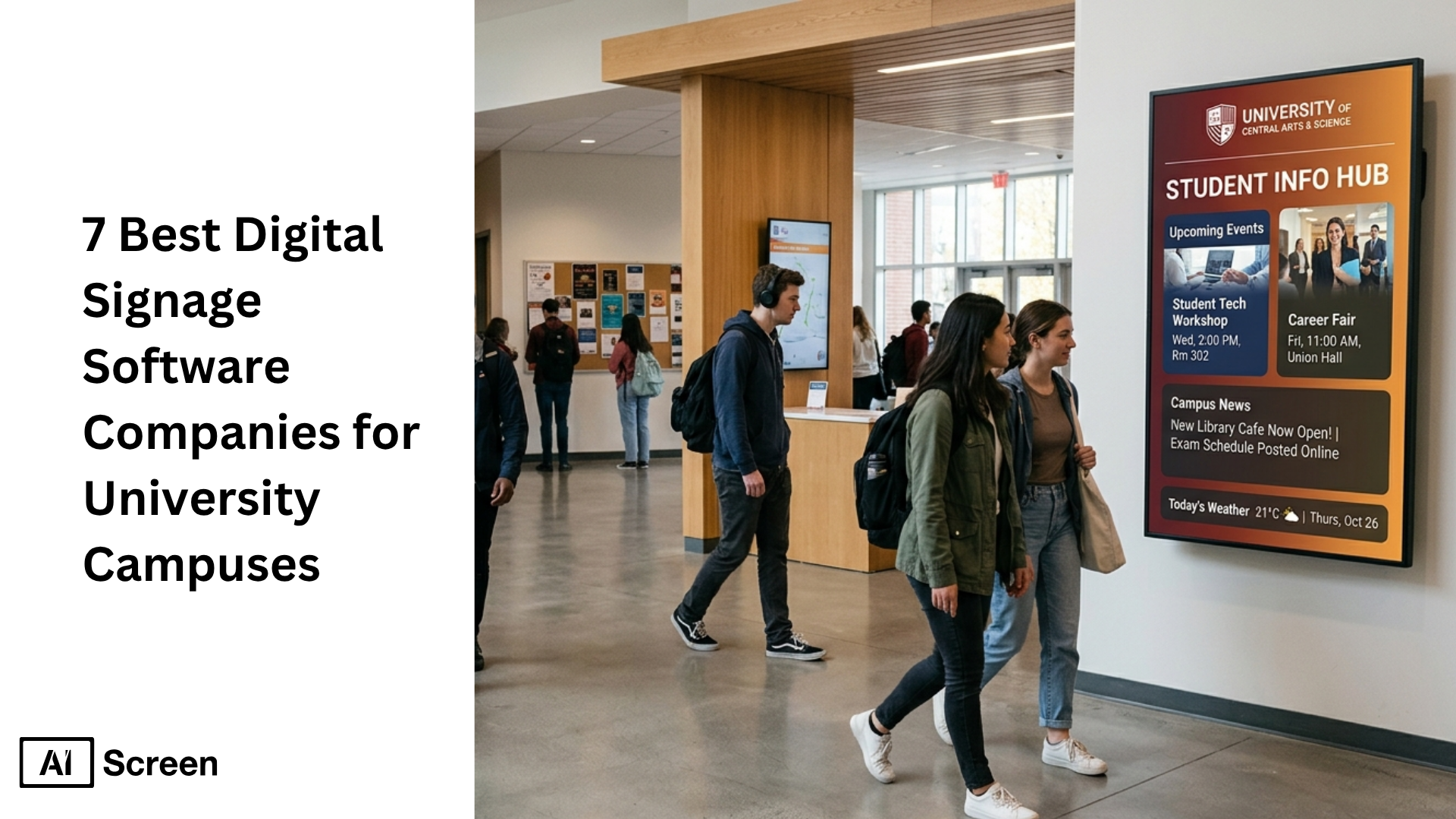
Best digital signage software companies for university campuses is a topic that matters more as colleges look for better ways to keep students informed, improve internal communications, and manage content with the right digital signage software. The shift is happening at scale too: Grand View Research says the global digital signage market was valued at $26.76 billion in 2023, and Research and Markets reports the education digital signage market is expected to keep growing as schools invest in smarter campus communication tools.
In this article, you will learn which providers stand out for higher education, how each digital signage software platform supports campus needs, and what core features to compare before choosing a digital signage solution. You will also see which tools are better for emergency alerts, wayfinding, digital menu boards, content management, and scalable digital signage deployment across university campuses.
What Are 7 Ways to Transform University Communications and Student Experience?
7 ways to transform university communications and student experience start with using digital sign software to deliver the right message on the right screens at the right time. For higher education and other educational institutions, the best digital signage software companies for university use can turn a basic display into a full digital sign solution for internal communications, wayfinding, emergency alerts, digital menu boards, and real time updates across multiple screens.
The wider market is also growing fast, with Grand View Research estimating the global digital signage market at $31.09 billion in 2025, showing how quickly organizations are investing in cloud based digital signage, digital signage players, and scalable tools.
1. Deliver Targeted, Location-Based Campus Messaging
Deliver targeted, location-based campus messaging to help universities push relevant content to different locations instead of showing the same content everywhere. With a cloud based system, teams can manage content, schedule content, and update content in just a few clicks across one screen or an unlimited number of screens.
- Academic buildings can show class changes, events, faculty updates, and other content.
- Dining halls can run digital menu boards, menu boards, weather forecasts, and media files.
- Dorms, libraries, and shared spaces can display signage content that keeps students informed.
2. Enhance Student Engagement and Self-Expression
Enhancing student engagement and self-expression turns digital signs into a platform for student voice, not just announcements. A strong content management system with customizable templates, built in apps, google slides support, and easy content creation makes it incredibly easy for multiple users to publish digital content that feels personal and current. Campuses can even set up a financial literacy lab signage display to teach students practical money skills alongside everyday campus updates.
- Students can share projects, club promotions, achievements, and campus events.
- Departments can use signage software to highlight creative work and build campus pride.
- This kind of display content makes digital signage functionality feel more human and engaging.
3. Support Real-Time Safety Alerts and Emergency Communication
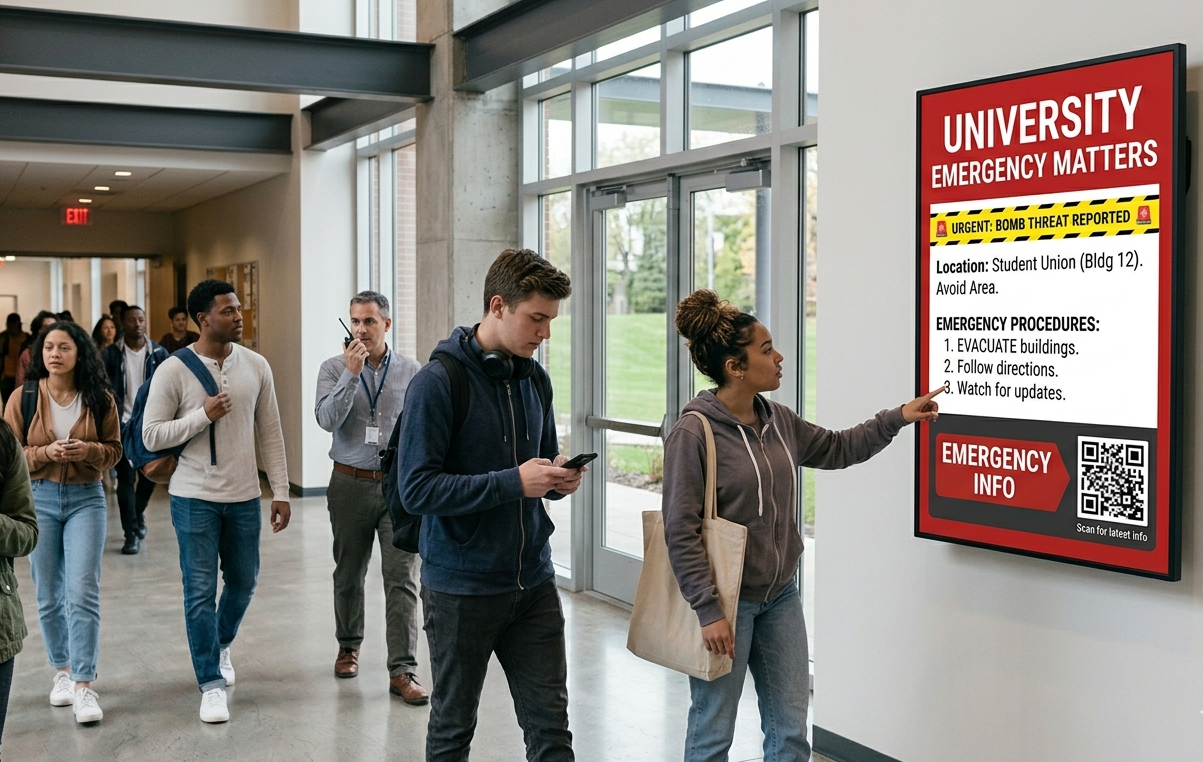
Supporting real-time safety alerts and emergency communication gives universities a faster way to respond when timing matters most. A connected digital signage network can send emergency alerts, evacuation notices, and safety instructions across screens, hardware devices, and multiple screens without relying only on inboxes or phone notifications.
- Real time updates help students, staff, and visitors react faster.
- Screens in different locations can display the right message instantly.
- Digital signage also supports everyday safety messaging, not only emergencies.
Intel has reported that digital signage can capture more than 400% more views than static signs, which helps explain why urgent campus messages are easier to notice on digital displays.
4. Unify Campus-Wide Communications and Content Management
Unify campus-wide communications and content management solves one of the biggest university problems: disconnected messaging across departments. The best digital signage software combines a strong digital signage CMS, user permissions, screen grouping, detailed reporting, and core features that help departments work from one place.
Many of the same platforms compared among the best digital signage software companies for libraryenvironments also work well for campus-wide communication because they support flexible content management across different departments and locations.
- Multiple users can publish while keeping brand control in place.
- A cloud based digital signage setup makes digital signage deployment more hassle free.
- Teams can manage content across a full digital signage network from one dashboard.
5. Improve Wayfinding, Accessibility, and Visitor Experience
Improving wayfinding, accessibility, and visitor experience makes a large campus feel easier to navigate for students, parents, guests, and potential customers. With interactive digital signs, maps, and real time updates, universities can improve the customer experience across educational institutions and reduce confusion in busy shared spaces.
- Visitors can find buildings, events, offices, and services faster.
- Students can check shuttle details, room changes, and campus directions on display screens.
- Accessible digital signage hardware and digital signage app tools support a smoother first impression.
6. Increase Engagement with Dynamic, Interactive Real-Time Content
Increase engagement with dynamic, interactive real-time content moves campus communication beyond static posters and a USB drive approach. Modern signage software can combine media players, media files, built-in apps, Google Slides, live feeds, QR codes, and other content to create digital signage content that feels timely and useful.
- Universities can showcase events, achievements, and live updates in one place.
- Interactive display content helps students act immediately instead of scrolling past.
- The right digital signage deployment can boost sales in campus stores and improve engagement in internal communications.
Digital Signage Today has found that digital displays can reduce perceived wait time by 35%, which is especially useful in student service areas, dining spaces, and visitor queues.
7. Strengthen Student-Alumni Connections and Campus Belonging
Strengthening student-alumni connections and campus belonging helps universities turn everyday moments into lasting memories. When signage content celebrates achievements, school spirit, and campus stories, digital signage becomes a game changer for belonging, customer satisfaction, and long-term alumni connection.
- Schools can highlight student success, athletics, research, and alumni stories.
- Rich digital content across screens helps build a stronger emotional connection.
- A scalable digital signage solution supports one campus or different locations with the same system.


What Are the Best Digital Signage Software Companies for University Campuses?
The best digital signage software companies for university campuses combine easy setup, cloud based digital signage, strong content management, flexible digital signage hardware support, and the ability to manage content across multiple screens and different locations.
For higher education, the best providers usually offer cloud digital signage software that supports internal communications, emergency alerts, digital menu boards, and campus-wide updates.
AIScreen
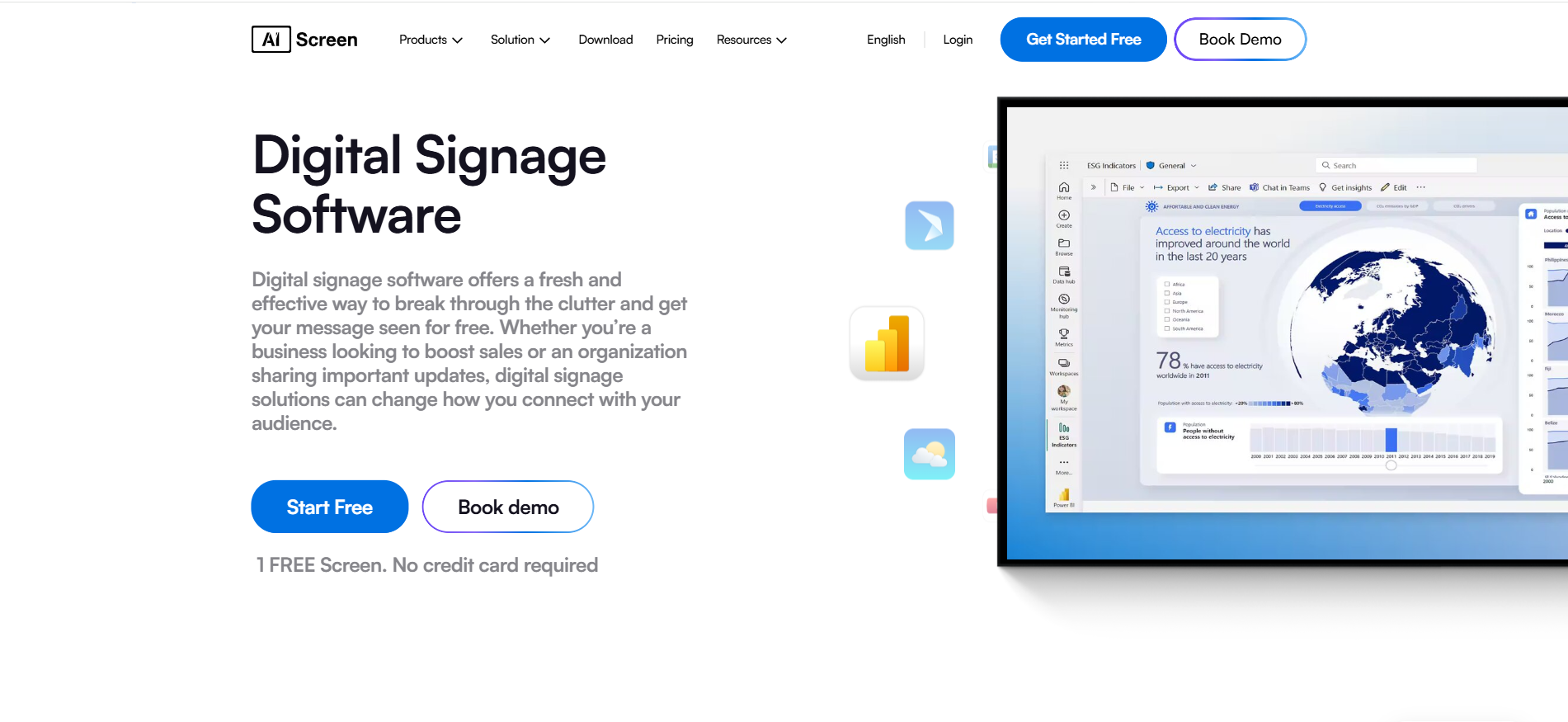
AIScreen is the best cloud based digital signage software built for universities that need a flexible digital signage solution across one screen or a full digital signage network. It helps teams manage content, schedule content, update content in real time, and keep students informed across shared spaces, academic buildings, dining areas, and internal communications screens.
AIScreen digital signage platform works well for educational institutions because it combines easy setup, scalable tools, a content management system, user permissions, screen grouping, detailed reporting, and built in apps in one platform. It is a strong fit for multiple users who need to publish relevant content in just a few clicks across multiple screens and hardware devices.
Templates
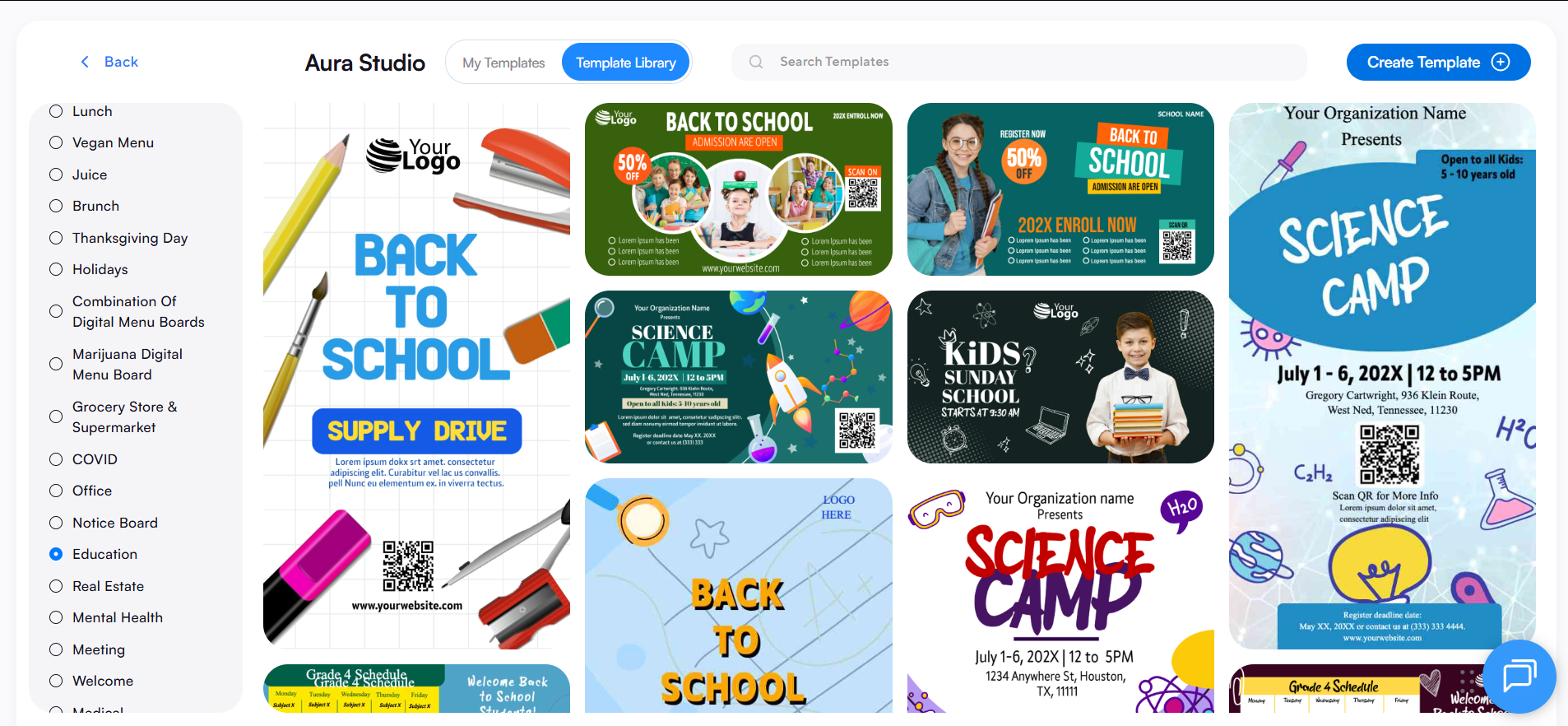
- 1500+ customizable templates for campus announcements
- templates for digital menu boards and menu boards
- layouts for internal communications
- create campus announcements, event promotions, and menu boards with a built-in template designer
- templates for one screen or multiple screens
Apps
- Google Slides integration
- digital signage app options for live updates
- weather forecasts
- media files and playlist support
- built in apps for dynamic display content
Features
- cloud based system
- real time updates
- content creation and content management
- user permissions and screen grouping
- scalable digital signage deployment
- support for digital signage players and digital signage hardware
- easy way to manage content across different locations
Xibo
Xibo is a flexible digital signage software platform known for its open-source CMS and cloud hosting options. It supports digital signage deployment across digital signs, media players, and multiple screens, making it useful for universities that want control, scalability, and a customizable content management system.
- Software: open-source or cloud hosted signage software
- Features: dynamic layouts, scheduling, publishing, team management, monitoring
- Key verticals: education, retail, hospitality, workplace
SpinetiX
SpinetiX is an end-to-end digital signage solution that combines media players, player control, cloud based system tools, and content creation software. For university campuses, it offers a reliable setup for managing digital content, signage content, and automated display content across a growing digital signage network.
- Software: ARYA cloud CMS and HUB player management
- Features: plug-and-play setup, automation, enterprise-grade security, scalable tools
- Key verticals: education, corporate, hospitality, government, manufacturing
Omnivex Corporation
Omnivex Corporation is built for organizations that need targeted messaging across many screens and hardware devices. Its platform helps universities collect, organize, and display content across a digital signage network for schedules, dashboards, menu boards, wayfinding, and emergency alerts.
- Software: enterprise digital signage software for network-wide communication
- Features: remote monitoring, player management, content scheduling, bandwidth optimization, real time data
- Key verticals: education, airports, healthcare, hospitality, government, retail, banking
NoviSign
NoviSign is a cloud based digital signage platform designed to make content creation and screen management incredibly easy. It is a strong option for higher education campuses that need interactive screens, wayfinding, digital menu boards, and real time updates with support for many operating system and hardware choices.
- Software: cloud based digital signage software with intuitive Studio editor
- Features: 400 customizable templates, 50+ widgets, analytics, offline playback, user permissions, AI tools
- Key verticals: education, restaurants, internal communications, healthcare, transportation, hospitality
Mandoe
Mandoe is a user-friendly digital signage software platform that focuses on fast content creation and visually strong digital content. Its AI-powered Magic Create tool helps universities and small businesses create signage content quickly, which is useful when teams need hassle free updates across campus screens.
- Software: cloud based digital signage software with AI-assisted design
- Features: Magic Create, Shutterstock access, drag-and-drop editing, templates, real time updates
- Key verticals: education, restaurant, retail, fitness, corporate HR, medical and health
Mvix
Mvix is a cloud based content management system that is positioned as a scalable digital signage solution for everything from one screen to larger interactive deployments. It works well for campuses that need advanced scheduling, multi-role access, and detailed reporting across multiple screens and different locations.
- Software: cloud based CMS with perpetual license model
- Features: advanced scheduling, smart playlists, detailed reporting, multi-role user controls, real time monitoring
- Key verticals: education, corporate offices, healthcare, manufacturing, airports, government
How Does University Digital Signage Software Compare Across Top Providers?
Compare university digital signage software across top providers by focusing on what matters most for higher education: ease of deployment, support for multiple screens, content management system depth, emergency alerts, interactive digital signage functionality, and flexibility with hardware and media players.
The main difference is that some platforms focus on simplicity, some on enterprise control, and others on hardware-plus-software ecosystems for a more managed digital signage solution. Based on the provider notes in your document.
| Provider | Best fit for universities | Main strength | Best use on campus | Watch-out |
|---|---|---|---|---|
| AIScreen | Campuses needing a flexible all-in-one digital signage software | Easy content management, real time updates, screen grouping, built in apps | internal communications, digital menu boards, events, shared spaces | best results come with a clear content strategy |
| Xibo | Universities wanting control and customization | Open-source flexibility and broad player support | multi-building digital signage network, custom deployments | may need more technical involvement |
| SpinetiX | Campuses preferring a premium hardware-software setup | End-to-end ecosystem with strong reliability | administrative screens, branded campus display systems | can feel more infrastructure-focused |
| Omnivex Corporation | Large universities with complex data and messaging needs | Targeted real-time information and strong network control | dashboards, schedules, emergency alerts, wayfinding | better suited to larger operational teams |
| NoviSign | Universities that want quick setup and interactive tools | User-friendly platform with templates, widgets, and automation | kiosks, wayfinding, digital signs, student-facing screens | advanced use may depend on add-ons and planning |
| Mandoe | Teams that want fast content creation with less design effort | AI-powered design and quick updates | promotions, student campaigns, café and menu boards | less enterprise-focused than some rivals |
| Mvix | Campuses that want structured control and reporting | Detailed reporting, advanced scheduling, multi-role access | directories, lobbies, admin screens, multi-location display content | license model may differ from subscription expectations |
Why Is AIScreen a Smart Choice for University Digital Signage?
AIScreen is a smart choice for university digital signage because it brings everything into one simple digital signage software platform. It helps campuses manage content across multiple screens, share real time updates, improve internal communications, and keep students informed with relevant content in just a few clicks.
As the leading provider, AIScreen gives higher education teams an easy way to handle digital signage deployment, digital menu boards, emergency alerts, wayfinding, and everyday display content from one cloud based system. For universities that want a flexible, scalable, and easy-to-use digital signage solution, AIScreen stands out as the best digital signage software choice. Contact us.
FAQs
How much does university digital signage software usually cost?
University digital signage software usually costs anywhere from a low monthly fee per screen to custom enterprise pricing, depending on the number of screens, core features, digital signage players, and support needs. Campuses with multiple users, advanced content management, and large digital signage network plans usually pay more than schools running one screen or a small deployment.
Can university digital signage work with existing screens and hardware?
Yes, university digital signage can work with existing screens and hardware in many cases, as long as the display, operating system, and media players are compatible with the signage software. Many universities start with current hardware devices and then expand with brightsign players, cloud based digital signage tools, or other digital signage hardware when needed.
Which university departments benefit the most from digital signage software?
University departments benefit the most from digital signage software when they need to share timely, visible, and relevant content with students, staff, and visitors. Admissions, dining, student affairs, libraries, campus security, athletics, and internal communications teams often see the biggest value because they manage events, emergency alerts, menu boards, and campus-wide updates.
Is digital signage software difficult for university teams to use?
No, digital signage software is not difficult for university teams to use when the platform offers easy setup, customizable templates, built in apps, and a simple content management system. The best digital signage software lets multiple users manage content, schedule content, and update content in just a few clicks without relying heavily on a development team.
What kind of content works best on university digital signs?
University digital signs work best with content that is timely, clear, and useful in the place where it appears. Class reminders, event promotions, emergency alerts, wayfinding, weather forecasts, digital menu boards, student recognition, google slides presentations, and other content with real time updates usually perform better than long static messages.
