
How To Set Up Digital Signage for Salons
Getting started with digital signage software for salons means transforming a traditional salon space into a modern, engaging, and revenue-driven environment using digital displays and smart content strategies. Replacing static posters with salon digital signage improves customer experience, increases product sales, and streamlines communication across different locations. According to Harvard Business Review, digital menu boards can increase average order value by 15% and reduce order processing time by 20%, making digital signage a powerful business tool for salon owners.
In this blog, we’ll explore the key benefits of salon digital signage, share creative content ideas, and guide you through setting up a signage strategy, even if you have no technical background. According to Harvard Business Review, digital menu boards can increase average order value by 15% and reduce order processing time by 20%, helping you grow revenue while improving efficiency.
What Are the Benefits of Digital Signage for Salons in the Beauty Industry?
Digital signage can benefit your salon by streamlining your operations, attracting more customers, and enhancing client satisfaction, all while presenting a polished, modern look. In the competitive beauty industry, staying relevant requires more than good service. Digital signage software offers a powerful advantage by delivering dynamic content that grabs attention, educates customers, and promotes offers in real-time.
Key benefits of salon digital signage:
- Engage clients with rotating content, tips, and service spotlights
- Promote services and flash sales with vibrant visuals
- Enhance customer experience through infotainment in waiting areas
- Streamline operations with auto-updated schedules and announcements
- Improve customer loyalty by highlighting reviews and rewards
Enhancing Client Experiences with Digital Signage
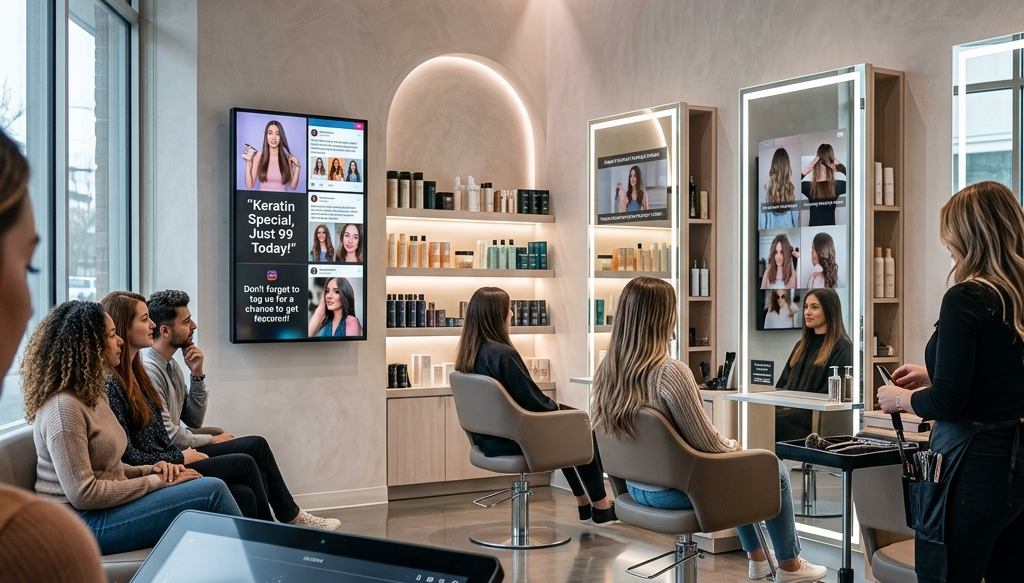
Enhancing client experiences with digital signage means using real-time, personalized content to keep clients engaged across multiple screens. Digital signage platforms allows salons to display beauty tips, social media feeds, and service highlights in a continuous loop that improves the salon experience.
This approach keeps clients engaged while reinforcing brand identity through visuals and messaging. At styling stations or the waiting area, clients interact with content like tutorials, trending treatments, or past work examples, which builds trust and improves perceived wait time.
Ideas to engage clients:
- Display social media feeds with your latest posts and hashtags
- Highlight services like “Keratin Special, Just 99 Today!”
- Rotate beauty tips like “Why you should avoid sulfates in shampoo.”
- Promote customer loyalty with reward point countdowns
Display lines you can use:
- “Want stronger hair? Ask about our protein spa!”
- “Don’t forget to tag us for a chance to get featured!”
- “Relax while we prep your glow-up!”
Offering Personalized Content for Customers
Offering personalized content through salon digital signage allows businesses to promote services, seasonal offers, and bundles instantly. Unlike traditional signage, digital displays allow salon owners to update different promotions across multiple locations in seconds.
This flexibility supports seasonal campaigns, promotes new services, and helps salons attract more customers by highlighting relevant offers. Personalized messaging also improves the customer experience by showing content tailored to audience needs and preferences.
Promo content examples:
- “Monsoon Hair Care Combo – Flat 20% off this week”
- “Bridal Package Preview, at 499 + Free Trial Consultation”
- “Book 3 hair spas, get 1 free. Loyalty has rewards!”
Display lines you can use:
- “Today Only: Haircut + Head Massage for the price of a haircut!”
- “Pre-wedding glow starts here – Ask at reception”
- “Swipe right on savings – Deals you’ll love!”
Improving Internal and External Communication
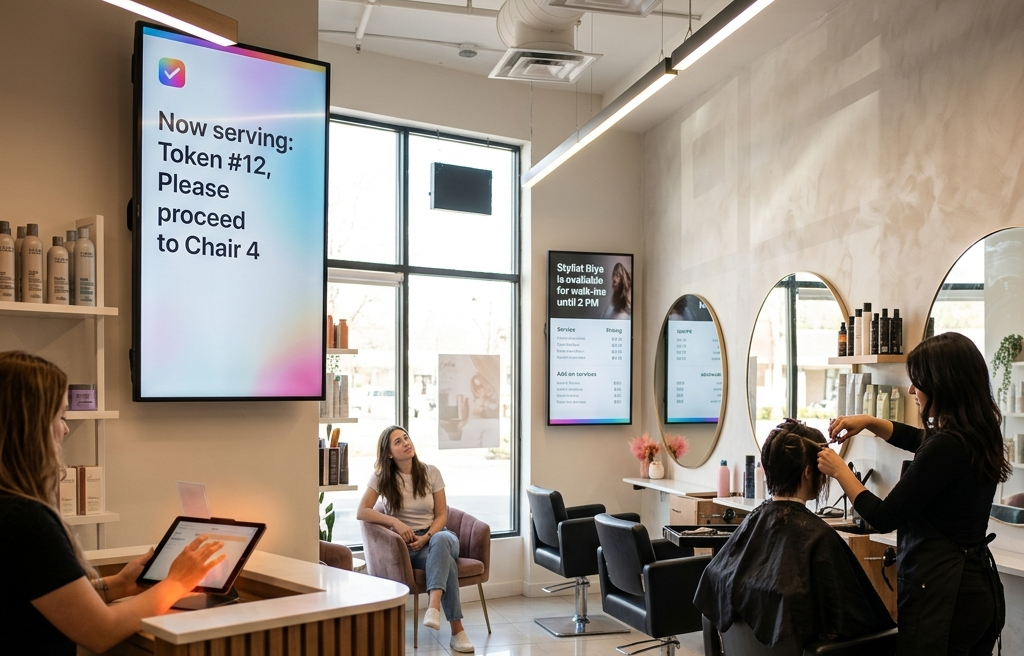
Improving communication with digital signage means automating updates across screens using cloud-based systems like a cloud digital signage software. This ensures consistent messaging across different locations without manual effort.
Salons can use digital signage to display queue updates, stylist availability, pricing changes, and service menus at the front desk or across the salon. This reduces human error, improves workflow, and keeps both staff and customers informed in real time.
How it helps:
- Display pricing updates across all screens instantly
- Schedule content like queue management or stylist availability
- Streamline operations by syncing to booking platforms
- Avoid human error in communicating wait times or service changes
Display lines you can use:
- “Now serving: Token #12, Please proceed to Chair 4.”
- “Stylist Riya is available for walk-ins until 2 PM.”
- “Updated Menu, New Add-on Services Just Launched!”
Creating More Sales Opportunities
Creating more sales opportunities with digital signage solution involves using engaging content to reduce perceived wait times and promote services effectively. According to DigitalSignagePulse (2023), visual content can reduce perceived waiting times by up to 35%.
Salons can use digital signage screens to showcase retail products, tutorials, and limited-time promotions, turning idle time into revenue opportunities. This strategy helps cross sell treatments, highlight add-ons, and improve overall business performance.
What to display:
- Short tutorial clips: “How to make curls last longer”
- Product highlights with motion graphics
- Motivational quotes like “You’re never fully dressed without good hair”
Display lines you can use:
- “Your transformation is moments away – Enjoy the wait!”
- “Need volume? Watch our top stylist’s favorite root-lift tip.”
- “Get inspired: Watch 30-second makeovers happening now!”
What Features Matter of Digital Signage for Salons?
The features that matter in digital signage for salons include visual quality, easy updates, automated scheduling, flexible layouts, and reliable offline performance, all designed to support a premium brand aesthetic and fast-paced salon operations.
1. Visual Quality
Visual quality matters because hair salon digital signage relies heavily on aesthetics to attract new clients and maintain a strong brand connection. Salons need polished, high-resolution displays that elevate their brand aesthetic and showcase treatments, service menus, and retail products clearly. AIScreen supports 4K@60fps output, ensuring ultra-high-definition clarity with smooth playback and pixel-perfect rendering.
It works seamlessly with professional-grade hardware, delivering better color accuracy than standard TVs. This is especially important for showcasing a full service menu, before-and-after transformations, and rotating gallery content that builds trust and drives engagement at styling stations or the front desk.
2. Easy & Instant Updates
Easy updates matter because salon teams need to change pricing, special offers, or seasonal promotions instantly without interrupting operations. AIScreen simplifies this with an intuitive drag-and-drop interface that requires no technical expertise. You can update different content, such as loyalty programs, end dates for offers, or QR code-based promotions, and push them live in seconds.
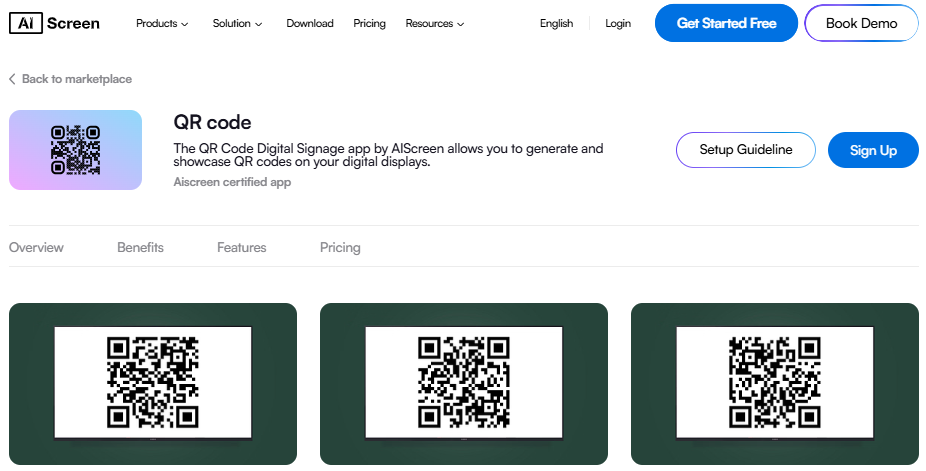
With access to a powerful template designer, salon owners can create visually appealing layouts quickly using pre-built templates, ensuring consistent branding across nail bars, waiting areas, and multiple locations. This flexibility helps salons use digital signage effectively to keep clients engaged and informed.
3. Automated Scheduling
Automated scheduling matters because salons run different promotions based on time, audience, and demand. Our software enables automated digital signage, allowing you to schedule seasonal promotions, weekday discounts, or weekend premium pricing without manual effort.
Its rule-based scheduling system ensures the right content appears at the right time, whether it’s promoting retail products in the morning or highlighting special offers during peak hours. This automation helps streamline operations, improve customer experience, and ensure your messaging stays relevant across different locations.
4. Multi-Zone Layouts
Multi-zone layouts matter because salons need to display multiple types of content on a single screen. AIScreen allows you to create custom layouts where one section shows service menus, another highlights retail products, and a smaller section streams social media feeds.
This flexibility supports area entertainment in waiting areas and enhances the overall salon experience. Social integrations for Instagram, Facebook, and TikTok allow salons to display live content, helping attract new clients and strengthen brand connection through real-time engagement.
5. Local Caching & Offline Playback
Local caching matters because salon internet is often shared with clients, which can affect performance. AIScreen ensures uninterrupted playback through offline support, where content is stored directly on the device instead of relying on constant streaming.
With built-in storage (up to 32GB), screens continue running smoothly even during network interruptions. This is especially critical for maintaining a professional image, ensuring that full service menu displays, promotions, and entertainment content continue without disruption, regardless of connectivity issues.
6. Live Data Integration for Real-Time Content
Live data capabilities matter because salons can enhance engagement by displaying dynamic, real-time updates. With live data digital signage, AIScreen allows you to integrate content like appointment availability, promotional countdowns, or QR code-based offers directly into your screens.
This keeps your content fresh, improves client interaction, and helps convert a captive audience into paying customers while reinforcing a modern, tech-driven brand image. Overall, AIScreen provides all the essential features required for modern signage for salons, combining performance, flexibility, and dedicated support to help salon owners create impactful, scalable digital experiences.
What Are the Top Ideas for Digital Signage for Salons?
The top ideas for digital signage for salons focus on using engaging, high-quality content to boost customer experience, increase product sales, and strengthen brand presence through hair salon digital signage. In most salons, digital displays are not just for promotions—they act as a full content system that educates, entertains, and converts a captive audience into loyal customers.
1. Share Useful Information
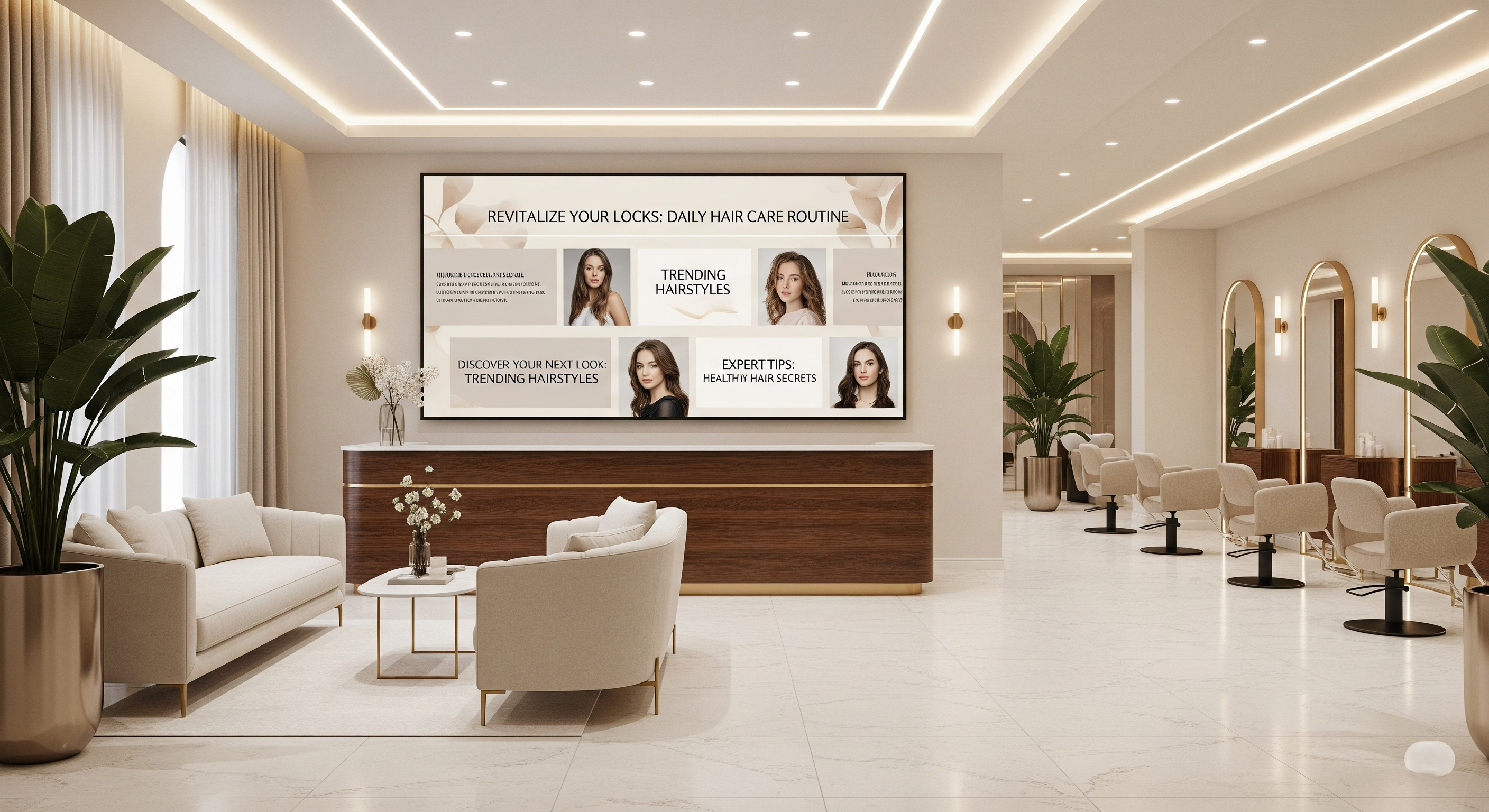
Sharing useful information positions your salon as an expert in the beauty industry while keeping clients engaged during wait times. Educational content builds trust and helps new clients understand treatments, products, and best practices.
Content examples:
“Don’t wash hair for 72 hrs after coloring. Here’s why”
“Top 3 post-facial skincare mistakes to avoid”
“How to layer your haircare products the right way”
Display lines you can use:
“Today’s Tip: Use cold water to lock in shine!”
“Product of the Week: Volumizing Mist, $5 Off Now”
“Get more from your conditioner, Here’s how…”
2. Celebrate Your Customers and Staff
Celebrating customers and staff creates emotional connection and builds a stronger brand identity. Featuring your team and clients makes your salon feel more personal and trustworthy, which is essential in most salons.
What to display:
“Before/After: Monika’s New Look, Total Hair Transformation”
“Stylist of the Month: Meet Shiv, Curly Hair Expert”
Display lines you can use:
“Feeling like a queen after your makeover? Tag us @ABC”
“Our Team Creates Magic, Book Yours Today!”
“Loyal customers, loyal rewards, Ask us how to join!”
3. Showcase Your Social Media Feed
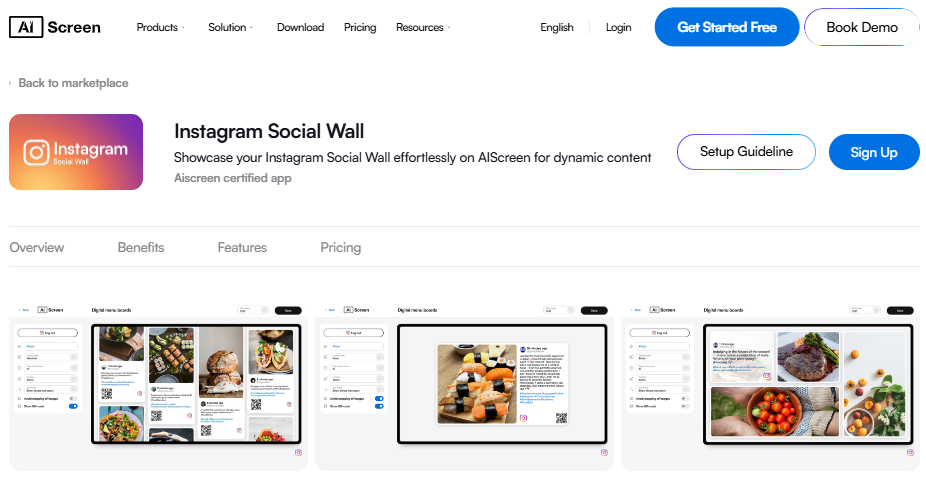
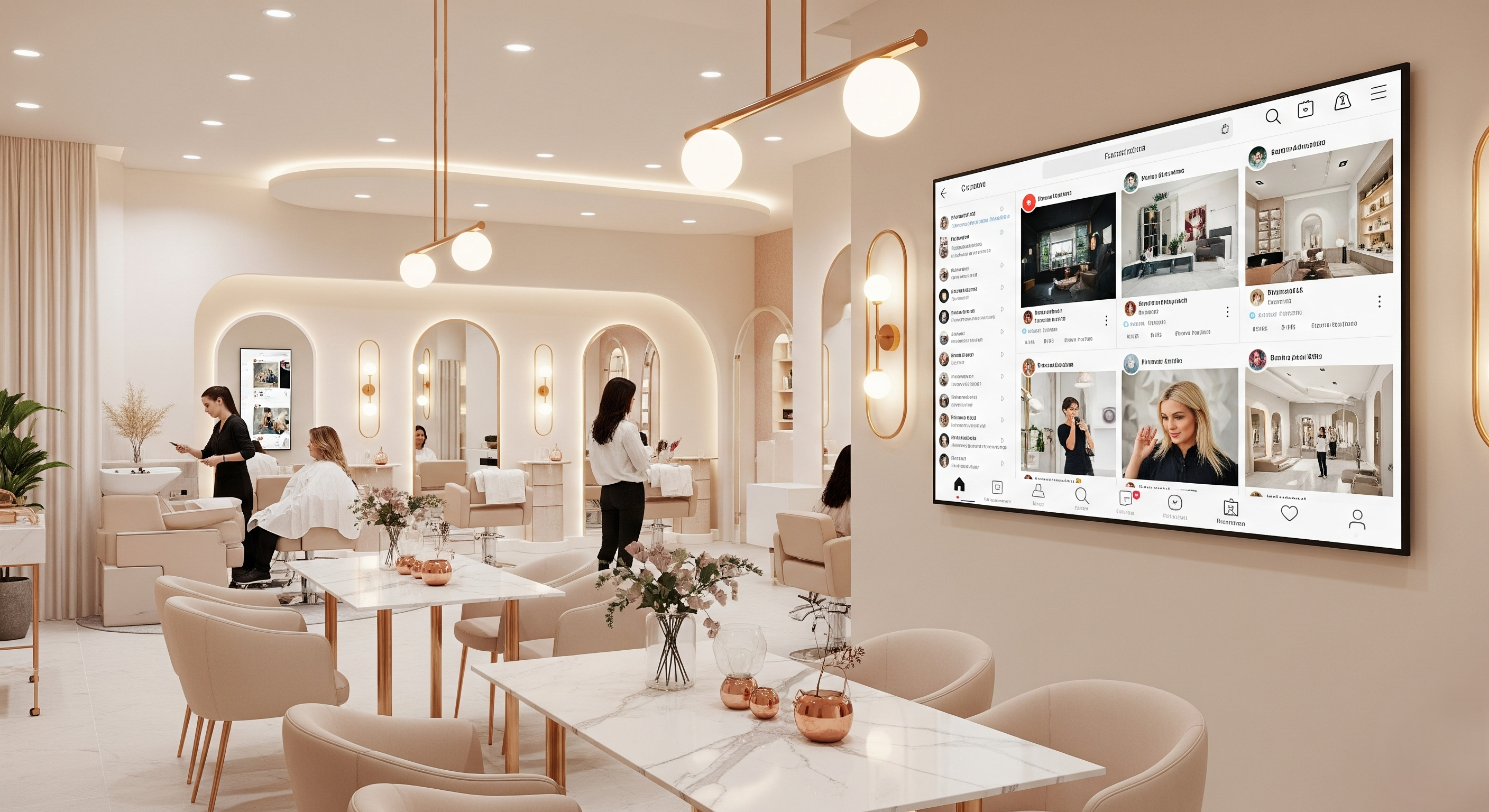
Showcasing Instagram social wall connects your digital and physical presence, increasing visibility and engagement. Live content builds authenticity and encourages clients to interact with your brand online.
What to include:
Reels showing current styles and treatments
Client shoutouts with branded hashtags
Live promotions from your stories
Display lines you can use:
“Tag us in your post-cut selfie for a chance to win a free blow-dry!”
“Follow us @XYZ for insider flash sales!”
“Real people. Real styles. Real results.”
4. Display Customer Testimonials and Reviews
Displaying testimonials builds trust and helps convert potential customers into loyal clients. Reviews highlight your service quality and reinforce credibility.
What to feature:
Star-rated reviews with client photos
Snippets of comments on staff, environment, and services
Display lines you can use:
“Incredible experience, my go-to salon for 3 years!”
“They listened, they delivered, loved the final look!”
“Want to leave smiling like this? Book your visit today!”
5. Highlight Products and Deals
Highlighting products and deals helps increase retail sales and drive impulse purchases. Digital signage allows you to promote offers instantly without manual updates.
Suggested content:
“Frizz Fix Spray – 15% Off Today Only”
“Buy 2 Masks, Get 1 Free – While Supplies Last!”
Display lines you can use:
“Ask your stylist which product is right for you!”
“Take salon-quality home, grab your favorites at the counter.”
“Don’t miss this deal, bestsellers back in stock!”
6. Share Before-and-After Transformation Content
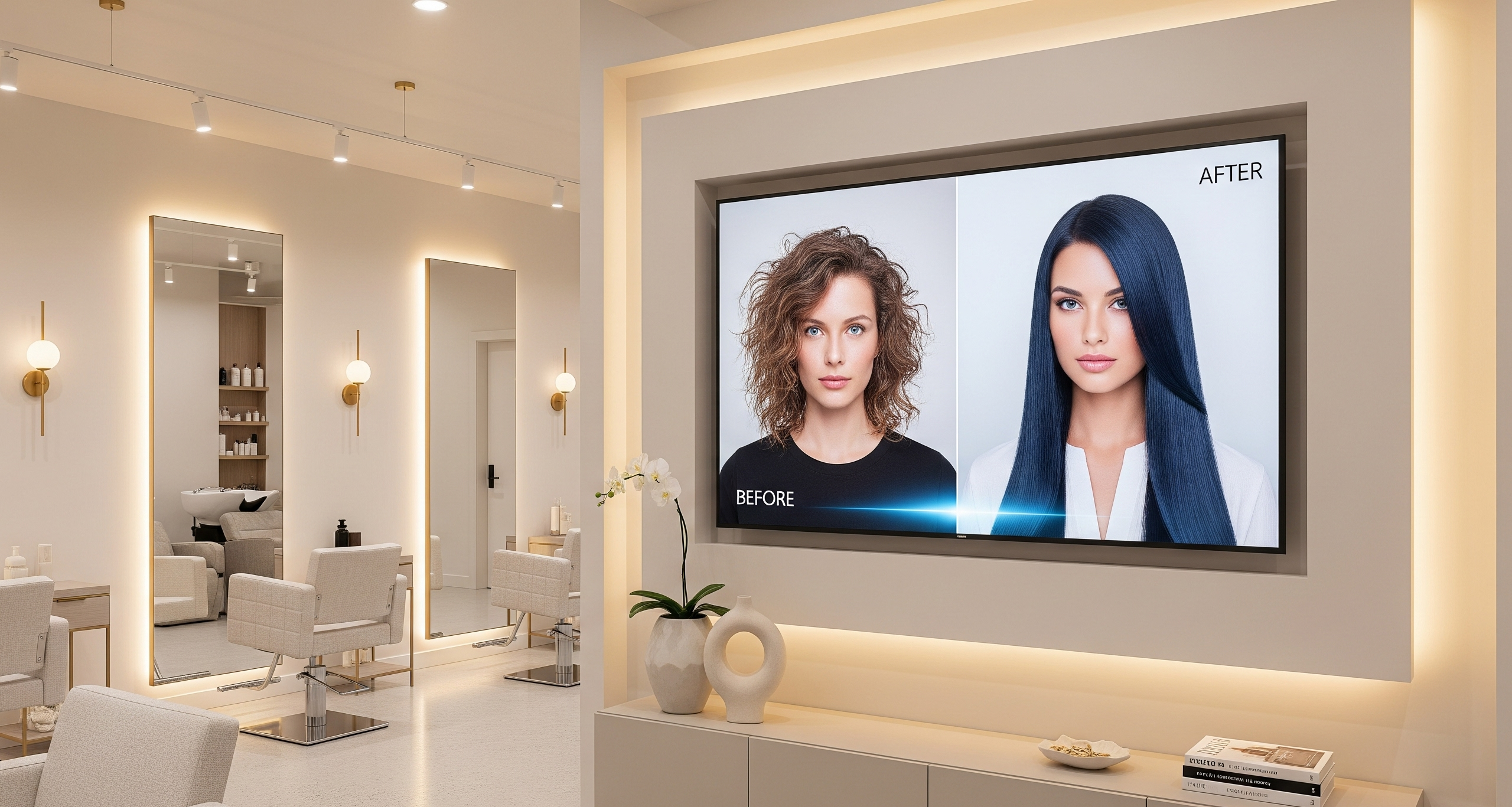
Sharing before-and-after transformations builds trust and showcases real results that attract new clients. This content is highly engaging and highlights your expertise visually.
Suggested content:
“Before and After: From Frizz to Fabulous in One Session!”
“Smoky Eyes, Sculpted Brows. See Tanya’s Stunning Makeover”
“Real Results: 45-Minute Hair Botox for Deep Repair”
Display lines you can use:
“Every chair has a story, yours could be next!”
“Results that speak for themselves. See what’s possible.”
“Get inspired. Book your transformation today.”
7. Inspire Clients with Motivational Quotes
Motivational quotes create a positive and relaxing salon atmosphere that enhances customer experience. This simple content adds emotional value and strengthens your brand connection.
Suggested content:
“Confidence is the best hairstyle.”
“Beauty begins the moment you decide to be yourself.”
“A great hairstyle is the best revenge.”
Display lines you can use:
“Let your hair do the talking today.”
“Glow inside and out, one style at a time.”
“Stay strong. Stay styled. Stay stunning.
How To Set Up Digital Signage for Salons?
To get started with salon digital signage, begin with selecting the right screen for your space, something bright, sleek, and suited to your salon’s ambiance. Next, choose an easy-to-use, cloud-based software like AIScreen that lets you manage your content remotely.
Once your display is installed and connected to Wi-Fi, you can start uploading visuals, service lists, and promotions. Go live with a few clicks and monitor engagement to keep your content fresh and relevant.
Step 1: Choose the Right Display for Your Salon
Choose the right display for your salon’s digital menu boards, and focus on a high-quality, high-resolution screen. A 4K TV screen provides sharp, detailed images that make your menu look more professional.
Key Features to Look for in a Display:
- 4K Ultra HD Resolution: Provides sharp, detailed images of your menu items that enhance the customer’s experience.
- HDR10 Capable: Good color and contrast benefits will make your digital screen look more immersive and appealing. Smart TV with Fire TV functionality. Use digital screen software to manage your content from one place, while also streaming social media feeds or promotions.
- Multiple HDMI ports: The ability to connect to your digital signage player, your POS system, and other engaging boards.
- Wi-Fi & Ethernet: You want a strong connection to auto your menu, have customer feedback, and continually update content.
Step 2: Login to Digital Signage Software
Install and set up digital menu board software on your smart TV; you’re setting the stage for a gorgeous, attention-grabbing digital menu display for your salon. This step is your foundation; it’s what makes everything else possible.
Once installed, you’ll have full control over your digital screens. You can easily connect to your salon’s digital screen solution using the cloud and manage your content from any device, anywhere you have internet access.
Whether you’re updating your facial service packages, adding a limited-time manicure offer, or showing off your new pedicure menu, you can do it all with minimal effort. And the beauty? You can swap out images, videos, and graphics whenever inspiration strikes; no graphic designer is required.
Follow the steps below to get started:
- Visit the app store on your smart TV.
- Type “AIScreen Digital Signage Software” in the search bar.
- Click the “Install” button to download the AIScreen App.
- Open it, and note the 4-digit pairing code showing on your screen
Step 3: Create an Account on Salon Management App
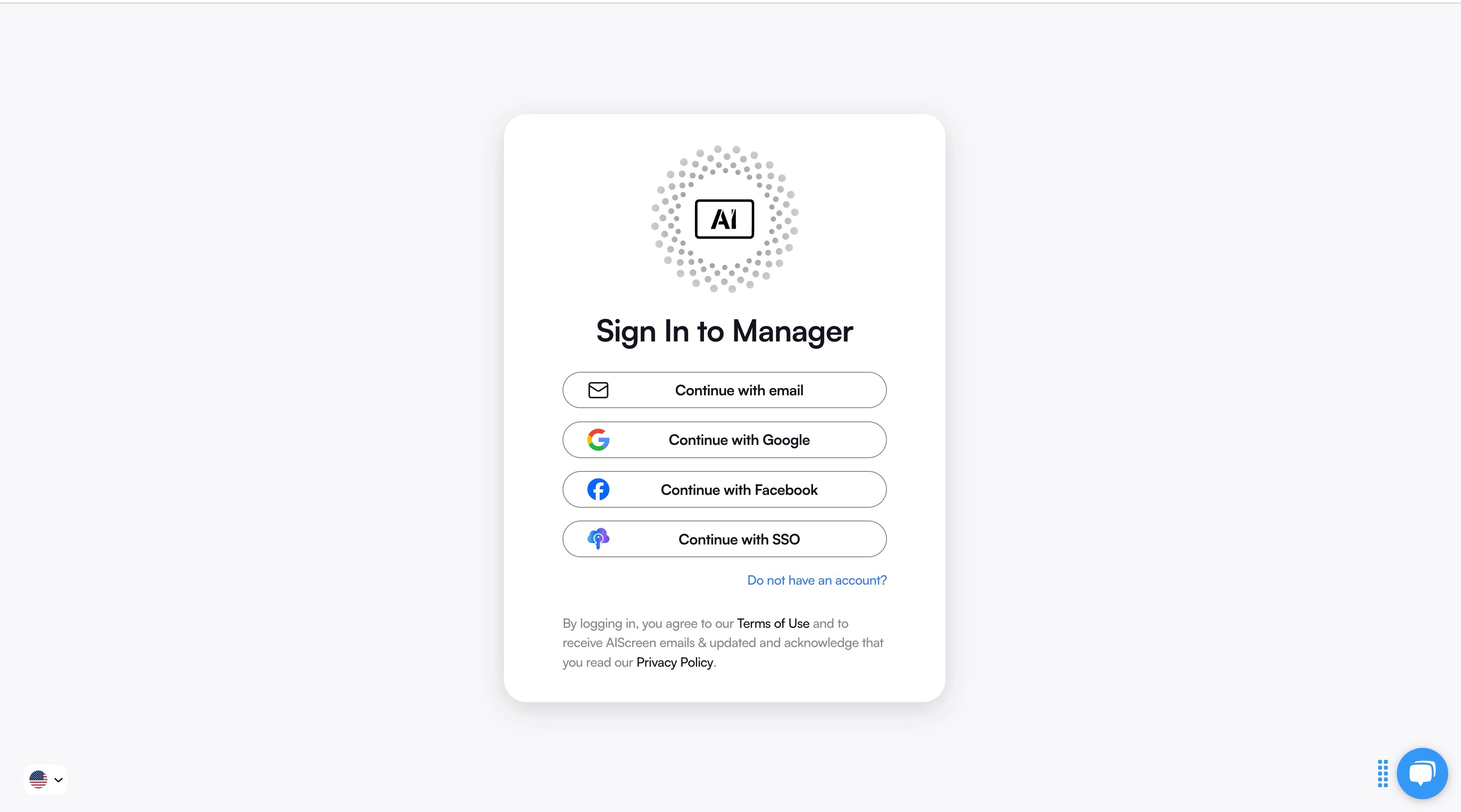
Creating an account in the salon menu management app lets you pair your screen with the cloud-based dashboard for content synchronization.
You can create your account in just two steps:
- Visit the manager on your laptop or computer.
- Sign up by entering your name, email, and password. For quick onboarding, sign up with a Google or Facebook account.
Once signed up, log in to your manager account and explore your web-based dashboard for managing digital signs
Step 4: Pair Your Display with the Digital Signage Software

Pair your display with the digital signage software after successfully logging into your manager account, with the menu management application, so that your admins and managers can control your digital signage screens and content remotely.
Here’s the step-by-step guide to pair your display with the software:
- Log in and click “Add Screen” in the dashboard.
- Enter the 4-digit pairing code displayed on your TV screen.
- Name your screen and choose orientation (horizontal or vertical).
- Click the “Pair” button to complete the setup.
Step 5: Upload or Customize Your Salon Digital Signage Template
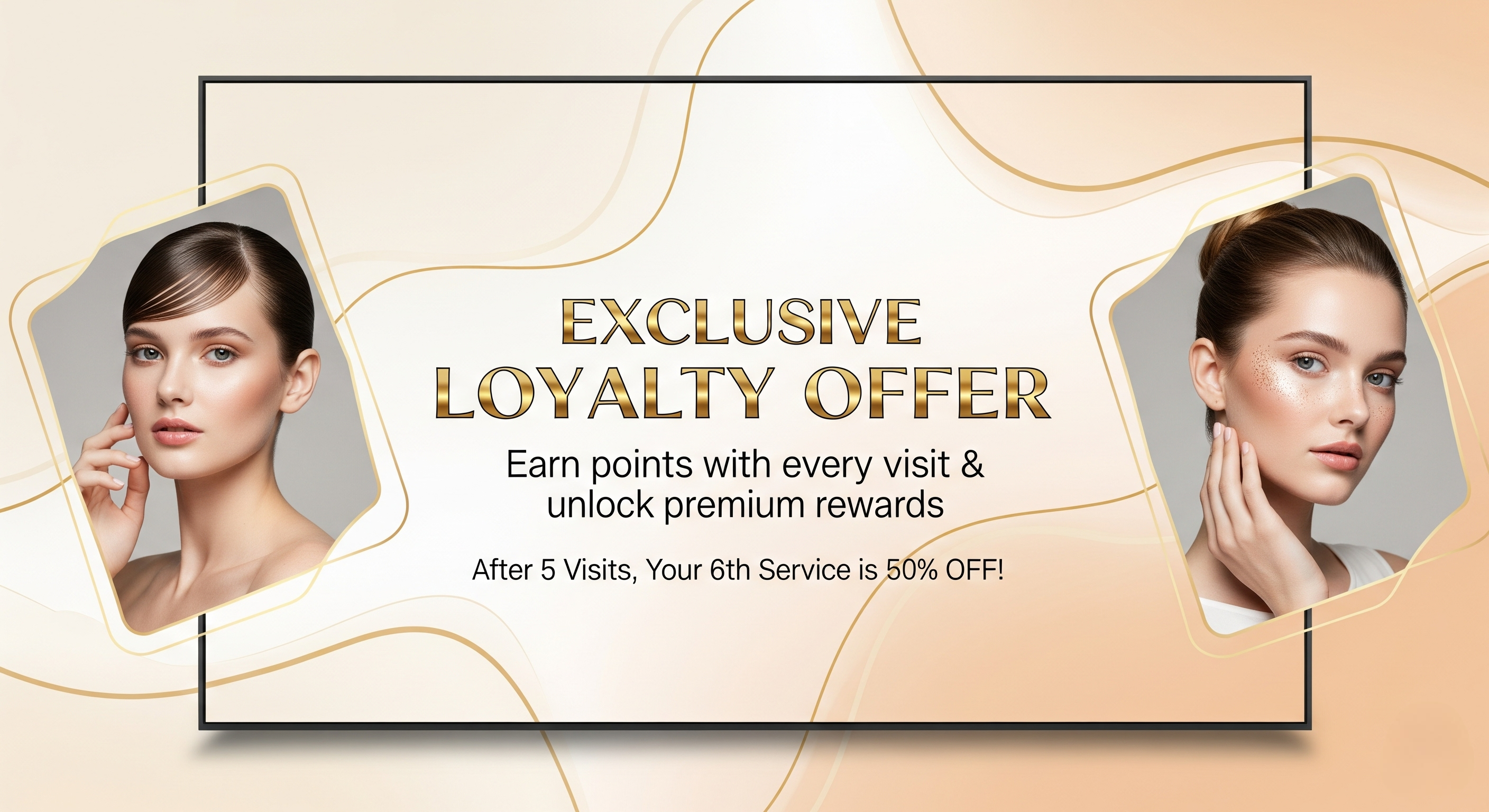
Upload or customize your salon digital signage template with AIScreen, which comes with pre-designed, professional digital menu templates that are perfect for salons. You can easily customize digital signage templates with your services, pricing, and gorgeous images of your work, like relaxing facials, rejuvenating pedicures, or stunning hair transformations.
With AIScreen’s Canvas editor, you can edit your content, adjust prices, swap backgrounds, add your logo, and choose fonts that reflect your salon’s vibe.
Follow these steps to upload existing menu signs from your device:
- Go to the “Media” section on your dashboard.
- Click the “Upload” button.
- Select your media file from your device and upload it.
You can easily create content for your menu with our editor, Canvas. You can customize our professionally designed digital menu display templates to design digital screens that reflect your branding.
Follow these simple steps to customize your menu template:
- Navigate to “Canvas” and select a template you’d like to customize.
- Add images, animations, or videos to your chosen template.
- Incorporate branding elements like your restaurant’s logos, fonts & colors.
- Save your designs or publish them on the screen.
Step 6: Set Up the Display Schedule and Launch Salon Digital Signage

Set up the display schedule and launch the salon digital signage with AIScreen, you can schedule different service menus to show at different times. Want to promote a lunchtime facial special? Or display your evening spa combo? You can create playlists and schedules that automatically switch based on time or day. This ensures your screen always shows relevant, engaging content and helps you promote the right services at the right moment to the right audience.
Here’s how to do it:
- Create a Playlist: Create and upload content to your newly created playlist. Arrange files so that they are displayed in sequential order.
- Create a New Schedule: Next, click on the “Schedule” tab in your dashboard and tap “Create New Schedule” to create a schedule for a specific time slot.
- Add a Playlist to the Schedule: Select the time slot (start date, time, and duration) for the content you want to play automatically. Confirm and add the playlist you want to schedule.
- Assign Devices, Review, and Save: Click “Add Device” to choose the screens or players to slideshow scheduled content. Click “Save,” and it’ll be played at the specified time slot.
How Can Digital Signage Tools Scale Beyond Salons?
While salon digital signage focuses on enhancing client experience and boosting sales, the same technology scales across industries like education. Platforms designed for schools and universities prioritize centralized communication, real-time updates, and multi-screen management—features that salons can also leverage as they grow.
For a broader perspective, explore 6 best digital signage software companies for education in 2026 which highlights solutions built for large-scale environments. Many of these tools offer cloud-based control, automated scheduling, and content consistency across locations, making them equally valuable for multi-branch salons aiming to streamline operations and deliver a unified brand experience.
Get Started with Digital Signage for Salon Using AIScreen!
Get started with salon digital signage using AIScreen, a powerful yet easy-to-use platform designed for beauty salons, barber shops, and hair salons. With real-time updates, professionally designed templates, and affordable pricing, AIScreen helps you showcase services, highlight promotions, and create a personal touch that attracts new customers and boosts sales.
Whether you’re managing one location or multiple, AIScreen’s cloud-based media player system ensures your content stays fresh, dynamic, and always relevant, no more outdated magazines littering your waiting area. Book your 14 day free trial, no credit card needed.


FAQs
How can digital signage improve customer experience in my salon?
Digital signage can improve customer experience in your salon by replacing outdated magazines with engaging digital displays that highlight promotions, services, and helpful tips. These digital signs keep clients informed during wait times and add a modern, premium feel to the space. A well-placed sign caught by the average client helps increase satisfaction and encourages repeat visits.
What type of content should I display on my salon digital signage?
The type of content you should display on your digital signage is service menus, limited-time offers, stylist bios, customer testimonials, and even social media highlights. Hair salon digital signage can also showcase services, before-and-after transformations, and promotions from local businesses. Adding business sales announcements and advertising space makes your screen even more impactful.
How often should I update my salon’s digital signage content?
You should update your salon’s digital signage content weekly or at least bi-weekly to stay aligned with promotions, seasons, or customer trends. Keeping your content dynamic ensures the sign caught by your clients reflects their personal needs and busy lives. Regular updates also help maintain interest and boost engagement.
Can I integrate digital signage with my salon management software?
Yes, you can integrate digital signage with your salon management software if you use a solution like AIScreen, which supports easy syncing with booking systems and CRMs. This integration helps streamline workflows, personalize content, and highlight client-specific messages. It also enhances the client experience by aligning display content with scheduled services.
What are the best digital signage solutions for small salons?
The best digital signage solutions for small salons are cloud-based platforms like AIScreen that offer flexibility, affordability, and ease of use. These systems help small beauty salons and barber shops manage digital signs without technical hassle. They’re ideal for showcasing services, selling advertising space, and attracting new customers on a budget.
